Best Selling Products

Autodesk All App Account Copyright
120 USD

Freepik Premium Account
59 USD

Adobe Premiere Pro Account
99 USD

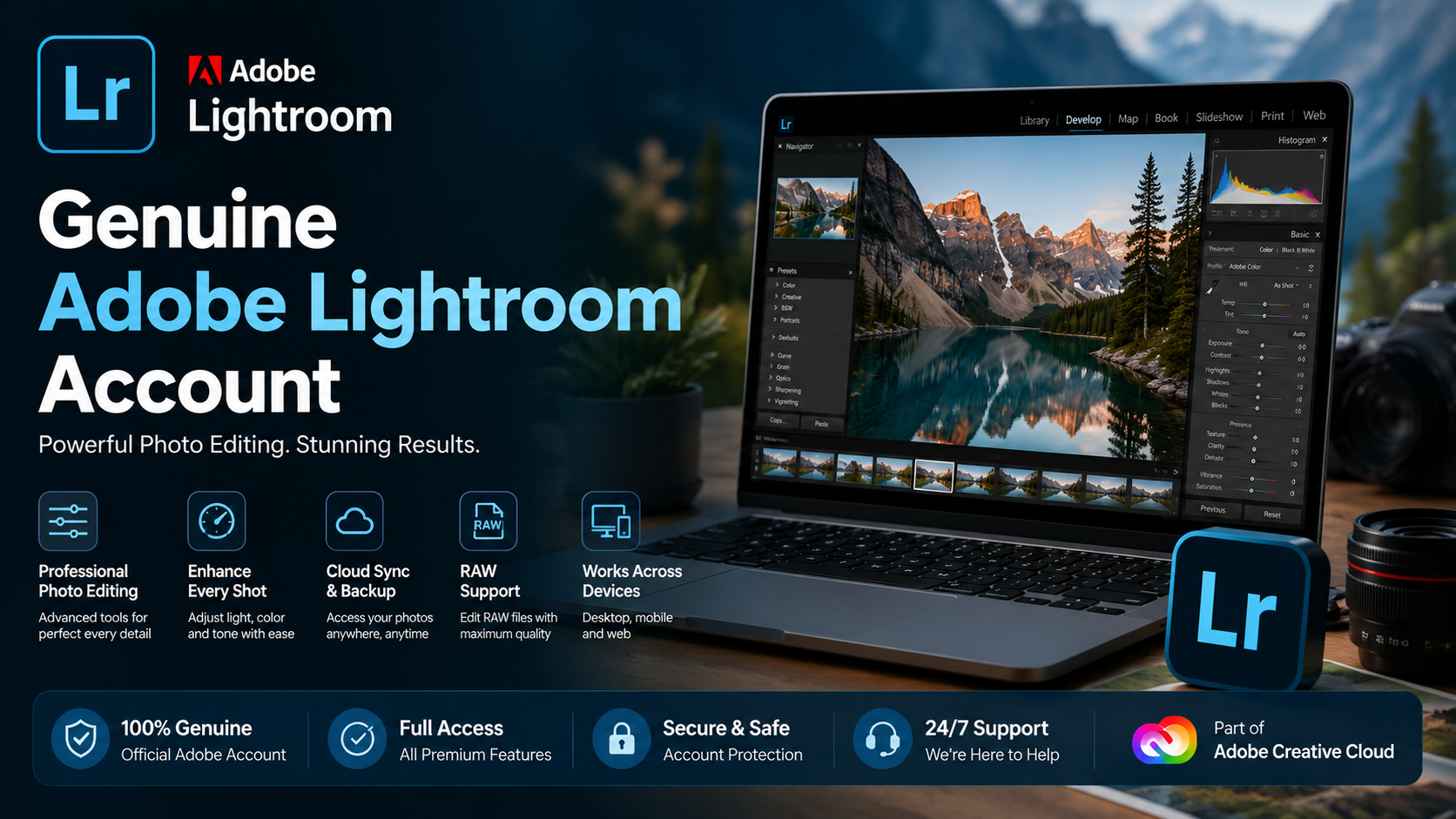
Copyright Adobe Lightroom Account
59 USD

Capcut Pro 1 Year
39 USD

MidJourney Account
29 USD

Genuine Cheap Canva Pro
39 USD

Windows 10 & 11 Pro Key
36 USD

Adobe Photoshop Copyright - Full App
120 USD

Upgrade Duolingo Super
29 USD

Upgrade genuine Capture One account
120 USD

Upgrade Genuine Office 365
49 USD

Plugin Retouch4me
69 USD

ChatGPT Plus Account (GPT-4)
16 USD

Genuine Adobe Illustrator account
99 USD
Adobe Media Encoder Account
Nội dung
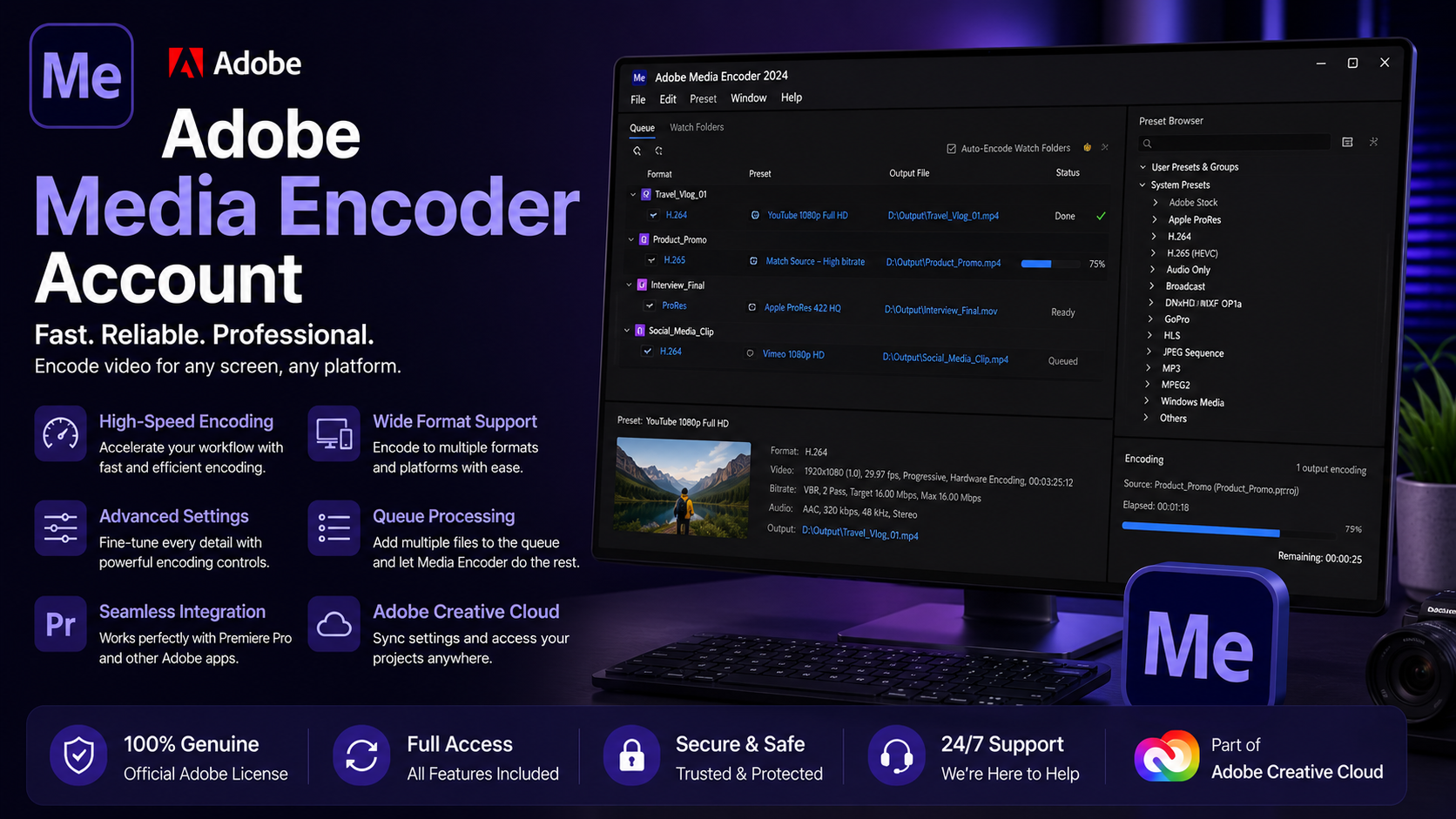
An Adobe Media Encoder account is a professional video encoding and conversion tool that supports fast, cross-platform file export and optimizes image quality. It's indispensable software for filmmakers, content creators, and media professionals.
1. What is Adobe Media Encoder software?
Adobe Media Encoder is video and audio format processing and conversion software developed by Adobe Systems, seamlessly compatible with both Windows and macOS. It's considered an indispensable partner for other popular software in the Adobe ecosystem, such as Premiere Pro, After Effects, and Photoshop. Adobe Media Encoder's strength lies in its ability to encode video at high speed, optimizing file size while maintaining image and audio quality, making the content publishing process faster and more efficient than ever before.
Adobe Media Encoder is constantly being improved and updated with modern features to provide users with maximum support in producing and releasing professional videos. However, this software is often used in conjunction with Premiere Pro and After Effects, two of Adobe's leading video editing tools, to maximize its power. This is why filmmakers, content producers, and professional creators always prioritize Adobe Media Encoder in their creative toolkit.
2. Basic features of Adobe Media Encoder
Adobe Media Encoder is considered a powerful tool that greatly supports the professional video production and publishing process. Not only does it excel at quickly converting video formats and rendering images with sharper detail than the original, but it also allows users to easily extract music and process projects from After Effects to Premiere Pro and vice versa without any problems. This is the optimal choice for those who need a comprehensive solution to ensure quality and speed in their video workflow.
In addition, Adobe Media Encoder boasts many other convenient features that enhance the user experience:
- Supports teamwork with the ability to easily create and manage shared projects .
- Convert Color Profiles directly from Premiere Pro and After Effects while maintaining color accuracy .
- Supports HLG color gamut , delivering images with higher contrast and sharper detail .
- Batch format conversion significantly saves processing time .
- Create a proxy to work with the entire project more smoothly and efficiently .
- Import and export GIF files quickly and intuitively .
- Preview live videos directly on the system without needing any additional software .
- Export and share videos directly to YouTube , Facebook , Vimeo , and many other social media platforms .
- The multi- source data linking between Premiere Pro and After Effects is seamless .
- Supports video output at resolutions up to 8K H.264 , suitable for high - quality professional projects .
- Compatible with specific formats such as XAVC QFHD long GOP 4 : 2 : 2, Sony Venice v2, ARRI Alexa LF, Sony RAW / X-OCN .
- Hardware acceleration on macOS helps to make processing faster and more stable .
- Optimized for Twitter publishing with a 280k character limit and YouTube playlist - specific features .
- It provides intelligent warnings when a non - standard QuickTime source is entered or when the queue lacks data before encryption .
- Export animated GIFs on both macOS and Windows , catering to diverse design needs .
3. Comparison table of Adobe Media Encoder with other tools
4. Useful tips for using Adobe Media Encoder
Adobe Media Encoder is a powerful tool that helps you optimize your video output and encoding workflow, but not everyone knows how to get the most out of it. Here are some simple yet effective tips to help you work faster and more professionally.
- Customize individual presets for each project : Create your own video output presets to save time resetting parameters like codec , resolution , or bitrate for each new project .
- Use Queue to export multiple files at once : Add all video files to the queue and let Adobe Media Encoder process them all at once , significantly shortening export time .
- Take advantage of the " Watch Folders " feature : Place the files to be encrypted into the pre - configured folder , and the software will automatically process them without manual intervention .
- Optimize video output performance : Choose a suitable codec ( H.264 , ProRes , etc. ) and adjust the resolution according to your actual needs . Also , close unnecessary applications so the computer can focus on processing the video faster .
- Schedule outputs using Render Queue : Organize projects that need output and let the machine run automatically during off - peak hours , such as evenings or weekends , saving you working time .
- Pre - export check : Use the Preview window to quickly check image quality , aspect ratio , codec , and bitrate before exporting the entire file , avoiding errors and saving effort on re - editing .
5. Where should I upgrade Adobe Media Encoder?
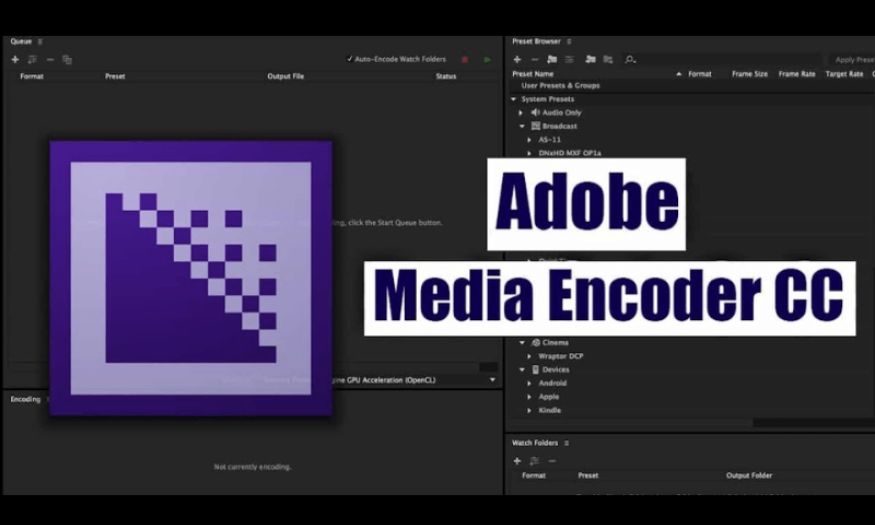
Owning a licensed copy of Adobe Media Encoder allows you to fully utilize the software's power in professional video encoding and export. However, choosing a reputable provider is crucial to ensure product quality and accompanying support services. Tong Kho Phan Mem is a reliable source, providing Adobe Media Encoder and many other creative software with full VAT invoices, official licenses, and a commitment to dedicated customer support.
When you upgrade Adobe Media Encoder at Tong Kho Phan Mem (Software Warehouse ), you'll receive fast installation, detailed usage instructions, and technical support throughout your experience. Reasonable pricing, a reliable warranty policy, and a professional customer service team are the reasons why Tong Kho Phan Mem is the top choice for filmmakers, editors, and content creators. This is where you can confidently upgrade and fully utilize the powerful capabilities of Adobe Media Encoder.
6. Conclusion
Adobe Media Encoder is more than just a file export tool; it's a bridge that transforms creative ideas into high-quality media products, ready to be broadcast anywhere. Owning a licensed account is a smart investment, ensuring a smoother and more professional workflow than ever before. If you're looking for a comprehensive solution to optimize your content processing, conversion, and distribution workflow, Adobe Media Encoder is definitely a choice you can't overlook.





















VIP Products








Best Selling Products
Autodesk All App Account Copyright
120 USD
Freepik Premium Account
59 USD
Adobe Premiere Pro Account
99 USD
Copyright Adobe Lightroom Account
59 USD
Capcut Pro 1 Year
39 USD
MidJourney Account
29 USD
Genuine Cheap Canva Pro
39 USD
Windows 10 & 11 Pro Key
36 USD
Adobe Photoshop Copyright - Full App
120 USD
Upgrade Duolingo Super
29 USD
Upgrade genuine Capture One account
120 USD
Upgrade Genuine Office 365
49 USD
Plugin Retouch4me
69 USD
ChatGPT Plus Account (GPT-4)
16 USD
Genuine Adobe Illustrator account
99 USD