Best Selling Products

Plugin Retouch4me
69 USD

Upgrade Duolingo Super
29 USD

Freepik Premium Account
59 USD

Genuine Cheap Canva Pro
39 USD

Capcut Pro 1 Year
39 USD

Upgrade Genuine Office 365
49 USD

Genuine Adobe Illustrator account
99 USD

Upgrade genuine Capture One account
120 USD

Autodesk All App Account Copyright
120 USD

Windows 10 & 11 Pro Key
36 USD

ChatGPT Plus Account (GPT-4)
16 USD

Adobe Photoshop Copyright - Full App
120 USD

MidJourney Account
29 USD

Adobe Premiere Pro Account
99 USD

Copyright Adobe Lightroom Account
59 USD
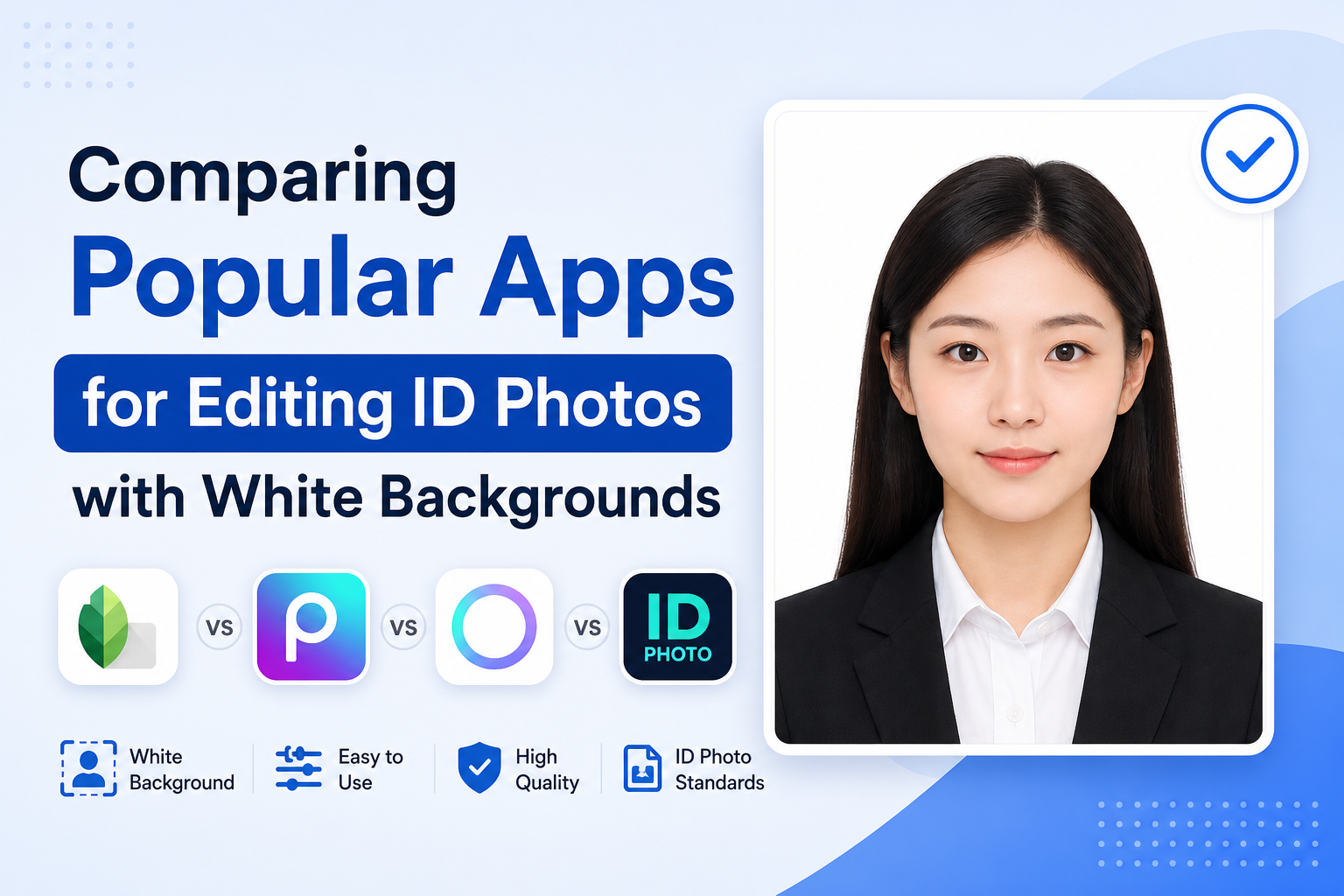
Comparing Popular Apps for Editing ID Photos with White Backgrounds
Nội dung
- 1. Sadesign Retouch Panel – A professional photo editing solution for ID photos using Photoshop.
- 2. Passport Photo Maker – A specialized tool for ID photos and passport photos.
- 3. Canva – A combination of photo editing and online design.
- 4. Adobe Express – A modern white balance tool from Adobe.
- 5. PhotoRoom – Expert in background processing using artificial intelligence.
- 6. Remove.bg – A quick solution to change your background to white with just one click.
- 7. PicsArt – A comprehensive photo editing toolkit for mobile phones.
- 8. Fotor – An easy-to-use online photo editing tool.
- 9. PhotoAid – Supports creating international standard ID photos.
- 10. SnapID – A simple solution for the average user
- 11. Conclusion
In the digital age, creating ID photos at home has become much simpler thanks to modern photo editing tools. However, not all apps that add a white background to ID photos deliver the same quality.
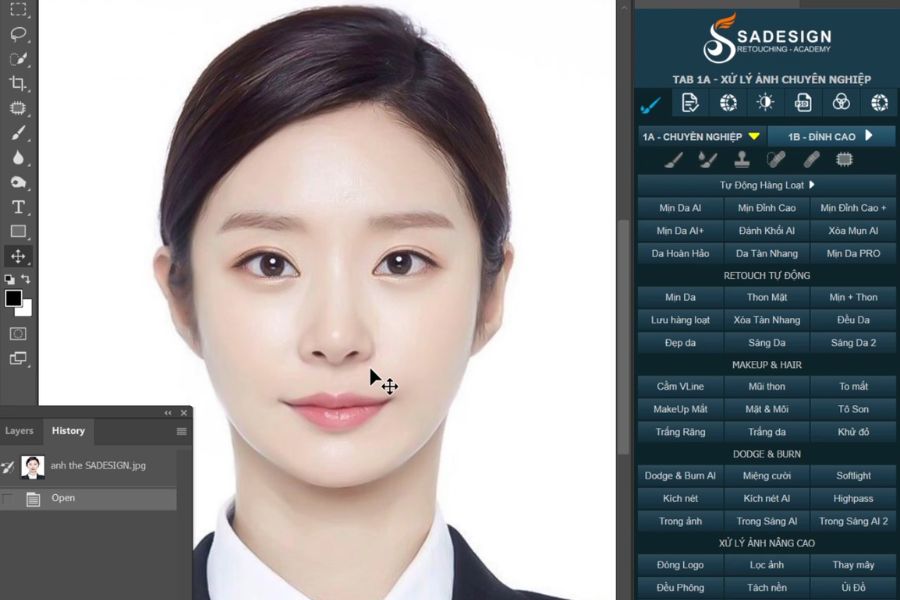
1. Sadesign Retouch Panel – A professional photo editing solution for ID photos using Photoshop.
While typical applications focus only on changing image backgrounds, Sadesign Retouch Panel offers a comprehensive editing ecosystem for Photoshop users. This intelligent plugin integrates over 600 different functions, supporting everything from basic operations like changing the background of ID photos to advanced tasks such as skin beautification, color correction, face slimming, and lighting optimization with just a few clicks. Thanks to its powerful automation mechanism, users can process a large number of ID photos in a short time while maintaining consistent quality.
What sets Sadesign Retouch Panel apart is its ability to perform professional tasks while significantly saving time. Instead of combining multiple software programs for background removal, face editing, and file export, all steps are performed on a single interface. This is a particularly suitable choice for studios, photo shops, or individuals who frequently process profile photos. Although it requires Photoshop to be installed, what this tool offers is well worth it for those who want to achieve the highest image quality.
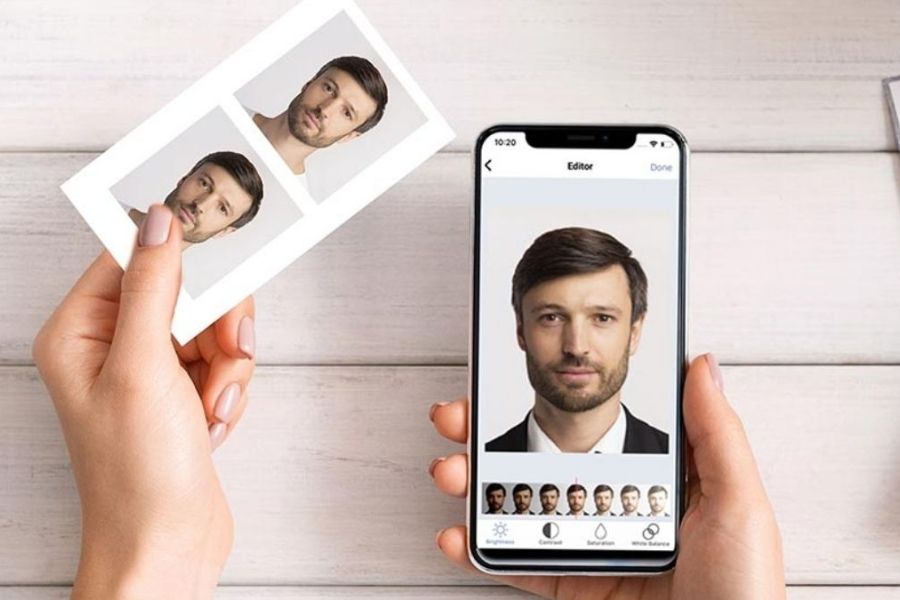
2. Passport Photo Maker – A specialized tool for ID photos and passport photos.
Passport Photo Maker is a familiar name to those who frequently need to create passport or profile photos that meet international standards. From the moment it's installed, the software is optimized for creating document photos, so all its features focus on helping users quickly obtain standard-quality images. The tool can automatically recognize faces, adjust the composition, and replace old backgrounds with clean white backgrounds in just a few simple steps.
Passport Photo Maker's standout advantage lies in its updated library of image standards for various countries. Users don't need to memorize complex regulations regarding face size or aspect ratios to produce images that meet requirements. The background processing quality is quite stable and suitable for personal needs. However, the software's interface still retains a traditional style, which may not be as appealing to those who prefer modern, intuitive tools.
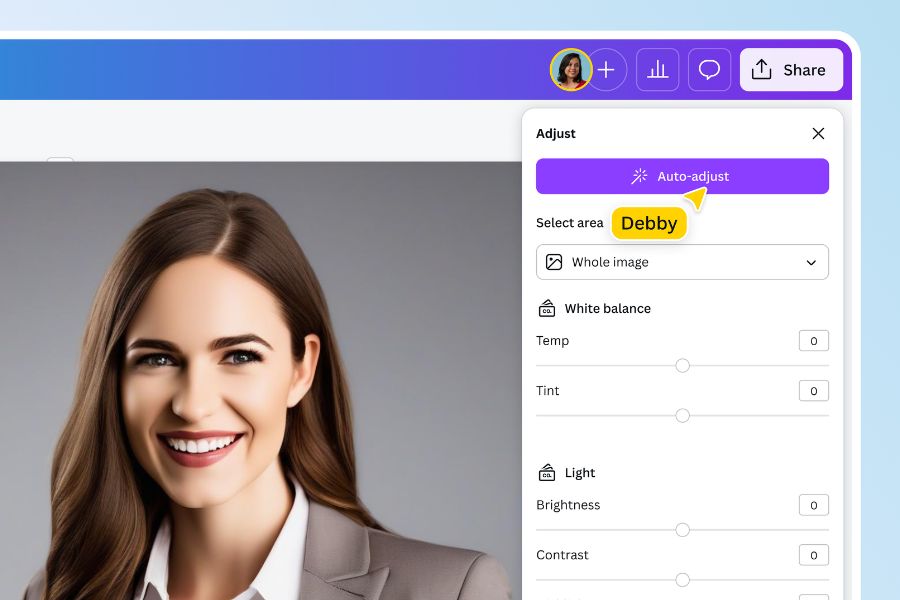
3. Canva – A combination of photo editing and online design.
Canva has long been a familiar design platform for millions of users worldwide. Besides its ability to create posters, banners, and social media posts, Canva is also a popular app for editing ID photos with a white background, thanks to its user-friendly and accessible interface. Its AI-powered background removal feature allows for quick separation of the subject from the original image, then replacing it with a white background in just a few simple steps.
Beyond simply changing backgrounds, Canva allows users to fine-tune the brightness, color, and sharpness of images directly on the same platform. This is especially useful for those who want a more polished ID photo without needing to install complex software. Canva stands out for its smooth user experience and ability to synchronize across multiple devices. However, the advanced AI features work best on the paid version, so users who frequently use it may consider upgrading their account to fully utilize the tool's potential.
4. Adobe Express – A modern white balance tool from Adobe.
Adobe Express is a suitable choice for those who want a simple yet professional-quality photo editing tool. Developed by Adobe, the application inherits many advanced image processing technologies, especially AI-powered subject recognition and background removal. Simply upload your photos, and you can quickly replace the old background with a white background without complex operations.
One of the highly-rated features of Adobe Express is its ability to retain fine details such as hair, clothing edges, and accessories. This helps the edited photos look more natural and professional. Its modern, user-friendly interface is another reason why many beginners feel comfortable using it. While the number of design templates isn't as extensive as some other creative platforms, Adobe Express remains a very worthwhile option in terms of AI-powered image processing.
5. PhotoRoom – Expert in background processing using artificial intelligence.
PhotoRoom is known as one of the most powerful background removal apps currently available. Its AI technology can quickly recognize subjects, allowing users to easily convert regular photos into white-background images in just seconds. This simplicity of operation has helped the app attract millions of users worldwide.
PhotoRoom's biggest advantage lies in its accuracy when processing photos with complex backgrounds. Even with many objects or mixed colors in the background, the system can still separate the subject from the background relatively cleanly. This is especially useful for those who don't have the opportunity to take photos against a monochrome background. However, because the application focuses heavily on background processing, its advanced editing tools are not as diverse as those found in comprehensive photo editing software.
6. Remove.bg – A quick solution to change your background to white with just one click.
If your goal is to find the simplest and most time-saving tool possible, Remove.bg is a very worthwhile option to try. This platform works almost entirely automatically. Users simply upload their photos, and the system will immediately remove the old background, then allow them to change to a white background or other colors as needed.
Remove.bg 's standout strength is its incredibly fast processing speed. Even those with no prior photo editing experience can create a white-background ID photo in less than a minute. Additionally, its ability to handle hair and complex details is highly rated. The only drawback is that the tool focuses primarily on background removal, so it lacks features for adjusting brightness, skin tone, or facial features, making it more suitable for those who prioritize convenience.
7. PicsArt – A comprehensive photo editing toolkit for mobile phones.
PicsArt is a familiar name to those who frequently edit photos on their smartphones. Besides supporting the replacement of ID photo backgrounds with a white background, the app also offers a range of features such as color correction, skin beautification, object removal, and adding artistic effects. This allows users to complete their entire photo editing process within a single application.
PicsArt's popularity stems from its flexible customization options. Users can deeply intervene in every detail to create the desired results, rather than relying entirely on AI. This makes it a suitable choice for those who want more control over the editing process. However, the abundance of tools can sometimes feel time-consuming for beginners to get used to.

8. Fotor – An easy-to-use online photo editing tool.
Fotor is a popular online photo editing platform thanks to its user-friendly interface and ability to operate directly in a browser. Without needing to install heavy software, users can change backgrounds, adjust colors, and enhance image quality in just minutes.
Fotor's standout feature is its balance between simplicity and effectiveness. The tools are logically organized, making them easy to use from the first time. Besides creating a white background for ID photos, the platform also supports sharpening, brightening faces, and optimizing image quality before printing. For those needing a quick and efficient solution that still delivers beautiful results, Fotor is a very reasonable choice.
9. PhotoAid – Supports creating international standard ID photos.
PhotoAid was developed with the goal of helping users create ID photos at home while still meeting the stringent requirements of various types of documents. After uploading the photo, the system automatically checks the composition, lighting, facial distance, and background color before suggesting appropriate edits.
What sets PhotoAid apart is its ability to assess the quality of an image. Instead of simply changing the background to white, the tool analyzes various technical factors to reduce the risk of rejection during application submission. This feature is especially useful for those applying for passports, visas, or other important documents. While many advanced features require payment, the platform's reliability is well worth it.
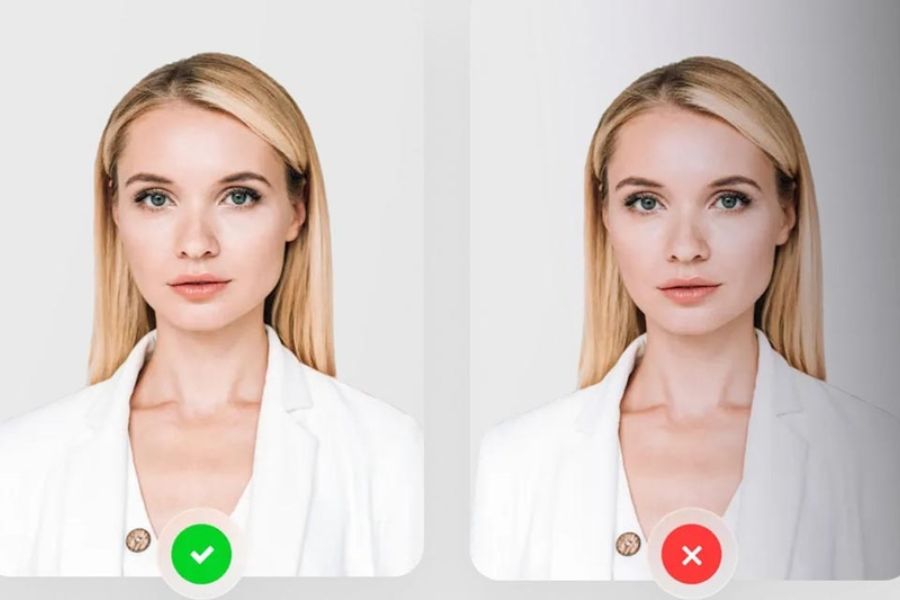
10. SnapID – A simple solution for the average user
SnapID is designed for people who want to create ID photos quickly without needing photo editing knowledge. The entire process, from facial recognition and background replacement to layout adjustment, is almost completely automated. This allows users to save considerable time.
The most obvious advantage of SnapID is its simple and accessible interface. With just a few basic steps, the application can create photos suitable for many different needs. Although it doesn't have as many advanced editing tools as professional software, for those who just need a quick, beautiful, and basic ID photo, SnapID is still a worthwhile option.
11. Conclusion
If you need a sophisticated solution for batch image processing, Sadesign Retouch Panel is a standout choice thanks to its system of over 600 features integrated into Photoshop. Meanwhile, Canva, Adobe Express, or PhotoRoom are suitable for individual users due to their user-friendly interface and fast processing capabilities. Those who prioritize accuracy when creating documents can consider PhotoAid or Passport Photo Maker, while Remove.bg and Cutout.Pro will be powerful tools for AI-powered background removal.





















VIP Products








Best Selling Products
Plugin Retouch4me
69 USD
Upgrade Duolingo Super
29 USD
Freepik Premium Account
59 USD
Genuine Cheap Canva Pro
39 USD
Capcut Pro 1 Year
39 USD
Upgrade Genuine Office 365
49 USD
Genuine Adobe Illustrator account
99 USD
Upgrade genuine Capture One account
120 USD
Autodesk All App Account Copyright
120 USD
Windows 10 & 11 Pro Key
36 USD
ChatGPT Plus Account (GPT-4)
16 USD
Adobe Photoshop Copyright - Full App
120 USD
MidJourney Account
29 USD
Adobe Premiere Pro Account
99 USD
Copyright Adobe Lightroom Account
59 USD