Best Selling Products

Plugin Retouch4me
69 USD

Upgrade Duolingo Super
29 USD

Copyright Adobe Lightroom Account
59 USD

Adobe Photoshop Copyright - Full App
120 USD

Upgrade Genuine Office 365
49 USD

MidJourney Account
29 USD

Genuine Adobe Illustrator account
99 USD

Upgrade genuine Capture One account
120 USD

ChatGPT Plus Account (GPT-4)
16 USD

Freepik Premium Account
59 USD

Capcut Pro 1 Year
39 USD

Autodesk All App Account Copyright
120 USD

Windows 10 & 11 Pro Key
36 USD

Adobe Premiere Pro Account
99 USD

Genuine Cheap Canva Pro
39 USD
How to display lyrics on Spotify? A complete A-Z guide.
Nội dung
Many people encounter the problem of lyrics not appearing even after updating the app. This article provides a detailed solution and instructions on how to enable lyrics correctly. Ensure your Spotify is working smoothly again.
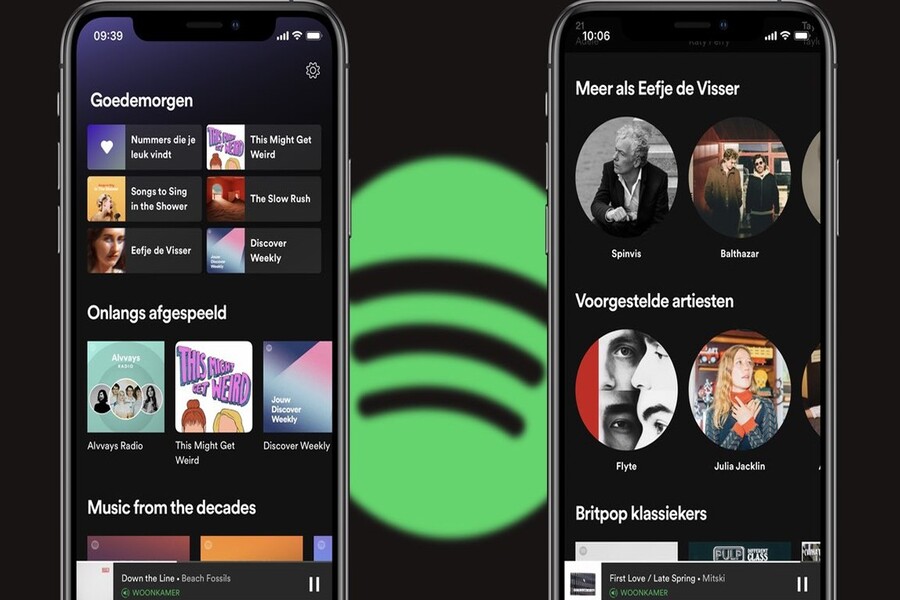
Spotify is one of the most popular online music streaming platforms in the world today, offering millions of songs with high-quality audio and a user-friendly interface. One feature that listeners often appreciate is the ability to display lyrics alongside the music. This not only helps listeners easily understand the lyrics but is also a useful tool for those who want to sing along or learn languages through music. In this article, SaDesign will share details on how to display lyrics on Spotify, the reasons why this feature isn't always available, and how to easily use it on your phone and computer.
1. Learn about Spotify
Spotify is a music streaming service developed by Spotify Technology SA, headquartered in Sweden. First launched in 2008, Spotify quickly became one of the most popular music platforms globally. It offers a vast library of tens of millions of songs, podcasts, albums, and diverse playlists, catering to the needs of all types of listeners.
Spotify's appeal lies not only in its vast content library but also in its user-friendly and intuitive interface. Users can easily search for songs, create personalized playlists, or follow their favorite artists with just a few simple steps. Another key factor is the ability to personalize the listening experience. Spotify uses intelligent algorithms to suggest songs, playlists, and albums based on users' listening habits, preferences, and playback history. As a result, each listening experience on Spotify is tailored to the individual.
Spotify offers two versions: free and Premium. The free version allows users to listen to music with interspersed ads, limits the number of skips, and provides standard sound quality. Meanwhile, the Premium version unlocks more advanced features, including offline music playback, unlimited skips, high-quality sound, HiFi support (depending on region), and especially, a lyrics display feature. This is one of the reasons users upgrade to Premium, as following lyrics while listening to music provides a more interactive and immersive experience, allowing listeners to enjoy the melody while understanding the song's content.
.jpg)
Spotify is more than just a music streaming platform; it's a comprehensive music interaction tool. With its lyric display feature, listeners can sing along, learn lyrics, or simply enjoy the blend of music and words. This is especially useful for fans who want to fully experience a song, as well as those learning a language through music. Enabling lyrics not only enhances the personal experience but has also become a popular trend on social media platforms, with users sharing videos of themselves singing along, covering songs, or creating creative content from their favorite tracks.
Spotify continuously updates and upgrades its features to improve the user experience. Some notable features include a karaoke mode, allowing listeners to follow lyrics with word-by-word emphasis effects, the option to synchronize lyrics with the music's rhythm, and the ability to interact with various devices such as smart speakers, TVs, tablets, or computers. These features transform Spotify from a simple music streaming platform into a multimedia entertainment tool, supporting both casual listeners and content creators in the music industry, helping them produce creative content and spread the musical experience to the community.
Furthermore, Spotify integrates intelligent technologies such as AI and machine learning to enhance song suggestions and automatic playlist creation. For example, playlists like "Discover Weekly" or "Release Radar" are fully personalized based on each user's listening habits, making it easy for them to discover new music. In addition, the Lyrics feature is constantly being improved with more accurate time synchronization and support for multiple languages, allowing listeners to experience almost a professional karaoke session right on their phone or computer.
2. Why isn't Spotify showing lyrics?
Although Spotify offers a lyrics display feature, users can't always see them. There are several common reasons for this, including technical issues and copyright restrictions.
One of the main reasons is the version of Spotify you're using. The lyrics display feature is usually best supported on the Premium versions, however Spotify is gradually rolling it out to the free version in some regions. If you're using an older or outdated version, the lyrics may not display completely or accurately.
.jpg)
The second reason relates to copyright and lyric data. Spotify partners with many lyric providers, but not all songs have lyrics available. This means that some newly released or rare songs may not yet have been updated to display lyrics.
Additionally, several device-related issues can affect lyric display. If your phone, tablet, or computer hasn't been updated to the latest operating system, or the Spotify app hasn't been updated, this feature may malfunction. A weak or unstable network connection can also prevent lyrics from loading properly during music playback.
Some users also encounter situations where the Spotify app settings don't have the lyrics feature enabled. In many cases, you need to directly interact with the music playback interface to turn on the lyrics display. This is why many people mistakenly believe Spotify doesn't support this feature, when in reality it is still usable if you know how to adjust the settings.
3. Instructions on how to display lyrics on Spotify
Once you've ensured your app is updated and the Premium version is activated, displaying lyrics on Spotify becomes incredibly simple. Below is a detailed step-by-step guide to help you successfully do it.
3.1 Instructions on how to display Spotify lyrics on your phone
Step 1: Log in to the Spotify app on your mobile device. Make sure you're logged in with a Premium account if you want to experience all the features.
Step 2: Choose the song you want to listen to or a song you love. You can search using the search bar or select directly from playlists, albums, or personal playlists.
.jpg)
Step 3: On the music playback interface, scroll down to find the small window displaying the lyrics. If the song supports lyrics, you will see the text moving in sync with the music. This is the section displaying the lyrics synchronized with the music, making it easy for you to follow along and sing.
Step 4: Tap the zoom icon to display the lyrics in full screen. The entire lyrics will then be clearly visible, filling the entire phone screen and creating a karaoke-like experience at home. You can move your finger up and down to preview the next part of the lyrics or go back to the previous part if you wish.
.jpg)
A small note: the lyric feature on your phone will display best if your device has a stable internet connection. When the network is weak, lyrics may be delayed or out of sync with the music. Additionally, some international or rare songs may not yet have lyrics, but Spotify continuously updates its database to improve this.
3.2 Instructions on how to display Spotify lyrics on a computer
Step 1: Open the Spotify app that you downloaded to your computer or access the official Spotify website. The web version also supports lyric features, however, the desktop application provides a better experience.
Step 2: Choose your favorite song. You can search using the search bar or select from a playlist already saved on your account.
Step 3: In the music playback toolbar at the bottom of the screen, find and select the microphone icon at the very bottom to enable lyrics. When you click this icon, Spotify will display the lyrics synchronized with the music.
.jpg)
Step 4: After enabling it, the lyrics will appear on the screen. You can adjust the window size or drag it out for easier viewing while doing other work on your computer. This feature is extremely useful when you want to memorize songs, practice listening to English through music, or simply enjoy music to the fullest.
.jpg)
Additionally, the desktop version supports lyric synchronization with other devices via Spotify Connect, allowing you to listen to music on smart speakers or TVs while still being able to follow the lyrics on your computer. This is a cross-platform experience that makes enjoying music seamless and convenient.
Displaying lyrics on Spotify offers a more complete and interactive music experience. It not only helps you sing along or learn words through music, but also creates a closer connection with the melody and lyrics. However, to use this feature effectively, you need to ensure your Spotify app is updated to the latest version, have a stable internet connection, and ideally use the Premium version to enjoy all the benefits. With detailed instructions on both phones and computers, enabling lyrics is easier than ever.





















VIP Products








Best Selling Products
Plugin Retouch4me
69 USD
Upgrade Duolingo Super
29 USD
Copyright Adobe Lightroom Account
59 USD
Adobe Photoshop Copyright - Full App
120 USD
Upgrade Genuine Office 365
49 USD
MidJourney Account
29 USD
Genuine Adobe Illustrator account
99 USD
Upgrade genuine Capture One account
120 USD
ChatGPT Plus Account (GPT-4)
16 USD
Freepik Premium Account
59 USD
Capcut Pro 1 Year
39 USD
Autodesk All App Account Copyright
120 USD
Windows 10 & 11 Pro Key
36 USD
Adobe Premiere Pro Account
99 USD
Genuine Cheap Canva Pro
39 USD