Best Selling Products

Autodesk All App Account Copyright
120 USD

ChatGPT Plus Account (GPT-4)
16 USD

Capcut Pro 1 Year
39 USD

Upgrade Duolingo Super
29 USD

Upgrade genuine Capture One account
120 USD

Freepik Premium Account
59 USD

Adobe Photoshop Copyright - Full App
120 USD

Windows 10 & 11 Pro Key
36 USD

Genuine Adobe Illustrator account
99 USD

Genuine Cheap Canva Pro
39 USD

MidJourney Account
29 USD

Upgrade Genuine Office 365
49 USD

Adobe Premiere Pro Account
99 USD

Plugin Retouch4me
69 USD

Copyright Adobe Lightroom Account
59 USD
Mysterious ads cause YouTube to freeze, severely impacting Android users
Nội dung
Many users have reported that videos abruptly stop when ads appear, and cannot be fast-forwarded or skipped. This bug is spreading rapidly in many areas, sparking controversy about the quality of YouTube's ad moderation.
YouTube users have almost had to accept "living with the flood" as the world's largest video platform constantly changes how it displays ads in increasingly irritating ways. From increasing ad length and inserting ads densely to hiding the "Skip" button, severely hindering the video viewing experience, YouTube seems to be developing a powerful monetization system that easily overwhelms users. However, compared to recent incidents, all the old annoyances seem much more bearable.
Over the weekend, a strange and disturbing advertising phenomenon unexpectedly appeared for many users worldwide. More than just an annoying ad, this bug nearly paralyzed the app, trapping viewers inside the advertisement and preventing them from exiting. This situation quickly attracted the attention of the tech community and raised concerns about what might be wrong with YouTube's advertising system.
1. Ads "kill" YouTube viewers.
For many years, YouTube advertising has been a controversial topic. This is especially true as Google constantly experiments with new ways to optimize revenue, from inserting multiple ads in quick succession and increasing the number of mid-video ads to trying ads without skip buttons. However, the new ads that appeared at the end of last month caused a completely different kind of disruption: they prevented users from continuing to watch videos and caused the YouTube app to freeze.
The issue was reported by hundreds of users on Reddit and later confirmed by the tech site PiunikaWeb. According to these reports, an advertisement from Hypernova Limited malfunctioned right from the start. Specifically, instead of displaying images or sound as usual, the ad caused the application to freeze and never finish loading. A spinning circle appeared continuously in the middle of the screen without any indication that the video would restart.
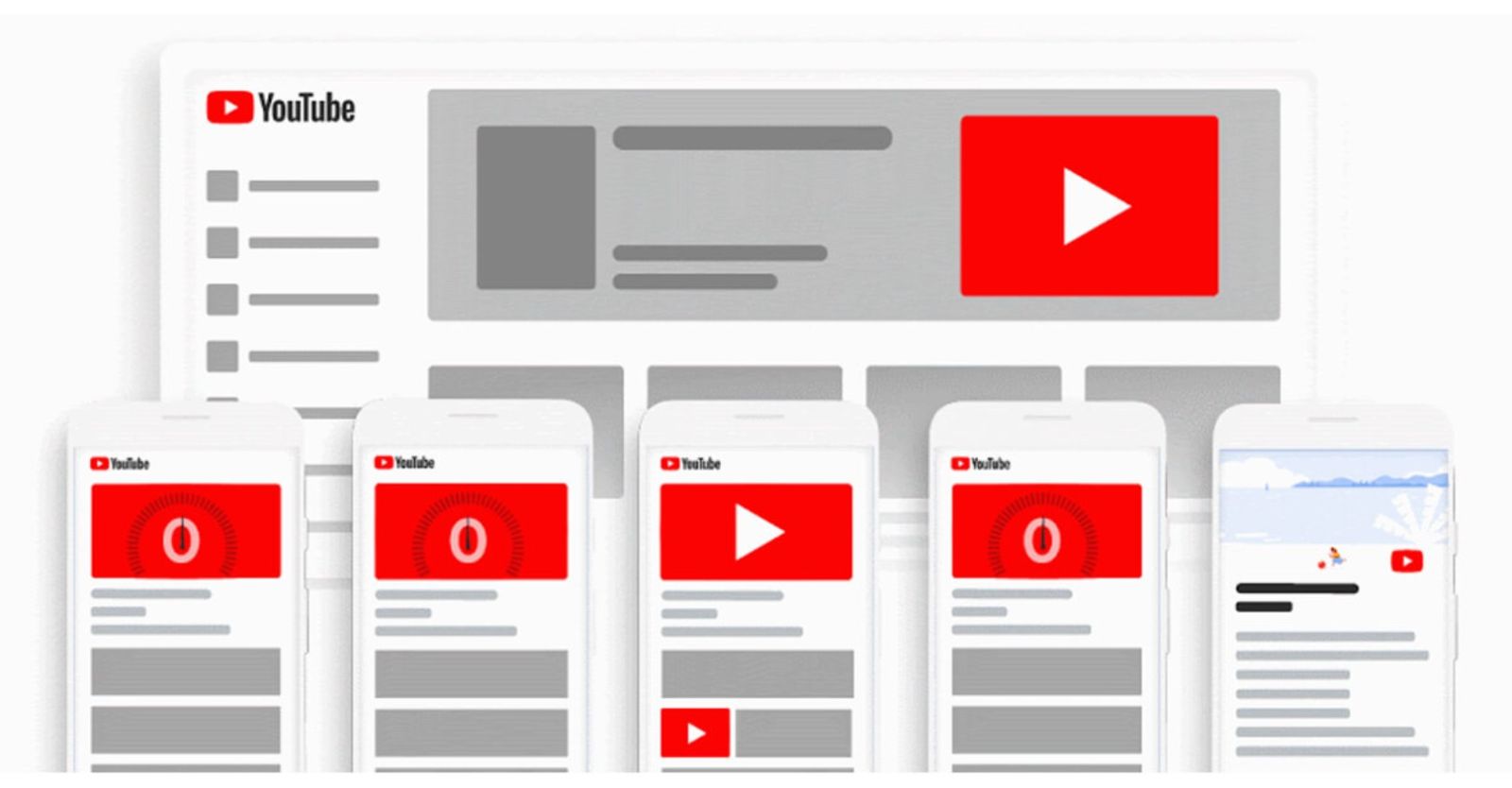
More seriously, there's no "Skip" button, no option to turn off ads, and users can't even fast-forward or switch to another section of the video. Normal operations like pressing back or opening a new video are problematic or freeze. Many users reported having to completely close the app and reopen it, hoping a different ad would appear. However, in some cases, Hypernova Limited's ads continued to reappear repeatedly, almost completely ruining the video viewing experience.
A Reddit user recounted in frustration that they had to constantly open and close the app, only to encounter the same error message every time they tried to watch a video. What should have been a simple way to relax after work suddenly became a battle with technical glitches. Users weren't even sure if the error was coming from YouTube or their network, leading to confusion and uncertainty.
This phenomenon isn't limited to just a few devices; it appears to be spreading across the Android user community, especially in certain regions. This has led many experts to believe the issue may be related to the ad distribution system based on geographic location or operating system platform. Previously, in July, iOS users also experienced a similar bug where a faulty ad format caused videos to freeze and not play properly. At that time, the error was identified as a malfunction in the ad encoding system.
In this particular case, YouTube has yet to issue any official response, despite widespread community reporting of the issue. However, since the bug was discovered late on November 30th, it's possible that YouTube's technical team is still investigating and hasn't implemented an immediate fix. This further exacerbates user frustration as they face the problem in the coming days.
2. What can users do while waiting for YouTube to fix the bug?
Faced with app-freezing ad glitches, many users immediately sought ways to overcome this frustrating situation. Although Google hasn't offered any solutions yet, the online community has found several "temporary workarounds" to continue watching videos normally.
The first suggested solution is to use the manual ad-blocking function. When a faulty ad appears, users can quickly tap the three-dot icon in the corner of the screen, then select "Block this ad." This action instructs YouTube to remove the faulty ad and replace it with another one. However, this method is not always successful, especially if the ad doesn't display a clear interface for user interaction. Furthermore, YouTube's ad system may sometimes display a blocked ad again if the algorithm believes the user might be interested.
Another option frequently mentioned is subscribing to YouTube Premium. While not everyone is willing to pay the monthly fee, Premium is currently the only way for users to completely eliminate ads from their video viewing experience. Not having to deal with pop-up ads is a major advantage, especially when such issues occur. Additionally, Premium offers many benefits such as background video viewing, offline video downloading, and music playback with the screen off.
It's also important to note that if you experience frozen videos or a continuously spinning circle, don't immediately blame your internet connection. In many cases, users mistakenly think the network is slow or the router is malfunctioning, leading to unnecessary device resets. However, this issue stems from an advertising error, not user error. Even constantly checking your network, changing Wi-Fi networks, and toggling 4G on and off won't solve the problem.
Additionally, many users have shared other methods such as switching to a web browser instead of using the YouTube app, or using YouTube on a smart TV. However, these are only temporary workarounds and not long-term solutions.
All of the above measures highlight the fact that users are almost unable to fix this problem themselves and must wait for YouTube to roll out a patch or remove the faulty ads from its distribution system. In the meantime, many viewers are forced to endure interruptions or choose to pay to avoid seeing any ads.
3. Why can ad errors occur on YouTube?
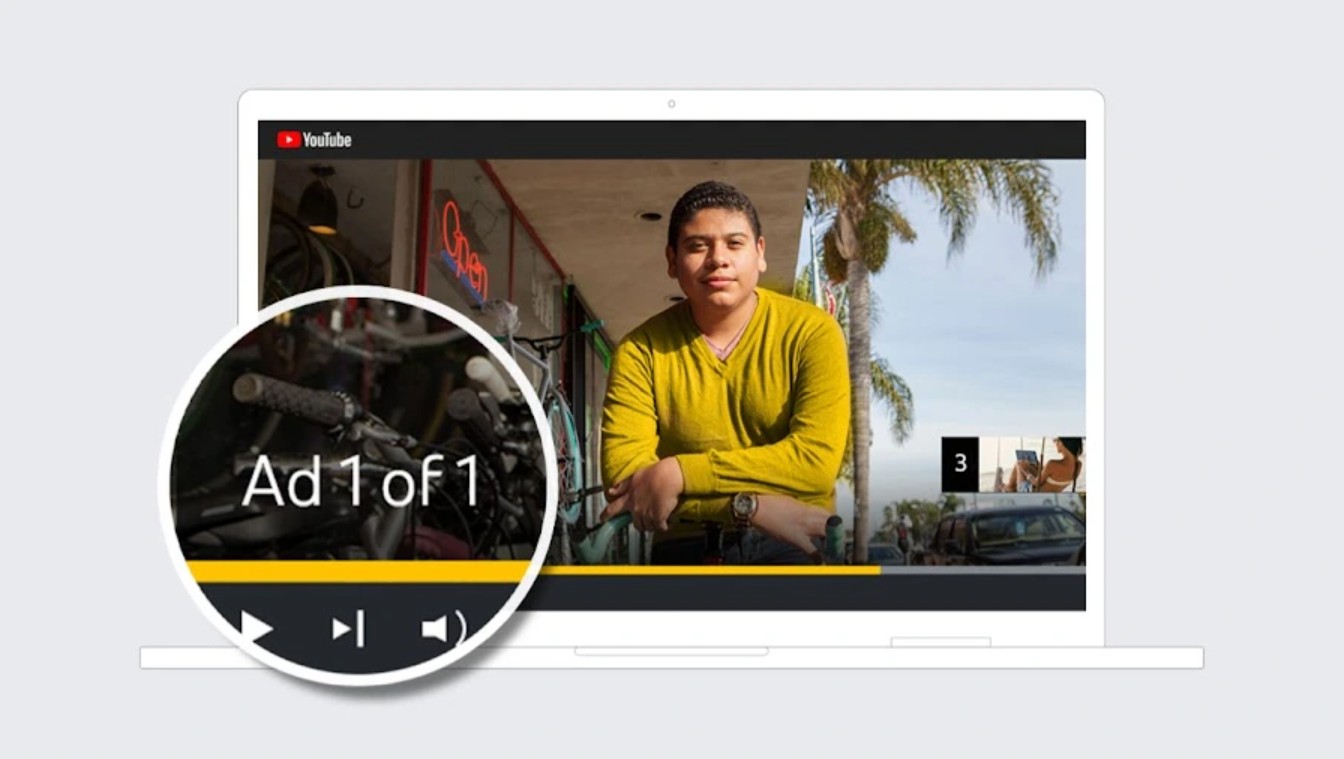
To understand why a seemingly simple ad could cause the YouTube app to freeze, we need to look at how the platform's advertising system operates. YouTube is built on the Google Ads platform, where all ads are distributed automatically based on user profiles, viewing history, interests, and content relevance. Each time an ad is displayed, the system must select from thousands of different options, from video format to interaction tracking code. This massive processing means that a single faulty JavaScript code snippet, a corrupted video file, an incompatible format, or a bottlenecked API can prevent the ad from loading. In many cases, the fault lies not with YouTube but with the advertiser themselves, who uploads substandard content or uses an ad package with faulty tracking code that still slips through the automated review system. YouTube reviews millions of ads daily, mostly using algorithms rather than humans, so a faulty ad slipping through is entirely possible. It's worth noting that if even a small component of the advertisement malfunctions, the entire video player of the app can get stuck in an endless loading state, preventing users from fast-forwarding, skipping, and sometimes requiring them to restart the app. This is a common drawback of platforms that rely heavily on dynamic and automated advertising.
4. Long-term impact on user experience and YouTube revenue.
Ad glitches not only cause immediate annoyance but also significantly impact users' video viewing habits. When ads become too intrusive or directly interrupt the app, many people choose to watch less YouTube or switch to other platforms like TikTok, Facebook Watch, or even revert to watching short videos to reduce waiting time. This creates a psychology of avoidance, causing YouTube to gradually lose its inherent user-friendliness. More dangerously, repeated ad glitches over a long period can make users feel that YouTube Premium is no longer a voluntary choice, but a "forced" solution to avoid interruptions. From the advertiser's perspective, their ads malfunctioning becomes a reputational risk, as their brand is inadvertently associated with negative user experiences. This negatively impacts the advertising ecosystem, which is YouTube's primary source of revenue, making businesses more hesitant to run ads when stability cannot be guaranteed.
5. Is YouTube putting pressure on users to switch to Premium?
In the online community, there's growing speculation that YouTube is deliberately making the free-to-watch experience more frustrating in order to encourage users to pay for Premium. Increased ad duration, the addition of multiple layers of hard-to-skip ads, and technical glitches like "stuck" ads create a feeling of being forced to pay, rather than having a choice. This skepticism is further fueled by YouTube's continuous price increases for Premium in many countries during 2024-2025, coupled with stricter ad-blocking policies. This is related to the "dark pattern," a design that uses psychological pressure to influence user behavior. While there's no evidence that YouTube intentionally allows these ad glitches to occur, user perception remains crucial. If the experience is constantly interrupted, this suspicion will continue to spread, damaging YouTube's reputation in ways they can't control.
This raises the question: Is YouTube focusing too much on revenue and neglecting the viewer experience? And if incidents like this continue to recur, will users still have the patience to accept ads, or will they switch to another platform or be forced to pay for Premium





















VIP Products








Best Selling Products
Autodesk All App Account Copyright
120 USD
ChatGPT Plus Account (GPT-4)
16 USD
Capcut Pro 1 Year
39 USD
Upgrade Duolingo Super
29 USD
Upgrade genuine Capture One account
120 USD
Freepik Premium Account
59 USD
Adobe Photoshop Copyright - Full App
120 USD
Windows 10 & 11 Pro Key
36 USD
Genuine Adobe Illustrator account
99 USD
Genuine Cheap Canva Pro
39 USD
MidJourney Account
29 USD
Upgrade Genuine Office 365
49 USD
Adobe Premiere Pro Account
99 USD
Plugin Retouch4me
69 USD
Copyright Adobe Lightroom Account
59 USD