Best Selling Products

Plugin Retouch4me
69 USD

Windows 10 & 11 Pro Key
36 USD

Genuine Adobe Illustrator account
99 USD

Capcut Pro 1 Year
39 USD

Freepik Premium Account
59 USD

Upgrade Genuine Office 365
49 USD

Adobe Photoshop Copyright - Full App
120 USD

MidJourney Account
29 USD

Upgrade genuine Capture One account
120 USD

Copyright Adobe Lightroom Account
59 USD

ChatGPT Plus Account (GPT-4)
16 USD

Adobe Premiere Pro Account
99 USD

Autodesk All App Account Copyright
120 USD

Genuine Cheap Canva Pro
39 USD

Upgrade Duolingo Super
29 USD
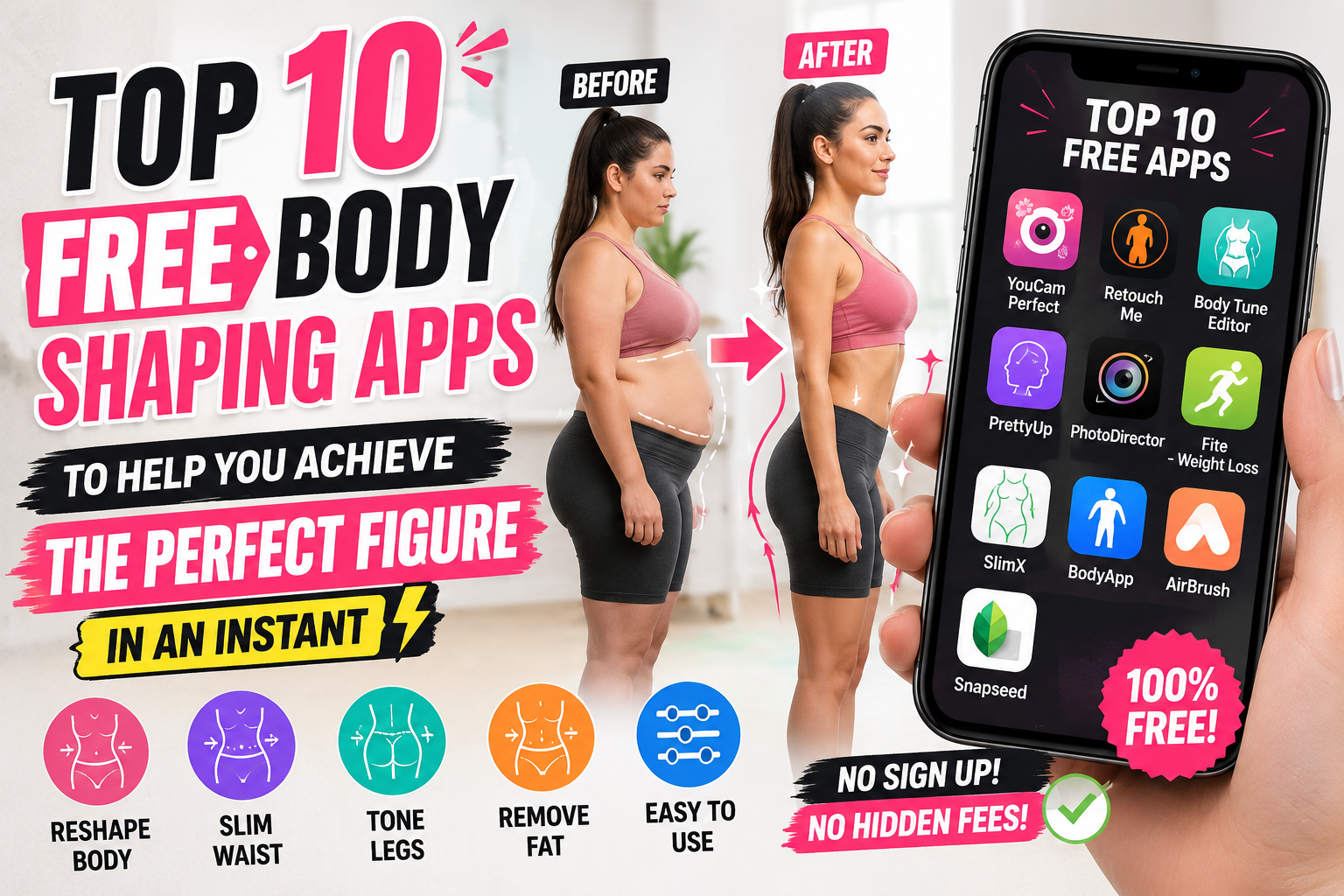
Top 10 Free Body Shaping Apps to Help You Achieve the Perfect Figure in an Instant
Nội dung
- 1. Why is the demand for free body editing apps increasing?
- 1.1 Overcoming shortcomings in shooting angle and lighting
- 1.2 Save on costs and time for professional editing.
- 2. Criteria for choosing a quality body editing app
- 2.1 Intelligent Body Recognition Capabilities
- 2.2 Simple and easy-to-use interface
- 3. Detailed review of the top free body editing apps currently available.
- 3.1 PicsArt - A versatile photo editing tool
- 3.2 Meitu - The beauty wizard from China
- 3.3 Body Editor - Expert in Shaping Curves
- 3.4 BeautyPlus - Naturally beautiful in every frame
- 3.5 YouCam Perfect - Smart editing with AI
- 3.6 Retouch Me - Professional Editing Service
- 3.7 Spring - Leg Lengthening Specialist
- 3.8 Perfect Me - Full range of beauty features
- 3.9 FitPix - An easy body photo editor
- 3.10 Peachy - A trendy app for young people
- 4. AppVip.ai - AI technology solution for professional images
- 5. Instructions on how to adjust body shots without revealing your flaws.
- 5.1 Choose a background image with minimal straight lines.
- 5.2 Editing little by little
- 5.3 Pay attention to body proportions
- 6. Things to note when using free body editing apps
- 6.1 Personal Information Security
- 6.2 Memory Capacity Limits
- 6.3 Preserving your true self-worth
- 7. Future trends in body photo editing
- 7.1 Real-time editing
- 7.2 Personalize your editing style
- 8. Conclusion
Discover the list of the best free body editing apps available today that will help you achieve a perfect figure, lengthen your legs, and slim your waist naturally in just a few simple steps.
1. Why is the demand for free body editing apps increasing?
The explosion of image-sharing platforms like Instagram, TikTok, and Facebook has created a new standard for digital beauty. Users are increasingly eager to present themselves in the best possible light to attract attention and engagement.
1.1 Overcoming shortcomings in shooting angle and lighting
Sometimes a great photo is ruined simply because the angle makes legs look shorter than they actually are, or the outfit reveals an unwanted midsection. Editing apps help quickly fix these technical errors without having to retake the photo multiple times.
1.2 Save on costs and time for professional editing.
Instead of using complex software like Photoshop on a computer, users can now perform tasks directly on their phones. Free applications offer a full range of features, from basic to advanced, effectively meeting the needs of the average user.
2. Criteria for choosing a quality body editing app
A good photo editing app isn't just about having many features; it also needs to ensure the authenticity of the published photo.
2.1 Intelligent Body Recognition Capabilities
Leading apps today often integrate AI to automatically recognize body parts such as the waist, hips, legs, and shoulders. This allows editing effects to focus only on the body without distorting the surrounding environment.
2.2 Simple and easy-to-use interface
Users prefer applications with flexible slider controls. Intuitive drag-and-drop functionality allows even those without graphic design experience to create satisfying designs.
3. Detailed review of the top free body editing apps currently available.
The list below is compiled based on real-world experience and reviews from users worldwide.
3.1 PicsArt - A versatile photo editing tool
PicsArt consistently ranks among the most downloaded apps. Its "Reshape" feature allows you to manually or automatically resize any area of the body.
-
Advantages: Includes a rich sticker library and a wide variety of color filters.
-
Limitations: Some premium features require a paid subscription, but the free version is still sufficient.
3.2 Meitu - The beauty wizard from China
Meitu is famous for its "miraculous" beauty enhancement capabilities. The app offers smooth leg lengthening and waist slimming features. In particular, Meitu has a video editing mode, helping you look beautiful even in moving footage.
-
Key feature: Automatically adjusts head and body proportions to make you look taller.
3.3 Body Editor - Expert in Shaping Curves
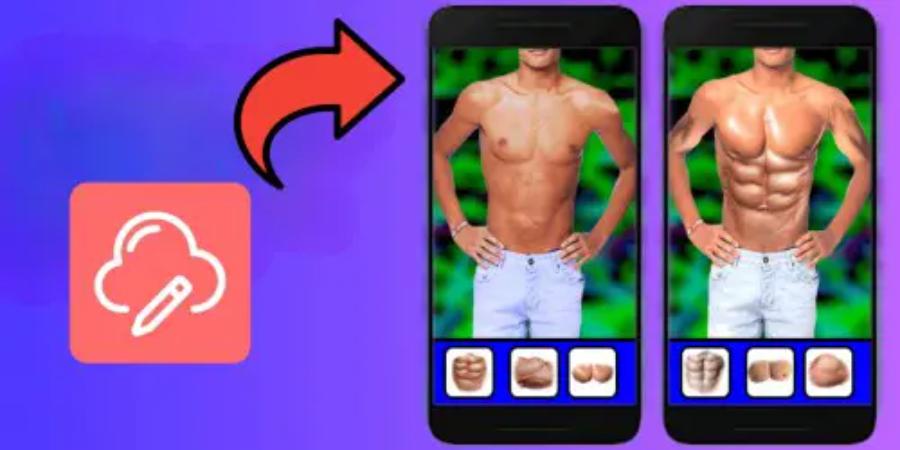
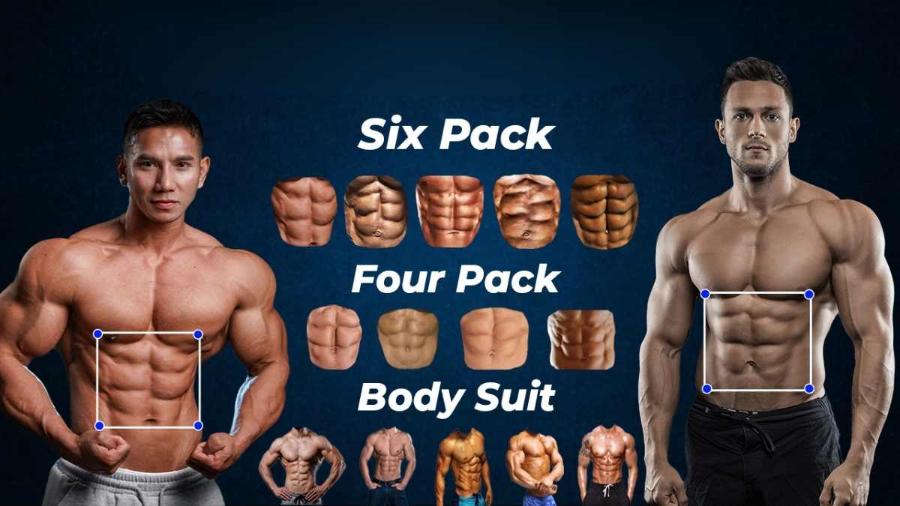
As the name suggests, this app focuses entirely on body shaping. You can easily add six-pack abs, tattoos, or adjust shoulder width.
-
Uses: Ideal for those who want to make noticeable changes to their body structure.
3.4 BeautyPlus - Naturally beautiful in every frame
BeautyPlus prioritizes a gentle and natural look. The app's body shaping tools are very subtle, avoiding distorting walls or surrounding objects when you slim your waist.
3.5 YouCam Perfect - Smart editing with AI
YouCam Perfect offers beauty filters that enhance skin tone and body shape. The app's algorithm identifies bone structure to lengthen legs without creating the illusion of disproportionate body proportions.
3.6 Retouch Me - Professional Editing Service
Unlike apps that use automated algorithms, Retouch Me connects you with photo editing experts. However, the app still offers free tools that allow you to perform basic operations yourself with high precision.
3.7 Spring - Leg Lengthening Specialist
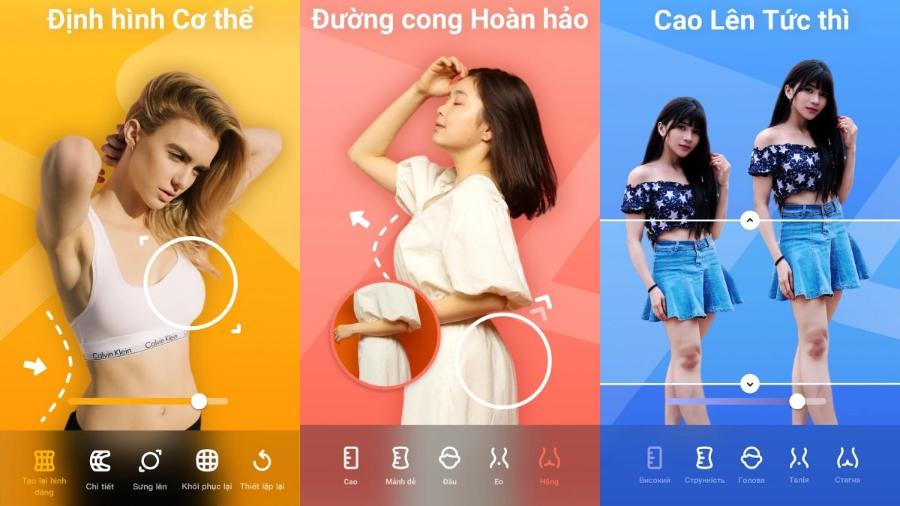
If you're only concerned about height, Spring is the number one choice. The app focuses on adjusting three key points on the body to scientifically lengthen the legs while maintaining proper anthropometric proportions.
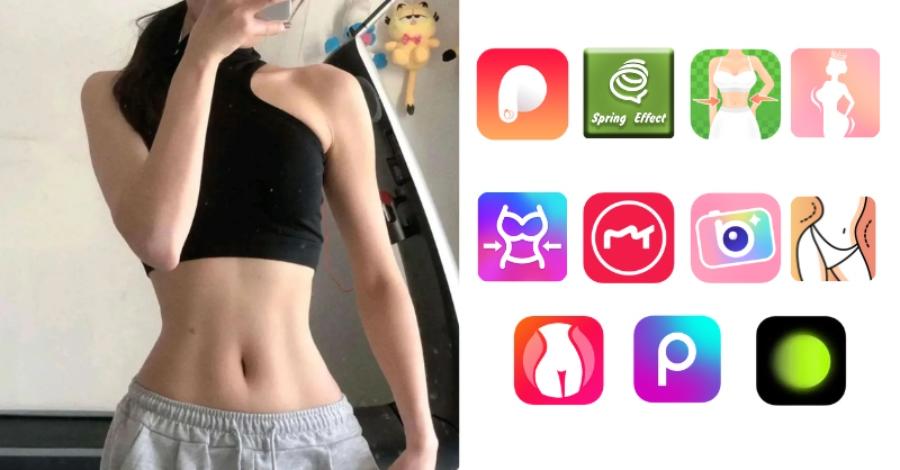
3.8 Perfect Me - Full range of beauty features
This app offers tools such as face slimming, hip lifting, and arm slimming. Perfect Me's interface is very intuitive, clearly dividing the areas that need editing.
3.9 FitPix - An easy body photo editor
FitPix helps users remove excess fat from photos with just a few taps. In addition, it includes a feature to remove unwanted objects, making photos cleaner and more professional.
3.10 Peachy - A trendy app for young people
Peachy boasts a very modern set of editing tools. The app regularly updates with the latest aesthetic trends, helping you stay ahead of the curve in terms of image style.
4. AppVip.ai - AI technology solution for professional images
AppVip.ai is one of the leading websites providing AI-powered image optimization solutions. Here, you can find tools to help you edit photos, create images from text, and significantly improve image quality. With a user-friendly interface and fast processing speed, this website is becoming the ideal destination for those who want to elevate their image content to a professional level.
Beyond basic features, AppVip.ai integrates advanced AI technologies to automatically recognize faces, remove backgrounds, restore old photos, and intelligently optimize colors. Users don't need advanced editing skills to create impressive products with just a few simple steps. This is truly a useful tool for both individual content creators and businesses in building a professional image.
5. Instructions on how to adjust body shots without revealing your flaws.
To create a perfectly edited photo that viewers can't tell is unedited, you need to pay attention to the following important techniques.
5.1 Choose a background image with minimal straight lines.
When you use the waist-slimming or leg-lengthening feature, objects with straight lines around you, such as windows, fences, and paving stones, are often distorted. Prioritize taking photos in locations with simple or natural backgrounds, such as trees or the sky.
5.2 Editing little by little
The biggest mistake beginners make is dragging the slider too far. Adjust it in small increments, then compare it to the original image to ensure balance. Making abrupt changes will make the body look unnatural and easily noticeable.
5.3 Pay attention to body proportions
Legs that are too long compared to the torso or a waist that is too small compared to the shoulders can look odd. You should familiarize yourself with the ideal body proportions to apply them to achieve the most harmonious look.
6. Things to note when using free body editing apps
Although these apps offer many benefits, overuse can also lead to negative consequences.
6.1 Personal Information Security
Before installing any app, check the permissions it requests. Avoid apps that ask for extensive access to private information such as contacts or messages.
6.2 Memory Capacity Limits
Advanced photo editing apps often have quite large file sizes and generate a lot of junk files during use. You should regularly clear your cache to keep your phone running more smoothly.
6.3 Preserving your true self-worth
Technology is created to serve humanity, helping us to be more confident. However, don't become overly reliant on virtual beauty and forget about taking care of your health and physique in real life through diet and exercise.
7. Future trends in body photo editing
AI technology is constantly improving, promising new advancements in image and video editing.
7.1 Real-time editing
In the future, body editing will be done while you're recording live video or livestreaming with virtually no lag. Algorithms will closely track body movements to keep features stable.
7.2 Personalize your editing style
AI will learn the user's habits and preferences to suggest unique editing formulas. You won't need to manually adjust each photo; just a click of a button will apply your favorite style.
8. Conclusion
Using free body editing apps is a great way to get impressive and professional photos. With the help of tools like PicsArt, Meitu, or the breakthrough from AppVip.ai , anyone can become their own photo expert. The most important thing is knowing how to use them intelligently and subtly to enhance your personal beauty without losing authenticity. Experiment and choose the app that best suits you to confidently shine in every frame.





















VIP Products








Best Selling Products
Plugin Retouch4me
69 USD
Windows 10 & 11 Pro Key
36 USD
Genuine Adobe Illustrator account
99 USD
Capcut Pro 1 Year
39 USD
Freepik Premium Account
59 USD
Upgrade Genuine Office 365
49 USD
Adobe Photoshop Copyright - Full App
120 USD
MidJourney Account
29 USD
Upgrade genuine Capture One account
120 USD
Copyright Adobe Lightroom Account
59 USD
ChatGPT Plus Account (GPT-4)
16 USD
Adobe Premiere Pro Account
99 USD
Autodesk All App Account Copyright
120 USD
Genuine Cheap Canva Pro
39 USD
Upgrade Duolingo Super
29 USD