Best Selling Products

Upgrade genuine Capture One account
120 USD

Adobe Premiere Pro Account
99 USD

Plugin Retouch4me
69 USD

Upgrade Duolingo Super
29 USD

Adobe Photoshop Copyright - Full App
120 USD

Autodesk All App Account Copyright
120 USD

MidJourney Account
29 USD

Capcut Pro 1 Year
39 USD

ChatGPT Plus Account (GPT-4)
16 USD

Genuine Cheap Canva Pro
39 USD

Copyright Adobe Lightroom Account
59 USD

Upgrade Genuine Office 365
49 USD

Genuine Adobe Illustrator account
99 USD

Freepik Premium Account
59 USD

Windows 10 & 11 Pro Key
36 USD
Upgrade to a genuine Capture One account at a low price.
Nội dung
- 1. What is Capture One software?
- 2. Unique features of Capture One
- 3. Current Capture One product packages
- 3.1. Capture One Pro
- 3.2. Capture One Express
- 4. Comparing Capture One with similar software
- 5. Who should buy Capture One?
- 6. Reliable and affordable Capture One account upgrade addresses
- 7. Why should you upgrade your Capture One account at SaDesign?
- 8. Payment Instructions at SaDesign
Capture One is a leading image processing software in the photography industry, developed by Phase One, a company specializing in equipment and solutions for professional photography.

1. What is Capture One software?
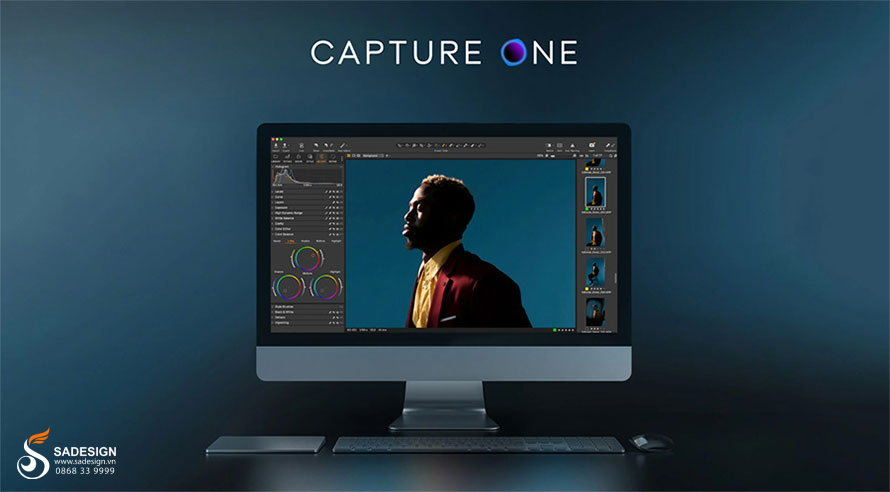
Capture One is a professional photo editing software developed by Phase One. It is known for its excellent color processing capabilities thanks to its powerful editing tools and fast processing performance.
Capture One was first developed in 2002 by Phase One, a manufacturer of professional photographic equipment. Capture One currently has two main versions:
-
Capture One Pro: A full-featured version, suitable for professional photographers and users requiring advanced editing capabilities.
-
Capture One Express: This is the free version, suitable for amateur photographers and users who need a simple, easy-to-use photo editing software.
Capture One is highly regarded for its many outstanding advantages, such as:
-
The ability to process colors accurately and naturally.
-
Possesses a comprehensive and feature-rich editing toolset.
-
Fast and smooth processing performance.
-
The intuitive interface is easy to use, even for first-time users.
-
Supports a wide range of cameras, including Canon, Nikon, Sony, Fujifilm, Pentax, Olympus, and more.
2. Unique features of Capture One
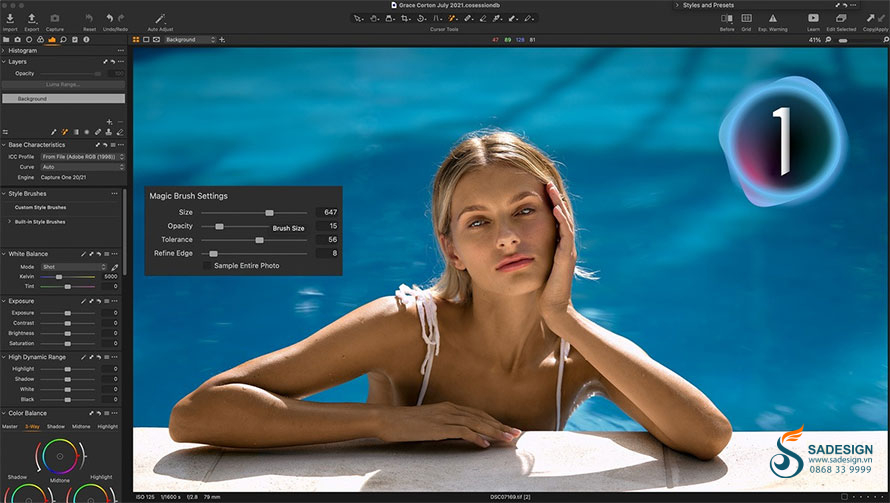
Capture One stands out from other photo editing software thanks to the following unique features:
-
High-quality image processing: Capture One boasts a powerful set of tools to create high-quality images, including adjusting color, brightness, contrast, and other parameters.
-
Special editing tools: Capture One is equipped with special tools to improve and fine-tune details in images such as: red-eye removal, noise removal, brightening, etc.
-
Image management and organization: With Capture One, users can manage and organize images in their personal library based on various criteria.
-
RAW format support: Capture One supports RAW format for most popular cameras, allowing users to take full advantage of the original image file's potential for detail adjustments.
-
Batch Synchronization and Processing: Capture One allows for simultaneous synchronization of changes and processing of images. This excellent feature saves time and improves work efficiency.
-
Integration with Photoshop editing tools: Capture One is integrated with Adobe Photoshop, allowing users to directly convert from Capture One to Photoshop for complex image editing or creating special effects.
These are the main features of Capture One software; in reality, it has many other features that help provide you with a professional image processing experience.
3. Current Capture One product packages
Capture One software currently offers three main product packages as follows:
3.1. Capture One Pro
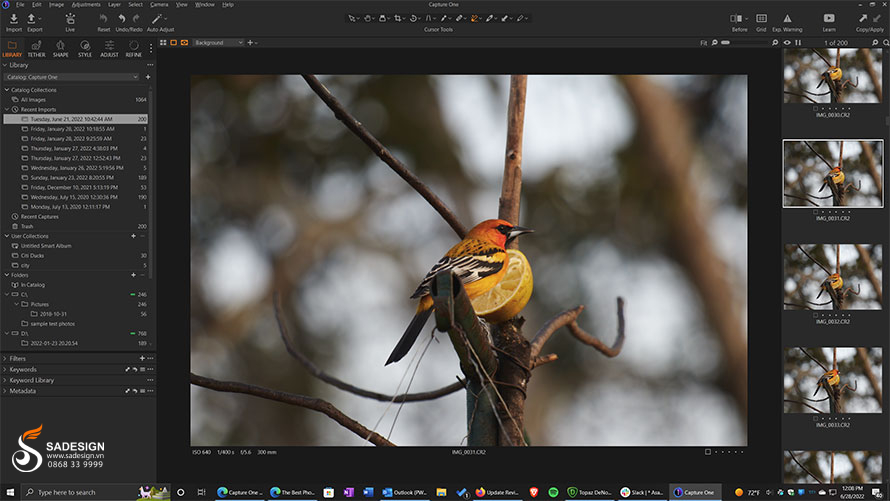
The Capture One Pro package is a full-featured version, suitable for professional photographers and users requiring advanced editing capabilities. With Capture One Pro, you will have access to all professional photo editing features, including tools for color correction, detail adjustment, noise removal, effects, and more.
Some of the exclusive features only available in Capture One Pro include:
-
Capture One Pro supports all RAW camera formats.
-
Capture One Pro offers professional RAW image editing tools, helping you create the best possible photos.
-
Capture One Pro is regularly updated with new features and performance improvements.
3.2. Capture One Express
The Capture One Express package is a free version, designed for amateur photographers and users who need a simple and easy-to-use photo editing software.
Capture One Express offers basic photo editing features such as: adjusting brightness, contrast, saturation, black levels, white levels, etc.
Here are some limitations of the Capture One Express version:
-
Supports RAW for some cameras.
-
This version does not support additional advanced editing features.
4. Comparing Capture One with similar software
Capture One is a professional photo editing software that directly competes with similar programs like Lightroom and Camera Raw. The following detailed comparisons between Capture One, Lightroom, and Camera Raw will give you the most objective and comprehensive view of these programs:
| Criteria | Capture One | Camera Raw | Lightroom |
| Advantage | - It can handle colors well. - Powerful editing tools. - The interface is easy to use. - The software supports a wide variety of cameras. | - The software boasts incredibly powerful image management features. - Affordable prices. | - User-friendly interface, easy to use. - Features powerful image management capabilities. - Affordable prices. - Capable of synchronizing data between devices. |
| Disadvantages | - The service is more expensive than Lightroom. - The photo management features are not as powerful as Lightroom. | - Color processing isn't as good as Capture One. - The editing tools are not as powerful as Capture One. | - Color processing isn't as good as Capture One. - The editing tools are not as powerful as Capture One. |
5. Who should buy Capture One?
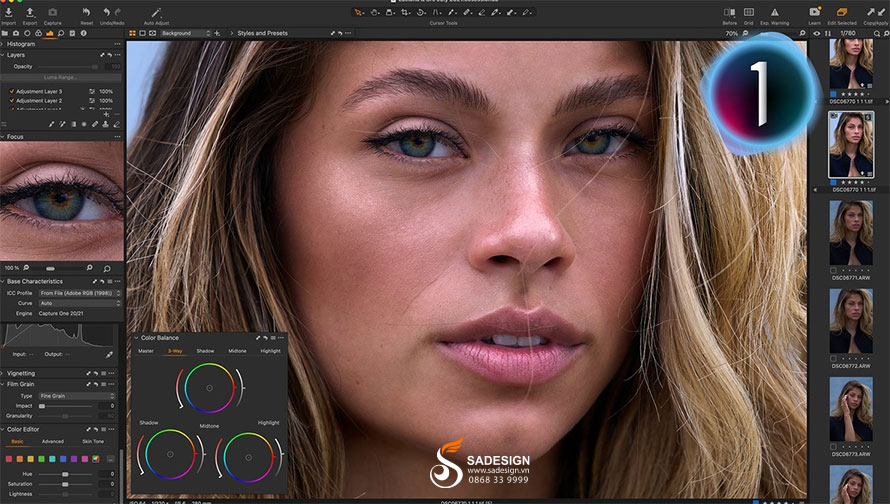
Capture One is professional photo editing software, ideal for professional photographers who need advanced editing features and excellent color processing.
Capture One is used by professional photographers worldwide. For users who demand excellent color processing capabilities or want powerful editing tools, Capture One is an excellent choice that you absolutely shouldn't miss.
6. Reliable and affordable Capture One account upgrade addresses
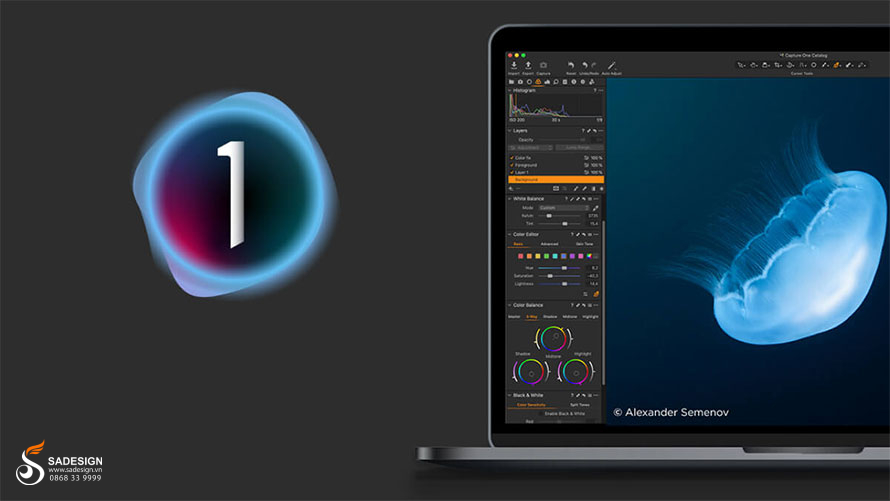
Upgrading your Capture One account is essential to fully utilize its professional editing features and tools. For a quick, secure, and reliable Capture One account upgrade, you can refer to the following addresses:
- Upgrading directly on Phase One's official website offers the advantages of data security and reliability. You can choose product packages to suit your needs. However, the upgrade price is quite high and there aren't many promotions.
- Upgrade your software at SaDesign with reasonable costs and many attractive promotional programs. For software upgrade consultation, please contact SADESIGN Software Co., Ltd. via hotline/Zalo: 0868 33 9999 or visit our website: https://sadesign.vn for support.
7. Why should you upgrade your Capture One account at SaDesign?

Upgrading your Capture One account at SaDesign offers many benefits to customers, such as:
-
You can use Capture One with a full range of professional photo editing features, including tools for color correction, detail adjustment, noise removal, effects, and more.
-
Customers will receive updates to the latest versions of the software, with many new features and improvements.
-
Prompt technical support helps resolve any issues encountered while using the software.
-
High account security
-
Issue VAT invoices to customers and businesses.
-
Dedicated and attentive support.
SADESIGN Software Co., Ltd.
Tax identification number: 0110083217
8. Payment Instructions at SaDesign
There are several payment methods available to upgrade your Capture One account at SaDesign, such as:
-
Online payment options: Pay by credit or debit card, or PayPal.
-
Bank transfer payment: You can transfer money directly through the bank.
-
Payment via e-wallet: You can pay using e-wallets such as Momo, ZaloPay, etc.
Customers are free to choose the payment method that best suits them.
Capture One is a powerful professional photo editing software offering excellent color processing features and comprehensive editing tools. Upgrading your Capture One account allows you to fully utilize the software's features to create impressive designs. Contact SaDesign today for a reliable and professional Capture One upgrade to ensure your rights are protected when using the software.





















VIP Products








Best Selling Products
Upgrade genuine Capture One account
120 USD
Adobe Premiere Pro Account
99 USD
Plugin Retouch4me
69 USD
Upgrade Duolingo Super
29 USD
Adobe Photoshop Copyright - Full App
120 USD
Autodesk All App Account Copyright
120 USD
MidJourney Account
29 USD
Capcut Pro 1 Year
39 USD
ChatGPT Plus Account (GPT-4)
16 USD
Genuine Cheap Canva Pro
39 USD
Copyright Adobe Lightroom Account
59 USD
Upgrade Genuine Office 365
49 USD
Genuine Adobe Illustrator account
99 USD
Freepik Premium Account
59 USD
Windows 10 & 11 Pro Key
36 USD