Best Selling Products

Freepik Premium Account
59 USD

Genuine Adobe Illustrator account
99 USD

Autodesk All App Account Copyright
120 USD

ChatGPT Plus Account (GPT-4)
16 USD

Adobe Premiere Pro Account
99 USD

Upgrade genuine Capture One account
120 USD

Windows 10 & 11 Pro Key
36 USD

Adobe Photoshop Copyright - Full App
120 USD

Plugin Retouch4me
69 USD

Capcut Pro 1 Year
39 USD

Upgrade Genuine Office 365
49 USD

Upgrade Duolingo Super
29 USD

MidJourney Account
29 USD

Copyright Adobe Lightroom Account
59 USD

Genuine Cheap Canva Pro
39 USD
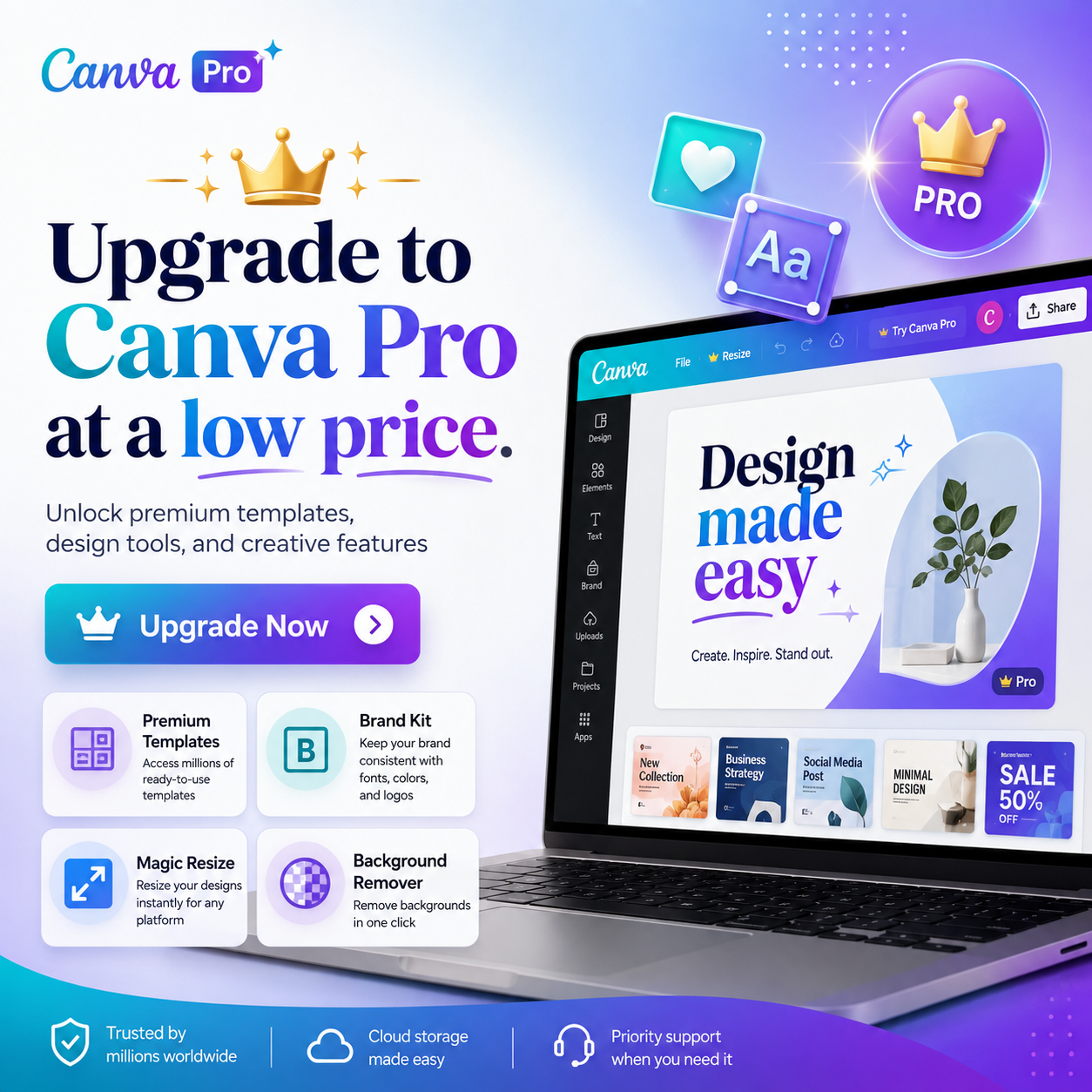
Upgrade to Canva Pro at a low price.
Nội dung
- 1. What are the advantages of Canva Pro?
- 2. Exclusive features only available in Canva Pro
- 3. Canva Pro Price List at SADESIGN Co., Ltd.
- 4. Detailed information on the 1-year Canva Pro package at SaDesign
- 4.1. Characteristics
- 4.2. Advantages of using the Canva Pro 1-year package
- 5. Canva Pro User Guide
- 6. Frequently Asked Questions
- 6.1. Is SaDesign a reputable seller of Canva Pro accounts?
- 6.2. How do I pay to purchase a Canva Pro account at SaDesign?
- 6.3. After payment, how do I receive my Canva Pro account?
Canva has become a hot trending design tool today with its diverse and high-quality data library and extremely simple usage. However, the Canva Pro version will amaze you even more with its many unique and trendy design templates. Upgrade to Canva Pro now to enjoy the most exciting features!
1. What are the advantages of Canva Pro?
Canva is a very popular online photo editing tool today. Canva Pro is an upgraded version that helps users achieve professional design solutions. Upgrading to Canva Pro offers many benefits thanks to a range of outstanding advantages, such as:
-
A vast and diverse resource library of images and videos: Canva Pro allows users access to a resource library with over 75 million high-quality images, videos, graphics, and audio, over 1000 fonts, and more. These resources are captured and designed by experts, saving users design time.
-
Photo editing utility: Provides the simplest photo editing capabilities. With just a few clicks, you can edit photos to your liking without needing complex editing software. It also helps resize photos, automatically remove backgrounds, share with group members, etc.
-
Video editing is easy: It provides you with many professional video editing features such as cutting, merging, editing, adding filters, adding animations, adding sound, stickers to create motion effects, etc. In addition, the upgraded Canva Pro also has a slideshow feature with many diverse slide templates.
-
Create and save custom designs: With Canva Pro, you can create and save unlimited designs.
-
Create professional, trend-setting designs: With Canva Pro, users can create professional, highly fashionable designs thanks to its regularly updated resource library. It also helps guide and generate ideas for your designs. Using Canva Pro ensures you don't get "left behind" in the design flow.
2. Exclusive features only available in Canva Pro
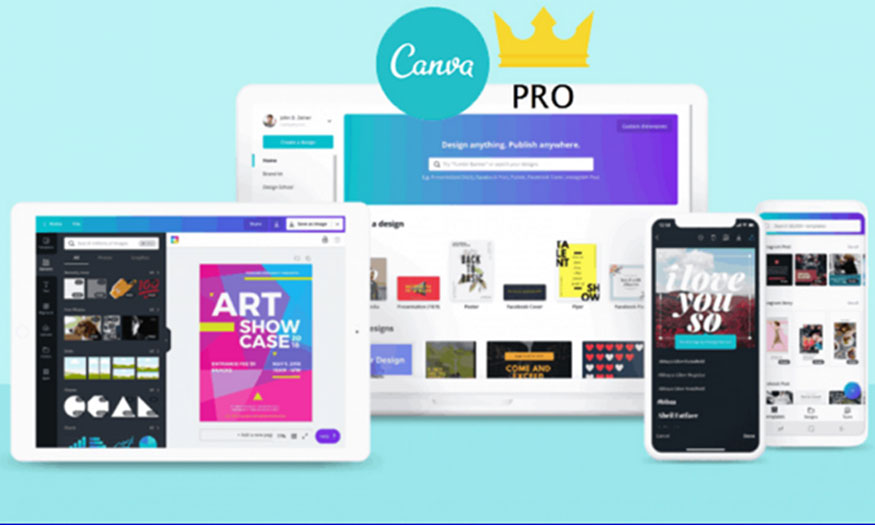
Upgrading to Canva Pro is essential because it has the following exclusive features:
-
Massive resource library: Canva Pro provides unlimited access to a rich resource library with thousands of exclusive images, videos, designs, and more. You can use these resources to create professional and unique designs.
-
Exclusive branding tools: Allows you to upload your logo, edit brand colors, and upload fonts. It provides many excellent branding tools.
-
Collaboration and project management are easy: Canva Pro allows you to share editing rights with other members of your project to work together on the same design.
-
Integration with other applications and services: Upgrading to Canva Pro allows integration with many other popular applications and services such as Google Drive, Dropbox, and Slack. This makes it easy to share and access related documents and projects conveniently.
-
Creating infographics: The upgraded version allows you to easily create infographics. This feature lets you create column charts, line charts, pie charts, and many other chart types with your own data sources. Users can customize the colors, styles, and effects of the charts to suit their design.
3. Canva Pro Price List at SADESIGN Co., Ltd.
 Note: SADESIGN Software offers the cheapest and most reliable software on the market. No other company offers the same low price and good warranty support as SADESIGN (Many users have tried buying online, used it for a few days, then had it locked, and couldn't contact us again).
4. Detailed information on the 1-year Canva Pro package at SaDesign
The Canva Pro 1 upgrade package was the winning package with the highest number of registrations at SaDesign. It was popular because of the following advantages:
4.1. Characteristics
-
The subscription is valid for one year from the date of registration. You can upgrade.
-
The cost of registering on SaDesign is five times cheaper than on Canva's homepage, while offering similar features and subscription periods.
-
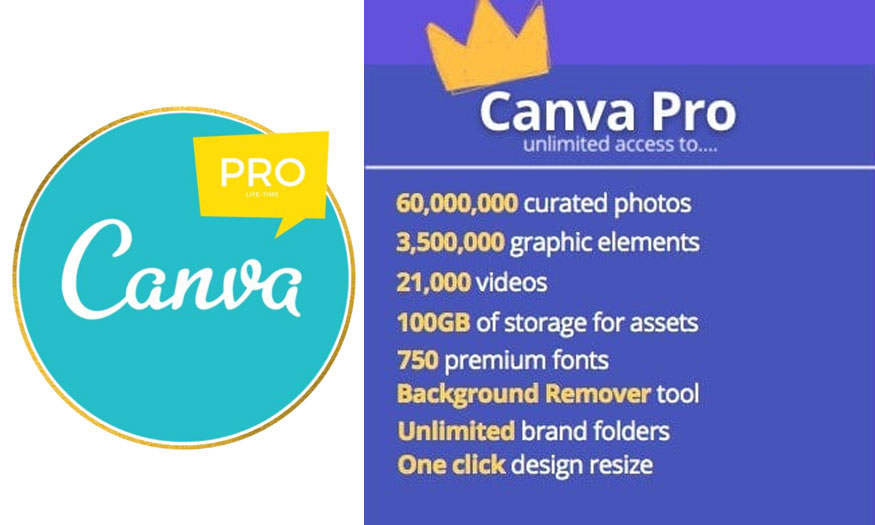
The archive contains over 100 million high-quality images, videos, audio files, and graphics, all at no extra cost.
-
Remove wallpapers or videos with just one click.
-
Create, edit, and store high-quality video for use on any platform.
-
Add app effects to your design.
-
Schedule posts for social media on Facebook, LinkedIn, Pinterest, and Twitter.
-
Resize any design style with just one click.
-
Establish a brand identity through logos, colors, and fonts with up to 100 brand logo designs.
4.2. Advantages of using the Canva Pro 1-year package
The 1-year Canva Pro upgrade package offers users several advantages during use, including:
-
Cost savings: Users only need to pay a one-time fee for a full year of use. A single payment optimizes costs and is significantly cheaper than monthly payments. Furthermore, Canva Pro costs up to 1.5 million VND per year on the Canva website, approximately five times higher than upgrading at SaDesign.
-
Unlimited access: With just one payment, you get access to over 100 million advanced Canva Pro resources. All are high-quality, copyrighted resources created by experts.
-
Easy to use: The upgraded Canva has a user-friendly interface, easy to use with simple drag-and-drop functionality. Users don't need advanced skills to use it. The Canva Pro version can be used on various devices such as PCs, phones, or spreadsheets.
-
Highly customizable: You can modify design elements to your liking, such as changing size, color, position, effects, layers, etc. Users can also create their own design templates and save them for later use.
-
Share and export files easily: Your creations can be shared with others via email, social media, or links. You can also publish your work in various formats such as PDF, PNG, JPG, MP4, etc.
5. Canva Pro User Guide
6. Frequently Asked Questions
Below is a compilation of some frequently asked questions about the Canva Pro upgrade package.
6.1. Is SaDesign a reputable seller of Canva Pro accounts?
SaDesign, or SADESIGN Co., Ltd., is one of the leading graphic design software providers in Vietnam. It specializes in providing graphic design software such as Sadesign Retouch panel, Photoshop, Album Vip, Google Drive, licensed Adobe Photoshop, Canva Pro, Capcut Pro, etc. The company is large-scale, legally registered with all necessary documents, licenses, and tax identification numbers.
Therefore, when purchasing Canva Pro packages in particular, and software in general, here, you can rest assured.
6.2. How do I pay to purchase a Canva Pro account at SaDesign?
SaDesign offers a variety of strategic and convenient payment methods for all users. When you need to upgrade to Canva Pro, you can choose from payment methods such as QR code scanning, bank transfer, or using Visa credit cards, PayPal, etc.
6.3. After payment, how do I receive my Canva Pro account?
Rest assured, after you pay for the Canva Pro package, Sadesign will guide you step-by-step through the upgrade process to the Pro version.
SaDesign proudly offers the most competitively priced Canva Pro package on the market. With a commitment to quality and full functionality, you'll receive a product that's worth every penny. Don't miss the chance to upgrade your design experience today





















VIP Products








Best Selling Products
Freepik Premium Account
59 USD
Genuine Adobe Illustrator account
99 USD
Autodesk All App Account Copyright
120 USD
ChatGPT Plus Account (GPT-4)
16 USD
Adobe Premiere Pro Account
99 USD
Upgrade genuine Capture One account
120 USD
Windows 10 & 11 Pro Key
36 USD
Adobe Photoshop Copyright - Full App
120 USD
Plugin Retouch4me
69 USD
Capcut Pro 1 Year
39 USD
Upgrade Genuine Office 365
49 USD
Upgrade Duolingo Super
29 USD
MidJourney Account
29 USD
Copyright Adobe Lightroom Account
59 USD
Genuine Cheap Canva Pro
39 USD