Best Selling Products

Plugin Retouch4me
69 USD

Upgrade Duolingo Super
29 USD

Genuine Cheap Canva Pro
39 USD

ChatGPT Plus Account (GPT-4)
16 USD

Adobe Photoshop Copyright - Full App
120 USD

Adobe Premiere Pro Account
99 USD

Copyright Adobe Lightroom Account
59 USD

MidJourney Account
29 USD

Freepik Premium Account
59 USD

Capcut Pro 1 Year
39 USD

Upgrade Genuine Office 365
49 USD

Upgrade genuine Capture One account
120 USD

Autodesk All App Account Copyright
120 USD

Genuine Adobe Illustrator account
99 USD

Windows 10 & 11 Pro Key
36 USD
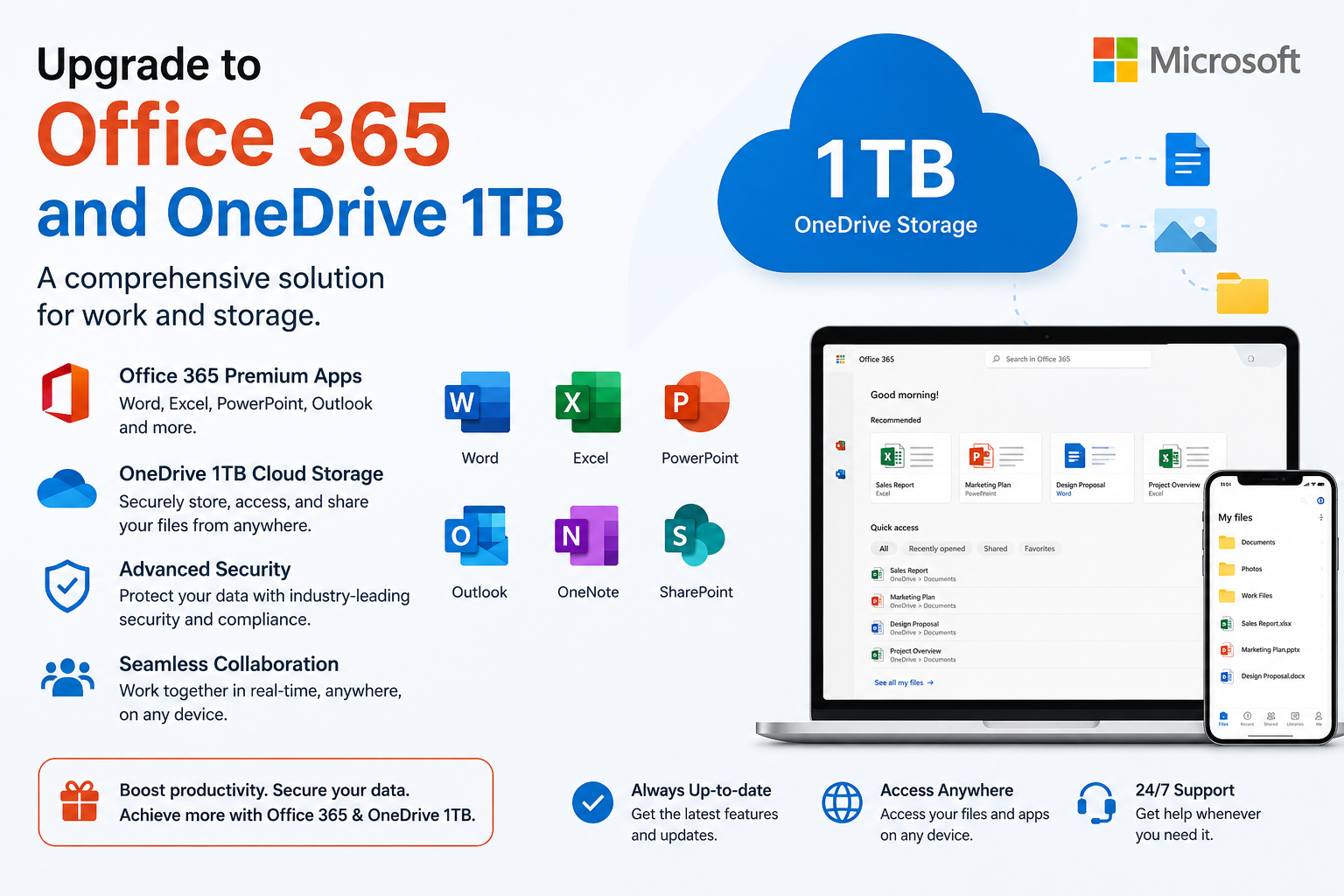
Upgrade to Office 365 and OneDrive 1TB: a comprehensive solution for work and storage.
Nội dung
- 1. Introduction to Microsoft Office 365
- 2. Why should you upgrade to Office 365?
- 2.1. A complete and constantly updated suite of applications.
- 2.2. OneDrive 1TB provides secure storage.
- 2.3. Working across multiple devices
- 2.4. High security and effective collaboration
- 2.5. Long-term cost savings
- 3. Office 365 and OneDrive 1TB account information at SaDesign
- 4. Who should upgrade to Office 365 and OneDrive 1TB?
- 5. Why should you upgrade to Office 365 at SaDesign?
- 6. Conclusion
Upgrading to Office 365 with 1TB OneDrive storage is a comprehensive solution for office workers, students, freelancers, and businesses who want to fully utilize Microsoft applications, synchronize data across multiple devices, and securely store it in the cloud. Let''s explore it with Sadesign!
1. Introduction to Microsoft Office 365
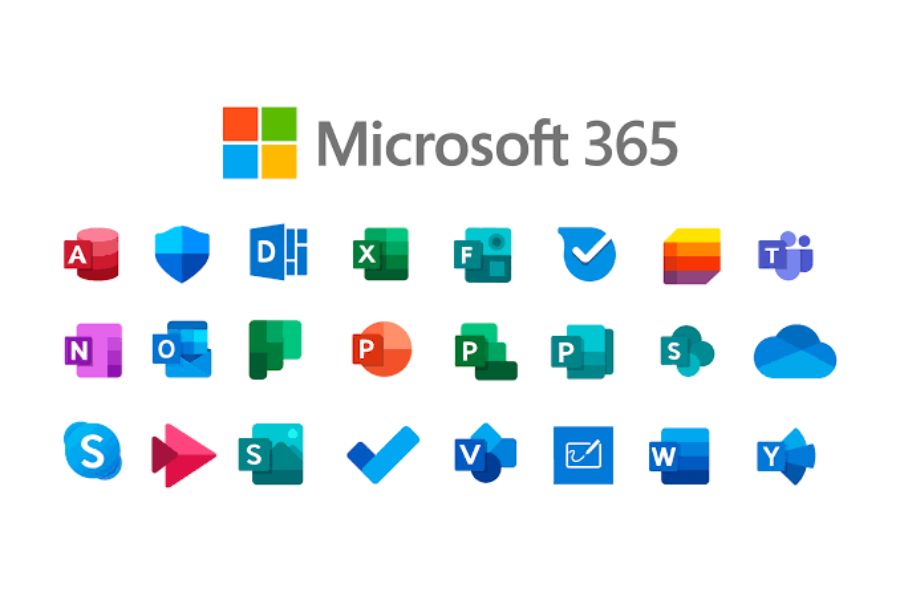
Microsoft Office 365 is a licensed suite of office applications developed by Microsoft, including familiar software such as Word, Excel, PowerPoint, Outlook, OneNote, and many online services to support work and data management. It is a platform chosen by millions of users worldwide due to its stability, security, and flexibility.
Unlike traditional Office versions, Office 365 is constantly updated with new features, security patches, and performance improvements. With just one Microsoft account, you can access, edit, and synchronize documents across multiple devices. Therefore, upgrading to Office 365 is becoming a popular trend in modern learning, work, and data management.
2. Why should you upgrade to Office 365?
The free version of Office only meets basic needs and is limited in features, storage capacity, and collaboration capabilities. For those who frequently work with documents, spreadsheets, reports, or in teams, upgrading to Office 365 will provide a more complete and professional experience.
2.1. A complete and constantly updated suite of applications.
You'll get full access to Word, Excel, PowerPoint, Outlook, OneNote, and many other Microsoft services, and you'll always receive the latest updates without having to repurchase the software.
2.2. OneDrive 1TB provides secure storage.
OneDrive 1TB allows you to store large amounts of documents, images, and videos, and supports data synchronization, automatic backups, and fast file sharing between devices.
2.3. Working across multiple devices
Office 365 supports Windows, macOS, Android, and iOS, allowing you to work from anywhere and install it on up to 5 devices simultaneously.
2.4. High security and effective collaboration
Microsoft integrates many modern security technologies and allows multiple people to edit documents simultaneously in real time across Word, Excel, and PowerPoint.
2.5. Long-term cost savings
Instead of buying each software program separately, upgrading to Office 365 gives you the complete suite of office tools and 1TB of storage at a more reasonable cost in the long run.
3. Office 365 and OneDrive 1TB account information at SaDesign
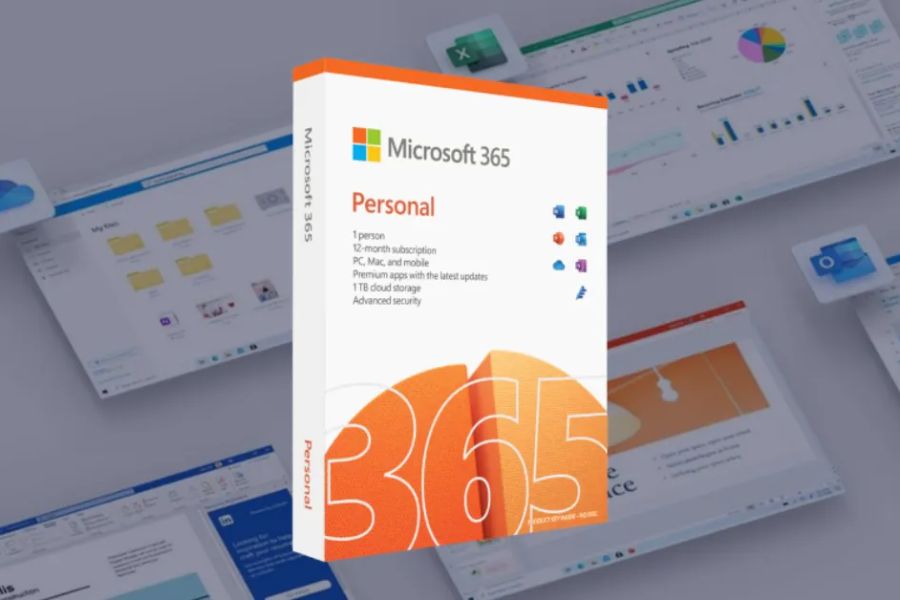
SaDesign specializes in providing licensed software and technology solutions for individuals, businesses, and content creators. The Office 365 upgrade package at SaDesign includes a licensed Office 365 account and 1TB of OneDrive storage, upgraded directly to the customer's primary email address.
When you use the Office 365 and OneDrive 1TB package at SaDesign, you will receive many outstanding benefits such as:
-
Upgrade directly using your primary email address.
-
Use all licensed Microsoft applications.
-
Synchronize data quickly across multiple devices.
-
Data security is better compared to non-licensed versions.
-
Technical support is provided throughout the usage period.
Upgrading to your primary email address gives users full control over their account, ensuring stability, security, and convenience for long-term use.
4. Who should upgrade to Office 365 and OneDrive 1TB?
The Office 365 upgrade package is suitable for a wide range of users, especially those who frequently work with documents and need to store data in the cloud. Suitable users include:
-
Office staff handle reports, contracts, and spreadsheets.
-
Students are required to complete group assignments and archive study materials.
-
Teachers prepare lesson plans and share materials online.
-
Freelancers work remotely on multiple devices.
-
Businesses need to manage data and foster effective team collaboration.
If you frequently use Word, Excel, or PowerPoint and need ample storage space, a 1TB OneDrive drive will make your work much more convenient and secure.
5. Why should you upgrade to Office 365 at SaDesign?
SaDesign not only provides licensed accounts but also offers a fast upgrade process and dedicated support services. Customers can upgrade directly to their primary email address, without needing to create a new account, and receive activation support in a short time. Reasons to choose SaDesign:
-
Upgrade quickly using your primary email address.
-
The licensed account is stable.
-
Lifetime warranty.
-
Technical support is available in case of problems.
-
A team of professional consultants and customer service representatives.
This is a suitable solution for users who want to use Office 365 long-term, securely, and cost-effectively.
6. Conclusion
Upgrading to Office 365 with 1TB of OneDrive storage is a smart choice, giving you access to a licensed suite of office tools, ample storage, and state-of-the-art security. With the ability to work across multiple devices, fast data synchronization, and real-time collaboration support, Office 365 effectively meets the needs of learning, working, and data management in the digital age. If you're looking for a stable, licensed Office account, upgrades via your own email, and ongoing technical support, SaDesign is a reliable place to start experiencing the Microsoft ecosystem professionally, securely, and affordably.





















VIP Products








Best Selling Products
Plugin Retouch4me
69 USD
Upgrade Duolingo Super
29 USD
Genuine Cheap Canva Pro
39 USD
ChatGPT Plus Account (GPT-4)
16 USD
Adobe Photoshop Copyright - Full App
120 USD
Adobe Premiere Pro Account
99 USD
Copyright Adobe Lightroom Account
59 USD
MidJourney Account
29 USD
Freepik Premium Account
59 USD
Capcut Pro 1 Year
39 USD
Upgrade Genuine Office 365
49 USD
Upgrade genuine Capture One account
120 USD
Autodesk All App Account Copyright
120 USD
Genuine Adobe Illustrator account
99 USD
Windows 10 & 11 Pro Key
36 USD