Best Selling Products

Upgrade genuine Capture One account
120 USD

Plugin Retouch4me
69 USD

Genuine Adobe Illustrator account
99 USD

Adobe Photoshop Copyright - Full App
120 USD

Capcut Pro 1 Year
39 USD

Upgrade Duolingo Super
29 USD

Copyright Adobe Lightroom Account
59 USD

MidJourney Account
29 USD

ChatGPT Plus Account (GPT-4)
16 USD

Freepik Premium Account
59 USD

Autodesk All App Account Copyright
120 USD

Genuine Cheap Canva Pro
39 USD

Adobe Premiere Pro Account
99 USD

Upgrade Genuine Office 365
49 USD

Windows 10 & 11 Pro Key
36 USD
Applications of AI in Design and Supporting Tools
Nội dung
- 1. How is AI being used in design?
- 2. What benefits does AI bring to design?
- 3. How do designers use AI?
- 4. Outstanding AI tools in design
- 4.1 ChatGPT: A powerful support tool for designers
- 4.2 MidJourney: Exploring AI art
- 4.3 DALL-E 2: Artwork from text
- 4.4 Canva: A simple and effective design platform
- 4.5 Jasper.ai: Creating creative content with AI
- 5. Where should AI tools be upgraded?
- 6. Conclusion
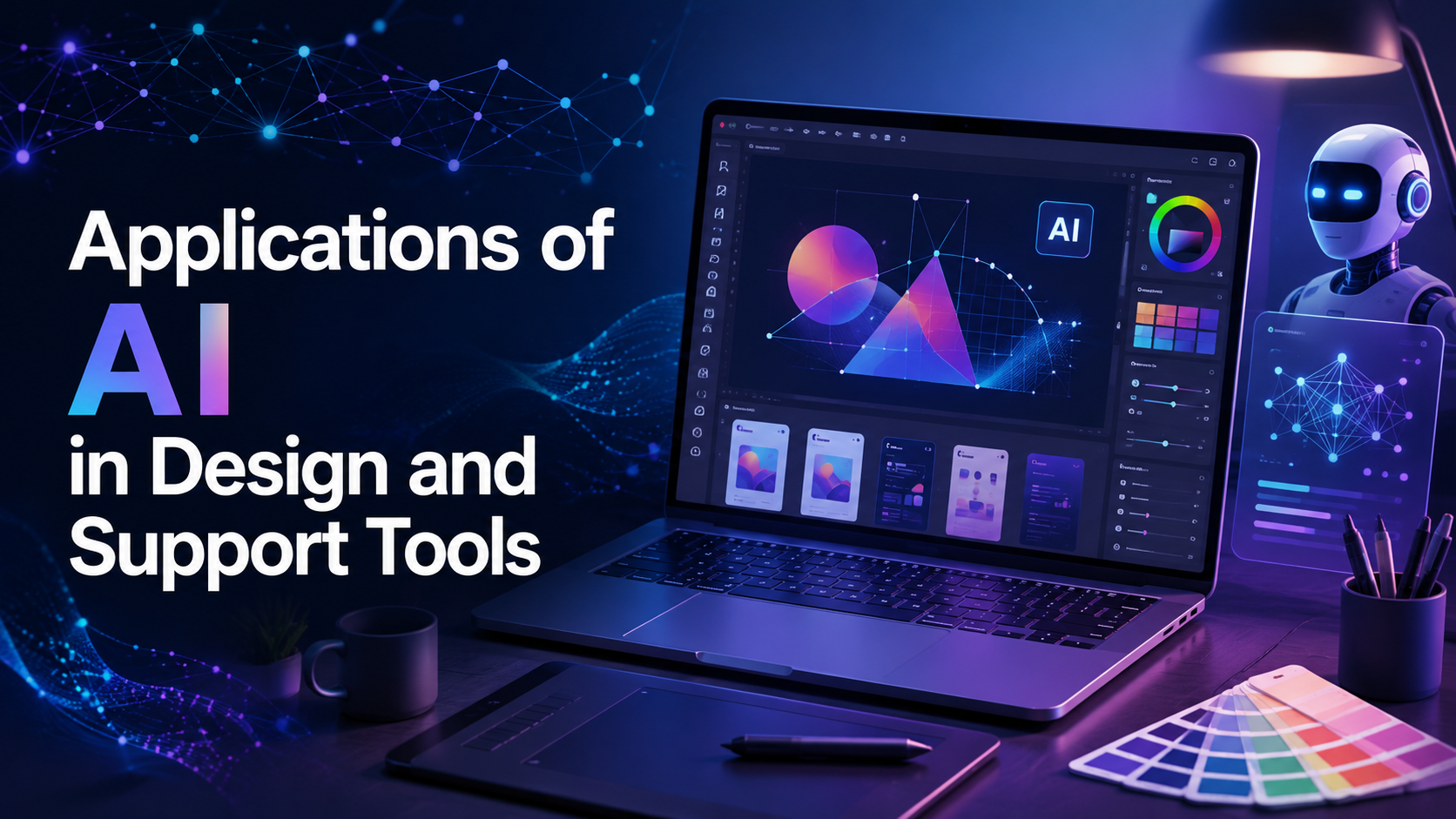
In the era of Industry 4.0, artificial intelligence (AI) has become an indispensable part of many fields, including design. AI not only helps optimize workflows but also opens up new creative approaches, helping designers improve product efficiency and quality. From automatically creating design templates to analyzing user data to provide appropriate solutions, the applications of AI in design are becoming increasingly diverse and abundant.
1. How is AI being used in design?
In today’s world, artificial intelligence (AI) is creating significant innovations in the field of design. Simply put, AI is the ability of machines to perform tasks that were previously mainly carried out by humans. With the ability to analyze enormous amounts of data, AI not only helps designers optimize their workflows but also opens up new creative opportunities. Current AI tools can help generate ideas, conduct market research, suggest adjustments, and even create design prototypes quickly and effectively.
What is particularly special is that AI helps designers save a significant amount of time. Repetitive and time-consuming tasks can now be automated, allowing them to focus on the more creative aspects of their work. According to research from Deloitte, 57% of business leaders predict that AI will “significantly transform” their companies within the next three years. This demonstrates the enormous potential of AI in improving work performance and creating innovative products.
In fact, AI does not merely stop at providing support but also helps designers expand their creative capabilities. When mundane tasks are automated, designers can spend more time developing new and unique ideas. Cases such as Airbnb and Netflix have clearly demonstrated the application of AI in design, from automatically generating code to personalizing content. These advances not only help improve the design process but also create better experiences for users.
.png)
2. What benefits does AI bring to design?
AI brings four main benefits to design and designers, with each benefit contributing to improved performance and work quality. The first is efficiency. AI helps optimize time-consuming tasks such as planning and research. For example, AI can summarize meeting notes or provide concise summaries of lengthy documents, allowing designers to focus on more important tasks.
The second is its ability to provide guidance. AI can provide personalized guidance within workflows, helping users find the information they need without spending time searching. This not only saves time but also improves designers’ skills, helping them develop in their careers.
Finally, AI brings an entertainment value that cannot be ignored. Designers are using AI to create games, virtual characters, and other engaging modules. This not only enriches the user experience but also creates interesting and innovative products. Thanks to AI, designers can work more efficiently, more quickly, and more creatively than ever before.
3. How do designers use AI?
There are countless ways designers can use AI to enhance their creative process. First, AI technology makes it possible to turn text into images. Designers only need to enter a prompt and adjust various settings, after which AI will create a completely new image based on their requirements. This not only saves time but also opens up many unique visual ideas that they can explore.
Second, the “image-to-image” tool (img2img) allows AI to use an existing image as a source and create new variations. This helps designers develop different versions of a product without having to start from scratch, thereby making it easier to adjust and improve the original design.
In addition, “text-to-text” tools allow users to easily create new content, such as translated versions or other creative ideas. Finally, “text-to-video” conversion tools help AI use text to create engaging video content. This not only improves the ability to communicate messages but also helps designers expand their creativity through many different forms.
.png)
4. Outstanding AI tools in design
4.1 ChatGPT: A powerful support tool for designers
OpenAI’s ChatGPT is a powerful AI chatbot that works as a natural language processing tool. Imagine it as a version of autocomplete, but with capabilities that are 1,000 times more advanced. Trained on an enormous amount of data, ChatGPT is capable of generating coherent and contextually appropriate conversational responses. The latest version, ChatGPT-4, offers more advanced techniques and extensive training data, helping users easily interact and receive responses on many different topics, including design.
One of ChatGPT’s outstanding strengths is its ability to provide creative design ideas. You can ask it to suggest new ideas based on the enormous database on which it was trained, thereby helping expand design concepts and styles. Furthermore, ChatGPT also supports research and development, helping users address potential problems and biases during the design process. This not only creates a more effective working environment but also ensures that its responses are ethically responsible.
At a price of USD 20 per month for ChatGPT Plus, users can access this most powerful version. However, older versions are still free, allowing many users to experience AI technology without making a large investment. ChatGPT is not only a tool but also a reliable companion in designers’ creative processes.
.png)
4.2 MidJourney: Exploring AI art
While ChatGPT focuses on text, MidJourney is a unique AI artwork creation tool that turns text into images. This opens up a world of endless potential for designers, allowing them to explore and create unique works of art from brief descriptions. With MidJourney, creating impressive images has become easier and faster than ever before.
MidJourney is not merely an image creation tool; it also provides many powerful features, such as “Image Remix,” which allows designers to turn real-life photographs into stylized works of art. The “Inpainting” and “Expand Image” features help completely eliminate tedious design steps, allowing users to focus on developing creative ideas. This helps save time and improve work efficiency during the design process.
With various pricing plans, including options ranging from USD 10 to USD 60 per month, MidJourney is suitable for every user’s needs, from individuals to businesses. In addition, you can also choose an annual plan with attractive discounts. MidJourney is truly an indispensable tool for those who are passionate about creating art through technology.
4.3 DALL-E 2: Artwork from text
OpenAI’s DALL-E 2 is another outstanding AI system for creating realistic images and artwork from text descriptions. With the ability to support many different drawing styles, DALL-E 2 provides designers with a powerful tool for bringing their creative ideas to life. The feature that expands images beyond the original canvas allows users to create larger compositions, delivering unlimited flexibility and creativity.
DALL-E 2 is designed to be easy to use and highly user-friendly. Users can create variations of an image while maintaining the original image style, thereby helping them easily adjust and develop their designs. This system also provides users with a rich artistic exploration experience, ranging from classical paintings to modern works.
Although DALL-E 2 has a free trial version and provides several free credits each month, designers who use it regularly will need to purchase credits. The current price is USD 15 for 115 credits, equivalent to approximately USD 0.13 per prompt or USD 0.0325 per image. DALL-E 2 is truly a versatile tool that helps designers freely create and bring their unique ideas to life.
4.4 Canva: A simple and effective design platform
Launched in 2013, Canva quickly became a leading visual communication and design platform. Created with the purpose of empowering everyone to easily create and publish content, Canva has integrated various AI technologies to improve the user experience. The platform provides thousands of customizable templates, allowing users to easily create professional designs without requiring previous design experience.
Canva provides many powerful tools similar to Photoshop, such as Magic Eraser and Magic Resize, helping users perform editing operations quickly and effectively. The Magic Resize feature automatically changes the size of any graphic to another size, eliminating the tedious resizing steps that many designers face. This helps save time and improve work performance.
Canva has a free version that includes an extensive library of vector graphics, templates, and stock images. For users who need more features, Canva Pro costs USD 12.99 per month, unlocking premium graphics, images, and features, helping users easily create high-quality design products. Canva has truly become an indispensable tool for designers in the digital era.
.png)
4.5 Jasper.ai: Creating creative content with AI
Jasper.ai is a powerful tool that provides the ability to create text-to-image artwork while also supporting content writing for advertisements, articles, and many other forms of communication. With the ability to create realistic images and illustrations, Jasper.ai helps designers be creative not only with images but also with written content.
One of Jasper.ai’s outstanding features is its plagiarism checker and revision history, helping users ensure the originality of their content. In addition, this tool also allows users to customize their brand voice, with “Boss Mode” allowing users to have greater control during the content creation process. With many copy templates, Jasper.ai helps users easily direct AI advertising and create engaging content.
Jasper.ai has three popular pricing plans, including Creator at USD 39 per month, Teams at USD 99 per month, and Business with customized pricing. These plans all offer trials so users can experience them before making a commitment. With the ability to create high-quality content and impressive images, Jasper.ai is truly an indispensable tool for designers and marketers in developing their brands.
5. Where should AI tools be upgraded?
If you are looking for high-quality AI tools at affordable prices, Appvip is an ideal destination. Here, you will find a wide range of diverse AI tools, from graphic design to natural language processing, serving many different purposes. Appvip not only provides advanced tools but also makes them easily accessible, helping you save time and costs during the creative process.
What is particularly special about Appvip is its commitment to the quality and performance of its AI tools. Each product is thoroughly tested by a team of experts before reaching users. This ensures that you not only receive powerful tools but also dedicated support from the technical team, helping you overcome every difficulty during use.
In addition, Appvip regularly offers promotional programs and flexible subscription packages, helping users easily choose according to their needs and budgets. With competitive prices, Appvip is not only a place to upgrade AI tools but also a reliable partner for those who want to improve their work performance and creativity in the field of design.
.png)
6. Conclusion
In summary, artificial intelligence is changing the way we approach design, from creating products to improving the user experience. AI supporting tools not only help save time but also create innovative and unique products. As technology continues to develop, the application of AI in design will become increasingly widespread, opening up new opportunities for designers and businesses. To avoid being left behind, understanding and applying AI in this field is essential.





















VIP Products








Best Selling Products
Upgrade genuine Capture One account
120 USD
Plugin Retouch4me
69 USD
Genuine Adobe Illustrator account
99 USD
Adobe Photoshop Copyright - Full App
120 USD
Capcut Pro 1 Year
39 USD
Upgrade Duolingo Super
29 USD
Copyright Adobe Lightroom Account
59 USD
MidJourney Account
29 USD
ChatGPT Plus Account (GPT-4)
16 USD
Freepik Premium Account
59 USD
Autodesk All App Account Copyright
120 USD
Genuine Cheap Canva Pro
39 USD
Adobe Premiere Pro Account
99 USD
Upgrade Genuine Office 365
49 USD
Windows 10 & 11 Pro Key
36 USD