Best Selling Products

Genuine Adobe Illustrator account
99 USD

Upgrade genuine Capture One account
120 USD

MidJourney Account
29 USD

Upgrade Genuine Office 365
49 USD

Freepik Premium Account
59 USD

Adobe Premiere Pro Account
99 USD

Adobe Photoshop Copyright - Full App
120 USD

Plugin Retouch4me
69 USD

Copyright Adobe Lightroom Account
59 USD

Genuine Cheap Canva Pro
39 USD

Capcut Pro 1 Year
39 USD

ChatGPT Plus Account (GPT-4)
16 USD

Autodesk All App Account Copyright
120 USD

Windows 10 & 11 Pro Key
36 USD

Upgrade Duolingo Super
29 USD
Basic Lightroom Knowledge for Photographers & Creators
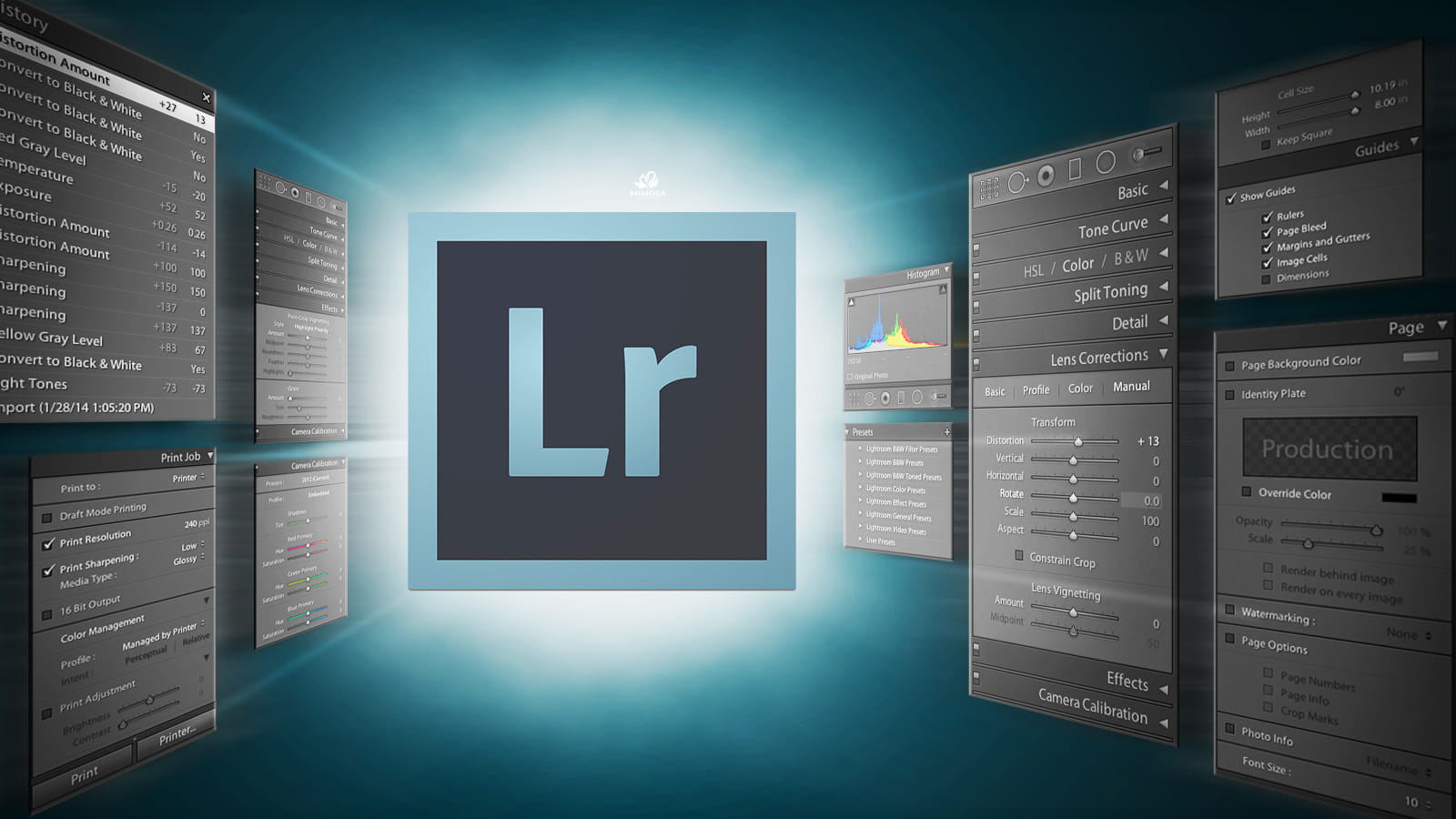
This article helps you understand how Lightroom works and why it is the most popular photo editing tool today. From library management and color correction to image export, all the fundamental concepts are explained in an easy-to-understand way. Suitable for beginners as well as those who want to reinforce their foundation.
1. Inspiration & Learning
One of Lightroom’s unique strengths that many users have yet to fully explore is its integrated learning ecosystem and creative community. Lightroom is not just a photo editing tool but also a platform that continuously inspires users and helps them develop their skills.
The Lightroom Community Feed allows you to discover how photographers around the world process their images. You can view every editing step, understand how they adjust colors, lighting, contrast, tones, and the emotions conveyed in their photos. This is an incredibly effective visual learning method because you not only see the final result but also understand the process behind it.
A particularly useful feature is the ability to download presets shared by the community and apply them directly to your own photos. Presets not only save time but also help you learn about color grading, mood creation, and image styling. When applying a preset, you can examine the settings used and adjust them to suit your own images. This is one of the fastest ways to understand the logic of color editing in Lightroom.
(1).gif)
The Remix feature is an exciting advancement in learning. You can take another creator’s image from the community and edit it in your own style. This creates an open creative environment where you can compare different editing approaches from various users. After editing, you can publish your version for others to view and learn from.
In Lightroom Desktop and Lightroom Web, the Learn section provides more than 750 interactive tutorials created by some of the world’s leading photographers. These lessons are designed for all skill levels, from beginner to advanced, helping newcomers avoid feeling overwhelmed while still offering experienced users opportunities to grow. The content is available in more than two dozen languages, making learning more accessible.
%20(1)(1).jpg)
The tutorials in Lightroom are not simply videos; they are interactive lessons. You edit directly on sample files and follow step-by-step instructions, allowing you to clearly understand the effect of each tool. This learning approach is far more effective than simply watching theoretical explanations. You can study topics such as portrait editing, landscape photography, night photography, cinematic looks, or focus on specific tools like Tone Curve, Color Grading, Masking, Presets, AI Select Subject, and more.
Thanks to this learning ecosystem and community, Lightroom is not only a tool but also an environment that helps you develop visual thinking, build your personal style, and maintain long-term creative inspiration.
2. Installing Lightroom
To begin your Lightroom journey, the first thing you need to do is install the version that best suits your needs. In this series, we will work with Adobe Lightroom Cloud, the modern version developed by Adobe to optimize synchronization and multi-device workflows.
If you have never used Lightroom before, you can download a free trial from Adobe’s official website. On a computer, simply install the Creative Cloud application, sign in with your Adobe account, and choose to install Lightroom. If you already subscribe to an Adobe Photography Plan or Creative Cloud plan, Lightroom is usually included in your package.
For mobile users, simply visit the App Store or Google Play, search for “Adobe Lightroom,” and install it for free. Lightroom Mobile is nearly as powerful as the desktop version, making it especially suitable for smartphone photographers, content creators, travel bloggers, or anyone who needs to edit photos quickly.
%20(1).jpg)
One of the greatest advantages of modern Lightroom is the Adobe Cloud storage system. When you import photos into Lightroom, the images are synchronized to the cloud and can be accessed across multiple devices, including computers, smartphones, tablets, and the web. This creates a flexible workflow that allows you to start editing on your computer and continue on your phone, or vice versa.
For example, you can capture photos with a camera, import them into Lightroom on your computer, make preliminary edits, and then continue refining the colors on your phone while traveling. All changes are automatically synchronized in real time. This is a major advantage compared to traditional photo editing software.
Within Lightroom, you can also browse photos from external drives or local folders through the Local tab. This provides greater flexibility when working with large datasets or images that you do not want to upload to the cloud. All edits remain non-destructive, meaning the original files are never altered.
Lightroom Classic is the traditional version in which photos are stored on your computer or local storage drives. This version is ideal for professional photographers who need to manage extensive libraries and maintain detailed file control. Lightroom Cloud, on the other hand, is designed for a modern, flexible, and mobile workflow.
The important thing to remember is that Lightroom Classic and Lightroom Cloud use the same image processing engine, so the editing quality is equivalent. You can edit images in one application and maintain the same quality when opening them in the other.
3. Key Features of Lightroom
Lightroom is designed to optimize the entire image workflow, from library management to advanced editing and publishing. One of its core features is its intelligent photo management system. You can rate images with stars, flag them, categorize them, search by keywords, and even find photos using AI content recognition such as “sky,” “portrait,” “night,” or “food.” This allows you to handle thousands of photos while maintaining full control over your collection.
The editing tools in Lightroom are built around the logic of light and color. You can adjust exposure, contrast, highlights, shadows, white balance, clarity, texture, dehaze, and more to control the entire tonal range of an image. Tone Curve allows for more precise light adjustments, while HSL gives you control over individual color channels.
Color Grading is a powerful tool for creating cinematic moods. You can separately adjust colors in shadows, midtones, and highlights, allowing you to develop your own unique color style. This is a tool widely used by photographers and filmmakers alike.
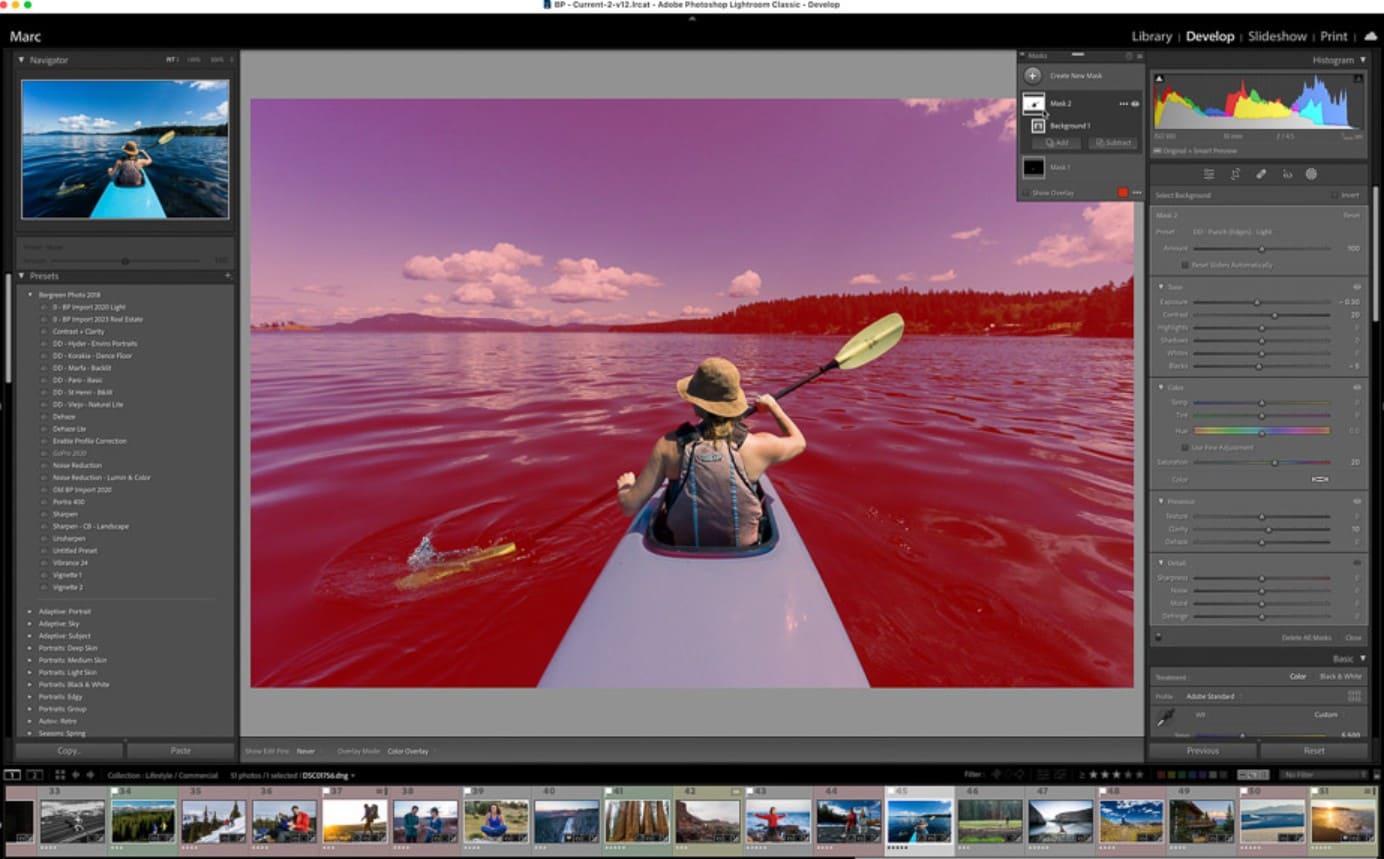
Masking and AI Select are major advancements in modern Lightroom. You can isolate subjects, skies, backgrounds, or specific lighting areas for local adjustments without affecting the entire image. This helps create depth, separate subjects from the background, and improve overall image quality.
Preset functionality is another important feature that accelerates workflow. You can save your editing style and apply it to multiple photos with a single click. This is especially useful when maintaining consistency across a brand, portfolio, or social media presence.
Lightroom also supports RAW photo editing, preserving the maximum amount of detail and dynamic range. This is particularly important for professional photographers. In addition, Lightroom includes tools such as Lens Correction, Noise Reduction, Sharpening, Healing, Crop, Geometry, and more to help you perfect your images.
The Export feature allows you to output images in various formats, sizes, quality settings, and color profiles suitable for web use, printing, or social media. You can also share images directly from Lightroom to cloud galleries or social networks.
Lightroom is not just a photo editing application; it is a complete creative platform. From learning and management to processing and sharing, Lightroom helps transform raw photos into polished images with professional quality. Whether you are a beginner or an experienced user, understanding the fundamentals of Lightroom is an essential first step toward building an efficient workflow.
More importantly, Lightroom does not replace your creativity—it supports it. The tools are only a means to an end. The way you perceive light, color, and the story within an image is what truly matters. When technical knowledge is combined with artistic sensitivity, you not only create better edits but also tell visual stories in a clearer and more meaningful way.





















VIP Products








Best Selling Products
Genuine Adobe Illustrator account
99 USD
Upgrade genuine Capture One account
120 USD
MidJourney Account
29 USD
Upgrade Genuine Office 365
49 USD
Freepik Premium Account
59 USD
Adobe Premiere Pro Account
99 USD
Adobe Photoshop Copyright - Full App
120 USD
Plugin Retouch4me
69 USD
Copyright Adobe Lightroom Account
59 USD
Genuine Cheap Canva Pro
39 USD
Capcut Pro 1 Year
39 USD
ChatGPT Plus Account (GPT-4)
16 USD
Autodesk All App Account Copyright
120 USD
Windows 10 & 11 Pro Key
36 USD
Upgrade Duolingo Super
29 USD