Best Selling Products

Upgrade genuine Capture One account
120 USD

Autodesk All App Account Copyright
120 USD

Capcut Pro 1 Year
39 USD

Upgrade Genuine Office 365
49 USD

MidJourney Account
29 USD

Plugin Retouch4me
69 USD

ChatGPT Plus Account (GPT-4)
16 USD

Genuine Adobe Illustrator account
99 USD

Windows 10 & 11 Pro Key
36 USD

Freepik Premium Account
59 USD

Adobe Photoshop Copyright - Full App
120 USD

Copyright Adobe Lightroom Account
59 USD

Adobe Premiere Pro Account
99 USD

Upgrade Duolingo Super
29 USD

Genuine Cheap Canva Pro
39 USD
Buy Premiere CC – Professional Photo Editing Software
Nội dung
- 1. What is Adobe Premiere CC?
- 2. Outstanding features of Adobe Premiere CC
- 2.1 Editing multiple video formats
- 2.2 Smooth transitions
- 2.3 Unique effects
- 2.4 Top-tier video quality
- 2.5 Other features
- 3. System requirements for Premiere CC
- 4. Benefits of using Premiere CC
- 5. How to download Premiere CC from Adobe safely
- 6. Guide to installing Premiere CC
- 6.1 How to install Premiere CC on MacBook
- 6.2 How to install Premiere CC on Windows PC
- 7. Where to buy licensed Premiere CC
- 8. Conclusion
Premiere CC is one of the leading professional video editing software available today, widely chosen by users ranging from individual content creators to filmmakers, marketers, and businesses.
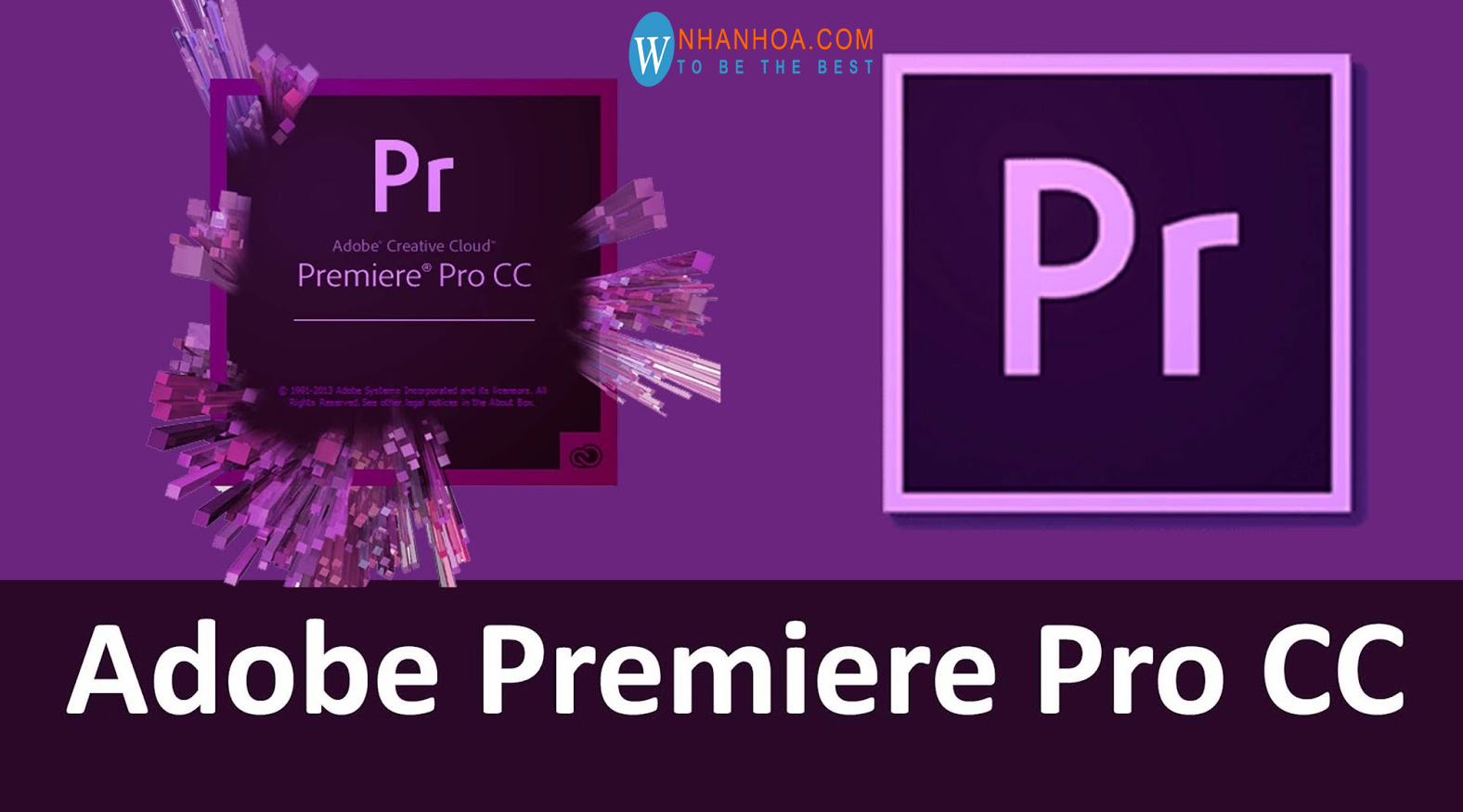
1. What is Adobe Premiere CC?
Premiere CC is a professional video editing software within the Adobe ecosystem, developed from the well-known Adobe Premiere Pro application and continuously upgraded over the years. It is a powerful tool that allows users to edit videos across multiple layers, cut and merge flexibly, add visual effects, titles, transitions, and process audio in detail. Thanks to its intuitive yet feature-rich interface, Premiere CC is suitable for beginners, professional editors, content creators, and video production businesses.
Not limited to basic editing, Premiere CC also supports exporting high-quality videos from Full HD to 4K, and integrates well with other Adobe software such as After Effects and Photoshop, helping optimize workflows. Over time, Premiere CC has been improved in performance, rendering speed, and effect processing, delivering a smoother and more professional experience. If you are looking for a modern, flexible, and powerful video editing solution, Premiere CC is definitely worth considering.
.jpg)
2. Outstanding features of Adobe Premiere CC
2.1 Editing multiple video formats
One of the standout strengths of Premiere CC is its ability to support and edit multiple video formats without requiring complex conversions. From common formats like MP4 to high-quality files such as MOV or AVI, the software handles them smoothly. This helps users save time, especially professional editors working with large files and high-quality requirements. As a result, Premiere CC becomes a flexible tool that meets both basic and advanced needs.
2.2 Smooth transitions
Premiere CC provides an extremely smooth editing experience with a rich and refined transition system. Users can easily create natural transitions without feeling forced or disconnected, making videos more seamless and professional. Especially for long videos that need to be cut into smaller clips for social media, Premiere CC intelligently processes them while preserving emotion and authenticity.
2.3 Unique effects
The effects library of Premiere CC is one of the reasons why this software is so popular. From slow motion, fast motion, to visual effects like shake, zoom, flip, or vintage styles, everything helps make videos more dynamic and engaging. Additionally, users can customize effects according to their own style, creating a personal signature in each video without needing many additional tools.
2.4 Top-tier video quality
Not only strong in editing, Premiere CC also stands out for its ability to export videos in extremely high quality. Users can choose resolutions from HD, Full HD to 4K, 6K, or even 8K, ensuring sharp and professional visuals. This is an important factor in retaining viewers, especially in today’s competitive digital content environment. Premiere CC helps you create high-quality products while optimizing file size.
2.5 Other features
In addition to core features, Premiere CC also integrates many creative tools such as motion titles, advanced color grading, a diverse font library (including Vietnamese), easy music insertion, and quick subtitle creation. As a result, users can complete videos from A to Z within a single software. Premiere CC is not just an editing tool but a comprehensive solution to tell stories through video in an impressive and professional way.
.jpg)
3. System requirements for Premiere CC
| Index | Recommended minimum system requirements for Premiere CC |
| CPU | Intel® Core i7 or AMD Ryzen™ 3000 Series or higher |
| Operating system | Windows 10 (64-bit) + Microsoft DirectX 12 support |
| RAM | 16GB (HD video) – 32GB (4K video and above) |
| Hard drive | SSD (large capacity recommended for video file processing) |
| Screen resolution | 1920 x 1080 pixels (Full HD) |
4. Benefits of using Premiere CC
Using Premiere CC brings many outstanding benefits, especially as video becomes the dominant content format across digital platforms. It is not just a simple editing tool but also helps enhance video quality, optimize workflows, and develop professional editing skills. With a strong ecosystem and large user community, learning and using this software becomes easier than ever.
Widely used: Trusted by professional editors, YouTubers, and filmmakers for its stability and powerful processing
Large community: Easy access to tutorials, plugins, presets, and templates to save editing time
Continuous updates: Creative Cloud version is regularly upgraded with new features and improved performance
Workflow optimization: Seamless integration with other software for faster editing
Improved product quality: Supports high-resolution export for more professional and engaging content
5. How to download Premiere CC from Adobe safely
To install Premiere CC correctly, avoid errors, and always get the latest version, you should download directly from Adobe following these steps:
Step 1: Visit Adobe homepage and go to the Premiere Pro page
Step 2: Log in or create an Adobe ID account
Step 3: Choose “Free Trial” to experience full features for 7 days
Step 4: Download Adobe Creative Cloud Desktop
Step 5: Install Premiere CC via Creative Cloud
.jpg)
6. Guide to installing Premiere CC
6.1 How to install Premiere CC on MacBook
To install Premiere CC on MacBook quickly and properly, follow these steps:
Step 1: Open the installer file, right-click Install, choose “Show Package Contents”
Step 2: Go to MacOS folder, run Install and enter password if required
Step 3: Click Continue and follow instructions
(1).jpg)
6.2 How to install Premiere CC on Windows PC
The installation process on PC is also simple:
Step 1: Open installer, right-click Open, click Continue
Step 2: Go to Apps in Creative Cloud, find Premiere Pro and click Install
Step 3: System checks configuration and installs suitable version
.jpg)
7. Where to buy licensed Premiere CC
Choosing a reputable place to buy a licensed Premiere CC is important to ensure data safety, stable usage, and full updates. Besides purchasing directly from Adobe, many users choose trusted intermediary platforms to optimize costs while maintaining service quality. One notable platform is AppVip.ai a comprehensive software and technology account provider trusted by many users.
AppVip.ai not only provides software packages but also offers an all-in-one AI ecosystem to optimize content creation, photo and video editing, and data processing. It integrates powerful models such as ChatGPT, Claude, and Gemini, helping users work efficiently with just one account. When purchasing Premiere CC here, users often receive installation support, detailed guidance, and long-term stable usage. This is a suitable choice for individuals, freelancers, and businesses looking for licensed software at a reasonable cost with professional experience.
8. Conclusion
Buying Premiere CC is not just an investment in video editing software but also a strategic step to improve product quality and optimize workflow in the booming digital content era. With powerful features from flexible timeline editing, advanced visual effects processing, creative title design, to detailed audio mixing, Premiere CC meets nearly all needs from basic to advanced. In addition, using a genuine licensed version ensures stability, avoids security risks, and allows full access to the latest updates from the developer. Whether you are a beginner or experienced editor, Premiere CC remains a valuable choice to develop skills and create professional, impressive, and engaging videos. In an increasingly competitive content landscape, owning Premiere CC is the key to elevating quality and establishing your unique identity in the market.





















VIP Products








Best Selling Products
Upgrade genuine Capture One account
120 USD
Autodesk All App Account Copyright
120 USD
Capcut Pro 1 Year
39 USD
Upgrade Genuine Office 365
49 USD
MidJourney Account
29 USD
Plugin Retouch4me
69 USD
ChatGPT Plus Account (GPT-4)
16 USD
Genuine Adobe Illustrator account
99 USD
Windows 10 & 11 Pro Key
36 USD
Freepik Premium Account
59 USD
Adobe Photoshop Copyright - Full App
120 USD
Copyright Adobe Lightroom Account
59 USD
Adobe Premiere Pro Account
99 USD
Upgrade Duolingo Super
29 USD
Genuine Cheap Canva Pro
39 USD