Best Selling Products

MidJourney Account
29 USD

Genuine Cheap Canva Pro
39 USD

Copyright Adobe Lightroom Account
59 USD

Upgrade Genuine Office 365
49 USD

Adobe Premiere Pro Account
99 USD

Windows 10 & 11 Pro Key
36 USD

Adobe Photoshop Copyright - Full App
120 USD

Genuine Adobe Illustrator account
99 USD

Capcut Pro 1 Year
39 USD

Upgrade Duolingo Super
29 USD

ChatGPT Plus Account (GPT-4)
16 USD

Upgrade genuine Capture One account
120 USD

Plugin Retouch4me
69 USD

Autodesk All App Account Copyright
120 USD

Freepik Premium Account
59 USD
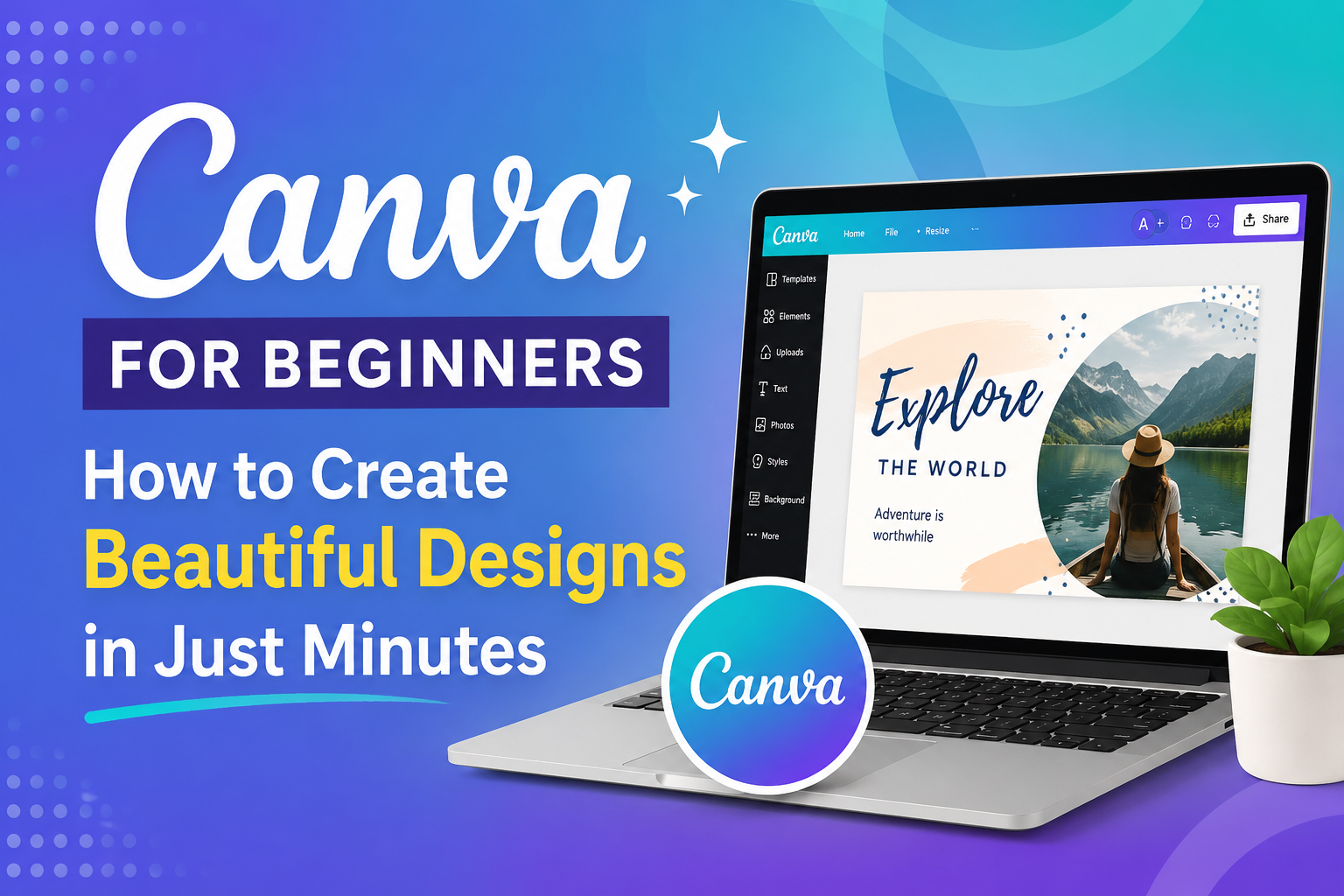
Canva for Beginners: How to Create Beautiful Designs in Just Minutes
Nội dung
- 1. What is Canva?
- 2. Why is Canva suitable for beginners?
- 2.1 User-Friendly Interface
- 2.2 Massive Design Template Library
- 2.3 Operates on Multiple Devices
- 3. What do beginners need to prepare for Canva?
- 4. A Guide to Registering for Canva for Beginners
- 4.1 Creating a Canva Account
- 4.1 Getting to Know the Canva Homepage
- 5. Steps to Create a Design in Canva
- 5.1 Step 1: Choose Design Type
- 5.2 Step 2: Choose a Pre-Made Template
- 5.3 Step 3: Edit Content
- 5.4 Step 4: Download or Share
- 6. Essential Canva Tools for Beginners
- 6.1 Text Tools
- 6.2 Image Library
- 6.3 Elements
- 6.4 AI Tools on Canva
- 7. Common Mistakes Beginners Make When Using Canva
- 7.1 Using Too Many Colors
- 7.2 Choosing Too Many Fonts
- 7.3 Overcrowding with Content
- 8. Tips for Creating Beautiful Designs on Canva in Just a Few Minutes
- 8.1 Using Professional Templates
- 8.2 Applying the 60-30-10 Rule
- 8.3 Utilizing Drag and Drop Features
- 9. Comparing Canva Free, Canva Pro, and Canva for Students
- 10. Where is a reputable place to upgrade Canva Pro?
- 11. Conclusion
If you''re learning Canva as a beginner, this article will help you understand how to use Canva from the most basic steps.
1. What is Canva?
Canva is an online graphic design platform developed to help people create professional-looking visuals without needing extensive design knowledge. Instead of using complex software like Photoshop or Illustrator, Canva offers a simple, intuitive drag-and-drop interface that is extremely easy to learn.
Canva's standout feature is its vast resource library, boasting millions of design templates, images, icons, fonts, and videos. Users simply choose a pre-made template, edit the content to their needs, and can complete their project in a short amount of time. This simplicity has made Canva a top choice for students, office workers, online shop owners, and content creators.
2. Why is Canva suitable for beginners?
2.1 User-Friendly Interface
One of Canva's biggest advantages is its user-friendly interface. Even if you've never used design software before, you can quickly get familiar with it after just a few minutes of use.
The tools are organized scientifically and clearly. Users simply drag and drop to add images, text, or decorative elements to their designs. This significantly reduces learning and practice time.
2.2 Massive Design Template Library
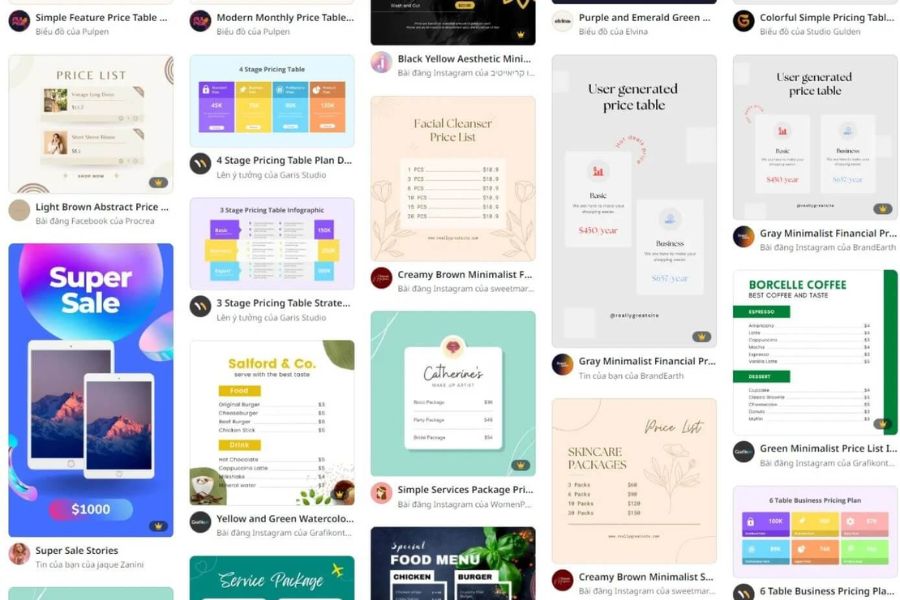
Canva offers thousands of design templates across various fields, including Facebook posts, Instagram posts, TikTok posts, advertising banners, resumes, infographics, and presentation slides.
Thanks to pre-designed templates provided by our professional team, beginners don't need to overthink layout or color schemes. Simply changing the content is enough to create an attractive design.
2.3 Operates on Multiple Devices
Canva supports use on computers, phones, and tablets. Users can design anytime, anywhere, without being limited by the device.
Data synchronized on the cloud platform makes it easy to continue working on what you're doing even when switching between different devices.
3. What do beginners need to prepare for Canva?
To start using Canva effectively, you just need to prepare a few basic things:
-
Canva account
-
A computer or phone with an internet connection.
-
Simple design ideas
-
Images or content to be used
-
Basic knowledge of color and composition
The great thing is that Canva has optimized almost the entire design process, meaning users don't need to invest too much time in initial learning.
4. A Guide to Registering for Canva for Beginners
4.1 Creating a Canva Account
Registering with Canva is very simple. Users can create an account using their email, Google, or Facebook account in just a few minutes. After completing registration, Canva will suggest several uses such as learning, business, or content creation. These options help the system suggest more suitable design templates.
4.1 Getting to Know the Canva Homepage
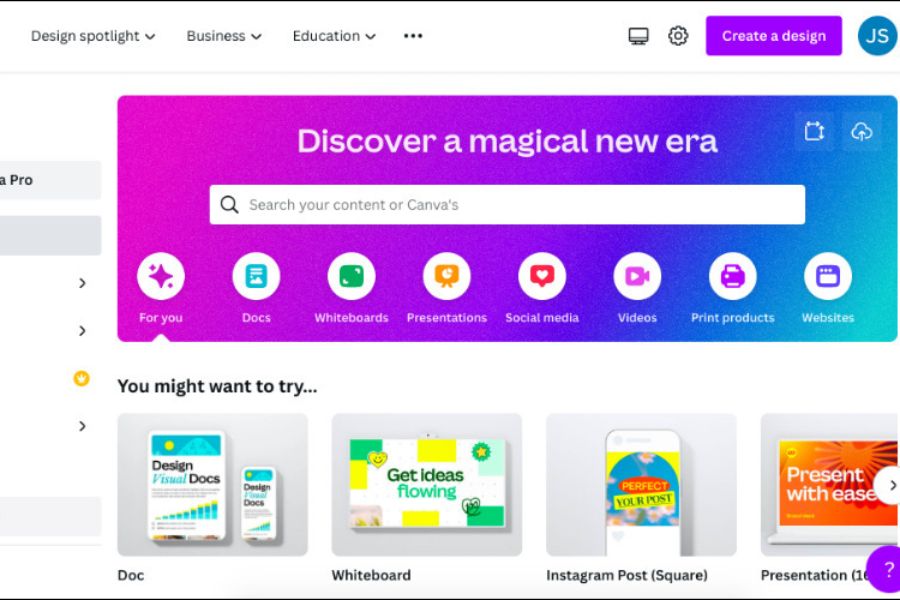
Once you've successfully logged in, you'll see the main interface with a search bar and design template categories. Here, you can quickly search for design types such as posters, banners, logos, Instagram stories, or TikTok videos. Canva also displays saved designs for easy project management.
5. Steps to Create a Design in Canva
5.1 Step 1: Choose Design Type
Canva offers many pre-designed sizes optimized for each platform. For example:
-
Facebook Post
-
Instagram Story
-
YouTube Thumbnail
-
TikTok Video
-
Poster
-
Flyer
-
Presentation
Choosing the right format from the start helps the product display attractively on the target platform.
5.2 Step 2: Choose a Pre-Made Template
After selecting a design type, Canva will display hundreds of different templates. Beginners should prioritize using pre-made templates instead of designing from scratch. The templates are categorized by styles such as minimalist, modern, business, or creative, making it easy to find a suitable option.
5.3 Step 3: Edit Content
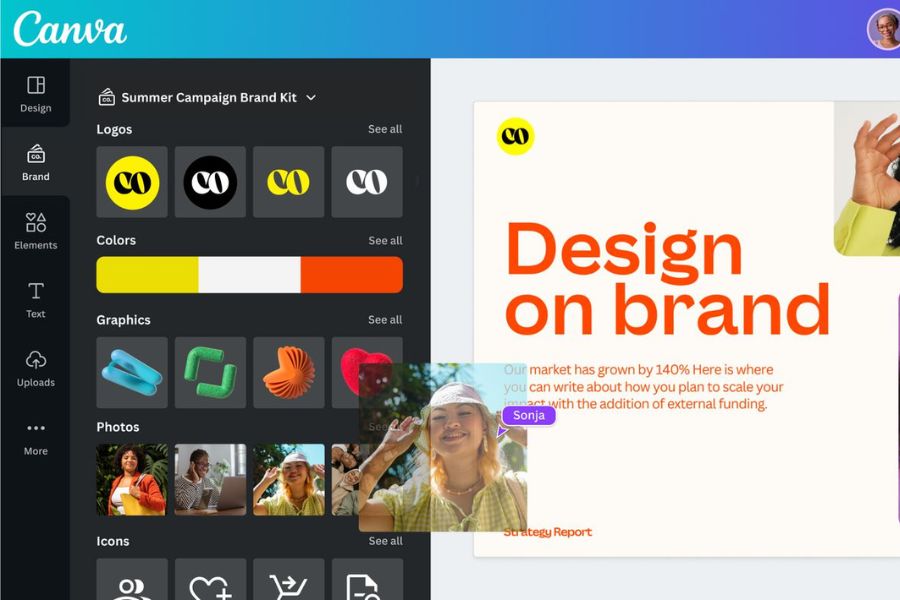
You simply click on each element to change its content as desired.
Editable:
-
Title
-
Image
-
Color
-
Font
-
Size
-
Effect
Thanks to the intuitive drag-and-drop interface, all operations are quick and easy.
5.4 Step 4: Download or Share
Once the design is complete, you can download it in various formats such as PNG, JPG, PDF, or MP4.
Additionally, Canva allows direct sharing to social media or sending links to collaborate with others.
6. Essential Canva Tools for Beginners
6.1 Text Tools
Text is a crucial element in most designs. Canva offers hundreds of beautiful fonts and many professional presentation styles. Beginners should prioritize easy-to-read fonts and avoid using too many different font styles in a single design to prevent visual clutter.
6.2 Image Library
Canva boasts a rich library of images on a wide variety of themes. You can quickly search using keywords and drag and drop images directly into your design. This significantly saves time searching for images from external sources.
6.3 Elements
Elements is a resource library containing icons, shapes, stickers, symbols, and other graphic elements. It's a useful tool for making designs more vibrant, professional, and engaging without requiring advanced design skills.
6.4 AI Tools on Canva
Canva now integrates many AI features to help speed up the content creation process.
Some notable tools include:
-
Magic Write
-
Magic Design
-
AI Image Generator
-
Background Remover
-
Text to Video
These features are especially helpful for beginners as they significantly reduce the time required.
7. Common Mistakes Beginners Make When Using Canva
7.1 Using Too Many Colors
Many beginners often try to add too many colors to their designs to make them stand out. However, this can easily make the product look cluttered and unprofessional. The simple rule is to use only 2 to 4 main colors in a single design.
7.2 Choosing Too Many Fonts
Using too many fonts can make the layout cluttered and difficult to read. Generally, a maximum of two to three fonts should be used in a single product to maintain consistency.
7.3 Overcrowding with Content
A beautiful design doesn't necessarily need to contain a lot of information. Appropriate white space helps viewers focus on the main content. Prioritize clarity, simplicity, and readability instead of trying to cram too much information into a single image.
8. Tips for Creating Beautiful Designs on Canva in Just a Few Minutes
8.1 Using Professional Templates
Templates created by professional design teams usually have very harmonious layouts and colors. Instead of starting from a blank page, take advantage of ready-made templates to save time and improve design quality.
8.2 Applying the 60-30-10 Rule
This is a common color matching principle:
-
60% dominant color
-
30% secondary colors
-
10% accent color
This color scheme helps create a balanced and visually appealing design.
8.3 Utilizing Drag and Drop Features
Canva is optimized for drag-and-drop functionality. Users can quickly change the position, size, or layout with just a few clicks. This makes the design process flexible and significantly saves time.
9. Comparing Canva Free, Canva Pro, and Canva for Students
| Criteria | Canva Free | Canva Pro | Canva for Students |
| Template repository | Basic | Very large | Very large |
| Premium Images | Limit | Unlimited | Unlimited |
| Remove the background from the image. | Are not | Have | Have |
| Magic Resize | Are not | Have | Have |
| Storage capacity | Standard | Higher | Higher |
| AI tools | Limit | Full | Full |
| Teamwork | Basic | Advanced | Advanced |
| Expense | Free of charge | Pay a fee | Educational incentives |
10. Where is a reputable place to upgrade Canva Pro?
Canva significantly bridges the gap between amateur and professional designers. With just a few hours of training, users can create attractive advertising banners, promotional images, personal resumes, and presentations. This is a highly useful skill for learning, work, and online business today. Furthermore, Canva continuously updates its AI features and tools, helping users create high-quality products in the shortest possible time.
If you're already familiar with Canva and want to unlock its full potential, upgrading to Canva Pro is a very worthwhile option. The Pro version unlocks millions of premium resources, advanced AI tools, image background removal, automatic resizing, and many other features to support professional design work.
Currently, many users choose to upgrade to Canva Pro at AppVip.ai due to its quick activation process, reasonable cost, and dedicated support. This is a suitable solution for students, freelancers, marketers, and business owners who want to use the full features of Canva with a more economical investment. Owning Canva Pro will significantly save you design time and improve the quality of your work and studies.
11. Conclusion
Canva has changed the way people approach graphic design. Instead of spending months learning complex software, users can now create professional-looking products in just minutes. With its user-friendly interface, vast template library, and numerous advanced AI tools, Canva is truly an ideal choice for anyone wanting to start their content creation journey.





















VIP Products








Best Selling Products
MidJourney Account
29 USD
Genuine Cheap Canva Pro
39 USD
Copyright Adobe Lightroom Account
59 USD
Upgrade Genuine Office 365
49 USD
Adobe Premiere Pro Account
99 USD
Windows 10 & 11 Pro Key
36 USD
Adobe Photoshop Copyright - Full App
120 USD
Genuine Adobe Illustrator account
99 USD
Capcut Pro 1 Year
39 USD
Upgrade Duolingo Super
29 USD
ChatGPT Plus Account (GPT-4)
16 USD
Upgrade genuine Capture One account
120 USD
Plugin Retouch4me
69 USD
Autodesk All App Account Copyright
120 USD
Freepik Premium Account
59 USD