Best Selling Products

Upgrade Duolingo Super
29 USD

Genuine Adobe Illustrator account
99 USD

Plugin Retouch4me
69 USD

Windows 10 & 11 Pro Key
36 USD

Autodesk All App Account Copyright
120 USD

Adobe Photoshop Copyright - Full App
120 USD

Upgrade Genuine Office 365
49 USD

MidJourney Account
29 USD

Capcut Pro 1 Year
39 USD

Upgrade genuine Capture One account
120 USD

Freepik Premium Account
59 USD

ChatGPT Plus Account (GPT-4)
16 USD

Genuine Cheap Canva Pro
39 USD

Copyright Adobe Lightroom Account
59 USD

Adobe Premiere Pro Account
99 USD
Copilot Pro account: intelligent AI assistant to speed up workflow and programming.
Nội dung
- 1. What is a Copilot Pro account?
- 2. Key features of a Copilot Pro account
- 2.1. Contextually-driven smart suggestions
- 2.2. Supporting the creation of content using natural language.
- 2.3. Accelerating programming and software development
- 2.4. Integration with Microsoft 365
- 2.5. Better security and privacy
- 3. Comparing Copilot Pro and Copilot Free accounts
- 4. Who should use a Copilot Pro account?
- 5. Why should you buy a Copilot Pro account at SaDesign?
- 6. Instructions for upgrading your Copilot Pro account at SaDesign
- 7. Conclusion
Copilot is becoming one of the most popular AI tools today thanks to its ability to support content creation, data analysis, coding, and workflow optimization. For professional users, the Copilot Pro account offers a superior experience with many advanced features, faster response times, and smarter support. If you are looking for an AI solution that saves time and improves productivity, Copilot Pro is a very worthwhile option. Let''s explore it with Sadesign!
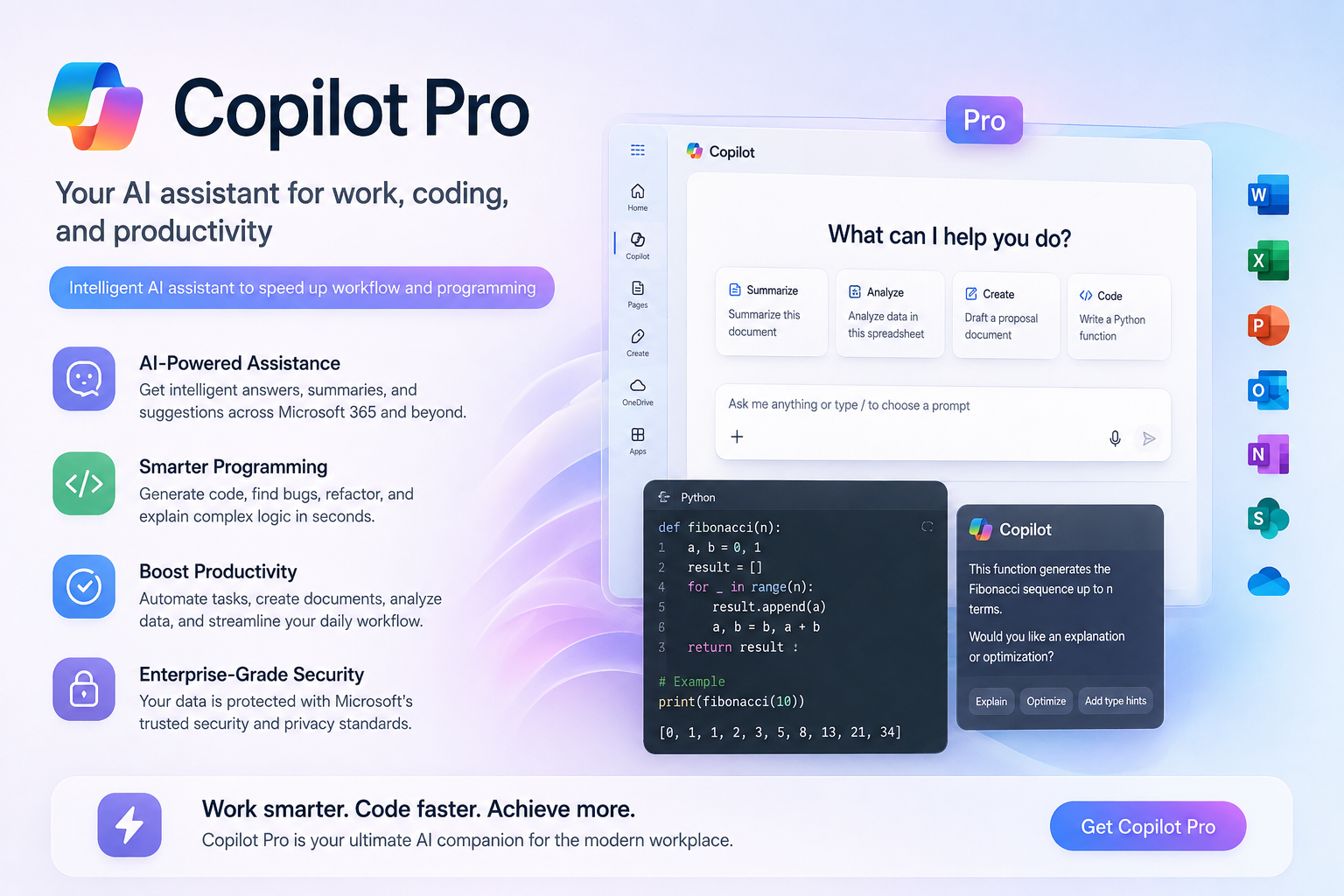
1. What is a Copilot Pro account?
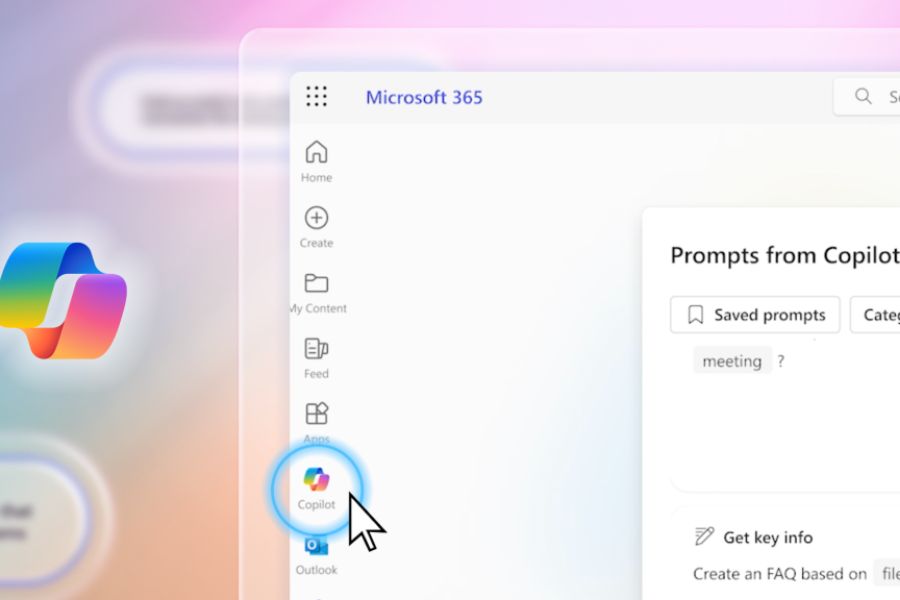
The Copilot Pro account is the paid version of Microsoft Copilot, developed to serve users with higher AI needs. This tool leverages large language models (LLMs) in conjunction with the Microsoft ecosystem to support a variety of tasks such as content writing, document processing, data analysis, programming, and task management.
Unlike the free version, Copilot Pro allows users to access more powerful AI models, prioritizes performance during peak hours, and integrates deeply with applications such as Word, Excel, PowerPoint, and Outlook. This is a significant advantage for programmers, office workers, content creators, and businesses. Copilot Pro's strengths lie not only in its ability to answer questions, but also in its understanding of work context, supporting document creation, suggesting ideas, and automating many complex processes.
2. Key features of a Copilot Pro account
Copilot Pro is designed to help users work faster, more accurately, and more creatively. Here are some of its most notable features.
2.1. Contextually-driven smart suggestions
Copilot Pro can analyze the content you're working on to provide relevant suggestions. Whether you're drafting documents, writing emails, creating reports, or programming, the AI will suggest content that closely matches your goals instead of simply responding with commands.
The ability to understand context significantly reduces editing time and improves output quality.
2.2. Supporting the creation of content using natural language.
Simply describe your requirements in Vietnamese or English, and Copilot Pro can generate the corresponding article, email, report, presentation, work plan, or code snippet.
This feature is especially useful for marketers, SEO professionals, educators, administrators, and those in professions that frequently handle documents.
2.3. Accelerating programming and software development
For programmers, a Copilot Pro account supports multiple languages such as Python, JavaScript, TypeScript, C#, Go, Java, and many popular frameworks.
AI can:
-
Suggest code snippets in real time.
-
Complete the functions and classes.
-
Explain the source code.
-
Detecting logical errors.
-
Suggest ways to optimize performance.
This helps shorten project development time and reduce repetitive tasks.
2.4. Integration with Microsoft 365
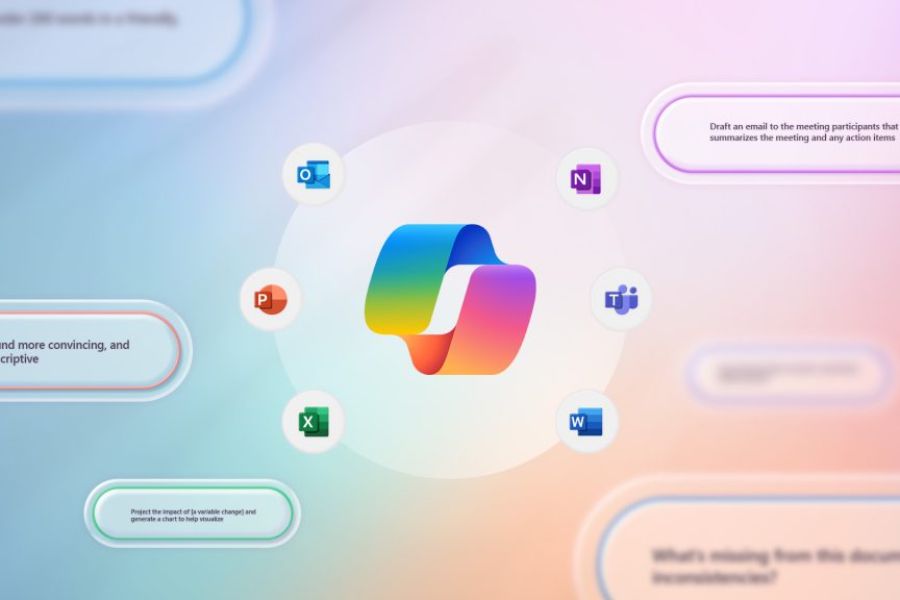
One of the biggest advantages of Copilot Pro is its ability to work directly within Word, Excel, PowerPoint, and Outlook.
Users can:
-
Summary of a long document.
-
Analyzing data in Excel.
-
Create presentation slides automatically.
-
Write professional emails.
-
Extract information from multiple sources.
This integration makes the workflow more seamless and efficient.
2.5. Better security and privacy
Copilot Pro is built on Microsoft's security platform with higher data protection standards than many conventional AI tools. This is crucial for businesses and users who frequently handle internal documents or sensitive data.
3. Comparing Copilot Pro and Copilot Free accounts
The free version still meets basic needs, but Copilot Pro offers many distinct benefits for professional users.
If you use AI daily for work or study, Copilot Pro offers significantly higher value.
4. Who should use a Copilot Pro account?
A Copilot Pro account is suitable for a wide range of users.
-
Programmers: speed up coding, bug checking, and project development.
-
Office workers: draft documents, reports, and emails faster.
-
SEO and marketing professionals: creating content, researching ideas, and optimizing processes.
-
Faculty and students: support research, summarize materials, and prepare presentations.
-
Businesses: improve work productivity and optimize personnel costs.
This tool helps reduce the time spent on repetitive tasks, allowing you to focus on creative and strategic work.
5. Why should you buy a Copilot Pro account at SaDesign?
If you want to use a Copilot Pro account at a cost-effective price, SaDesign is one of the reputable options trusted by many users.
When you upgrade at SaDesign, you receive:
-
Genuine Copilot Pro account.
-
Reasonable cost.
-
Quick activation.
-
Installation and usage support is available.
-
Detailed instructions throughout the usage process.
Choosing a reputable provider helps minimize account risks, ensures your rights are protected, and guarantees a stable long-term experience.
6. Instructions for upgrading your Copilot Pro account at SaDesign
The registration and activation process is quite simple; just follow these steps.
-
Visit the official SaDesign website.
-
Search for the product "Copilot Pro Account".
-
Choose a service package that suits your needs.
-
Proceed with placing your order and making payment.
-
Receive account information and activation instructions via email.
Once completed, you can log in and use all the premium features of Copilot Pro immediately.
7. Conclusion
In the context of AI becoming an increasingly important tool in work and learning, a Copilot Pro account is a worthwhile investment to enhance productivity and optimize workflows. With its content creation capabilities, data analysis, programming support, and deep integration with Microsoft 365, Copilot Pro helps users save time, reduce errors, and work more efficiently every day. If you are looking for a genuine Copilot Pro account at a reasonable cost and with dedicated support, SaDesign is the right choice to start experiencing the power of AI in your work and creative endeavors.





















VIP Products








Best Selling Products
Upgrade Duolingo Super
29 USD
Genuine Adobe Illustrator account
99 USD
Plugin Retouch4me
69 USD
Windows 10 & 11 Pro Key
36 USD
Autodesk All App Account Copyright
120 USD
Adobe Photoshop Copyright - Full App
120 USD
Upgrade Genuine Office 365
49 USD
MidJourney Account
29 USD
Capcut Pro 1 Year
39 USD
Upgrade genuine Capture One account
120 USD
Freepik Premium Account
59 USD
ChatGPT Plus Account (GPT-4)
16 USD
Genuine Cheap Canva Pro
39 USD
Copyright Adobe Lightroom Account
59 USD
Adobe Premiere Pro Account
99 USD