Best Selling Products

Windows 10 & 11 Pro Key
36 USD

Capcut Pro 1 Year
39 USD

ChatGPT Plus Account (GPT-4)
16 USD

Genuine Adobe Illustrator account
99 USD

Upgrade genuine Capture One account
120 USD

Upgrade Genuine Office 365
49 USD

MidJourney Account
29 USD

Genuine Cheap Canva Pro
39 USD

Autodesk All App Account Copyright
120 USD

Copyright Adobe Lightroom Account
59 USD

Adobe Photoshop Copyright - Full App
120 USD

Upgrade Duolingo Super
29 USD

Freepik Premium Account
59 USD

Adobe Premiere Pro Account
99 USD

Plugin Retouch4me
69 USD
Copilot Pro account
Nội dung
Copilot is an AI-powered tool that helps users generate and analyze data, speed up workflows, and improve efficiency. The application utilizes large language models (LLMs) and integrates with Microsoft Graph to provide intelligent suggestions and support users in various tasks across multiple versions. Explore the detailed features of Copilot Pro and how to upgrade your Copilot Pro account in the following article.

1. What is a Copilot Pro account?
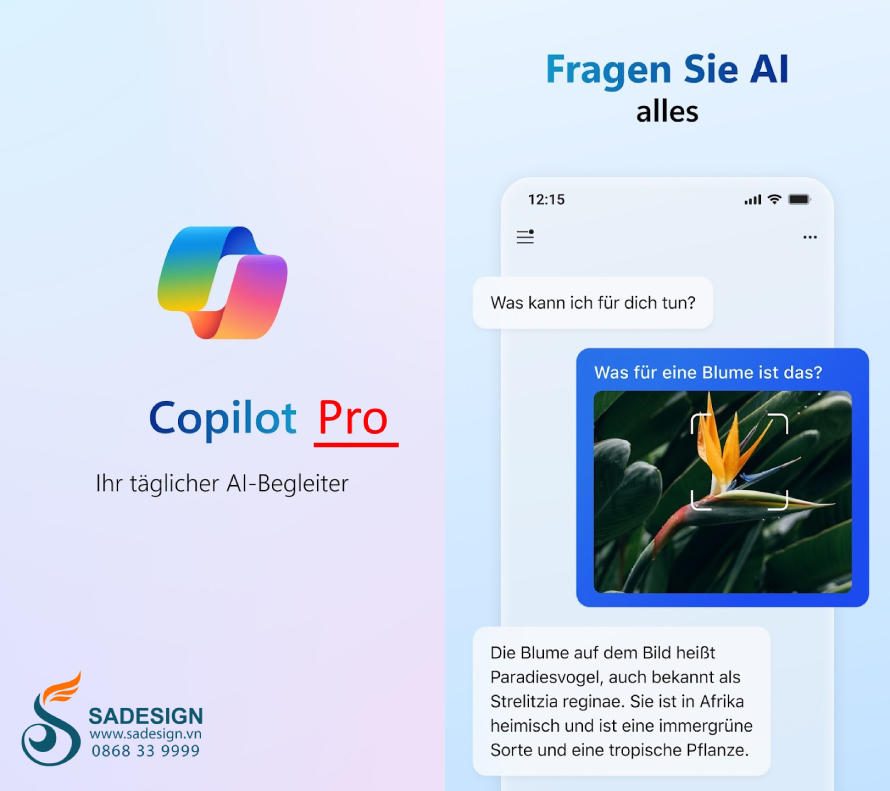
Copilot is an AI-powered tool developed by GitHub in collaboration with OpenAI. It helps users, especially programmers, write code faster and more easily by automatically suggesting code snippets, completing functions, and even continuing code based on user descriptions.
Copilot supports many programming languages such as Python, JavaScript, TypeScript, Ruby, Go, etc., helping programmers in various fields. Copilot Pro is an upgraded version for professional users, offering more features and advanced support compared to the standard Copilot version, and requires a fee to use.
2. Features on a Copilot Pro account
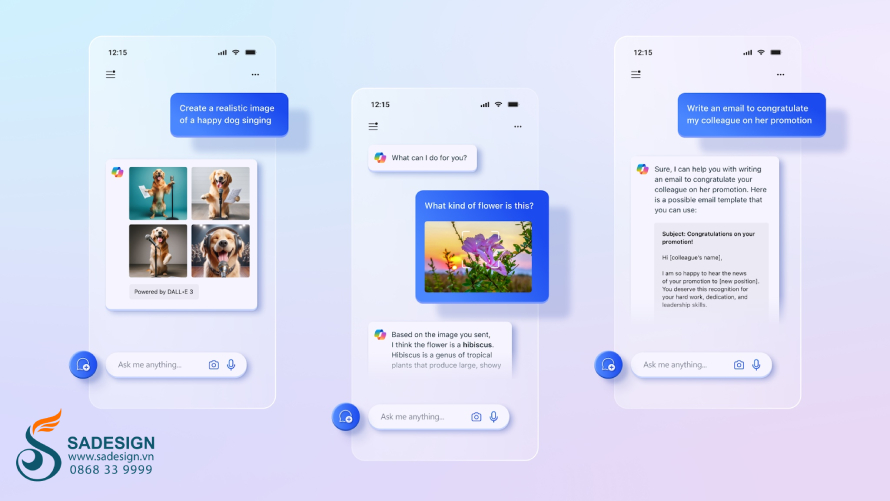
The upgraded version of Copilot Pro boasts many advanced features to help users optimize their coding process and improve work efficiency. Specifically, Copilot Pro has the following outstanding features:
-
Smarter and more accurate code suggestions: Copilot Pro provides intelligent code suggestions based on the current context of the code snippet and its vast open-source knowledge base. Integrated AI technology enables deeper understanding of programming languages and frameworks, leading to optimized and less error-prone programming solutions.
-
Automatic completion using natural language: Users can describe the desired function in natural language, and Copilot Pro will automatically convert it into the corresponding code, saving time on manual writing.
-
Multilingual and multi-platform integration: Copilot Pro supports many programming languages such as Python, JavaScript, TypeScript, Ruby, Go, C++, etc. Users can use Copilot Pro on many popular IDEs and programming environments such as Visual Studio Code, JetBrains, etc.
-
Automated function and feature writing support: This tool goes beyond simply suggesting code; it can also write entire, complex functions or features.
-
Accelerate project development: Copilot Pro helps programmers focus on creative and important tasks, instead of writing repetitive code, thus shortening project development and innovation time.
-
Code suggestions based on project history: Copilot Pro can learn and remember your current project structure and then provide suggestions that are more relevant to the code you are developing.
-
Optimized for team work: The Pro version includes additional tools to support collaborative programming teams working on a project by connecting them to improve collaboration and code sharing among team members.
-
Enhanced security and privacy: Copilot Pro offers advanced security features that help protect users' source code and personal data when using the tool.
3. Comparing Copilot Pro and Free accounts
Compared to the free basic version, the paid version of Copilot Pro has the following differences:
| Features | Copilot Free | Copilot Pro |
| Smart code hints | Yes (limited) | Yes (comprehensively) |
| Automatic completion from natural statements | Are not | Have |
| Supports multiple programming languages. | language limit | support more languages |
| Automatically write complex functions | Are not | Have |
| Suggestions based on project history | Are not | Have |
| Teamwork support | Are not | Have |
| Security and privacy | Basic | Advanced |
4. How to upgrade your Copilot Pro account at a low cost
Copilot Pro is the perfect tool to support users, especially programmers, in improving code quality and increasing productivity in software development and projects. If you want to own this tool to optimize your workflow, contact SaDesign to purchase a genuine, affordable Copilot Pro account for only 249,000 VND/month.
SaDesign proudly stands as the most reputable provider of applications, accounts, software, tools, and game accounts in Vietnam. When you choose SaDesign, you'll receive a genuine, affordable Copilot Pro account, guaranteed error-free usage, automatic updates, and dedicated, attentive support.
5. Instructions for upgrading your Copilot Pro account at SaDesign
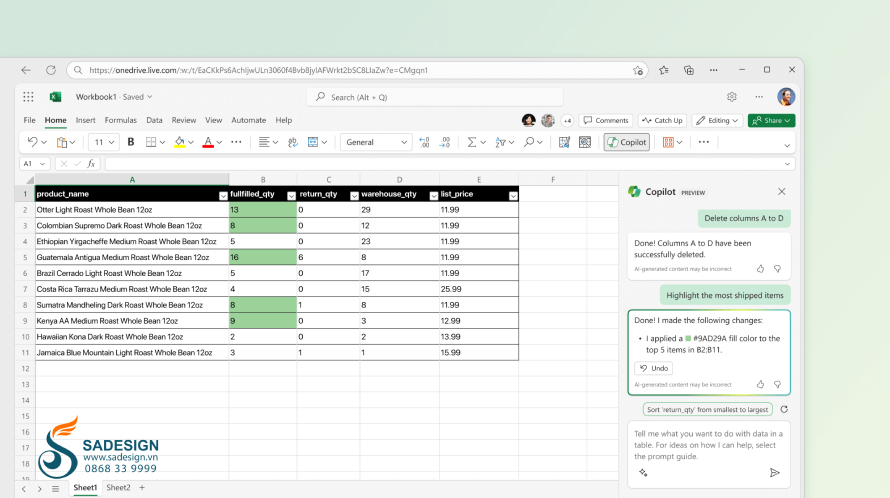
To purchase a Copilot Pro account at SaDesign, follow the steps below:
-
Step 1: Access the website: https://Sadesign.vn using a web browser on your device.
-
Step 2: Search for the product name "Copilot Pro Account" in the search bar in the upper left corner of the SaDesign home screen.
-
Step 3. Choose the service package that suits your needs and click "Add to cart" or "Buy now".
-
Step 4: Select "Checkout" and enter your full personal information to proceed with payment for your order.
-
Step 5: Receive your new Copilot Pro account information and activation instructions from SaDesign via email. Follow the instructions to activate your account and start experiencing the amazing support of technology in your coding and programming.
Upgrade your Copilot Pro 3 account.
Conclusion
Copilot Pro is a great choice to help you increase productivity and improve your software development workflow with AI-powered suggestions and code writing. Contact SaDesign to upgrade your Copilot Pro account today and experience easier creativity and optimization in your programming work.
---------------------------------------------------
🏡 Sadesign Co., Ltd. provides top-quality, affordable licensed software in Vietnam: Panel Retouch, Adobe Photoshop Full App, Capcut Pro, Canva Pro, Google Drive, Office 365, Retouch4me, Windows 10/11, YouTube Premium, Spotify Premium, Zoom Pro, Netflix, ELSA Speak...
🎯 Genuine products, full warranty, free installation, dedicated and attentive support!





















VIP Products








Best Selling Products
Windows 10 & 11 Pro Key
36 USD
Capcut Pro 1 Year
39 USD
ChatGPT Plus Account (GPT-4)
16 USD
Genuine Adobe Illustrator account
99 USD
Upgrade genuine Capture One account
120 USD
Upgrade Genuine Office 365
49 USD
MidJourney Account
29 USD
Genuine Cheap Canva Pro
39 USD
Autodesk All App Account Copyright
120 USD
Copyright Adobe Lightroom Account
59 USD
Adobe Photoshop Copyright - Full App
120 USD
Upgrade Duolingo Super
29 USD
Freepik Premium Account
59 USD
Adobe Premiere Pro Account
99 USD
Plugin Retouch4me
69 USD