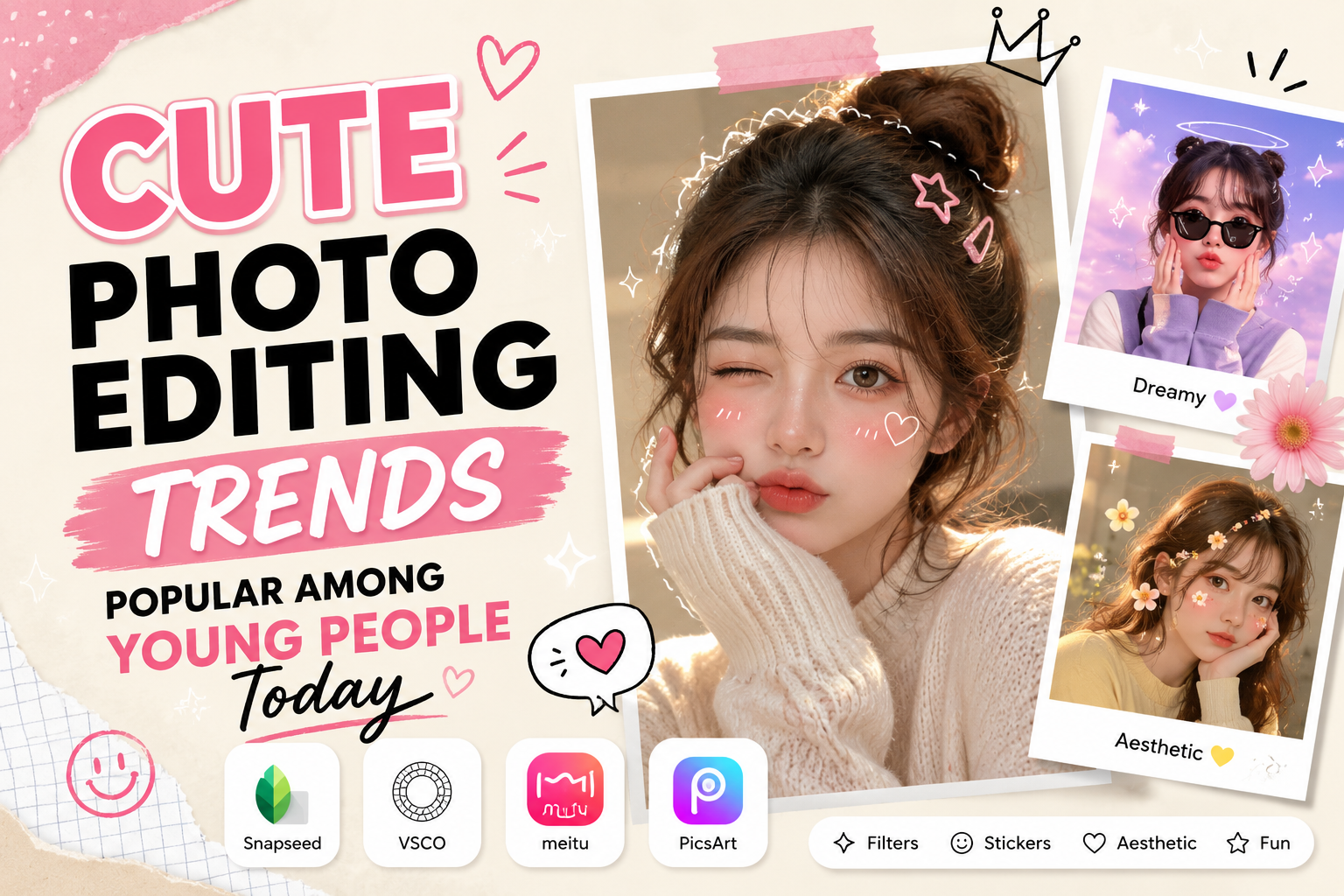
1. The appeal of cute photography style in media.
Creating cute images helps users express their youthfulness and optimism, and fosters a friendly atmosphere for viewers. These images often evoke pleasant feelings, relieve stress, and easily garner empathy from the online community.
The rise of platforms like Instagram, Facebook, and TikTok has propelled the demand for enhancing personal images to a new level. A photo decorated with cute details is not only a way to preserve memories but also an effective personal branding strategy. Small details like a pretty sticker, a candy-colored filter, or playful hand-drawn illustrations transform an ordinary image into something vibrant and full of life.
2. The core elements that make up a standard cute photo.
To make a photograph truly touch the viewer's heart, you need a harmonious combination of various graphic elements. Mastering the fundamental principles will help make your design process more professional and consistent.
2.1. Pastel color palette and candy tones
Color is the first element that impacts visual perception and emotions. When creating cute images, pastel tones such as light pink, mint green, light yellow, or light purple are always preferred. These colors are characterized by their gentleness, purity, and lack of harshness, helping to create a soft and feminine or childlike overall effect.
2.2. Sticker and decorative label system
Stickers such as hearts, stars, flowers, or cartoon characters are the "soul" of this style. Cleverly arranging stickers adds depth and fun to the photo. However, you need to choose stickers with consistent designs to avoid making the photo look cluttered or losing its necessary sophistication.
2.3. Gentle smoothing and brightening effects
A cute photo isn't usually overly sharp or edgy, nor does it have strong contrast. Instead, the brightness is adjusted to a moderate level, combined with subtle blurring (glow) or fine grain effects to create a dreamy, comic-book-like feel.
3. The most popular tools for creating cute photos today.
The advent of smart applications has made image design simpler for everyone, including those without graphic design expertise.
3.1. Mobile photo editing applications with integrated AI
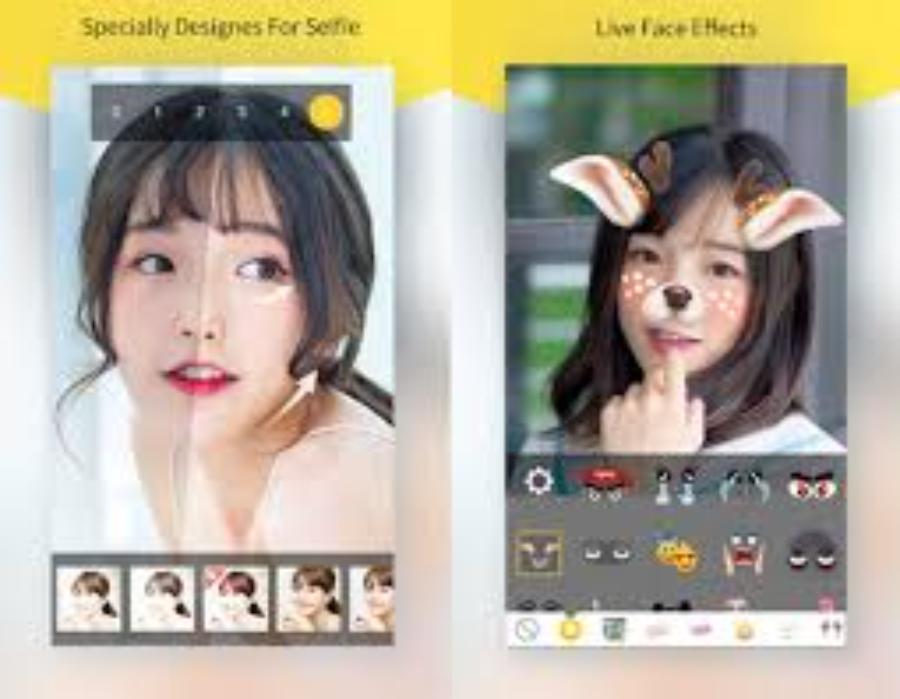
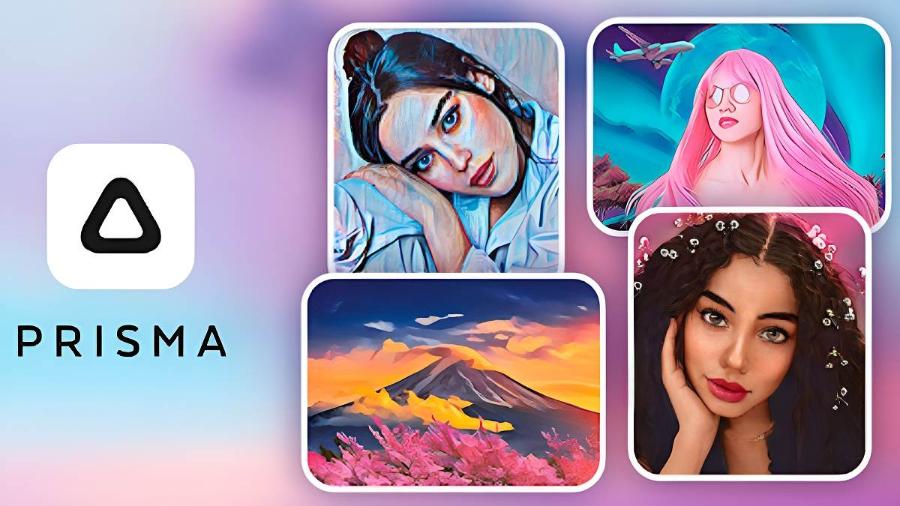
Modern software often integrates artificial intelligence to automatically recognize faces and suggest suitable beauty effects. You can easily add cat ears, blush, or glitter effects with just a few taps. This saves considerable time in post-production.
3.2. Professional Online Graphic Design Platform
For those who want to create cute images with more complex layouts such as collages, personalized calendars, or greeting cards, web-based design tools are the optimal choice. These sites offer thousands of ready-made templates in adorable styles, allowing you to create a high-quality product simply by changing images and content.
4. Techniques for arranging the layout when creating cute photos.
Composition plays a crucial role in guiding the viewer's eye and creating balance in an image.
4.1. The White Space Rule
Never cram too many details into a single frame. Leave some open space so the viewer's eyes can rest and focus on the main subject. A cute yet airy photo always feels more sophisticated and professional.
4.2. Symmetry and Repetition
Using repeating patterns like polka dots or small flowers around the edges of the image creates an interesting visual rhythm. Symmetrical placement of stickers on both corners of the image also helps the picture appear more stable and visually appealing.
5. How to choose a font that suits a cute style.
The font plays a role in conveying the message and complementing the visual elements.
5.1. Use fonts with rounded and thick strokes.
Rounded, sans-serif fonts often evoke a sense of fullness and cheerfulness. Avoid using overly rigid or sharp-striped fonts as they will disrupt the lighthearted atmosphere of the image.
5.2. Combining prominent text color and border
To prevent the text from being lost against a colorful background, you should add white or contrasting colored strokes. Adding a subtle drop shadow effect also helps the text appear to float above the image, creating an interesting 3D effect.
6. Instructions on creating cute images for specific subjects.
Depending on the subject of the photograph, we have different approaches and decorations.
6.1. Decorating Selfie Portrait Photos
When taking selfies, focus on highlighting your facial features by adding skin-brightening filters and stickers to your hair or cheeks. A virtual bunny ear headband or a plump lip effect will instantly make you look much cuter.
6.2. Creating cute photos of pets
Pets are naturally cute, but adding accessories like hats, glasses, or speech bubbles makes the photo more humorous and storytelling. Viewers are often drawn to content that anthropomorphizes animals.
7. Image optimization solutions at appvip.ai system
In the process of searching for ways to refresh your image collection, access to high-tech platforms is essential. The website appvip.ai is currently a leading source for providing technology solutions, app reviews, and sharing top-notch design tips for Vietnamese users. Here, you can easily find optimized apps for creating cute images. This platform not only provides tools but also guides users towards modern aesthetic thinking, ensuring each creation reflects their personal style and keeps up with global trends.
8. Mistakes to avoid so your photos don't look cheesy or cluttered.
The line between cute and cluttered is often very thin. You need to be mindful during post-production.
8.1. Excessive use of overlapping filters
Applying too many layers of color will make the photo look washed out, losing the natural detail of the dark and bright areas. Choose a dominant color filter and adjust the intensity to 50-70% to maintain the authenticity of the image.
8.2. Stickers obscure important details.
Be careful not to let the stickers cover the subject's eyes, nose, or mouth in the photo. The most important rule when creating cute photos is that the stickers should be a backdrop for the subject, not take over the focal point.
9. Trends in creating cute photos in a minimalist (Aesthetic) style.
The Aesthetic style is dominating the young creative community thanks to its sophistication and strong artistic flair.
9.1. The combination of photographs and line art
Instead of using pre-made stickers, adding delicate lines with a digital pen around the subject creates a handcrafted and unique feel. This is a common way for popular illustrators and bloggers to create cute images.
9.2. Using Polaroids Photo Frames
Placing photos inside instant film frames creates a gentle sense of nostalgia. You can add a few small lines of text in the white space below the frame to make the photo look like a personal, emotional diary entry.
10. The application of cute photos in building a personal brand.
Cute images aren't just for personal use; they can also be cleverly applied to the workplace.
10.1. Building rapport with target customers
For businesses selling products for young people, children, or handicrafts, using cute imagery helps break down barriers between sellers and buyers. The friendly nature of the images makes customers feel more comfortable and trusting when approaching the products.
10.2. Enhancing brand recognition through mascots
Creating a cute mascot and incorporating it into everyday designs is a smart way to help customers remember your brand. Exclusive stickers featuring your mascot will help ensure consistency and uniqueness in your posts.
11. Conclusion
The art of creating cute photos is a delicate blend of modern technology and boundless creativity. By mastering the rules of color, composition, and choosing the right tools, anyone can transform everyday moments into captivating works of art. Remember, the ultimate goal of beauty is connection; and a cute photo is the shortest bridge to connect with people's hearts.