Best Selling Products

Capcut Pro 1 Year
39 USD

Upgrade Duolingo Super
29 USD

Adobe Photoshop Copyright - Full App
120 USD

Genuine Cheap Canva Pro
39 USD

ChatGPT Plus Account (GPT-4)
16 USD

Freepik Premium Account
59 USD

Upgrade Genuine Office 365
49 USD

Plugin Retouch4me
69 USD

Adobe Premiere Pro Account
99 USD

Upgrade genuine Capture One account
120 USD

Windows 10 & 11 Pro Key
36 USD

Copyright Adobe Lightroom Account
59 USD

Autodesk All App Account Copyright
120 USD

MidJourney Account
29 USD

Genuine Adobe Illustrator account
99 USD
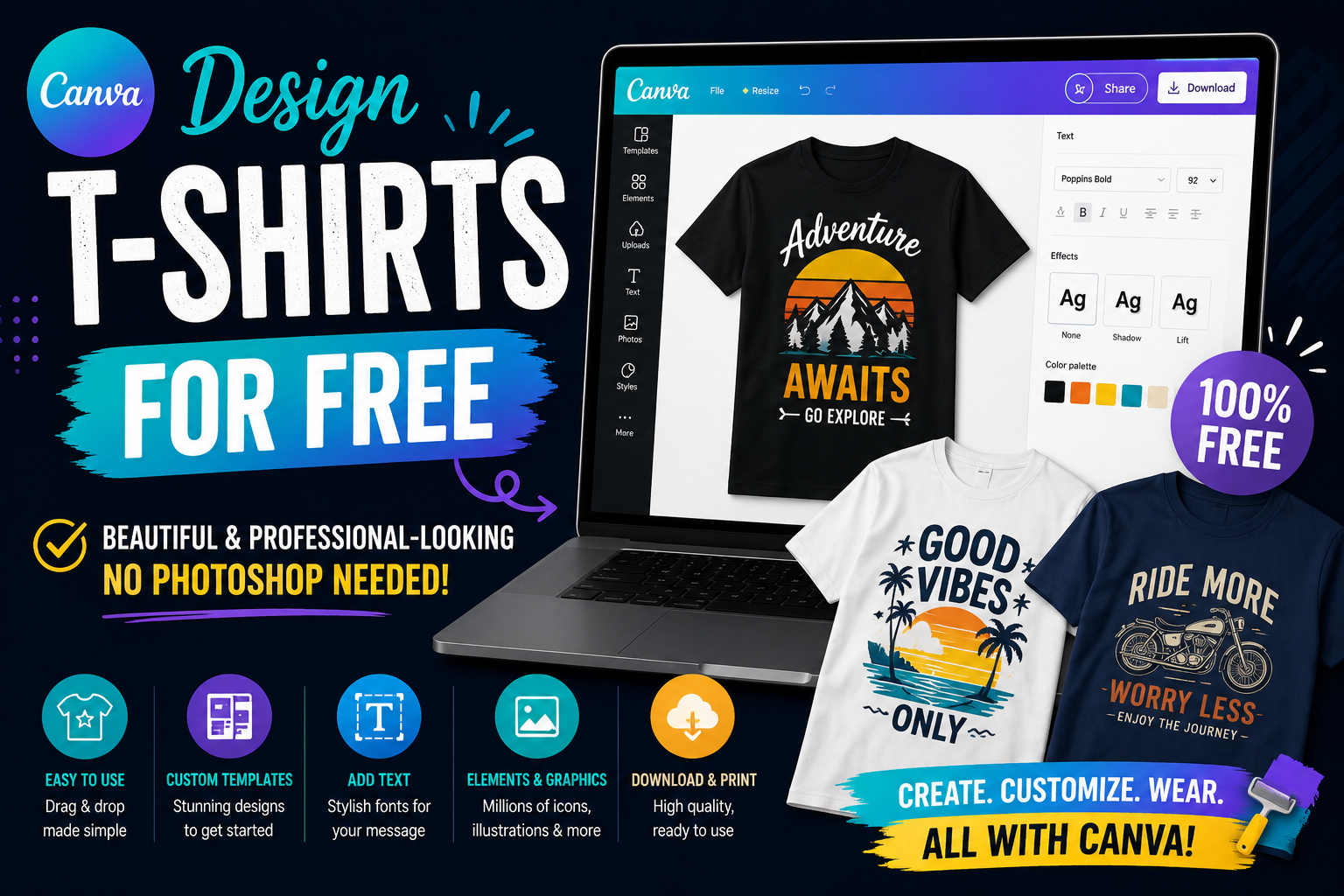
Design T-shirts for Free with Canva, Beautiful and Professional-Looking, No Photoshop Needed.
Nội dung
- 1. Why should you design T-shirts using Canva?
- 1.1 Simple and easy-to-use interface
- 1.2 Huge design template library
- 1.3 Cost savings
- 2. Key features when designing t-shirts using Canva
- 2.1 Diverse font library
- 2.2 A rich collection of images and icons
- 2.3 AI technology supports design.
- 3. A detailed step-by-step guide to designing t-shirts using Canva.
- 3.1 Step 1: Create the appropriate design dimensions
- 3.2 Step 2: Choose a design style
- 3.3 Step 3: Add images and content
- 3.4 Step 4: Check and export the file
- 4. Principles for designing beautiful and professional t-shirts
- 4.1 Prioritize simplicity
- 4.2 Choose harmonious colors
- 4.3 Use fonts appropriately
- 5. Where can I get my Canva upgraded reliably?
- 5.1 Benefits of using Canva Pro
- 5.2 AppVip.ai – A reputable Canva upgrade service
- 6. Tips for designing T-shirts using Canva for effective sales.
- 6.1 Tracking design trends
- 6.2 Design focused on the target customer
- 7. Conclusion
In recent years, the demand for personalized t-shirt design has increased dramatically. From individuals wanting to create group shirts, class shirts, or uniforms to fashion shop owners, everyone is looking for simple tools that still produce attractive products.
1. Why should you design T-shirts using Canva?
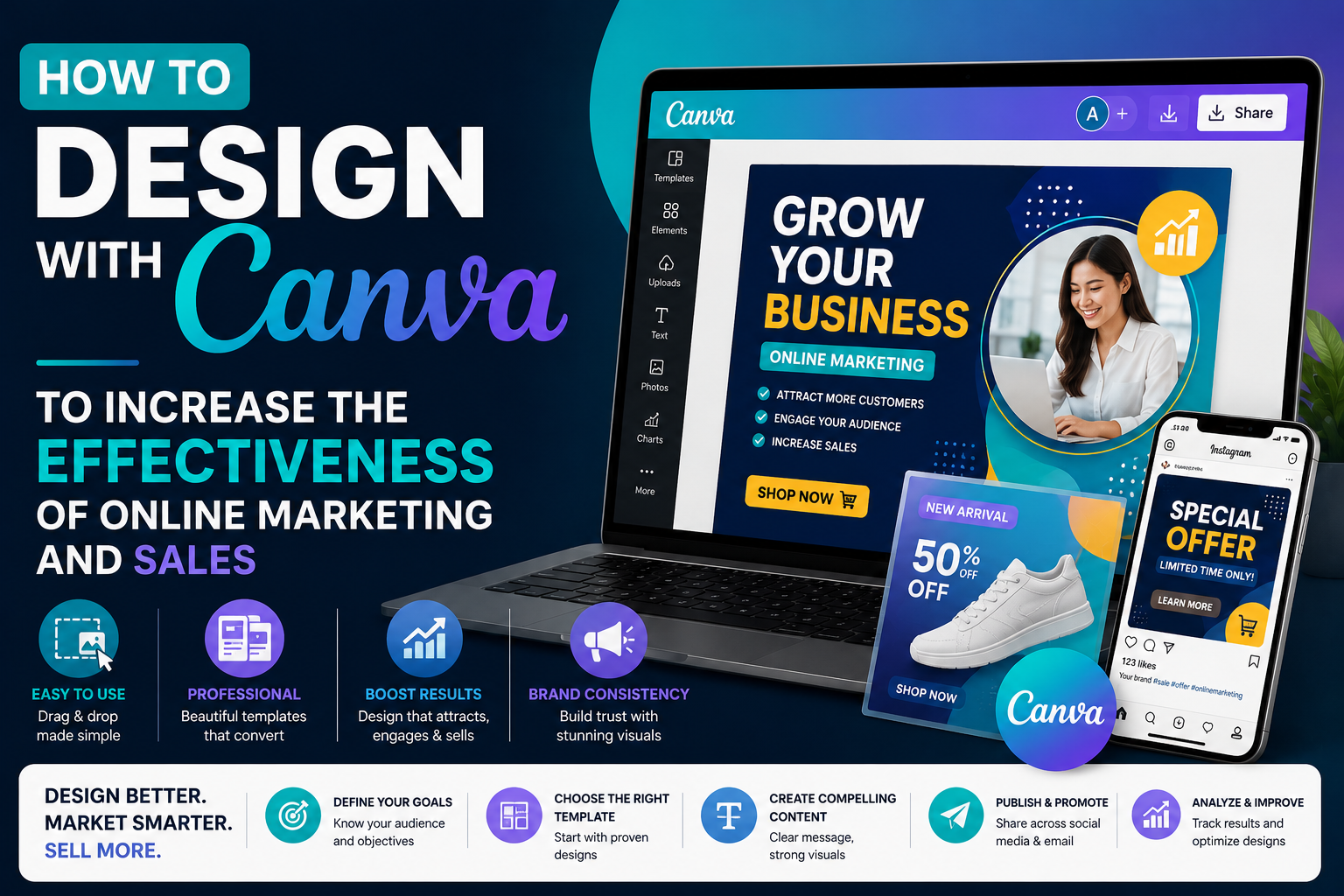
Canva is not only a social media image design tool but also provides excellent support for creating professional t-shirt designs. With its vast resource library and numerous smart features, Canva makes the creative process much faster and more efficient. Furthermore, Canva operates on a cloud platform, allowing users to design anytime, anywhere using a computer, phone, or tablet. This significantly saves time and costs compared to installing dedicated design software.
1.1 Simple and easy-to-use interface
One of Canva's biggest advantages is its user-friendly interface. All the tools are organized logically, making it easy for beginners to use in just a few minutes.
Even if you've never studied design, Canva allows you to create beautiful t-shirt designs through simple drag-and-drop operations. This is a huge advantage for students, online shop owners, or marketing professionals.
1.2 Huge design template library
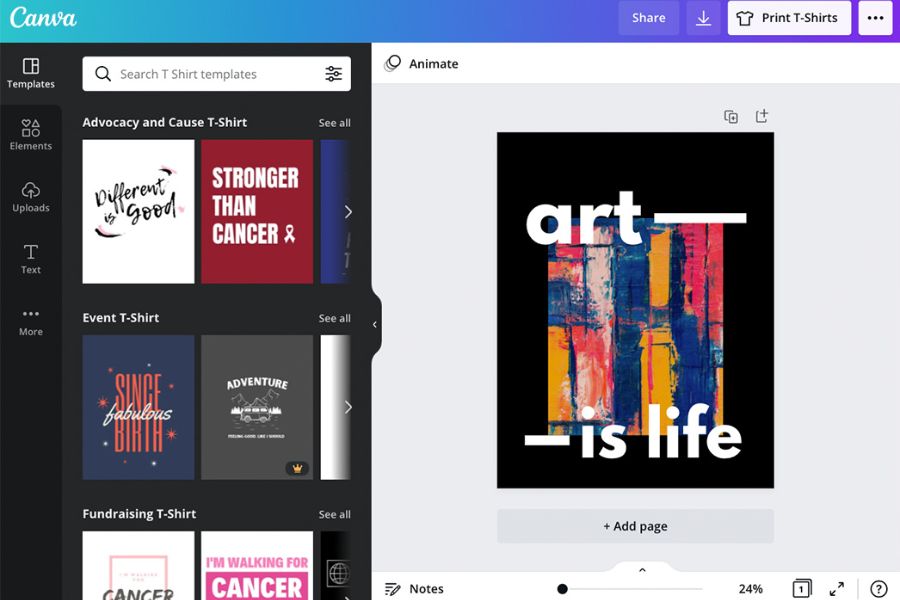
Canva offers thousands of t-shirt design templates in various styles such as minimalist, vintage, streetwear, typography, and modern, youthful fashion. Users can directly edit existing templates instead of having to start from scratch.
Thanks to our diverse template library, you can save a lot of creative time while still ensuring high aesthetic quality. Simply changing the colors, content, or images will instantly give you a design with your own unique touch.
1.3 Cost savings
Photoshop is powerful software but requires a paid subscription and a relatively high-end computer configuration. Meanwhile, Canva is free to use and offers many useful features for t-shirt design.
For new business owners or personal designers, Canva is the optimal choice to reduce initial investment costs while still creating quality products for printing or selling.
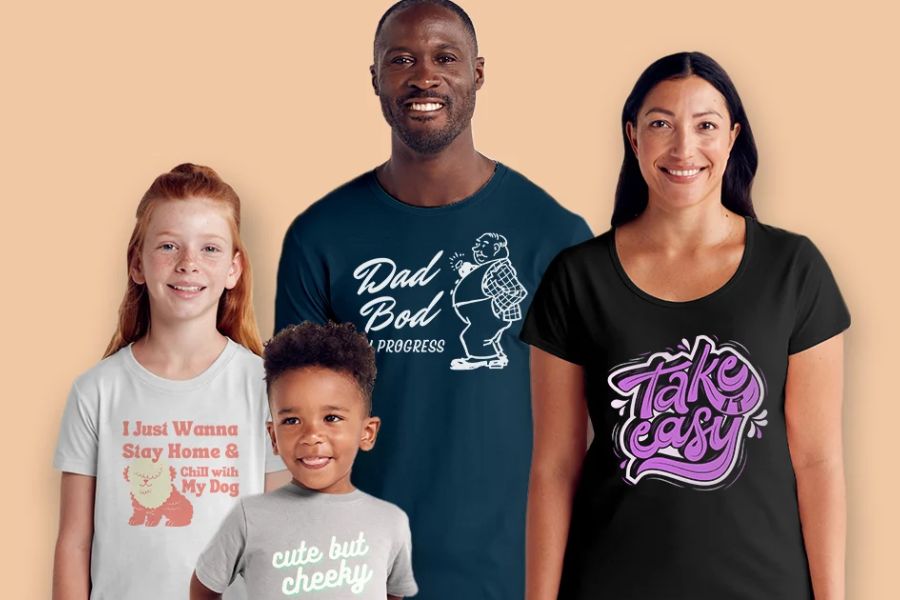
2. Key features when designing t-shirts using Canva
Canva constantly updates its tools to help users create content faster and more professionally. This makes t-shirt design simpler while maintaining high quality. In addition to basic tools, Canva integrates AI and many advanced features to save time editing, creating effects, and processing images efficiently.
2.1 Diverse font library
The font is a crucial element in determining the beauty of a t-shirt. Canva boasts thousands of fonts in various styles, from modern and youthful to classic and elegant.
Users can easily change the size, color, spacing of the text, or combine different fonts to create a more unique and attractive design.
2.2 A rich collection of images and icons
Canva offers millions of high-quality images, icons, stickers, and vectors. This is an extremely useful resource when designing t-shirts for events, brands, or fashion businesses.
Finding images in Canva is also very fast thanks to its smart filters. Simply enter relevant keywords, and the system will suggest a range of resources that match your needs.
2.3 AI technology supports design.
Canva's new AI tools help users create images, edit backgrounds, change colors, or suggest design ideas quickly. This is especially useful for those with little creative experience.
AI not only saves time but also provides many unique ideas for you to create t-shirt designs that stand out from the competition in the market.
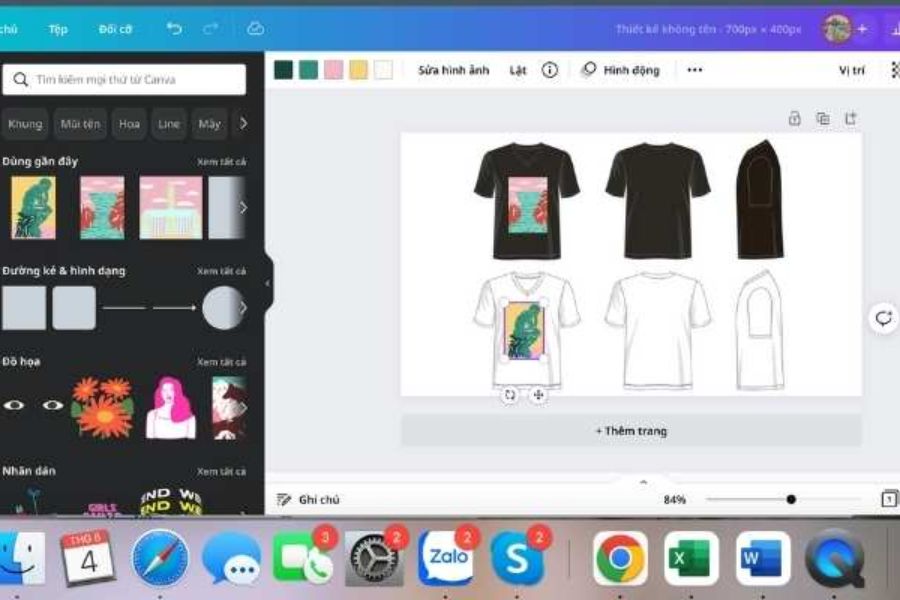
3. A detailed step-by-step guide to designing t-shirts using Canva.
Designing t-shirts with Canva isn't as difficult as many people think. By following the basic steps correctly, you can create a professional-looking t-shirt for personal use or business. Below is a simple t-shirt design process that anyone can follow.
3.1 Step 1: Create the appropriate design dimensions
First, log in to Canva and select "Create New Design." You should use a large size to ensure image quality when printing on t-shirts.
Some common sizes include:
-
4500 x 5400 px
-
4200 x 4800 px
-
4000 x 5000 px
-
300 DPI to ensure print quality.
Choosing the correct size from the start will help minimize image distortion or loss of quality when exporting the file.
3.2 Step 2: Choose a design style
Before you begin designing, determine your target audience or the intended use of the t-shirt. This will help you choose more appropriate colors, images, and fonts. For example, t-shirts for young people might use a streetwear style or modern typography, while corporate t-shirts should prioritize minimalism and professionalism.
3.3 Step 3: Add images and content
After choosing a suitable layout, add visual and text elements to the design. Canva allows direct drag-and-drop, making the process very quick. You should maintain a balanced layout, avoiding cramming too many details into the design, which can make it look cluttered and less appealing to viewers.
3.4 Step 4: Check and export the file
Before finalizing, carefully check the colors, spelling, and image quality. This is a crucial step to minimize errors during actual production. Once completed, you can export a transparent background PNG file or a high-quality PDF to send to the t-shirt printing company.
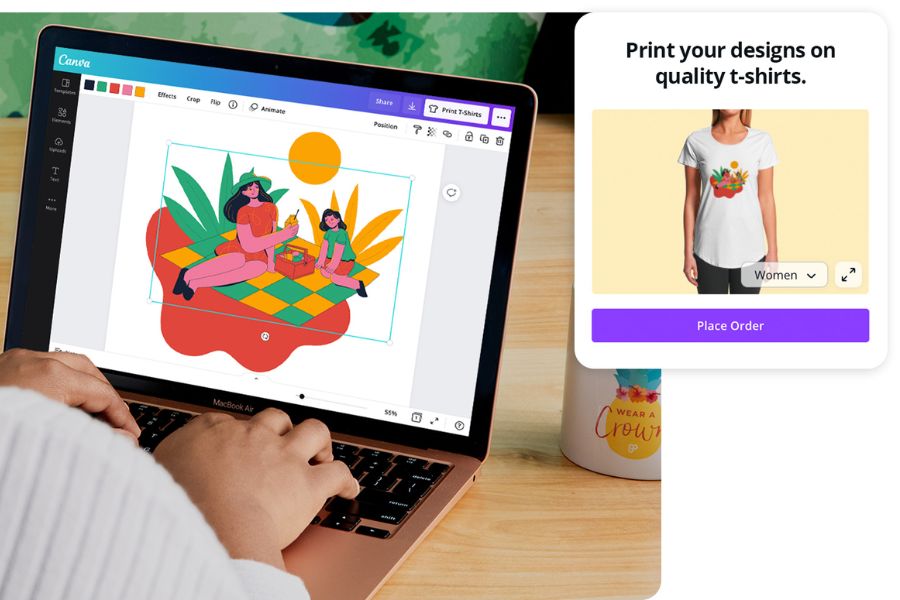
4. Principles for designing beautiful and professional t-shirts
Adding more effects doesn't automatically create a beautiful shirt. In fashion design, minimalism and the ability to convey a message are the most important factors. Applying basic design principles will make your product look much more professional.
4.1 Prioritize simplicity
Minimalist designs are often more practical and appealing to customers. A short slogan combined with a striking image can sometimes be far more effective than overly complex designs. Additionally, simple designs facilitate easier printing and significantly reduce production costs.
4.2 Choose harmonious colors
Color directly influences the viewer's emotions. Therefore, choose a color palette that suits your target audience and the message you want to convey. Limit yourself to 2 to 4 main colors to create a unified and professional overall design.
4.3 Use fonts appropriately
The font should be easy to read and consistent with the design style. Avoid using too many different fonts on the same shirt design, as this can detract from its aesthetic appeal. The right font combination will help the message stand out and create a unique identity for the product.
5. Where can I get my Canva upgraded reliably?
For those who frequently design t-shirts, upgrading to Canva Pro is a very worthwhile option. The Pro version unlocks millions of premium resources, powerful AI tools, and many features to support professional design. In addition, Canva Pro allows users to remove image backgrounds with just one click, automatically resize designs, and access a premium template library not available in the free version.
5.1 Benefits of using Canva Pro
Canva Pro offers a much more comprehensive design experience compared to the free version. Users can access a vast library of high-quality images, videos, fonts, and icons to create professional-looking t-shirts.
In particular, the Brand Kit feature helps synchronize colors and brand identity, making it ideal for fashion shops or businesses that need to build a consistent image.
5.2 AppVip.ai – A reputable Canva upgrade service
If you're looking for a cost-effective and fast Canva Pro upgrade service, AppVip.ai is a worthwhile option. Many users choose this provider due to its reasonable prices, quick activation process, and dedicated support.
In addition to Canva Pro, AppVip.ai also offers many other licensed accounts for learning, design, work, and content creation. This allows users to easily access advanced tools without spending too much money.
6. Tips for designing T-shirts using Canva for effective sales.
To design T-shirts that are not only beautiful but also sell well, you need to understand the needs of your target customers. Researching market trends will help create products that better suit buyers' tastes. In addition, continuously updating design styles is also a crucial factor in keeping your products standing out in an increasingly competitive market.
6.1 Tracking design trends
Styles like typography, minimalist, vintage, or streetwear always have a large following. Regularly updating trends helps you create designs that are more likely to sell well. Besides referencing Canva, you should also explore platforms like Pinterest, Instagram, or e-commerce sites to understand actual customer needs.
6.2 Design focused on the target customer
Each customer group has different preferences. Young people often prefer personalized designs, while business customers prioritize simplicity and professionalism. By understanding your customers, you can easily choose the right colors, images, and messaging, thereby increasing conversion rates and sales.
7. Conclusion
Designing t-shirts with Canva is becoming the ideal solution for those who want to create eye-catching designs without learning Photoshop. With its user-friendly interface, rich resource library, and many modern tools, Canva helps anyone quickly realize their creative ideas. To fully utilize the platform's power, you can consider upgrading to Canva Pro to access advanced features. Furthermore, choosing a reputable provider like AppVip.ai will ensure a quick, cost-effective upgrade process and a more professional design experience.





















VIP Products








Best Selling Products
Capcut Pro 1 Year
39 USD
Upgrade Duolingo Super
29 USD
Adobe Photoshop Copyright - Full App
120 USD
Genuine Cheap Canva Pro
39 USD
ChatGPT Plus Account (GPT-4)
16 USD
Freepik Premium Account
59 USD
Upgrade Genuine Office 365
49 USD
Plugin Retouch4me
69 USD
Adobe Premiere Pro Account
99 USD
Upgrade genuine Capture One account
120 USD
Windows 10 & 11 Pro Key
36 USD
Copyright Adobe Lightroom Account
59 USD
Autodesk All App Account Copyright
120 USD
MidJourney Account
29 USD
Genuine Adobe Illustrator account
99 USD