Best Selling Products

Upgrade Duolingo Super
29 USD

Plugin Retouch4me
69 USD

Adobe Photoshop Copyright - Full App
120 USD

Freepik Premium Account
59 USD

Windows 10 & 11 Pro Key
36 USD

Copyright Adobe Lightroom Account
59 USD

Autodesk All App Account Copyright
120 USD

Adobe Premiere Pro Account
99 USD

Upgrade Genuine Office 365
49 USD

Genuine Cheap Canva Pro
39 USD

Upgrade genuine Capture One account
120 USD

ChatGPT Plus Account (GPT-4)
16 USD

Genuine Adobe Illustrator account
99 USD

MidJourney Account
29 USD

Capcut Pro 1 Year
39 USD
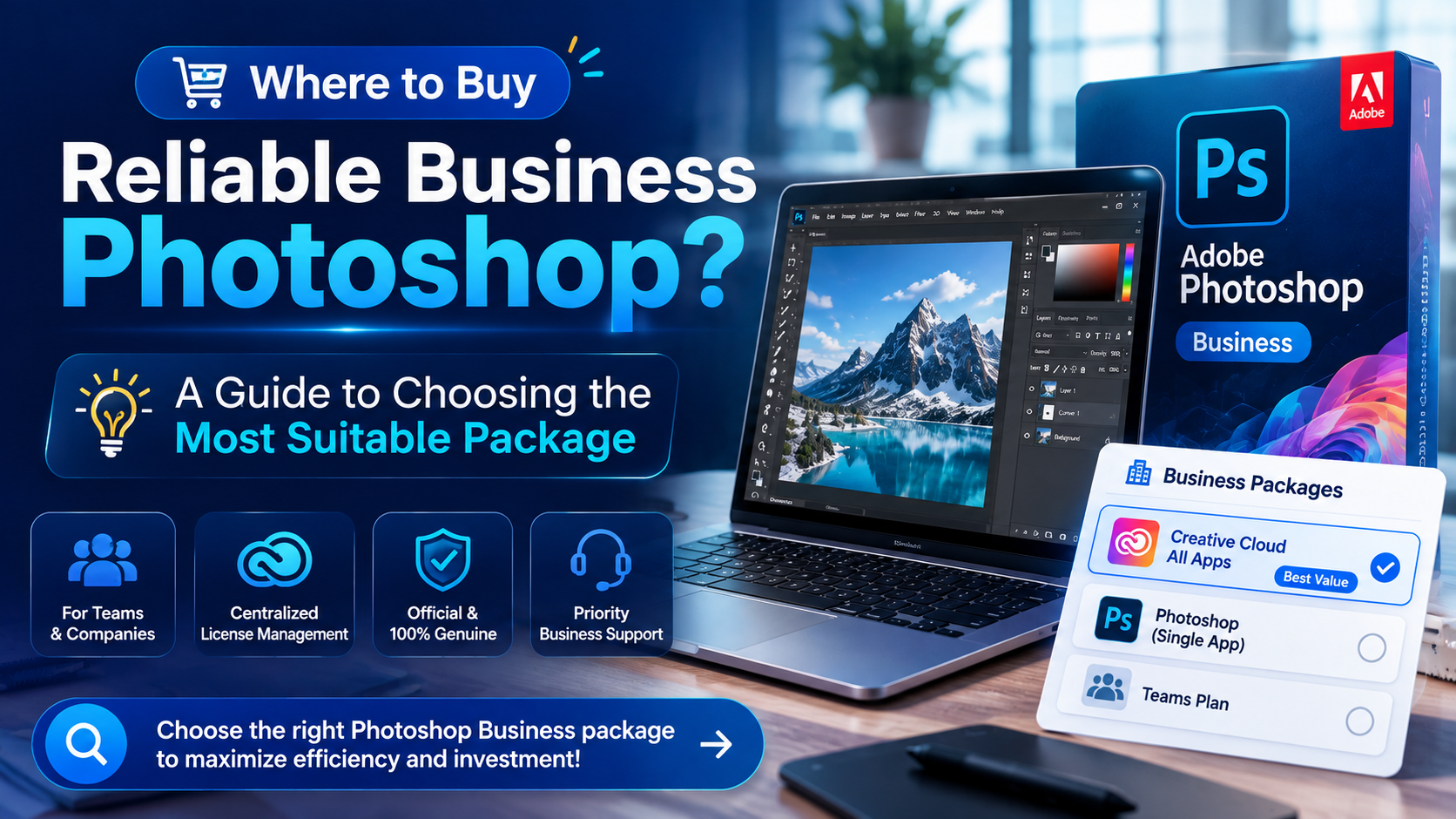
Where to Buy Reliable Business Photoshop? A Guide to Choosing the Most Suitable Package
Nội dung
- 1. Why should businesses use licensed versions of Photoshop?
- 2. Risks of buying business Photoshop from unreliable sources
- 3. Popular types of enterprise Photoshop packages currently available
- 3.1 The Photoshop Package as a Single Item
- 3.2 Creative Cloud All Apps Package
- 3.2 Adobe Teams Package
- 4. Criteria for choosing the right Photoshop package for businesses
- 4.1 Determine the number of users
- 4.2 Determine the intended use
- 4.3 Budget Balance
- 5. Where can I buy reliable Photoshop for businesses?
- 5.1 Clear copyright account
- 5.2 Prompt Technical Support
- 5.3 Optimal costs for businesses
- 6. An effective process for purchasing Photoshop for businesses.
- 6.1 Step 1: Assess internal needs
- 6.2 Step 2: Choose the appropriate package
- 6.3 Step 3: Choose a reputable supplier
- 6.4 Step 4: Implementation and Training
- 7. Frequently Asked Questions When Buying Photoshop for Businesses
- 8. Conclusion
Many businesses today still use unlicensed versions of Photoshop or purchase them from unreliable sources.
1. Why should businesses use licensed versions of Photoshop?
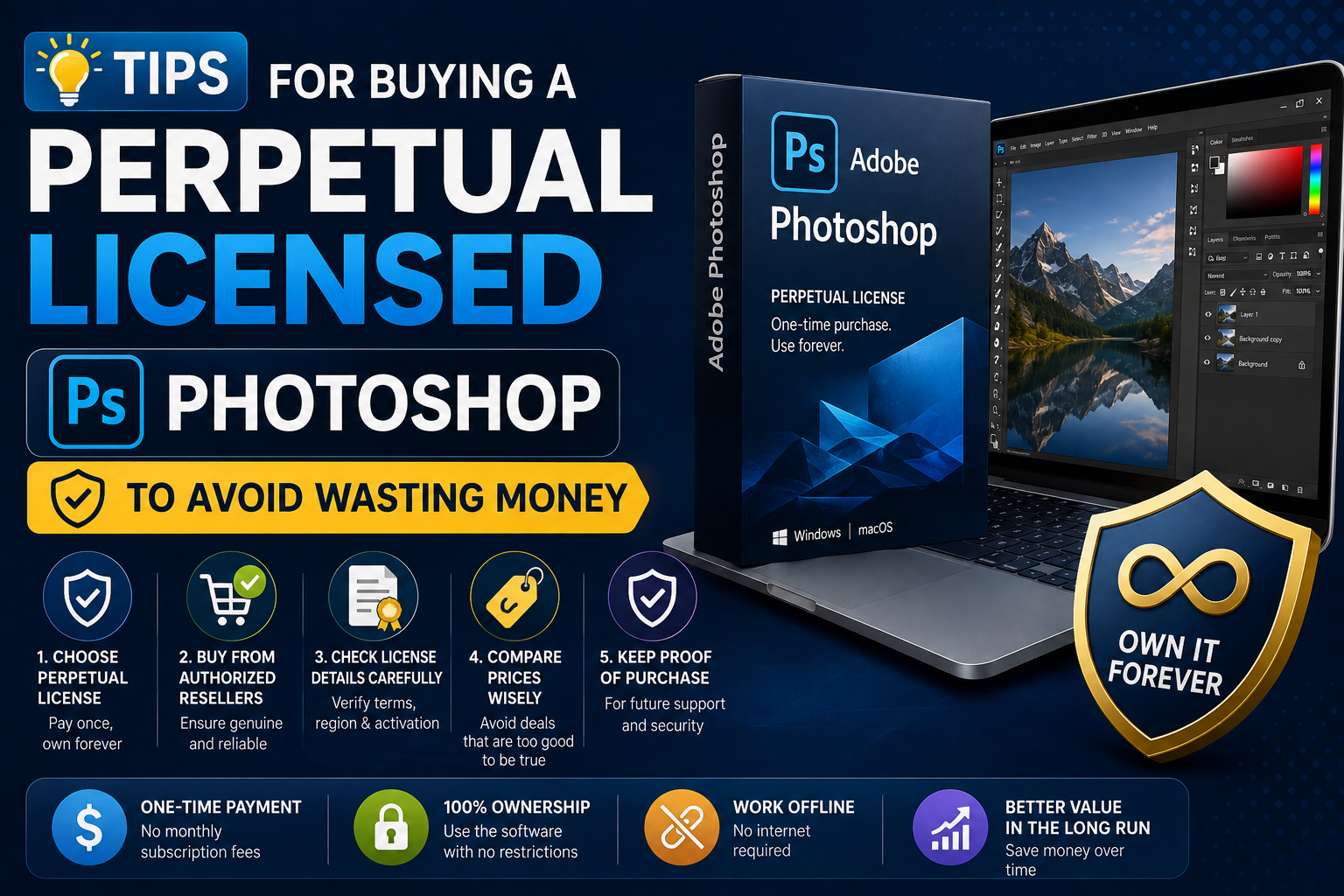
Photoshop is more than just photo editing software. It's a professional design tool used by millions of businesses worldwide for business operations, marketing, and content creation. Investing in a licensed version of Photoshop offers benefits that far outweigh the cost.
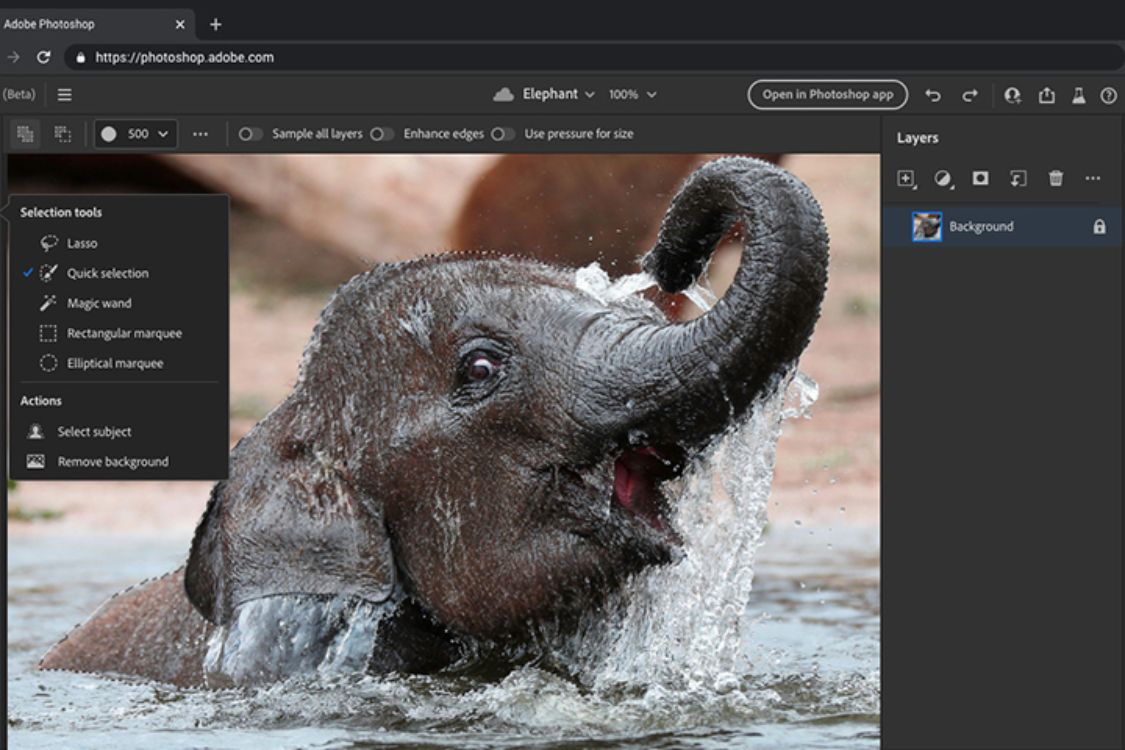
By using the official version, businesses will receive continuous updates of new features from Adobe. Modern technologies such as AI Generative Fill, Remove Background, Content-Aware Fill, and intelligent design support tools are regularly updated. This helps design teams improve their work efficiency, save time, and create more professional products.
In addition, a licensed version of Photoshop helps businesses:
-
Ensure the legality of your software usage.
-
Avoid the risk of being inspected and penalized for copyright infringement.
-
Receive all security updates.
-
Synchronize data across multiple devices.
-
Convenient cloud storage support.
-
Officially supported by Adobe.
-
Reduce the risk of virus infection from cracked versions.
For businesses operating in marketing, communications, e-commerce, or creative design, Photoshop is almost an indispensable tool in their daily workflow.
2. Risks of buying business Photoshop from unreliable sources
Many businesses, in an effort to save costs, opt for cheap Photoshop accounts advertised online. However, unusually low prices often come with numerous risks that not everyone recognizes from the outset.
Improper accounts are often shared among multiple users simultaneously or created through invalid methods. After a period of use, these accounts can be unexpectedly locked, disrupting business operations. This is especially dangerous when design teams are working on important projects or advertising campaigns that need to be completed on schedule.
In addition, unreliable suppliers also pose potential risks:
-
Stealing login credentials.
-
Important design data has been lost.
-
No technical support is available.
-
There are no clear invoices or receipts.
-
Not accredited by Adobe.
-
There is a risk of losing access at any time.
Therefore, choosing a reputable supplier from the start will help businesses save a lot of costs and avoid problems that may arise during use.
3. Popular types of enterprise Photoshop packages currently available
3.1 The Photoshop Package as a Single Item
This is a suitable option for small businesses or departments that only need to use Photoshop for basic photo editing. This package provides a full range of professional image editing features along with cloud storage. The cost is relatively reasonable, making it a popular choice for startups and newly established businesses.
However, if the design team needs to use Illustrator, Premiere Pro, or other software within the Adobe ecosystem, a single package may not be the most optimal solution.
3.2 Creative Cloud All Apps Package
This is currently the most popular package among businesses because it provides the entire Adobe suite of tools in a single account.
Businesses can use the following simultaneously:
-
Photoshop.
-
Illustrator.
-
Premiere Pro.
-
After Effects.
-
Lightroom.
-
InDesign.
-
Acrobat Pro.
-
Adobe Express.
-
XD and many other tools.
Integrating all software into a single ecosystem enhances collaboration between design, marketing, and content production departments.
3.2 Adobe Teams Package
Adobe Teams is developed specifically for enterprise environments with centralized user management capabilities. Administrators can easily add or revoke licenses, assign personnel permissions, and monitor account status. This is an ideal choice for businesses with several or more design staff.
4. Criteria for choosing the right Photoshop package for businesses
Not every business needs the most expensive service packages. The key is to identify your actual needs to optimize your budget.
4.1 Determine the number of users
If a business only has one or two designers, a personal Photoshop package or a small team package may be sufficient to meet their needs.
Conversely, for marketing companies, agencies, or e-commerce businesses with large design teams, choosing specialized enterprise packages will help manage them more effectively.
4.2 Determine the intended use
Some businesses only need to edit product photos or design simple banners. In this case, Photoshop alone is sufficient.
However, if you frequently produce videos, design logos, build brand identity, or create cross-platform content, Creative Cloud All Apps will deliver significantly higher value.
4.3 Budget Balance
Budgeting is always a crucial factor for any business. Instead of just looking at the initial cost, businesses should evaluate the overall value received, such as:
-
Stability.
-
Scalability.
-
Technical support.
-
Data security.
-
Work performance.
A genuine, licensed solution always saves more money in the long run compared to constantly changing or dealing with issues arising from invalid accounts.
5. Where can I buy reliable Photoshop for businesses?
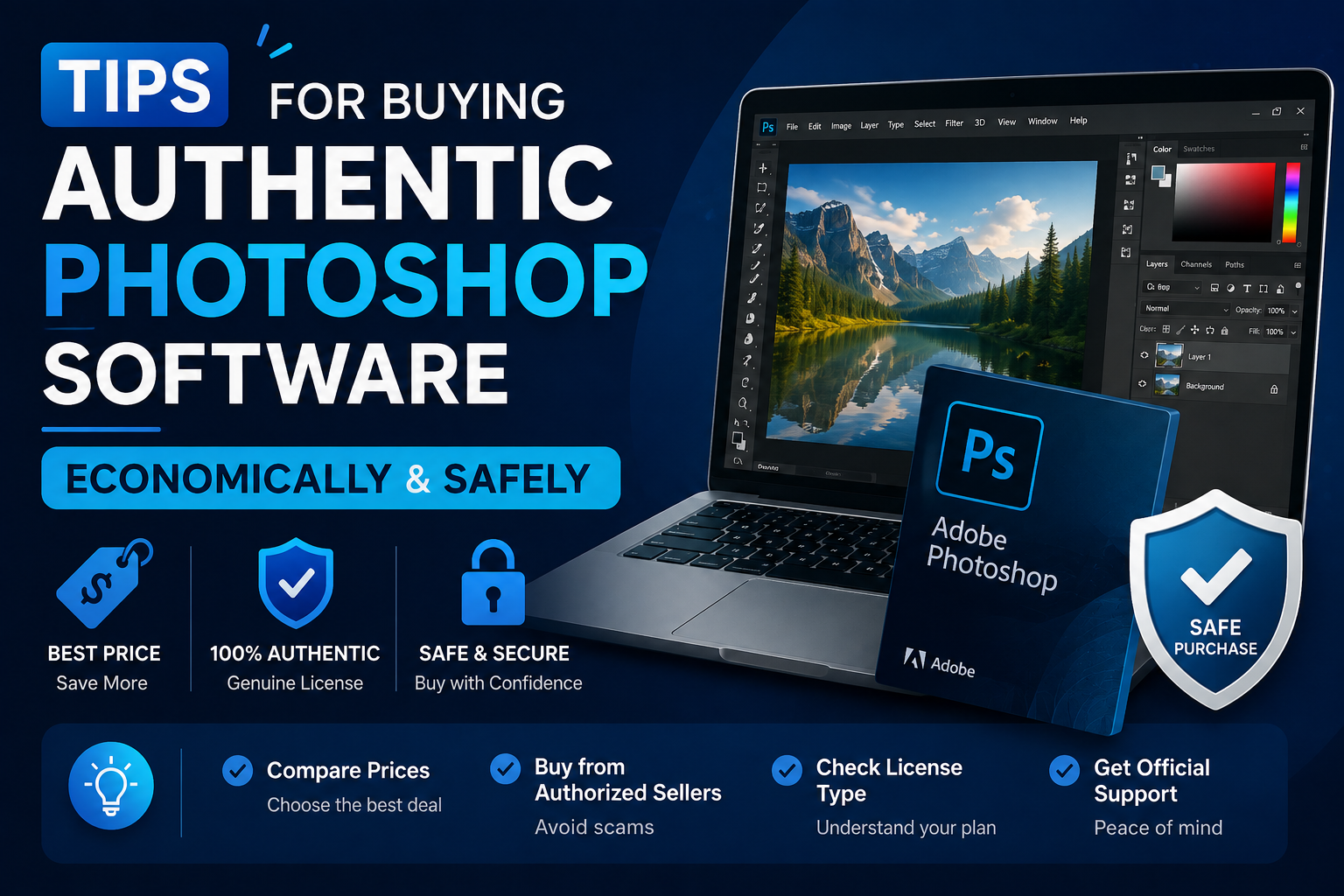
When searching for a provider of enterprise Photoshop, the most important factors are reputation and quality after-sales support. A professional provider not only offers licensed accounts but also supports customers throughout the entire usage process. Currently, AppVip.ai is one of the addresses chosen by many individuals, businesses, and design teams when they need to purchase enterprise Photoshop. This provider offers a variety of Adobe packages suitable for businesses of different sizes.
5.1 Clear copyright account
AppVip.ai provides software solutions with transparent origins, giving businesses peace of mind for long-term use. Customers receive detailed consultation before purchasing to choose the right package that suits their needs and budget, avoiding wasted investment costs.
5.2 Prompt Technical Support
One of the strengths highly appreciated by many customers at AppVip.ai is its dedicated technical support. During the activation or use of the software, the support team is always ready to answer questions and quickly resolve any issues that arise, ensuring that business operations are not interrupted.
5.3 Optimal costs for businesses
Compared to purchasing and deploying directly, many businesses choose AppVip.ai because of its reasonable cost and flexible support policies. This allows businesses to easily access licensed Adobe solutions while optimizing their investment budget.
6. An effective process for purchasing Photoshop for businesses.
Choosing the right Photoshop package becomes easier if businesses follow a structured process.
6.1 Step 1: Assess internal needs
Businesses need to clearly define the number of employees, the frequency of use, and the necessary software within the Adobe ecosystem. Accurately assessing needs will help avoid over- or under-purchasing licenses.
6.2 Step 2: Choose the appropriate package
After identifying their needs, businesses can choose between Photoshop as a standalone application, Creative Cloud, or Adobe Teams. Each package has its own advantages and is suitable for different sizes of operations.
6.3 Step 3: Choose a reputable supplier
This is the most important step that determines long-term quality. Businesses should prioritize suppliers that have:
-
The information is clear.
-
Transparent warranty policy.
-
Fast technical support.
-
Experience in implementation for businesses.
-
Positive customer reviews.
6.4 Step 4: Implementation and Training
After successful activation, businesses should organize training sessions for their staff to maximize the use of Photoshop's features. This helps improve work efficiency and optimize the value of the software investment.
7. Frequently Asked Questions When Buying Photoshop for Businesses
-
Is Photoshop for businesses different from Photoshop for personal use? In terms of basic features, the two versions are almost identical. However, the business version includes additional tools for user management, centralized licensing, and specialized technical support. This makes it easier for businesses to control their accounts and improve operational efficiency.
-
Should small businesses buy a licensed version of Photoshop? Even small businesses should use genuine software to ensure stability, security, and compliance with copyright regulations. The initial investment cost isn't too high, but it provides long-term value.
-
Is it possible to upgrade the package later? Adobe allows flexible upgrades from basic packages to more advanced packages as the business grows. This makes it easy for businesses to scale without having to change their entire system.
8. Conclusion
Purchasing Photoshop for businesses is a significant investment that helps companies enhance their design capabilities, build a professional brand image, and optimize work efficiency. Instead of choosing cheap, unreliable suppliers, businesses should prioritize reputable providers to ensure long-term benefits. If you are looking for a reliable source to purchase Photoshop for your business, AppVip.ai is a worthwhile option thanks to its diverse solutions, reasonable costs, and dedicated support services. Choosing the right package from the start will help businesses maximize the power of Photoshop and create a solid foundation for future creative activities.





















VIP Products








Best Selling Products
Upgrade Duolingo Super
29 USD
Plugin Retouch4me
69 USD
Adobe Photoshop Copyright - Full App
120 USD
Freepik Premium Account
59 USD
Windows 10 & 11 Pro Key
36 USD
Copyright Adobe Lightroom Account
59 USD
Autodesk All App Account Copyright
120 USD
Adobe Premiere Pro Account
99 USD
Upgrade Genuine Office 365
49 USD
Genuine Cheap Canva Pro
39 USD
Upgrade genuine Capture One account
120 USD
ChatGPT Plus Account (GPT-4)
16 USD
Genuine Adobe Illustrator account
99 USD
MidJourney Account
29 USD
Capcut Pro 1 Year
39 USD