Best Selling Products

ChatGPT Plus Account (GPT-4)
16 USD

Adobe Photoshop Copyright - Full App
120 USD

MidJourney Account
29 USD

Windows 10 & 11 Pro Key
36 USD

Genuine Adobe Illustrator account
99 USD

Adobe Premiere Pro Account
99 USD

Copyright Adobe Lightroom Account
59 USD

Autodesk All App Account Copyright
120 USD

Upgrade genuine Capture One account
120 USD

Upgrade Genuine Office 365
49 USD

Upgrade Duolingo Super
29 USD

Freepik Premium Account
59 USD

Capcut Pro 1 Year
39 USD

Genuine Cheap Canva Pro
39 USD

Plugin Retouch4me
69 USD
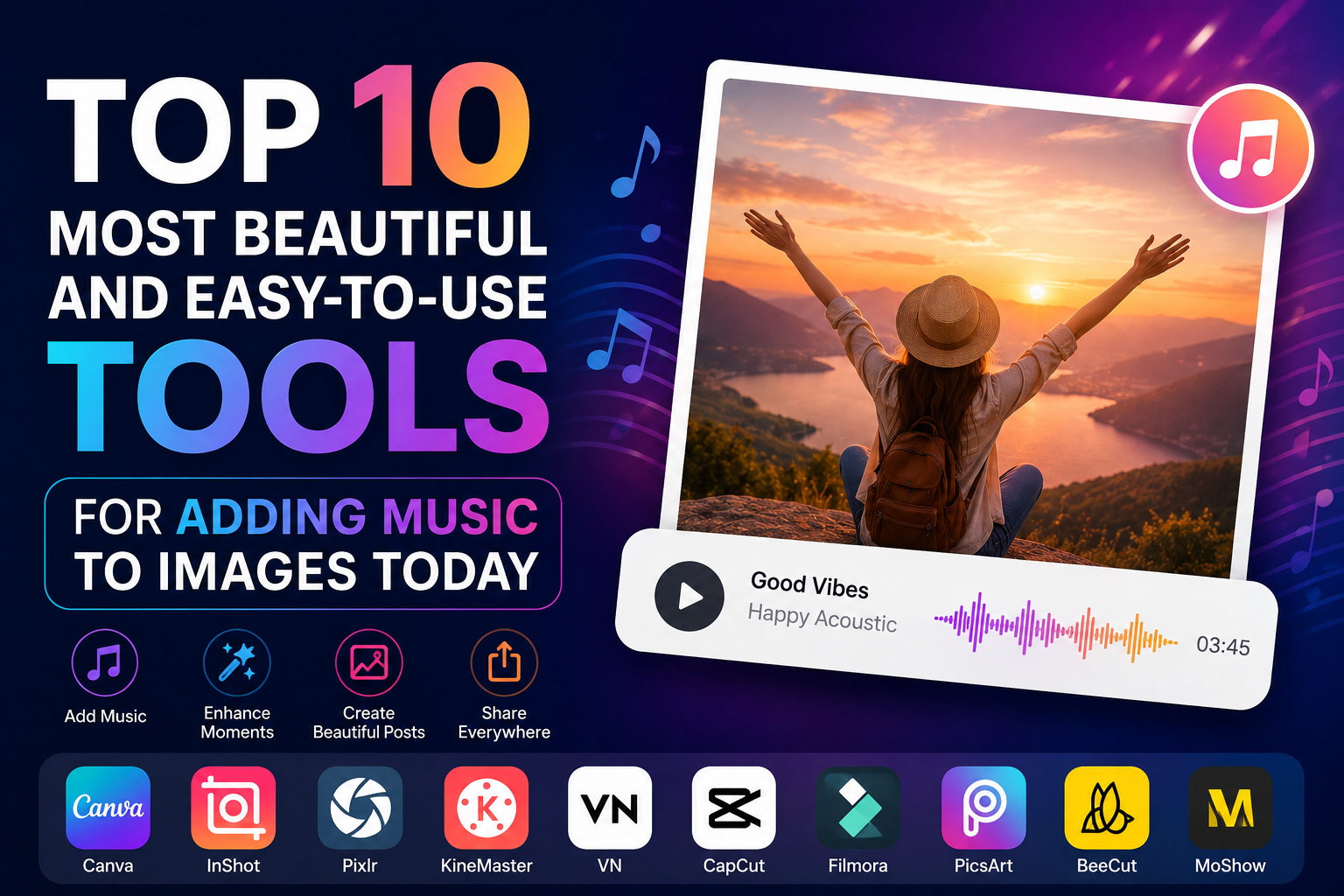
Top 10 Most Beautiful and Easy-to-Use Tools for Adding Music to Images Today
Nội dung
- 1. CapCut – The most widely used tool for adding music to images today.
- 2. Canva – A professional platform for designing and adding music to images.
- 3. InShot – A simple app for adding music to photos, perfect for beginners.
- 4. KineMaster – A powerful video editing tool on mobile.
- 5. VN Video Editor – A free but feature-rich tool.
- 6. Filmora – A solution for adding music to images on your computer.
- 7. Adobe Express – A modern tool from Adobe
- 8. VivaVideo – A familiar tool for creating photo videos with music.
- 9. PicsArt – Combines photo editing and adding music to images effectively.
- 10. LightCut – A smart AI tool for adding music to images.
- 11. Conclusion
Currently, there are many applications and software that support adding music to images, with user-friendly interfaces, simple operation, and many beautiful effects.
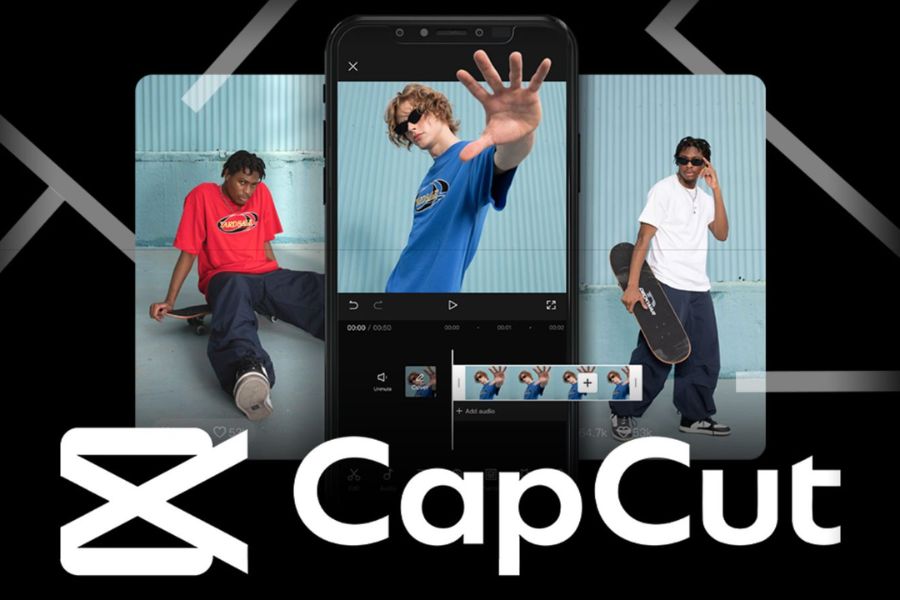
1. CapCut – The most widely used tool for adding music to images today.
CapCut is almost always the first name that comes to mind when talking about apps for adding music to photos on mobile phones. Thanks to the backing of TikTok, CapCut quickly became the top choice for millions of users worldwide. This tool allows you to transform one or more images into videos in just a few minutes with a wide range of transition effects, color filters, and a rich sound library. Users can upload music from their devices or use trending songs to increase their reach on social media.
CapCut's standout feature is its intuitive interface, suitable even for those with no prior video editing experience. Besides adding music to videos, the app supports automatic subtitles, AI effects, animation creation, and many other advanced editing tools. It's an ideal choice for TikTokers, online sellers, and anyone who wants to create professional videos without requiring extensive skills.
2. Canva – A professional platform for designing and adding music to images.
Canva is not only famous in the field of graphic design but also a popular tool for creating videos from images. With its huge library of design templates and thousands of beautiful animation effects, Canva makes it easy for users to create image videos with background music using simple drag-and-drop operations. This is a suitable choice for individuals, businesses, and digital content creators.
One of Canva's biggest advantages is its ability to work online across all devices. Users can edit a project on their computer and then continue refining it on their phone without any problems. The extensive free music library and pre-designed video templates significantly save time, making it especially suitable for those who need to produce content frequently.
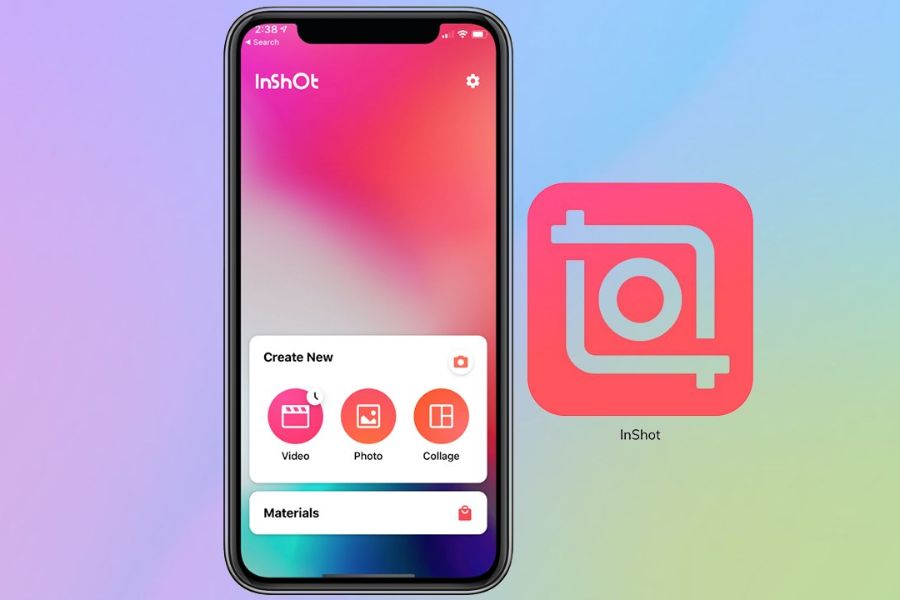
3. InShot – A simple app for adding music to photos, perfect for beginners.
InShot is one of the most downloaded video editing apps on mobile phones today. Its strengths lie in its minimalist, user-friendly interface and fast processing speed. Users simply select images, add background music, and export the video to have a complete product ready to upload to social media.
Besides the ability to add music to images, InShot also provides many useful tools such as video editing, text insertion, stickers, transition effects, and color adjustment. Thanks to its design optimized for smartphones, the application runs smoothly even on devices with average specifications. This is a suitable solution for students, online sellers, and new content creators.
4. KineMaster – A powerful video editing tool on mobile.
KineMaster is considered one of the most professional video editing apps on mobile phones. Not only does it support adding music to videos, but it also allows users to work with multiple layers of video, images, and audio simultaneously. This makes content creation more flexible and sophisticated.
When using KineMaster, users can precisely control every element in their videos, such as volume, speed, motion effects, and image filters. Its extensive effects library and ability to export high-quality videos make it a favorite choice for many professional YouTubers and TikTokers. If you're looking for a feature-rich yet accessible tool on your phone, KineMaster is definitely worth considering.
5. VN Video Editor – A free but feature-rich tool.
VN Video Editor is an application that is receiving a lot of positive feedback from the content creation community. Although completely free, VN possesses many powerful features that are no less impressive than paid software. Adding music to videos is done quickly with an intuitive and easy-to-use interface.
One of the advantages that makes VN Video Editor popular is its ability to export videos without watermarks. In addition, the application supports many beautiful transition effects, speed adjustment, subtitle creation, and flexible sound layering. For those who want to create high-quality videos without spending a lot of money, VN is one of the best options currently available.
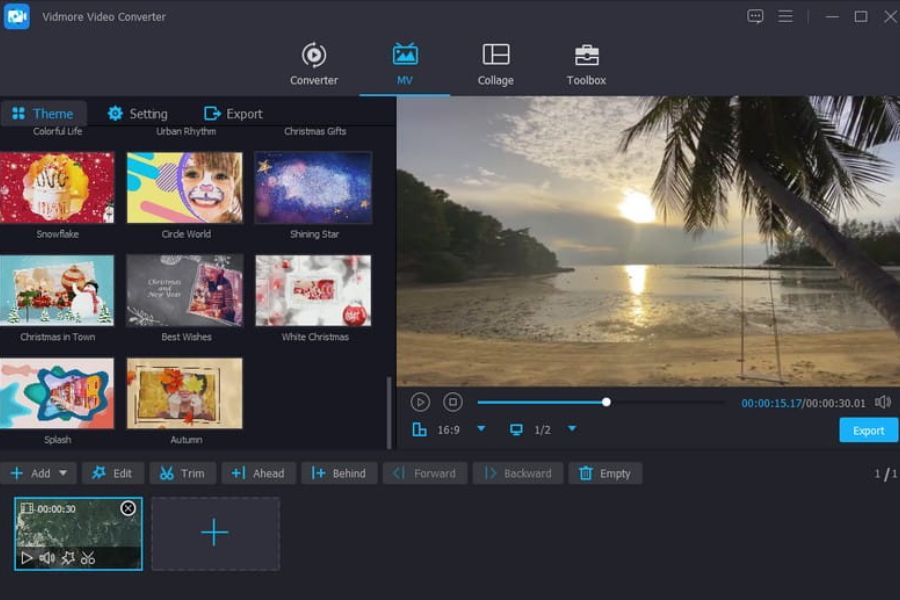
6. Filmora – A solution for adding music to images on your computer.
Filmora is a popular video editing software for computers, known for its user-friendly interface and many modern features. For adding music to videos, Filmora offers a more professional experience thanks to its extensive effects library and high-quality video processing capabilities.
Users can create photo slideshows, add background music, synchronize effects to the rhythm of the song, and export videos in up to 4K resolution. Filmora also integrates many AI tools to save editing time. This is a suitable choice for YouTubers, marketers, and anyone who frequently produces content on a computer.
7. Adobe Express – A modern tool from Adobe
Adobe Express is an online design platform developed by Adobe. This tool allows users to quickly create videos from images and add background music without needing advanced editing experience. Thanks to its modern and user-friendly interface, Adobe Express is increasingly being chosen by many people.
Besides its high-quality free music library, Adobe Express also offers a range of professional video templates for various fields such as business, education, travel, and entertainment. The ability to synchronize data between devices is also a major advantage, allowing users to work more flexibly.
8. VivaVideo – A familiar tool for creating photo videos with music.
VivaVideo is one of the oldest and most familiar video editing apps for mobile users. Despite the emergence of many new tools on the market, VivaVideo maintains its position thanks to its user-friendly interface, ease of use, and ability to quickly create videos from images. For beginners learning how to add music to images, this is an ideal choice as it doesn't require complex editing skills. Simply upload photos, choose your favorite music, and add a few transition effects, and you can create a complete video to share on social media platforms.
Another advantage that makes VivaVideo popular is its ability to seamlessly combine music with images. Users can use the available music library or upload their own music to create a unique touch for their videos. Thanks to its simplicity and convenience, VivaVideo is especially suitable for those who want to create commemorative videos, travel videos, or entertainment content without investing too much time in editing.
9. PicsArt – Combines photo editing and adding music to images effectively.
PicsArt has long been known as one of the leading photo editing apps on mobile phones. However, not everyone knows that this tool also possesses many powerful video creation features, especially the ability to add music to images with many creative effects. This is a suitable solution for those who want to combine artistic image design and short video production for personal or business purposes.
Furthermore, PicsArt boasts a vast collection of stickers, fonts, lighting effects, and special effects. This allows users to easily create outstanding and unique videos that stand out from the multitude of content on social media. For those creating content for TikTok, Instagram Reels, or Facebook Reels, PicsArt is not just a photo editing tool but also a powerful assistant for creating emotionally engaging and captivating photo videos with music.
10. LightCut – A smart AI tool for adding music to images.
LightCut is one of the next-generation video editing applications that is receiving a lot of attention from the content creation community. Unlike traditional tools that require users to manually perform most editing operations, LightCut leverages the power of artificial intelligence to automate many steps. This makes adding music to videos simpler than ever, even for those who have never edited videos before.
Besides its intelligent AI technology, LightCut also boasts a modern and user-friendly interface. The application offers many ready-made video editing templates, smooth transition effects, and flexible audio editing tools. Users can create videos from travel photos, personal photos, product photos, or artistic photo sets in just minutes. With its combination of automation and creativity, LightCut is gradually becoming the top choice for those who want to create beautiful, professional photo videos with music that keep up with modern content trends.
11. Conclusion
With the support of modern tools like CapCut, Canva, InShot, KineMaster, VN Video Editor, Filmora, Adobe Express, VivaVideo, PicsArt, and LightCut, adding music to images has become easier than ever. Each tool has its own advantages, suitable for different needs. Choosing the right application will help you create lively, professional, and more engaging photo videos for all social media platforms.





















VIP Products








Best Selling Products
ChatGPT Plus Account (GPT-4)
16 USD
Adobe Photoshop Copyright - Full App
120 USD
MidJourney Account
29 USD
Windows 10 & 11 Pro Key
36 USD
Genuine Adobe Illustrator account
99 USD
Adobe Premiere Pro Account
99 USD
Copyright Adobe Lightroom Account
59 USD
Autodesk All App Account Copyright
120 USD
Upgrade genuine Capture One account
120 USD
Upgrade Genuine Office 365
49 USD
Upgrade Duolingo Super
29 USD
Freepik Premium Account
59 USD
Capcut Pro 1 Year
39 USD
Genuine Cheap Canva Pro
39 USD
Plugin Retouch4me
69 USD