1. What is Photoshop for editing documents?
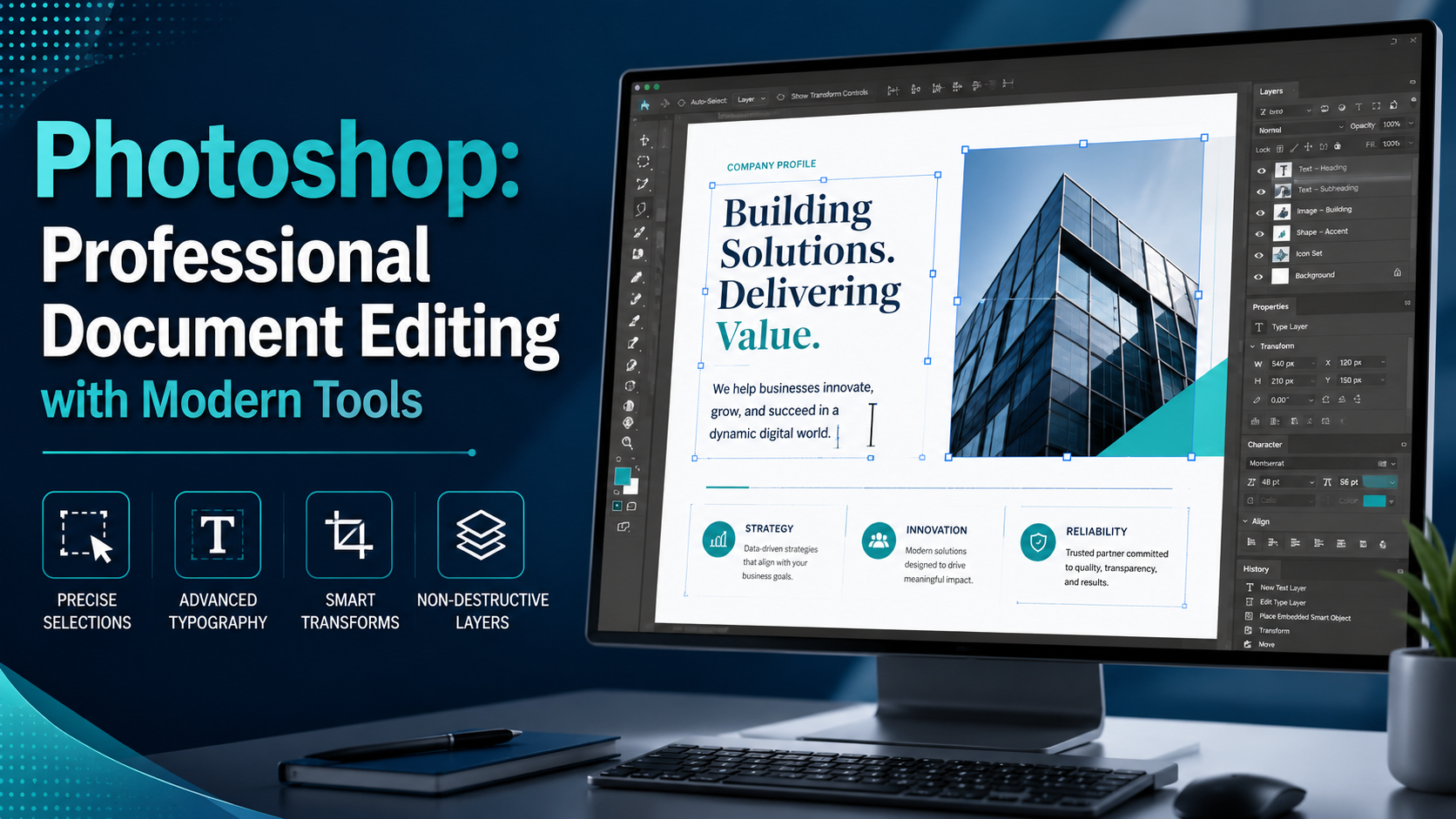
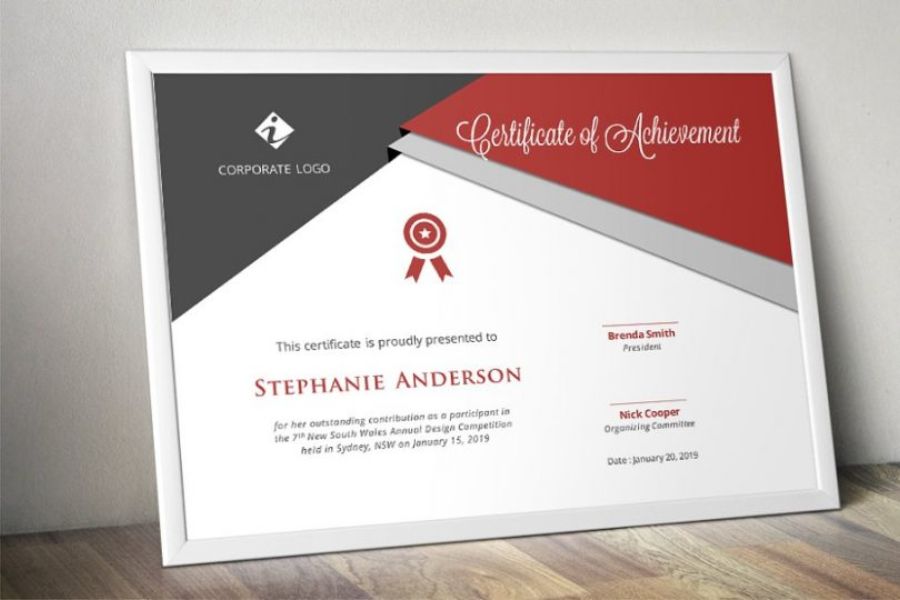
Photoshop document editing is the process of using Adobe Photoshop software to process, improve, or optimize images of various types of documents such as certificates, invoices, contracts, files, study materials, business documents, and many other types of texts.
Unlike basic image editing software that only allows for simple cropping or color adjustments, Photoshop provides a sophisticated system of tools that enables users to precisely manipulate even the smallest details. This allows for effective correction of blurry, smudged, color-inaccurate, or stained documents. Furthermore, Photoshop supports many different image formats, enabling high-quality file exports suitable for professional storage, presentations, or printing.
2. Why is Photoshop widely used in document editing?
Photoshop has maintained its position as the leading image editing software for many years. For document processing, this software offers many outstanding advantages that other tools can hardly replace. First, Photoshop possesses extremely detailed editing capabilities. Users can zoom in on images many times while still accurately manipulating each character or small area of the document. This is especially useful when processing low-quality or damaged documents. In addition, Adobe continuously updates its advanced AI technologies to automatically recognize objects, remove objects, restore images, and enhance document quality. This significantly saves working time while ensuring professional results.
2.1 Outstanding benefits of Photoshop for document editing
Photoshop offers many practical benefits to users:
-
Enhance the clarity of blurry documents.
-
Restoring faded old documents.
-
Remove stains and creases from the document.
-
Adjust the brightness and contrast to optimal levels.
-
Professional image layout editing.
-
Export high-quality files for printing.
-
Supports a variety of image formats.
-
Integrating AI technology supports rapid processing.
Thanks to these advantages, Photoshop is widely used in office environments, education, graphic design, and digital document archiving.
2.2 Who should use Photoshop to edit documents?
Photoshop is suitable for a wide range of different groups of people.
-
Office workers can use it to improve the quality of documents before sending them to clients or presenting them in meetings. Students can process blurry study materials or convert paper documents into clearer digital versions.
-
For designers, marketing professionals, or photo editing service providers, Photoshop is an indispensable tool that helps improve work efficiency and create more professional products.

3. Photoshop's excellent image editing tools help process documents efficiently.
Photoshop boasts a wide range of powerful tools for document editing. Below are some of the most commonly used tools.
3.1 Crop Tool
The Crop Tool helps to remove excess parts of a document, realign the frame, and create a neater layout. When scanning or photographing documents with a phone, images often show unnecessary white space or are misaligned. The Crop Tool will fix this in just a few seconds.
3.2 Clone Stamp Tool
The Clone Stamp Tool is a tool used to copy areas of an image to cover up unwanted parts. In document processing, this tool is often used to remove smudges, ink stains, creases, or other imperfections on documents. Thanks to its ability to accurately copy every detail, the editing results usually look very natural.
3.3 Spot Healing Brush Tool
This is one of the most popular tools. The Spot Healing Brush uses a smart algorithm to automatically identify the error area and replace it with appropriate surrounding content. Users simply need to lightly brush over the area to be repaired, and Photoshop will automatically handle the rest.
3.4 Content-Aware Fill
Content-Aware Fill is a well-known feature of Photoshop. This tool can analyze the surrounding content and automatically fill in the erased area. When dealing with documents stained or with unwanted details, Content-Aware Fill saves a lot of time.
3.5 Levels and Curves
Levels and Curves help adjust the brightness, contrast, and color balance of a document. For documents photographed in poor lighting conditions or that have faded over time, these are incredibly useful tools for improving image quality.
3.6 Camera Raw Filter
Camera Raw Filter optimizes all images in a single interface. Users can adjust sharpness, reduce noise, increase brightness, white balance, and many other parameters to make their documents clearer.
4. Step-by-step guide on using Photoshop to edit documents.
To achieve the best results when using Photoshop to edit documents, you should follow the procedure below.
-
Step 1: Open the image to be edited: Launch Photoshop and select Open to load the document you need to process. Prioritize using high-resolution images to ensure good quality after editing. If the image is blurry or too small, processing will be much more difficult.
-
Step 2: Crop and align the document: Use the Crop Tool to remove unnecessary parts. You can also use the Perspective Crop Tool to adjust any misaligned angles, making the document look more balanced and professional.
-
Step 3: Enhance clarity: Use tools like Levels, Curves, or Camera Raw Filter to improve image quality. Adjusting contrast appropriately will make text and content on documents clearer.
-
Step 4: Remove imperfections: Use the Spot Healing Brush or Clone Stamp Tool to remove stains, creases, or damaged areas. Work carefully and zoom in on the image to ensure the most natural-looking result.
-
Step 5: Review and save the file: After completing the editing, review the entire document one more time. Next, save the file in high-quality PNG or PDF format for later use.
5. Important notes when using Photoshop to edit documents
Although Photoshop is a very powerful tool, users still need to be aware of a few issues to ensure efficient work. First, always back up the original file before editing. This makes it easier to recover data if errors occur during the process. In addition, use separate layers instead of editing directly on the original image. This is a professional work principle that makes editing more flexible and safer.
Additionally, users need to ensure that document editing complies with legal regulations and legitimate purposes. Photoshop should be used to improve image quality, optimize documents, and serve work purposes transparently.
6. Where can I upgrade my Photoshop?
If you frequently work with Photoshop to edit documents, using a fully licensed version offers many significant advantages. Adobe continuously adds modern AI technologies to the latest versions of Photoshop, such as Generative Fill, Remove Tool, Neural Filters, and a host of performance-optimizing features. This makes document editing faster, more accurate, and more professional. Currently, AppVip.ai is one of the preferred choices for many users when they need to upgrade and use licensed software.
The outstanding advantages of AppVip.ai include:
-
Reasonable cost.
-
Quick installation support.
-
Thorough consultation.
-
We constantly update to the latest version.
-
Technical support during use.
-
A diverse software library serving a wide range of needs.
In particular, for those who frequently work with images, design, or document processing, owning the full version of Photoshop will help them maximize the software's power and significantly improve their work efficiency.
7. Conclusion
Photoshop is a powerful solution for editing documents, helping users process, improve, and optimize document quality professionally. Thanks to its modern tools such as the Crop Tool, Clone Stamp Tool, Spot Healing Brush, Content-Aware Fill, Levels, and Camera Raw Filter, Photoshop can meet most document image editing needs, from basic to advanced. If you frequently work with digital documents, investing in a Photoshop upgrade and using the full version available at AppVip.ai will help you maximize the software's power, improve work efficiency, and create higher-quality products.