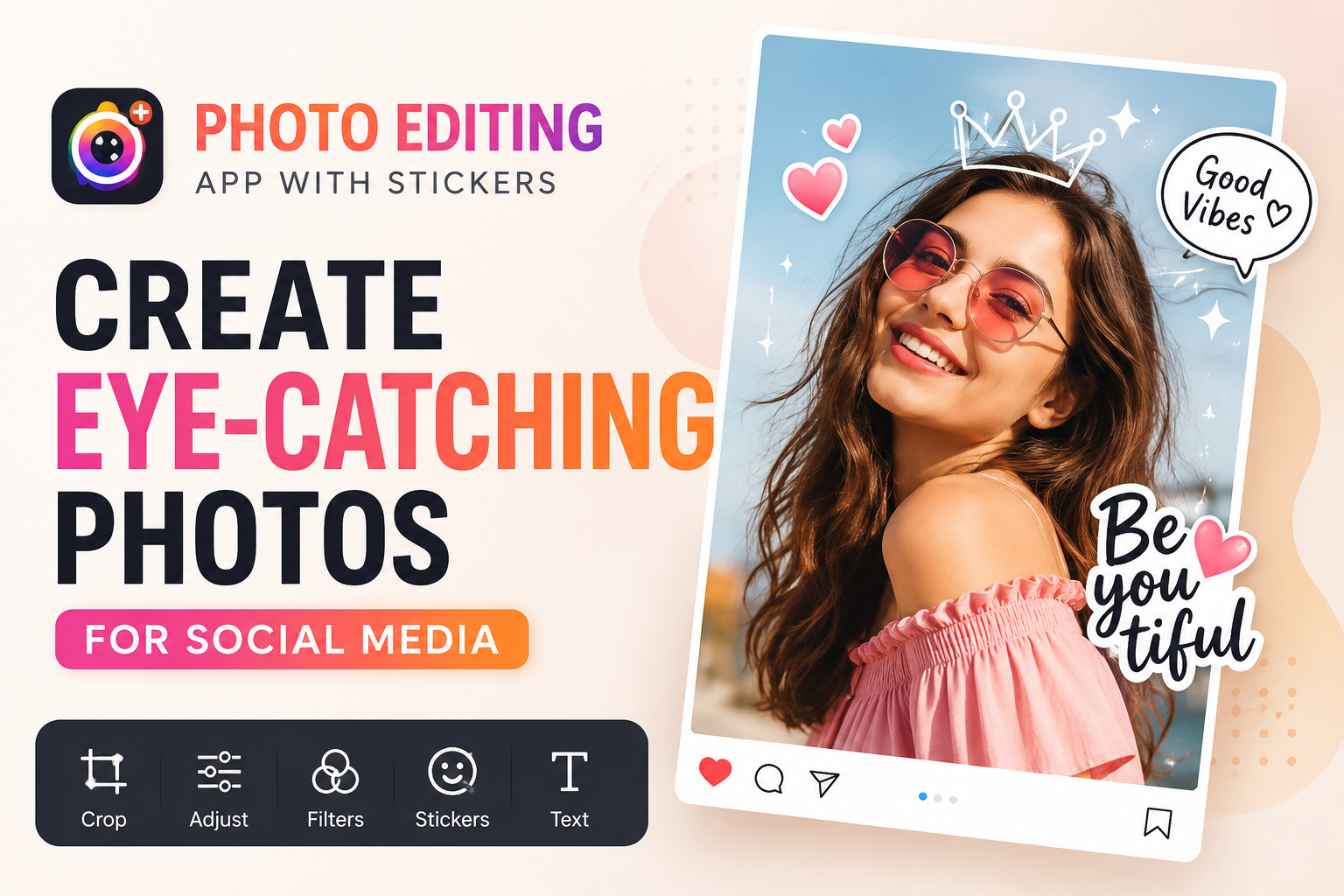
1. Why are photo editing apps that add stickers becoming increasingly popular?
Modern social media platforms prioritize visual content. A well-produced photo typically receives more engagement than a simple, less visually appealing image. Therefore, the demand for photo editing apps that add stickers has increased significantly in recent years.
Stickers not only help decorate photos but also serve as a tool to express emotions, convey messages, and create a unique style for each individual. Simply adding a few cute symbols or artistic text can make a photo much more interesting and appealing.
Furthermore, modern apps constantly update their sticker libraries to reflect the latest trends. Users can easily find sticker sets based on themes such as festivals, travel, love, fashion, food, or minimalist style to match the content they want to share.

2. Key benefits of using photo editing apps to add stickers
2.1 Make the photo more lively.
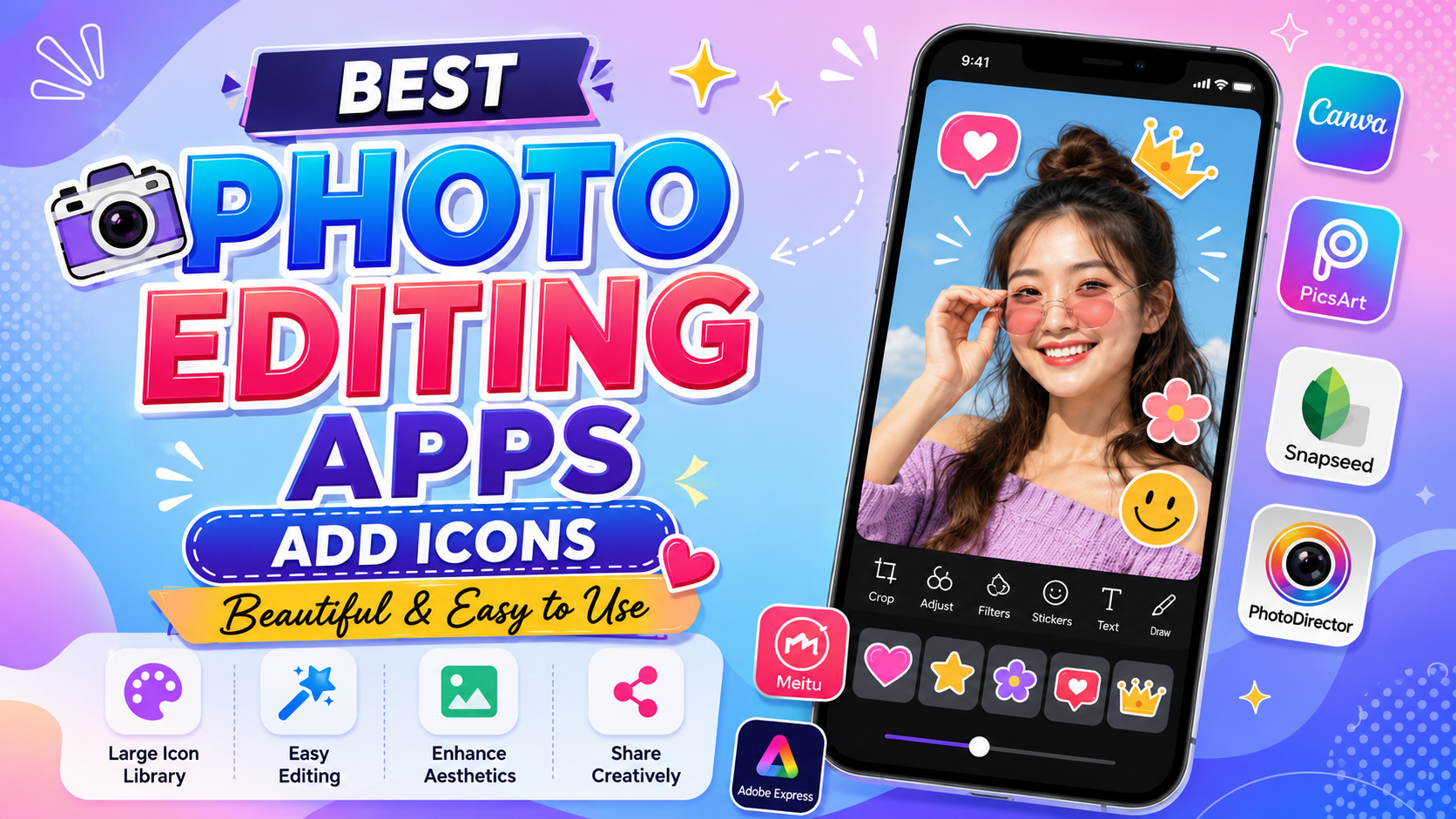
One of the biggest benefits of photo editing apps that add stickers is their ability to transform plain photos into colorful and emotional works of art. Small but well-placed stickers can create a powerful visual effect, making photos stand out.
Especially for selfies, travel photos, or everyday life photos, stickers act as a focal point, helping viewers concentrate on the main content. This contributes to increased attractiveness and keeps viewers engaged for longer.
2.2 Expressing individuality
Everyone has different styles and preferences. Some people like cute designs, while others prefer minimalist or dynamic styles. The extensive sticker library in photo editing apps allows users to freely express their creativity.
As a result, each photo posted on social media bears a distinct personal touch. This is a crucial element in building a personal brand and differentiating oneself from the millions of pieces of content shared daily.
2.3 Increase engagement on social media
Studies on user behavior show that creative images tend to have significantly higher engagement rates. Photos with appropriate stickers often create a sense of intimacy, fun, and are more likely to resonate with viewers.
When content becomes more engaging, the likelihood of receiving likes, comments, and shares also increases. This is why many content creators and online shop owners always utilize stickers to highlight their product images or posts.
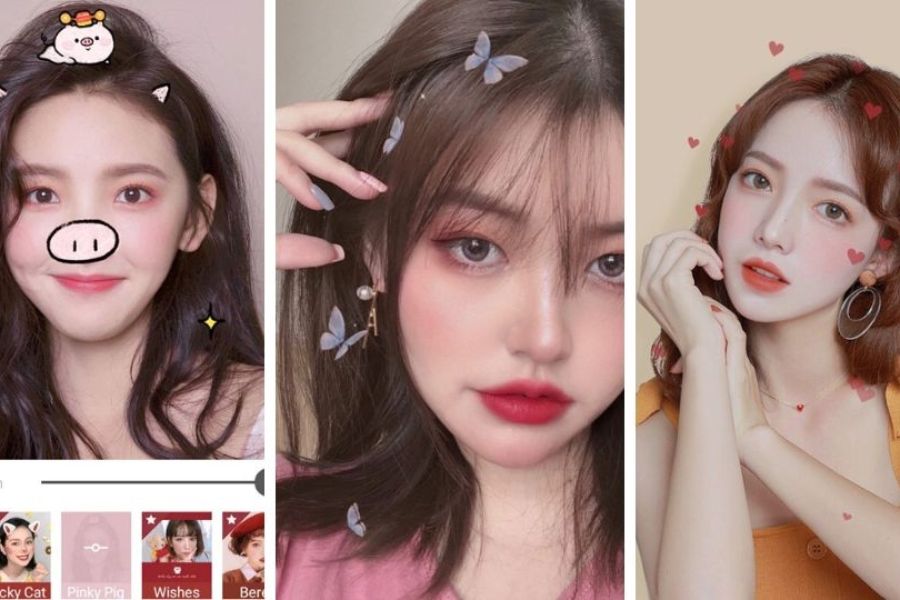
3. Essential features for a quality photo editing app with stickers
3.1 A diverse and regularly updated sticker library.
A good app should have a rich sticker library with many different themes. This makes it easy for users to find a design that suits the content they want to express.
Besides quantity, the quality of stickers is also very important. Sharp designs, harmonious colors, and trendy styles will make your photos look much more professional.
3.2 Comprehensive Photo Editing Tools
Besides the ability to insert stickers, users often need additional features such as color correction, cropping, skin beautification, adding text, or artistic color filters.
Integrating all the necessary tools into a single application saves time and provides a more convenient editing experience.
3.3 User-friendly interface
Not everyone has professional photo editing experience. Therefore, a user-friendly and easy-to-use interface is a key factor for many people.
A good photo editing app that allows stickers to be easily dragged and dropped, rotated, and zoomed in or out without requiring much time to get used to.
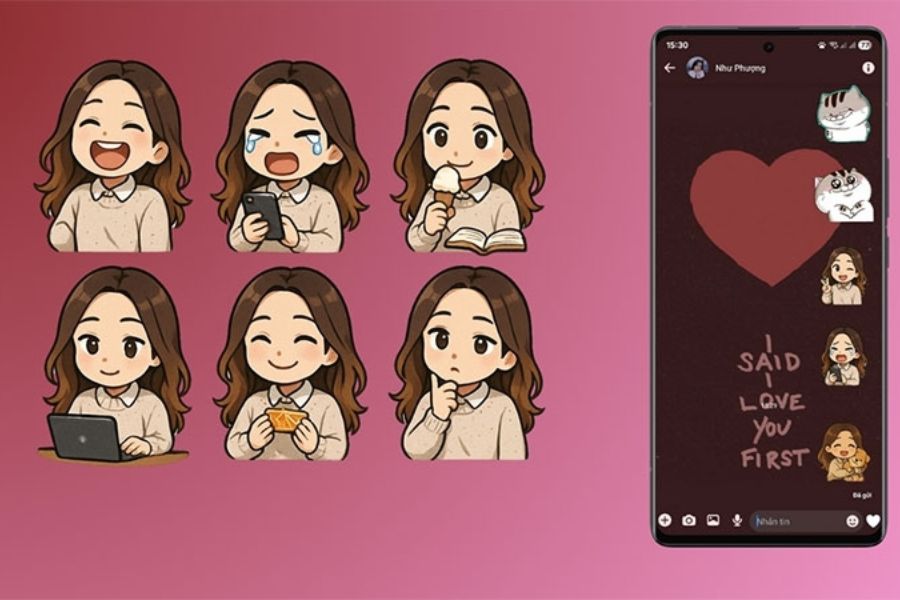
4. Popular sticker insertion styles today
4.1 Cute Korean-style stickers
Korean style is always popular among users thanks to its gentle, adorable, and sophisticated look. Stickers in the shape of hearts, stars, clouds, or cute little emoji icons are frequently used.
Photos taken in this style often convey a youthful and approachable feel. It's a popular choice for selfies, photos of friends, or everyday life shots.
4.2 Minimalist art stickers
The minimalist trend is becoming increasingly popular in the fields of design and photo editing. Instead of using too many details, users only add a few simple lines or icons to create emphasis.
This style helps the photo maintain its subtlety while still being striking enough to attract the viewer's attention.
4.3 Festival-themed stickers
On special occasions like Christmas, Lunar New Year, Halloween, or Valentine's Day, themed sticker sets always become a trend.
Using stickers that are appropriate for the event helps the content stand out more, while also creating a sense of belonging to the general atmosphere of the online community.
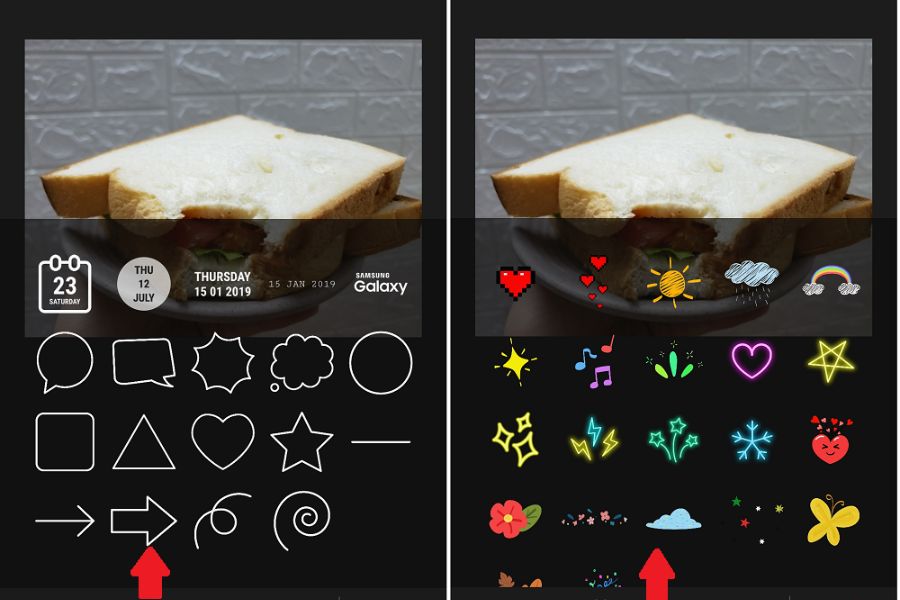
5. How to effectively use photo editing apps to add stickers.
5.1 Avoid overusing stickers.
A common mistake is adding too many stickers, making the photo look cluttered. While stickers are appealing, overuse can detract from the main content.
Instead, choose only the essential items and place them in appropriate locations to create the most effective focal point.
5.2 Choose stickers that match the image content.
Each type of photo will suit different stickers. For example, travel photos should use stickers of locations or nature, while food photos can be combined with fun, food-related stickers.
Consistency between the content and the stickers will help create a more harmonious overall image.
5.3 Combining with color filters
Stickers are most effective when combined with suitable color filters. A beautiful color tone can highlight the sticker and create a unique style for the photo.
Users should try out different filters before posting to find the perfect version.
6. Who should use photo editing apps to add stickers?
Currently, photo editing apps that add stickers are suitable for many different user groups:
-
Students enjoy posting photos on social media.
-
Content creators on TikTok and Instagram.
-
Travel and lifestyle blogger.
-
The owner runs an online business.
-
Marketing and advertising professionals.
-
People who want to capture personal moments in a creative way.
-
Families want to create fun photo albums.
Regardless of the field, having beautiful and engaging photos always offers many advantages in building a personal or brand image.
7. Suggestions for photo editing apps that add beautiful stickers.
7.1 PicsArt – A popular photo editing app for adding stickers.
When it comes to photo editing apps that add stickers , PicsArt is always the first name that comes to mind for many users. The app boasts a huge sticker library with millions of designs on various themes such as travel, fashion, love, food, and trending social media topics. Users can easily search for and add suitable stickers to their photos with just a few simple steps.
In addition to the ability to insert stickers, PicsArt also integrates many professional photo editing tools such as cropping, color correction, background removal, adding artistic effects, and creating collages. Therefore, you can complete the entire editing process in a single application without needing to install any additional software.
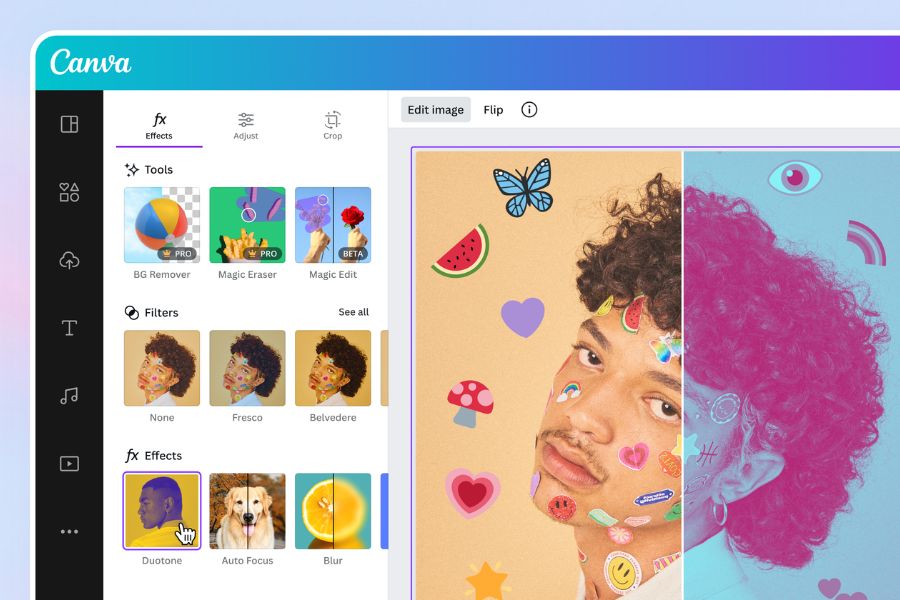
7.2 Canva – Photo editing app with stickers for those who like beautiful designs.
Canva is a photo editing app with stickers suitable for both beginners and professional content creators. The app offers thousands of pre-designed stickers, icons, illustrations, and graphic elements, making it easy for users to create outstanding photos for posting on Facebook, Instagram, or TikTok.
Canva's strength lies in its ability to combine stickers with pre-designed templates. Users can add artistic text, photo frames, effects, and other graphic elements to create cohesive and professional images. This is a suitable choice for online businesses, content creators, or anyone who wants to build a personal brand on social media.
7.3 BeautyPlus – Photo editing app that adds cute stickers to selfies
BeautyPlus is a photo editing app with stickers that is loved by many young people thanks to its user-friendly interface and collection of cute stickers. The application provides many sticker sets in Korean style, anime, cartoon, and lively emojis to make photos stand out after editing.
Besides its sticker insertion feature, BeautyPlus is also famous for its automatic beauty tools such as skin smoothing, face brightening, virtual makeup, and trendy color filters. Thanks to these, users can both edit their appearance and add unique stickers to create more attractive and eye-catching selfies to post on social media.
8. Conclusion
The emergence of photo editing apps with sticker features has made creating visual content easier and more enjoyable than ever. With just a few simple steps, anyone can transform ordinary photos into outstanding, eye-catching content with a strong personal touch. If you frequently post photos on Facebook, Instagram, TikTok, or use images for business purposes, choosing a photo editing app with sticker features will definitely be a great help. Take advantage of the rich sticker library and unlimited creativity to create unique, professional photos and get more interaction on social media.