Best Selling Products

Adobe Photoshop Copyright - Full App
120 USD

Upgrade genuine Capture One account
120 USD

ChatGPT Plus Account (GPT-4)
16 USD

Adobe Premiere Pro Account
99 USD

Windows 10 & 11 Pro Key
36 USD

Genuine Cheap Canva Pro
39 USD

Genuine Adobe Illustrator account
99 USD

Upgrade Genuine Office 365
49 USD

Copyright Adobe Lightroom Account
59 USD

Plugin Retouch4me
69 USD

Autodesk All App Account Copyright
120 USD

Freepik Premium Account
59 USD

MidJourney Account
29 USD

Upgrade Duolingo Super
29 USD

Capcut Pro 1 Year
39 USD
Download free Photoshop photo editing software to improve image quality.
Nội dung
- 1. Why do many people choose to download the free Photoshop photo editing software?
- 1.1 Cost-effective yet powerful tools
- 1.2 Suitable for a variety of uses
- 1.3 Learn professional design skills
- 2. Key benefits of using Photoshop for photo editing
- 2.1 Improve image quality
- 2.2 Non-destructive editing of original images
- 2.3 Support for modern AI technology
- 3. Instructions on how to safely download the free Photoshop photo editing software.
- 3.1 Check your computer's configuration
- 3.2 Download from a reputable source
- 3.3 Scan for viruses before installation
- 4. Key photo editing features in Photoshop
- 4.1 Professional photo color correction
- 4.2 Remove unwanted objects
- 4.3 Rapid background separation
- 5. Photoshop tips to improve image quality
- 5.1 Always edit on a separate layer.
- 5.2 Using Adjustment Layers
- 5.3 Avoid overusing filters
- 6. Common mistakes when editing photos with Photoshop
- 6.1 Over-color correction
- 6.2 Abuse of beauty effects
- 6.3 Exporting images in the wrong format
- 7. How to learn Photoshop faster after downloading the software.
- 7.1 Starting with the basics
- 7.2 Practice every day
- 7.3 Join the design community
- 8. Conclusion
A beautiful photograph not only helps preserve memorable moments but also contributes to making a strong impression on viewers.
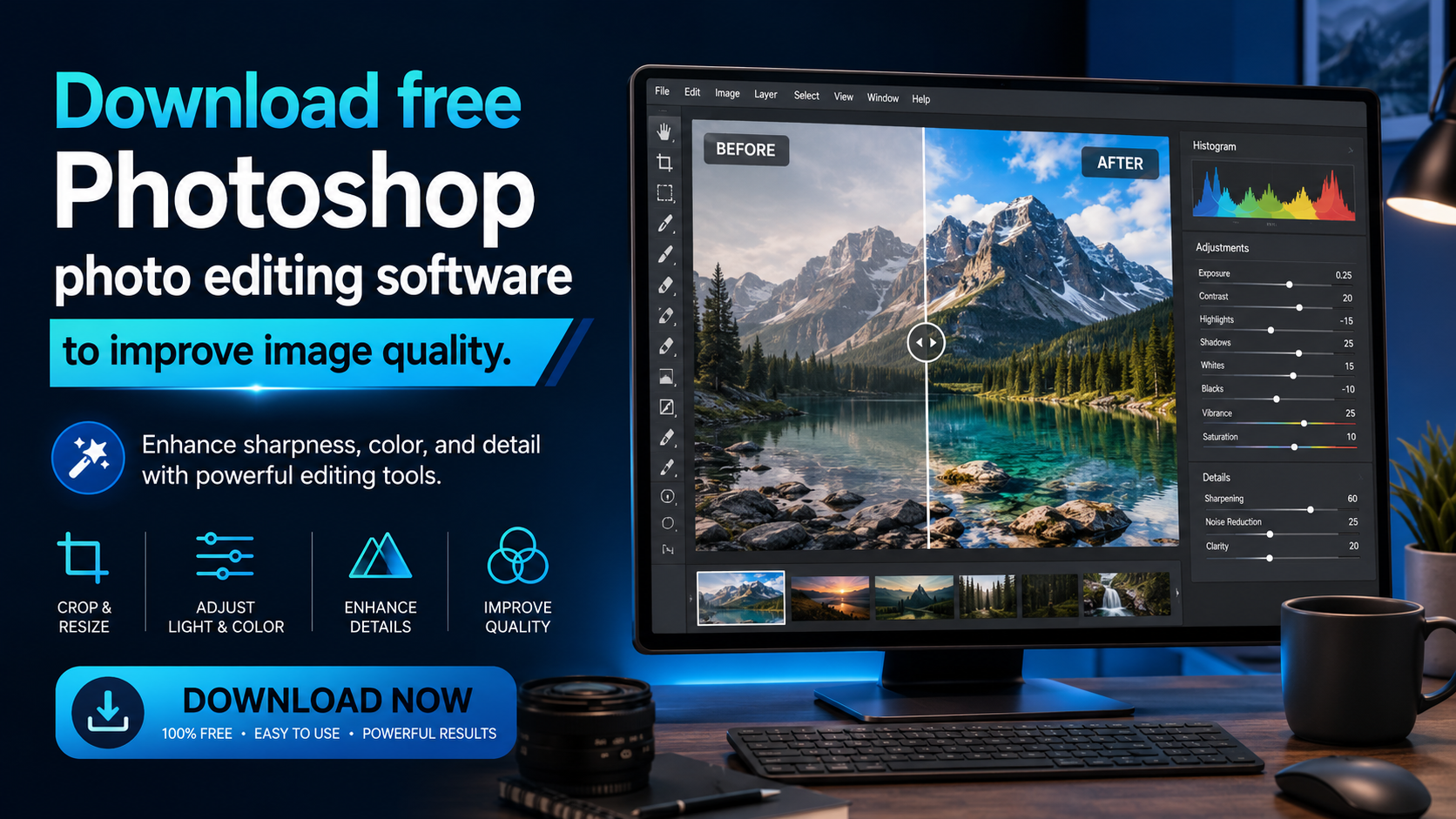
1. Why do many people choose to download the free Photoshop photo editing software?
Photoshop is a familiar name to anyone who has ever worked with images. From photographers, designers, and marketers to ordinary users, everyone can utilize this software to create high-quality products. Not only does it have a professional interface, but Photoshop also provides a diverse ecosystem of tools to edit images to suit every need. This is why downloading Photoshop for free has become a popular choice for many people today.
1.1 Cost-effective yet powerful tools
For students or beginners learning design, investing in paid software packages right away is sometimes unnecessary. Free or trial versions of Photoshop help users familiarize themselves with the interface and basic tools.
This allows you to practice photo editing, poster design, or learn graphic design skills without having to spend a large sum of money upfront.
1.2 Suitable for a variety of uses
Photoshop isn't just for professional designers anymore. Nowadays, anyone can use this software to edit personal photos, create images for social media, or design content for work.
Some common needs include:
-
Edit portrait photos.
-
Remove the background.
-
Design advertising banners.
-
Create YouTube thumbnails.
-
Restoring old photos.
-
Artistic photo collage.
-
Adjust the color of products for online sales.
1.3 Learn professional design skills
By downloading Photoshop for free, users have access to the same toolset that professional designers use every day. This is a great starting point for anyone who wants to pursue a career in graphic design or professional photo editing.
Getting acquainted with Photoshop early on also makes it easier to access advanced courses and expands career opportunities in the future.
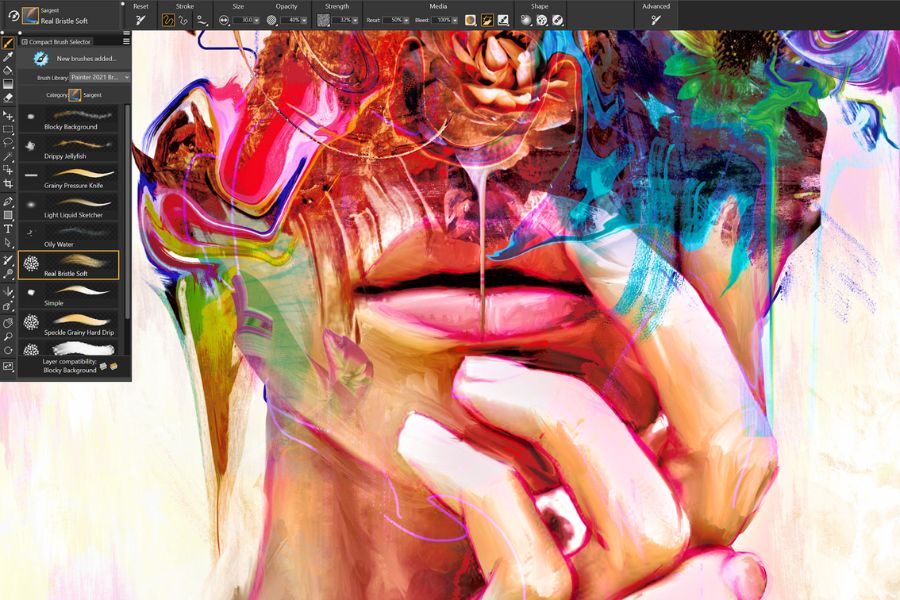
2. Key benefits of using Photoshop for photo editing
Photoshop's status as the world's most popular photo editing software is no accident. This tool offers numerous advantages that are difficult for ordinary photo editing applications to replace. By downloading Photoshop for free , you'll have access to a comprehensive set of editing tools to meet a wide range of needs.
2.1 Improve image quality
One of the most important reasons many people choose Photoshop is its ability to significantly improve image quality.
The software allows:
-
Increase sharpness.
-
Adjust the brightness.
-
Color balance.
-
Image noise reduction.
-
Restore lost details.
-
Increase the contrast.
As a result, blurry or underexposed photos can become significantly more vibrant and professional-looking.
2.2 Non-destructive editing of original images
Photoshop supports a layer system that allows users to edit without directly affecting the original image. This is a huge advantage because you can experiment with many different ideas and easily revert to previous steps without losing important data.
2.3 Support for modern AI technology
Newer versions of Photoshop incorporate many artificial intelligence features that make editing faster.
Some notable features include:
-
Automatic background removal.
-
Smart object deletion.
-
Expand the frame using AI.
-
Generate image content automatically.
-
Edit portraits quickly.
This significantly saves image processing time.
3. Instructions on how to safely download the free Photoshop photo editing software.
Currently, there are many sources sharing Photoshop on the internet. However, not all of them guarantee the safety of your device. To avoid viruses or malware, users need to do thorough research before downloading.
3.1 Check your computer's configuration
Before downloading Photoshop, you should determine your computer's specifications to choose the appropriate version.
The factors to check include:
-
Windows or macOS operating system.
-
RAM capacity.
-
CPU processor.
-
Free hard drive space available.
-
Graphics card.
Choosing the correct version helps the software run smoothly and avoids lag.
3.2 Download from a reputable source
When downloading free Photoshop photo editing software , prioritize reliable sources to ensure data security.
Some criteria for evaluating a reliable download source:
-
It has a large user base.
-
Received positive reviews.
-
Regularly updated.
-
Detailed installation instructions are provided.
-
Contains no harmful advertisements.
3.3 Scan for viruses before installation
After downloading the file, use antivirus software to scan it before proceeding with the installation. This habit helps minimize the risk of malware or spyware affecting your system.
4. Key photo editing features in Photoshop
Photoshop offers hundreds of different tools for professional image processing. Below are some of the most commonly used features.
4.1 Professional photo color correction
Color is the key factor determining the appeal of a photograph. Photoshop allows users to control color in extreme detail.
You can:
-
Change the color tone.
-
Increase the brightness.
-
Adjust skin tone.
-
White balance.
-
Create your own color preset.
As a result, the photo will stand out and appear more cohesive.
4.2 Remove unwanted objects
Sometimes a small detail in an image can detract from the overall aesthetic value. With tools like the Spot Healing Brush or Content-Aware Fill, Photoshop helps remove unwanted objects in just a few simple steps while maintaining a natural look.
4.3 Rapid background separation
The background removal feature is a tool widely used by online sellers and designers. Photoshop can recognize the subject and remove the background almost automatically, saving considerable time compared to previous manual methods.
5. Photoshop tips to improve image quality
After downloading the free Photoshop photo editing software , you need to know how to use the tools effectively to achieve the best results. Here are some helpful tips for beginners.
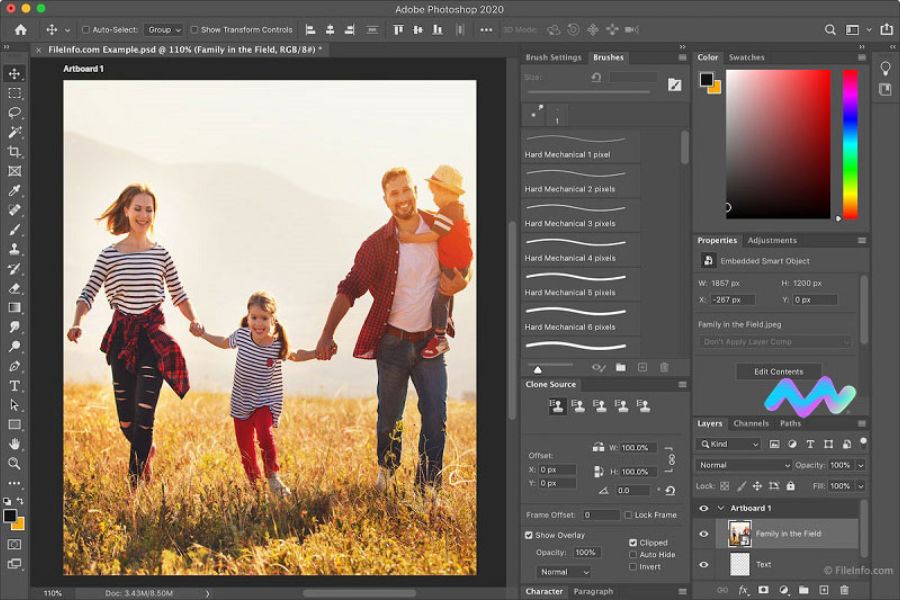
5.1 Always edit on a separate layer.
Instead of directly manipulating the original image, create new layers for editing.
This method helps:
-
It's easy to edit.
-
Minimize errors.
-
Keep the original data intact.
-
Increase flexibility in design.
This is a fundamental but extremely important principle for all Photoshop users.
5.2 Using Adjustment Layers
Adjustment Layers allow you to change the color, brightness, and contrast without affecting the original image.
Common adjustment layers include:
-
Curves.
-
Levels.
-
Brightness & Contrast.
-
Hue/Saturation.
-
L's correct.
This is a professional color correction method frequently used by designers.
5.3 Avoid overusing filters
Many beginners tend to overuse effects, making the images look unnatural. Use filters in moderation and always observe the overall picture to ensure the final result remains authentic.
6. Common mistakes when editing photos with Photoshop
Although Photoshop is very powerful, improper use can significantly degrade image quality. Understanding common mistakes will help you avoid unnecessary errors.
6.1 Over-color correction
Increasing saturation or contrast too much makes the image look unnatural and unpleasant to the viewer. Instead of drastically adjusting it, take small steps and test it on multiple screens.
6.2 Abuse of beauty effects
Many people tend to erase all imperfections or over-smoothe the skin, making the face look artificial. A beautiful photograph doesn't necessarily have to be absolutely perfect; it needs to preserve the natural features of the subject.
6.3 Exporting images in the wrong format
After editing, choosing the wrong output file format can reduce image quality.
Some common formats:
-
JPG: suitable for web posting.
-
PNG: Keep the background transparent.
-
TIFF: high quality.
-
PSD: Save the edited file.
Choosing the right format will help optimize image quality for each intended use.
7. How to learn Photoshop faster after downloading the software.
Owning the software alone isn't enough; knowing how to learn and practice effectively is crucial. If you've just downloaded the free Photoshop photo editing software , try applying the methods below.
7.1 Starting with the basics
Don't try to learn everything at once. Focus on the basics first, such as:
-
Crop Tool.
-
Move Tool.
-
Brush Tool.
-
Text Tool.
-
Layer.
-
Adjustment Layer.
Once you've mastered the basics, learning more advanced topics will be much easier.
7.2 Practice every day
Photoshop is a hands-on skill. Just watching tutorial videos won't be enough to master the tool. Dedicate at least 30 minutes each day to editing real photos. After a few weeks, you'll notice significant progress.
7.3 Join the design community
Photoshop communities are great places to learn from experienced users.
You can:
-
Share the product.
-
We welcome feedback.
-
Learn new techniques.
-
Stay up-to-date with design trends.
This is a way to improve your skills quickly and effectively.
8. Conclusion
Downloading Photoshop for free is the ideal starting point for anyone wanting to improve image quality, learn design, or create professional-looking creative products. With its powerful toolset, flexible editing capabilities, and many modern features, Photoshop remains a top choice in image processing. However, to fully utilize the software's power, users need to choose a safe download source, learn how to use it correctly, and practice regularly. Combining knowledge and skill, you can transform ordinary photos into impressive, professional works that captivate viewers at first glance.





















VIP Products








Best Selling Products
Adobe Photoshop Copyright - Full App
120 USD
Upgrade genuine Capture One account
120 USD
ChatGPT Plus Account (GPT-4)
16 USD
Adobe Premiere Pro Account
99 USD
Windows 10 & 11 Pro Key
36 USD
Genuine Cheap Canva Pro
39 USD
Genuine Adobe Illustrator account
99 USD
Upgrade Genuine Office 365
49 USD
Copyright Adobe Lightroom Account
59 USD
Plugin Retouch4me
69 USD
Autodesk All App Account Copyright
120 USD
Freepik Premium Account
59 USD
MidJourney Account
29 USD
Upgrade Duolingo Super
29 USD
Capcut Pro 1 Year
39 USD