Best Selling Products

Adobe Photoshop Copyright - Full App
120 USD

Genuine Adobe Illustrator account
99 USD

MidJourney Account
29 USD

Adobe Premiere Pro Account
99 USD

Upgrade Genuine Office 365
49 USD

Copyright Adobe Lightroom Account
59 USD

Windows 10 & 11 Pro Key
36 USD

Autodesk All App Account Copyright
120 USD

Upgrade genuine Capture One account
120 USD

Capcut Pro 1 Year
39 USD

Plugin Retouch4me
69 USD

Genuine Cheap Canva Pro
39 USD

Upgrade Duolingo Super
29 USD

ChatGPT Plus Account (GPT-4)
16 USD

Freepik Premium Account
59 USD
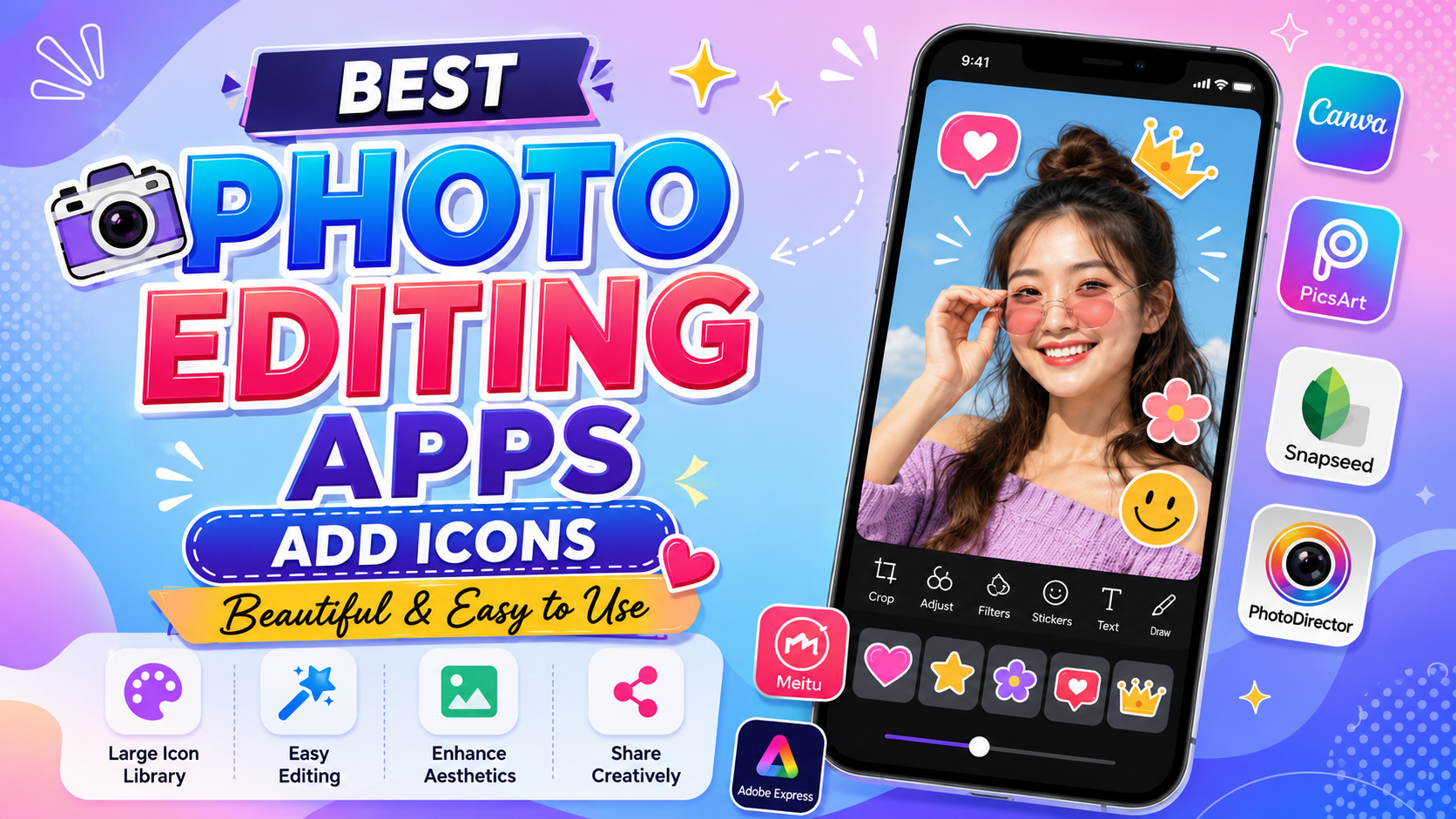
A Roundup of Photo Editing Apps with Beautiful, Easy-to-Use Icon Insertion
Nội dung
- 1. Canva – The most loved photo editing app with icon insertion today
- 2. PicsArt – A creative icon insertion tool for social media users
- 3. Adobe Express – A professional photo editing app with icon insertion
- 4. PhotoDirector – A photo editing app with icon insertion combined with smart AI
- 5. PixelLab – A photo editing app with icon insertion for advertising design
- 6. Meitu – A photo editing app with icon insertion in a youthful style
- 7. Fotor – A simple yet effective photo editing app with icon insertion
- 8. YouCam Perfect – A photo editing app with icon insertion for personal photos
- 9. Snapseed
- 10. BeautyPlus
- 11. Phonto
- 12. B612 – A photo editing app with icon insertion loved by young people
- 13. Conclusion
Many users today tend to add icons, stickers, symbols, or illustrations to photos to increase creativity and make content stand out more. That''''s why the demand for a photo editing app with beautiful icon insertion, that is easy to use and has a rich icon library, is increasing. From individual users who want to post photos on Facebook, Instagram, TikTok to content creators, online shop owners, or marketers, everyone needs effective supporting tools.
1. Canva – The most loved photo editing app with icon insertion today
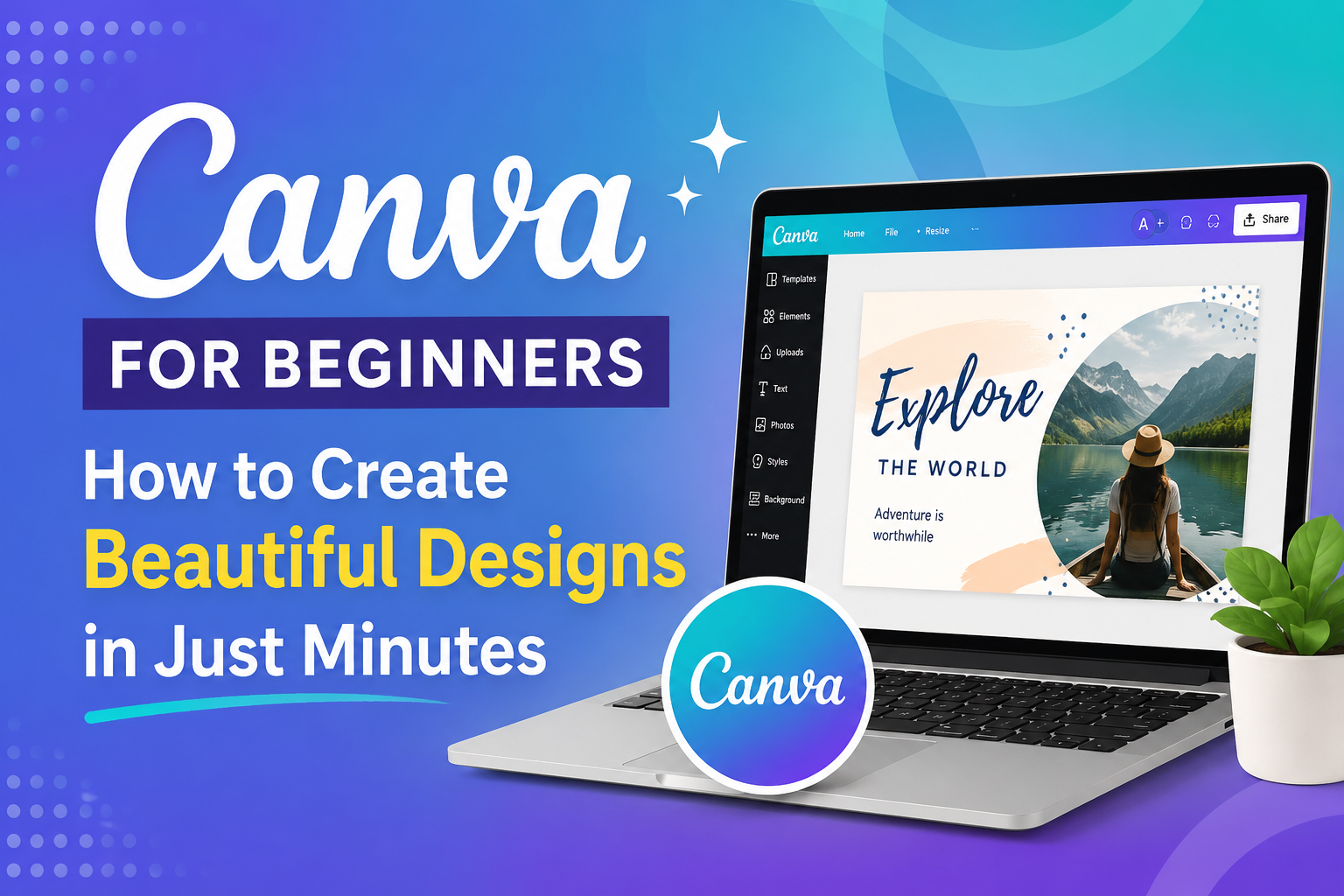
When it comes to photo editing apps with icon insertion, Canva is always the name chosen first by many users. This app has a massive design library with millions of icons, stickers, and graphic elements across many different themes. Whether you want to create photos for posting on Facebook, Instagram, TikTok, or design an ad banner, Canva can handle it well. Canva's strength lies in its simple drag-and-drop interface, suitable for both beginners and professional designers. With just a few basic steps, users can insert icons into photos, change the color, size, or combine them with many other effects to create an impressive product.
Notable features:
A massive icon and sticker library.
Supports intuitive drag-and-drop.
Easily customize icon colors.
Many available design templates.
Exports high-quality photos.
Syncs data across multiple devices.
.jpg)
2. PicsArt – A creative icon insertion tool for social media users
PicsArt is a famous photo editing app with icon insertion thanks to its powerful photo editing ability along with a diverse sticker library. This app is especially suitable for those who love creating content on social media. Not only does it simply insert icons into photos, PicsArt also allows combining artistic effects, color filters, and in-depth editing tools to create unique designs. As a result, users can turn ordinary photos into works with their own style in just a few minutes.
Notable features:
A rich sticker and icon library.
Supports creating personal stickers.
Professional photo editing tools.
Many beautiful artistic filters.
Easily blends photos and creates collages.
Supports AI-powered editing.
3. Adobe Express – A professional photo editing app with icon insertion
Adobe Express brings a modern photo editing solution for both individuals and businesses. With the famous Adobe ecosystem, the app has a high-quality icon library along with many professional design templates. Users can add icons to product photos, ad posters, or communication content in just a few simple steps. This is a suitable choice for those who want to enhance the aesthetics of their images but don't have much design experience.
Notable features:
A professional icon library.
Thousands of available templates.
Fast editing on your phone.
Integrates many AI tools.
Exports high-quality files.
Syncs with the Adobe ecosystem.
.jpg)
4. PhotoDirector – A photo editing app with icon insertion combined with smart AI
PhotoDirector is one of the most modern photo editing apps today, integrating artificial intelligence technology into the editing process. Not only does it support inserting icons, the app also allows users to add motion effects, 3D stickers, and many other creative graphic elements. This is an ideal choice for those who regularly design content on TikTok, Facebook, or Instagram and want to create eye-catching images to attract viewers.
Notable features:
A diverse icon and sticker library.
Supports creating AI effects.
In-depth portrait photo editing.
Creates unique motion effects.
Removes objects using AI.
Easy-to-use interface.
5. PixelLab – A photo editing app with icon insertion for advertising design
PixelLab is loved by many Android users for its ability to combine text and icons in the same design. The app supports adding logos, symbols, PNG images, or stickers with high precision. This is a suitable tool for online sellers, content creators, or those who regularly design ad banners and posters. Thanks to its flexible layer system, users can easily manage many objects in the same photo.
Notable features:
Supports inserting high-quality PNG icons.
Professional layer management.
Advanced text editing.
Creates simple logos.
Exports high-resolution photos.
Runs smoothly on many Android devices.
.jpg)
6. Meitu – A photo editing app with icon insertion in a youthful style
Meitu is a photo editing app popular in Asia thanks to its beauty tools and adorable sticker library. If you like photos with a cute, energetic style or that keep up with social media trends, Meitu is a choice worth considering. The app is continuously updated with new icons for festive seasons, events, and trends loved by young people, helping users always have plenty of creative ideas.
Notable features:
A rich library of cute icons.
Trend-following stickers.
AI beauty tools.
Artistic photo filters.
Automatic makeup effects.
Friendly interface.
7. Fotor – A simple yet effective photo editing app with icon insertion
Fotor is a suitable choice for those who want to edit photos quickly while still ensuring professionalism. The app provides many icons, symbols, and graphic elements for studying, working, and business. The simple interface helps beginners easily get familiar with and use it from the very first time. Besides inserting icons, Fotor also supports color adjustment, image sharpening, and designing basic communication materials.
Notable features:
A diverse icon library.
Many photo color adjustment tools.
Supports poster design.
Creates social media photos quickly.
Exports high-quality photos.
Easy to use for beginners.
.jpg)
8. YouCam Perfect – A photo editing app with icon insertion for personal photos
YouCam Perfect is a famous app in the field of portrait and selfie photo editing. Besides beauty features, the app also provides a rich icon and sticker library that makes photos livelier. This is a suitable choice for those who regularly post photos on Facebook, Instagram, or TikTok and want to create their own mark on each picture.
Notable features:
Thousands of stickers and icons.
Smart beauty tools.
Removes unwanted objects.
Blends photos quickly.
Artistic photo effects.
Professional selfie photo editing.
9. Snapseed
Snapseed is developed by Google and is famous for its in-depth photo editing ability. Although it doesn't focus on stickers like many other apps, Snapseed still allows users to combine icons through PNG images or creative editing layers. This is a suitable tool for those who want to keep photo quality at the highest level while still being able to add necessary graphic elements.
Notable features:
Professional color adjustment tools.
Supports RAW photos.
High-quality filters.
Detailed image customization.
Completely free.
Contains no ads.
.jpg)
10. BeautyPlus
BeautyPlus is a photo beautifying app loved by a great many users. Besides portrait editing ability, the app also has a diverse icon and sticker library that makes photos livelier. Users can easily add emoji, frames, or illustrations to create their own style for each photo.
Notable features:
An icon library across many themes.
Smart beauty tools.
In-depth selfie editing.
Unique photo effects.
Creates social media photos quickly.
Friendly interface.
11. Phonto
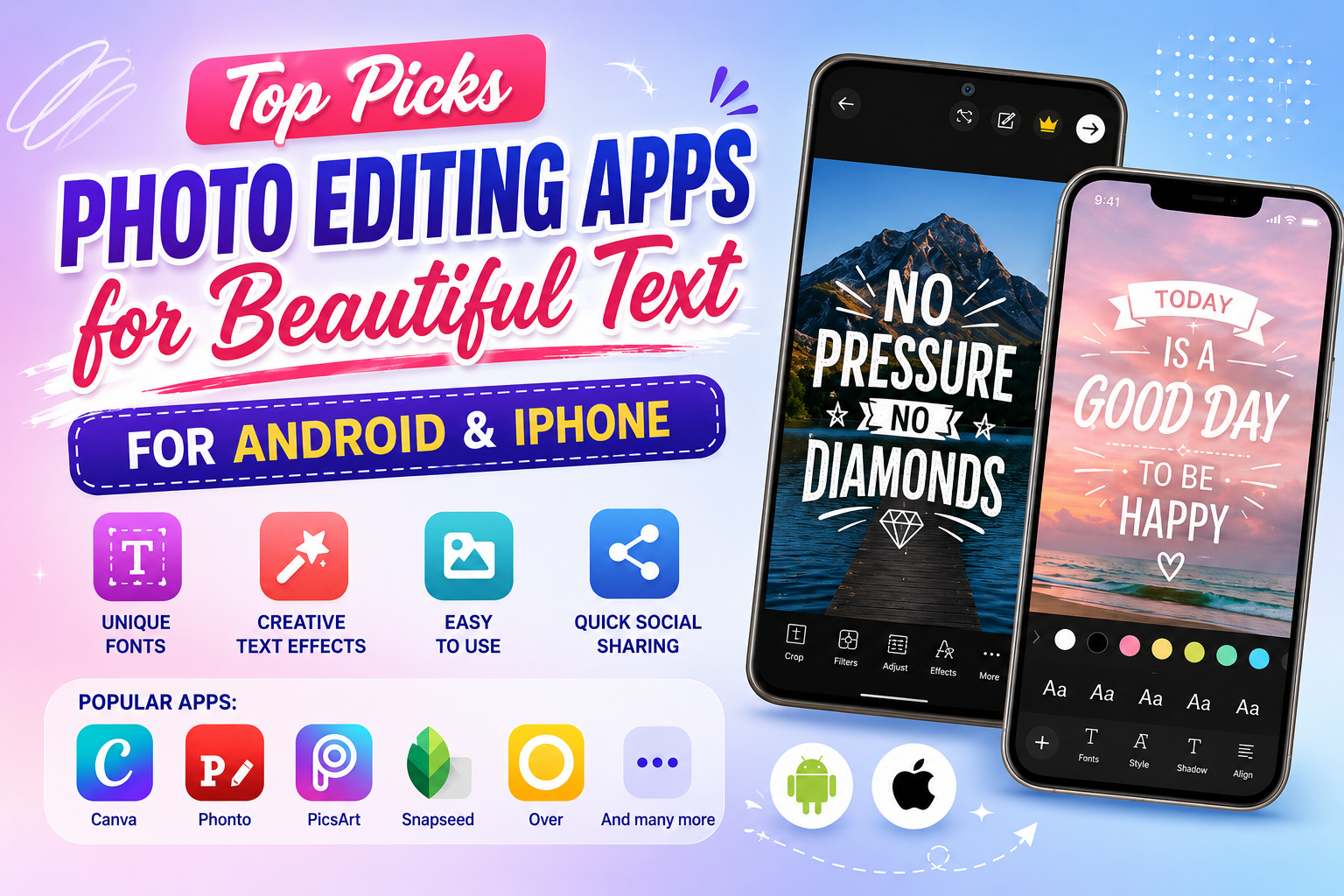
Phonto is famous for its ability to insert text into photos but also supports adding icons and other graphic elements at the same time. The app has a simple, easy-to-use interface and is suitable for those who want to create quote photos, banners, or content to share on social media. With a light file size and stable performance, Phonto is a choice worth considering when you need a quick and simple photo editing app with icon insertion.
Notable features:
Supports many beautiful fonts.
Easy icon insertion.
Simple interface.
Runs stably.
Light file size.
Suitable for beginners.
(1).jpg)
12. B612 – A photo editing app with icon insertion loved by young people
B612 is one of the famous photo editing and video recording apps with a large user base worldwide. Initially, the app was known for its beauty filters and unique selfie effects, but B612 has now been upgraded with many more modern photo editing features, including the ability to insert icons, stickers, and a variety of decorative symbols. This is a photo editing app with icon insertion suitable for those who love a youthful, energetic style and regularly share images on Facebook, Instagram, or TikTok. B612's icon library is continuously updated with new trends, from emojis, cute drawings, to stickers themed around festivals, travel, studying, or everyday life. As a result, users can easily refresh their images and create designs with a personal touch.
Notable features:
An icon and sticker library that is continuously updated.
Hundreds of trendy color filters.
Smart AI beauty tools.
Diverse photo and video effects.
Fast photo editing on your phone.
Supports creating photos in a social-media style.
Simple, easy-to-use interface.
Works on both Android and iPhone.
13. Conclusion
The emergence of photo editing apps with icon insertion has helped users easily create photos that are lively, professional, and carry a strong personal touch. Each app has its own strengths in terms of interface, icon library, editing features, and suitability for different needs. Depending on your design purpose, you can choose Canva, PicsArt, Adobe Express, PhotoDirector, or other apps to enhance the quality of your images. Hopefully, the suggestions in this article will help you find the right tool and create more impressive designs during your content creation process.





















VIP Products








Best Selling Products
Adobe Photoshop Copyright - Full App
120 USD
Genuine Adobe Illustrator account
99 USD
MidJourney Account
29 USD
Adobe Premiere Pro Account
99 USD
Upgrade Genuine Office 365
49 USD
Copyright Adobe Lightroom Account
59 USD
Windows 10 & 11 Pro Key
36 USD
Autodesk All App Account Copyright
120 USD
Upgrade genuine Capture One account
120 USD
Capcut Pro 1 Year
39 USD
Plugin Retouch4me
69 USD
Genuine Cheap Canva Pro
39 USD
Upgrade Duolingo Super
29 USD
ChatGPT Plus Account (GPT-4)
16 USD
Freepik Premium Account
59 USD