Best Selling Products

MidJourney Account
29 USD

Adobe Premiere Pro Account
99 USD

Upgrade Duolingo Super
29 USD

Adobe Photoshop Copyright - Full App
120 USD

Upgrade genuine Capture One account
120 USD

Windows 10 & 11 Pro Key
36 USD

Autodesk All App Account Copyright
120 USD

ChatGPT Plus Account (GPT-4)
16 USD

Genuine Adobe Illustrator account
99 USD

Freepik Premium Account
59 USD

Plugin Retouch4me
69 USD

Upgrade Genuine Office 365
49 USD

Genuine Cheap Canva Pro
39 USD

Capcut Pro 1 Year
39 USD

Copyright Adobe Lightroom Account
59 USD
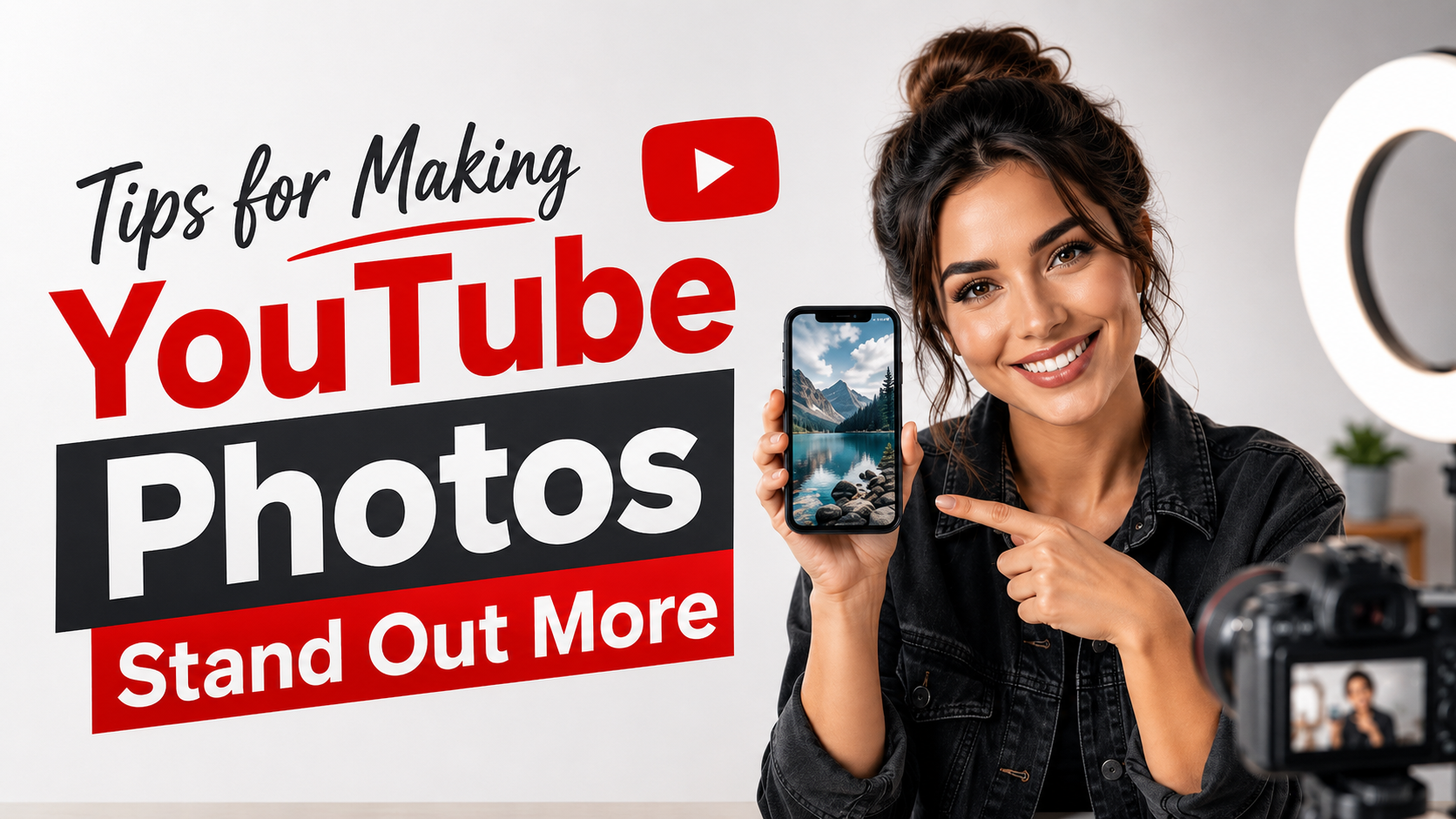
Tips for Making YouTube Photos Stand Out More
Nội dung
- 1. Why is creating YouTube images important?
- 2. Standard image sizes for YouTube videos
- 3. Important principles when creating YouTube images
- 3.1 Use high-quality images
- 3.2 Choose striking colors
- 3.3 Creating a focal point using facial features
- 3.4 Avoid excessive detail.
- 4. Trends in YouTube image creation in the age of AI
- 5. How to write text effectively on thumbnails
- 5.1 Use concise titles
- 5.2 Choose an easy-to-read font
- 5.3 Increase the contrast of the text.
- 6. Popular YouTube photo editing styles
- 6.1 Minimalist Thumbnails
- 6.2 Emotional Thumbnails
- 6.3 Before and after thumbnails
- 7. Common mistakes when creating YouTube images
- 7.1 Using too many words
- 7.2 Brand Inconsistency
- 7.3 Complete copying from competitors
- 8. Popular YouTube image editing tools currently available.
- 8.1 Canva
- 8.2 Photoshop
- 8.3 Figma
- 9. Comparing Canva for students, free Canva, and paid Canva.
- 10. Tips to increase click-through rates for thumbnails
- 10.1 Ask questions that stimulate curiosity
- 10.2 Creating a sense of urgency
- 10.3 Testing multiple versions
- 11. Conclusion
A beautiful, eye-catching thumbnail that accurately conveys the content can significantly increase click-through rates (CTR), thereby boosting views and YouTube recommendations.
1. Why is creating YouTube images important?
The thumbnail is considered the "face" of a video. Among hundreds of pieces of content appearing on the homepage or in search results, viewers often decide in just a few seconds whether or not they will click on the video.
An attractive thumbnail will help your video stand out among the competition. Conversely, if the image is blurry, the text is difficult to read, or the content is unclear, the video is easily overlooked, no matter how high-quality the content is.
In addition to increasing click-through rates, thumbnails also contribute to building personal or business branding. By using a consistent design style, viewers will find it easier to recognize your channel in the future.
2. Standard image sizes for YouTube videos
Before you begin designing, you need to understand the basic parameters that YouTube recommends:
-
Size: 1280 x 720 pixels
-
Aspect ratio: 16:9
-
Format: JPG, PNG, or GIF
-
Maximum capacity: 2MB
-
Minimum resolution: 640 pixels wide
Using the correct size ensures that images display sharply on computers, phones, and smart TVs.
3. Important principles when creating YouTube images
3.1 Use high-quality images
Blurry or pixelated images will make a video look unprofessional. Viewers often judge content quality by the thumbnail before watching the video.
Prioritize using high-resolution photos with good lighting that clearly show the main subject. If a face is in the photo, choose clear expressions to increase visual appeal.
3.2 Choose striking colors
Color plays a huge role in creating visual impact. Strong, contrasting colors often help thumbnails stand out when appearing among a multitude of other videos.
Some color combinations commonly used by YouTubers include:
-
Gold and black
-
Red and white
-
Blue and yellow
-
Orange and dark green
-
White and red
However, using too many colors at once should be avoided as it can be visually distracting and reduce the effectiveness of the message.
3.3 Creating a focal point using facial features
Studies on user behavior show that facial images have a much higher potential to attract attention than images of ordinary objects.
Expressions of surprise, joy, curiosity, or astonishment often work well. This is why many popular YouTubers always feature them in their thumbnails.
3.4 Avoid excessive detail.
A common mistake when creating YouTube thumbnails is trying to cram too much information into the thumbnail.
Viewers only have a few seconds to observe the image. Therefore, keep the layout simple, focusing on one main message instead of trying to convey everything at once.

4. Trends in YouTube image creation in the age of AI
AI is changing the way content creators design thumbnails. Many tools can now automatically generate layouts, suggest colors, remove backgrounds, or create images with just a few lines of description.
This significantly saves design time and allows users to focus more on creating quality content. However, creativity and understanding viewer psychology still play a crucial role in creating truly effective thumbnails.
5. How to write text effectively on thumbnails
5.1 Use concise titles
The thumbnail isn't the place to write the entire video title. Instead, choose key keywords or a short, intriguing phrase.
For example:
-
A little-known secret
-
Earn your first 10 million.
-
Don't make this mistake.
-
Unexpected results
-
30-Day Challenge
Short phrases are generally easier to read on mobile devices.
5.2 Choose an easy-to-read font
Overly elaborate fonts can make it difficult for viewers to read the content. Prioritize bold, clear, and easily recognizable fonts. Popular font groups include:
-
Montserrat
-
Bebas Neue
-
Anton
-
Poppins
-
Spartan League
These are all fonts commonly used by content creators in professional thumbnail design.
5.3 Increase the contrast of the text.
Even with a nice font, text can still be lost if the background is too complex. You can improve readability by:
-
Add text border
-
Create shadows
-
Place a colored background behind the text.
-
Blur the background.
These techniques help the message stand out much more.
6. Popular YouTube photo editing styles
6.1 Minimalist Thumbnails
Minimalist style focuses on a single main image and a short piece of text. This approach allows viewers to quickly understand the video content. It's a suitable choice for technology, education, finance, or business channels.
6.2 Emotional Thumbnails
This type of thumbnail leverages facial expressions to create curiosity. Viewers are often drawn to strong emotional reactions. Many vlog, entertainment, and challenge channels use this style to increase click-through rates.
6.3 Before and after thumbnails
The Before-After style is particularly effective for the following types of content:
-
Photo editing
-
Design
-
Losing weight
-
Make up
-
Home renovation
Placing two contrasting images side-by-side creates a strong sense of curiosity for the viewer.
7. Common mistakes when creating YouTube images
7.1 Using too many words
Thumbnails often contain too much text, making it difficult for viewers to quickly grasp the information. Instead of writing a long sentence, choose a short, powerful phrase to create a strong impression.
7.2 Brand Inconsistency
If each video uses a different design style, viewers will have difficulty remembering your channel.
Build your own unique brand identity with:
-
Dominant colors
-
Fixed font
-
Familiar layout
-
Logo or identifying mark
7.3 Complete copying from competitors
Reference is necessary, but copying prototypes can cause the channel to lose its unique identity. Learn from the layout, color scheme, and message delivery instead of copying the entire design.

8. Popular YouTube image editing tools currently available.
8.1 Canva
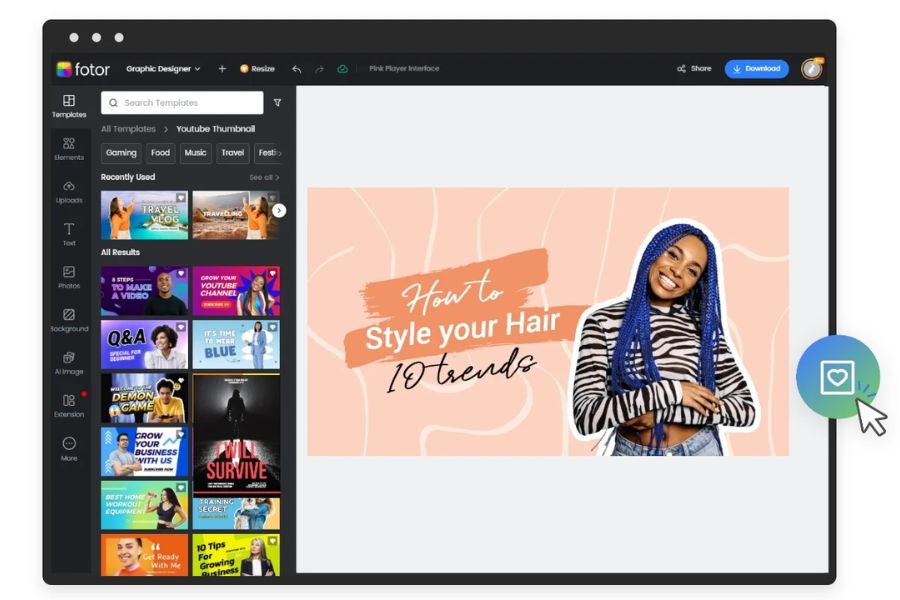
Canva is a top choice for beginners thanks to its simple interface, many beautiful design templates, and rich resource library. Users can create thumbnails in just a few minutes without needing professional design experience.
8.2 Photoshop
Photoshop is suitable for those who need advanced editing capabilities and want to create unique designs. However, this software requires a relatively long learning and familiarization period.
8.3 Figma
Figma is a modern design tool used by many individuals and businesses. Its online capabilities and diverse plugin system make Figma an attractive option for content creation teams.
9. Comparing Canva for students, free Canva, and paid Canva.
| Criteria | Canva for students | Canva is free. | Canva is paid. |
| Expense | Free under the support program | Free of charge | Pay monthly or annually. |
| Design template | So many | Limit | Full |
| Photo and video archive | Extend | Basic | Unlimited |
| AI tools | It has many features | Limit | Full |
| Remove the background from the image. | Support is available. | No or limited | Have |
| Brand identity | Have | Limit | Full |
| Storage capacity | High | Basic | High |
| Fit | Students, studying | Beginner | Content creators, businesses |
If you frequently design YouTube thumbnails, banners, social media posts, or learning materials, using Canva's advanced packages will provide a significantly more convenient and professional experience.
10. Tips to increase click-through rates for thumbnails
10.1 Ask questions that stimulate curiosity
Humans have always had a tendency to seek answers to the unknown.
Some examples:
-
What happened?
-
Really?
-
How did I achieve this?
-
What are the results after 30 days?
These questions motivate viewers to click on the video.
10.2 Creating a sense of urgency
Words such as:
-
Today
-
Before it's too late
-
Latest
-
Secret
It often helps increase attention spans when used appropriately.
10.3 Testing multiple versions
The first thumbnail isn't always the most effective one.
Many successful YouTubers typically:
-
Design 2–3 versions
-
Performance comparison
-
Change if CTR is low.
-
Track Analytics data
Continuous optimization will help improve long-term efficiency.
11. Conclusion
Creating professional YouTube thumbnails not only enhances video quality but also directly impacts views, click-through rates, and channel growth. An attractive thumbnail requires a harmonious combination of high-quality images, vibrant colors, concise content, and a clear layout. For those who frequently design YouTube thumbnails, banners, social media posts, or other media materials, using the advanced version of Canva offers numerous benefits in terms of resources, AI tools, and professional design features. To ensure a genuine account, quick activation, and reasonable costs, users can check out Canva upgrade packages at AppVip.ai . This is a popular choice for content creators, students, and freelancers looking to optimize their workflow with Canva.





















VIP Products








Best Selling Products
MidJourney Account
29 USD
Adobe Premiere Pro Account
99 USD
Upgrade Duolingo Super
29 USD
Adobe Photoshop Copyright - Full App
120 USD
Upgrade genuine Capture One account
120 USD
Windows 10 & 11 Pro Key
36 USD
Autodesk All App Account Copyright
120 USD
ChatGPT Plus Account (GPT-4)
16 USD
Genuine Adobe Illustrator account
99 USD
Freepik Premium Account
59 USD
Plugin Retouch4me
69 USD
Upgrade Genuine Office 365
49 USD
Genuine Cheap Canva Pro
39 USD
Capcut Pro 1 Year
39 USD
Copyright Adobe Lightroom Account
59 USD