1. The outstanding advantages of using video editing software on a computer.
Although mobile applications are rapidly developing, computers remain the optimal platform for those who want to pursue a professional career in video production.
1.1 Hardware processing power and video output performance
Computers that utilize the power of dedicated graphics cards (GPUs) and multi-core processors (CPUs) can render 4K or 8K video smoothly. This capability minimizes lag when you're editing hundreds of different tracks simultaneously.
1.2 Shortcut system and multi-monitor workspace
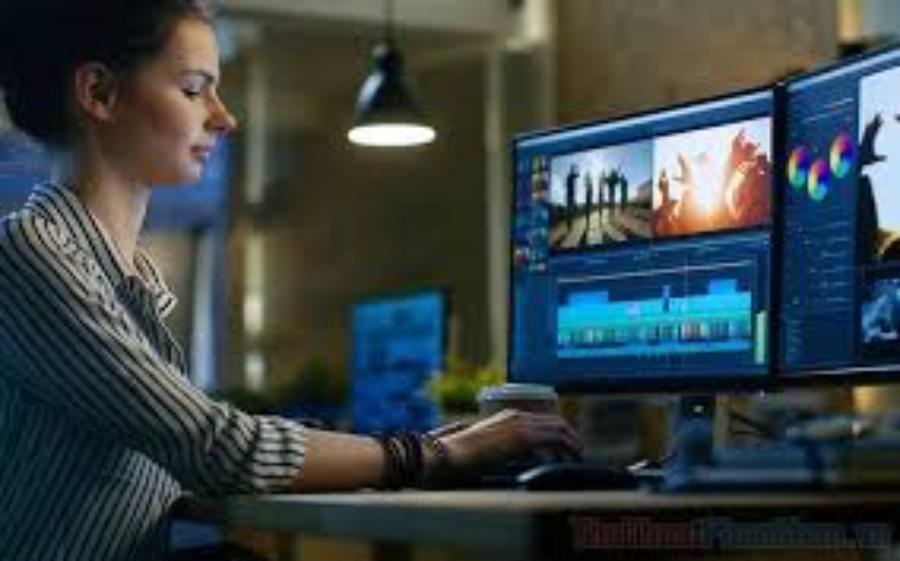
PC video editing offers an extremely fast workflow experience thanks to its flexible keyboard shortcuts. Connecting multiple monitors gives you ample space to visually monitor the timeline, color palette, and file management, avoiding errors during post-production.
2. Criteria for selecting video editing software that suits your needs
Before starting, users need to clearly define their intended use and device configuration to select the most effective tool.
2.1 Compatibility with file formats and operating systems
Good software should support a wide variety of input formats, from professional cameras and phones to vector graphics files. System stability on Windows and macOS is also a crucial factor to check to avoid software conflicts.
2.2 Effects Library and Support Community
Beginners should prioritize software with a rich template library and a large user community. This makes it easier to find tutorials, additional plugins, and quickly resolve technical issues that arise during development.
3. Review of top professional video editing software
The current software market is divided into many segments, from semi-professional to professional, catering to all budgets and skill levels.
3.1 Adobe Premiere Pro - The Media Industry Standard
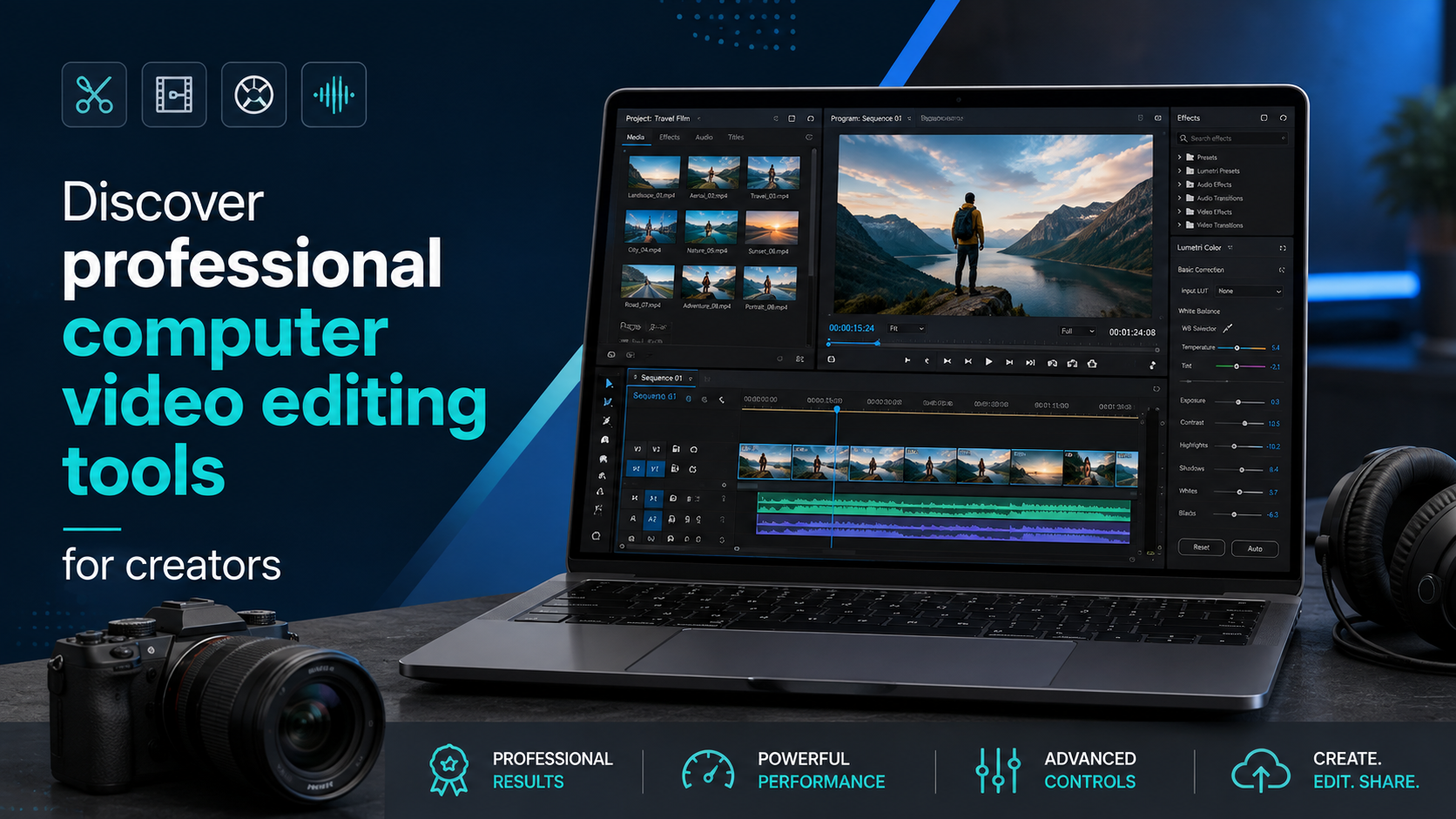
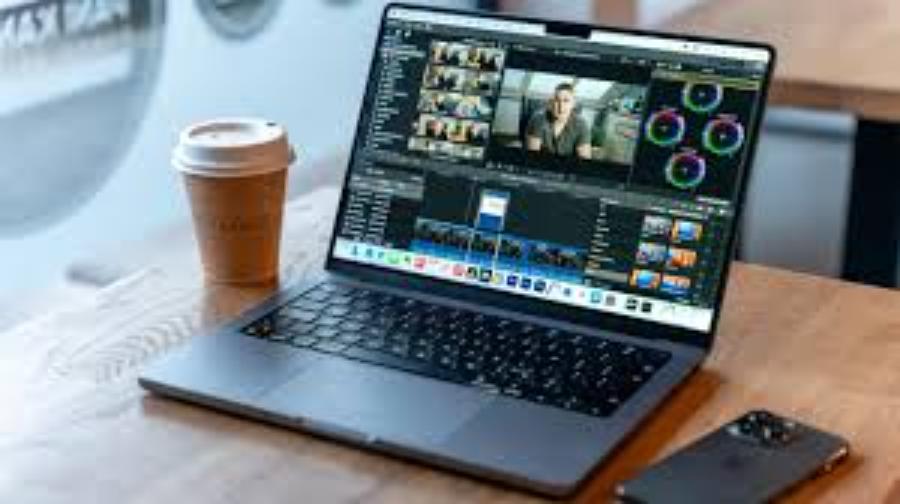
Adobe Premiere Pro consistently tops the list thanks to its powerful Adobe Creative Cloud ecosystem. This software offers incredibly sophisticated Lumetri Color grading capabilities and seamless integration with After Effects.
-
Key features: Multi-camera editing, voice recognition for automatic subtitle generation, and VR/360 video support.
-
Target audience: Professional editors, advertising agencies, and experienced YouTubers.
3.2 DaVinci Resolve - The Wizard of Color and Special Effects
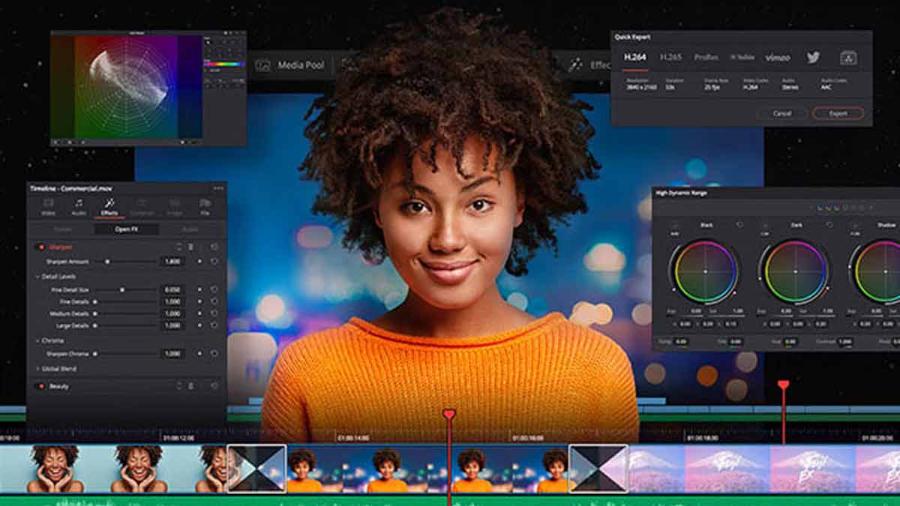
This is the only software that combines video editing, color grading, visual effects, and audio post-production into a single tool. The free version of DaVinci Resolve is so powerful that it can meet most of the needs of independent filmmakers.
-
Advantages: Color grading capabilities that meet Hollywood standards and advanced Fairlight audio technology.
3.3 Final Cut Pro - The ultimate optimization for Mac users
Designed exclusively for the Apple ecosystem, Final Cut Pro is renowned for its incredibly fast processing speed, thanks to its full utilization of the M1, M2, and M3 chip architectures. The Magnetic Timeline allows for flexible arrangement of video clips without overlapping.
3.4 CapCut PC - The Rise of Short Film Editing Tools
Originally renowned on mobile devices, the PC version of CapCut offers an incredibly fast video editing experience with a huge library of effects, music, and stickers. It's the number one choice for TikTok and Facebook Reels content creators.
3.5 Sony Vegas Pro - Flexible and Intuitive
Vegas Pro is popular for its simple interface yet immense power. Its audio processing capabilities are considered far superior to many competitors in the same price range.
3.6 Filmora - Simple yet effective
Filmora is aimed at users who don't want to spend too much time learning complex tools. With its drag-and-drop system, you can create a professional video in just a few hours of practice.
3.7 Camtasia - The expert in screen recording and creating lectures
If your goal is to create tutorial videos, online lectures, or software demonstrations, Camtasia is an indispensable tool. It comes with built-in annotation tools, screen zoom, and a dedicated icon library.
3.8 HitFilm Express - Completely free special effects
HitFilm is an exciting combination of video editing and 3D special effects. This software is perfect for young people passionate about making short action or science fiction films on a limited budget.
3.9 Avid Media Composer - The choice of broadcasters
This software boasts exceptional stability when handling massive amounts of data. Avid is often used in feature film projects or large-scale television programs due to its excellent media management capabilities.
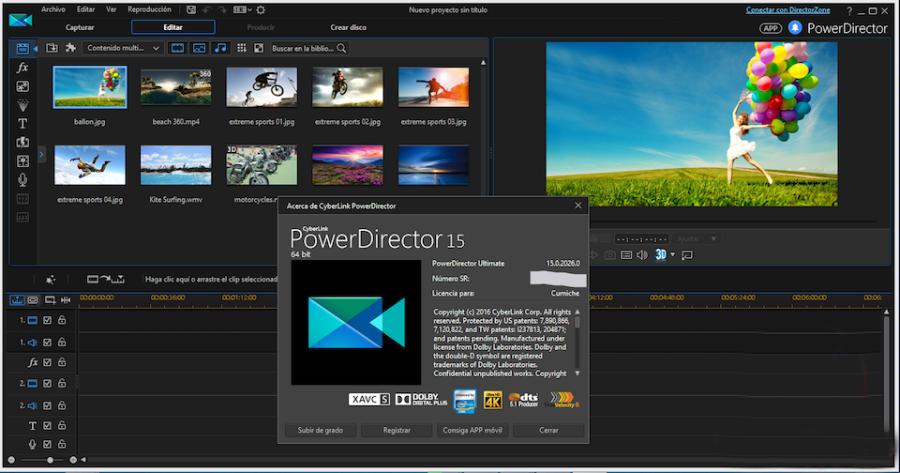
3.10 PowerDirector - Top rendering speed
PowerDirector stands out for its support of the latest video formats and extremely fast file export speeds. The software offers a variety of editing modes, from basic to advanced, to suit users of all skill levels.
4. AppVip.ai - A platform for searching and optimizing innovative software solutions.
In the context of artificial intelligence increasingly permeating every field, choosing the right tools becomes a key factor in making a difference. AppVip.ai stands out as a reliable platform, helping users easily find and access photo and video editing software, along with many innovative AI-powered solutions.
Beyond simply introducing tools, this platform acts as a "guide," helping users understand how to leverage technology to improve work efficiency and product quality. By combining traditional computer editing software with advanced AI solutions from AppVip.ai , content creators can expand their capabilities, optimize production processes, and create impressive products that keep up with trends in 2026.
5. Basic steps to start professional video editing on a PC
Filmmaking is not just about cutting and pasting, but a process of logically organizing materials to tell a compelling story.
5.1 Data Management and Organization (Ingest)
Before opening the software, create a main folder containing subfolders such as: original footage, audio, background music, images, and project save. Organizing your files systematically helps prevent file connections from being lost and makes it easier to find materials when you need to make edits.
5.2 Building the video framework (Rough Cut)
Place the most important clips on the timeline to form the main storyline. At this stage, you don't need to worry about effects or colors; just focus on the rhythm and the message the video wants to convey.
5.3 Fine-tuning audio and transition effects
Once you have the basic structure, you can start adding background music and processing the sound. Make sure the voice-over is always clear and the background music doesn't overpower the main content. Transition effects should be used subtly to guide the viewer's emotions.
5.4 Adjusting colors and applying graphic overlays
Color helps establish the atmosphere of a video. You can use pre-made color palettes (LUTs) to quickly achieve a cinematic tone. Finally, add title bars, subtitles, and your brand logo to complete the visual aspect.
6. Important considerations regarding computer specifications when editing videos.
For the software to run smoothly, hardware configuration plays a crucial role and requires appropriate investment.
6.1 Choosing the optimal CPU and RAM
Video editing requires a CPU with multiple cores and threads to handle complex calculations. The minimum RAM currently recommended is 16GB for Full HD video and 32GB or more if you plan on working with 4K video or complex motion effects.
6.2 The Importance of SSDs and Graphics Cards
Always install software and store your rendering files on an SSD hard drive for maximum data access speed. A powerful graphics card (VGA) will ensure smooth video previews and significantly reduce final rendering time.
7. Conclusion
Choosing and mastering video editing software on a computer is a journey that requires perseverance and continuous updating of new trends. The combination of sharp creative thinking and the power of modern supporting tools such as Adobe Premiere, DaVinci Resolve, and solutions from AppVip.ai will be a solid foundation for your career.