Best Selling Products

Genuine Adobe Illustrator account
99 USD

Upgrade genuine Capture One account
120 USD

Plugin Retouch4me
69 USD

Autodesk All App Account Copyright
120 USD

Upgrade Duolingo Super
29 USD

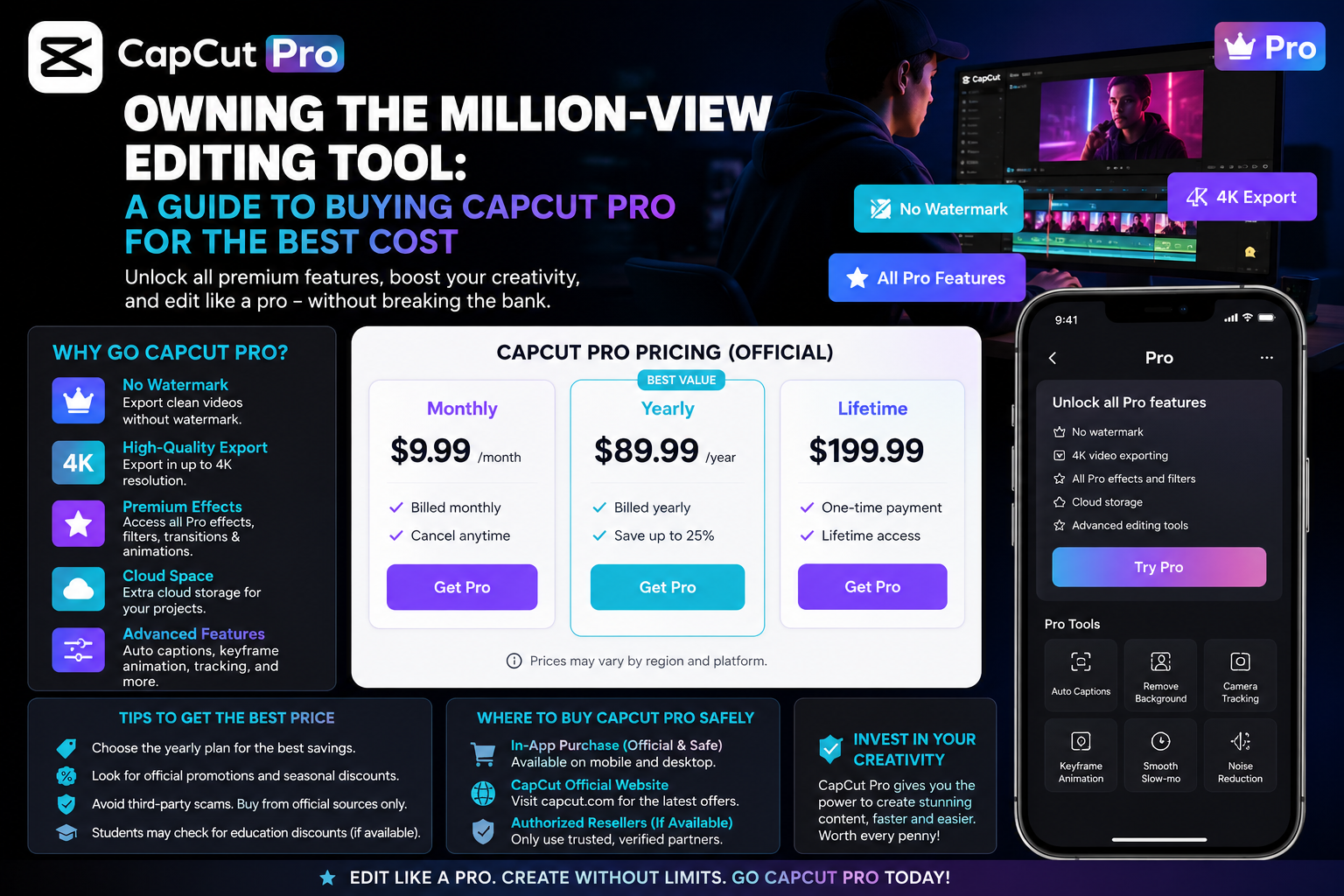
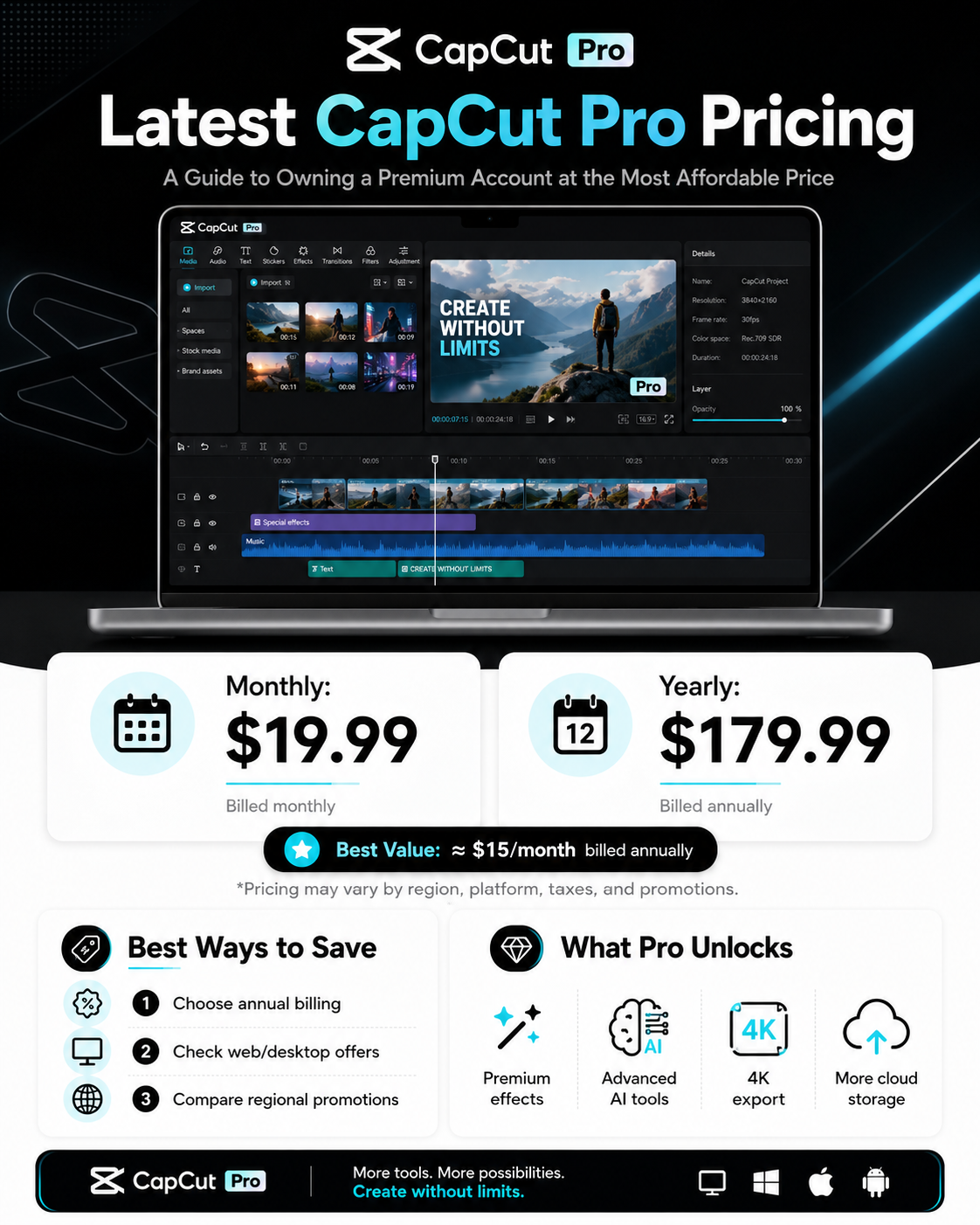
Capcut Pro 1 Year
39 USD

Freepik Premium Account
59 USD

Genuine Cheap Canva Pro
39 USD

Upgrade Genuine Office 365
49 USD

Adobe Premiere Pro Account
99 USD

MidJourney Account
29 USD

Adobe Photoshop Copyright - Full App
120 USD

ChatGPT Plus Account (GPT-4)
16 USD

Copyright Adobe Lightroom Account
59 USD

Windows 10 & 11 Pro Key
36 USD
Elevate Your Filmmaking Skills with iPhone''s Video Editing Tools
Nội dung
- 1. The outstanding benefits of editing videos on an iPhone.
- 1.1. Optimizing flexibility and processing speed
- 1.2. The power of hardware and software synchronization in the iOS operating system
- 2. Default video editing features available on iOS
- 2.1. Basic cropping and frame rotation tools
- 2.2. Direct light and color calibration system
- 2.3. Exclusive and artistic Cinematic Mode
- 3. Top third-party apps for expertly editing iPhone videos.
- 3.1. CapCut - The king of trending short video content
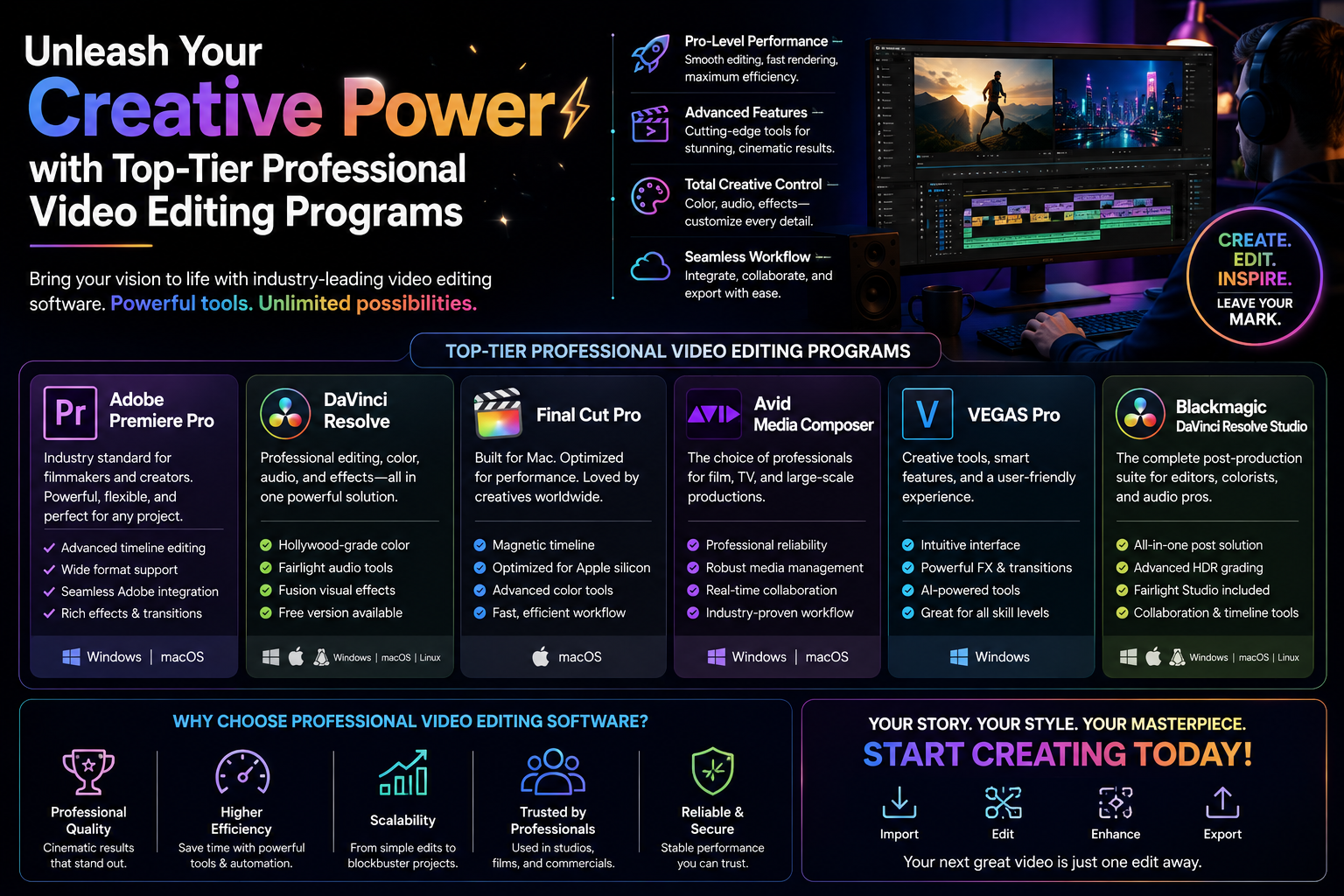
- 3.2. iMovie - The official editing app from Apple.
- 3.3. LumaFusion - A professional video editing studio in miniature.
- 3.4. VN Video Editor - The perfect balance between features and cost.
- 3.5. InShot - Expert in optimizing videos for social media
- 3.6. Adobe Premiere Rush - The power of the graphics giant on mobile.
- 3.7. KineMaster - A powerful, traditional horizontal interface.
- 3.8. FilmoraGo - The choice for the dynamic younger generation
- 3.9. Splice - The ultimate music and rhythm editing tool
- 3.10. VivaVideo - A long-standing companion of the mobile filmmaking community.
- 4. Step-by-step process for editing clips on iPhone to achieve the best visual effect.
- 4.1. Step 1: Filter and organize the original video source library
- 4.2. Step 2: Set up the frame and proceed with rough cutting and splicing.
- 4.3. Step 3: Applying audio synchronization techniques and inserting effects
- 4.4. Step 4: Adjust overall color and publish the final product.
- 5. Key tips to protect your device and optimize video quality.
- 5.1. Check the amount of free memory before proceeding with editing.
- 5.2. Pay attention to the phone's temperature during rendering.
- 6. Explore a wealth of cutting-edge resources and technological solutions at appvip.ai
- 8. Conclusion and future trends in mobile video editing
This guide provides detailed instructions on how to edit videos on your iPhone, from basic to advanced techniques.
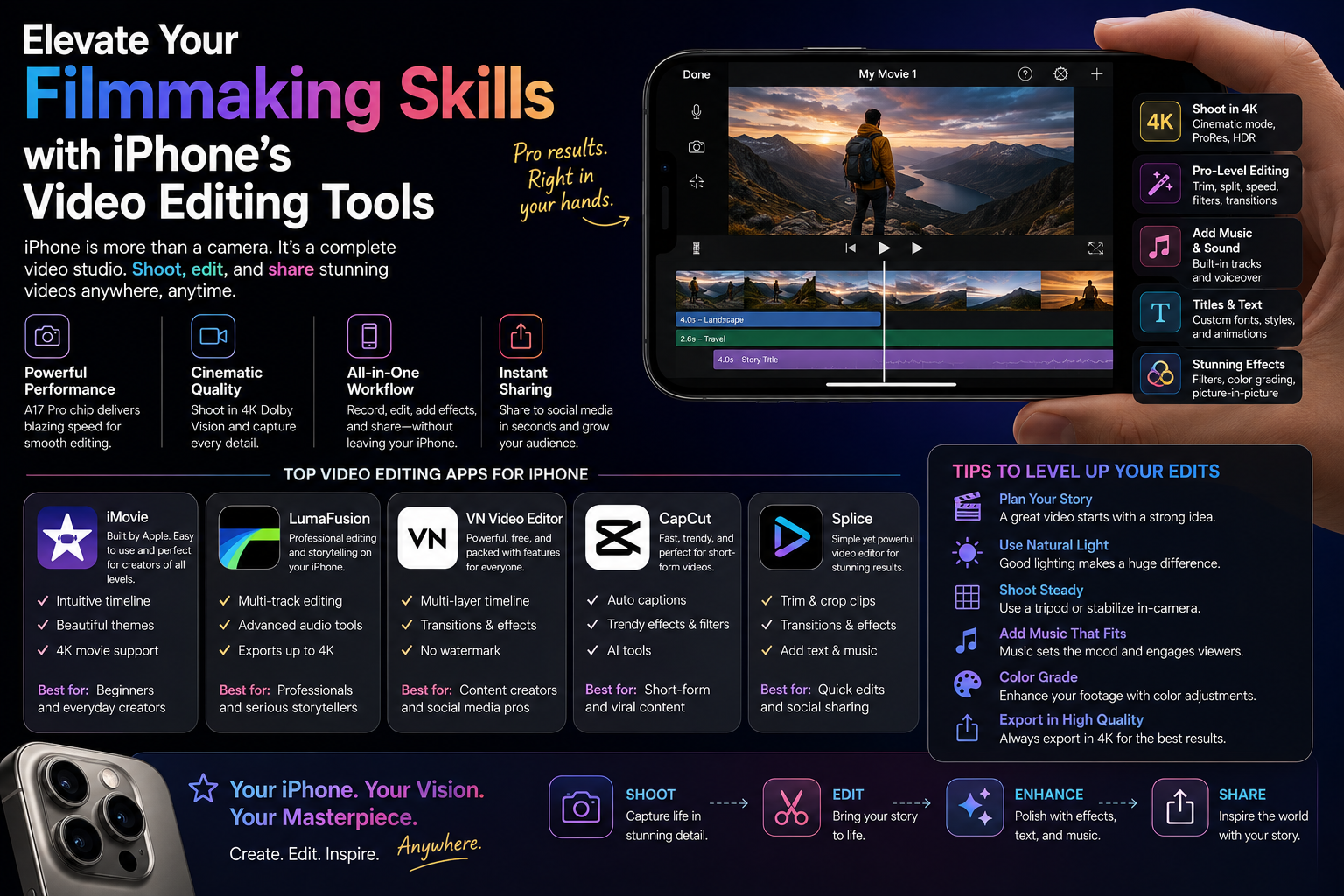
1. The outstanding benefits of editing videos on an iPhone.
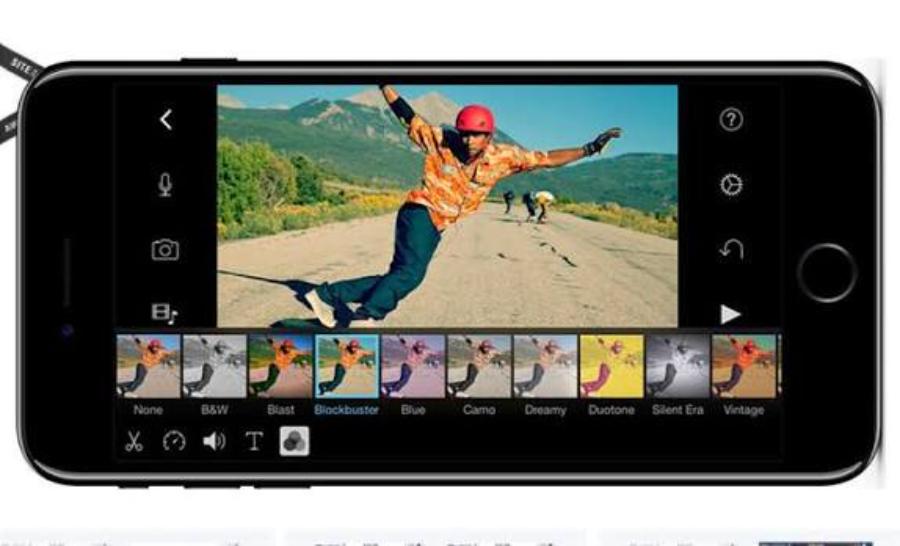
1.1. Optimizing flexibility and processing speed
The current digital content production process demands agility and timeliness to keep up with ever-changing trends. Mobile phones allow you to record and edit videos, add music, and more, right on location, without the need to transfer data to another device. This convenience helps content creators save time and quickly upload their finished products to social media platforms.
1.2. The power of hardware and software synchronization in the iOS operating system
Apple consistently optimizes its proprietary processors specifically for graphics processing and machine learning algorithms. Rendering high-resolution video, such as 4K HDR, is incredibly smooth on these devices, rarely experiencing lag or overheating like other models. App developers also prioritize optimizing the interface and features for iOS, resulting in a perfectly precise touch and swipe experience.
2. Default video editing features available on iOS
2.1. Basic cropping and frame rotation tools
The Photos app includes a relatively powerful set of editing tools for quick trimming needs. You can easily drag and drop the ends of the timeline to remove unnecessary footage at the beginning and end of the clip. Changing the aspect ratio from 16:9 to 9:16 or square (1:1) is also done intuitively with just one tap.
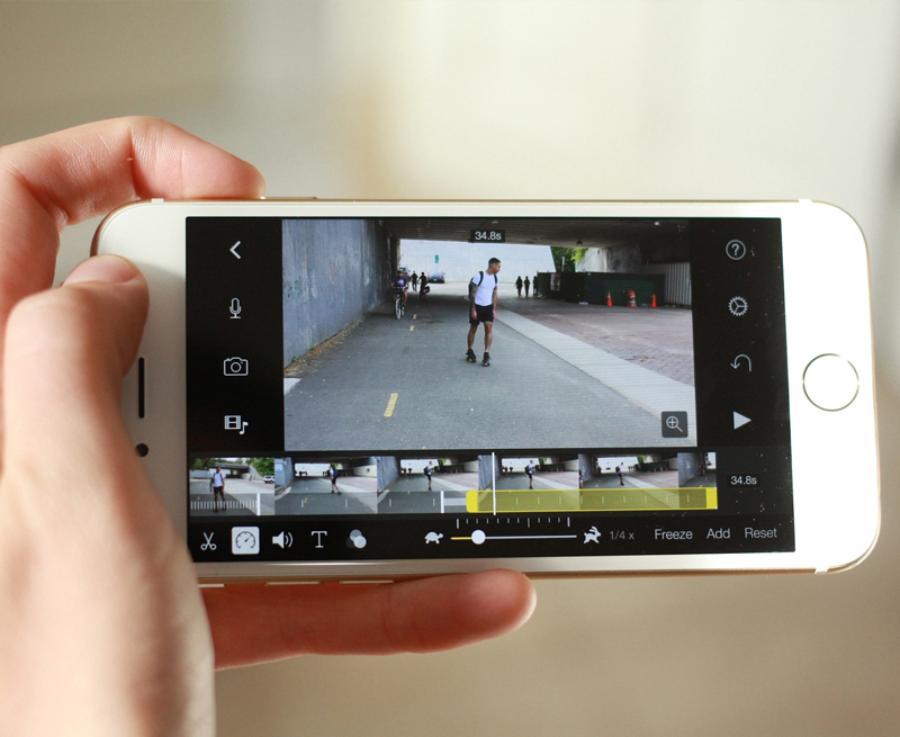
2.2. Direct light and color calibration system
Users can deeply manipulate the technical parameters of the clip, similar to editing a still image. The sliders for adjusting brightness (Exposure), highlights (Highlights), shadows (Shads), and contrast are highly responsive. Enhancing color saturation or converting the clip to classic black and white tones completely alters the emotional impact of the footage.
2.3. Exclusive and artistic Cinematic Mode
Apple's latest generation of phones offers incredibly versatile shooting and depth-of-field adjustment capabilities. After shooting, you can still change the focus point from one subject to another or increase or decrease background blur (simulated aperture) directly within the default editing interface. This is a major breakthrough that brings professional filmmaking concepts to mobile devices.
3. Top third-party apps for expertly editing iPhone videos.
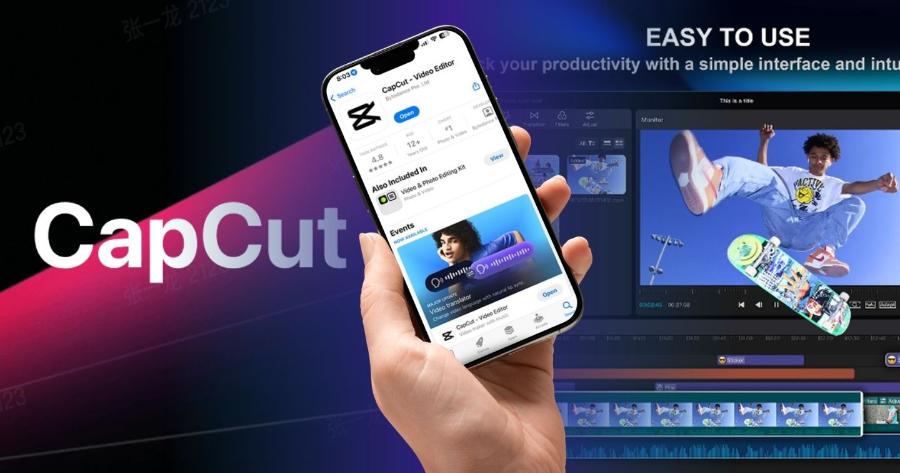
3.1. CapCut - The king of trending short video content
The popularity of CapCut in the Vietnamese and global markets is the clearest evidence of this application's power.
-
Key features: Possesses a treasure trove of transition effects, diverse color filters, and especially a system of copyrighted music that is constantly updated according to the latest internet trends.
-
Advantages: The automatic voice recognition feature for subtitling is extremely accurate. The intuitive interface is suitable for both beginners and professional editors.
-
Disadvantages: The free version sometimes limits some advanced effects and requires users to pay to export videos without a watermark at the end.
3.2. iMovie - The official editing app from Apple.
For those who appreciate minimalism, smooth performance, and a completely free experience, iMovie is an unmissable choice.
-
Key features: Includes pre-designed trailer templates and movie themes with ready-made layouts, background music, and fonts. Simply drag and drop your clips into the corresponding positions.
-
Advantages: Contains no ads, extremely fast file export speed, and easy project synchronization with Mac computers via iCloud.
-
Disadvantages: The number of special effects and Vietnamese fonts is quite limited, making it unsuitable for creating videos with a strong, edgy personality.
3.3. LumaFusion - A professional video editing studio in miniature.
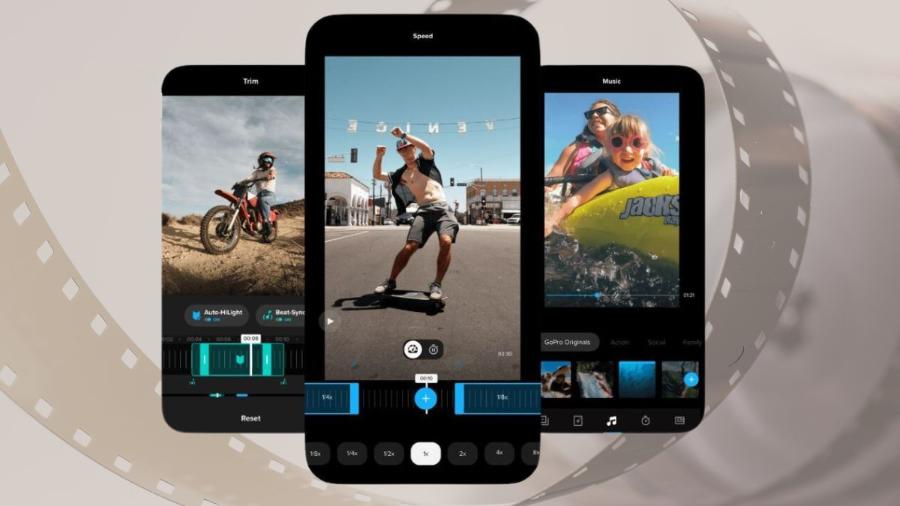
LumaFusion is hailed as the most advanced video editing software on the iOS platform, targeting sophisticated users.
-
Key features: Supports up to 6 video and audio layers simultaneously on the timeline. Ability to insert high-quality music files and deeply manipulate color parameters using specialized LUT files.
-
Advantages: Extremely intelligent timeline management, comparable to desktop software like Premiere Pro.
-
Disadvantages: This is a one-time paid application with a relatively high price, and users need time to familiarize themselves with the advanced tools.
3.4. VN Video Editor - The perfect balance between features and cost.
VN Video Editor is increasingly winning over the vlogger community thanks to its flexibility and modern interface.
-
Key features: Extremely smooth video curve adjustment tool, allowing you to create artistic fast-forward or slow-motion videos.
-
Advantages: Absolutely no copyright watermark is added when exporting videos in the free version. Supports adding multiple layers of text and a wide variety of animated stickers.
-
Disadvantage: Occasionally, the application may crash on older devices when handling very large projects.
3.5. InShot - Expert in optimizing videos for social media
InShot focuses on speed and convenience, with tools designed for everyday entertainment.
-
Key features: The ability to add blurred backgrounds and unique colored borders around videos to match the different display standards of various online platforms.
-
Advantages: A rich and fun library of stickers and animated icons. Cutting, pasting, adding background music, or recording directly is very smooth.
-
Disadvantage: Its ability to handle multiple layers of video overlapping (Picture-in-Picture) is not yet very powerful.
3.6. Adobe Premiere Rush - The power of the graphics giant on mobile.
This streamlined version of the legendary video editing software delivers a serious and professional editing experience.
-
Key feature: The ability to synchronize unfinished projects from your phone to Premiere Pro on your computer for further in-depth post-production.
-
Advantages: Intelligent audio editing tools, automatically reduces background music volume when speech is detected (Audio Ducking).
-
Disadvantages: Requires an Adobe Creative Cloud account registration, and some advanced file export features require a paid license.
3.7. KineMaster - A powerful, traditional horizontal interface.
KineMaster features a design style similar to traditional video editing software, making it easily accessible even for those with prior experience.
-
Key features: A diverse layer system allows for the insertion of green screen (Chroma Key) to separate the character's background and integrate it into simulated environments with incredible accuracy.
-
Advantages: The ability to draw directly onto video opens up many unique creative possibilities for various types of video lectures or tutorials.
-
Disadvantage: The landscape screen interface can be slightly inconvenient when operating with one hand on a small phone screen.
3.8. FilmoraGo - The choice for the dynamic younger generation
Developed by Wondershare, this application inherits the youthful, modern design philosophy from the PC version.
-
Key features: A vast library of eye-catching and trendy transition effects, including lighting effects, glitch effects, and vintage film effects.
-
Advantages: Many pre-made templates are available, based on travel and love themes, allowing you to create videos quickly in just a few seconds.
-
Disadvantage: Advertisements appear quite frequently in the free trial version.
3.9. Splice - The ultimate music and rhythm editing tool
Splice places a strong emphasis on the harmonious combination of moving visuals and rhythmic sound.
-
Key features: An intelligent algorithm automatically cuts and splices video clips to perfectly match each drum beat of the selected background music.
-
Advantages: A huge, exclusive library of sound effects (Sound FX) that makes films more vibrant.
-
Disadvantage: The advanced video color adjustment features are still basic and lack significant breakthroughs.
3.10. VivaVideo - A long-standing companion of the mobile filmmaking community.
Despite being launched a long time ago, VivaVideo still maintains its unique appeal thanks to continuous improvements and technological updates.
-
Key features: Integrates facial beautification tools directly into the video editor, ensuring subjects always look their best.
-
Advantages: User-friendly interface, easy to understand, features are clearly and scientifically organized.
-
Disadvantage: The file export quality in the free version is limited to standard resolution; upgrading to 4K resolution requires a subscription upgrade.
4. Step-by-step process for editing clips on iPhone to achieve the best visual effect.
4.1. Step 1: Filter and organize the original video source library
The first step is always selecting scenes that meet the required sharpness and lighting. You should create a separate album in the Photos app to store all the project-related materials, avoiding the time-consuming task of searching through thousands of photos every day.
4.2. Step 2: Set up the frame and proceed with rough cutting and splicing.
Import all the footage into the timeline of your chosen editing application. Proceed to cut out shaky scenes and meaningless character pauses, and arrange the segments according to the storyline you want to convey.
4.3. Step 3: Applying audio synchronization techniques and inserting effects
Choose background music that suits the overall atmosphere of the clip, and adjust the volume so that it doesn't overpower the main voice. Add subtle transition effects at the points where the two clips meet to create a smooth transition for the viewer.
4.4. Step 4: Adjust overall color and publish the final product.
Proceed to apply a general color filter to synchronize the tone across the entire project. After a thorough review, select a minimum resolution of 1080p or 4K for the output file at 30 or 60 frames per second to ensure sharpness when uploading.
5. Key tips to protect your device and optimize video quality.
5.1. Check the amount of free memory before proceeding with editing.
High-resolution video projects often consume a huge amount of phone storage space. If your device's memory is too full, the editing app may automatically stop working or prevent successful file export. You need to clean up junk files and ensure your device has at least 5-10GB of free space before you start working.
5.2. Pay attention to the phone's temperature during rendering.
The process of editing special effects and exporting video files requires the processor to work at full capacity, leading to rapid overheating. Removing the phone case and avoiding charging while exporting video is essential to protect battery life and prevent sudden performance drops due to overheating.
6. Explore a wealth of cutting-edge resources and technological solutions at appvip.ai
Finding premium video editing software with a full suite of exclusive effects is always the desire of every professional editor. The appvip.ai website was created to thoroughly solve this problem by providing optimal solutions, secure installation links, and in-depth guides specifically for the iOS user community. Here, you can easily access intelligent support tools and cinematic color filters that have been thoroughly tested for stability. This site is committed to providing a smooth technological experience, making the process of transforming your ideas into million-view videos simpler and more cost-effective than ever before.
8. Conclusion and future trends in mobile video editing
Mastering video editing skills on an iPhone provides a huge competitive advantage for anyone wanting to enter the digital content creation industry. Ultimately, technology is just a tool; the soul of a compelling video lies in the storytelling and unique aesthetic perspective of the creator. The future will see increasing involvement of artificial intelligence, automating the raw editing and audio editing processes. Continuously hone your visual skills and stay updated on new design trends to transform your pocket-sized phone into your own professional mobile film studio.





















VIP Products








Best Selling Products
Genuine Adobe Illustrator account
99 USD
Upgrade genuine Capture One account
120 USD
Plugin Retouch4me
69 USD
Autodesk All App Account Copyright
120 USD
Upgrade Duolingo Super
29 USD
Capcut Pro 1 Year
39 USD
Freepik Premium Account
59 USD
Genuine Cheap Canva Pro
39 USD
Upgrade Genuine Office 365
49 USD
Adobe Premiere Pro Account
99 USD
MidJourney Account
29 USD
Adobe Photoshop Copyright - Full App
120 USD
ChatGPT Plus Account (GPT-4)
16 USD
Copyright Adobe Lightroom Account
59 USD
Windows 10 & 11 Pro Key
36 USD