1. The importance of professional video editing software in the digital age.

1.1. Affirming aesthetic thinking and brand values
The image quality and effects in each video are the face of the content creator or business. Videos that are carelessly edited and have dull colors will quickly be rejected by social media platforms' algorithms. Investing in a professional editing tool is the fastest way to make a difference, retain viewers, and build strong public trust.
1.2. Optimizing performance and workflow timeline
Large film projects often involve hundreds of complex source code files, audio, and special effects. The multi-layered timeline management system of high-end software allows users to organize, categorize, and search resources systematically. Seamless synchronization between audio and video significantly saves time and increases editor productivity.
2. The gold standard for evaluating a top-tier video editing tool.
2.1. Ability to handle ultra-high file formats and resolutions
An ideal software system should be compatible with all raw formats from professional cinema cameras. Support for publishing video in 4K and 8K resolution at high frame rates without losing detail is essential. Powerful hardware decoding capabilities minimize lag during project previews.
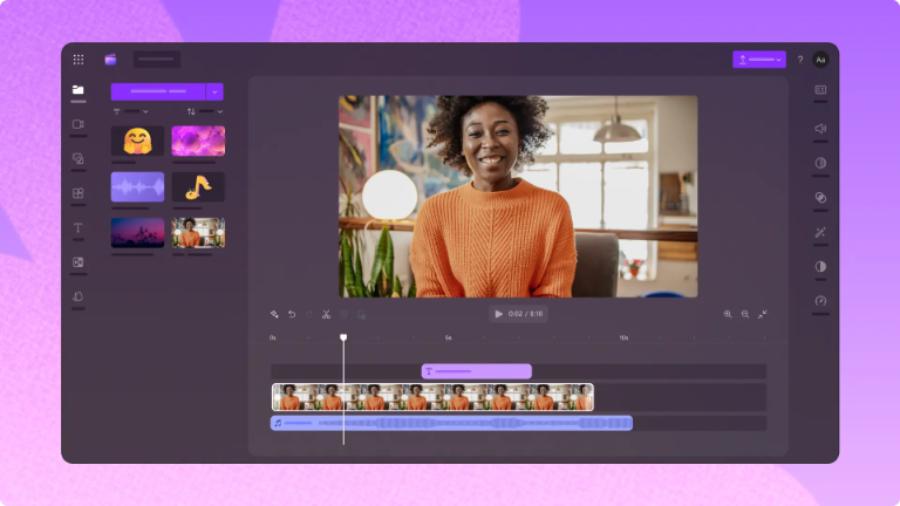
2.2. Advanced Color Separation and Correction System
Color is the silent language of cinema, helping to convey the emotions of a story in the most complete way. Standard filmmaking tools need to be equipped with color maps (LUTs), color wheels, and precise correction curves. The ability to deeply manipulate each highlight and shadow area allows editors to easily create cinematic color tones.
3. Detailed review of the most popular professional video editing programs.
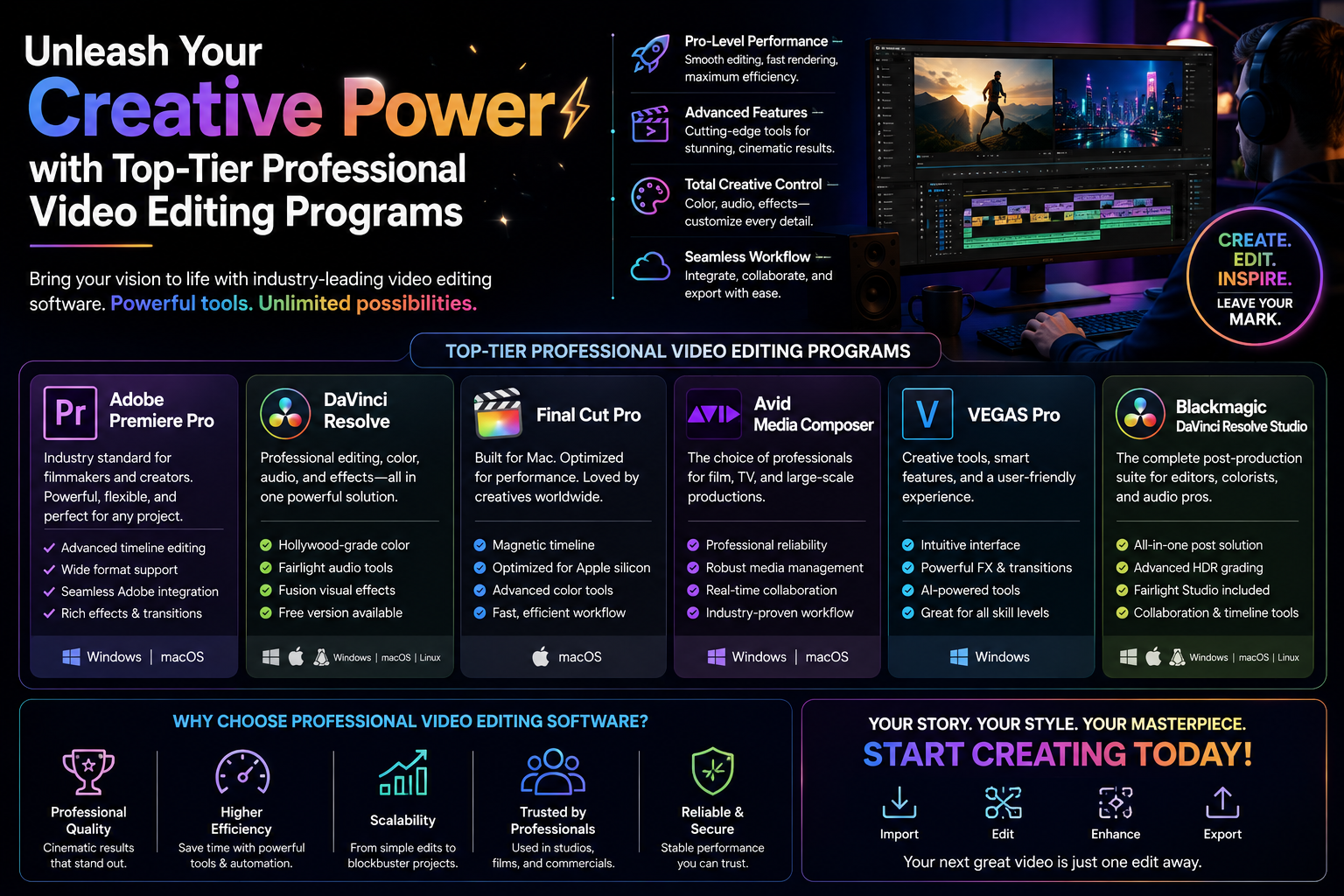
3.1. Adobe Premiere Pro - The global industry standard
Adobe Premiere Pro has long been an enduring icon in the professional film and media industry thanks to its unique all-around capabilities.
-
Key features: Perfect connectivity and synchronization with the Adobe ecosystem, including After Effects and Photoshop, provides ultimate convenience. The multicam editing feature allows for synchronized camera angles from multiple cameras with just one operation.
-
Advantages: Extremely large user community, a vast library of third-party transitions and effects. The Essential Sound audio editing tool integrates AI to effectively remove background noise.
-
Disadvantages: Requires very powerful computer hardware to run smoothly, and the monthly license fee is relatively high.
3.2. DaVinci Resolve - The ultimate wizard of cinematic color.
DaVinci Resolve is rising rapidly and becoming the most formidable competitor to all video editing software currently available.
-
Key features: This is the perfect combination of fast editing tools, Fusion special effects, and the world's best legendary color grading system. Many Hollywood blockbusters have used this software for post-production color correction.
-
Advantages: The free version offers almost all the advanced features for individual users. Rendering speed and hardware optimization are excellent on both Windows and macOS operating systems.
-
Disadvantage: The interface, with its many specialized task tabs, can be overwhelming for beginners learning video editing.
3.3. Final Cut Pro - The ultimate optimization specifically for the Apple ecosystem
Designed exclusively for Mac users, Final Cut Pro delivers a smooth experience and incredible processing speed.
-
Key features: The exclusive Magnetic Timeline structure completely eliminates frame gaps or synchronization issues when moving video segments.
-
Advantages: The software is perfectly optimized for Apple Silicon chips, resulting in significantly faster file export times compared to competitors. The interface is minimalist and intuitive, yet it boasts immense power.
-
Disadvantage: Exclusive to macOS, does not support Windows users.
3.4. Avid Media Composer - The top choice of Hollywood studios
For large-scale film and television projects, Avid Media Composer remains an irreplaceable icon.
-
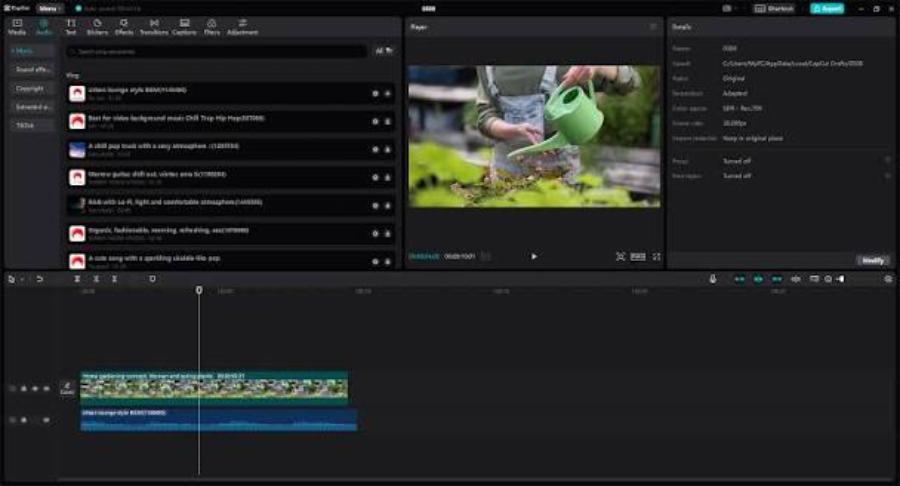
Key features: The ability to manage data and share projects for a team of multiple editors working simultaneously in real time, with exceptional security and stability.
-
Advantages: Absolute stability when handling projects with data sizes up to tens of terabytes without fear of system crashes or file loss.
-
Disadvantages: Extremely expensive to own, highly technical interface, and unsuitable for independent short video creators.
3.5. Sony Vegas Pro - The power of blended audio and video editing
Vegas Pro has always held a special place in the hearts of music video filmmakers and freelance editors thanks to its distinctive design philosophy.
-
Key features: The intuitive drag-and-drop interface mimics professional recording software, making it incredibly easy to process film scores and sound effects.
-
Advantages: The ability to directly process complex sound effects on the timeline without needing to switch to other specialized software.
-
Disadvantage: Hardware optimization for handling heavy 3D effects is not as good as Premiere or DaVinci.
4. Steps to creating a cinematic-quality video using specialized tools.
4.1. Step 1: Managing and classifying scientific input resources
A professional editor's workflow always begins with organizing the data. You need to create separate folders (Bins) for original video, audio, background music, images, and effects files. This categorization helps prevent file misalignment (Missing Media) throughout the project.
4.2. Step 2: Roughly create and shape the story structure on the timeline.
Proceed to integrate the main scenes into the timeline according to the literary script. At this stage, you only need to focus on cutting out unnecessary segments, selecting the most impactful camera angles, and arranging them according to the emotional flow. Adding effects or color correction is not necessary at this rough editing stage.
4.3. Step 3: Design the sound and integrate environmental sound effects.
Sound accounts for up to 50% of a film's success. You need to adjust the pitch and volume of the character's voiceover to ensure it's always clear. Then, incorporate environmental sound effects such as wind, storms, footsteps, or traffic noises to create the most realistic atmosphere for the viewer.
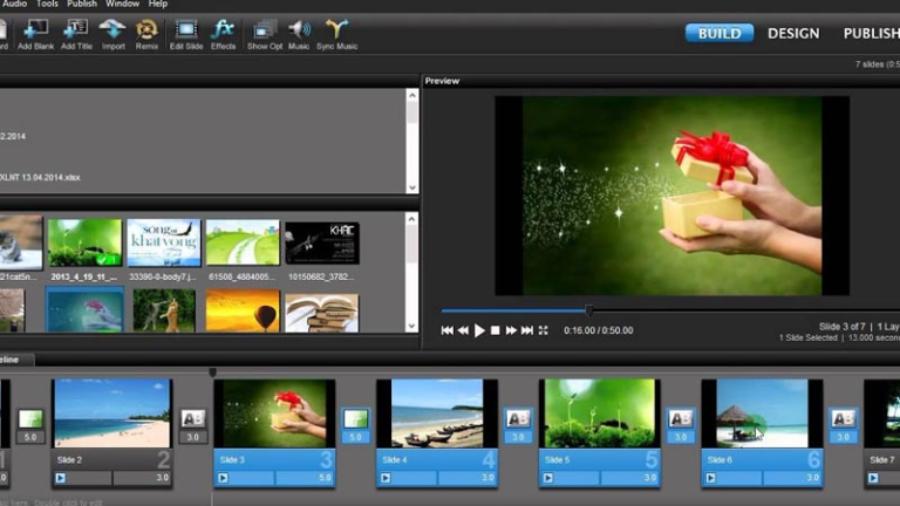
4.4. Step 4: Post-processing color grading and adding graphic effects.
After finalizing the video's rhythm, proceed with white balance and apply artistic color tones to create the film's atmosphere. Next, add transition effects at the junctions and insert title text and artistic subtitles to complete your professional video editing program.
5. Search for and install professional video editing programs at appvip.ai
Choosing and owning licensed versions of editing software with full advanced features is always a headache for many content creators. Understanding this difficulty, the website appvip.ai was created as a comprehensive solution, providing support services to easily access top-notch graphic and video editing tools. Here, users can find solutions to optimize work performance, detailed configuration instructions, and exclusive graphic resource packages that have undergone rigorous vetting. The system is committed to providing a smooth experience, allowing editors to create with peace of mind without worrying about security issues or software conflicts.
6. Conclusion
Mastering a professional video editing program is a solid foundation for venturing into the promising digital content creation industry. No matter how advanced the tools are, they only serve as support; the core of a million-view video lies in the storytelling and how you convey your message to the audience. The next era will be a close integration of artificial intelligence and manual editing skills, automating repetitive tasks to make way for artistic creativity. Choose the right software for you, diligently practice your skills every day, and confidently create your own unique cinematic masterpiecess.