1. The nature of applying technology to digital image production.
The process of transforming raw footage into a finished work requires a harmonious combination of aesthetic thinking and mastery of the tools. The emergence of intelligent editing software has blurred the lines between amateur filmmakers and graphic professionals.
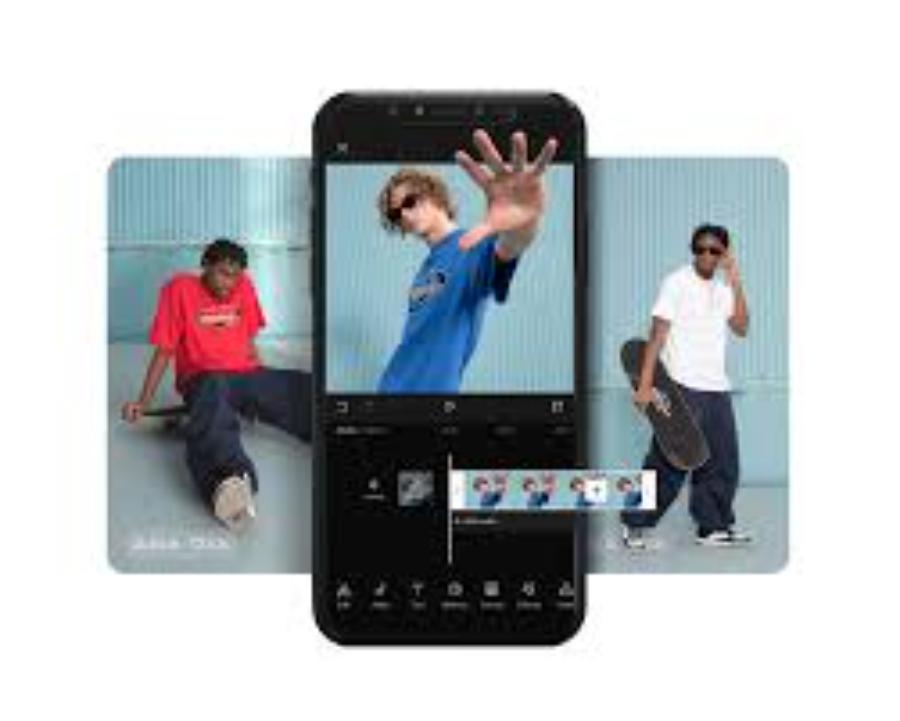
1.1 The role of rhythm and composition in a short film
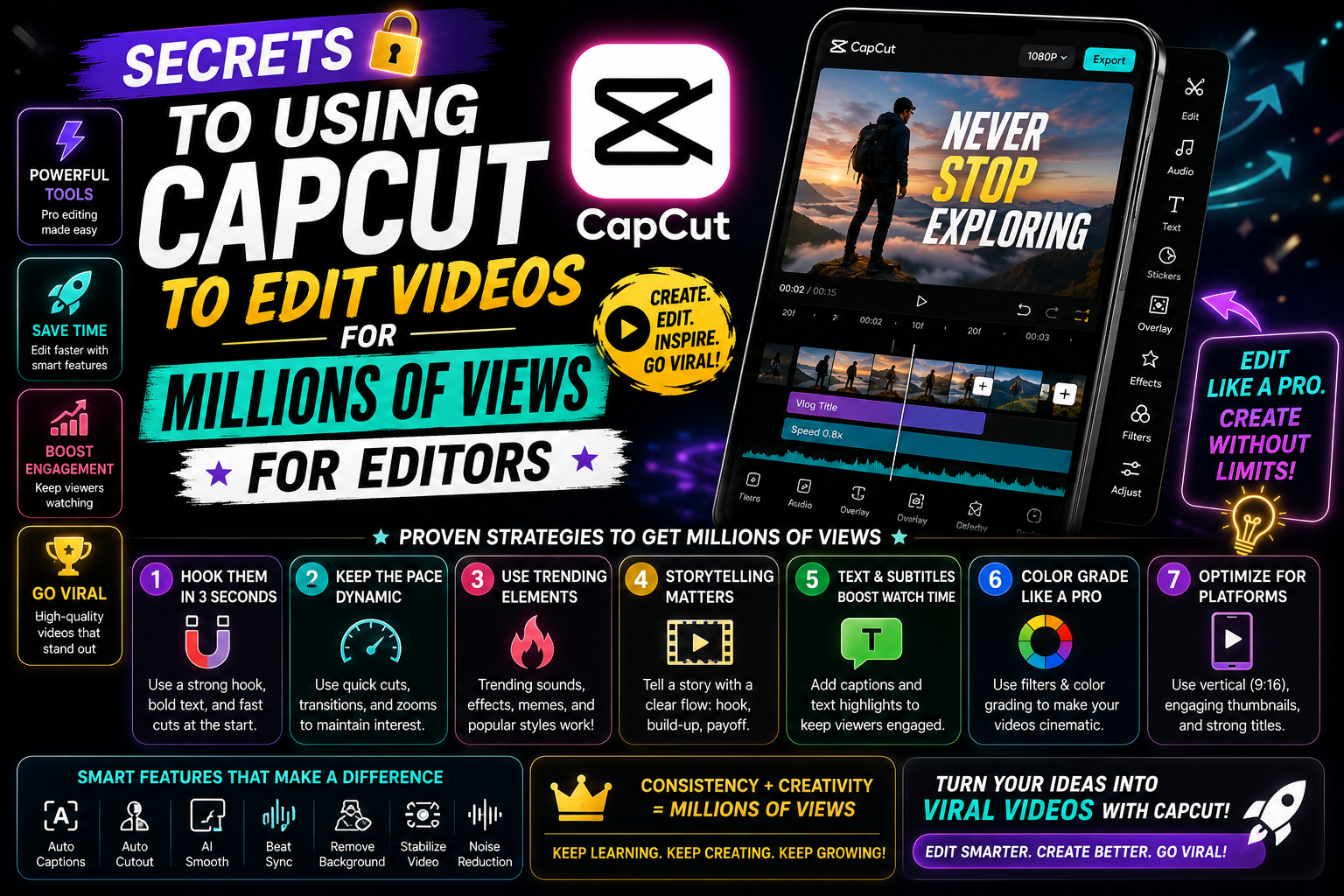
Every second on screen must convey a certain message to keep the audience engaged with the story. A well-structured video requires a balanced allocation of time between an impressive opening, a coherent main narrative, and a powerful call to action at the end. Arranging camera angles according to the rule of thirds, combined with cuts that synchronize with the sound, will create a very pleasant visual flow for the viewer.
1.2 The trend of personalizing content through visual effects
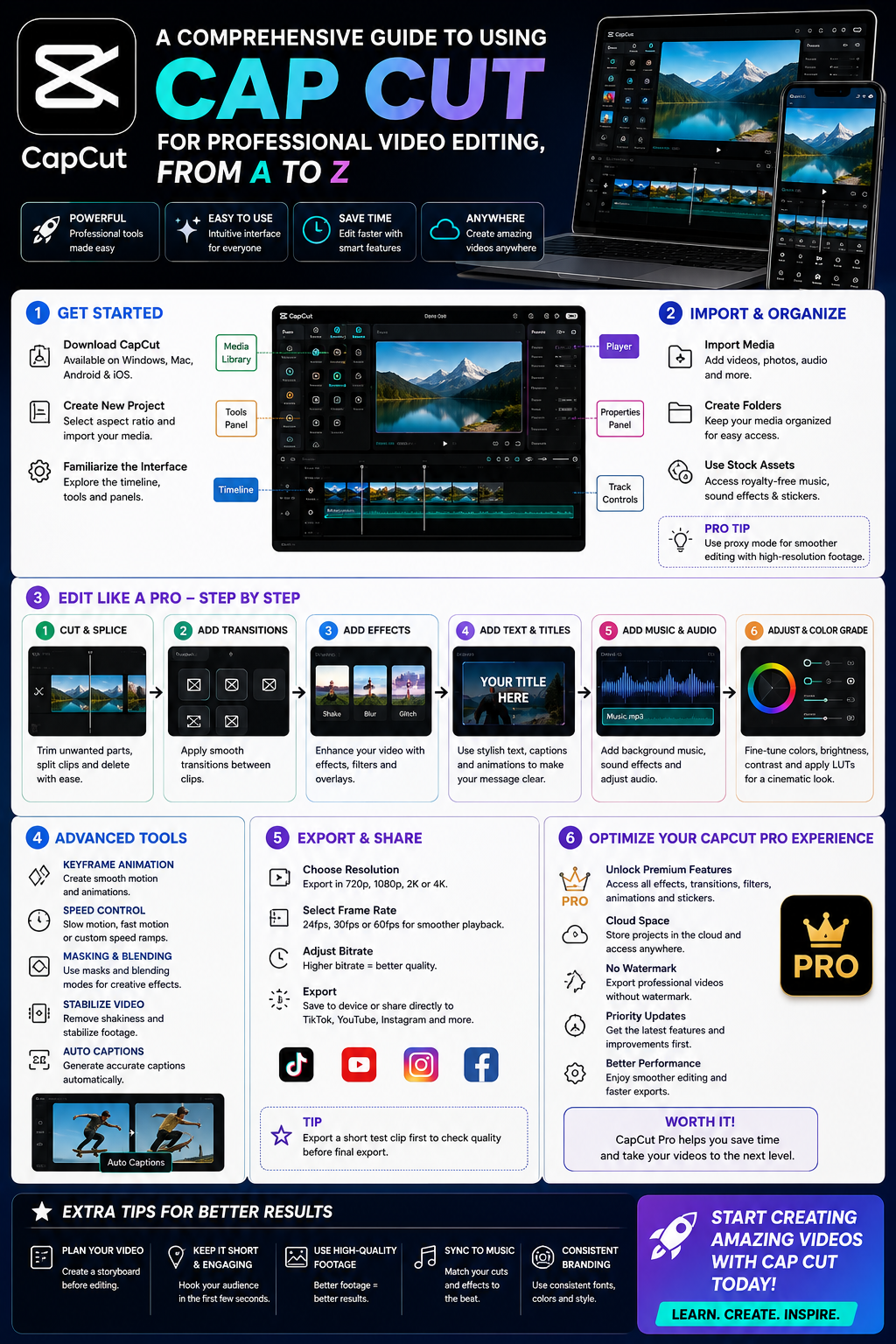
Modern audiences are increasingly discerning and easily overlook videos with clichéd and monotonous production styles. Using Capcut video editing software allows users to customize their personal style without limits through dynamic text, custom-designed stickers, and image overlays. Innovative color schemes and unique transition effects are key elements in establishing your personal brand identity in an increasingly saturated digital content market.
2. Core platform cutting and building techniques on the timeline
The timeline is the sanctuary of an editor, where all cinematic magic is molded and shaped. Mastering the basic operations accurately will provide a solid foundation for more advanced processing steps later on.
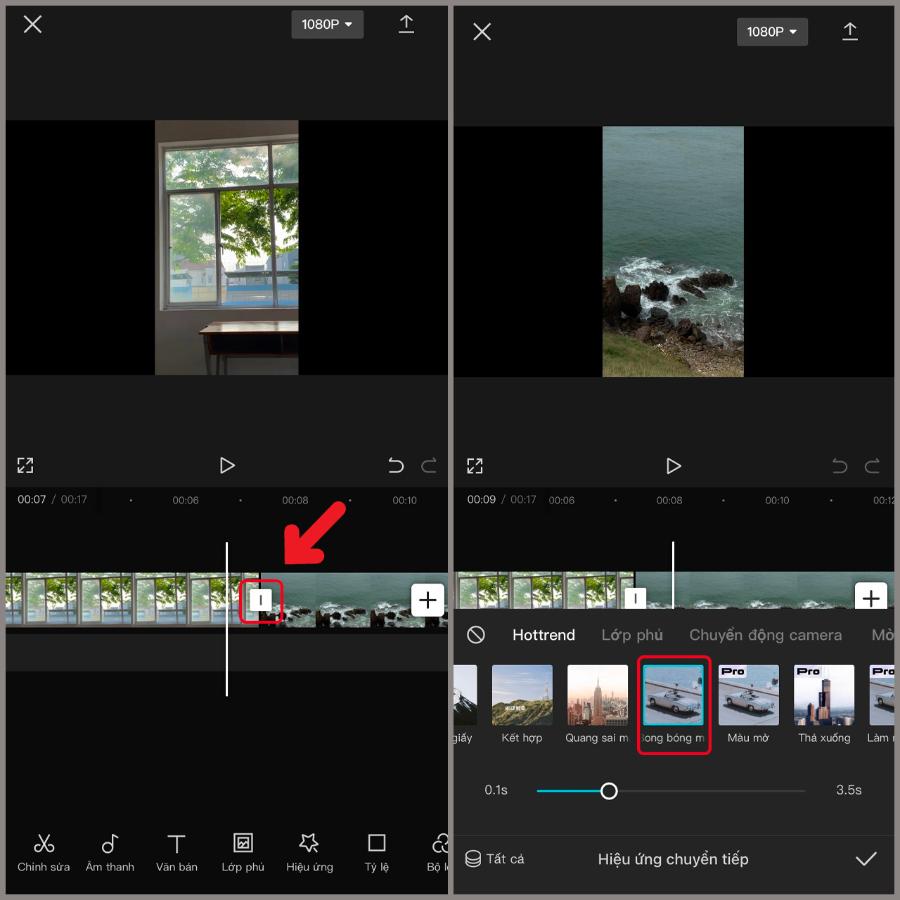
2.1 Segment splitting and image overlaying operations
Post-production always begins with filtering out flawed dialogue, meaningless silences, or shaky footage. The split tool allows for deep intervention into individual frames to create sharp, clean cuts. Additionally, the overlay feature makes it easy to insert illustrative video clips, supporting images, or light effects that run across the screen to enrich the content.
2.2 The art of speed management using progressive charts
Sudden changes in speed or smooth, slow-motion always evoke strong visual emotions in viewers. Instead of simply increasing or decreasing speed in a monotonous linear fashion, the speed curve feature allows you to control the acceleration of movement in the most natural way. Effects like cinematic montage or time-lapse sequences become much more artistic when the video speed is harmoniously synchronized with the frequency of the background music.
3. Explore the VIP account upgrade options at Appvip.ai
The system is designed with minimalism in mind, specializing in providing premium license upgrade solutions for leading image and video editing software. By accessing the appvip.ai website , users can easily obtain genuine Pro packages, unlocking a vast library of premium resources including exclusive color filters, Hollywood sound effects, and advanced AI features. The automated and highly secure order processing system allows editors to quickly acquire a professional tool, free from annoying ads or file publishing limitations, maximizing their creative freedom.
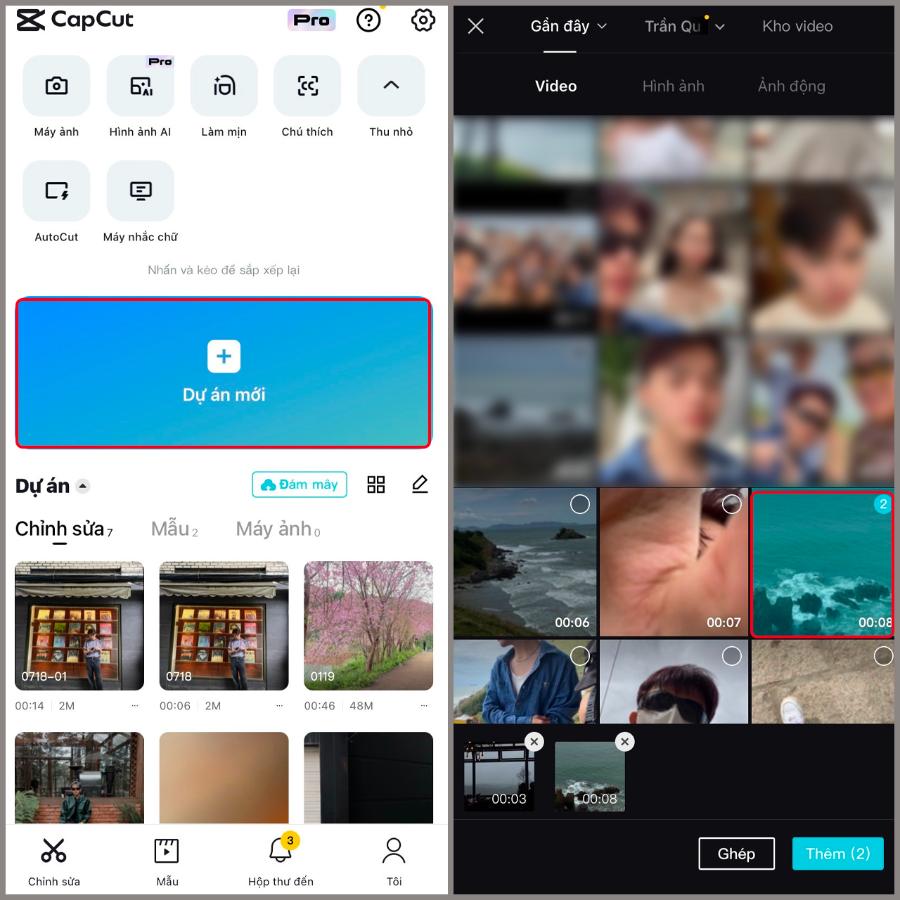
4. Enhance video quality with smart technology solutions.
The integration of artificial intelligence into post-production processes has completely transformed the way people work with graphics software. Tasks that previously took hours can now be completed flawlessly with just a few simple mouse clicks.
4.1 Automatic background space extraction feature using AI
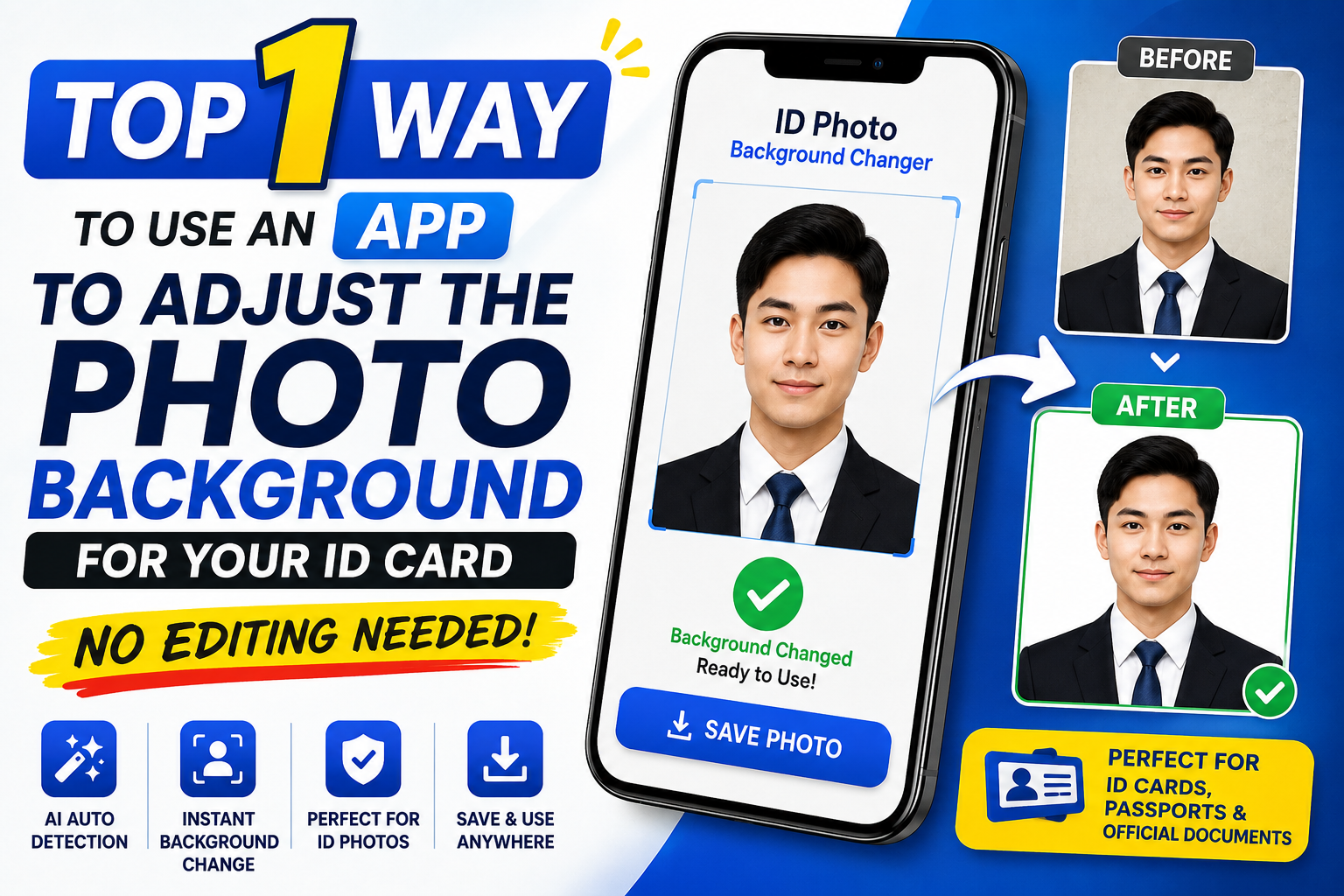
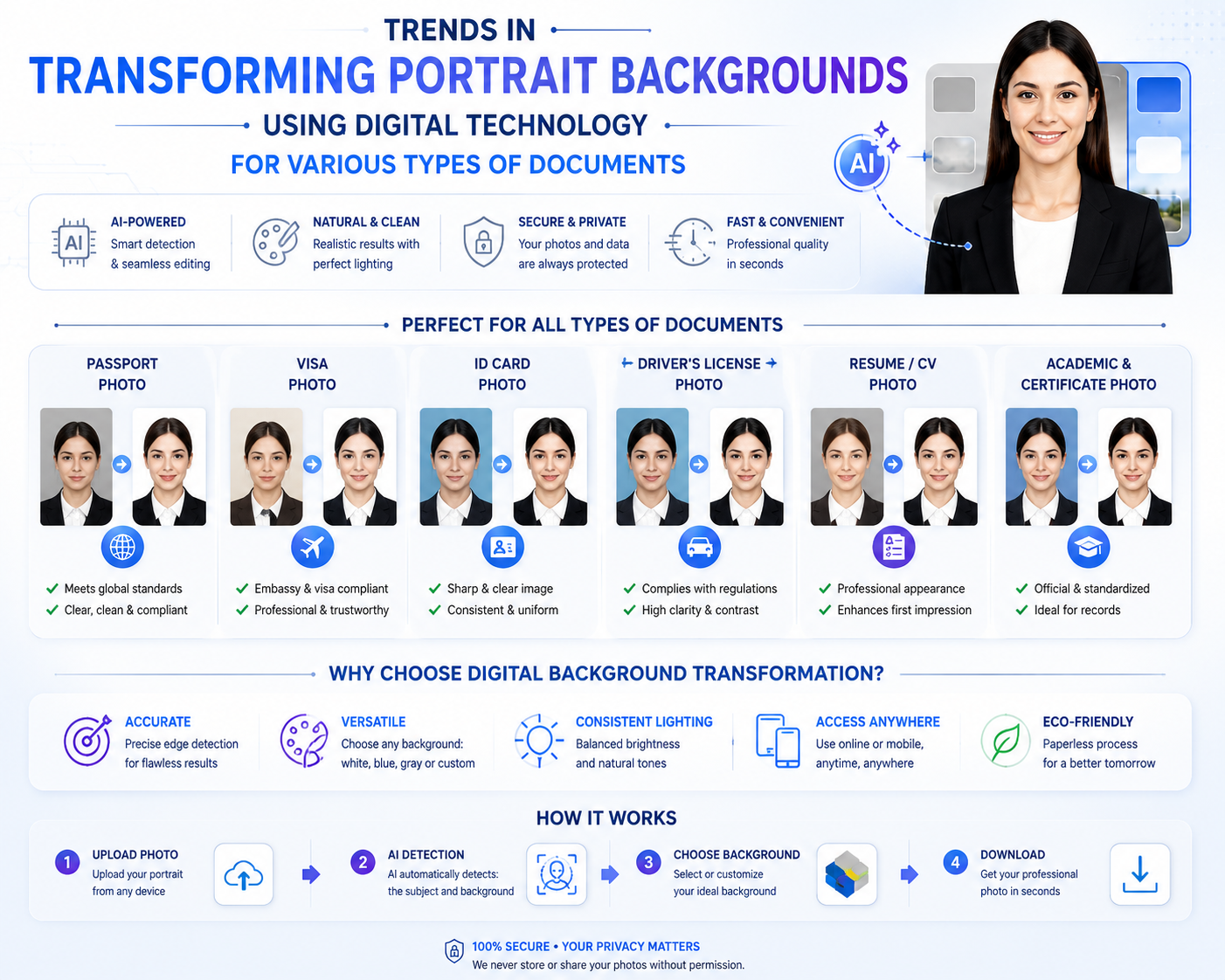
Traditional background removal techniques always required filmmakers to stand in front of a specialized green screen and set up an extremely complex lighting system to avoid shadows. Modern intelligent algorithms can now automatically and accurately identify human subjects, removing the entire background with incredibly smooth edges, even with difficult details like strands of hair or clothing folds. This feature allows you to freely replace backgrounds with fantastical spaces, modern cityscapes, or luxurious offices with ease.
4.2 Solutions for audio synchronization and automatic subtitle generation
The compatibility between image and sound is the soul of a video with a good user experience. The automatic music matching feature (Match Out) helps cutscenes automatically fall into the correct drum beats of the song, creating a visually stunning effect. Simultaneously, the accurate Vietnamese speech recognition system automatically converts dialogue into subtitles (Auto Captions) on the screen quickly, allowing viewers to easily access the content even when the device's sound is muted.
5. Superior warranty and customer support policies
The biggest differentiating factor that builds the brand's reputation is its extremely serious after-sales service policy, prioritizing the interests of its customers.
5.1 Warranty commitment: 1-to-1 replacement for defective products.
Throughout the service period, if your account experiences any technical issues from the provider that result in the loss of your Pro privileges, the system will immediately rectify the problem or provide you with an equivalent account.
5.2 Our team of consultants is available continuously.
All your questions, from login procedures and data synchronization to troubleshooting, will be promptly received and handled by our experienced technical team via online chat channels.
5.3 Simplified Incident Reception and Handling Process
To avoid disrupting your work or creative flow, our troubleshooting and warranty process is optimized into just three simple steps:
-
Step 1: Take a screenshot or record a short video of the account error.
-
Step 2: Send the information along with the order code to the support team via the customer service channel.
-
Step 3: A technician will check and create a new account or fix the error directly within 15 to 30 minutes.
5.4 Cases where warranty is refused: Please note
To ensure fairness for the user community and maintain system stability, we reserve the right to refuse warranty service in the following cases:
-
Users have arbitrarily changed security information (Email, Password) for shared packages.
-
Sharing your account with third parties or logging in on more devices than permitted will result in your account being permanently banned by the publisher.
-
Using the account for purposes that violate the law or seriously infringe upon the publisher's community standards.
6. Important notes when using external purchased accounts
To protect your personal interests and ensure your account remains stable and avoids being flagged by the publisher, you should follow these basic principles.
6.1 Absolutely do not change the original information for the shared package.
For shared hosting packages, changing passwords or linked email addresses without authorization is a violation of the terms of service. This may result in permanent account suspension, and the system will refuse warranty coverage for such cases.
6.2 Limit simultaneous logins on too many devices.
The publisher has a strict security scan mechanism for accounts showing unusual login activity from multiple locations and devices simultaneously. You should log out of unused devices to better protect your account.
6.3 Do not renew or interfere with existing service plans without authorization.
When using an external subscription, the entire billing and renewal cycle is managed by the original service provider. You absolutely must not independently click the "Renew," "Cancel Subscription" buttons, or link your personal credit card to the account to purchase additional services. Doing so may disrupt the current Pro package configuration and cause the account to lose advanced features immediately.
7. Conclusion
The journey to mastering digital filmmaking requires perseverance, accumulated experience, and strong support from modern technological tools. Mastering video editing skills using Capcut software , combined with keen compositional thinking, is the golden key to transforming ideas on paper into vibrant films that powerfully touch the emotions of viewers.