Best Selling Products

Upgrade genuine Capture One account
120 USD

Autodesk All App Account Copyright
120 USD

ChatGPT Plus Account (GPT-4)
16 USD

MidJourney Account
29 USD

Plugin Retouch4me
69 USD

Freepik Premium Account
59 USD

Upgrade Duolingo Super
29 USD

Upgrade Genuine Office 365
49 USD

Adobe Photoshop Copyright - Full App
120 USD

Adobe Premiere Pro Account
99 USD

Genuine Adobe Illustrator account
99 USD

Windows 10 & 11 Pro Key
36 USD

Genuine Cheap Canva Pro
39 USD

Capcut Pro 1 Year
39 USD

Copyright Adobe Lightroom Account
59 USD
Top 1 Way to Use an App to Adjust the Photo Background for Your ID Card - No Editing Needed
Nội dung
- 1. The importance of the background in a standard ID photo.
- 1.1 Mandatory regulations regarding blue and white background colors
- 1.2 Requirements for homogeneity and absence of impurities
- 2. Challenges when manually changing the background of a passport photo.
- 2.1 Smudging/blemishes at the hairline and shoulders
- 2.2 Shadowing and Light Imbalance
- 3. Discover superior technological solutions from Appvip.ai
- 4. Criteria for choosing the best app for editing ID photo backgrounds.
- 4.1 Accurate edge recognition and extraction capabilities using AI
- 4.2 Standard background color library and size customization features
- 5. Instructions on how to use an app to edit ID photo backgrounds at home.
- 5.1 Prepare the shooting space and the correct pose.
- 5.2 Changing the background and adjusting it in the application
- 6. Superior warranty and customer support policies
- 6.1 Warranty commitment: 1-to-1 replacement for defective products.
- 6.2 Our team of consultants is available continuously.
- 6.3 Simplified Incident Reception and Handling Process
- 7. Important notes when using external purchased accounts
- 7.1 Absolutely do not change the original information for the shared package.
- 7.2 Limit simultaneous logins on too many devices.
- 8. Conclusion
Discover how to use an app to adjust the background of your ID photos to ISO standards, allowing you to quickly create your own profile and passport photos at home.
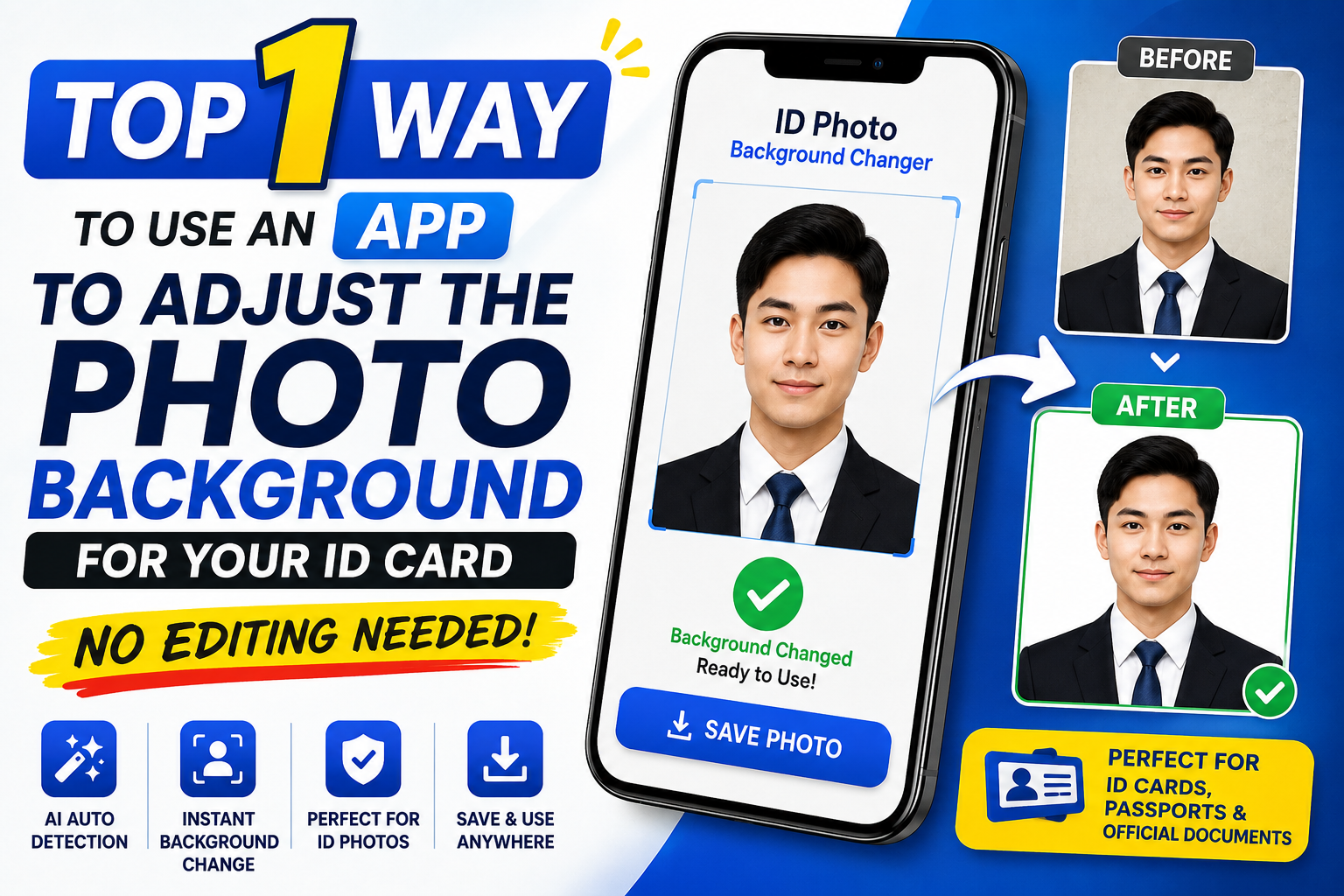
1. The importance of the background in a standard ID photo.
The background of a passport photo is not simply an aesthetic element; it's also a mandatory requirement of the authorities. A proper background helps highlight facial features and ensures the authenticity of the person's identity.

1.1 Mandatory regulations regarding blue and white background colors
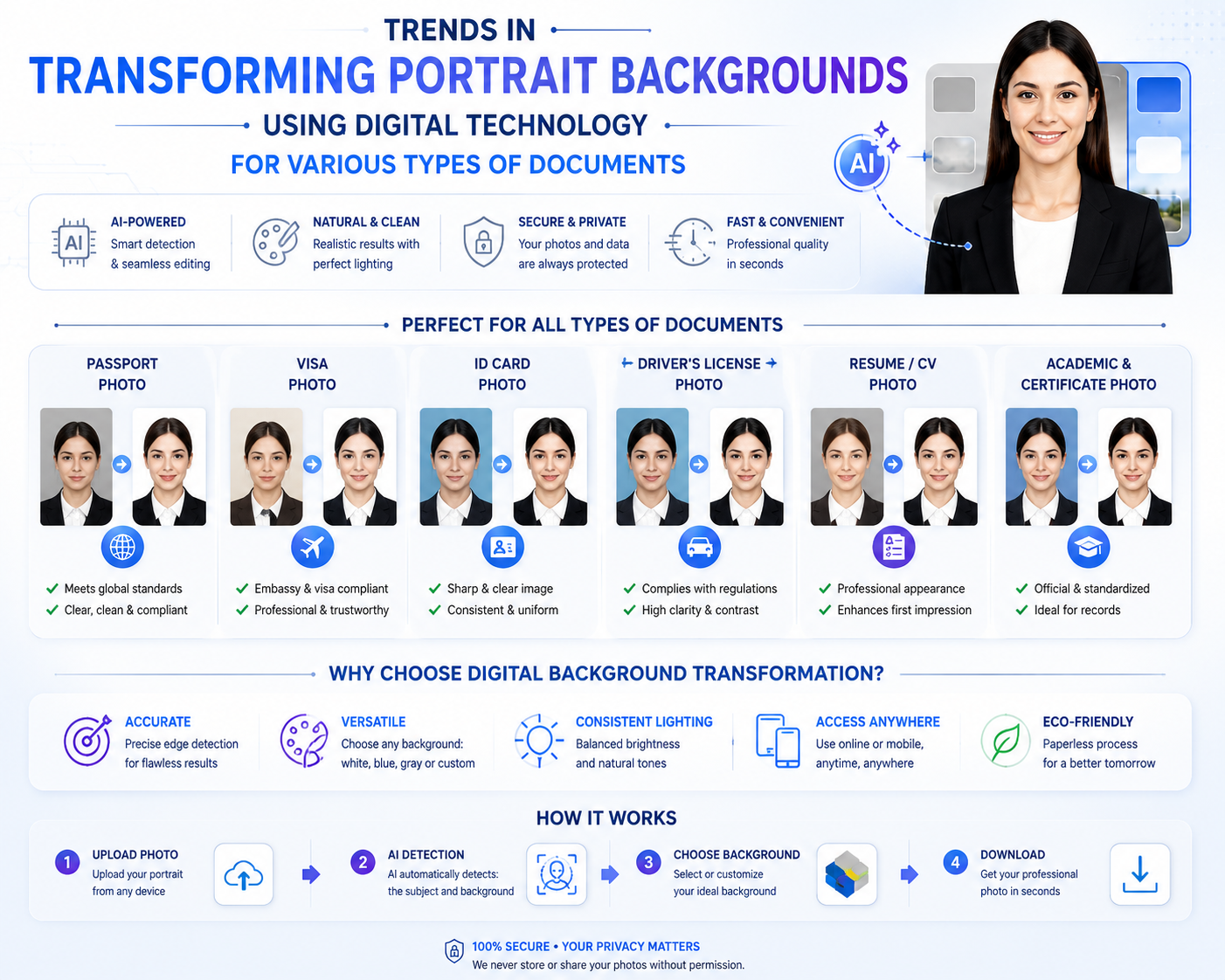
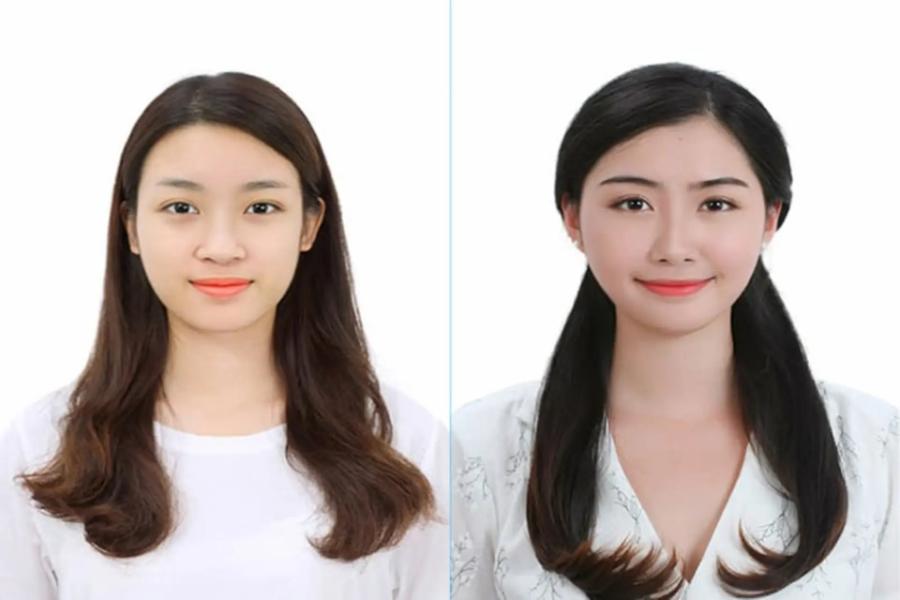
In current legal documents, the two most commonly accepted background colors are white and dark blue. A white background is typically used for passport photos, national identity cards, or visas to some European and American countries. Meanwhile, a blue background is a familiar choice for student ID photos, driver's licenses, or job applications at domestic companies. Choosing the wrong background color can lead to your application being rejected in the first screening round.
1.2 Requirements for homogeneity and absence of impurities
A good ID photo background must be completely monochrome, free of any patterns, shadows, or extraneous objects behind the subject. Uneven light streaks, fabric folds, or the subject's shadow detract from the photo's professionalism. Therefore, background separation to create a flat, smooth, and uniformly colored space is a crucial step in the ID photo design process.
2. Challenges when manually changing the background of a passport photo.
Many people think that simply standing in front of a flat wall is enough to create a perfect ID photo. However, in reality, the process of taking and manually editing photos often involves many unforeseen technical risks.
2.1 Smudging/blemishes at the hairline and shoulders
Hair is the most complex detail on the human body when it comes to separating it from the original background. When applying manual cutting and pasting methods on a phone or computer, users often encounter problems such as jagged edges on the hair, visible patches of old color, or hair cutting into the scalp. This makes the photo look artificial, unnatural, and easily detectable as a faulty collage when printed on paper.
2.2 Shadowing and Light Imbalance
When taking photos in home lighting conditions, fluorescent lights or natural light from one side will create very strong shadows behind the neck or one shoulder. This causes the background to lose its necessary color uniformity. Without advanced graphic processing skills, it's difficult to completely remove these dark areas without affecting the natural shape of the shoulders and face.
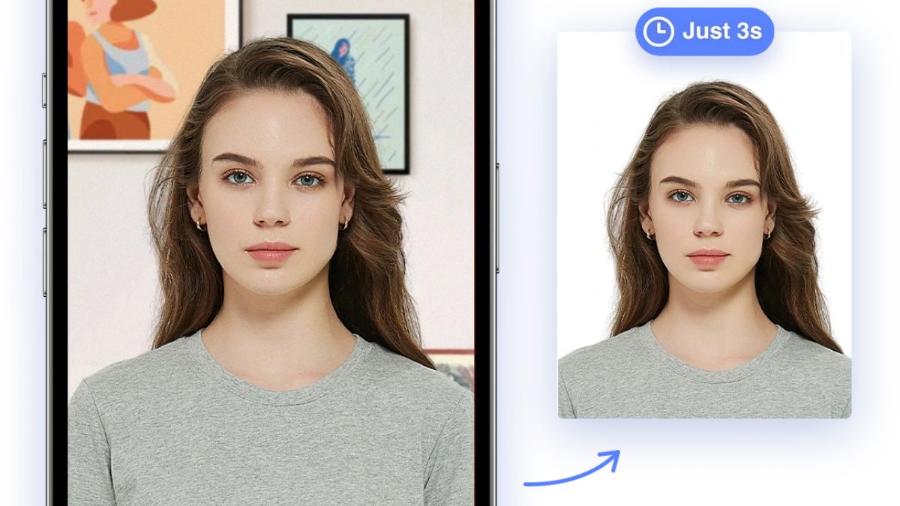
3. Discover superior technological solutions from Appvip.ai
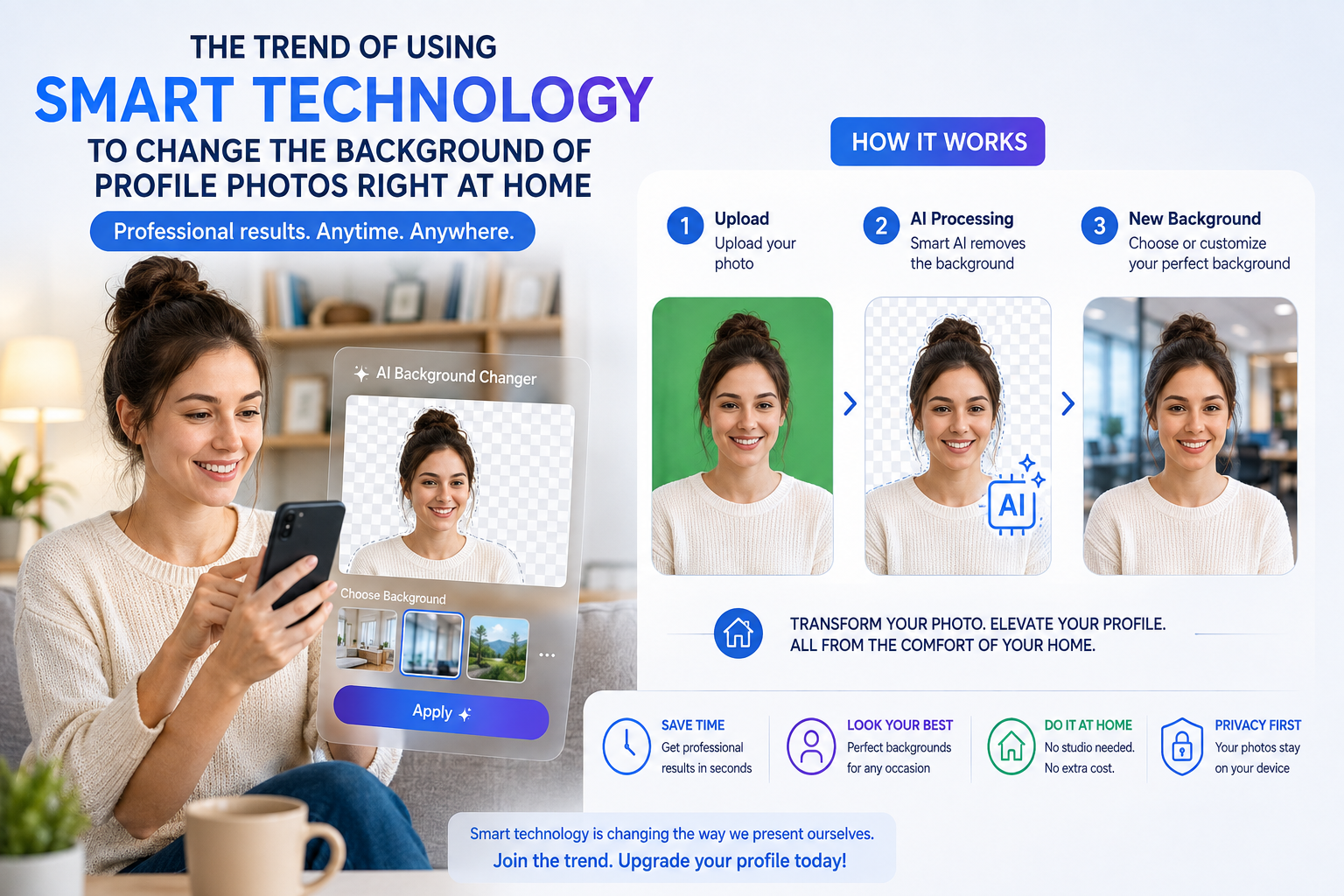
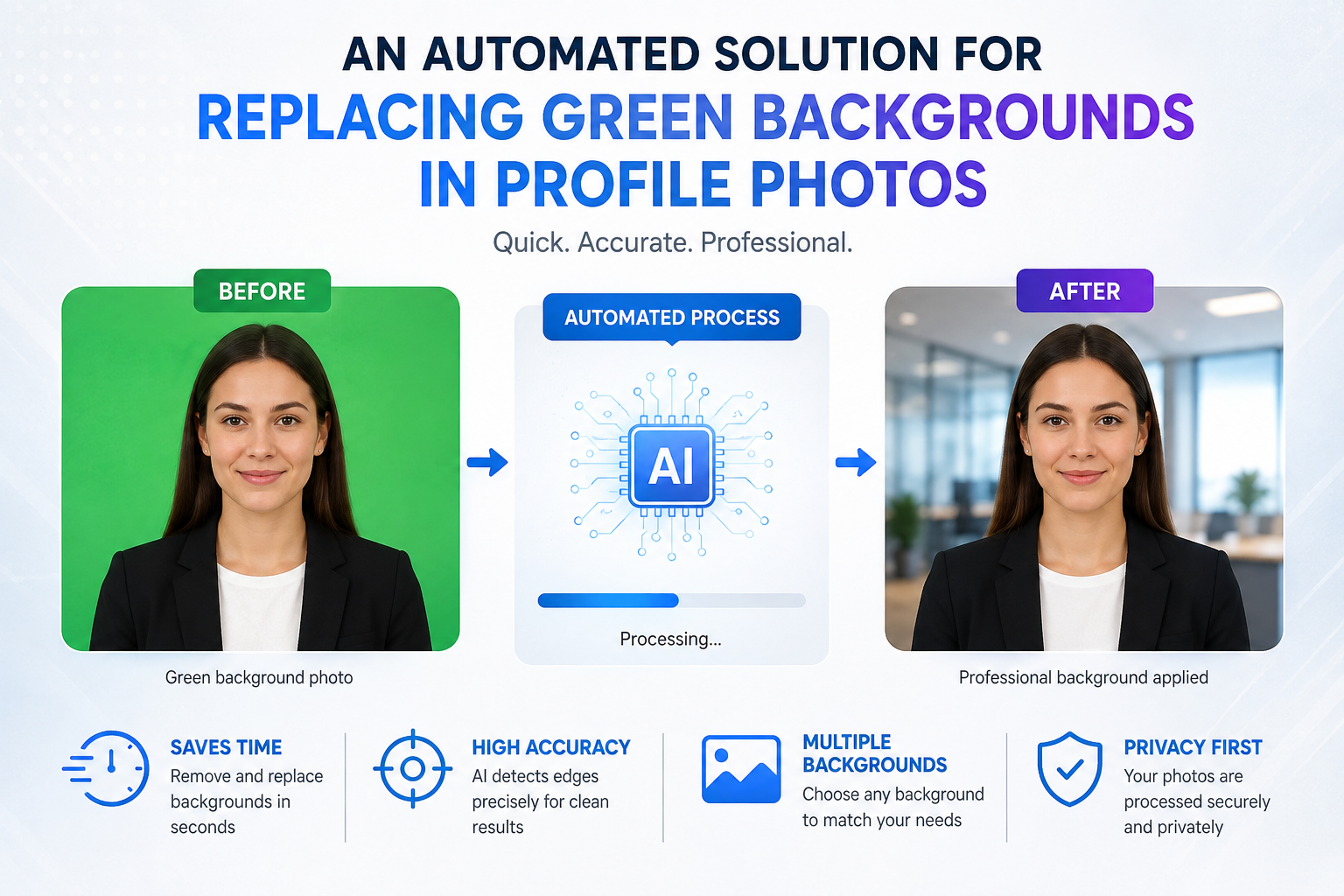
To thoroughly address all the aforementioned difficulties without requiring users to have graphic design knowledge, a modern online software system has been developed. The website appvip.ai is a comprehensive technological solution that helps you optimize the process of creating ID photos at home. The system is developed on a sophisticated artificial intelligence platform, integrating a range of automatic features from background removal and face shaping to lighting adjustment. Users simply access the appvip.ai website via their phone or computer browser, upload any portrait photo, and the system will automatically analyze and process it in just a few seconds. Its intuitive, Vietnamese-language interface and superior processing speed make this platform a powerful tool even for those unfamiliar with technology.
4. Criteria for choosing the best app for editing ID photo backgrounds.
The current mobile app market offers many tools with background changing features. However, to choose a truly high-quality and suitable app for ID photo editing , you need to base your decision on a set of strict evaluation criteria.
4.1 Accurate edge recognition and extraction capabilities using AI
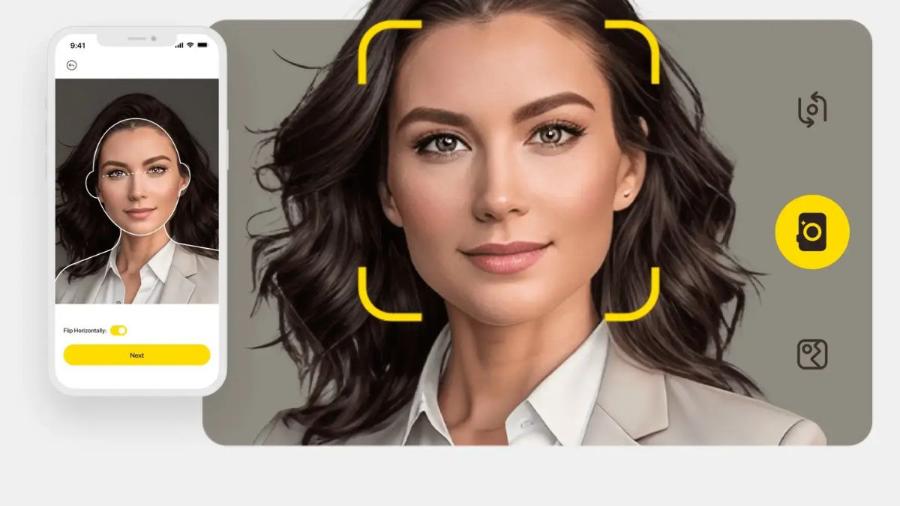
A high-quality application must possess intelligent artificial intelligence (AI) algorithms to clearly distinguish between the subject and the background. The AI needs to be able to smoothly process fine hairs, the curvature of clothing, and hidden angles under the chin. The accuracy of the cropping determines 90% of the success or failure of a passport photo after a new background has been applied.
4.2 Standard background color library and size customization features
The tool you choose should not only have the ability to change the background color to blue or white, but also include built-in grid frames for cropping images according to standard ratios. This saves users time, eliminating the need to switch back and forth between different software programs to crop and change the background of images.
5. Instructions on how to use an app to edit ID photo backgrounds at home.
The process of creating a self-portrait for work and study is actually very simple if you apply the correct technical steps. Thorough preparation from the moment you take the picture will make the post-processing editing much easier.
5.1 Prepare the shooting space and the correct pose.
Choose a location with ample natural light, facing a light source to prevent your face from being in the shadows. When taking the photo, keep your head straight, your eyes looking directly into the camera lens, your shoulders balanced, and smile gently (without showing your teeth). The distance from the camera to you should be maintained between 1 and 1.5 meters to avoid image distortion caused by the phone's wide-angle lens.
5.2 Changing the background and adjusting it in the application
-
Step 1: Open the application or access your chosen photo editing platform and upload the photo you just took to the system.
-
Step 2: Select the automatic background removal feature to have the system remove the real-world background behind you.
-
Step 3: Select a new background color (pure white or blue) depending on the nature of the document you are preparing.
-
Step 4: Use the cropping tool to reshape the image to the desired size, ensuring the head is centered within the frame.
-
Step 5: Download the high-quality image file to your computer in preparation for printing or online submission.
6. Superior warranty and customer support policies
The biggest differentiating factor that builds the brand's reputation is its extremely serious after-sales service policy, prioritizing the interests of its customers.
6.1 Warranty commitment: 1-to-1 replacement for defective products.
Throughout the service period, if your account experiences any technical issues from the provider that result in the loss of your Pro privileges, the system will immediately rectify the problem or provide you with an equivalent account.
6.2 Our team of consultants is available continuously.
All your questions, from login and data synchronization to troubleshooting, will be promptly received and handled by our experienced technical team via online chat channels.
6.3 Simplified Incident Reception and Handling Process
To avoid disrupting your work or creative flow, our troubleshooting and warranty process is optimized into just three simple steps:
-
Step 1: Take a screenshot or record a short video of the account error.
-
Step 2: Send the information along with the order code to the support team via the customer service channel.
-
Step 3: A technician will check and create a new account or fix the error directly within 15 to 30 minutes.
7. Important notes when using external purchased accounts
To protect your personal interests and ensure your account remains stable and avoids being flagged by the publisher, you should follow these basic principles.
7.1 Absolutely do not change the original information for the shared package.
For shared hosting packages, changing passwords or linked email addresses without authorization is a violation of the terms of service. This may result in permanent account suspension, and the system will refuse warranty coverage for such cases.
7.2 Limit simultaneous logins on too many devices.
CapCut, the game publisher, has a strict security scan mechanism for accounts showing unusual login activity from multiple locations and devices simultaneously. You should log out of unused devices to better protect your account.
8. Conclusion
Applying technology to processing ID photo backgrounds is a trendy solution that saves modern users time, effort, and money. With just a mobile device connected to the internet and a few simple tips on posing, you can proactively create internationally-standard ID photos right in your own home. Choose smart tools and adhere to the system's usage guidelines to ensure the smoothest and most reliable creative experience.





















VIP Products








Best Selling Products
Upgrade genuine Capture One account
120 USD
Autodesk All App Account Copyright
120 USD
ChatGPT Plus Account (GPT-4)
16 USD
MidJourney Account
29 USD
Plugin Retouch4me
69 USD
Freepik Premium Account
59 USD
Upgrade Duolingo Super
29 USD
Upgrade Genuine Office 365
49 USD
Adobe Photoshop Copyright - Full App
120 USD
Adobe Premiere Pro Account
99 USD
Genuine Adobe Illustrator account
99 USD
Windows 10 & 11 Pro Key
36 USD
Genuine Cheap Canva Pro
39 USD
Capcut Pro 1 Year
39 USD
Copyright Adobe Lightroom Account
59 USD