Best Selling Products

MidJourney Account
29 USD

Freepik Premium Account
59 USD

Upgrade genuine Capture One account
120 USD

Capcut Pro 1 Year
39 USD

ChatGPT Plus Account (GPT-4)
16 USD

Upgrade Genuine Office 365
49 USD

Autodesk All App Account Copyright
120 USD

Genuine Adobe Illustrator account
99 USD

Adobe Premiere Pro Account
99 USD

Plugin Retouch4me
69 USD

Windows 10 & 11 Pro Key
36 USD

Genuine Cheap Canva Pro
39 USD

Copyright Adobe Lightroom Account
59 USD

Upgrade Duolingo Super
29 USD

Adobe Photoshop Copyright - Full App
120 USD
A Comprehensive Guide to Using Cap Cut for Professional Video Editing, From A to Z
Nội dung
- 1. Why Cap Cut has become the national video editing software today.
- 1.1 Intuitive interface and smooth processing timeline
- 1.2 A huge and constantly updated library of music and effects resources.
- 2. Core features that make the application powerful
- 2.1 Techniques for flexible video editing and speed adjustment
- 2.2 Advanced Color Filter and Image Effects System
- 3. Experience the ultimate account upgrade solution at Appvip.ai
- 4. Secrets to editing videos that get millions of views for beginners.
- 4.1 Utilizing AI-powered automatic subtitles
- 4.2 Setting the correct frame rate and publishing quality
- 5. Superior warranty and customer support policies
- 5.1 Warranty commitment: 1-to-1 replacement for defective products.
- 5.2 Our team of consultants is available continuously.
- 5.3 Simplified Incident Reception and Handling Process
- 5.4 Cases where warranty is refused: Please note
- 6. Important notes when using external purchased accounts
- 6.1 Absolutely do not change the original information for the shared package.
- 6.2 Limit simultaneous logins on too many devices.
- 6.3 Do not renew or interfere with existing service plans without authorization.
- 6.4 Proactively back up important projects.
- 7. Conclusion
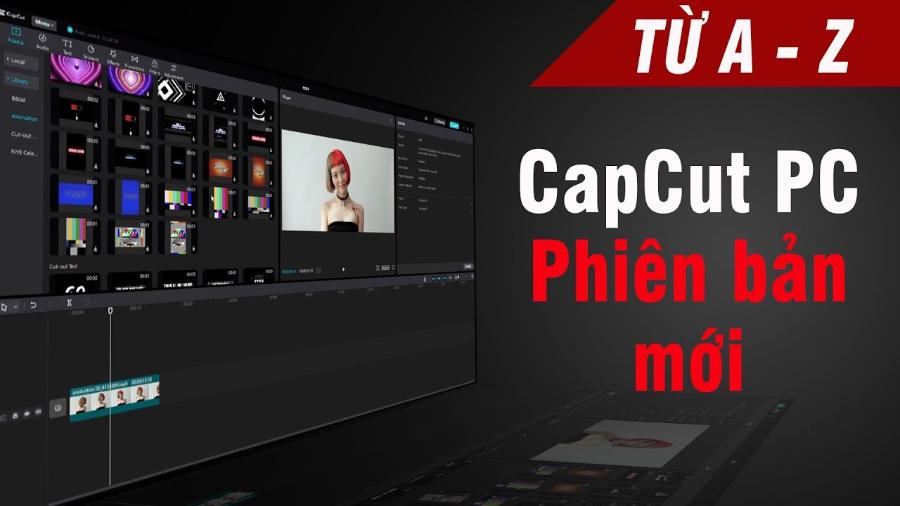
Discover how to use Cap Cut software to professionally edit short videos. Detailed instructions from cutting and splicing, adding effects, to optimizing your affordable Cap Cut Pro account.
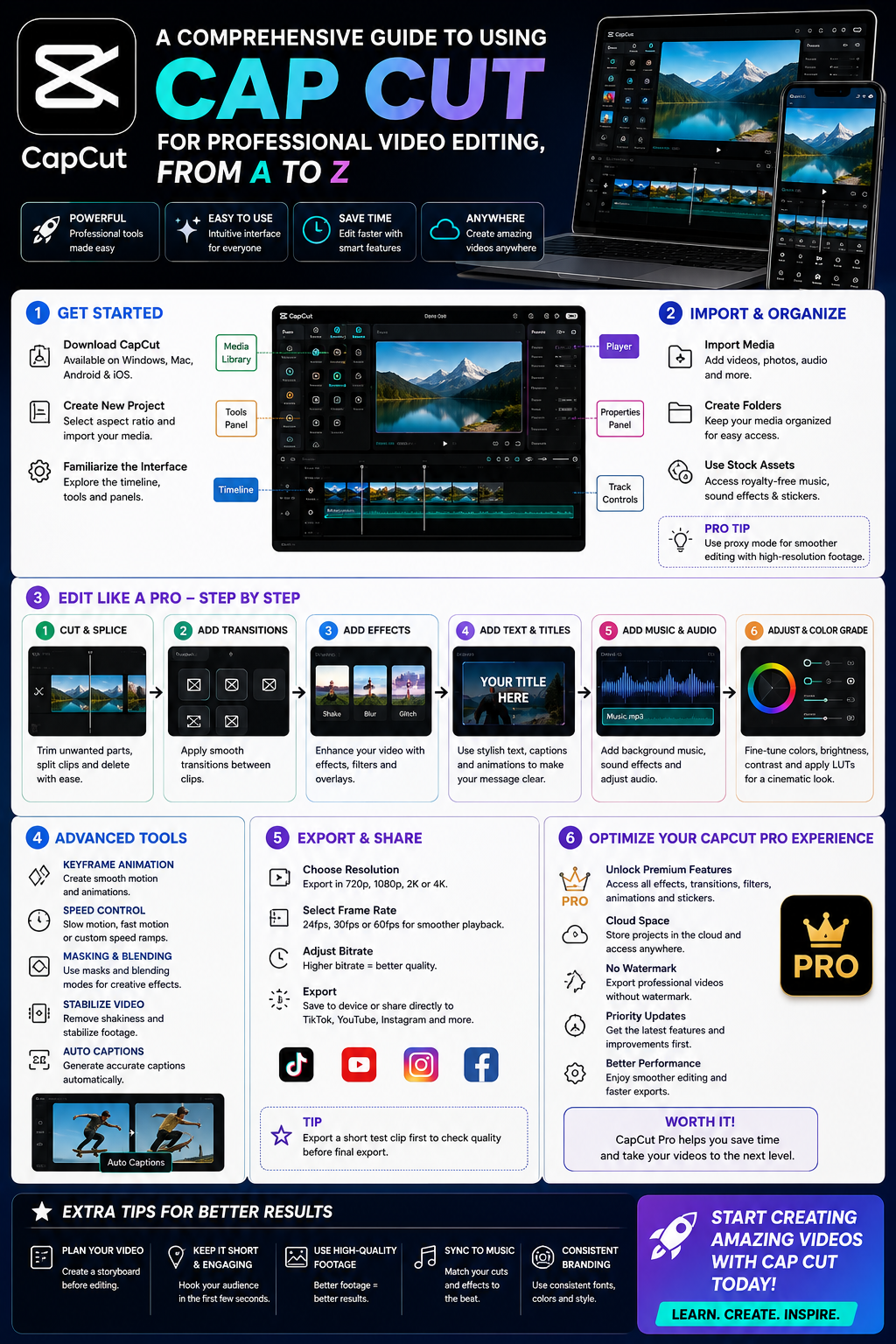
1. Why Cap Cut has become the national video editing software today.
The remarkable rise of this video editing app is no accident; it stems from revolutionary improvements in user experience. Its minimalist interface combined with incredible processing power has won over both beginners and professional editors.
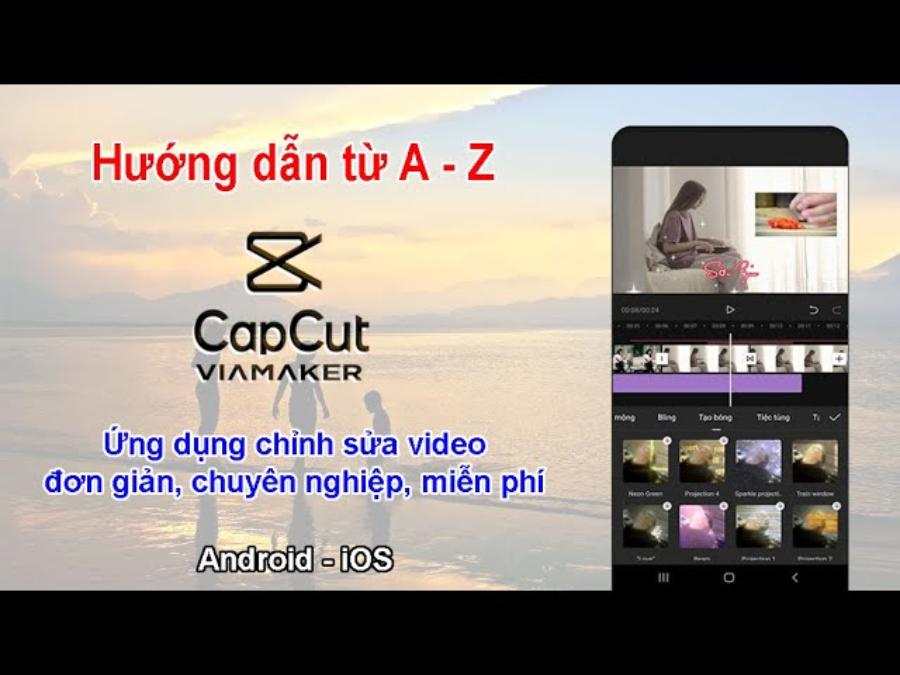
1.1 Intuitive interface and smooth processing timeline
The first factor that keeps users engaged is the incredibly user-friendly workspace design. Toolbars such as those for cutting, splitting, speed control, and audio insertion are positioned at eye level, making swiping on the phone or clicking on the computer feel incredibly natural.
1.2 A huge and constantly updated library of music and effects resources.
A major advantage that helps this app surpass its competitors is its incredibly vast library of accompanying features. Users can easily access thousands of trending background music tracks, unique transition effects, and a rich system of animated stickers. Deep integration with video social media platforms ensures that the music library is updated hourly, helping content creators quickly and easily keep up with the latest trends.
2. Core features that make the application powerful
To create a high-quality video, editors need to thoroughly understand the fundamental tools that the software provides. Seamlessly combining these features is key to realizing any script idea.
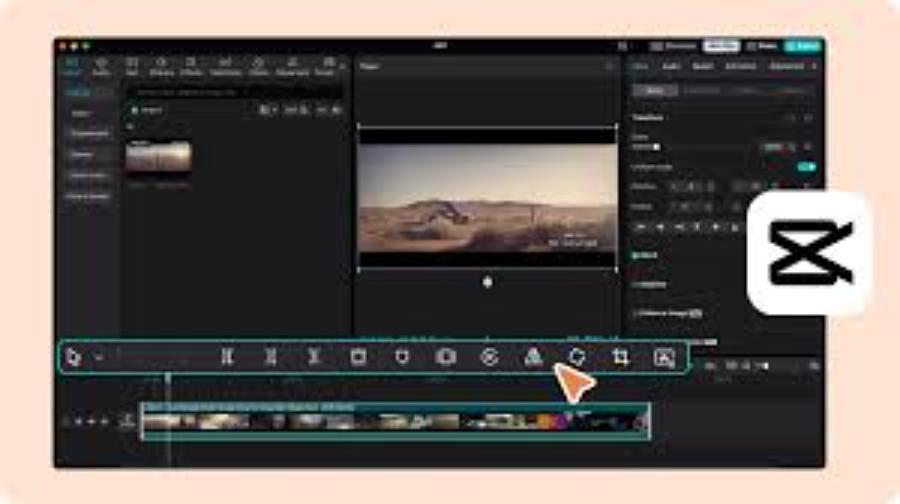
2.1 Techniques for flexible video editing and speed adjustment
The most basic yet crucial step in determining the rhythm of the entire clip is cutting out unnecessary segments and rearranging the composition. The application provides a highly responsive clip splitting tool, combined with a speed adjustment feature ranging from progressive (Curve) to normal. Video creators can easily create time-lapse or smooth slow-motion effects to highlight key moments.
2.2 Advanced Color Filter and Image Effects System
Raw footage often has rather monotonous colors and is heavily dependent on the recording equipment. By using built-in color filters or manually adjusting advanced parameters such as contrast, saturation, highlights, and shadows, you can instantly change the atmosphere of the story. In addition, visual effects ranging from classic and cinematic styles to AI-powered automatic portrait beautification effects will help the subject always appear in their best possible state.
3. Experience the ultimate account upgrade solution at Appvip.ai
The website appvip.ai is the ideal destination to help you overcome all these creative barriers in the most economical way! The system specializes in providing solutions for upgrading licensed accounts and unlocking all the advanced Pro features of leading video editing software. Instead of paying a large fee according to the publisher's original price list, users can access appvip.ai to choose flexible service packages that suit their budget and actual needs. The registration and activation process here is completely automatic, allowing you to instantly own a professional workspace with a VIP effects library, advanced AI background removal features, and exclusive filters in just a few minutes.
4. Secrets to editing videos that get millions of views for beginners.
Having powerful tools is only a necessary condition; the sufficient condition for a video to trend lies in the planning and delivery of the message. A scientific workflow will significantly improve the quality of your product.
4.1 Utilizing AI-powered automatic subtitles
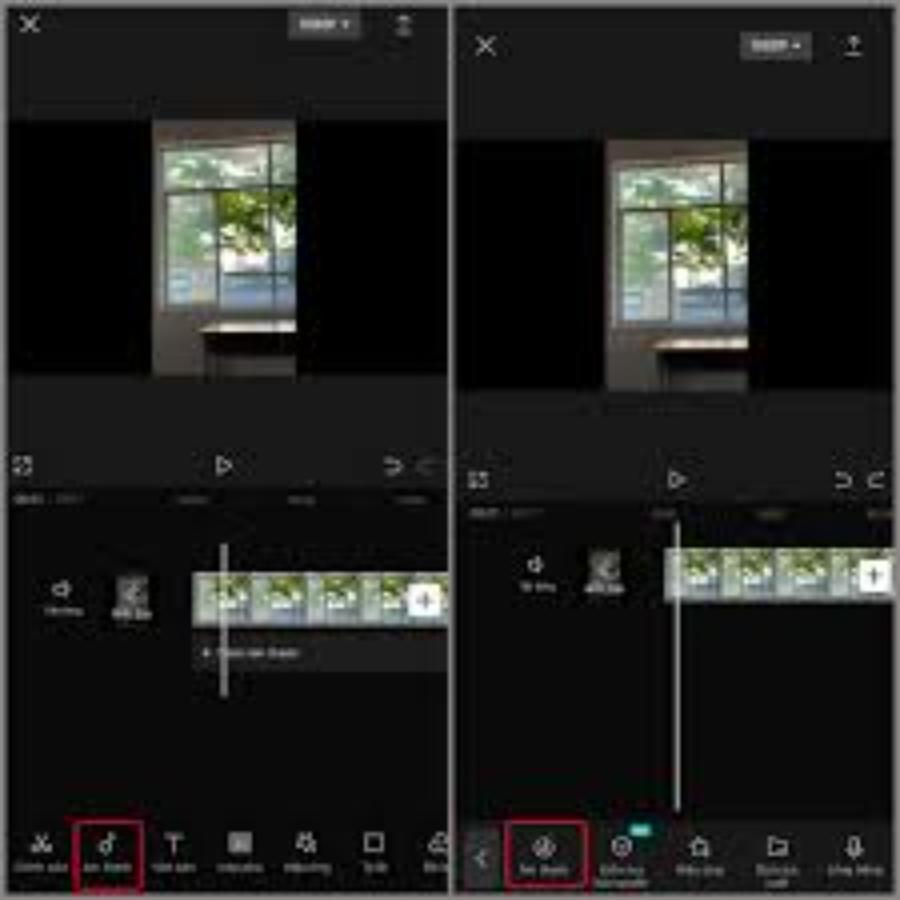
The trend of watching videos without sound in public places is becoming increasingly popular, making subtitles a must-have. Instead of manually typing each sentence, which is time-consuming, you can activate the automatic speech-to-text feature (Auto Captions). This tool supports extremely accurate Vietnamese translation and recognition, allowing you to customize fonts, colors, and text effects with just one click, helping to keep viewers engaged with your video longer.
4.2 Setting the correct frame rate and publishing quality
Each social media platform prioritizes a specific aspect ratio, such as 9:16 for short, portrait videos, or 16:9 for traditional landscape videos. Choosing the right aspect ratio from the start of a project will prevent the layout from being unnecessarily cropped.
5. Superior warranty and customer support policies
The biggest differentiating factor that builds the brand's reputation is its extremely serious after-sales service policy, prioritizing the interests of its customers.
5.1 Warranty commitment: 1-to-1 replacement for defective products.
Throughout the service period, if your account experiences any technical issues from the provider that result in the loss of your Pro privileges, the system will immediately rectify the problem or provide you with an equivalent account.
5.2 Our team of consultants is available continuously.
All your questions, from login procedures and data synchronization to troubleshooting, will be promptly received and handled by our experienced technical team via online chat channels.
5.3 Simplified Incident Reception and Handling Process
To avoid disrupting your work or creative flow, our troubleshooting and warranty process is optimized into just three simple steps:
-
Step 1: Take a screenshot or record a short video of the account error.
-
Step 2: Send the information along with the order code to the support team via the customer service channel.
-
Step 3: A technician will check and create a new account or fix the error directly within 15 to 30 minutes.
5.4 Cases where warranty is refused: Please note
To ensure fairness for the user community and maintain system stability, we reserve the right to refuse warranty service in the following cases:
-
Users have arbitrarily changed security information (Email, Password) for shared packages.
-
Sharing your account with third parties or logging in on more devices than permitted will result in your account being permanently banned by the publisher.
-
Using the account for purposes that violate the law or seriously infringe upon the publisher's community standards.
6. Important notes when using external purchased accounts
To protect your personal interests and ensure your account remains stable and avoids being flagged by the publisher, you should follow these basic principles.
6.1 Absolutely do not change the original information for the shared package.
For shared hosting packages, changing passwords or linked email addresses without authorization is a violation of the terms of service. This may result in permanent account suspension, and the system will refuse warranty coverage for such cases.
6.2 Limit simultaneous logins on too many devices.
The publisher Cap Cut has a strict security scan mechanism for accounts showing unusual login activity from multiple locations and devices simultaneously. You should log out of unused devices to better protect your account.
6.3 Do not renew or interfere with existing service plans without authorization.
When using an external subscription, the entire billing and renewal cycle is managed by the original service provider. You absolutely must not independently click the "Renew," "Cancel Subscription" buttons, or link your personal credit card to the account to purchase additional services. Doing so may disrupt the current Pro package configuration and cause the account to lose advanced features immediately.
6.4 Proactively back up important projects.
Although third-party accounts always come with reliable warranties, for absolute security, you should make it a habit to back up your data:
-
For important projects, export them as templates or save drafts to your personal computer/phone instead of relying entirely on the cloud storage of a shared account.
-
This allows you to proactively protect your intellectual property and products in even the most unforeseen circumstances (such as system maintenance or account replacement during warranty periods).
7. Conclusion
Mastering the Cap Cut video editing tool opens vast doors for you to freely express your personality and build your personal brand in the digital age. The combination of keen scriptwriting skills, proficient manipulation abilities, and a fully featured Pro account is the perfect formula for creating impactful media content.





















VIP Products








Best Selling Products
MidJourney Account
29 USD
Freepik Premium Account
59 USD
Upgrade genuine Capture One account
120 USD
Capcut Pro 1 Year
39 USD
ChatGPT Plus Account (GPT-4)
16 USD
Upgrade Genuine Office 365
49 USD
Autodesk All App Account Copyright
120 USD
Genuine Adobe Illustrator account
99 USD
Adobe Premiere Pro Account
99 USD
Plugin Retouch4me
69 USD
Windows 10 & 11 Pro Key
36 USD
Genuine Cheap Canva Pro
39 USD
Copyright Adobe Lightroom Account
59 USD
Upgrade Duolingo Super
29 USD
Adobe Photoshop Copyright - Full App
120 USD