Best Selling Products

Capcut Pro 1 Year
39 USD

Autodesk All App Account Copyright
120 USD

MidJourney Account
29 USD

Copyright Adobe Lightroom Account
59 USD

Upgrade Genuine Office 365
49 USD

Upgrade genuine Capture One account
120 USD

Windows 10 & 11 Pro Key
36 USD

Upgrade Duolingo Super
29 USD

Freepik Premium Account
59 USD

Genuine Adobe Illustrator account
99 USD

Genuine Cheap Canva Pro
39 USD

Adobe Photoshop Copyright - Full App
120 USD

Plugin Retouch4me
69 USD

ChatGPT Plus Account (GPT-4)
16 USD

Adobe Premiere Pro Account
99 USD
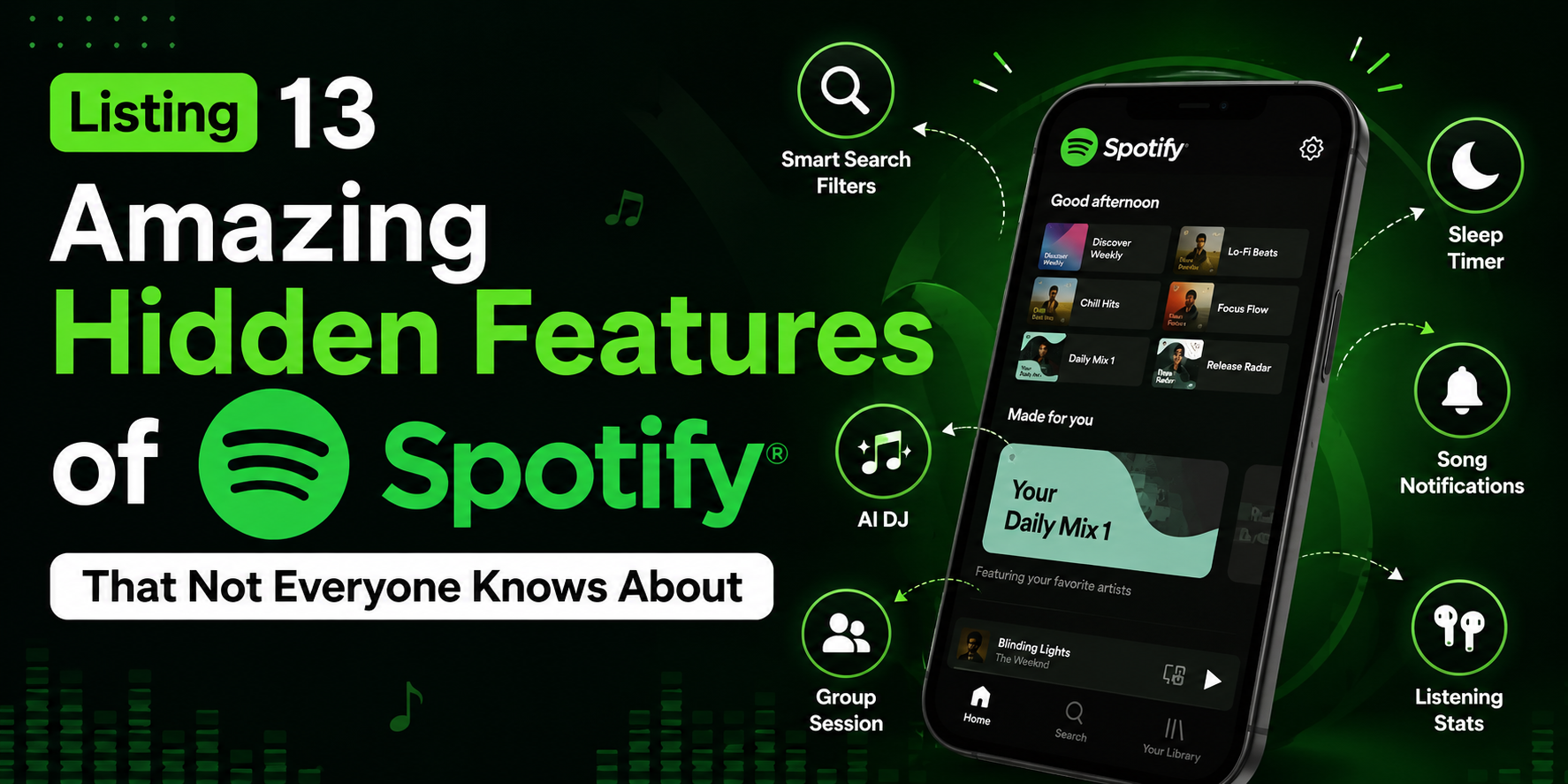
Listing 13 Amazing Hidden Features of Spotify That Not Everyone Knows About
Nội dung
- 1. Spotify supports Podcasts – Discover an endless world of sound.
- 2. Incognito Mode – Secretly enjoy music in your own way.
- 3. Improve music quality – Enjoy the full sound.
- 5. Create playlists – Organize your music library scientifically.
- 6. Download playlists – Enjoy listening to music offline.
- 7. Add music from outside sources to Spotify – Personalize your music library.
- 8. Limit data usage – Listen to music freely without worrying about exceeding your data limit.
- 9. Create collaborative playlists – Enjoy music with friends.
- 10. Searching for songs by lyrics – A solution for those with a "forgetful" memory.
- 11. Voice control for apps – A more hands-free, modern experience.
- 12. Discover new artists with just a simple search.
- 13. Track your music listening habits – Understand your own musical tastes.
- 14. Conclusion
Spotify is not just a popular online music streaming platform, but also a place that provides a comprehensive music experience for millions of users worldwide.
1. Spotify supports Podcasts – Discover an endless world of sound.
Podcasts are essentially platforms for storing and broadcasting audio files in popular formats like "mp3," where creators can upload content for listeners to download or stream online. Previously, podcasts were popular within the Apple ecosystem, but now Spotify has integrated and upgraded this experience to a new level.
Today, Spotify supports not only audio podcasts but also video podcasts , giving both free and paid users the opportunity to enjoy a wider variety of programs than ever before. You can:
- Listen to and watch your favorite podcasts easily, all within the same Spotify app.
- Discover thousands of programs across a wide range of topics, including music, education, entertainment, and lifestyle.
- Download podcasts to your device to listen offline, which is incredibly convenient when you don't have an internet connection.
With just a few searches, selecting a playlist, and pressing "Play," you can immerse yourself in the captivating world of podcasts. For an upgraded experience, consider purchasing Spotify Premium to enjoy high-quality audio without interruptions from ads.
2. Incognito Mode – Secretly enjoy music in your own way.
One of Spotify's most interesting hidden features is the ability to switch to private listening mode . Normally, Spotify lets friends or followers see the songs you're listening to. This is a great way to connect, but you don't always want others to know your music preferences.
To enable incognito mode, simply:
- On a computer: Click the arrow in the upper right corner of the screen, then select “Private listening mode”.
- On your phone or tablet:
- Open the Spotify app and select the Settings icon on the home screen.
- Go to the Social Media section , then turn on the Private Listening option .
With this feature, you can freely enjoy your favorite playlists without worrying about your listening history being scrutinized, providing absolute freedom and comfort.
3. Improve music quality – Enjoy the full sound.
By default, Spotify automatically adjusts the audio quality based on your network speed to ensure smooth playback. However, this can reduce the immersive listening experience, especially if you're using a Premium plan or have a strong internet connection.
To improve your music quality, simply follow these easy steps:
- Step 1: On the home screen, tap the Settings icon , then select Sound Quality .
- Step 2: In the Audio Quality section , select High-Quality Live Streaming .
With just a few quick steps, you can enjoy music in the highest quality, with powerful bass, crisp treble, and every melody sounding authentic and vibrant, just like being in a professional recording studio.
This customization is especially useful when using high-end headphones or a high-quality speaker system, allowing you to clearly perceive each layer of sound and deliver a more perfect music listening experience than ever before.
4. Recover deleted playlists – A timely solution to save the day.
Have you ever accidentally deleted a favorite playlist on Spotify and thought you'd never get it back? Don't worry, Spotify has a very useful playlist recovery feature . With just a few simple steps, you can retrieve your favorite playlists without having to create them from scratch.
Steps to recover deleted playlists:
- Step 1: Log in to your Spotify account using a web browser.
- Step 2: In the left-hand menu bar, select Restore Playlist .
- Step 3: Find the playlist you want to restore and press Restore .
- Step 4: Open the Spotify app, scroll to the bottom of the collection to find the playlist you just restored.
Note:
- This feature is only available on the Spotify website and cannot be used directly within the app.
- The restored playlist will retain all the songs and their original order.
This is a great "lifesaver" that helps you quickly recover your beloved playlists, preventing the loss of your carefully curated music collection.
5. Create playlists – Organize your music library scientifically.
If you have many playlists with different genres, managing them can become chaotic. That's where Spotify's playlist folder creation feature comes in handy, helping you categorize and organize your playlists in a systematic way.
How to do it:
- On the Spotify desktop application , right-click on any playlist in the left-hand menu bar.
- Select Create folder and name it as you like, such as “Chill Music”, “Workout”, or “English Music”.
- Drag and drop playlists into the newly created folder for easy management.
Note:
- These folders will appear on the mobile app , but you cannot create or edit folders on your phone.
- This is an extremely useful tool for people with many playlists, helping them search quickly and enhance their music listening experience.
With this feature, your music library will always be organized, easy to manage, and reflect your personal style.

6. Download playlists – Enjoy listening to music offline.
You don't always have a stable internet connection, especially when traveling, exercising outdoors, or moving long distances. Spotify lets you download playlists to your device to listen to music offline, ensuring an uninterrupted experience.
Downloading playlists is extremely simple:
- Open your favorite playlist on the Spotify app.
- Turn on the Download Now option above the playlist.
- Wait for the app to finish downloading; the download icon will then turn green.
Advantages of this feature:
- Easily listen to music anytime, anywhere without an internet connection.
- Reduce mobile data usage.
- Avoid interruptions caused by weak or disconnected networks.
This is an extremely useful feature for those who travel frequently or want to enjoy high-quality music without being affected by network speed.
7. Add music from outside sources to Spotify – Personalize your music library.
Spotify is famous for its massive library of over 35 million songs, but there are still some special tracks that haven't been released on the platform yet. Don't worry, you can easily add MP3 files from external sources to the app to create your own unique music library.
The process is very simple:
- Open Settings in Spotify.
- Turn on the "Show Files" option on your computer .
- Click on Add source , then select the folder containing the music files you want to upload.
The added songs will appear in the Files section on your device in the Library menu on the left. Notably, this feature is available on both the web version and the mobile app, allowing you to listen to all your favorite music anywhere.
With this tool, Spotify is not just a place to enjoy online music, but also a personalized space where you can store and enjoy your most special songs.

8. Limit data usage – Listen to music freely without worrying about exceeding your data limit.
If you're using a mobile network with limited data, streaming music can quickly consume your data allowance. To address this, Spotify offers a Data Saver mode , which minimizes data usage while playing music.
Steps to enable data saving feature:
- Go to Settings in the Spotify app.
- Select the Data Saver option , then enable this mode.
Benefits of enabling data saver mode:
- Enjoy smoother music playback with just the right quality, without worrying about lag or stuttering.
- Reduce data consumption, helping you extend your 3G/4G/5G usage time.
- Extremely useful when traveling or in places with weak internet connection.
This is the ideal choice for those who want to listen to music continuously but still want to control their monthly data costs.
9. Create collaborative playlists – Enjoy music with friends.
Spotify is not just a place to listen to music alone, but also a bridge connecting friends through music . With its collaborative playlist feature , you can invite friends to add songs and enjoy a shared playlist.
How to create a collaborative playlist:
- In the left-hand panel , right- click on any playlist.
- Select Collaborative Playlists .
- Tap Share , then copy the link and send it to your friends.
Benefit:
- Create awesome playlists with your friends for parties, workouts, or trips.
- Discover more new songs by learning from other people's musical tastes.
- Enhance connection and share emotions through music.
This is a great way to use music as a bridge to friendship, helping you and others immerse yourselves in your favorite melodies.

10. Searching for songs by lyrics – A solution for those with a "forgetful" memory.
Have you ever accidentally heard a great song but couldn't remember the name? Spotify has a smart lyric search feature that helps you quickly find the song you're looking for.
It's incredibly easy to use:
- Type at least three words from the lyrics you remember into the search bar.
- Spotify will display a list of songs that contain those keywords.
This feature is incredibly useful for those who frequently listen to music on the radio, TikTok, or in cafes but don't have time to hear the song title. With Spotify, it only takes a few seconds to find your favorite song and add it to your playlist.
11. Voice control for apps – A more hands-free, modern experience.
Spotify is constantly innovating to provide the most convenient user experience, and voice control is a prime example. Simply say "Hey Spotify," and you can search for and play your favorite songs without touching the screen.
Conditions for this feature to work:
- The phone must be unlocked and the Spotify app must be running .
- Currently, this feature is only available in the US , but it is promised to expand to more countries in the future.
With this feature, you can easily control your music while driving, exercising, or simply experiencing modern technology hands-free and quickly.
12. Discover new artists with just a simple search.
Want to learn more about your favorite artist or band but don't know where to start? Spotify has a special search trick that will help you quickly access all of their hits.
The process is extremely simple:
- In the search bar, type “This is + artist/band name” .
- Spotify will immediately display a playlist compiling the artist's best songs.
Interestingly, this feature works with all artists , from big names to lesser-known indie singers. This is a great way to discover new tunes and enrich your personal music library.
13. Track your music listening habits – Understand your own musical tastes.
Music not only evokes emotions but also reflects aspects of your personality and mood. If you want detailed statistics on your listening habits , Spotify allows you to link your account with Last.FM, a popular music data analytics platform.
How to connect and use:
- Create a free Last.FM account .
- Link this account to your Spotify .
- Last.FM will automatically compile data and provide a detailed report on musical tastes, including:
- The genre you listen to most often.
- Your favorite artist and song.
- What time of day or week do you usually listen to music the most?
This is an extremely useful feature for those who want to better understand their own music listening habits, and it also makes it easy to share these results with friends to exchange ideas and discover new songs.
14. Conclusion
Spotify is more than just a music streaming app; it's a creative music ecosystem with a host of exciting hidden features. By understanding and utilizing these tools, you can transform your music experience into something unique, intelligent, and personalized like never before. Take advantage of these 13 features today, and you'll realize that every melody, every playlist can offer a completely new emotional journey, where music is not just heard but deeply felt.





















VIP Products








Best Selling Products
Capcut Pro 1 Year
39 USD
Autodesk All App Account Copyright
120 USD
MidJourney Account
29 USD
Copyright Adobe Lightroom Account
59 USD
Upgrade Genuine Office 365
49 USD
Upgrade genuine Capture One account
120 USD
Windows 10 & 11 Pro Key
36 USD
Upgrade Duolingo Super
29 USD
Freepik Premium Account
59 USD
Genuine Adobe Illustrator account
99 USD
Genuine Cheap Canva Pro
39 USD
Adobe Photoshop Copyright - Full App
120 USD
Plugin Retouch4me
69 USD
ChatGPT Plus Account (GPT-4)
16 USD
Adobe Premiere Pro Account
99 USD