Best Selling Products

Upgrade Genuine Office 365
49 USD

Genuine Cheap Canva Pro
39 USD

Copyright Adobe Lightroom Account
59 USD

Upgrade genuine Capture One account
120 USD

Adobe Photoshop Copyright - Full App
120 USD

Freepik Premium Account
59 USD

Upgrade Duolingo Super
29 USD

Genuine Adobe Illustrator account
99 USD

Plugin Retouch4me
69 USD

ChatGPT Plus Account (GPT-4)
16 USD

Capcut Pro 1 Year
39 USD

MidJourney Account
29 USD

Autodesk All App Account Copyright
120 USD

Windows 10 & 11 Pro Key
36 USD

Adobe Premiere Pro Account
99 USD
Notion Integrations Everyone Who Wants to Work Smarter Should Know
Nội dung
- 1. Overview of Notion – the most prominent all-in-one workspace today
- 2. Review of Notion features and pricing in 2026
- 3. Limitations of using Notion independently
- 4. Benefits of integrating apps with Notion
- 5. Criteria for choosing Notion integrations
- 5.1 Two-way synchronization capability
- 5.2 Ease of setup and use
- 5.3 Suitability for individuals or businesses
- 5.4 Cost and licensing model
- 6. Top best integrations for Notion
- 6.1 How Notion transformed life management – NateCue
- 6.2 Google Calendar – Effective time and schedule management
- 6.3 Slack – Connecting team communication with Notion
- 6.4 Zapier – Automating Notion without coding
- 6.5 Make – Advanced automation for power users
- 6.6 Notion AI – Built-in intelligent assistant
- 6.7 Google Drive – Centralized document management in Notion
- 7. Conclusion
If you feel your workflow is still fragmented, constantly switching between different platforms, or notice that Notion sometimes doesn’t fully meet your real needs, then this article is for you.
1. Overview of Notion – the most prominent all-in-one workspace today
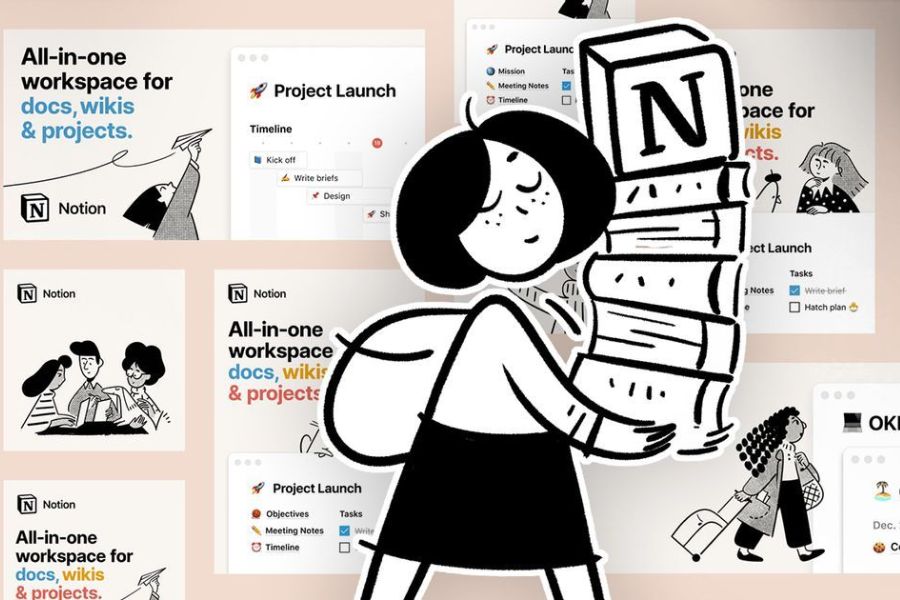
Notion is an all-in-one workspace platform that allows users to take notes, manage tasks, build databases, store knowledge, and collaborate within a single environment. Its greatest strength lies in flexible customization, making it suitable for both individuals organizing their lives and businesses managing complex workflows.
According to Notion data, by 2024 the platform had served more than 35 million users globally, including individuals, startups, freelancers, and major tech companies. Users choose Notion not only for its features but also for its limitless adaptability.
Key highlights of Notion:
- Drag-and-drop interface, easy to customize
- Powerful database system with multiple views
- Real-time collaboration
- Rich template library
- Suitable for both simple and complex workflows
%20(1).png)
2. Review of Notion features and pricing in 2026
Notion serves as a central tool for various types of work thanks to its comprehensive features. In 2026, it continues to expand improvements in AI, automation, and performance.
Key features in 2026:
- Notion AI for writing, summarizing, and workflow suggestions
- More powerful databases with advanced filtering
- Fast synchronization across devices
- Built-in templates for small and medium businesses
- Page analytics for tracking engagement
Pricing in 2026:
- Free plan: suitable for individuals
- Plus plan: for small teams
- Business plan: advanced collaboration
- Enterprise plan: high security and customization
3. Limitations of using Notion independently
Despite its power, Notion cannot cover all needs when used alone. As workflows become complex, users encounter limitations:
- Lack of strong real-time calendar like Google Calendar
- Limited advanced automation without external tools
- Notification system not fully optimized for large teams
- Not ideal for complex approval workflows
- Not suitable for heavy technical tasks like programming or data analysis
Therefore, many users integrate additional tools to enhance Notion.
%20(1)(1).jpg)
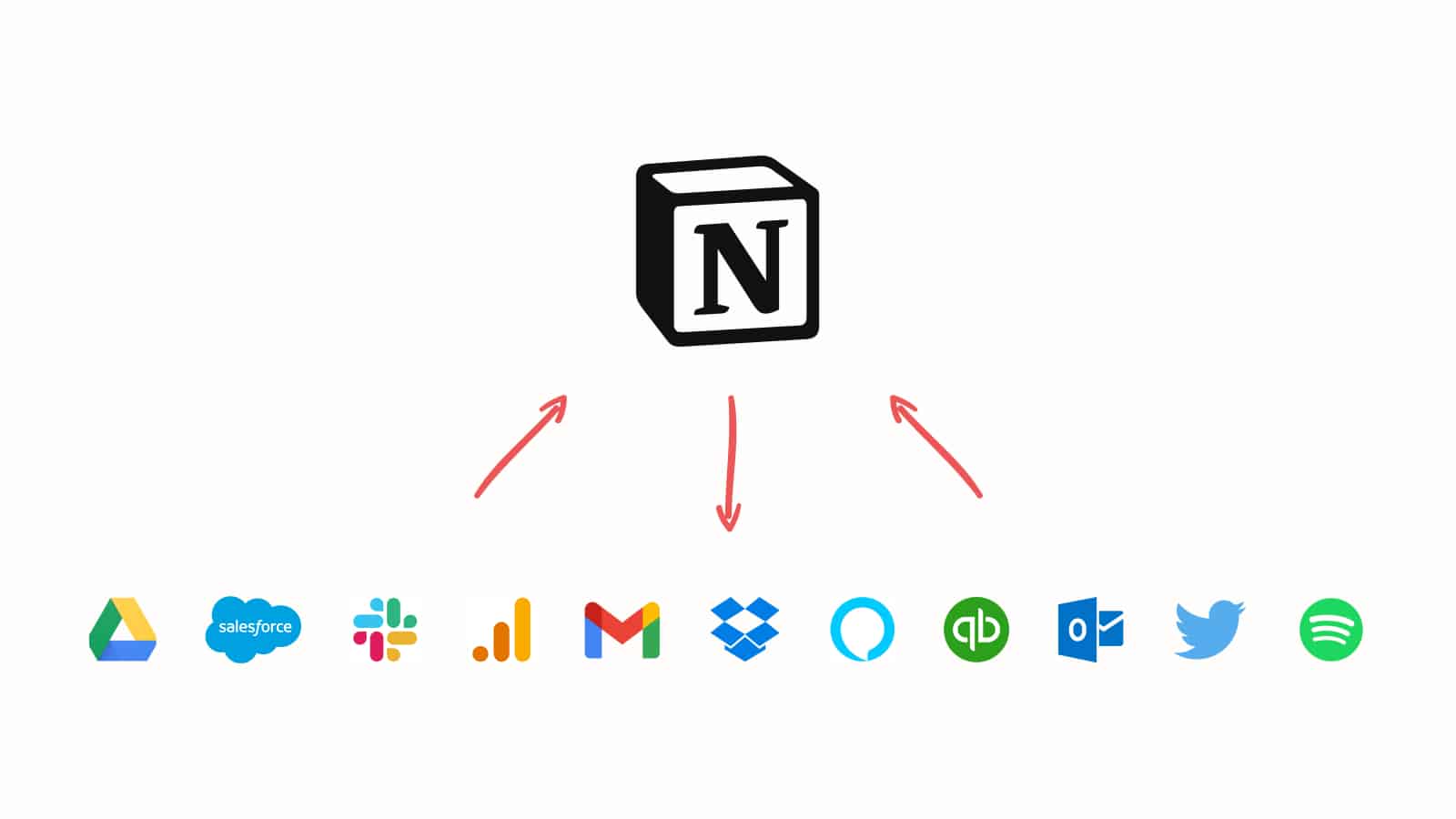
4. Benefits of integrating apps with Notion
When Notion connects with the right tools, it becomes a powerful and intelligent system.
Key benefits:
- Sync data across platforms, reducing manual input
- Automate repetitive tasks
- Improve team collaboration via integrations with tools like Slack
- Expand functionality without coding using tools like Zapier or Make
- Build seamless workflows across tasks, schedules, and communication
5. Criteria for choosing Notion integrations
5.1 Two-way synchronization capability
Two-way sync ensures all changes update across systems instantly, preventing data inconsistency and saving time. This is critical for real-time workflows like task tracking or meeting scheduling.
5.2 Ease of setup and use
An ideal integration should be easy to install and use, requiring minimal technical knowledge. Simple interfaces and clear workflows help maintain productivity.
5.3 Suitability for individuals or businesses
Different users have different needs. Freelancers prefer lightweight tools, while businesses need scalable systems with permissions and automation. Choosing the right fit prevents unnecessary costs.
5.4 Cost and licensing model
Integration costs can increase quickly. Many users choose group-buy licensing solutions like CentriX to reduce expenses while maintaining full functionality.
6. Top best integrations for Notion
6.1 How Notion transformed life management – NateCue
Creator NateCue demonstrates how Notion can transform personal management into a complete system for goals, habits, and projects.
Highlights:
- Yearly goal dashboard
- Calendar integration
- Automation tools
- Centralized idea management
6.2 Google Calendar – Effective time and schedule management
Google Calendar is one of the most popular integrations with Notion.
Use cases:
- Embed calendars into Notion
- Sync deadlines and tasks
-
Manage schedules in one place
6.3 Slack – Connecting team communication with Notion
Slack is essential for remote teams.
Benefits:
- Instant notifications
- Create tasks from messages
- Share documents quickly
6.4 Zapier – Automating Notion without coding
Zapier connects Notion with thousands of apps.
Examples:
- Create tasks from form submissions
- Send notifications automatically
%20(1)(1).jpg)
6.5 Make – Advanced automation for power users
Make enables complex workflows with advanced logic and conditions.
Comparison:
- Zapier: easier, for beginners
- Make: more powerful, for advanced users
6.6 Notion AI – Built-in intelligent assistant
Notion AI transforms how you work by automating writing, summarizing, and idea generation.
Key features:
- Content writing and editing
- Document summarization
- Idea suggestions
- Structured content creation
According to Gartner, AI can save 30–40% of content processing time.
6.7 Google Drive – Centralized document management in Notion
Google Drive helps organize all documents in one place.
Benefits:
- Prevent file loss
- Faster information retrieval
- Centralized storage
7. Conclusion
In a world where efficiency is critical, building a smart workflow is essential. When integrated properly, Notion becomes not just a note-taking or project management tool but the central hub of your entire workflow.
The right integrations help reduce manual work, automate repetitive tasks, and create a smoother workflow. The best part is that you don’t need technical expertise to get started. By gradually applying the right integrations, you will quickly notice improvements in focus, productivity, and organization. Let Notion become the core platform that helps you work smarter every day.





















VIP Products








Best Selling Products
Upgrade Genuine Office 365
49 USD
Genuine Cheap Canva Pro
39 USD
Copyright Adobe Lightroom Account
59 USD
Upgrade genuine Capture One account
120 USD
Adobe Photoshop Copyright - Full App
120 USD
Freepik Premium Account
59 USD
Upgrade Duolingo Super
29 USD
Genuine Adobe Illustrator account
99 USD
Plugin Retouch4me
69 USD
ChatGPT Plus Account (GPT-4)
16 USD
Capcut Pro 1 Year
39 USD
MidJourney Account
29 USD
Autodesk All App Account Copyright
120 USD
Windows 10 & 11 Pro Key
36 USD
Adobe Premiere Pro Account
99 USD