Best Selling Products

Freepik Premium Account
59 USD

Adobe Premiere Pro Account
99 USD

Windows 10 & 11 Pro Key
36 USD

Genuine Adobe Illustrator account
99 USD

Genuine Cheap Canva Pro
39 USD

Copyright Adobe Lightroom Account
59 USD

Upgrade Duolingo Super
29 USD

Autodesk All App Account Copyright
120 USD

ChatGPT Plus Account (GPT-4)
16 USD

Adobe Photoshop Copyright - Full App
120 USD

Upgrade Genuine Office 365
49 USD

MidJourney Account
29 USD

Capcut Pro 1 Year
39 USD

Plugin Retouch4me
69 USD

Upgrade genuine Capture One account
120 USD
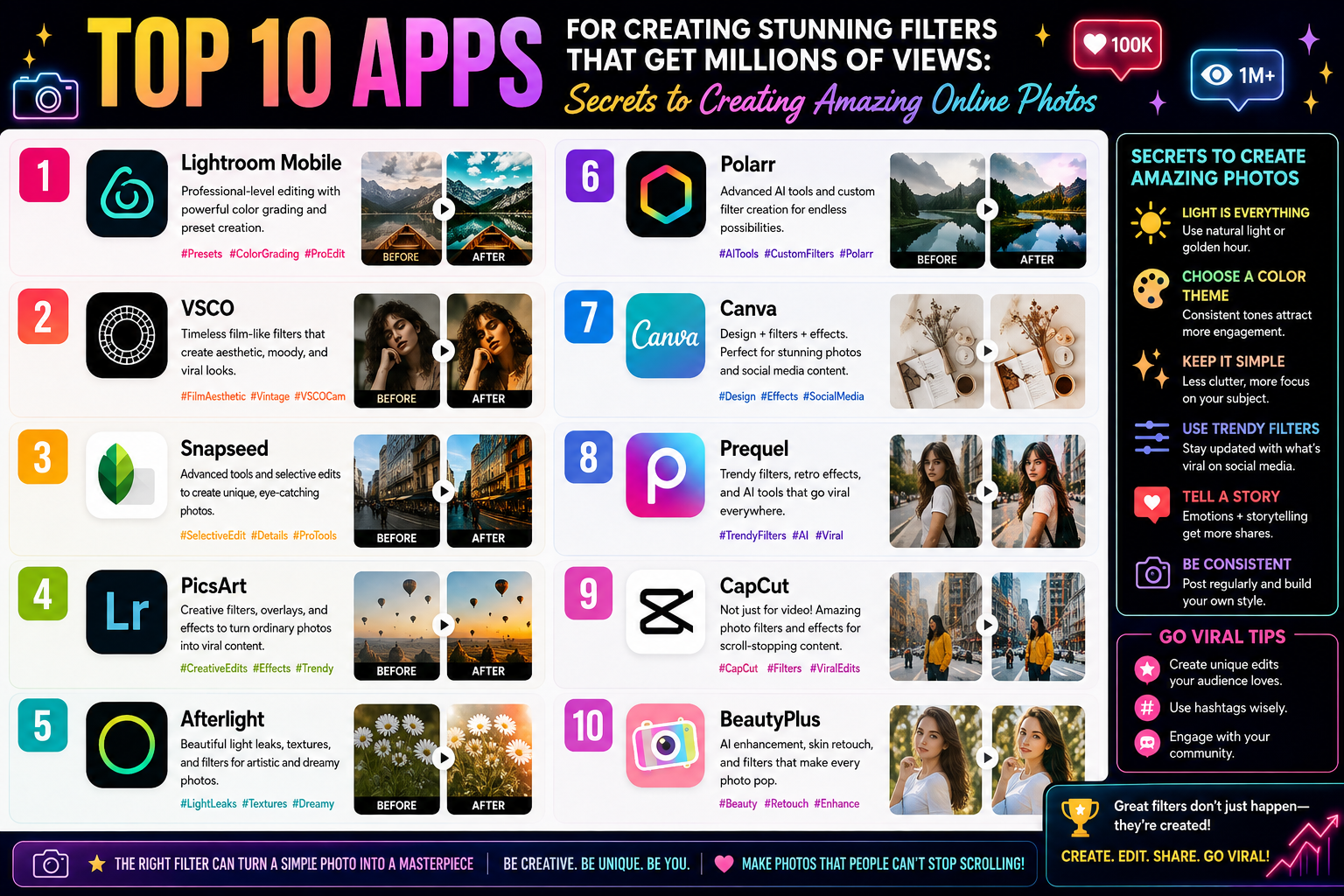
Top 10 Apps for Creating Stunning Filters That Get Millions of Views: Secrets to Creating Amazing Online Photos
Nội dung
- 1. Why Do You Need a Beautiful Filter Editing App?
- 2. Detailed Review of the Top 10 Best Filter Editing Apps Currently Available
- 2.1. VSCO – The Wizard of Classic Film Colors
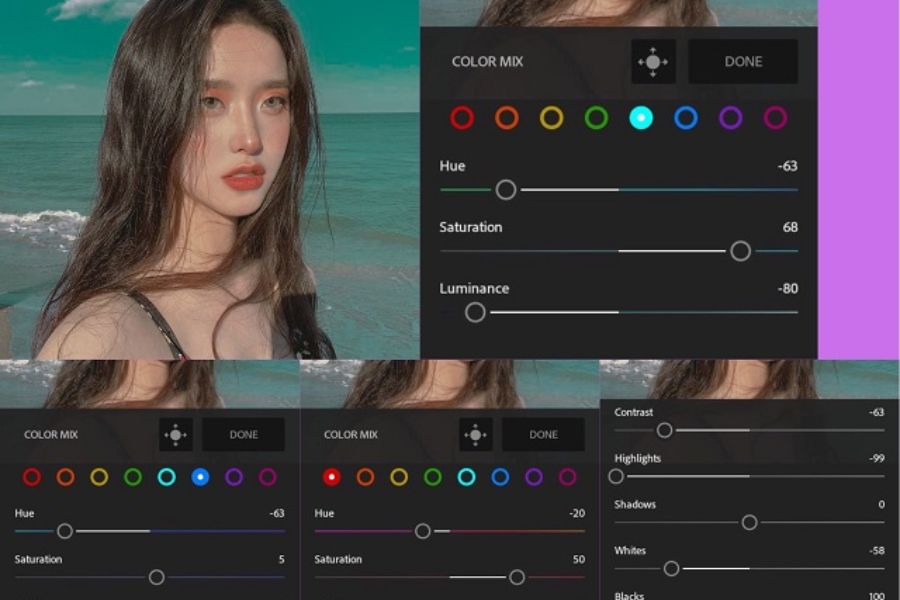
- 2.2. Lightroom Mobile – The Pinnacle of Professional Color Correction
- 2.3. Dazz Cam – A Miniature Film Camera That Fits in Your Pocket
- 2.4. Xingtu (Provincial Map) – The Pinnacle of Domestic Chinese Filtering
- 2.5. Foodie – Not Just for Food
- 2.6. EPIK – The All-Powerful Editor from South Korea
- 2.7. B612 – The Timeless Selfie Legend
- 2.8. Snow – The Korean Photo Shooting Filter Craze
- 2.9. Soda – Perfect Skin in an Instant
- 2.10. Instagram – A Treasure Trove of Trend-Driven Filters
- 3. Quick Comparison Table of Beautiful Filter Editing Apps
- 4. Secrets to Choosing the Right Color Scheme for Each Context
- 5. Step-by-Step Guide to Using Filters Without Creating an "Unrealistic" Image
- 6. Conclusion
Finding a great filter editing app is the key to transforming candid photos into works of art with just a tap.
1. Why Do You Need a Beautiful Filter Editing App?
The era of plain, dimly lit photos is over. Today, a beautiful photo on social media not only needs to be sharp but also has "style." Color is the first element that touches the viewer's visual senses and emotions.
-
Save time: Instead of manually adjusting brightness and saturation settings, you can simply select a pre-set filter.
-
Define your personal style: Whether you're captivated by the fresh, clean Korean color palette, the nostalgic retro film aesthetic, or the modern Western aesthetic, the apps can cater to your preferences.
-
Increased engagement: A photo with harmonious and eye-catching colors always receives many more likes and comments.
2. Detailed Review of the Top 10 Best Filter Editing Apps Currently Available
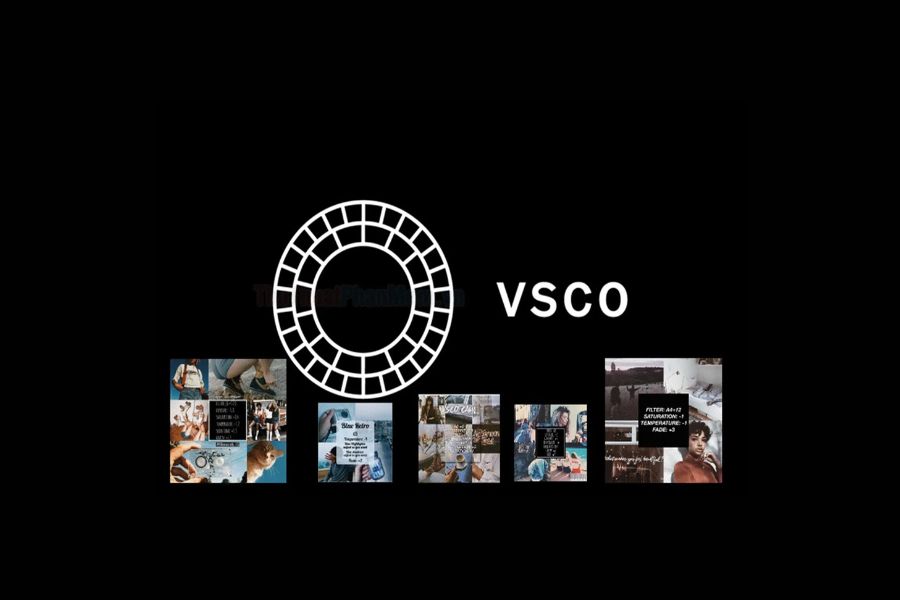
2.1. VSCO – The Wizard of Classic Film Colors
If you ask any mobile photography enthusiast about the best filter editing app , the first answer will always be VSCO.
-
Characteristic style: Classical, artistic, cinematic.
-
A major plus: The library of film color simulation filters is incredibly realistic. Filters like mossy green, warm tones, or sun-kissed are finely tuned and don't make skin look washed out.
-
Tip: A (Analog), M (Mellow), or X series filters are perfect choices for those who prefer a gentle yet profound aesthetic.
2.2. Lightroom Mobile – The Pinnacle of Professional Color Correction
Coming from the renowned Adobe, Lightroom is not just an app, but a mini studio on your smartphone.
-
Characteristic style: Diverse, in-depth, highly artistic.
-
A major plus: The "Preset" feature (pre-set color formulas). You can easily copy colors from famous photographers and paste them into your photos.
-
Tip: Look for "Teal and Orange" or "Cool Gray" color presets online to create stunning street style photos.
2.3. Dazz Cam – A Miniature Film Camera That Fits in Your Pocket
Do you love the scratches, grain, and light leak effects of previous decades? Dazz Cam is the answer.
-
Characteristic styles: Vintage, Retro, Y2K, nostalgic.
-
A major plus: The app accurately simulates the colors of legendary film cameras like Kodak, Fujifilm, or VHS camcorders. The resulting photos feel just like they were developed at a professional studio.
-
Tip: Use the CPM35 or D Classic filter to photograph street scenes at night; the effect of the streetlights will surprise you.
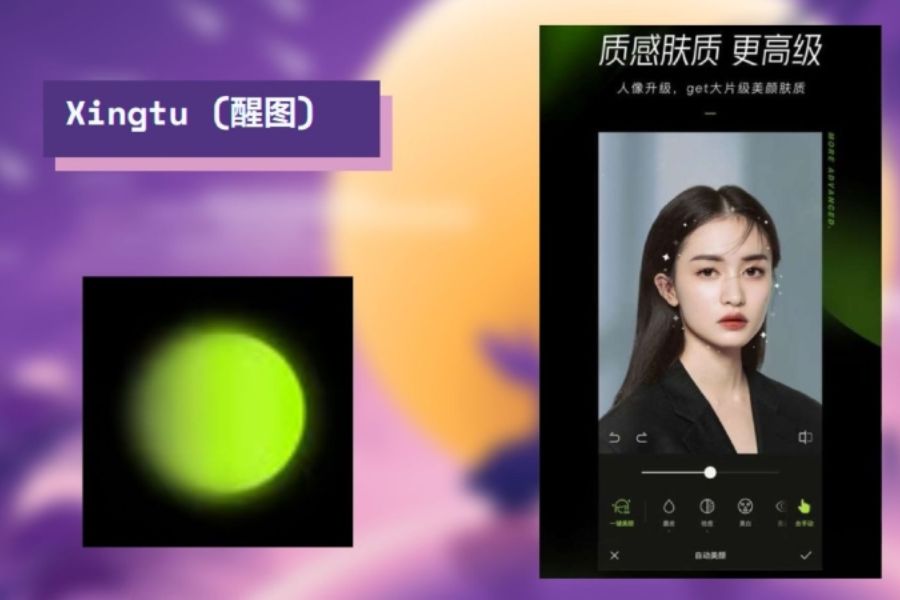
2.4. Xingtu (Provincial Map) – The Pinnacle of Domestic Chinese Filtering
It's no exaggeration to say that Xingtu is the "ultimate weapon" of Chinese female celebrities. This is a beauty filter app that perfectly combines color and the ability to magically enhance one's appearance.
-
Signature style: Modern, sparkling, glamorous, the epitome of a hot girl.
-
Big plus: The color filters are incredibly flattering, brightening the skin without looking artificial. It also comes with a set of tools for leg lengthening, face slimming, and smart AI-powered makeup.
-
Tip: The filters in Xingtu's "Classic" or "Cinematic" tabs are great for outdoor portrait photography.
2.5. Foodie – Not Just for Food
Don't let the name fool you. Foodie was originally designed for photographing food, but it has now become the national app for capturing scenery and selfies.
-
Characteristic style: Vibrant, bright, sweet.
-
A big plus: The filters are clearly themed, such as "Delicious," "Fruit," and "Quiet." Foodie's colors bring everything to life, full of energy.
-
Tip: Use the FR (Fresh) or PO (Positano) filter group when traveling to the beach or taking photos in sun-drenched cafes.
2.6. EPIK – The All-Powerful Editor from South Korea
EPIK is a next-generation application that integrates the most advanced AI technologies available today, and is very popular among young people in Korea and Vietnam.
-
Signature style: Clean, natural, minimalist, typical of K-Style.
-
Big plus: The filter library is updated daily to reflect current trends. The app also features object removal and super smooth bokeh effects.
-
Tip: Use soft pastel filters in EPIK to create a dreamy feel for the girl's photo.
2.7. B612 – The Timeless Selfie Legend
As one of the apps that laid the foundation for the filter photography trend, B612 continues to maintain its popularity thanks to continuous innovation.
-
Characteristic style: Cute, youthful, and energetic.
-
Big plus: Thousands of smart, dynamic filters (stickers) that move with your face. Automatic makeup mode helps you look radiant even without makeup.
-
Tip: Try filters with effects like falling raindrops or sunlight streaming through a window to add depth to your Instagram story photos.
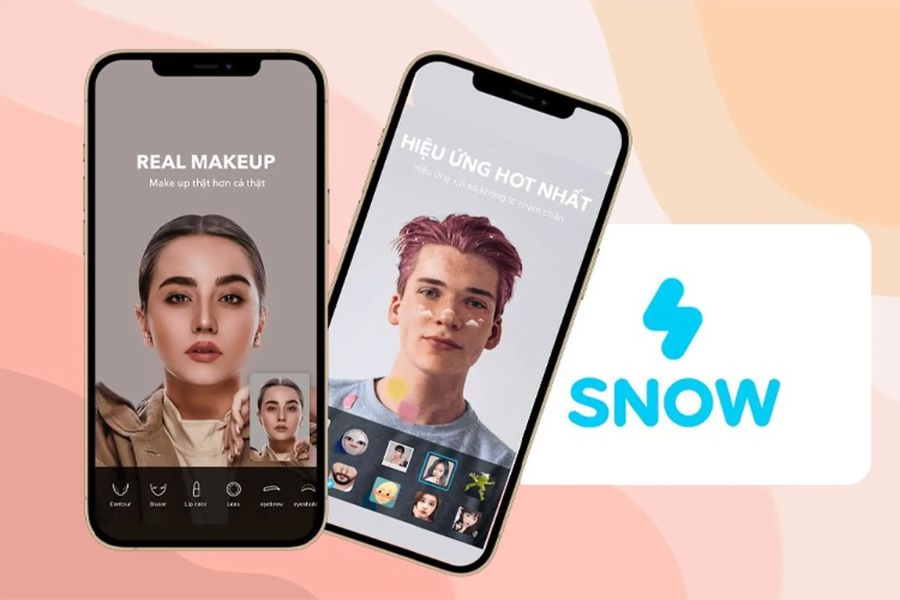
2.8. Snow – The Korean Photo Shooting Filter Craze
Similar to B612, but Snow has a more cinematic and trendy feel.
-
Characteristic style: Elegant, gentle, transparent.
-
A major plus: Snow's filters are excellent at adjusting skin tone, giving a natural rosy glow instead of a pale, washed-out look.
-
Tip: Choose a filter from the "Natural" or "Film" section to capture natural, everyday photos that are both gentle and captivating.
2.9. Soda – Perfect Skin in an Instant
If you're too lazy for complicated post-processing and want a great photo right away, Soda is the perfect choice.
-
Characteristic style: Sharp, clear, and focused on portraits.
-
A major plus: Soda optimizes for high resolution, resulting in photos that aren't pixelated or blurry like with typical apps. The filters focus on highlighting facial features.
-
Tip: Combine the "Party" color filter with a touch of the blush effect available in the app for the most captivating look.
2.10. Instagram – A Treasure Trove of Trend-Driven Filters
Many people forget that the Instagram app itself is a goldmine of filters thanks to the creative contributions from millions of users worldwide.
-
Signature style: Unlimited diversity, from humor to art.
-
A big plus: You can apply filters directly when shooting Stories or Reels without needing an intermediary app. Filters that change eye color, add freckles, neon effects... are extremely trendy.
-
Tip: Type keywords like "Vintage", "Mocha", or "Indie" into Instagram's filter search bar to save the best filters.
3. Quick Comparison Table of Beautiful Filter Editing Apps
| Application Name | Main Style | The Most Suitable Target | Support Platform | Key Features |
| VSC | Classic, warm film colors. | Landscape and street photos | iOS & Android | Excellent film simulation |
| Lightroom | Professional, artistic | People who like to fine-tune parameters. | iOS & Android | Copy/Paste Preset Formulas |
| Dazz Cam | Retro, nostalgic Y2K | Nighttime, dusty photo. | Primarily iOS | Realistic light leak effect |
| Xingtu | Classy, a true hot girl. | Portrait photos, selfies | iOS & Android (APK) | The ultimate AI makeup filter combination. |
| Foodie | Bright, vibrant | Photos of food and travel bathed in sunshine. | iOS & Android | Color saturation optimization filter |
| EPIK | Clean, minimalist | Young people are obsessed with Korean style. | iOS & Android | Integrates multiple smart photo editing tools. |
4. Secrets to Choosing the Right Color Scheme for Each Context
A great filter app only works best when you use it in the right context. Keep these three golden rules in mind:
Beach Photos, Outdoor Picnics
-
Preferred color tones: Bright, lush green, full of sunshine.
-
Recommended apps: Foodie or Soda.
-
How to adjust: Choose filters with warm blue or yellow tones. Increase the contrast slightly to make the clouds and sea water clearly separated.
Cafe Photo, Minimalist Space
-
Preferred color tones: Warm browns, cool grays, minimalist white.
-
Recommended apps: VSCO or Lightroom.
-
How to adjust: Lower the color saturation to make the photo look "cooler" and more sophisticated. Use earthy yellow filters to create a warm feeling.
Evening Selfie Portrait
-
Preferred color tone: Film grain, flash effects.
-
Recommended apps: Dazz Cam or Xingtu.
-
Correction method: Don't try to over-smooth the skin. Add a little grain to mask imperfections caused by low light, transforming the flaws of a dark photo into an artistic touch of film color.
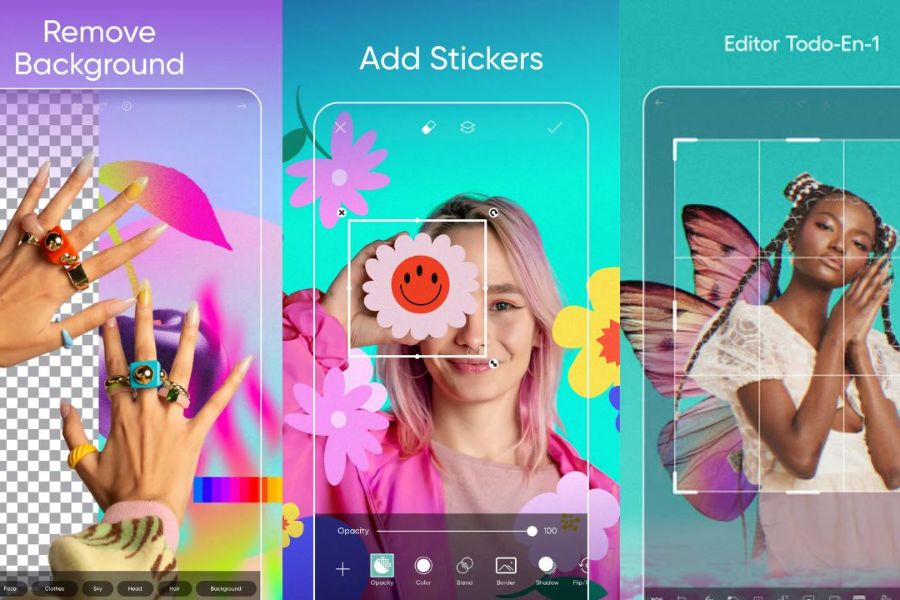
5. Step-by-Step Guide to Using Filters Without Creating an "Unrealistic" Image
Many people often make the mistake of applying a 100% filter to their photos, making them look unnaturally colorful. Follow this standard procedure:
-
Step 1: Clean up the original image. Use the Crop tool to adjust the angle to 1/3, and straighten the horizon line.
-
Step 2: Apply the first filter. Choose your favorite filter.
-
Step 3: Lower the Opacity slider. This is the secret! Reduce the filter's intensity to around 60% - 70% . This helps the filter's colors blend smoothly with the original light in the photo.
-
Step 4: Fine-tune the details. Slightly increase the sharpness and reduce the highlights if the image is overexposed.
6. Conclusion
Each app for creating beautiful filters has its own soul and style. If you love the nostalgic feel of memories, join the VSCO and Dazz Cam team . If you want to always look radiant and beautiful in every photo, Xingtu , Soda , or EPIK will be your powerful assistants. Don't hesitate to download a few apps and start experimenting. Creativity is limitless, and the next million-view photo on social media could very well be yours!





















VIP Products








Best Selling Products
Freepik Premium Account
59 USD
Adobe Premiere Pro Account
99 USD
Windows 10 & 11 Pro Key
36 USD
Genuine Adobe Illustrator account
99 USD
Genuine Cheap Canva Pro
39 USD
Copyright Adobe Lightroom Account
59 USD
Upgrade Duolingo Super
29 USD
Autodesk All App Account Copyright
120 USD
ChatGPT Plus Account (GPT-4)
16 USD
Adobe Photoshop Copyright - Full App
120 USD
Upgrade Genuine Office 365
49 USD
MidJourney Account
29 USD
Capcut Pro 1 Year
39 USD
Plugin Retouch4me
69 USD
Upgrade genuine Capture One account
120 USD