Best Selling Products

MidJourney Account
29 USD

Genuine Adobe Illustrator account
99 USD

Windows 10 & 11 Pro Key
36 USD

Adobe Premiere Pro Account
99 USD

Upgrade genuine Capture One account
120 USD

Adobe Photoshop Copyright - Full App
120 USD

Copyright Adobe Lightroom Account
59 USD

ChatGPT Plus Account (GPT-4)
16 USD

Upgrade Duolingo Super
29 USD

Capcut Pro 1 Year
39 USD

Freepik Premium Account
59 USD

Upgrade Genuine Office 365
49 USD

Genuine Cheap Canva Pro
39 USD

Autodesk All App Account Copyright
120 USD

Plugin Retouch4me
69 USD
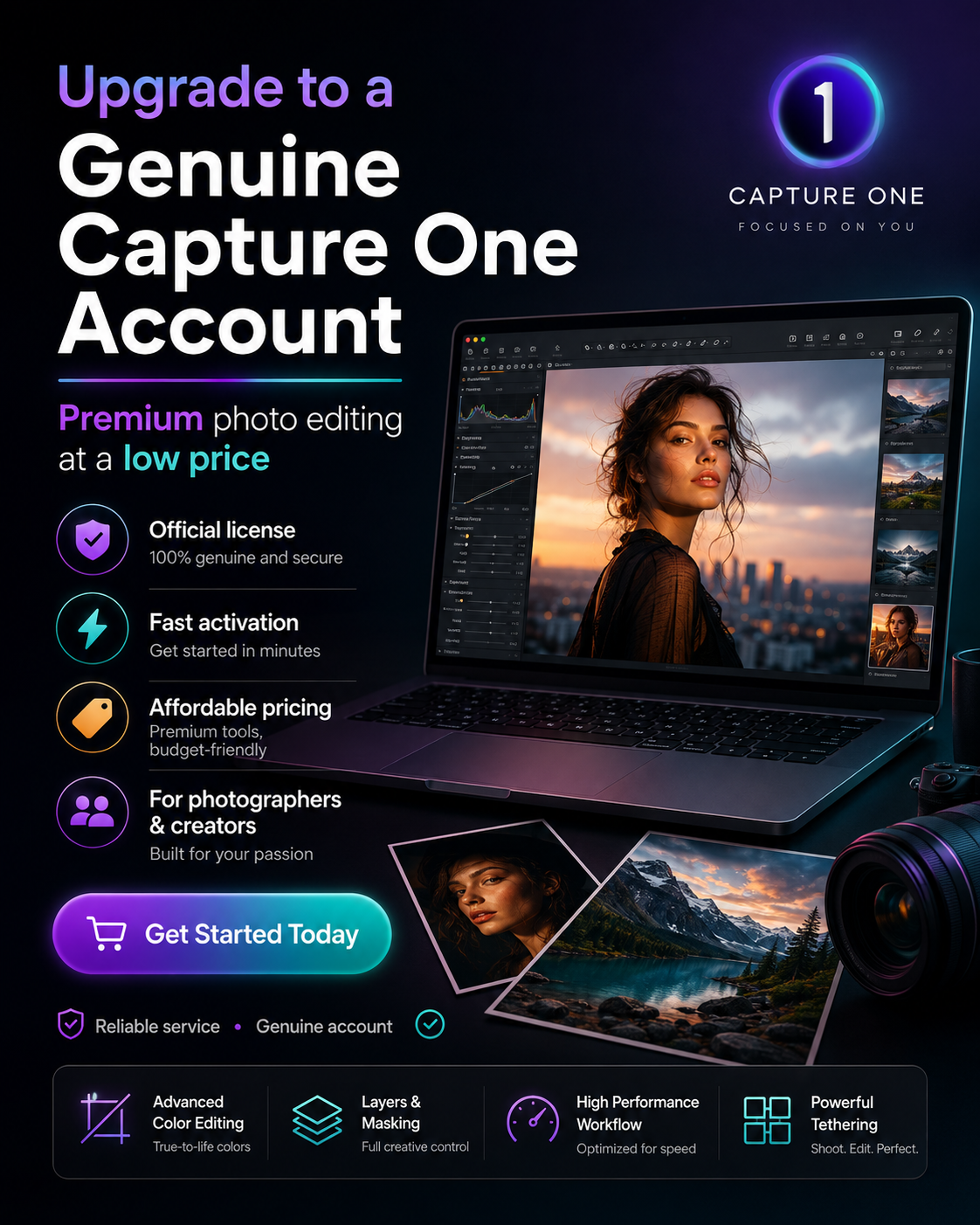
Upgrade to a genuine Capture One account at a low price.
Nội dung
- 1. What is Capture One software?
- 2. Key features when upgrading your Capture One account
- 2.1. Advanced Color Correction
- 2.2. Powerful RAW file processing
- 2.3. Smart Photo Library Management
- 2.4. Synchronization and Batch Processing
- 2.5. Connecting with Photoshop
- 3. Current Capture One packages
- 3.1. Capture One Pro
- 3.2. Capture One Express
- 4. Comparing Capture One with Lightroom and Camera Raw
- 5. Who should upgrade their Capture One account?
- 6. Reliable and affordable Capture One account upgrade addresses
- 7. Why should you upgrade your Capture One account at SaDesign?
- 8. Conclusion
For photographers, studios, or content creators, upgrading your Capture One account is the solution to fully utilize advanced editing tools while ensuring the software is always updated to the latest version. In this article, SaDesign will help you understand Capture One and how to upgrade to a genuine account quickly, affordably, and securely.
1. What is Capture One software?
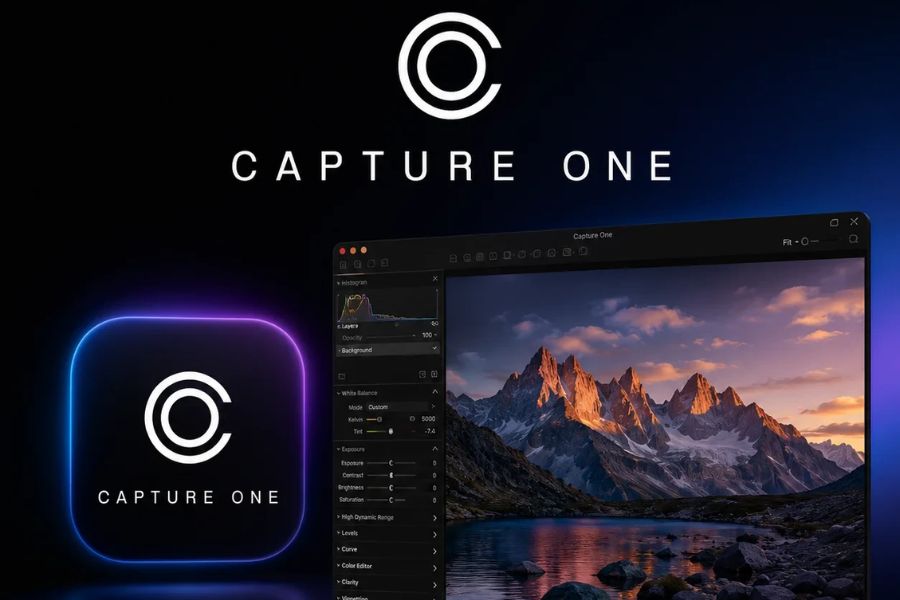
Capture One is professional photo editing software developed by Phase One, renowned for its accurate color reproduction, image detail control, and superior RAW processing capabilities. It has been the go-to tool for many professional photographers, photo studios, and content creators for years. First launched in 2002, Capture One has been continuously improved to meet the growing demands of photo editing. The software currently has two main versions: Capture One Pro and Capture One Express.
The table below will help you easily visualize the differences between the two versions.
2. Key features when upgrading your Capture One account
Upgrading your Capture One account not only unlocks full features but also optimizes your entire professional post-production workflow.
2.1. Advanced Color Correction
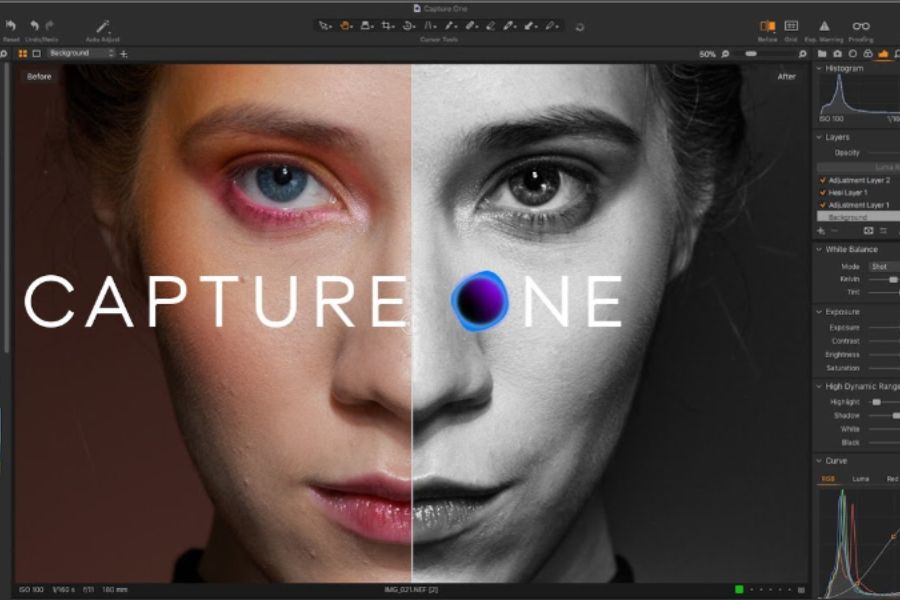
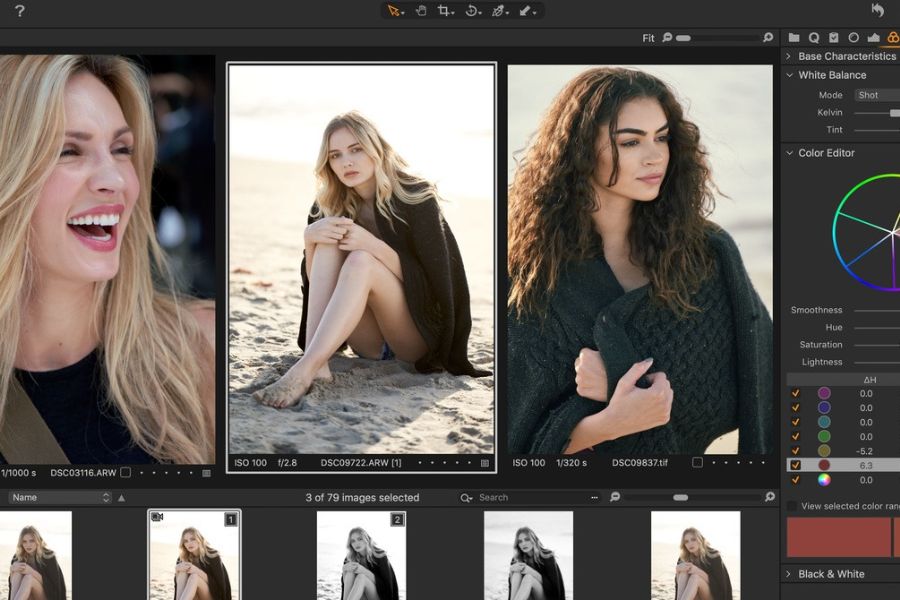
This is Capture One's greatest strength. The software allows for precise adjustment of each color range, color area, and hue, helping images retain their natural look while still standing out.
Users can control white balance, saturation, color brightness, and create their own color style for each set of photos.
2.2. Powerful RAW file processing
Capture One makes the most of the data from RAW files to retain detail in highlights, shadows, and color. This is especially important for wedding photos, portraits, fashion photos, or product photos.
Capture One's ability to restore detail and control noise has always been highly regarded in the photography community.
2.3. Smart Photo Library Management
The software provides a catalog and session system that helps manage thousands of photos in an organized manner.
You can label, rate, filter images, and quickly search by various criteria, significantly saving working time.
2.4. Synchronization and Batch Processing
Capture One allows you to apply the same editing suite to multiple images in just a few steps.
Batch processing allows you to export hundreds of photos simultaneously with consistent quality, making it ideal for studios or large-scale projects.
2.5. Connecting with Photoshop
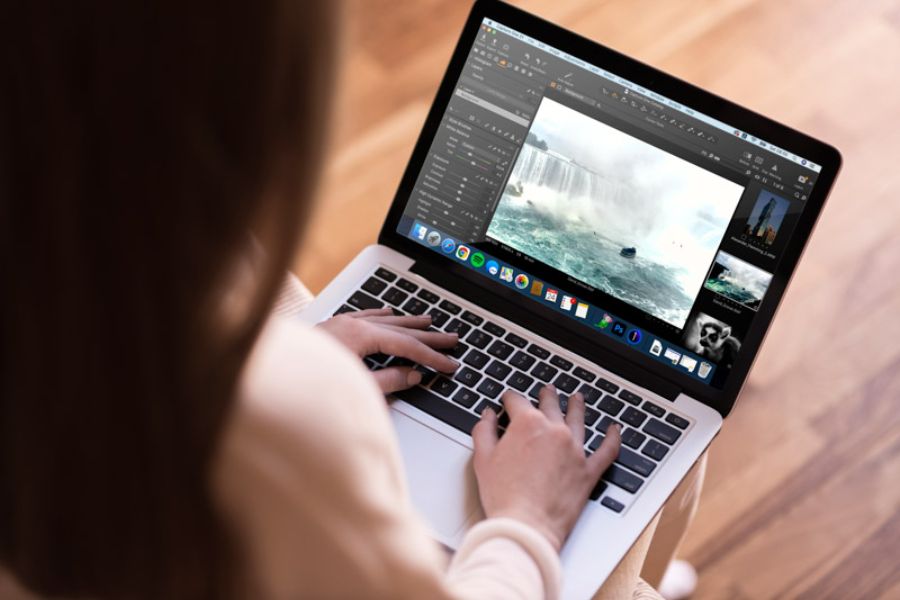
Capture One can directly transfer images to Photoshop for advanced retouching or compositing operations, making the workflow more seamless and professional.
3. Current Capture One packages
Currently, Capture One offers two main options, with the Pro version being the most popular choice for users looking to upgrade their Capture One account .
3.1. Capture One Pro
This is the full-featured version for professional users. Capture One Pro supports all popular RAW formats, offers an advanced editing toolset, in-depth color grading, layers, masking, tethered shooting, and many other exclusive features.
In addition, users receive regular updates to new versions that improve performance and incorporate advanced image processing technologies.
3.2. Capture One Express
Capture One Express is a free version with basic editing tools such as adjusting brightness, contrast, saturation, and white balance.
However, this version is limited in many important features, does not fully support advanced editing tools, and has a more restricted range of camera support.
4. Comparing Capture One with Lightroom and Camera Raw
If you're trying to decide between different photo editing software, the table below will give you an overview.
Capture One's standout feature is its superior color control and RAW file quality, making it particularly suitable for those who require high precision in post-production.
5. Who should upgrade their Capture One account?
Upgrading to a Capture One account is a very worthwhile option if you fall into one of the following categories.
-
Professional photographer.
-
Studio specializing in wedding, fashion, and product photography.
-
Photo post-production specialist.
-
Designers need to process high-quality images.
-
Content creators and freelancers.
For those who frequently work with RAW files or require precise color reproduction, using Capture One Pro will make a noticeable difference in quality and workflow speed.
6. Reliable and affordable Capture One account upgrade addresses
Currently, many providers offer Capture One account upgrade services ; however, users should prioritize reputable providers to ensure genuine accounts and support during use. You can upgrade directly on the Phase One website to ensure authenticity, but the cost is usually quite high and there are few promotional offers.
A more economical option is to upgrade at SaDesign. They specialize in providing licensed software at reasonable prices, with a fast activation process and ongoing customer support. Customers can contact their hotline or Zalo at 0868 33 9999 or visit https://sadesign.vn for advice on the most suitable Capture One package.
7. Why should you upgrade your Capture One account at SaDesign?
SaDesign is chosen by many customers thanks to its fast, transparent upgrade process and optimal cost. When upgrading your Capture One account at SaDesign, you will receive many practical benefits.
-
Genuine and secure account.
-
Quick activation.
-
Make full use of Capture One Pro's features.
-
Update to the latest version.
-
Dedicated technical support.
-
Account security is high.
-
Issue VAT invoices for individuals and businesses.
-
Reasonable prices with many attractive offers.
In particular, the support team is always ready to answer questions about software installation, activation, and usage, giving users peace of mind throughout their work process.
8. Conclusion
Capture One is a professional photo editing tool worth investing in if you want to improve image quality and optimize your post-processing workflow. Upgrading your Capture One account unlocks all powerful features, advanced RAW processing support, efficient image management, and the latest technology updates from Phase One. If you're looking for a genuine upgrade at a reasonable price, SaDesign is a reputable source to help you get Capture One quickly, safely, and cost-effectively.





















VIP Products








Best Selling Products
MidJourney Account
29 USD
Genuine Adobe Illustrator account
99 USD
Windows 10 & 11 Pro Key
36 USD
Adobe Premiere Pro Account
99 USD
Upgrade genuine Capture One account
120 USD
Adobe Photoshop Copyright - Full App
120 USD
Copyright Adobe Lightroom Account
59 USD
ChatGPT Plus Account (GPT-4)
16 USD
Upgrade Duolingo Super
29 USD
Capcut Pro 1 Year
39 USD
Freepik Premium Account
59 USD
Upgrade Genuine Office 365
49 USD
Genuine Cheap Canva Pro
39 USD
Autodesk All App Account Copyright
120 USD
Plugin Retouch4me
69 USD