Best Selling Products

Genuine Cheap Canva Pro
39 USD

Copyright Adobe Lightroom Account
59 USD

Upgrade Genuine Office 365
49 USD

Windows 10 & 11 Pro Key
36 USD

ChatGPT Plus Account (GPT-4)
16 USD

Genuine Adobe Illustrator account
99 USD

Adobe Photoshop Copyright - Full App
120 USD

Plugin Retouch4me
69 USD

Adobe Premiere Pro Account
99 USD

Capcut Pro 1 Year
39 USD

MidJourney Account
29 USD

Upgrade Duolingo Super
29 USD

Autodesk All App Account Copyright
120 USD

Freepik Premium Account
59 USD

Upgrade genuine Capture One account
120 USD
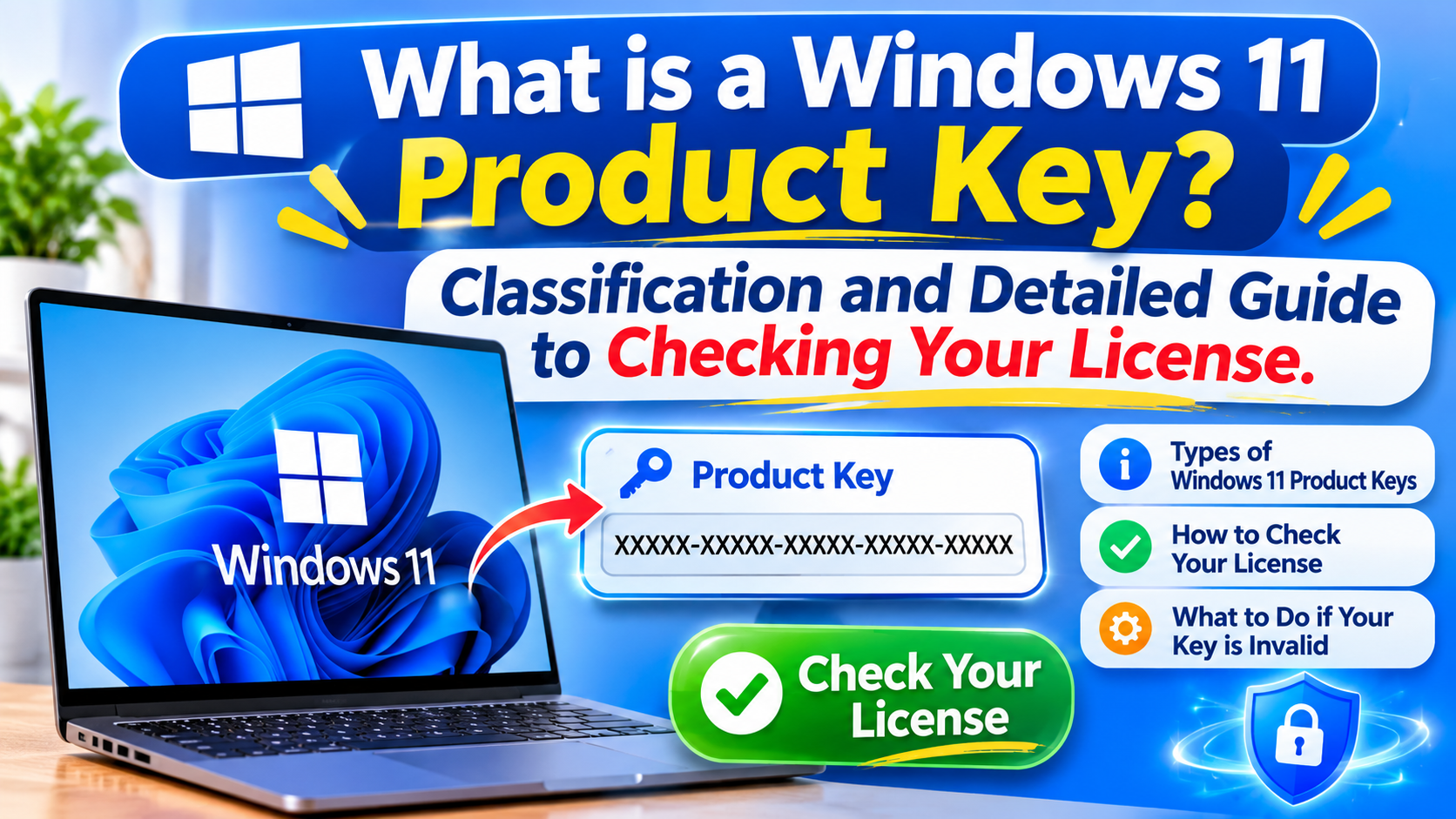
What is a Windows 11 product key? Classification and Detailed Guide to Checking Your License.
Nội dung
- 1. What is a Windows 11 product key?
- 2. Common types of Windows 11 product keys
- 3. What are the differences between Windows 11 Home and Windows 11 Pro?
- 4. How much does a Windows 11 product key cost?
- 5. How to check if Windows 11 is activated
- 6. Where can I retrieve my current Windows 11 product key?
- 7. Things to note when buying and using a Windows 11 product key.
This comprehensive guide covers the common types of Windows 11 product keys, how to distinguish between versions, and how to accurately check your license status.
1. What is a Windows 11 product key?
A Windows 11 product key, also known as a Windows product key, is a 25-character product code, typically presented in a five-character structure, with each group containing five characters separated by hyphens.
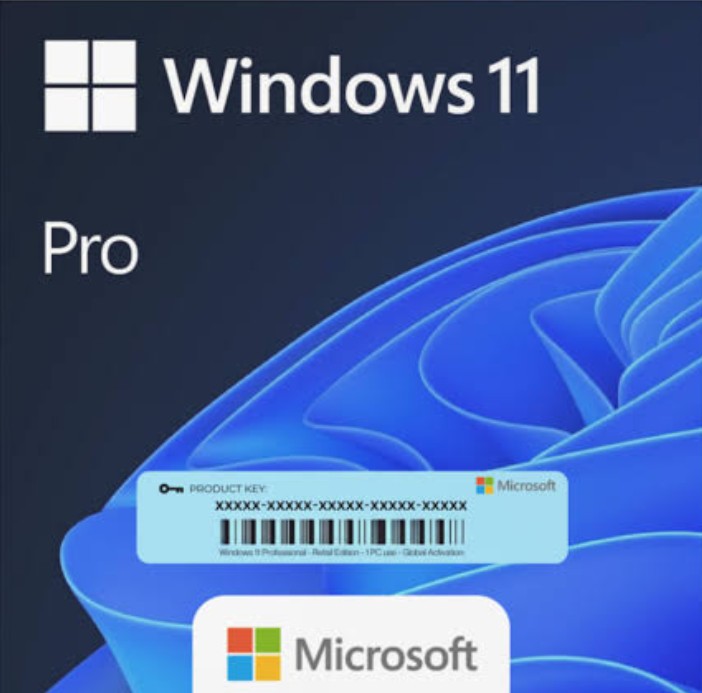
This code is used during the Windows activation process to verify that the installation meets the corresponding licensing requirements. When a valid key for the correct operating system version is entered, the computer can connect to Microsoft's activation system to verify the license.
However, not all Windows 11 computers require manual key entry. Some devices come with a manufacturer-licensed Windows installation, while others use digital licenses. In this case, the operating system may activate automatically after connecting to the internet or after the user reinstalls the correct licensed version of Windows.
It's important to note that Windows displaying an activated status doesn't necessarily mean all the keys being used are legitimate. Users should check the source of purchase and license terms to ensure proper usage rights.
2. Common types of Windows 11 product keys
Before purchasing a Windows 11 license key, you should differentiate between the common licensing methods to choose the one that best suits your needs.
Retail Key
Retail keys are typically provided through Microsoft or authorized retailers. This is a suitable option for individual users who want to purchase a separate Windows license.
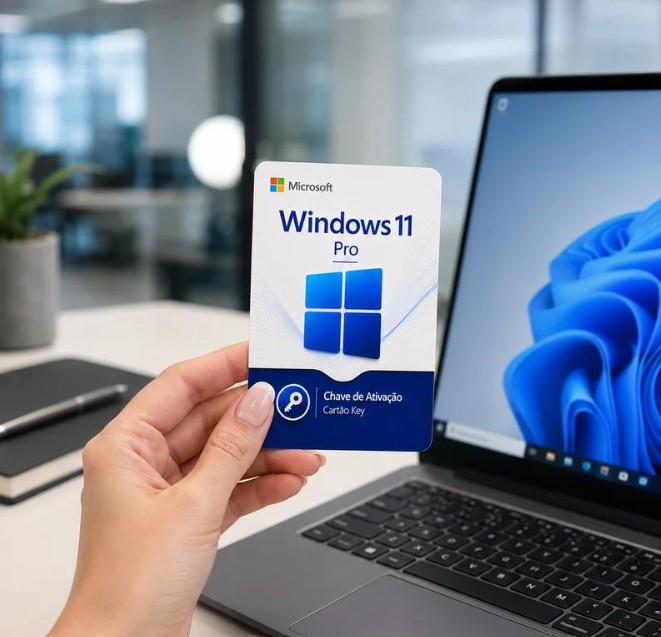
Depending on the applicable terms, retail licenses can often be transferred to another device if the user discontinues the license on the old machine and meets the transfer conditions. Therefore, this type of key may be suitable for those who frequently upgrade or change computers.
When purchasing a Retail Key, users should prioritize reliable providers with clear invoices or transaction confirmations.
OEM Key – Key included with the device
OEM is a licensing model commonly used by computer manufacturers when pre-installing Windows on new devices. Buyers of laptops or desktop computers with a pre-installed Windows license usually do not need to purchase a separate product key.
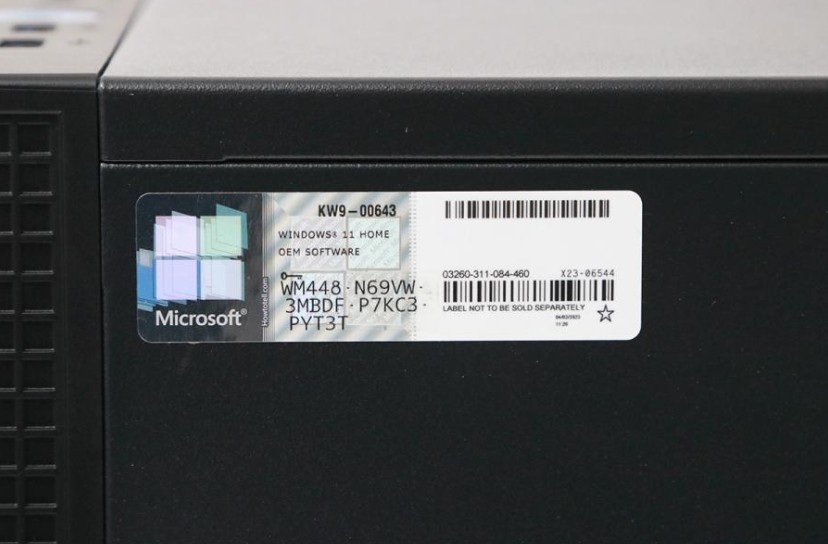
OEM licenses are typically tied to the original device and have limitations on transferability to other computers. Therefore, this is a suitable option for those who want to use a stable Windows operating system on one device for an extended period.
Volume License – Bulk License
Volume License is designed for eligible organizations, businesses, or educational institutions. Depending on the licensing agreement, the organization may use activation methods such as MAK or KMS.
This type of license should not be considered the default alternative to private licenses. Enterprise keys sold individually online may not come with the independent, long-term usage rights that buyers expect.
Digital License
A digital license allows Windows to be activated without necessarily entering a 25-character product key. Licenses can be issued when users purchase Windows digitally or upgrade from an eligible version.
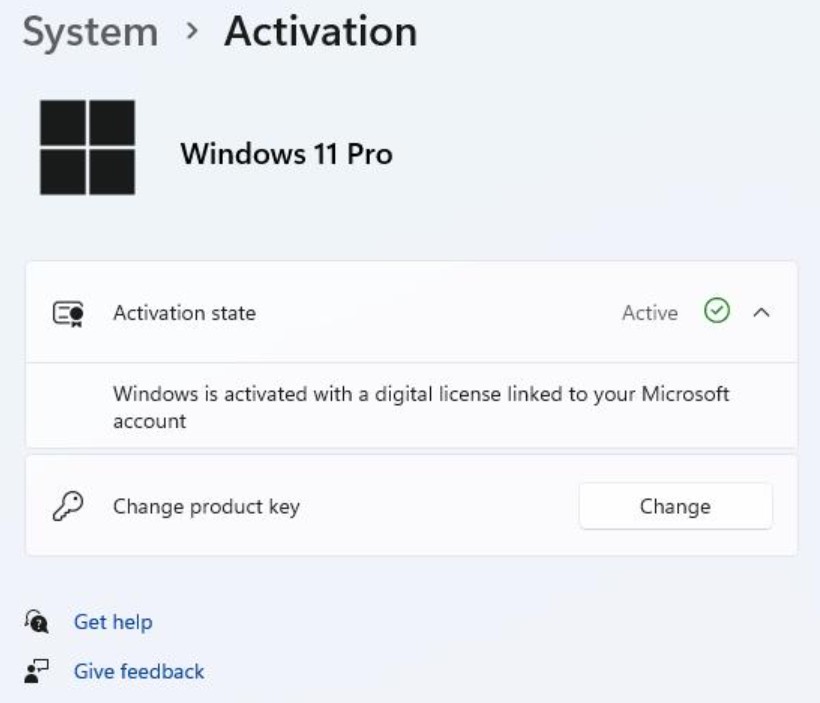
Digital licenses are typically tied to the device's hardware and may be linked to a Microsoft account to support reactivation in some cases. However, the ability to transfer licenses still depends on the type of license and applicable terms.
3. What are the differences between Windows 11 Home and Windows 11 Pro?
Windows 11 currently comes in several versions catering to different user groups, with Home and Pro being two of the most popular options.
Windows 11 Home is aimed at home users, students, and those who use computers for everyday tasks. This version adequately meets the needs for web browsing, online learning, using office software, image editing, and entertainment.
Meanwhile, Windows 11 Pro is designed for professional users and enterprise environments that need additional management, security, and system connectivity tools. Some notable features of Pro include BitLocker Drive Encryption, domain joining capabilities, and Remote Desktop support as a server.
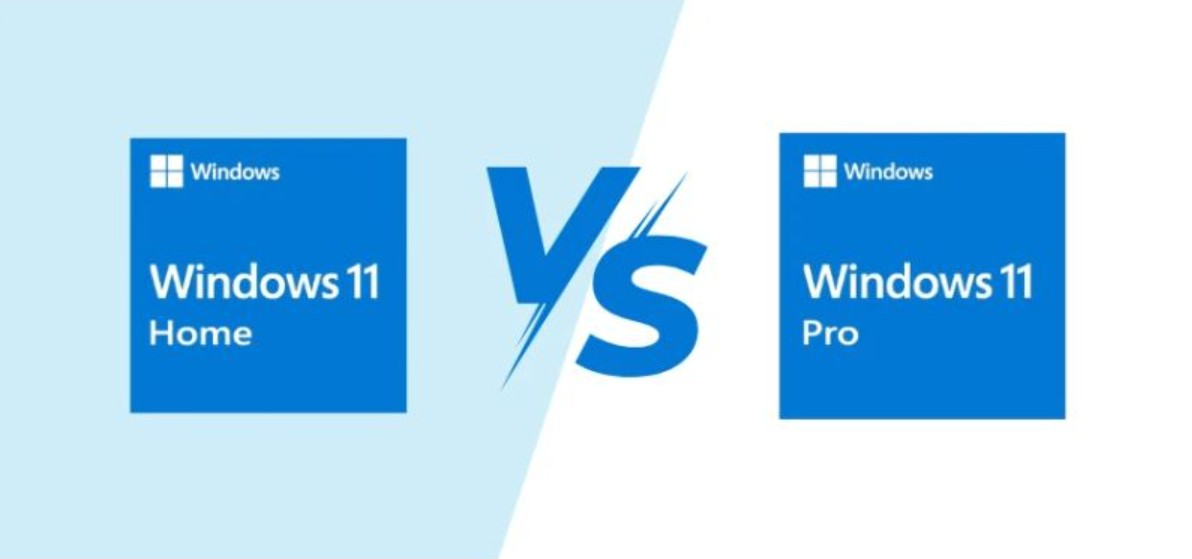
This difference doesn't mean Windows 11 Home is less suitable for work. For individual users, Home usually meets all basic needs. Pro will be more suitable when you really need specialized features.
An important point is that the key must be compatible with the version of Windows currently installed. A Home key cannot be used to directly activate Windows 11 Pro and vice versa. If you want to upgrade from Home to Pro, you need a suitable Pro license.
4. How much does a Windows 11 product key cost?
The price of a Windows 11 product key depends on the version, license type, market, and provider. Official retail keys typically have different prices than licenses included with devices or enterprise licensing packages.
Buyers may come across advertisements for Windows 11 product keys at very low prices on e-commerce platforms or unofficial websites. However, a low price doesn't always mean a good deal.
Some cheap keys may come from licensing programs intended for other organizations or regions, or from sources that do not guarantee transferability. Keys may also activate successfully at one point but encounter usage issues later.
To minimize risk, you should check prices directly on the Microsoft Store or at authorized retailers. Be sure to understand the license type, Windows version, transfer terms, and support policies before making a payment.
Besides the cost of purchasing the key, users should also consider their actual usage needs. If the computer already has a licensed copy of Windows, purchasing an additional key may not be necessary.
5. How to check if Windows 11 is activated
To check your activation status, you don't need to install any third-party software. Windows 11 has a built-in license information management tool in the Settings.
You can follow these steps:
Step 1: Press the Windows + I key combination to open Settings.
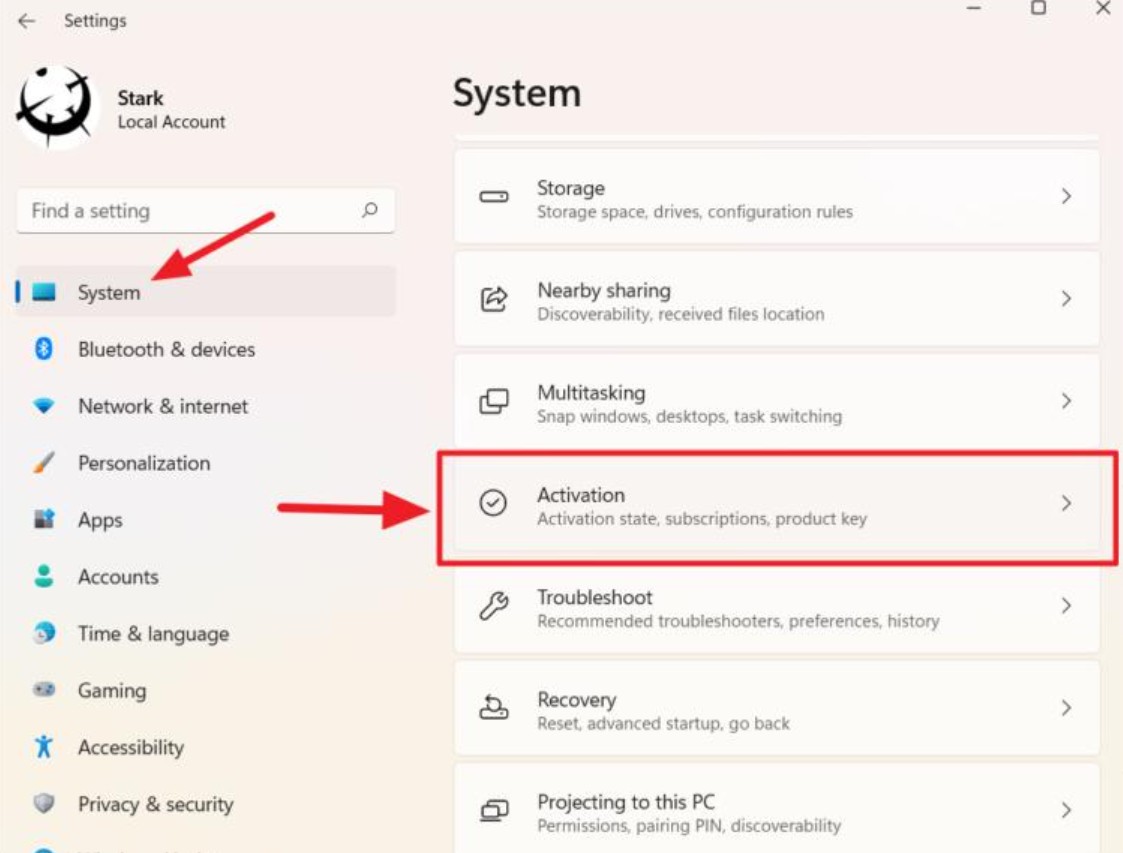
Step 2: Select System, then select Activation.
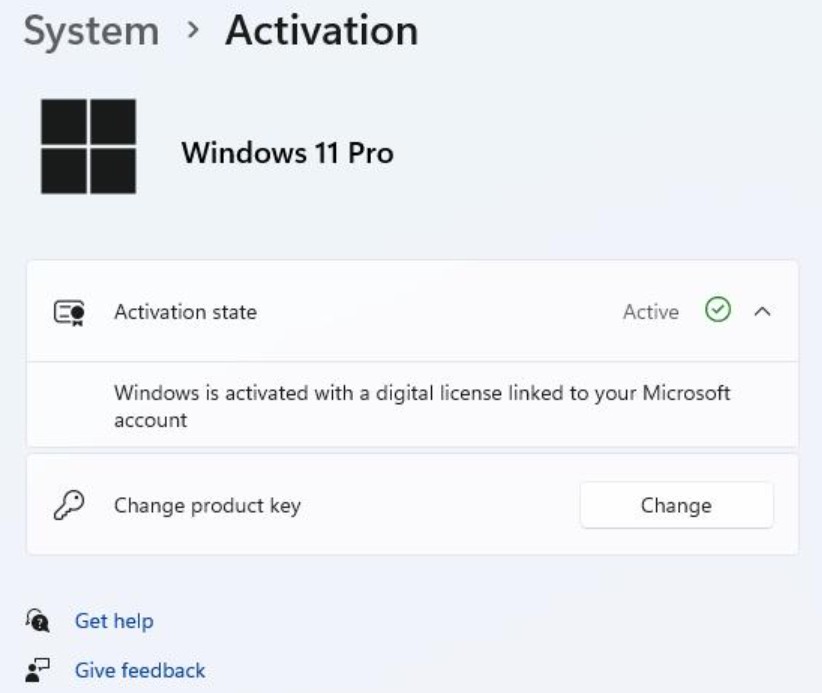
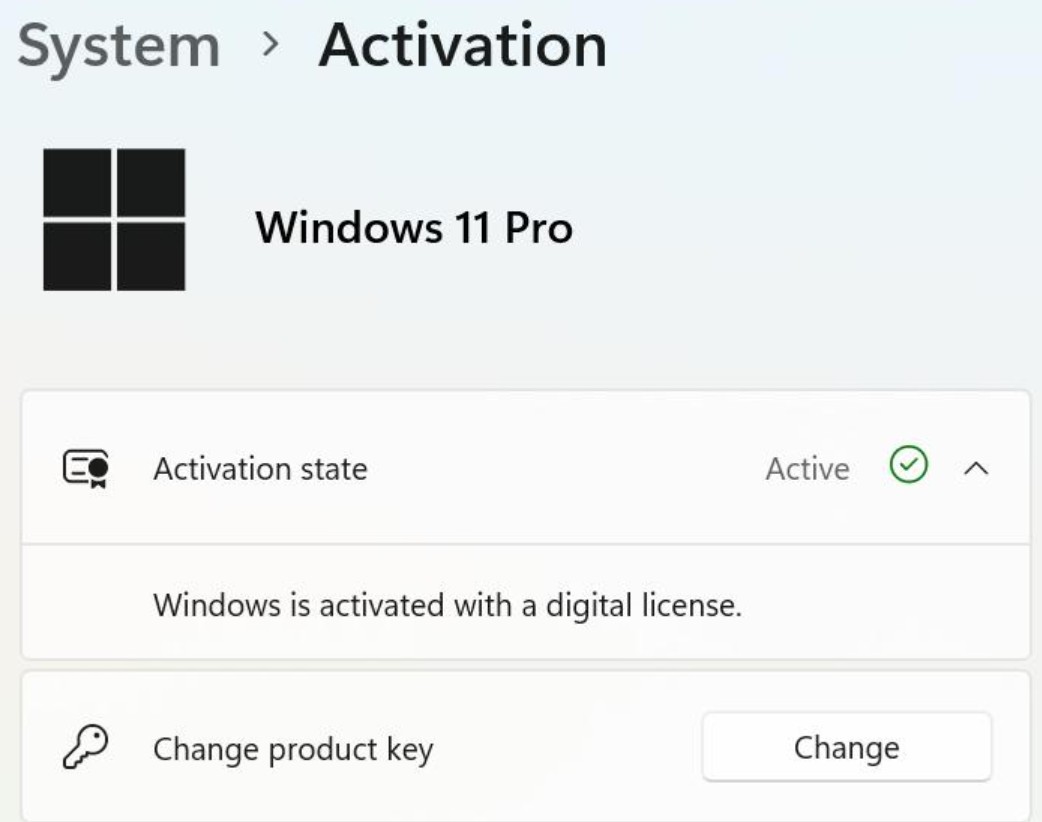
Step 3: Observe the Activation state section to see the current activation status.
Step 4: If Windows is not activated, check for error messages and identify the cause before purchasing a new key.
If your computer indicates that Windows is already activated with a digital license, you may not need to enter a product key. If activation errors occur after a hardware change, try the activation troubleshooting tool and verify that the Microsoft account is linked to the license.
If you need to enter a new key, you can go to Settings > System > Activation > Change product key. Make sure the key is for the correct version of Windows you have installed before proceeding.
6. Where can I retrieve my current Windows 11 product key?
The method for finding the key depends on the original licensing source. If you purchased a computer with Windows pre-installed, you should check the included documentation, information from the manufacturer, or contact the manufacturer's support department.
If you purchased a digital license, look for the order confirmation email and transaction details from the provider. For licenses purchased directly from Microsoft, your order history can help you identify the products you purchased.
In some cases, the computer may use an OEM key stored in the firmware. However, not all devices have keys in this way, and reading a product code does not automatically prove the full licensing status.
For machines upgraded from a qualifying version of Windows, a digital license may be the primary activation method. Therefore, it should not be assumed that all users need to find and save a 25-character key.
7. Things to note when buying and using a Windows 11 product key.
To minimize risks, you should prioritize official distribution channels or reputable retailers. Request clear information about the version, license type, scope of use, and support policies in case of activation errors.
Do not share product keys publicly on social media or forums. Keys can be used illegally by others, making activation or troubleshooting difficult.
Additionally, avoid unofficial activation tools that request you to disable security software, run scripts from unknown sources, or grant administrator privileges to suspicious programs. These tools can pose risks to data security and computer privacy.
Finally, check that you have the correct version of Windows before buying. This is a simple but important step that will help you avoid wasting money and reduce the risk of activation errors.
Hopefully, the information above from SaDesign will help you better understand Windows 11 product keys and make an informed decision. Prioritizing licenses from reputable sources not only facilitates the activation process but also contributes to ensuring stability and security when using your computer long-term.





















VIP Products








Best Selling Products
Genuine Cheap Canva Pro
39 USD
Copyright Adobe Lightroom Account
59 USD
Upgrade Genuine Office 365
49 USD
Windows 10 & 11 Pro Key
36 USD
ChatGPT Plus Account (GPT-4)
16 USD
Genuine Adobe Illustrator account
99 USD
Adobe Photoshop Copyright - Full App
120 USD
Plugin Retouch4me
69 USD
Adobe Premiere Pro Account
99 USD
Capcut Pro 1 Year
39 USD
MidJourney Account
29 USD
Upgrade Duolingo Super
29 USD
Autodesk All App Account Copyright
120 USD
Freepik Premium Account
59 USD
Upgrade genuine Capture One account
120 USD