Best Selling Products

MidJourney Account
29 USD

Freepik Premium Account
59 USD

Windows 10 & 11 Pro Key
36 USD

Adobe Premiere Pro Account
99 USD

Genuine Adobe Illustrator account
99 USD

Plugin Retouch4me
69 USD

ChatGPT Plus Account (GPT-4)
16 USD

Upgrade genuine Capture One account
120 USD

Capcut Pro 1 Year
39 USD

Adobe Photoshop Copyright - Full App
120 USD

Genuine Cheap Canva Pro
39 USD

Copyright Adobe Lightroom Account
59 USD

Upgrade Genuine Office 365
49 USD

Autodesk All App Account Copyright
120 USD

Upgrade Duolingo Super
29 USD
6 old tech gadgets you should throw away instead of keeping.
Nội dung
- 1. Batteries and power banks are swollen or damaged.
- 2. Charging cables and connecting cables that are no longer in use.
- 3. The phone charger is broken or of unknown origin.
- 4. Old phones that are no longer in use.
- 5. The computer mouse and keyboard are broken.
- 6. The Wi-Fi router and modem are too old.
- 7. Conclusion
Unused tech gadgets can take up space, create safety hazards, and pose potential security risks. Discover 6 items you should properly dispose of to create a tidier and safer living space.
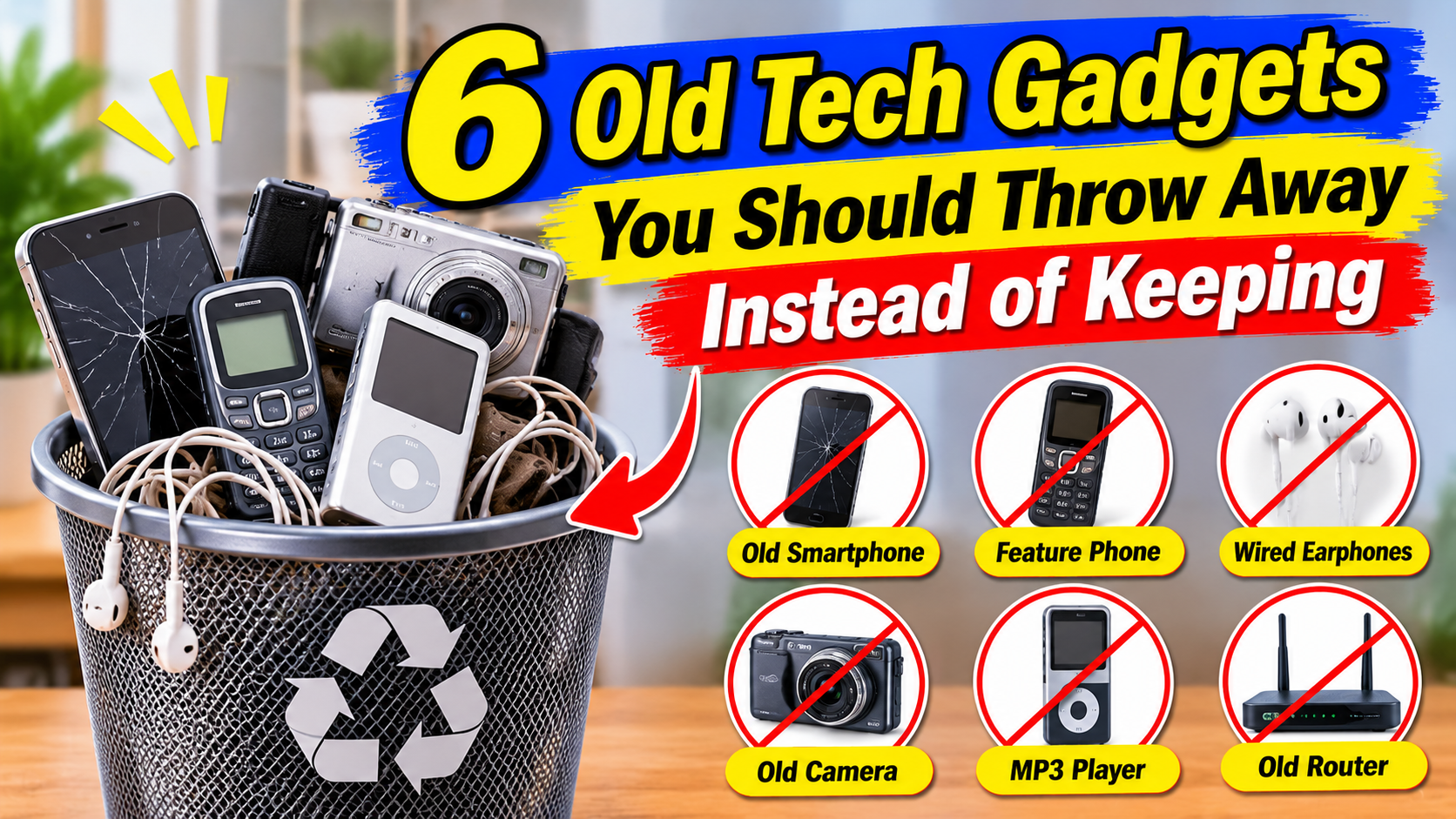
1. Batteries and power banks are swollen or damaged.
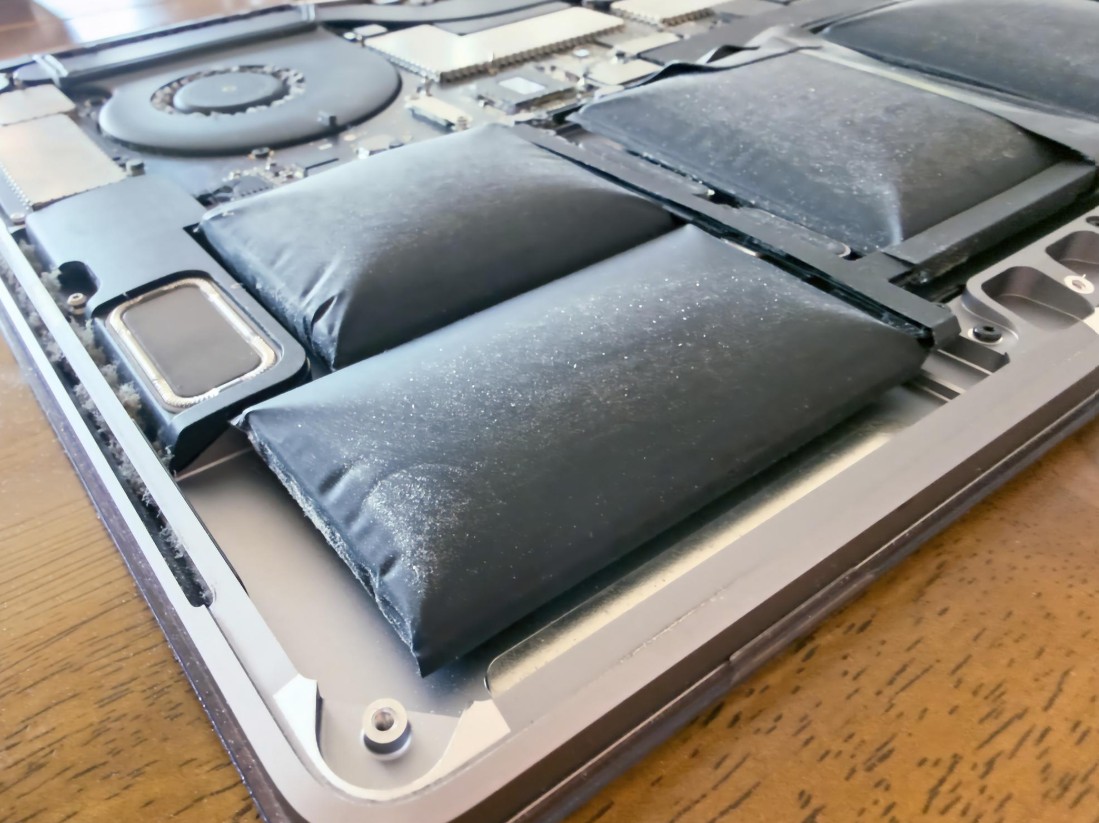
Batteries are the first tech gadgets to check when cleaning your house. After a period of use or improper storage, lithium-ion batteries in phones, laptops, and power banks can degrade. One of the most worrying signs is a swollen, deformed, leaking, or unusually hot battery.
Swollen batteries typically occur when internal chemical reactions produce gas, causing the battery casing to deform. This is not a sign to ignore. Continuing to charge, compress, or use a damaged battery increases the risk of heat-related incidents and fires.
If you notice a swollen battery, stop using and charging the device. Avoid puncturing, crushing, disassembling, or attempting to force the battery back into its original shape. If the battery is inside a phone or computer, do not attempt to remove it yourself as this could damage the battery or be dangerous.
For damaged power banks, temporarily store them in a cool, dry place, away from heat sources and flammable materials. Do not throw the batteries in the trash or burn them. Instead, contact a battery collection point, electronic waste collection unit, or repair facility that can accept damaged batteries.
If the battery is still functioning properly and meeting your needs, you can continue using it according to the manufacturer's instructions. It's important not to keep batteries that show signs of damage just because you think they might be usable later.
2. Charging cables and connecting cables that are no longer in use.
Cables are one of the easiest accessories to accumulate in a household. After changing phones, buying a new computer, or upgrading equipment, we often keep the old cables without checking if they are still needed.
Your drawer might contain all sorts of USB-A, USB-C, Micro-USB, Mini-USB, HDMI, VGA cables, and specialized connectors for devices you've discontinued. Some are still useful, but many are outdated, incompatible with current devices, or no longer function reliably.
You should discard cables with cracked insulation, exposed wires, bent connectors, or signs of unusual overheating during use. Damaged cables can cause connection loss, disrupt data transmission, or create electrical safety hazards, depending on the type of cable and the extent of the damage.
An effective way to clean up is to gather all the cables in one place, then inspect each one. Keep those currently in use, specialized cables that are difficult to replace, and some truly necessary spare cables. Cables with unclear uses or no longer compatible with equipment should be put into disposal or collection.
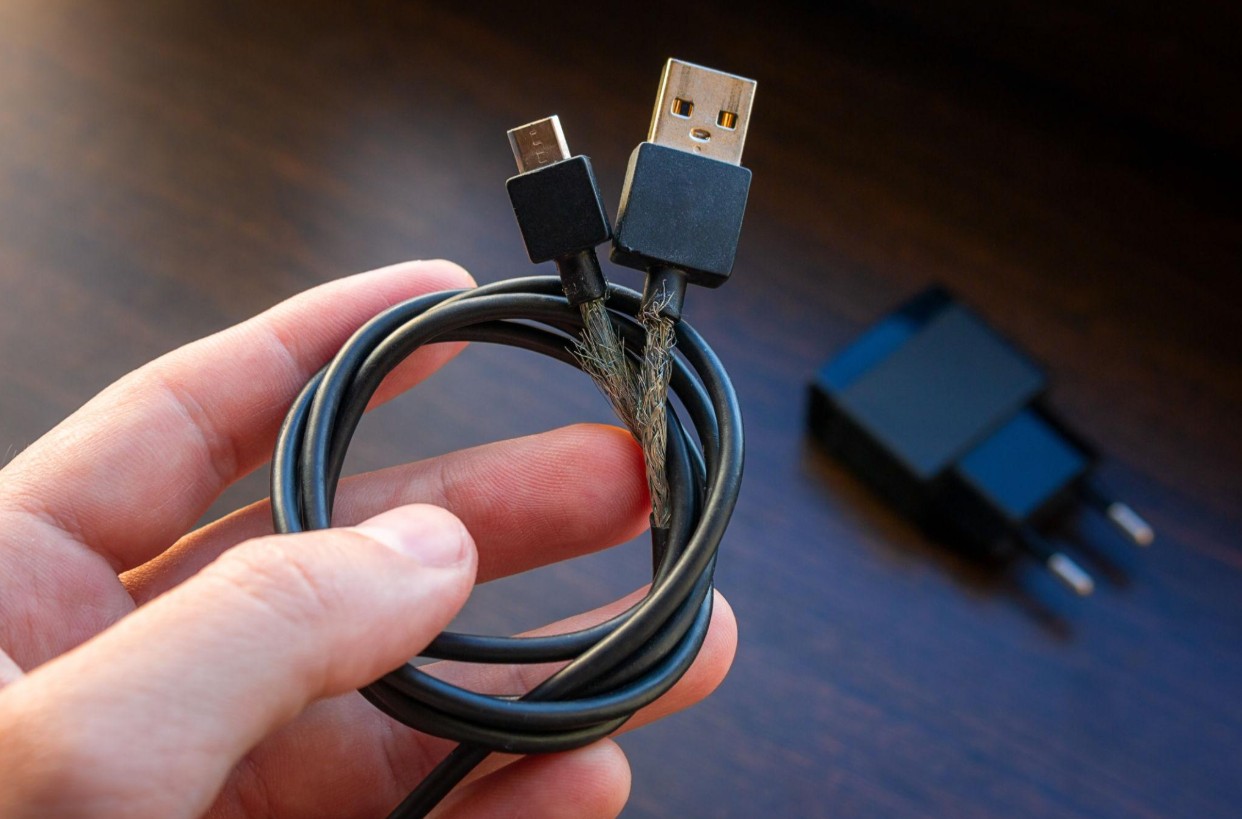
If the cables are still in good condition, you can donate them to those in need. Damaged cables should be sent to an electronic waste collection point if a suitable program is available in your locality. Do not burn cables for metal as this can produce smoke and toxic substances.
3. The phone charger is broken or of unknown origin.
Chargers are small devices but play a crucial role in providing power to phones, tablets, and many other devices. However, many people still keep old chargers even when they are broken, of unknown origin, or no longer compatible with their devices.
A charger showing signs of scorching, cracked casing, exposed wires, loose plugs, or unusual noises should be discontinued. Overheating, a burning smell, or sparks are also warning signs that require immediate attention.
Besides the risk of electrical safety hazards, poor-quality or unsuitable chargers can also provide unstable power to devices. Continuing to use them for emergencies is often not worth the potential risks.
When cleaning out, check the chargers you're currently using and those stored in the cupboard. If the chargers are still working properly, have a clear origin, and are compatible with your devices, you can keep them as spare accessories. Conversely, damaged or unidentifiable chargers should be sent to a suitable collection point.
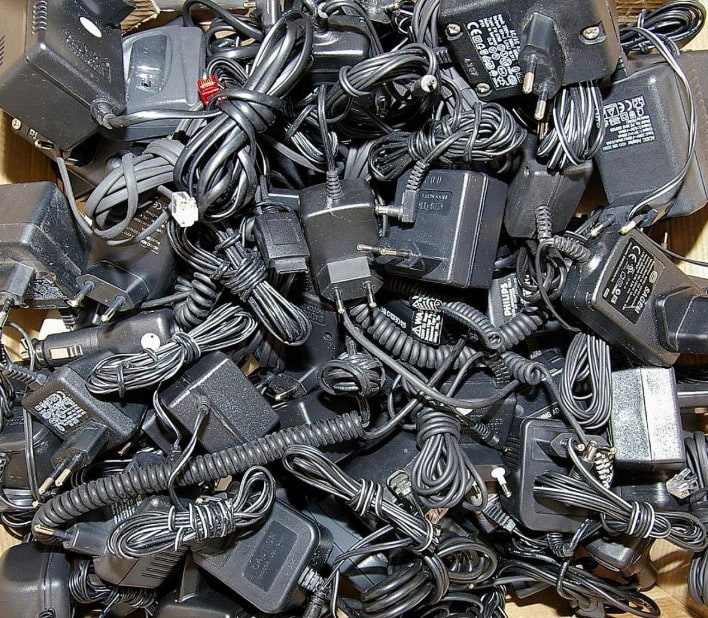
Do not attempt to repair a charger yourself if you lack electrical expertise. For devices showing signs of malfunction, prioritize replacing them with suitable products from the manufacturer or a trusted supplier.
4. Old phones that are no longer in use.
Smartphones are usually replaced after a few years of use. However, many people don't sell, give away, or recycle their old phones, but instead continue to keep them in a drawer, sometimes forgetting about their existence.
An old phone can still be valuable if it's still in good working order. You can use it as a backup device, music player, smart home controller, or give it away to someone who needs it. However, if the phone is severely damaged, the battery is degraded, it no longer meets your needs, or it can't receive necessary security updates, keeping it might not be very beneficial.
Before selling your phone, the most important thing is to protect your personal data. Back up your photos, contacts, and essential documents; log out of accounts; remove the SIM card and memory card; and unlink important services. Then, perform a factory reset according to the manufacturer's instructions.
If the phone contains sensitive information or cannot be booted up to erase data, you should find a suitable solution before handing the device over to someone else.
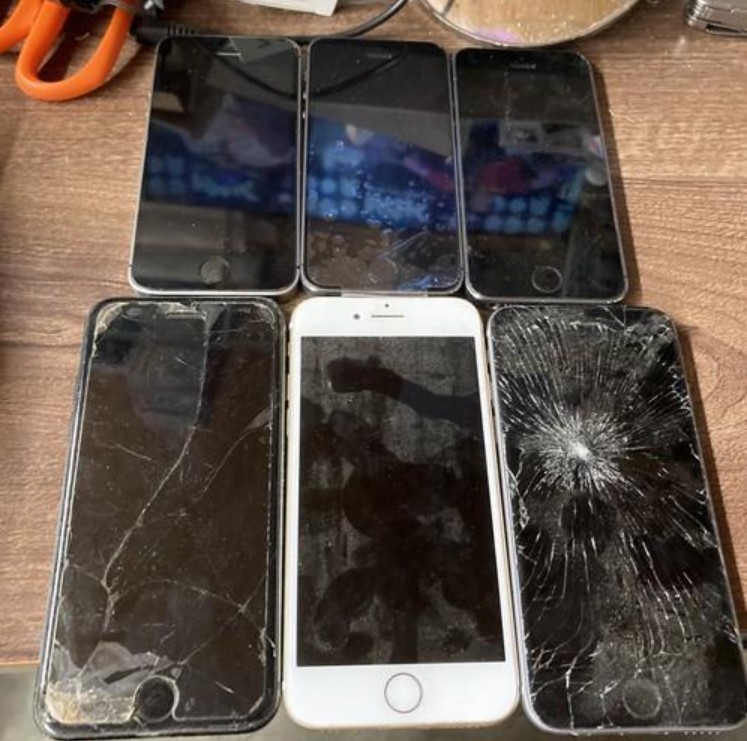
Additionally, check the battery condition. Older phones with swollen batteries should not be charged or turned on for testing. These devices should be disposed of using the safe procedures for damaged batteries.
5. The computer mouse and keyboard are broken.
Mice and keyboards are accessories that are often replaced when users upgrade their computers or switch to wireless devices. Because of their small size and relative ease of storage, they are often forgotten in drawers or storage boxes.
Mice with faulty sensors, non-functioning buttons, or intermittent connections are often no longer useful for daily work. Similarly, keyboards with many unresponsive keys, damaged connectors, or signs of serious damage can also become redundant.
However, not all old accessories need to be thrown away. A working wired keyboard can still be used as a backup when the main keyboard malfunctions. An old computer mouse can also be donated to students or anyone who needs a basic accessory.
The best approach is to inspect each device individually before making a decision. If the minor fault can be fixed at a reasonable cost, repair may be the appropriate option. If the accessory is severely damaged or no longer compatible, consider selling or recycling it.
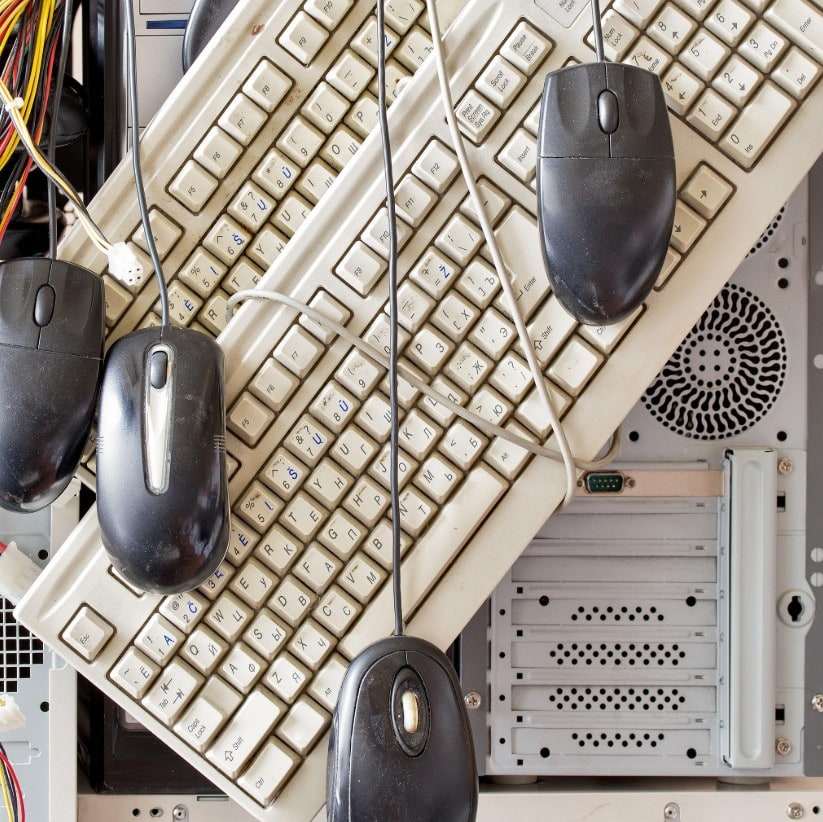
When cleaning out, you should also avoid keeping too many identical spare accessories. One working spare mouse and keyboard set is sufficient for most households.
6. The Wi-Fi router and modem are too old.
Wi-Fi routers and modems are often forgotten after users upgrade their internet connection or replace their equipment. Many families still keep their old routers in a cupboard even though they are no longer in use.
The problem isn't just about space usage. Some outdated network equipment may no longer receive software updates or security patches from the manufacturer. Continuing to use them for internet connectivity could expose users to unnecessary security risks.
Additionally, older routers may not support newer Wi-Fi standards, may not handle the number of connected devices, or may lack essential network management features. This doesn't mean all older routers are unsafe, but age and software support are factors to consider.
If the device is still supported and operating reliably, you can use it as an access point or secondary network device when configured correctly. Conversely, if the router is no longer supported, frequently malfunctions, or is no longer suitable for your needs, consider replacing it.
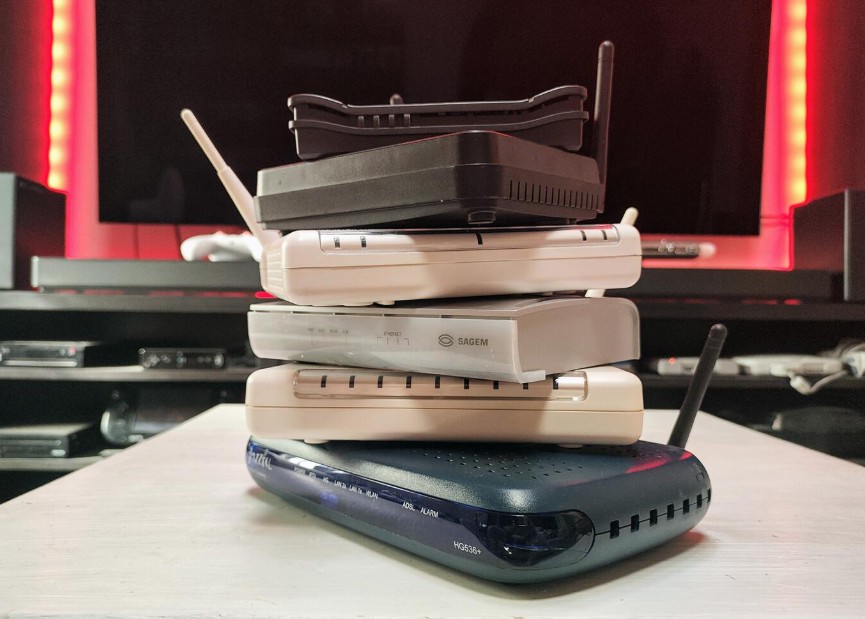
Before selling or giving away your router, you should restore its factory settings, erase configuration information, and ensure that no personal network login data is saved. If the device cannot be reused, send it to an electronic waste collection service instead of disposing of it with household waste.
7. Conclusion
A simple rule of thumb is to only keep items that have a clear purpose, are still functioning safely, and are truly necessary. If a device hasn't been used for years, has no plans to be used again, and isn't worth repairing, it's time to consider giving it a new lease on life instead of keeping it stored away.





















VIP Products








Best Selling Products
MidJourney Account
29 USD
Freepik Premium Account
59 USD
Windows 10 & 11 Pro Key
36 USD
Adobe Premiere Pro Account
99 USD
Genuine Adobe Illustrator account
99 USD
Plugin Retouch4me
69 USD
ChatGPT Plus Account (GPT-4)
16 USD
Upgrade genuine Capture One account
120 USD
Capcut Pro 1 Year
39 USD
Adobe Photoshop Copyright - Full App
120 USD
Genuine Cheap Canva Pro
39 USD
Copyright Adobe Lightroom Account
59 USD
Upgrade Genuine Office 365
49 USD
Autodesk All App Account Copyright
120 USD
Upgrade Duolingo Super
29 USD