Best Selling Products

MidJourney Account
29 USD

Capcut Pro 1 Year
39 USD

Adobe Premiere Pro Account
99 USD

Upgrade Genuine Office 365
49 USD

Plugin Retouch4me
69 USD

Autodesk All App Account Copyright
120 USD

Windows 10 & 11 Pro Key
36 USD

Genuine Cheap Canva Pro
39 USD

Upgrade genuine Capture One account
120 USD

Freepik Premium Account
59 USD

Copyright Adobe Lightroom Account
59 USD

Adobe Photoshop Copyright - Full App
120 USD

ChatGPT Plus Account (GPT-4)
16 USD

Upgrade Duolingo Super
29 USD

Genuine Adobe Illustrator account
99 USD
9 Tips to Reduce Shaking When Taking Handheld Photos with DSLR & Mirrorless Cameras
Nội dung
- 1. Why do photos appear blurry when taken handheld?
- 2. Guide to the correct camera grip posture for beginners
- 3. 9 simple but highly effective anti-shake tips
- 3.1. Control your breathing and press the shutter button correctly.
- 3.2. Use the strap as a support point.
- 3.3. Utilize all available fixed surfaces around you.
- 3.4. Applying the speed-to-focal-length rule
- 3.5. Increase ISO in low light.
- 3.6. Activate image stabilization when shooting handheld.
- 3.7. Combine correct posture and proper machine setup.
- 3.8. Develop the habit of using a camera from an early age.
- 3.9. Self-assess your hand tremor limits.
Applicable to both DSLR and mirrorless cameras, this article compiles simple, easy-to-follow anti-shake tips suitable for both beginners and experienced photographers.
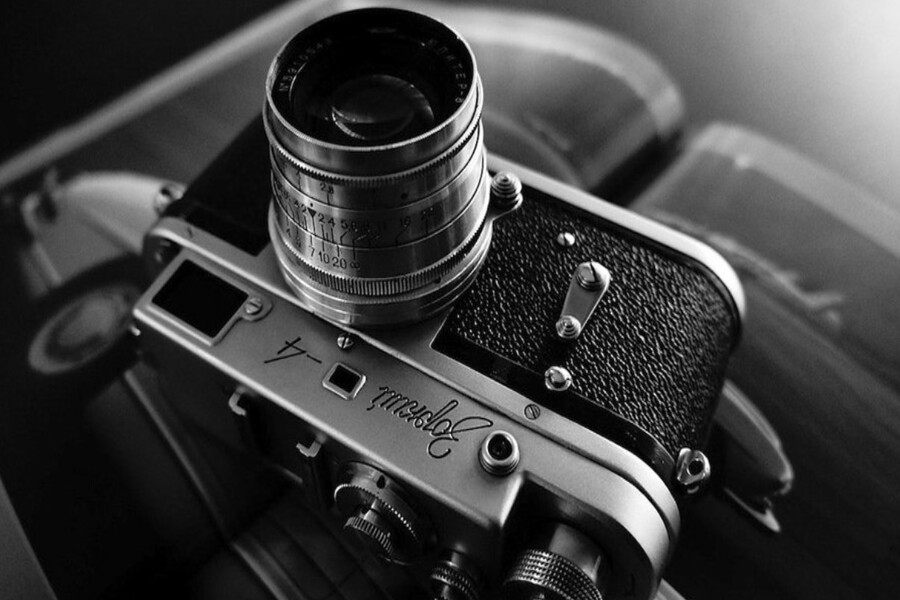
In the journey of learning photography, there's a seemingly "basic" problem that plagues countless photographers, from beginners to seasoned veterans: blurry photos . You might own a state-of-the-art mirrorless camera, expensive lenses, and advanced image stabilization, but just one moment of carelessness when pressing the shutter button can result in a blurry, out-of-detail, and irreparable image.
It's worth noting that camera shake isn't always caused by incorrect settings. In many cases, the cause lies in how the camera is held, posture, breathing pattern, and operating habits. This is also why two people using the same camera with the same settings can produce significantly different image quality.
For designers, photography is not just a hobby but also a creative tool and a means of conveying visual ideas. A shaky photo not only reduces image quality but also disrupts the emotion, composition, and visual story you're trying to build. Especially in genres like portraits, product photography, street photography, or travel photography, where moments pass quickly, controlling hand shake while shooting handheld is a crucial skill. This article will explore the nature of camera shake, then guide you on the correct camera grip, and finally offer nine practical, easy-to-apply tips to significantly improve sharpness when shooting handheld, even in low light or with long-focal-length lenses.
1. Why do photos appear blurry when taken handheld?
Camera shake is one of the most common problems when shooting handheld, especially for beginners. This occurs when the camera moves while the shutter is open, causing the light captured by the sensor to no longer be fixed in one position, resulting in blur.
The root cause lies in hand tremor, but hand tremor isn't simply "shaking hands." It's a combination of many small movements in the human body: breathing, heart rate, changes in posture, the force of gripping the shutter button. These movements, however small, are enough to cause problems when the shutter speed isn't fast enough.
A common mistake is holding the camera incorrectly. When you hold the camera with one hand, or keep it too far from your body, the entire camera and lens system acts like a long lever. Even a slight vibration in your wrist or elbow will be amplified at the top of the lens and clearly visible in the photograph.
Using the LCD screen to shoot, instead of the viewfinder, also reduces stability. When looking through the viewfinder, you have an additional point of support on your forehead and face, creating a better stabilization system. Conversely, when you move the camera away to look at the screen, you lose this support, making the camera much more prone to shaking.
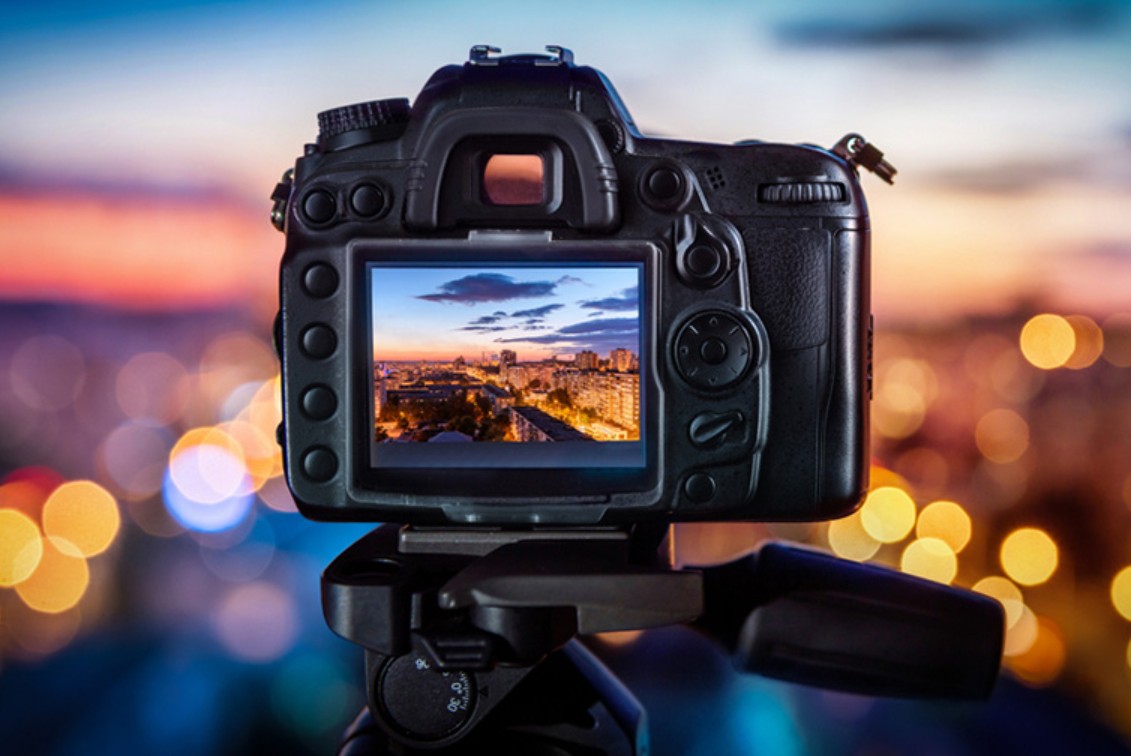
The next technical factor is shutter speed. In low light conditions, the camera is forced to keep the shutter open longer to capture enough light. When the shutter speed is slow (for example, below 1/60th of a second), any small vibration has a chance of being captured in the image. With telephoto lenses, the problem is even more pronounced, as the long focal length will magnify hand tremor.
Furthermore, many people are careless and don't activate image stabilization on their lens or camera body, or adjust the ISO appropriately to maintain a safe shutter speed. Image stabilization isn't magic, but if you don't utilize it, you're neglecting an important layer of protection.
Understanding these causes is the first step in controlling camera shake. When you realize that camera shake isn't just bad luck, but a direct consequence of your posture, habits, and camera settings, you'll be motivated to change and improve.
2. Guide to the correct camera grip posture for beginners
Correct camera grip is the foundation of all anti-shake techniques when shooting handheld. If this foundation is not solid, all subsequent technical tips will only provide temporary support.
The first principle is that both hands work together to hold the camera. The left hand acts as support, while the right hand controls. The left hand should be placed under the camera body or around the lens, palm facing up, fingers forming a firm support point. This hand bears the main weight, helping to reduce the strain on the right hand.
Hold the camera body with your right hand, and gently place your index finger on the shutter button. The key is "gentleness." Many people press the shutter button like flipping a switch, creating a sudden jolt that causes the camera to shake at the most crucial moment. Think of pressing the shutter button as a smooth, continuous, and controlled movement.
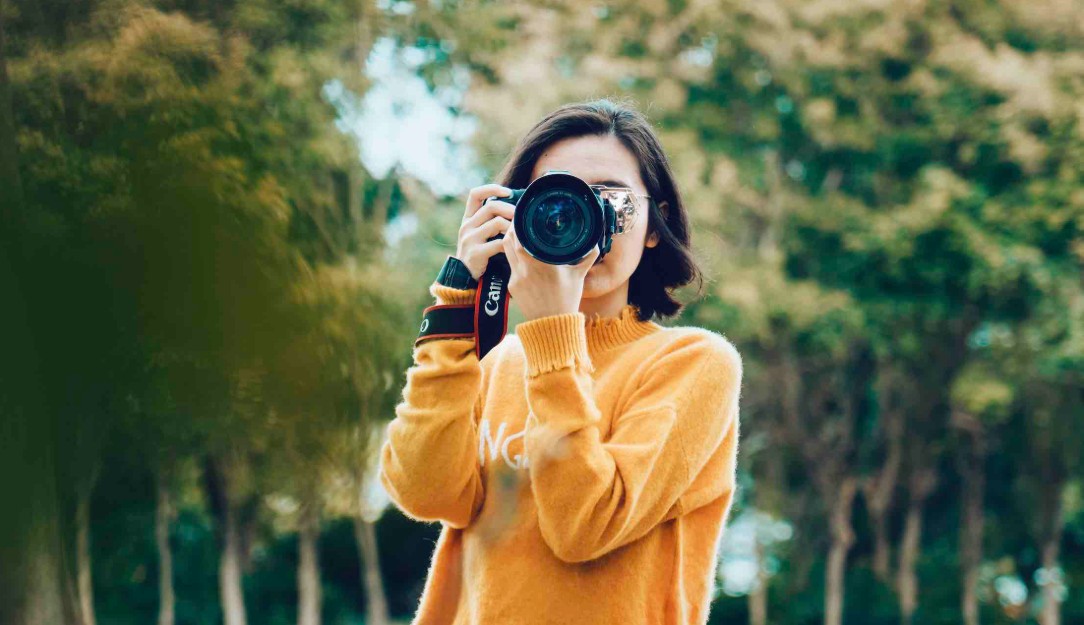
Your arms should be relaxed and close to your body. When your elbows are spread apart, you're creating a loose structure. By keeping your elbows close to your body, your body becomes a natural "support," significantly increasing stability.
If shooting through the viewfinder, gently hold the camera against your face. Three points of support—your hands and your face—will form a stable "three-legged stool." This is one of the reasons professional photographers often prefer using the viewfinder over the LCD screen in challenging conditions.
The standing posture is also very important. Your feet should be shoulder-width apart, your center of gravity evenly distributed, and your knees slightly bent to absorb vibrations. One foot can be placed slightly in front of the other for better balance, especially when shooting at slow shutter speeds.
Holding a camera correctly isn't just a matter of your hands; it's a coordination of your entire body. When you feel stable, relaxed, and balanced, your ability to capture sharp images will significantly improve, even before you adjust any settings.
3. 9 simple but highly effective anti-shake tips
Once you've found the right camera grip, the following tips will help you optimize stability in real-world shooting situations, especially when you don't have a tripod.
3.1. Control your breathing and press the shutter button correctly.
Breathing directly affects body stability. When you breathe in heavily or rapidly, the movement of your chest transmits vibrations to your hand and camera. A common technique is to take a deep breath, exhale slowly, and press the shutter button at the end of each breath, when your body is momentarily still.
Pressing the shutter button should be a firm but gentle motion. Avoid jerking your finger or pressing too hard. With enough practice, this movement will become a natural reflex, significantly reducing camera shake.
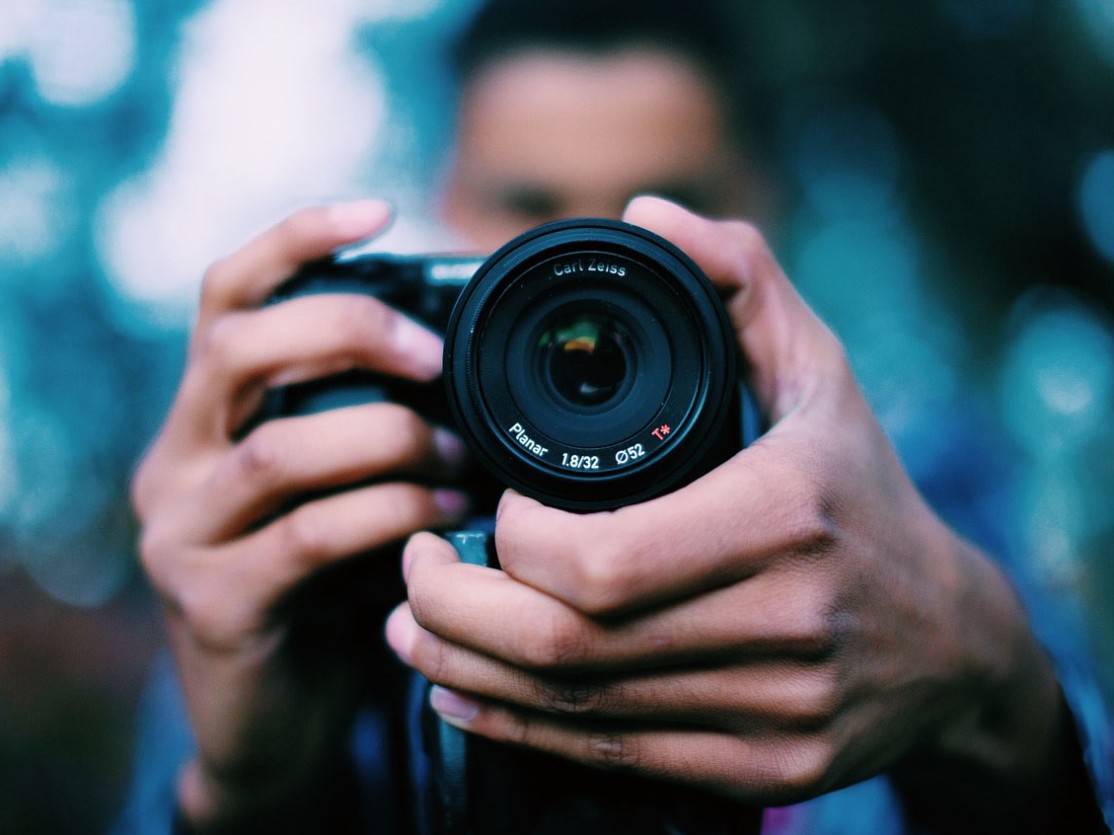
3.2. Use the strap as a support point.
The strap isn't just for preventing the camera from falling. When needed, you can tighten the neck strap or wrist strap to create counterforce, helping to stabilize the camera. This technique is especially useful when shooting standing up or in tight spaces where you can't find another support point.
3.3. Utilize all available fixed surfaces around you.
In reality, you don't always have a tripod. Get into the habit of observing and utilizing your surroundings: walls, railings, tables, chairs, backpacks, even your own knees. Just a small support point can significantly improve image sharpness.
3.4. Applying the speed-to-focal-length rule
The "1/2" rule of focal length is a classic principle for avoiding camera shake. With a 50mm lens, try to shoot at 1/50th of a second or faster. With a 200mm lens, prioritize 1/200th of a second or faster. This rule isn't absolute, but it's a safe starting point, especially if you're not yet confident in your steady hand.
3.5. Increase ISO in low light.
Many people fear high ISO because of noise, but noisy photos are still better than blurry ones. In low light, increasing the ISO to keep the shutter speed safe is a sensible option. Modern sensors handle noise much better than before, especially if you shoot in RAW and do proper post-processing.
3.6. Activate image stabilization when shooting handheld.
If your lens or camera body has image stabilization, turn it on when shooting handheld. Image stabilization helps compensate for small movements, especially effective with long focal lengths or in low light. However, when using a tripod, you should turn off image stabilization to avoid "self-shake" caused by the lack of motion compensation.
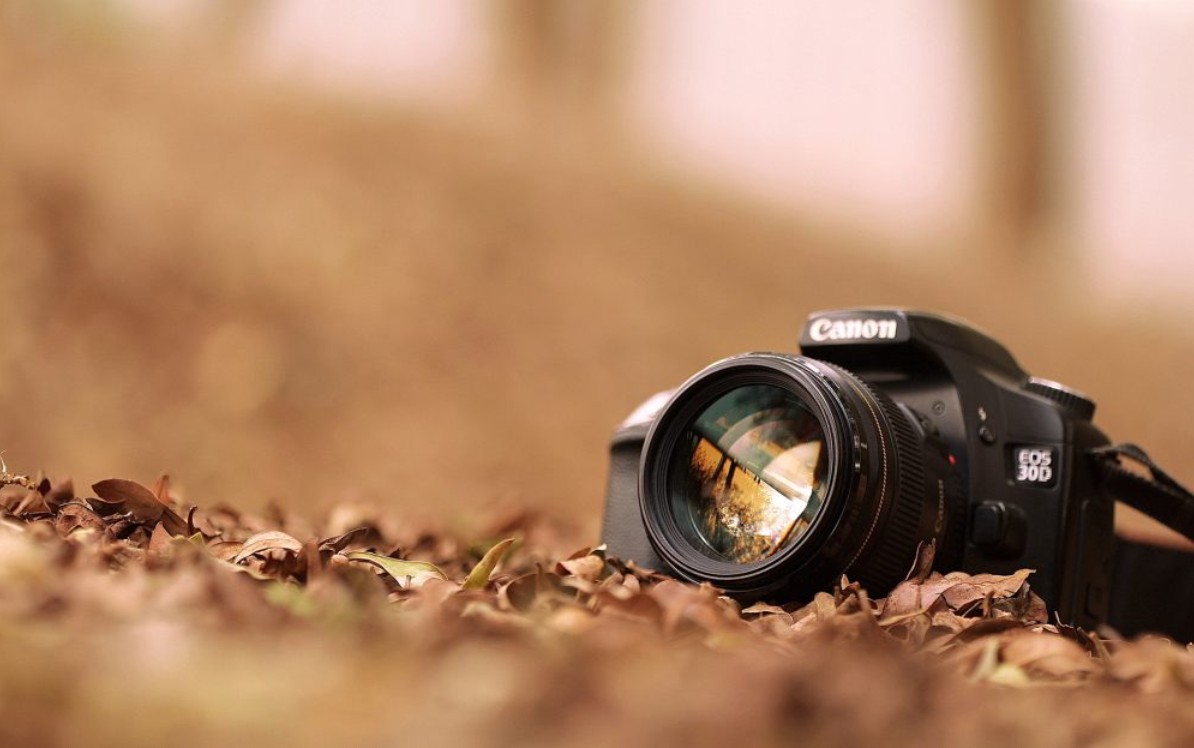
3.7. Combine correct posture and proper machine setup.
No single trick is effective if applied individually. Proper camera posture, a sufficiently fast shutter speed, appropriate ISO, and image stabilization activated must work together. When these elements combine, the likelihood of camera shake is minimized.
3.8. Develop the habit of using a camera from an early age.
Anti-shake control isn't a skill you learn in a single go. Practice it every time you hold a camera, even when shooting "unimportant" photos. Good habits will develop into a natural reflex, helping you shoot more steadily even in unexpected situations.
3.9. Self-assess your hand tremor limits.
Everyone has a different stabilization threshold. Try shooting the same scene at different shutter speeds to understand your limits. When you know how safely you can hold the camera steady, adjusting the settings becomes much more proactive and confident.
Reducing camera shake doesn't depend solely on expensive equipment or advanced image stabilization technology. The core issue lies in how you hold the camera, control your body, and understand your own limitations. By adjusting your posture, your shooting habits, and incorporating some simple tips, you can significantly improve the sharpness of handheld photos.
For designers and visual artists, steady hand control not only results in sharper images but also gives you more freedom in telling stories through visuals, without being limited by equipment or lighting conditions. When you control shaky hands, you're taking a crucial step towards mastering photography.





















VIP Products








Best Selling Products
MidJourney Account
29 USD
Capcut Pro 1 Year
39 USD
Adobe Premiere Pro Account
99 USD
Upgrade Genuine Office 365
49 USD
Plugin Retouch4me
69 USD
Autodesk All App Account Copyright
120 USD
Windows 10 & 11 Pro Key
36 USD
Genuine Cheap Canva Pro
39 USD
Upgrade genuine Capture One account
120 USD
Freepik Premium Account
59 USD
Copyright Adobe Lightroom Account
59 USD
Adobe Photoshop Copyright - Full App
120 USD
ChatGPT Plus Account (GPT-4)
16 USD
Upgrade Duolingo Super
29 USD
Genuine Adobe Illustrator account
99 USD