Best Selling Products

Plugin Retouch4me
69 USD

Upgrade Genuine Office 365
49 USD

Upgrade genuine Capture One account
120 USD

Genuine Adobe Illustrator account
99 USD

MidJourney Account
29 USD

Capcut Pro 1 Year
39 USD

Upgrade Duolingo Super
29 USD

Adobe Photoshop Copyright - Full App
120 USD

Genuine Cheap Canva Pro
39 USD

Adobe Premiere Pro Account
99 USD

ChatGPT Plus Account (GPT-4)
16 USD

Freepik Premium Account
59 USD

Windows 10 & 11 Pro Key
36 USD

Copyright Adobe Lightroom Account
59 USD

Autodesk All App Account Copyright
120 USD
Without security updates, Windows 10 becomes an easy target for hackers.
Nội dung
- 1. Do this immediately if you are using Windows 10 and don't want to lose all your data.
- 2. Microsoft "gives up" on Windows 10, hackers secretly rejoice.
- 3. The "narrow window of opportunity" called ESU: A temporary solution or a short-term lifeline?
- 4. Windows 10 still has hundreds of millions of users.
- 5. Essential layers of defense
The demise of Windows 10 is more than just an operating system upgrade. It's a wake-up call about the security of personal data, accounts, and digital resources. What can users do to protect themselves now that Microsoft's shield has disappeared?
In the tech world, few operating systems have left such a profound mark as Windows 10. Launched with the mission of unifying the Windows user experience, Windows 10 was once called by Microsoft "the last version of Windows," a platform that would be continuously updated and improved over time. Hundreds of millions of individual users, small businesses, design studios, and even educational institutions have become familiar with Windows 10 as a part of their daily work.
However, that era has officially come to an end.
In mid-October, Microsoft confirmed it would end support for Windows 10, a strategic move that nonetheless caused widespread concern among users worldwide. Millions of PCs that had been functioning stably suddenly found themselves "abandoned," no longer receiving crucial security patches.
The issue isn't whether the computer will continue to turn on, but rather: without security updates, every Windows 10 PC becomes a wide-open door for hackers. In a context where personal data, bank accounts, creative resources, and work information are all stored digitally, this risk is no longer theoretical, but a real, everyday threat. So, if you're still using Windows 10 and can't or don't want to upgrade, what really awaits you? And more importantly, what can you do to protect yourself now that Microsoft's official "shield" is gone?
1. Do this immediately if you are using Windows 10 and don't want to lose all your data.
Microsoft's decision to end support for Windows 10 in mid-October wasn't a shock to industry experts, but it was a major blow to the morale of the average user. In a brief announcement, Microsoft confirmed that Windows 10 would no longer receive regular security updates, meaning that any vulnerabilities discovered after this point would not be patched in a timely manner.
The worrying thing is that most Windows 10 users don't immediately notice this change. Their computers still boot up normally, software runs smoothly, and design, video editing, and programming work continues as usual. This feeling of "everything is fine" leads many to become complacent, unaware that they are entering a dangerous area in terms of cybersecurity.
Microsoft has offered rather blunt advice, even considered "cold" by many: users should upgrade to Windows 11 or buy a new computer if their current device doesn't meet the hardware requirements. With rising prices for RAM, SSDs, and other components, along with the barriers of TPM 2.0 and newer CPUs, not everyone is willing or able to afford the upgrade.
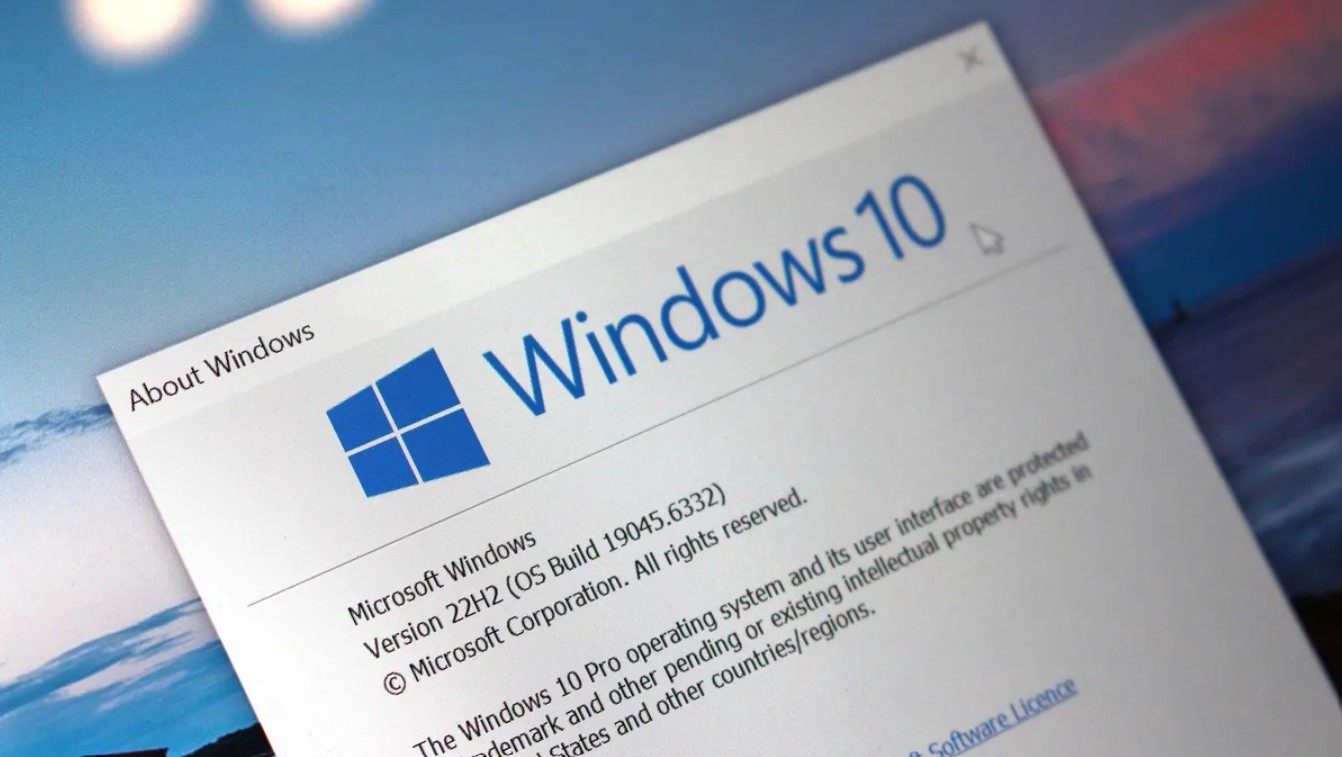
For many creative professionals, designers, freelancers, and small business owners, computers are more than just technological devices; they are essential tools for earning a living. Changing operating systems or investing in new machines isn't simply an "upgrade," but entails a host of hidden costs: licensed software, plugin compatibility, time spent reacquainting with workflows, and even the risk of data loss if the transition isn't smooth.
Therefore, the real question isn't "should we upgrade or not," but rather: if upgrading isn't possible right now, what can Windows 10 users do to avoid becoming targets for hackers?
2. Microsoft "gives up" on Windows 10, hackers secretly rejoice.
The biggest difference after October 14th wasn't that Windows 10 stopped working, but the eerie silence from the update system. If you open Windows Update at this time, you'll most likely see the chilling message: "Your device is no longer receiving security updates . "
This isn't just a technical statement. It's a clear declaration that Microsoft has withdrawn from the fight to protect Windows 10 users from new threats. In cybersecurity, the battle between security experts and hackers is a never-ending race. When a vulnerability is discovered, the defender must patch it as quickly as possible before the attacker can exploit it.
When Microsoft stopped patching the vulnerabilities, the balance tipped heavily in favor of hackers.
Zero-day vulnerabilities are a nightmare for any operating system. Previously, Windows 10 was protected by emergency updates. Now, if a zero-day vulnerability appears, Windows 10 users have virtually no formal defense, unless it's a global security catastrophe forcing Microsoft to intervene exceptionally.
For hackers, this is a gold mine. They can focus on exploiting long-standing vulnerabilities, building stable attack tools, and targeting Windows 10 users directly.
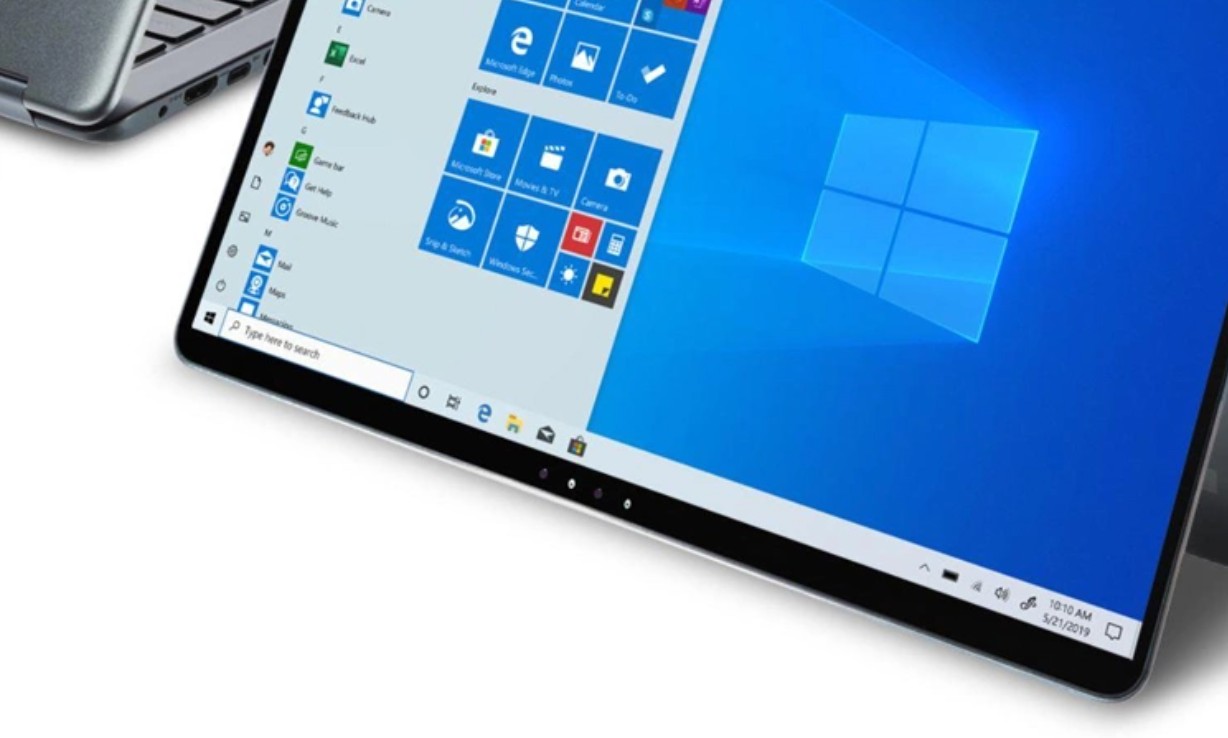
Beyond security risks, sticking with Windows 10 also entails software and hardware compatibility issues. Many professional applications, from programming environments like Visual Studio to communication tools like Microsoft Teams and graphics software, have begun prioritizing Windows 11. Newer generation peripherals, including 3D printers, drawing tablets, and AR/VR devices, are also gradually ceasing to provide drivers for Windows 10.
In the long run, users will be trapped in an outdated, unupdated, and increasingly vulnerable ecosystem.
3. The "narrow window of opportunity" called ESU: A temporary solution or a short-term lifeline?
Despite being criticized for "letting go," Microsoft still leaves a small way out for those not ready to abandon Windows 10: the Extended Security Updates (ESU) program. This is an extended security update package that allows users to continue receiving security patches for a limited time.
However, it's important to understand the nature of ESU. It's not a full support update, but rather a measure to prolong the life of an operating system that has passed its prime. ESU doesn't introduce any new features, improve performance, or enhance the user experience. It simply provides patches to address the most critical vulnerabilities.
For individual users, ESU only lasts for one year. After this time, Windows 10 will be completely abandoned. This means that ESU is only suitable for those who need more time to prepare for an upgrade, not as a long-term solution.
Meanwhile, the cost and approach of ESU to individual users remain major barriers, causing many to choose to "live with the problem" without purchasing the plan.
4. Windows 10 still has hundreds of millions of users.
According to StatCounter data, Windows 10 currently still accounts for approximately 42.7% of the global market share, second only to Windows 11 with 53.7%. This figure reveals a worrying reality: nearly half of Windows users are using an operating system that is no longer adequately protected.
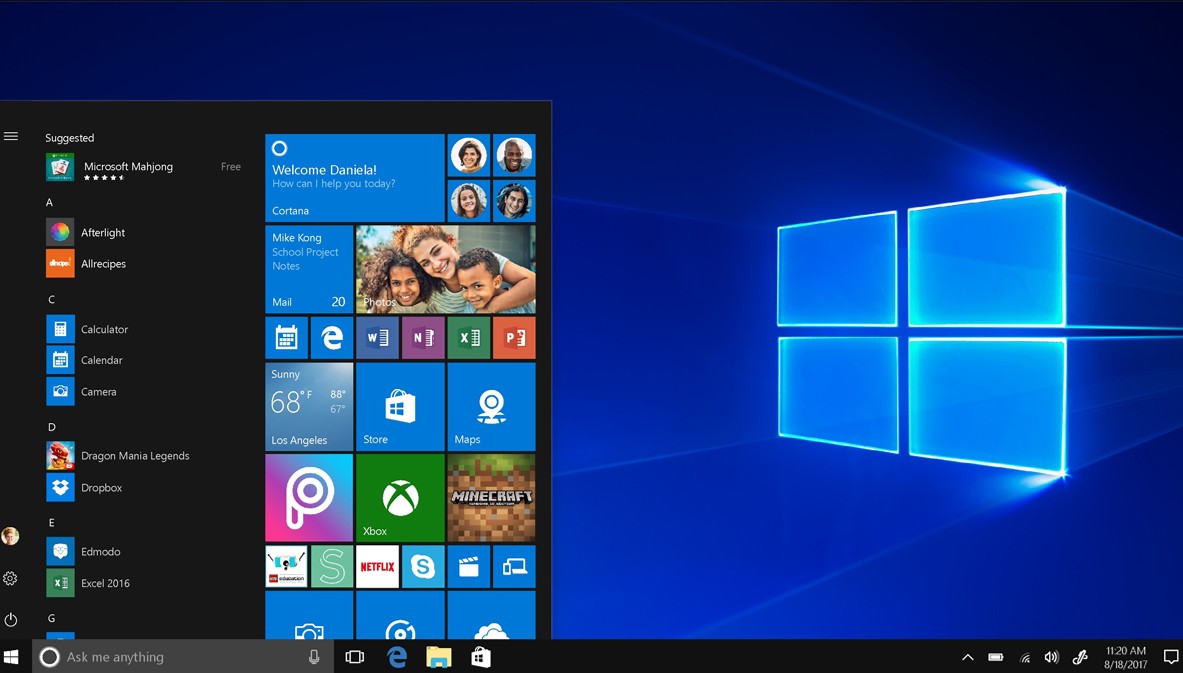
For hackers, a large user base means the potential for mass exploitation. With just one effective vulnerability, they can launch widespread attacks, targeting everyone from individual users to small businesses that haven't yet upgraded their systems.
In this context, if users decide to continue using Windows 10 without purchasing ESU, they are forced to equip themselves with protective measures. This is no longer an option, but a mandatory condition for safe survival in the risky digital environment.
5. Essential layers of defense
The first and most important thing is not to rely solely on the default Windows Defender, even though Microsoft is committed to updating its malware detection data until 2028. Windows Defender works well when the operating system is still patched. But when the operating system itself has unpatched vulnerabilities, a single antivirus program can hardly provide comprehensive protection.
Users should consider installing a robust third-party security solution, including anomaly detection capabilities, a private firewall, and real-time protection mechanisms. These layers of defense help prevent system vulnerability exploitation from the outset, rather than only dealing with the consequences after malware has already infiltrated the system.
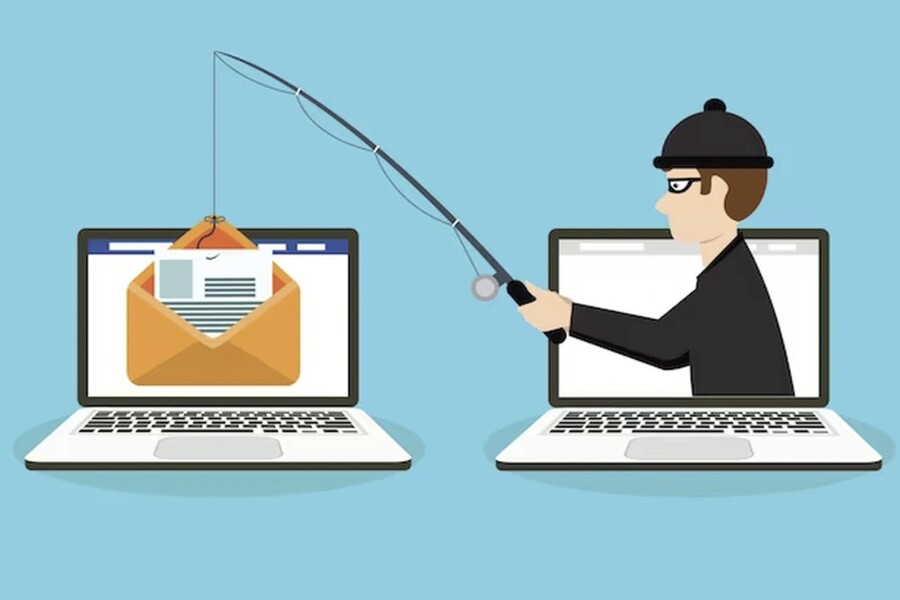
At the same time, the human element remains the most crucial link. High vigilance against suspicious links, phishing emails, and attachments from unknown sources is mandatory. Most successful attacks don't stem from sophisticated techniques, but rather from user negligence.
Using a VPN has become more necessary than ever, especially when working remotely or accessing public networks. A VPN creates a barrier between your computer and the internet, encrypting transmitted data and reducing the risk of surveillance and man-in-the-middle attacks.
Equally important is the habit of backing up your data regularly. When all other defenses can be bypassed, a clean backup is the last lifeline. An external hard drive or a reliable cloud storage service can save you from the disaster of irrecoverable data loss.
For designers, the risks of a hack extend beyond simply losing files. It could include losing access to your Adobe account, losing font and preset resources, or even having your unpublished creative ideas stolen. For freelancers, a security incident could mean loss of reputation, lost clients, and disrupted income.
Windows 10 used to be a stable platform for many creative workflows. But when that platform is no longer protected, all the advantages of stability become fragile. Proactively protecting the system is not just a technical issue, but a strategy for protecting one's career.
Microsoft has officially closed the Windows 10 chapter, and whether they like it or not, users must face the reality that their familiar security "shield" is gone. Hackers don't wait, and every day that passes without proper protection is a day the risk increases.
If you can't upgrade to Windows 11 or buy a new computer, Windows 10 users must be more proactive than ever: invest in security, change your usage habits, and prepare backup and recovery plans for your data. This isn't a luxury, but a minimum requirement for safe survival in the digital age.





















VIP Products








Best Selling Products
Plugin Retouch4me
69 USD
Upgrade Genuine Office 365
49 USD
Upgrade genuine Capture One account
120 USD
Genuine Adobe Illustrator account
99 USD
MidJourney Account
29 USD
Capcut Pro 1 Year
39 USD
Upgrade Duolingo Super
29 USD
Adobe Photoshop Copyright - Full App
120 USD
Genuine Cheap Canva Pro
39 USD
Adobe Premiere Pro Account
99 USD
ChatGPT Plus Account (GPT-4)
16 USD
Freepik Premium Account
59 USD
Windows 10 & 11 Pro Key
36 USD
Copyright Adobe Lightroom Account
59 USD
Autodesk All App Account Copyright
120 USD