Best Selling Products

Adobe Premiere Pro Account
99 USD

Upgrade Genuine Office 365
49 USD

Genuine Cheap Canva Pro
39 USD

Copyright Adobe Lightroom Account
59 USD

Plugin Retouch4me
69 USD

Windows 10 & 11 Pro Key
36 USD

Upgrade Duolingo Super
29 USD

Adobe Photoshop Copyright - Full App
120 USD

Freepik Premium Account
59 USD

ChatGPT Plus Account (GPT-4)
16 USD

MidJourney Account
29 USD

Capcut Pro 1 Year
39 USD

Genuine Adobe Illustrator account
99 USD

Autodesk All App Account Copyright
120 USD

Upgrade genuine Capture One account
120 USD
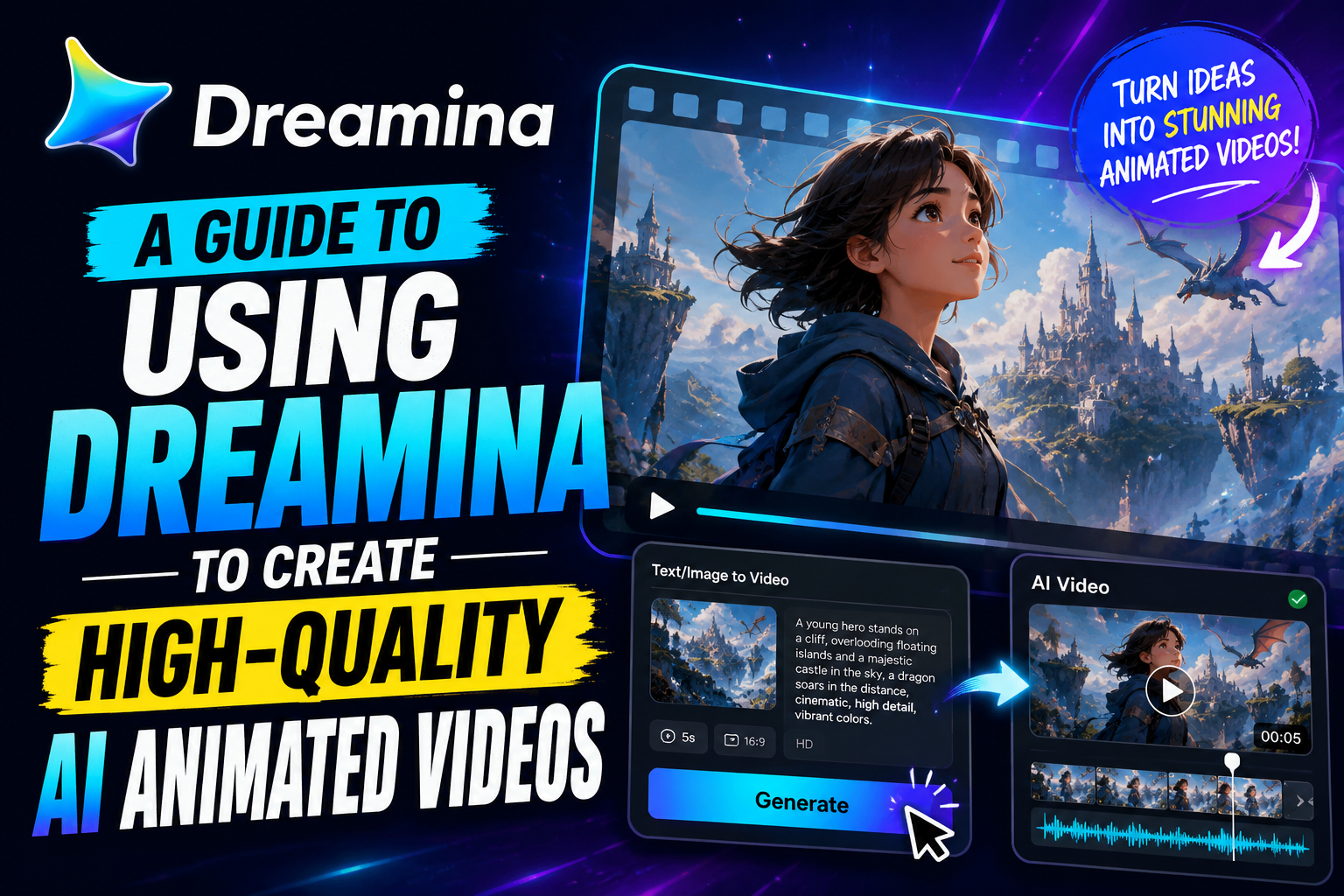
A guide to using Dreamina to create high-quality AI animated videos.
Nội dung
- 1. Dreamina updates to Seedance 2.5 for more powerful AI video creation capabilities.
- 2. Features of the Dreamina animation video creation tool
- 2.1. Convert text into lively animated video
- 2.2. Transforming still images into animated videos
- 2.3. Enhance your video with intelligent AI tools.
- 3. Benefits of using Dreamina to create animated videos
- 3.1. Significantly reduce the creation time.
- 3.2. Easy to use even if you don't know how to do animation.
- 3.3. Enhancing the appeal of storytelling content
- 4. Practical applications of Dreamina
- 4.1. Video tutorials and customer service
- 4.2. Developing the game's storyline
- 4.3. Production of animated films and web series
- 5. Instructions for using the Dreamina animation video creation tool
- 6. Conclusion
Dreamina is a modern AI animation video creation tool that transforms text and images into vibrant, professional-quality videos.
1. Dreamina updates to Seedance 2.5 for more powerful AI video creation capabilities.
One of Dreamina's most significant upgrades is the integration of ByteDance's next-generation Seedance 2.5 AI video creation model, which enhances image quality, motion control, and video output stability. This is not just a technological upgrade but also significantly expands AI-powered content creation capabilities, making Dreamina a suitable platform for both individual users and professional content production teams.
Compared to previous versions, Seedance 2.5 supports creating longer and more seamless footage, up to 30 seconds in standard mode. For projects requiring storytelling or multi-scene advertising, the longer duration helps the AI maintain the content flow better, minimizing abrupt changes in characters or backgrounds between frames.
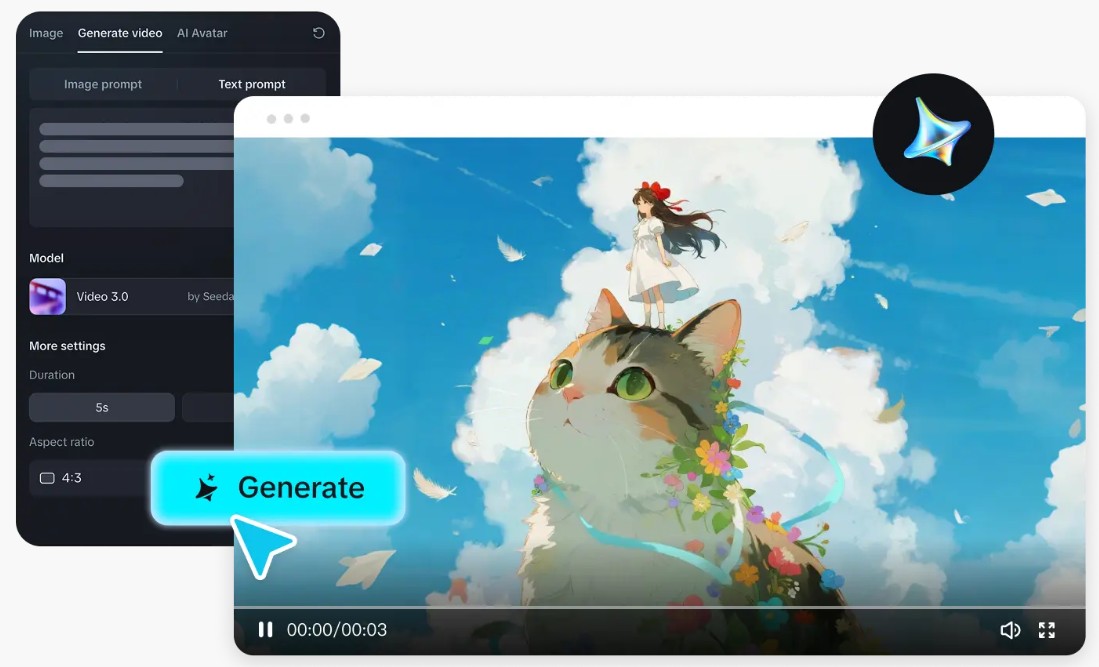
Another notable improvement is the ability to handle multimodal references . Users can combine text, images, video references, and various other data types so that the AI can accurately understand the creative idea. By receiving multiple sources of information simultaneously, Seedance 2.5 can recreate characters, visual styles, colors, and movements more accurately, significantly reducing the need for rework.
Beyond its video creation capabilities, Seedance 2.5 also improves the post-production process with precise editing tools. Instead of having to re-edit the entire video if a detail is incorrect, users can edit individual areas while maintaining the composition, lighting, motion, and continuity of the entire scene. This significantly saves production time, especially for advertising videos or e-commerce content that requires multiple edits.
2. Features of the Dreamina animation video creation tool
2.1. Convert text into lively animated video
Dreamina is equipped with advanced Text-to-Video technology , allowing users to create animated videos using only a text description. This is a suitable solution for those with many creative ideas but lacking filmmaking or animation design skills.
After the user enters the prompt, the AI analyzes the entire content to identify the characters, environment, art style, actions, emotions, lighting, and camera movement. Based on this data, the system automatically builds a complete animated video with a logical composition, smooth motion, and cinematic effects.
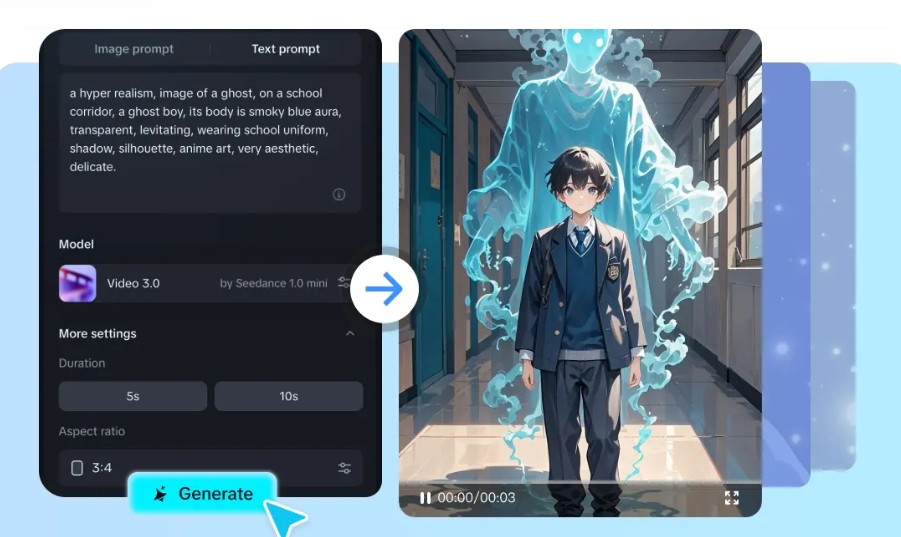
For example, if you input a prompt describing a young witch exploring a forest under moonlight with a magic book in hand, Dreamina will automatically create a glowing forest setting, the main character, moonlight effects, camera movements, and appropriate expressions to produce an emotionally rich animated film.
Thanks to its increasingly sophisticated contextual understanding, Dreamina significantly shortens the gap between idea and final product, while also reducing editing time compared to traditional animation production methods.
2.2. Transforming still images into animated videos
Besides the Text to Video feature, Dreamina also supports Image to Video , allowing you to convert a static image into an animated video with natural movement.
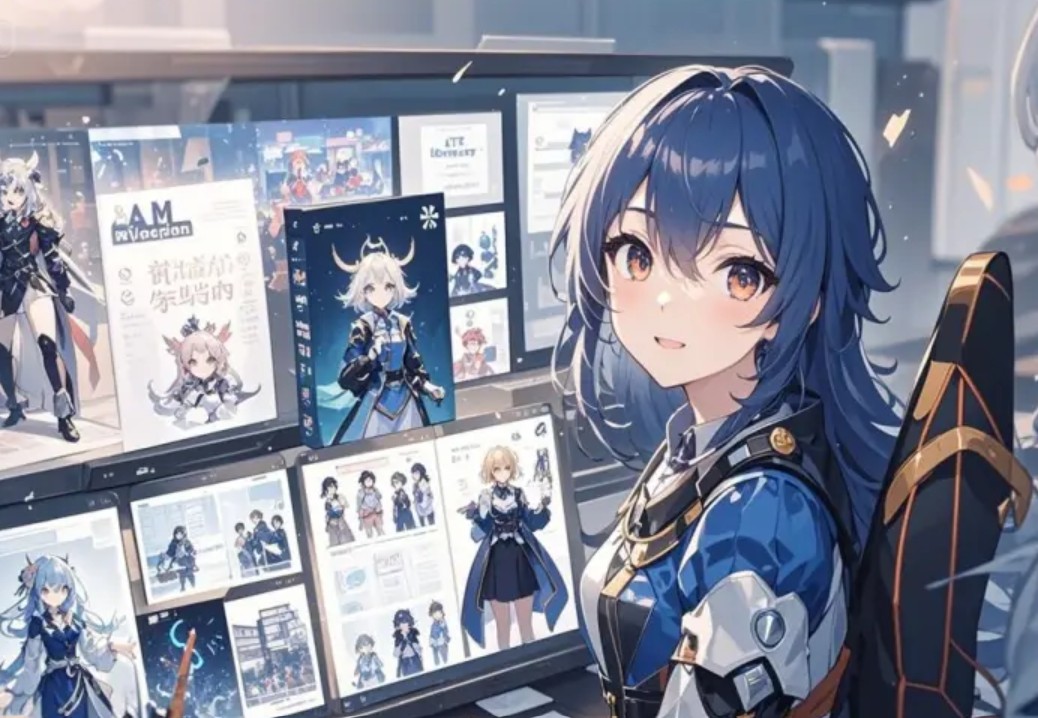
After users upload illustrations or cartoon characters, AI analyzes every detail in the image, such as posture, facial expressions, clothing, background, and the relationships between objects. From there, the system adds body movements, environmental effects, camera angles, and animations to give the impression that the picture is actually moving.
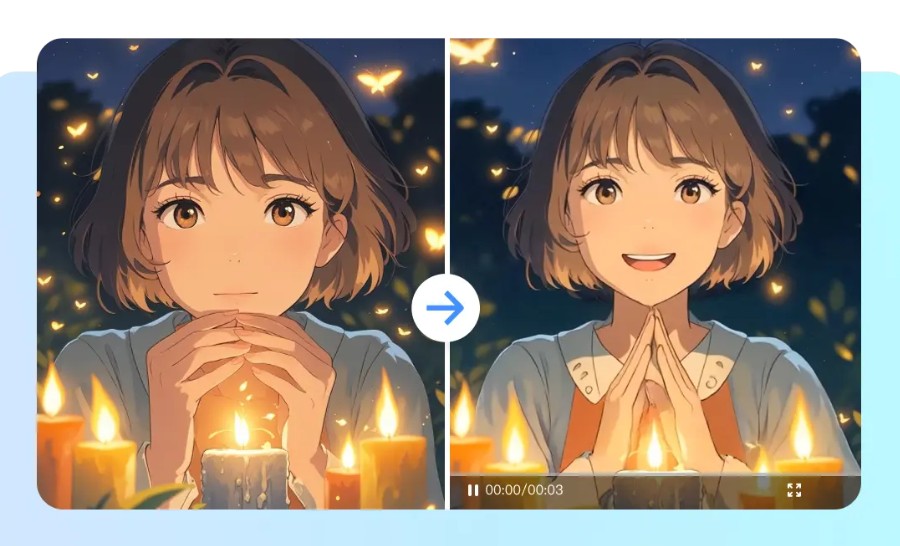
This feature is particularly suitable for illustrators, character designers, comic book authors, content creators, or businesses that want to reuse product images in promotional videos without having to create animation from scratch.
Transforming a still image into a video in just a few minutes saves a significant amount of time compared to traditional animation processes, while also opening up many new creative opportunities for users.
2.3. Enhance your video with intelligent AI tools.
After creating the video, Dreamina also integrates various AI tools to assist in editing and enhancing the quality of the final product directly on the platform.
Frame Interpolation adds intermediate frames to smooth motion, making videos look more natural and professional. HD Upscale increases resolution and improves sharpness, suitable for exporting high-quality videos for YouTube or advertising campaigns.
Additionally, Dreamina offers a Soundtrack Generator feature , allowing AI to automatically create background music that matches the content and mood of the video. This eliminates the need for users to search for external background music while still achieving a complete product.
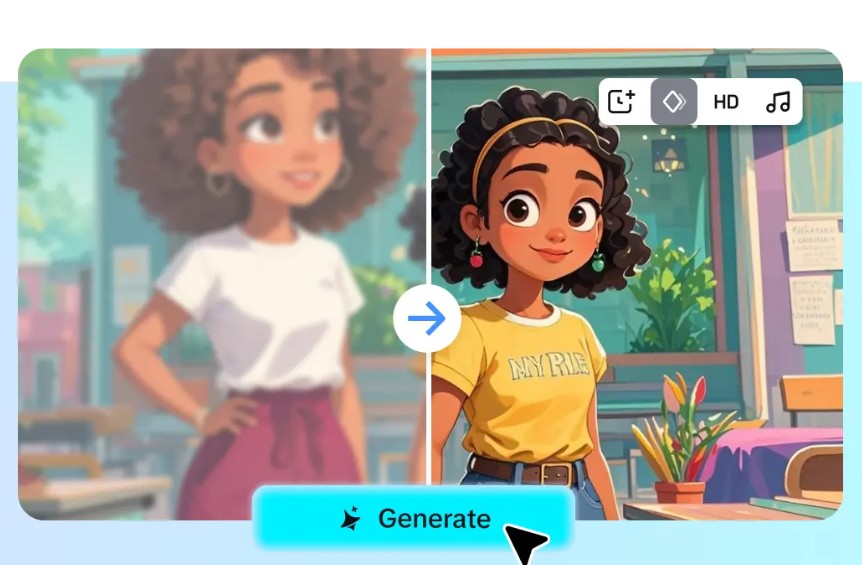
If you want to extend the video, the Add 3s feature will seamlessly add three seconds of content, preserving the visual style and motion. Users can also use the Reprompt or Regenerate tools to adjust the idea or recreate the video with a different result without starting from scratch.
These AI tools help Dreamina become a self-contained ecosystem, supporting both the creation and completion of animated videos without the need for additional external editing software.
3. Benefits of using Dreamina to create animated videos
3.1. Significantly reduce the creation time.
The traditional animation production process typically involves multiple stages such as scriptwriting, character design, storyboard creation, animation, effects, and video rendering. Each step requires time and specialized skills.
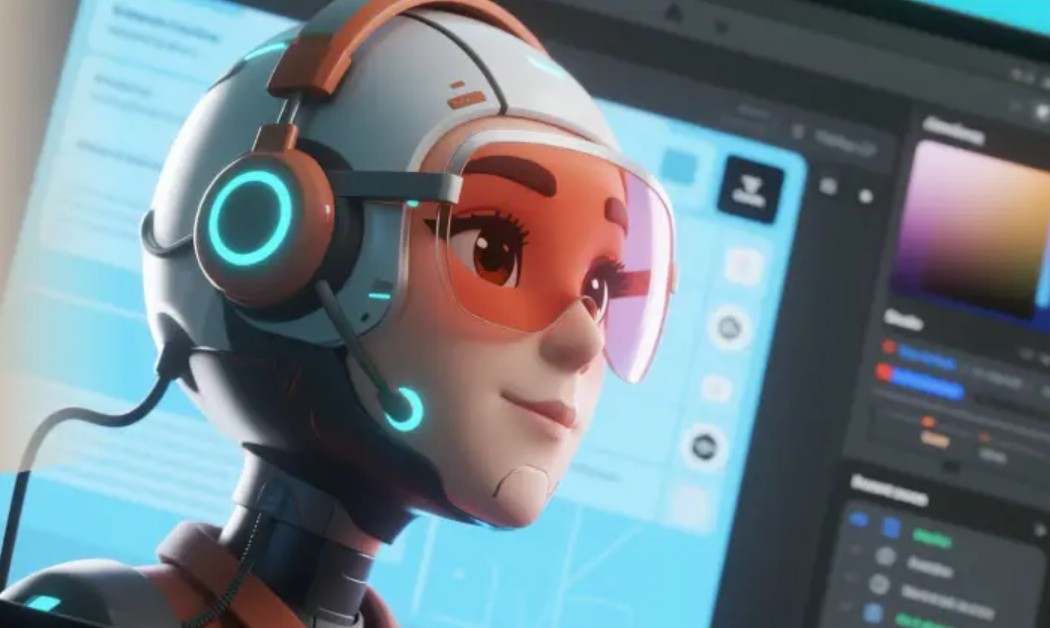
Dreamina automates much of this process using AI. Simply input a prompt or upload a reference image, and the system can quickly generate an animated video in just minutes. This allows creators to focus on developing ideas, content, and messaging instead of dealing with complex technical operations.
3.2. Easy to use even if you don't know how to do animation.
One of Dreamina's biggest advantages is its accessibility to all types of users.
You don't need to know character rigging, keyframe animation, scene creation, or professional graphic design software. The intuitive interface combined with AI makes the entire video creation process simple, even for beginners.
This helps teachers create visual lessons, small businesses build promotional videos, online sellers showcase products, and content creators produce social media videos at a low cost while maintaining professionalism.
3.3. Enhancing the appeal of storytelling content
Animation has always been a form of content delivery that can strongly attract viewers thanks to its vivid imagery and its ability to express ideas that would be difficult to achieve with traditional filming.
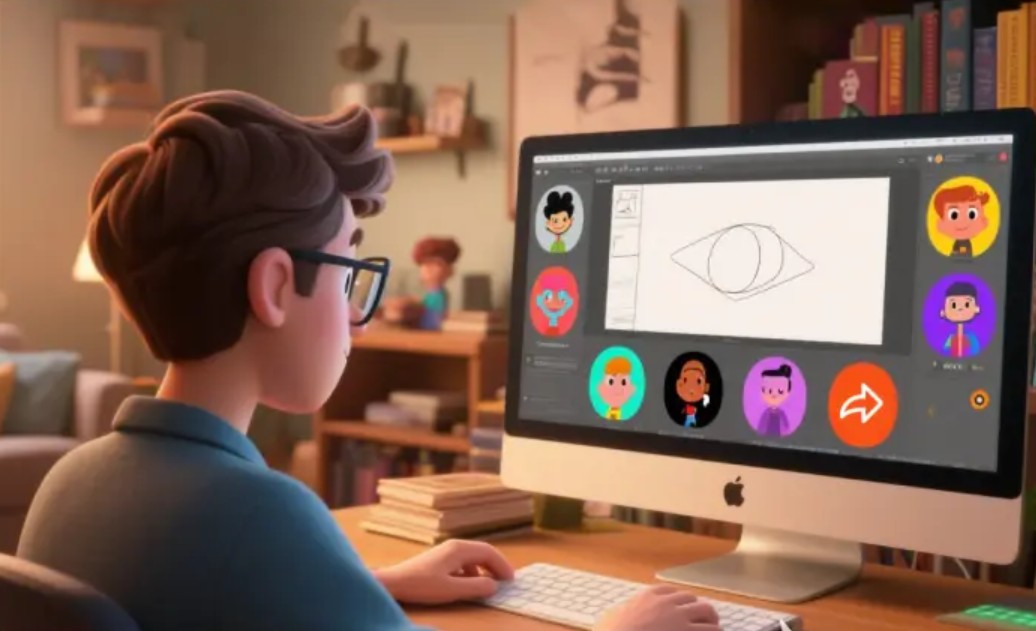
Dreamina allows users to control characters, visual style, background, and movement through a prompt, helping to create engaging and emotionally rich stories. Whether it's a brand promotional video, an educational lecture, entertainment content, or a web series, the AI helps build highly consistent footage, making it easy for viewers to follow and remember the message.
4. Practical applications of Dreamina
4.1. Video tutorials and customer service
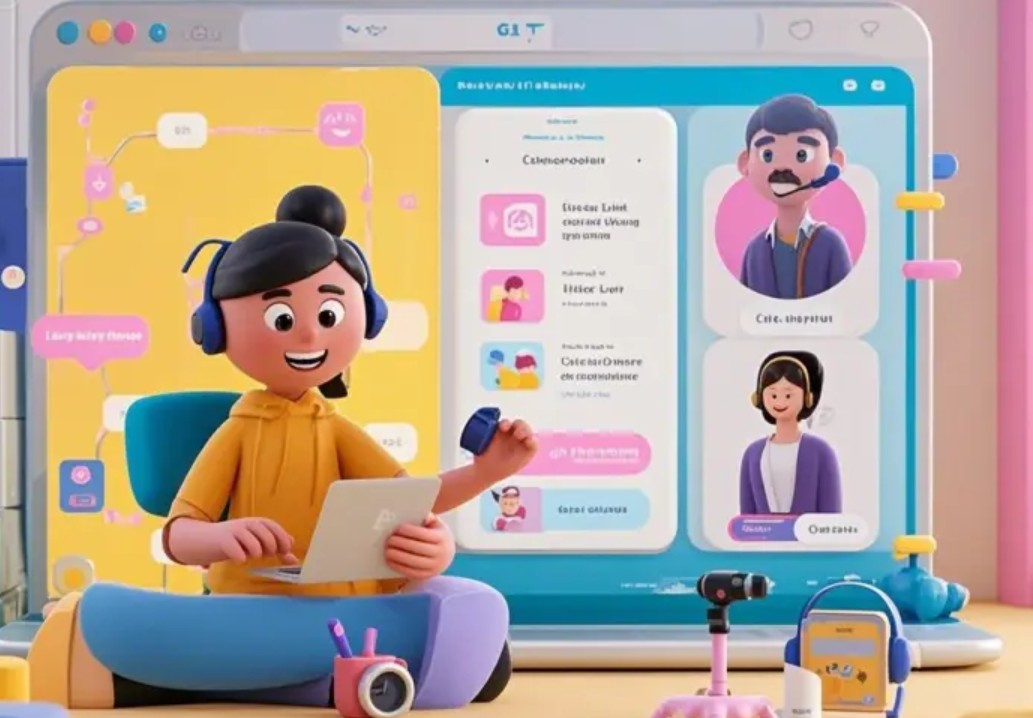
Dreamina helps businesses transform dry instruction manuals into visually engaging and dynamic animated videos. Instead of having customers read lengthy instructions or view text-heavy documents, businesses can use animated characters to illustrate each step. This makes information easier to grasp, reduces the number of support requests, and enhances the customer experience. Instructional videos can also be used effectively for employee training, work process introductions, or product usage demonstrations.
4.2. Developing the game's storyline
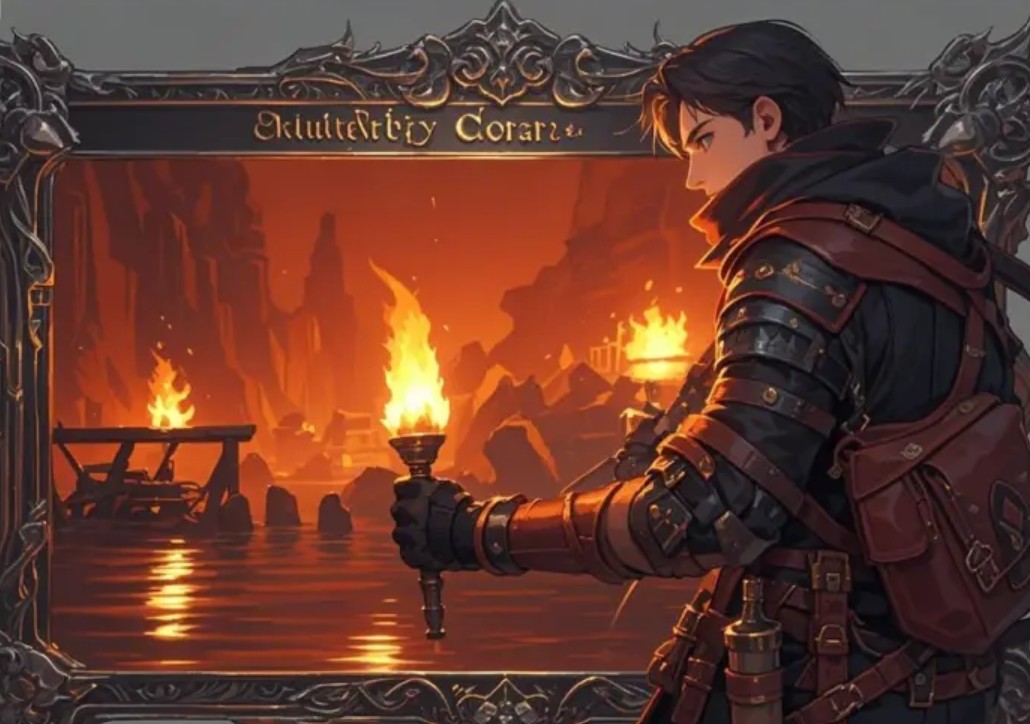
Dreamina is a useful tool for game developers when building storylines or creating cutscenes. AI can assist in creating videos introducing the game world, telling the story of the main character, simulating battles, or building game opening and ending sequences. Thanks to its ability to maintain consistency in character and movement, Dreamina helps independent studios create products with visual quality close to that of large-scale projects without investing excessive resources.
4.3. Production of animated films and web series
Dreamina is also a suitable solution for producing short animated films or web series. Users only need to prepare the script and character images, and the AI will assist in creating motion, staging scenes, visual effects, and building sequences according to the desired content. From fantasy and science fiction stories to children's films or YouTube entertainment videos, Dreamina can significantly shorten production time while still ensuring professional image quality.
5. Instructions for using the Dreamina animation video creation tool
Step 1: Write the prompt for the animation scene.
Log in to Dreamina.
Open the Video Generator app .
Press Generate .
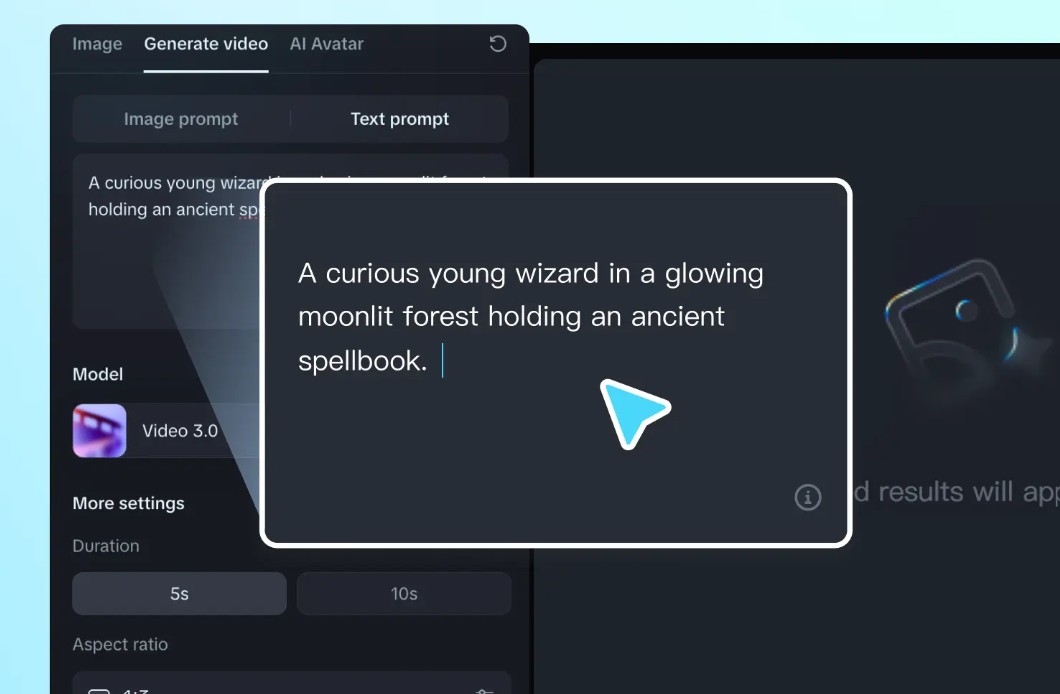
You can upload images or use the Text Prompt to enter a description.
Example prompt:
A curious young wizard in a moonlit glowing forest holding an ancient spellbook.
Prompts should clearly describe the characters, setting, actions, and emotions so that the AI can create more accurate videos.
Step 2: Create an animated video
After completing the prompt, select your desired AI model.
Continue by setting the video duration and aspect ratio appropriate for the platform being used:
-
9:16 for TikTok or YouTube Shorts.
-
16:9 for YouTube.
-
1:1 on Instagram.
If you create a video from images, Dreamina will automatically apply the appropriate aspect ratio to the input images.
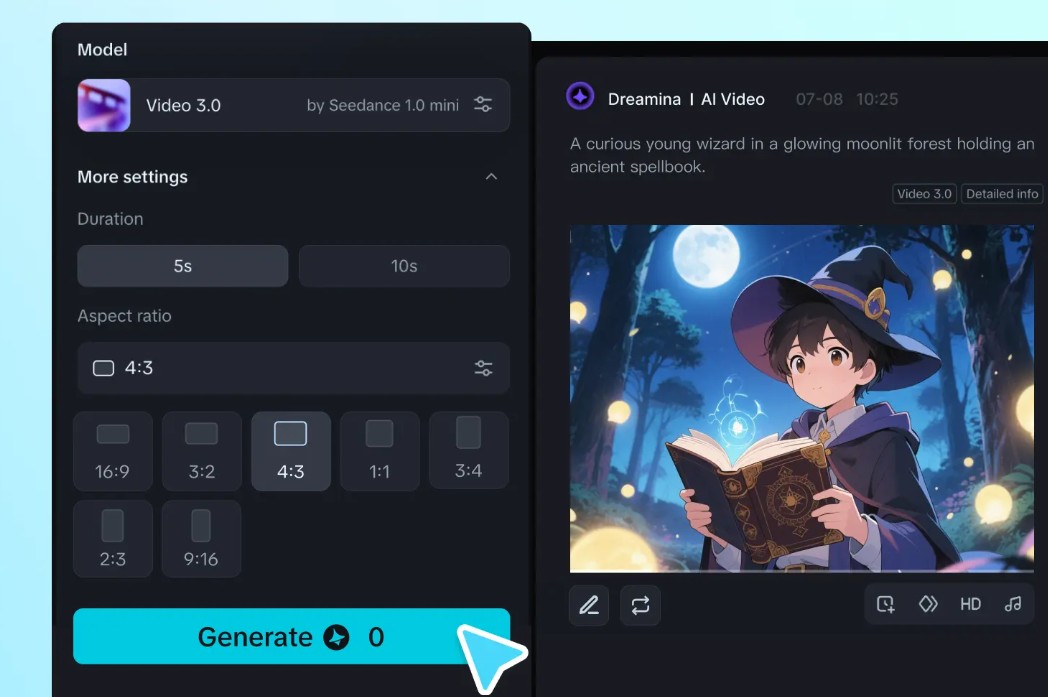
After completing the settings, press Generate to have the AI start creating the video.
Step 3: Upgrade and export the video
After a few seconds of processing, Dreamina will display the resulting video.
If you're satisfied, click the Download icon to download the video in MP4 format.
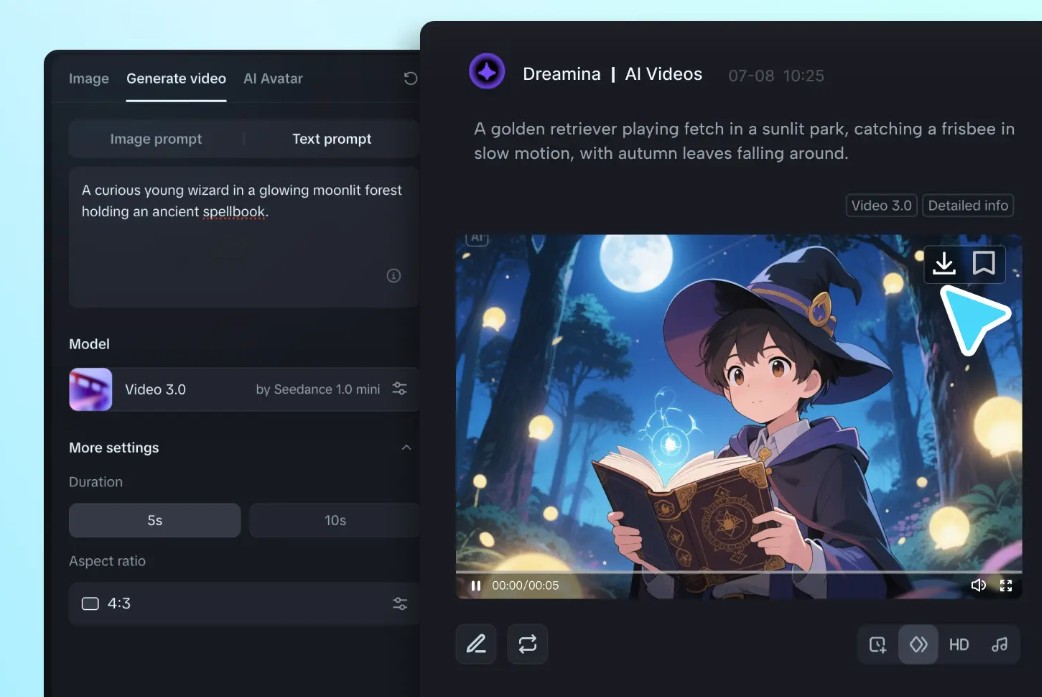
If you want to improve the quality, you can use tools like Frame Interpolation , HD Upscale , Reprompt , or Regenerate to recreate the video or enhance the image quality before publishing.
6. Conclusion
If you're looking for a fast, easy-to-use, and professional-quality animated video creation solution, Dreamina is a worthwhile option to bring your creative ideas to life without requiring extensive filmmaking or animation experience.





















VIP Products








Best Selling Products
Adobe Premiere Pro Account
99 USD
Upgrade Genuine Office 365
49 USD
Genuine Cheap Canva Pro
39 USD
Copyright Adobe Lightroom Account
59 USD
Plugin Retouch4me
69 USD
Windows 10 & 11 Pro Key
36 USD
Upgrade Duolingo Super
29 USD
Adobe Photoshop Copyright - Full App
120 USD
Freepik Premium Account
59 USD
ChatGPT Plus Account (GPT-4)
16 USD
MidJourney Account
29 USD
Capcut Pro 1 Year
39 USD
Genuine Adobe Illustrator account
99 USD
Autodesk All App Account Copyright
120 USD
Upgrade genuine Capture One account
120 USD