Best Selling Products

Freepik Premium Account
59 USD

Upgrade Duolingo Super
29 USD

Capcut Pro 1 Year
39 USD

Upgrade genuine Capture One account
120 USD

Genuine Cheap Canva Pro
39 USD

Autodesk All App Account Copyright
120 USD

MidJourney Account
29 USD

Upgrade Genuine Office 365
49 USD

ChatGPT Plus Account (GPT-4)
16 USD

Plugin Retouch4me
69 USD

Adobe Premiere Pro Account
99 USD

Genuine Adobe Illustrator account
99 USD

Adobe Photoshop Copyright - Full App
120 USD

Copyright Adobe Lightroom Account
59 USD

Windows 10 & 11 Pro Key
36 USD
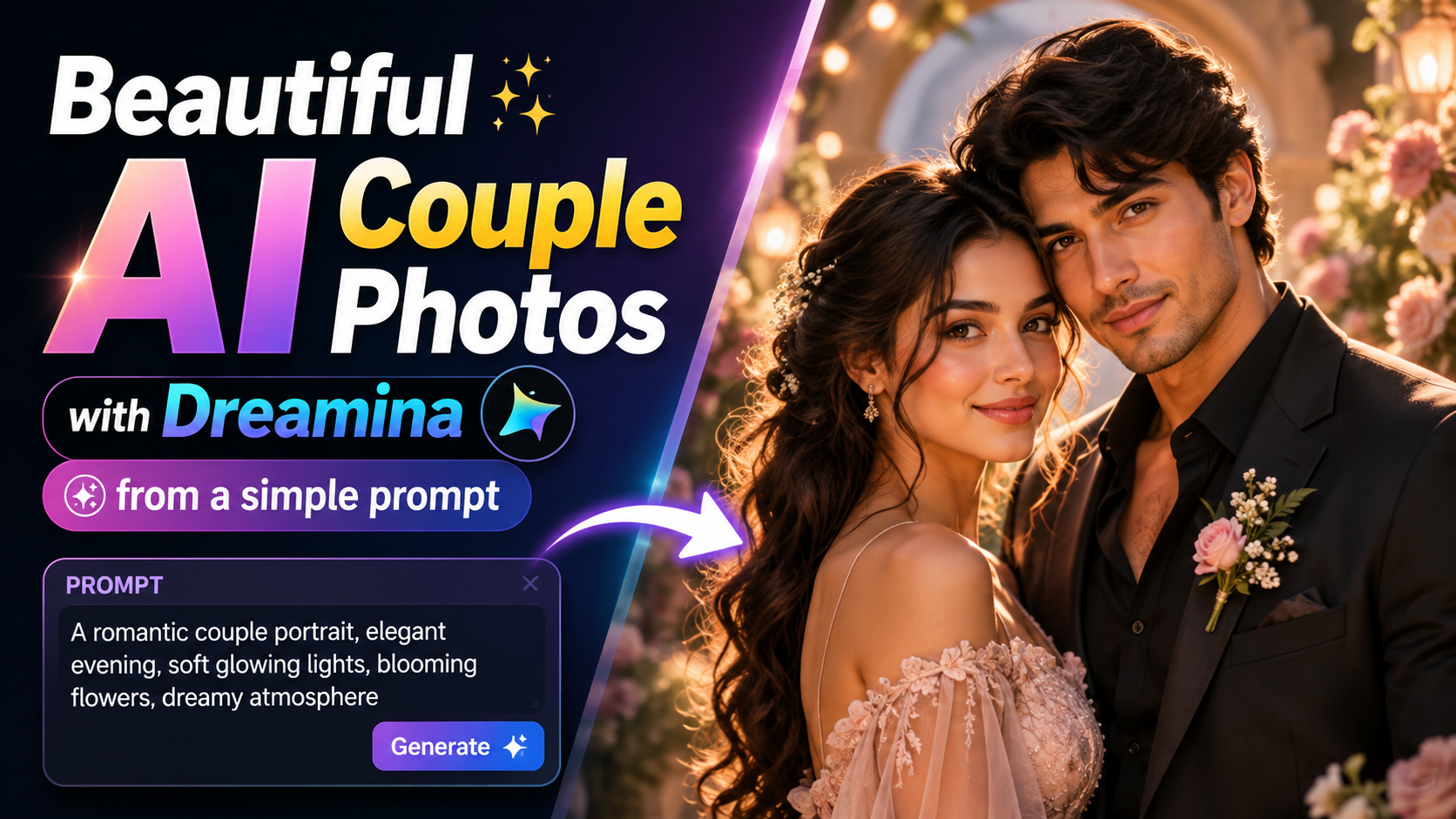
How to create beautiful AI couple photos with Dreamina from the simple prompt.
Nội dung
- 1. Use prompts to create couple photos.
- 1.1. Creating beautiful and natural couple portraits
- 1.2. Create couple photos in a creative setting.
- 1.3. Quickly create images for posting on social media.
- 2. Why should you use Dreamina to create AI photos for couples?
- 2.1. Controlling creativity through prompts
- 2.2. Generate original results by topic
- 2.3. Quick editing through multiple trials
- 3. How to create AI couple photos using Dreamina
- Step 1: Open Dreamina and enter your idea.
- Step 2: Add style and quality rules
- Step 3: Create images, compare, and refine.
- 4. Effective applications of prompt for couples
- 4.1. Social media posts and thumbnails
- 4.2. Moodboard and Style Experimentation
- 4.3. Building a prompt library
- 5. Conclusion
With Dreamina, you can build images from clear prompts, combining reference ideas and appropriate settings to create high-quality, on-topic, and unique photographs.
1. Use prompts to create couple photos.
If you're unsure where to start, you can refer to the three prompt templates below. Each prompt clearly describes the subject, image style, and output quality requirements. Simply copy and paste them into Dreamina, and the AI will generate images that accurately reflect your desired content, while minimizing the appearance of logos, text, or other unnecessary details.
1.1. Creating beautiful and natural couple portraits
Copy and use the following prompt verbatim:
"Create an original AI image of an adult couple in a safe, supportive pose, suitable for artistic, creative photography. Utilize clean lighting, strong focus on the subjects, realistic detail, no legible text, no logos, and no watermarks."
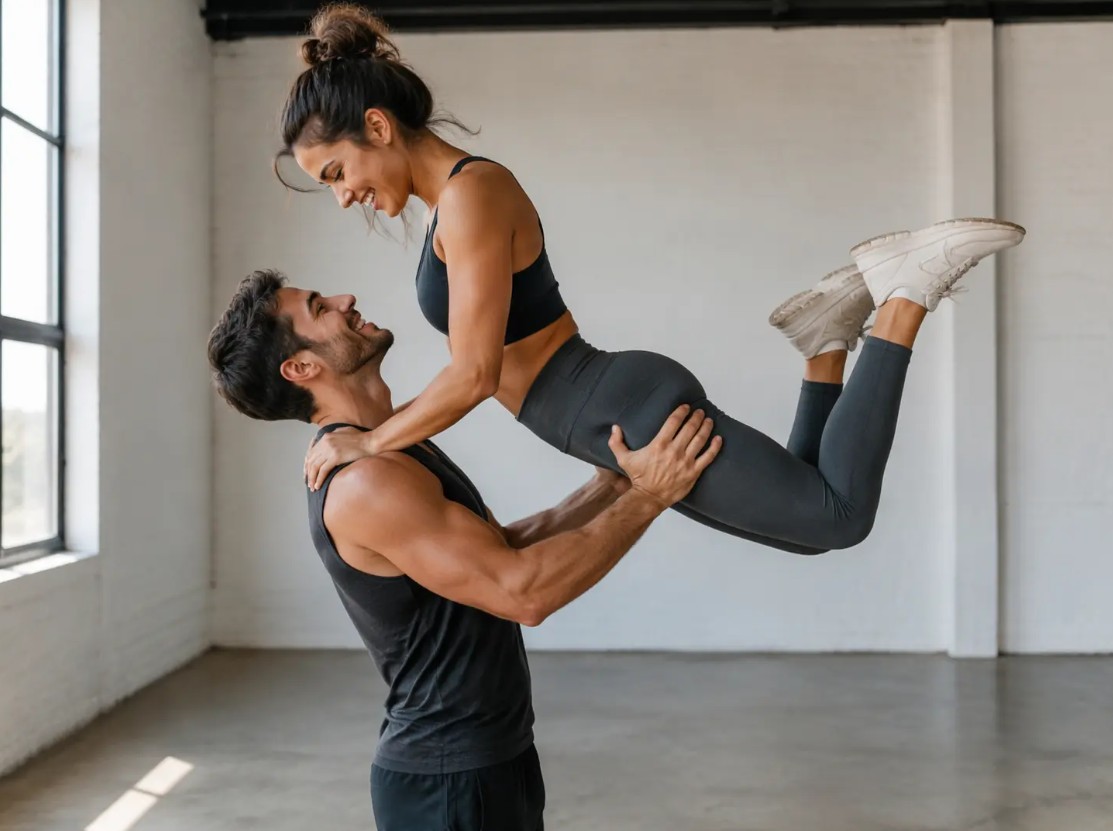
This prompt is suitable if you want to create high-quality portrait photos that emphasize the emotions and intimacy of the couple. The AI will prioritize natural light, sharp images, and realistic details to deliver professional results.
1.2. Create couple photos in a creative setting.
Copy and use the following prompt verbatim:
"Create an original AI image of an adult couple in an embrace, suitable for artistic creative photography. Use clean lighting, strong focus on the subjects, realistic detail, no readable text, no logos, and no watermarks."
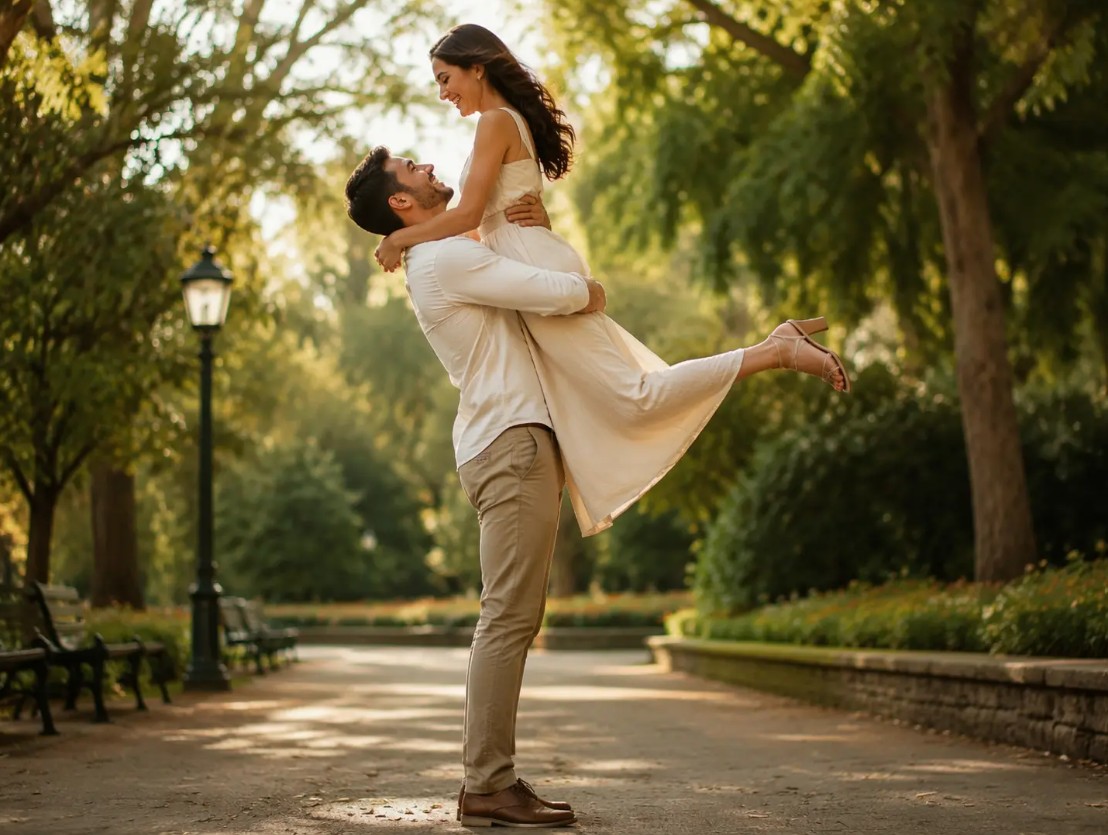
After adding the prompt, you can further add information about the desired setting, such as a beach at sunset, a cafe, a park, a night street, or a romantic scene. Additionally, you can change the color, style, or mood of the photo to create many unique versions.
1.3. Quickly create images for posting on social media.
Copy and use the following prompt verbatim:
"Creating original AI images of an adult couple with intimate gestures and activities."
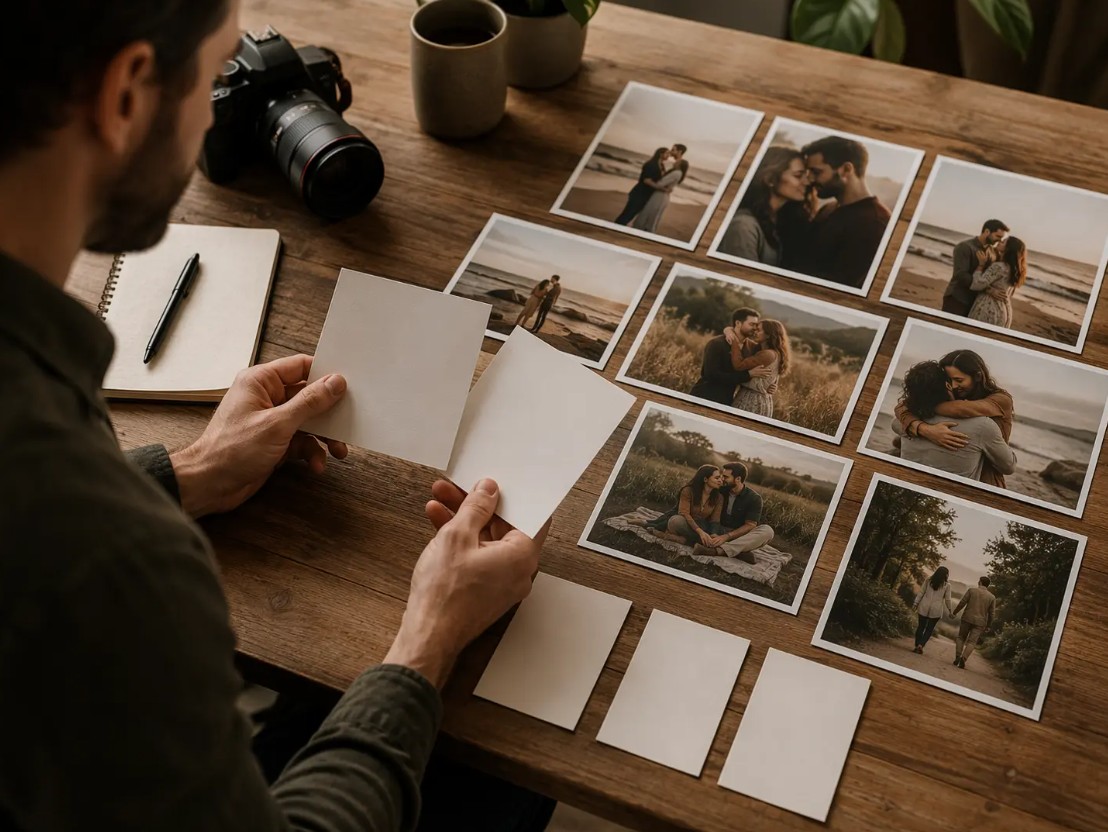
This is a concise prompt template, perfect for quickly generating images to get ideas or prepare images for Facebook, Instagram, TikTok, and other social media platforms. After the AI generates the image, you can further edit the prompt to refine the image to your desired style.
2. Why should you use Dreamina to create AI photos for couples?
Dreamina is an AI image creation tool that helps users transform ideas into high-quality images in just minutes. Thanks to its excellent prompt understanding and control over many elements in the image creation process, Dreamina delivers consistent, realistic results suitable for a wide range of content creation purposes.
In addition to creating beautiful images, the tool also supports users in continuously refining their ideas to perfect them without needing complex editing software.
2.1. Controlling creativity through prompts
Dreamina's standout strength lies in its ability to transform simple ideas into clearly defined images. Users can proactively describe characters, emotions, camera angles, lighting, backgrounds, colors, clothing, and artistic style right from the first prompt.
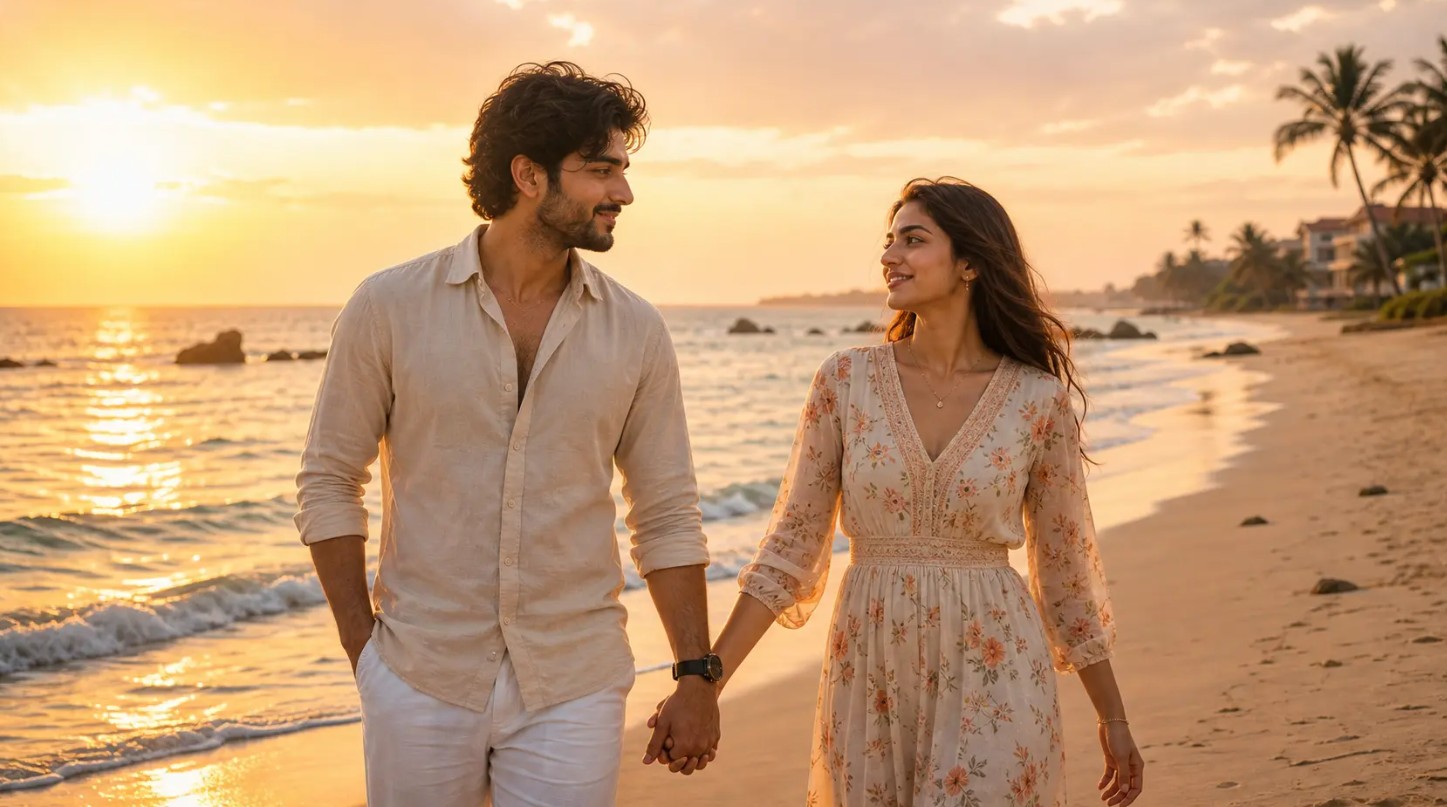
As a result, the AI will not generate random images but will focus on closely adhering to the user's requirements. You can also add rules such as not including text, logos, watermarks, or other aesthetically displeasing details to improve the output quality.
For content creators, this is an advantage that saves time in brainstorming while still ensuring professional-looking images ready for various purposes.
2.2. Generate original results by topic
Each prompt can be developed from a short idea into a more detailed description so that the AI understands exactly what it needs to create.
Dreamina allows experimentation with various camera angles, compositions, color schemes, props, artistic styles, and settings while maintaining overall image consistency. At the same time, the tool minimizes the appearance of unnecessary logos, readable text, or fake interfaces.

Thanks to this control, creators can quickly produce many images with their own unique style, avoiding the feel of stock photos and tailoring them to each communication campaign, article, or design project.
2.3. Quick editing through multiple trials
The first attempt at creating an image doesn't always yield perfect results. Dreamina supports multiple prompt edits, allowing users to continuously improve their images without having to start from scratch.
You can adjust every detail, such as facial expression, perspective, color, lighting, realism, depth of field, or cinematic quality, to create a more refined version. If unwanted details appear, such as text, logos, or extraneous objects, simply add the requirements to the prompt and recreate the image.
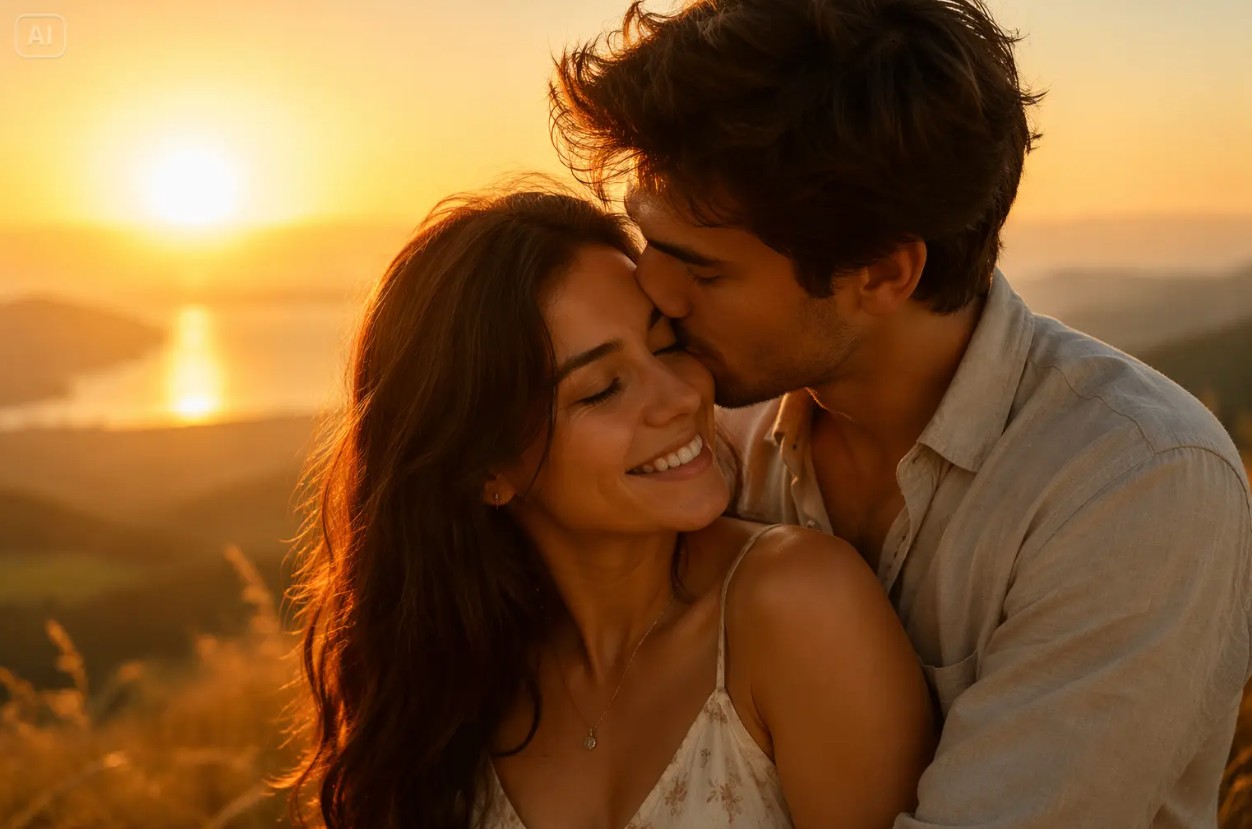
Dreamina's repeatability and rapid optimization capabilities make it particularly suitable for those who frequently produce digital content. In a short amount of time, you can create multiple variations of the same idea, compare each version, and then choose the most suitable image for social media posts, thumbnails, moodboards, or use in presentations and promotional campaigns.
3. How to create AI couple photos using Dreamina
Creating images with Dreamina is very simple and suitable even for beginners.
Step 1: Open Dreamina and enter your idea.
Visit Dreamina, select the AI image creation feature, and enter a description of the couple image you want to create.
Provide a complete description of the subject, style, context, and safety requirements so that the AI has enough information to produce accurate results.
Step 2: Add style and quality rules
Continue adding requirements regarding image quality.
The following request should be added to the prompt:
The requirements include a clean layout, natural lighting, no legible text, no logos, and no fake interfaces. Add details characteristic of the theme to make the images more recognizable.
These requirements help to make the final image look professional and minimize unwanted details.
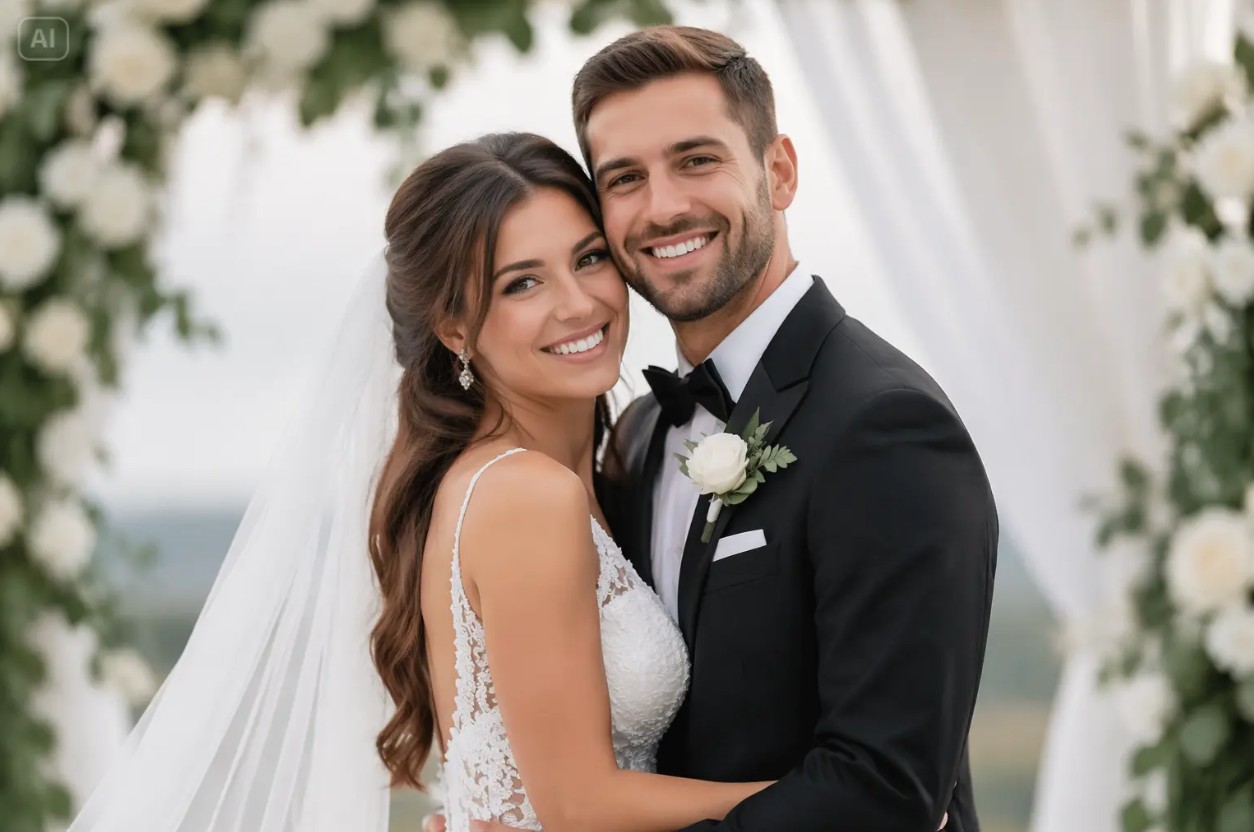
Step 3: Create images, compare, and refine.
After completing the prompt, create multiple different versions.
Compare the results, select the image with the best composition, and then continue editing the prompt until the image perfectly suits the intended use, such as posting on social media, designing thumbnails, or using in creative projects.
4. Effective applications of prompt for couples
Couple photo prompts not only help create beautiful photos but also open up many creative ideas in the fields of media, design, and content creation. By simply changing a few details in the prompt, you can create many versions suitable for different purposes.
4.1. Social media posts and thumbnails
AI-generated images created with Dreamina can be used for Facebook, Instagram, TikTok, Pinterest, or YouTube. Images with beautiful composition, harmonious colors, and striking styles will help posts attract viewers from the very first seconds, while also increasing content visibility.
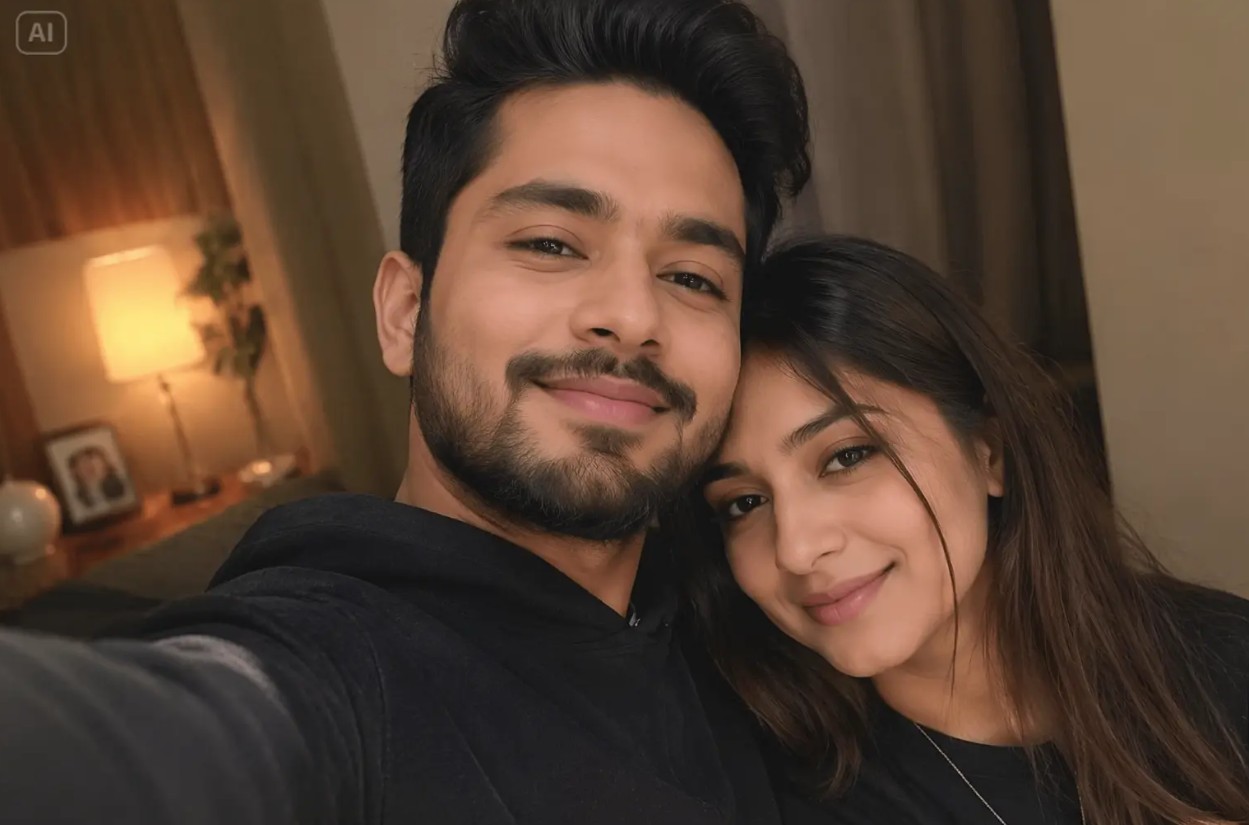
Additionally, you can create cover images, banners, video thumbnails, or illustrations for your blog without having to search for ready-made images on the internet.
4.2. Moodboard and Style Experimentation
Dreamina is the ideal tool for experimenting with various image styles before making a final choice. You can compare different tones, lighting types, angles, backgrounds, or artistic styles simply by editing the prompt.
This is especially useful for designers, marketers, or content creators who need to present multiple visual ideas before officially launching a project.
4.3. Building a prompt library
Saving successful prompts will help you build a personal library of commands for future reuse. Instead of rewriting everything from scratch, you can simply adjust a few details like location, color, clothing, or style to create a completely new image.

This method saves time, maintains consistency in the creative process, and improves efficiency when producing large quantities of AI images for media campaigns, recurring posts, or long-term design projects.
5. Conclusion
Dreamina is a powerful AI image creation tool for those who want to build unique, original, and highly creative couple photos. With clear prompts and just a few tweaks, users can create photos with beautiful composition, natural lighting, and suitable for various purposes such as social media posting, thumbnail design, moodboards, or marketing campaigns. Utilizing template prompts, combined with style control and continuous refinement, will help you maximize Dreamina's power to create impressive, professional, and personalized AI images.





















VIP Products








Best Selling Products
Freepik Premium Account
59 USD
Upgrade Duolingo Super
29 USD
Capcut Pro 1 Year
39 USD
Upgrade genuine Capture One account
120 USD
Genuine Cheap Canva Pro
39 USD
Autodesk All App Account Copyright
120 USD
MidJourney Account
29 USD
Upgrade Genuine Office 365
49 USD
ChatGPT Plus Account (GPT-4)
16 USD
Plugin Retouch4me
69 USD
Adobe Premiere Pro Account
99 USD
Genuine Adobe Illustrator account
99 USD
Adobe Photoshop Copyright - Full App
120 USD
Copyright Adobe Lightroom Account
59 USD
Windows 10 & 11 Pro Key
36 USD