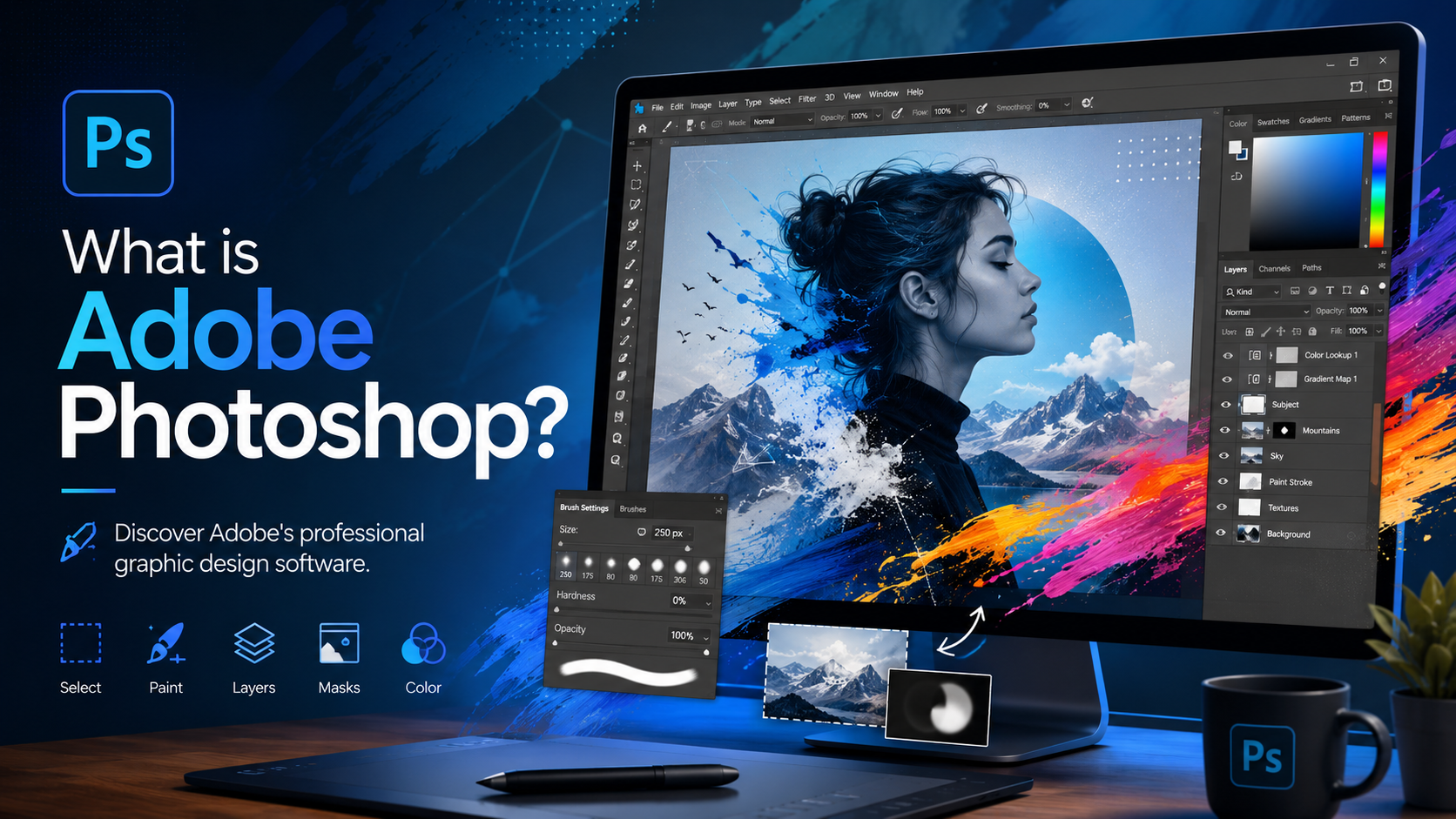
Best Selling Products

MidJourney Account
29 USD

Genuine Cheap Canva Pro
39 USD

Adobe Photoshop Copyright - Full App
120 USD

Upgrade Genuine Office 365
49 USD

Adobe Premiere Pro Account
99 USD

Copyright Adobe Lightroom Account
59 USD

Capcut Pro 1 Year
39 USD

Windows 10 & 11 Pro Key
36 USD

Autodesk All App Account Copyright
120 USD

Plugin Retouch4me
69 USD

Genuine Adobe Illustrator account
99 USD

Freepik Premium Account
59 USD

Upgrade genuine Capture One account
120 USD

Upgrade Duolingo Super
29 USD

ChatGPT Plus Account (GPT-4)
16 USD
Photoshop or Photoshop Express: Which application is right for your needs?
Nội dung
- 1. What are the differences between Photoshop and Photoshop Express?
- 2. When should you use Adobe Photoshop?
- 2.1. Advanced image editing with the Layer system
- 2.2. Comprehensive Editing Toolset
- 2.3. Working on large projects
- 2.4. Connecting with the Adobe Creative Cloud Ecosystem
- 3. When should I use Photoshop Express?
- 4. Photoshop Express is suitable for social media content.
- 5. Is it possible to transfer from Photoshop Express to Photoshop?
- 6. Should I choose Photoshop or Photoshop Express?
- 7. Conclusion
Adobe Photoshop and Photoshop Express are both popular photo editing tools, but each application is suited to completely different needs.
1. What are the differences between Photoshop and Photoshop Express?
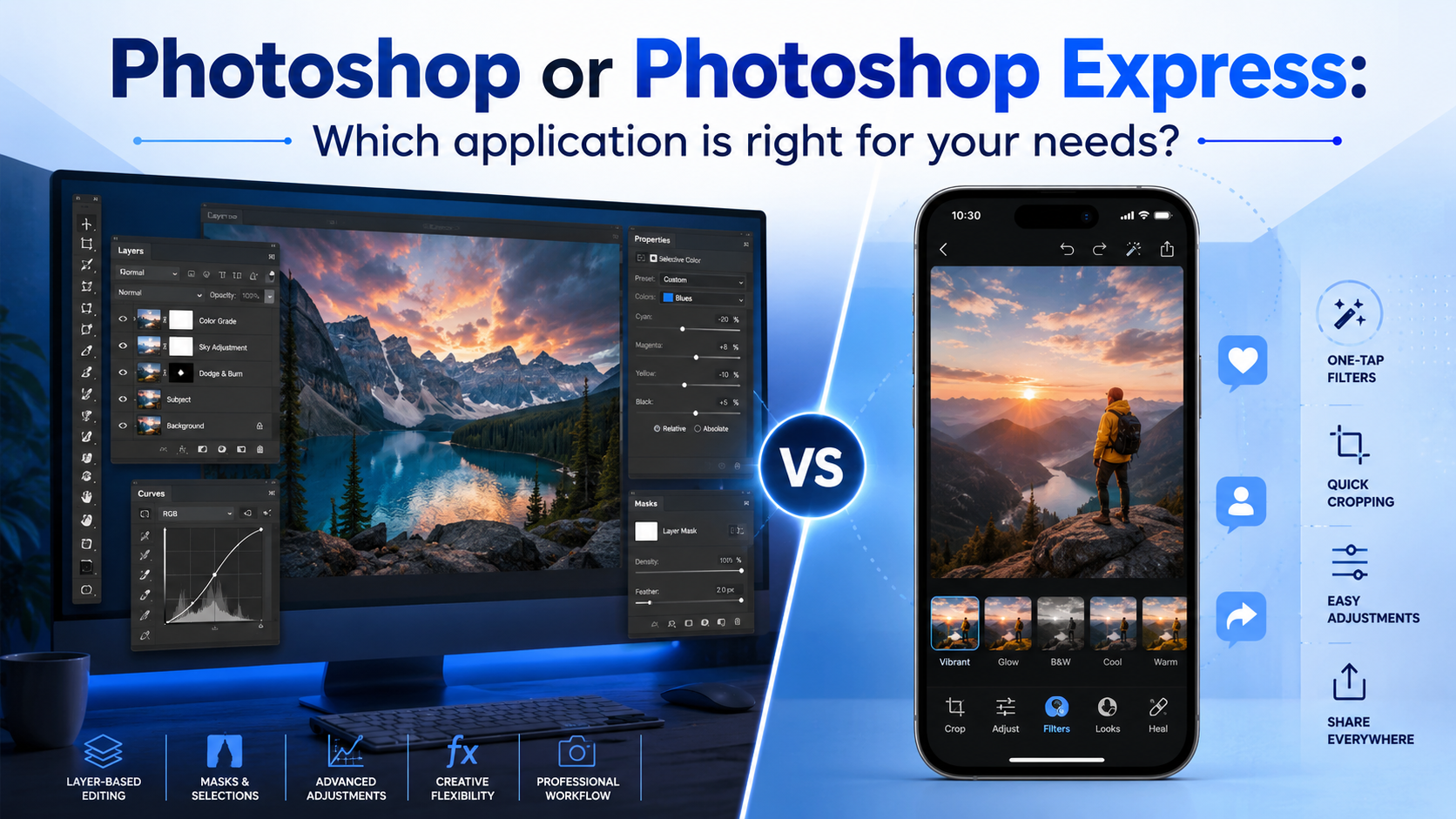
Although both bear the Adobe Photoshop brand, Photoshop and Photoshop Express were developed with completely different approaches.
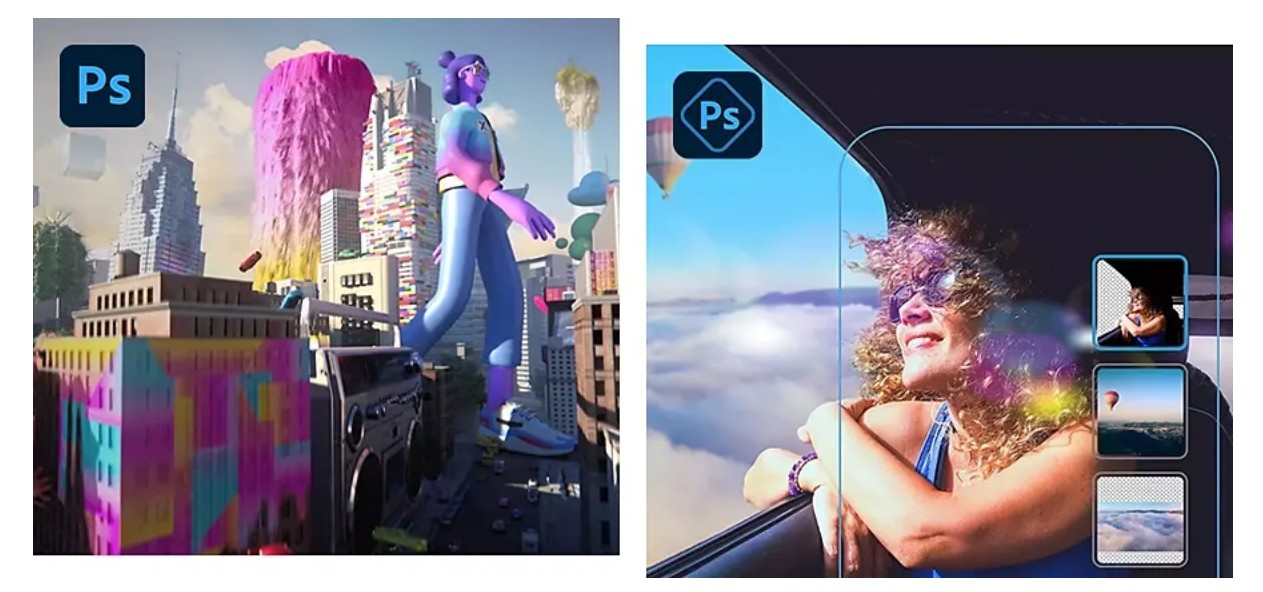
Adobe Photoshop is professional image editing software for Windows and macOS computers. It's widely used by photographers, graphic designers, digital artists, architects, marketers, and creative professionals. Photoshop boasts a powerful set of editing tools, supporting the processing of large image files with multiple layers, effects, and complex elements.
Meanwhile, Adobe Photoshop Express is a mobile photo editing app for iOS and Android devices. Express is designed for quick photo editing right on your phone or tablet. It has a simple, easy-to-use interface and focuses on common operations such as cropping, color correction, adding filters, removing blemishes, and creating social media content.
2. When should you use Adobe Photoshop?
Adobe Photoshop has long been considered the standard in the image editing industry. It's a software capable of transforming almost every element in a photograph, from basic editing to creating entirely new graphic works.
If your work demands precision, unlimited creativity, or requires handling large projects, Photoshop is always the right choice.
2.1. Advanced image editing with the Layer system
One of Photoshop's greatest strengths is its layer system.
Layers allow users to divide an image into multiple separate layers for editing without affecting other elements. This is the foundation for most advanced editing techniques in Photoshop.
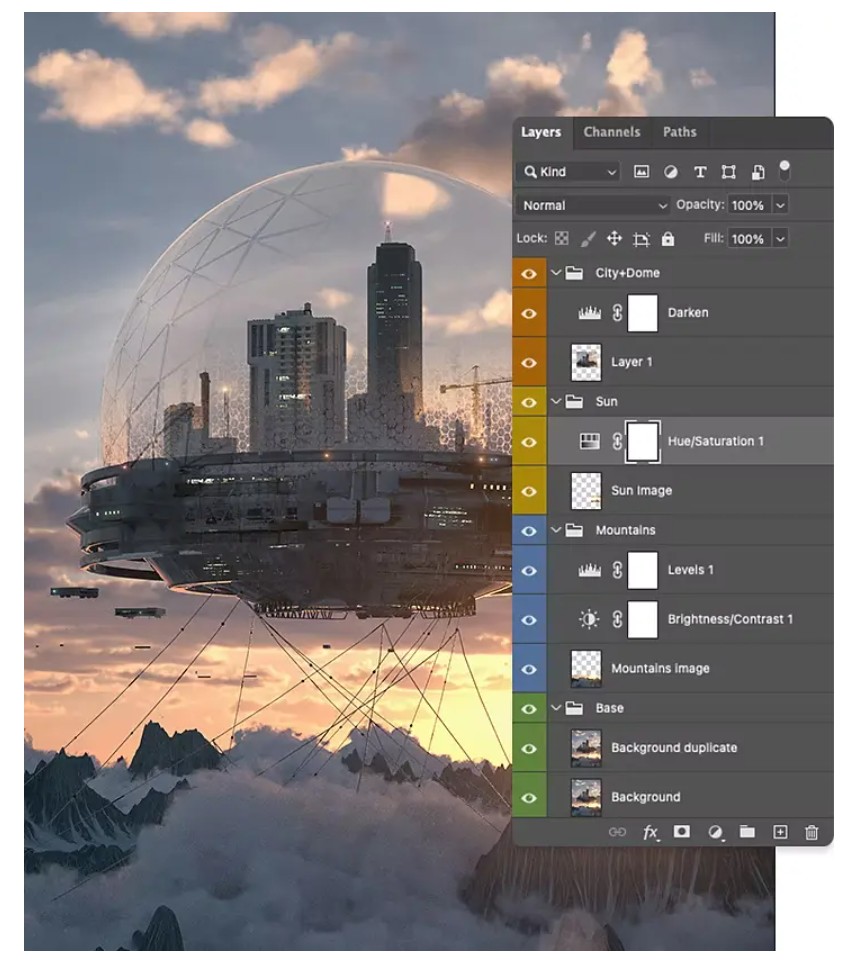
Thanks to Layers, you can combine multiple photos into a single complete work, create double exposure effects, design surreal images, create landscapes from multiple shots, or build complex photomontage projects.
Additionally, Layer Masks allow you to hide or show specific parts of an image without losing the original data. This lets you flexibly change lighting, sky color, opacity, highlights and shadows, or many other effects. If needed, you can easily revert to the original version without having to edit from scratch.
The ability to perform non-destructive editing is the reason Photoshop is the preferred choice for professionals.
2.2. Comprehensive Editing Toolset
Photoshop provides almost all the image editing tools a user might need.
You can crop and paste photos, restore old photos, edit portraits, remove backgrounds, replace skies, create lighting effects, professionally adjust colors, design banners, posters, website interfaces, digital illustrations, and many other tasks.
In newer versions, Adobe also integrates AI tools such as Generative Fill, Remove Tool, and Generative Expand, making editing faster while maintaining quality.
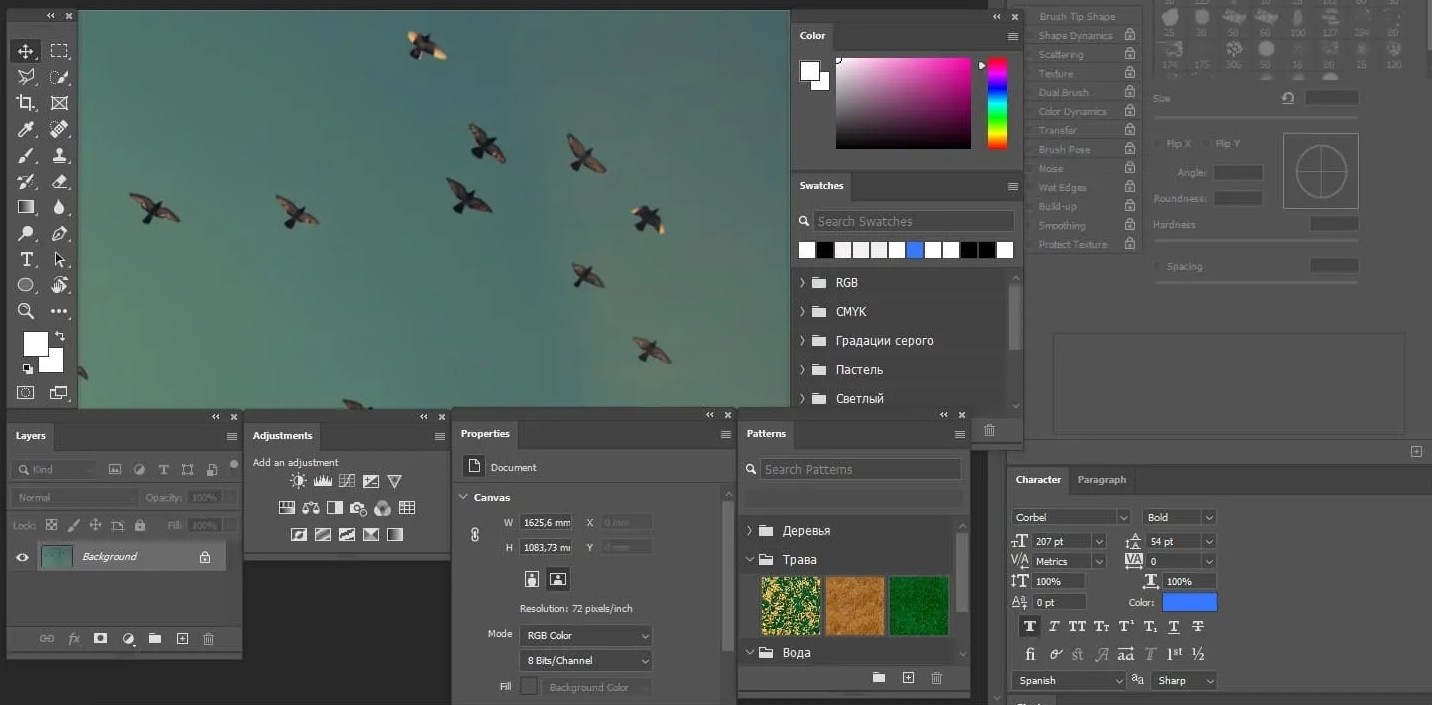
Because of its extensive set of features, Photoshop can completely transform an image, rather than just improving its quality like Photoshop Express.
2.3. Working on large projects
Photoshop is optimized for handling large image files with multiple layers and objects.
This is a suitable option when designing advertising banners, brand identity materials, large-format prints, marketing materials, or products requiring high resolution.
The ability to manage multiple data layers allows users to easily edit individual components while maintaining the overall quality of the project.
2.4. Connecting with the Adobe Creative Cloud Ecosystem
Another major advantage of Photoshop is its ability to work seamlessly with other applications in the Adobe Creative Cloud.
Images created in Photoshop can be used as video backgrounds in Premiere Pro, become moving objects in Adobe Animate, or be further edited as vectors in Illustrator.
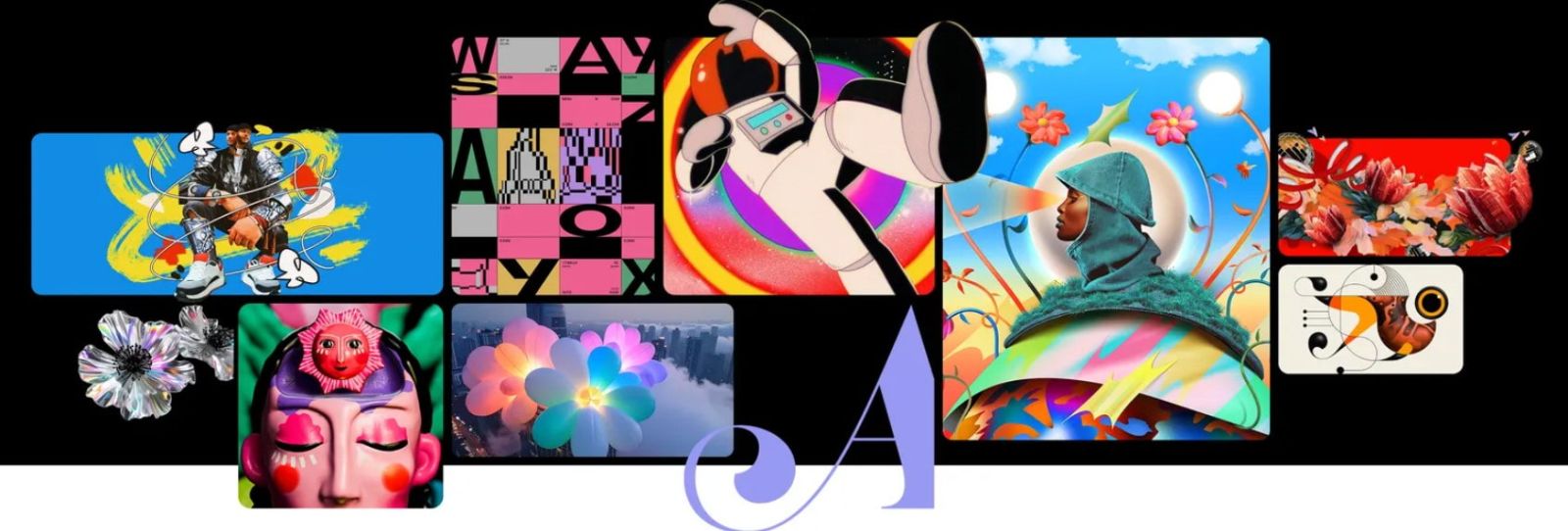
Conversely, elements created using Illustrator, Lightroom, or other Adobe software can also be imported directly into Photoshop while maintaining quality.
This makes the workflow more efficient, especially for multi-platform creative projects.
3. When should I use Photoshop Express?
Users don't always need powerful software like Photoshop.
In many cases, you just need to quickly edit a photo before posting it to Facebook, Instagram, or TikTok. This is where Photoshop Express comes into play.
Photoshop Express is a smartphone application that runs on iOS and Android. The app connects directly to the device's photo library, allowing users to edit photos in just minutes.
Express tools are designed to be fast, easy to use, and suitable for users with little experience.
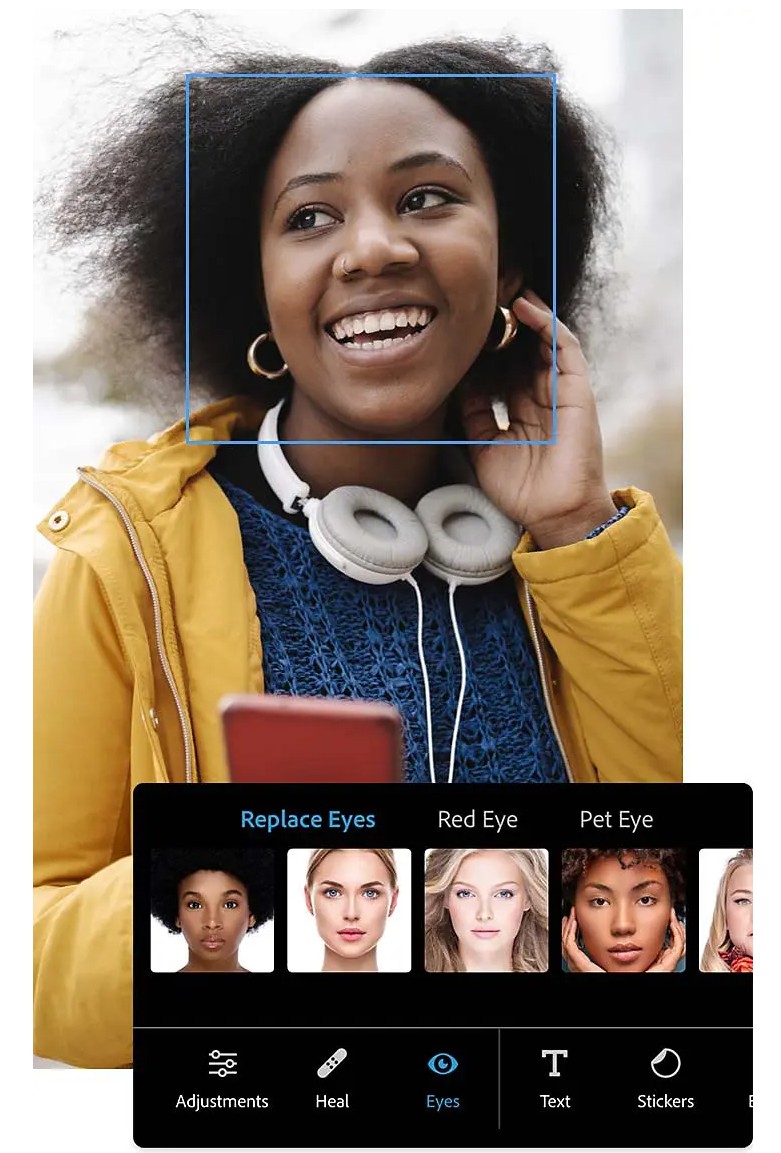
You can adjust brightness, contrast, highlights, shadows, color saturation, white balance, add filters, lighting effects, photo frames, or text with just a few taps.
4. Photoshop Express is suitable for social media content.
If you frequently create content for Facebook, Instagram, TikTok, or other social media platforms, Photoshop Express is a very worthwhile option to consider.
The application provides many design templates to help users quickly create beautiful images without needing much design knowledge.
You can edit selfies, remove red eyes, eliminate minor facial imperfections, apply color filters, or convert color photos to black and white in just seconds.
The intuitive interface allows even beginners to become proficient in using it after a short time.
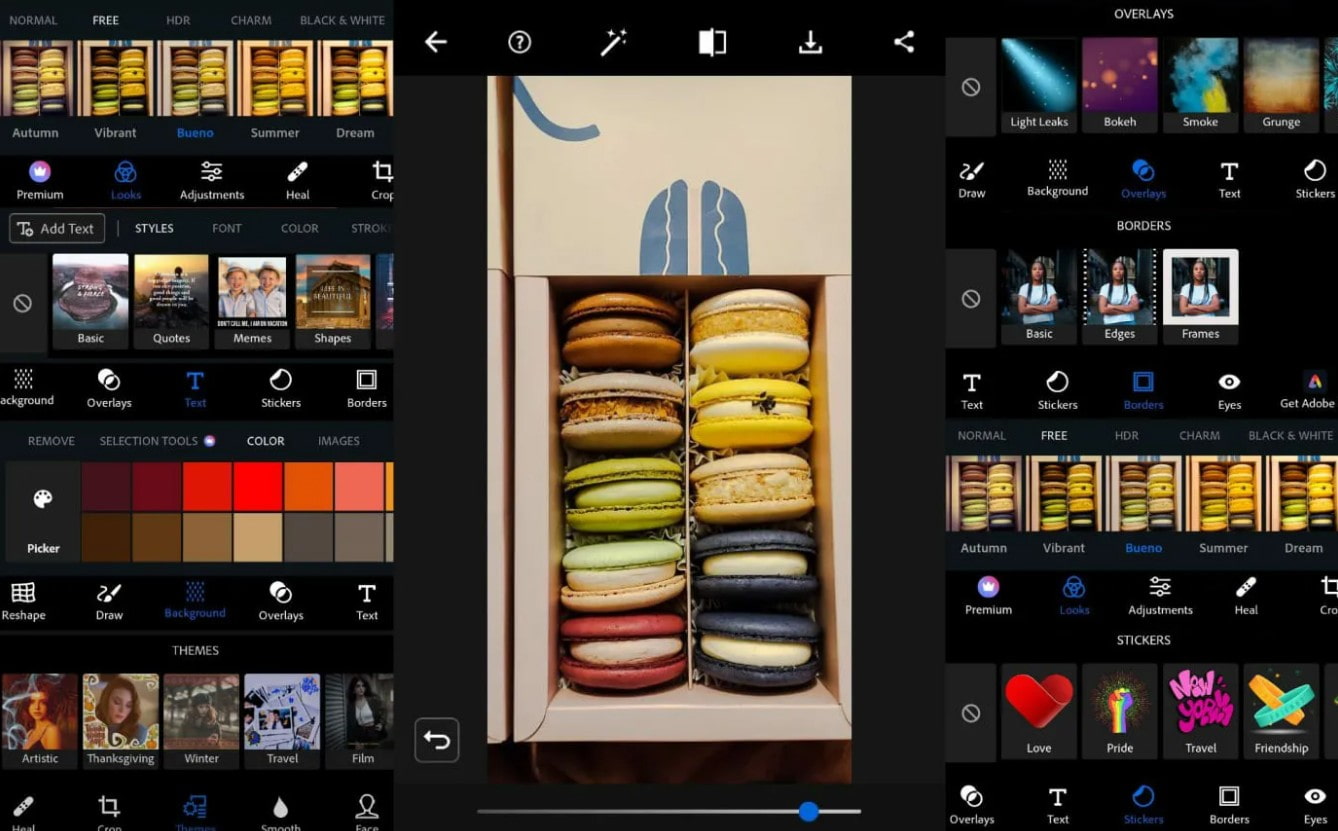
Photoshop Express's strength lies in its speed. You don't need to start your computer or open a complex project; you can edit photos right on your phone anytime, anywhere.
This is the ideal solution for those who frequently share images on social media or need to quickly edit photos while on the go.
5. Is it possible to transfer from Photoshop Express to Photoshop?
The answer is yes .
Adobe allows users to import edited files from Photoshop Express into Adobe Photoshop or Adobe Lightroom for further in-depth processing.
For example, you can start by cropping, color correcting, or adding filters on your phone using Photoshop Express. Then, when you return to your computer, you can continue editing with Layers, Masks, AI, or other professional tools in Photoshop.
This process saves time and leverages the advantages of both applications.
Conversely, directly opening Photoshop files with many layers in Photoshop Express is often not feasible. This is because Photoshop projects are very large, containing many data layers and effects that exceed the processing capabilities of the mobile application.
Therefore, Photoshop Express should be considered a tool for quick editing, while Photoshop remains the primary working environment for professional projects.
6. Should I choose Photoshop or Photoshop Express?
There is no single best app, only apps that are more suitable for your needs.
If you're a beginner and just need to edit personal photos or create content for social media, Photoshop Express will work very well thanks to its simple, easy-to-learn interface and fast editing capabilities on your phone.
If you're a photographer, designer, marketer, or someone who frequently works on high-quality creative projects, Adobe Photoshop is an irreplaceable choice. Its layering system, non-destructive editing capabilities, advanced AI tools, and integration with Adobe Creative Cloud will help you process any idea professionally.
In practice, many users combine both applications. Photoshop Express is used for quick edits on the go, while Photoshop handles more intensive tasks on the computer. This is also the workflow adopted by many content creators and designers today.
7. Conclusion
Adobe Photoshop and Adobe Photoshop Express are both powerful photo editing tools, but they serve different purposes. Photoshop excels at in-depth editing, handling large projects, and integrating many modern technologies for professional users. Photoshop Express, on the other hand, focuses on speed, convenience, and quick editing capabilities on mobile devices.
If your goal is to create high-quality design products, Photoshop is the optimal choice. Conversely, if you only need to quickly edit photos before sharing them on social media or want to work anytime, anywhere, Photoshop Express will meet those needs very well. Understanding the strengths of each application will help you choose the right tool and optimize efficiency in your creative process.





















VIP Products








Best Selling Products
MidJourney Account
29 USD
Genuine Cheap Canva Pro
39 USD
Adobe Photoshop Copyright - Full App
120 USD
Upgrade Genuine Office 365
49 USD
Adobe Premiere Pro Account
99 USD
Copyright Adobe Lightroom Account
59 USD
Capcut Pro 1 Year
39 USD
Windows 10 & 11 Pro Key
36 USD
Autodesk All App Account Copyright
120 USD
Plugin Retouch4me
69 USD
Genuine Adobe Illustrator account
99 USD
Freepik Premium Account
59 USD
Upgrade genuine Capture One account
120 USD
Upgrade Duolingo Super
29 USD
ChatGPT Plus Account (GPT-4)
16 USD