Best Selling Products

Adobe Photoshop Copyright - Full App
120 USD

Windows 10 & 11 Pro Key
36 USD

MidJourney Account
29 USD

Autodesk All App Account Copyright
120 USD

ChatGPT Plus Account (GPT-4)
16 USD

Upgrade Genuine Office 365
49 USD

Genuine Adobe Illustrator account
99 USD

Genuine Cheap Canva Pro
39 USD

Upgrade Duolingo Super
29 USD

Adobe Premiere Pro Account
99 USD

Freepik Premium Account
59 USD

Plugin Retouch4me
69 USD

Copyright Adobe Lightroom Account
59 USD

Capcut Pro 1 Year
39 USD

Upgrade genuine Capture One account
120 USD
How to write ChatGPT, Claude, and Gemini prompts to help AI respond more accurately.
Nội dung
Many AI users have encountered a familiar situation: they make a seemingly clear request, but ChatGPT, Claude, or Gemini return an unexpected result.

1. Why does AI often give incorrect answers?
Large-scale language models like ChatGPT, Claude, and Gemini operate based on their ability to process language and predict the next relevant piece of content based on the information provided.
This allows chatbots to respond quickly without requiring users to explain everything from scratch. However, it also creates a notable limitation: when the request lacks sufficient facts, the AI may make assumptions instead of stopping to ask.
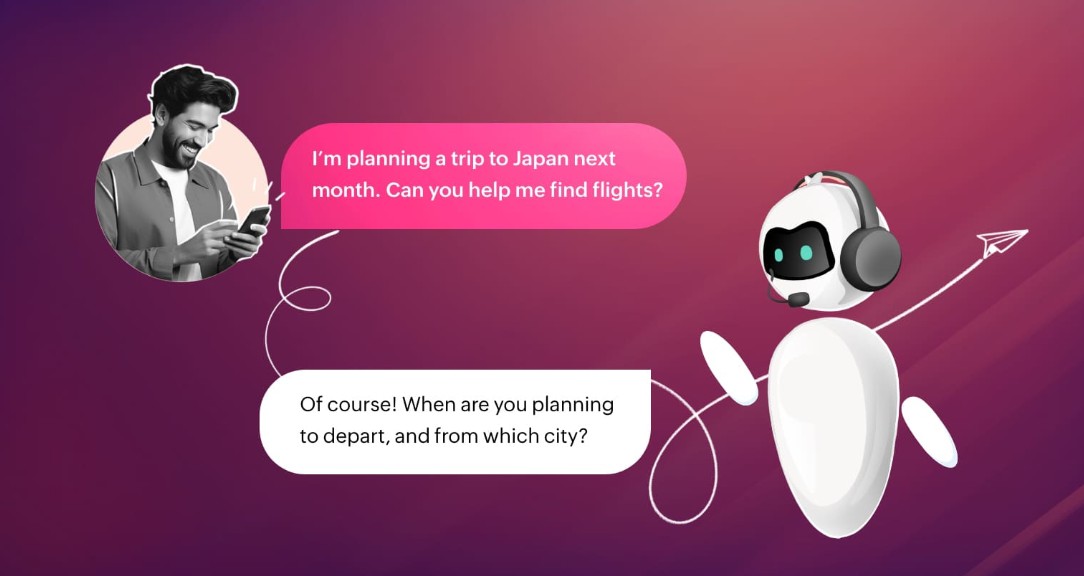
For example, the user writes:
"Please create a 4-day travel plan for Da Nang for me."
This is a valid request, but there's still a lot of information missing. Is the user traveling alone or with family? What's the budget? Do they prefer relaxation or exploration? What mode of transportation will they use? Do they prioritize beaches, food, entertainment, or sightseeing?
Without additional guidance, the chatbot could make all these decisions on its own. It might come up with a reasonable schedule, but one that is completely unsuitable for actual needs.
This is precisely what makes many people feel that AI "doesn't understand them."
2. The problem lies in the information gap.
The less information a prompt provides, the more the AI has to rely on assumptions to complete the answer.
It's worth noting that these assumptions are often not explicitly stated. Users may not be aware that the chatbot is making crucial decisions on its own during the response generation process.
For example, when requesting:
"Rewrite this email to make it more professional."
AI can automatically select a formal tone, average length, and form of address according to a common standard. But real users may want a friendly, concise email that's appropriate for close colleagues.
Similarly, the statement:
"Help me choose a good laptop."
There's also too much room for maneuver. "Good" can mean powerful enough for video editing, lightweight for commuting, durable for long-term use, or simply reasonably priced.
AI cannot know for sure unless the user provides additional information.
3. New navigation commands
A simple solution is to ask the chatbot to check if the question contains enough information before it begins answering.
The command can be used exactly as follows:
"Before answering, ask a maximum of three clarifying questions, only if necessary to avoid making false assumptions. Otherwise, answer immediately and address any assumptions you have made."
This is the most important part of the method.
Instead of requiring the AI to constantly ask the same question, the command uses the condition "only when necessary." This avoids another problem: chatbots asking too many questions even when the request is clear.
For example, if the user requests:
"Rewrite the following paragraph in a professional style, maintaining the original meaning and limiting it to approximately 150 words."
The AI already has enough basic information to perform the task. In this case, the chatbot doesn't need to ask a series of questions and can start processing immediately.
4. Why limit the questions to three?
Limiting the number of questions to a maximum of three is a small but very important detail.
If the chatbot is simply instructed to "ask me if you lack information," it may ask too many questions before starting the task. This slows down the interaction process.
Conversely, a maximum of three questions helps the AI focus on the information that truly has a significant impact on the outcome.
For example, when requesting travel planning, the chatbot might ask:
"What is your budget for the trip?"
"Are you traveling alone, with friends, or with family?"
"Do you prioritize relaxation, sightseeing, or culinary experiences?"
These three questions alone can eliminate most of the important assumptions.
After receiving the answers, the AI can build a more suitable plan instead of repeatedly revising a schedule created based on initial assumptions.
5. How to apply it to ChatGPT
With ChatGPT, users can place navigation commands directly at the end of the prompt.
For example, instead of writing:
"Create a healthy eating plan for me for 7 days."
Please write:
“Create a healthy eating plan for me for 7 days. Before answering, ask up to three clarifying questions, only if necessary to avoid making false assumptions. Otherwise, answer immediately and address any assumptions you have made.”
In that case, if crucial information is missing, the AI can ask for clarification before building a plan.
The key point is that users don't need to change the entire prompt syntax. They just need to add a navigation statement at the end of the request.
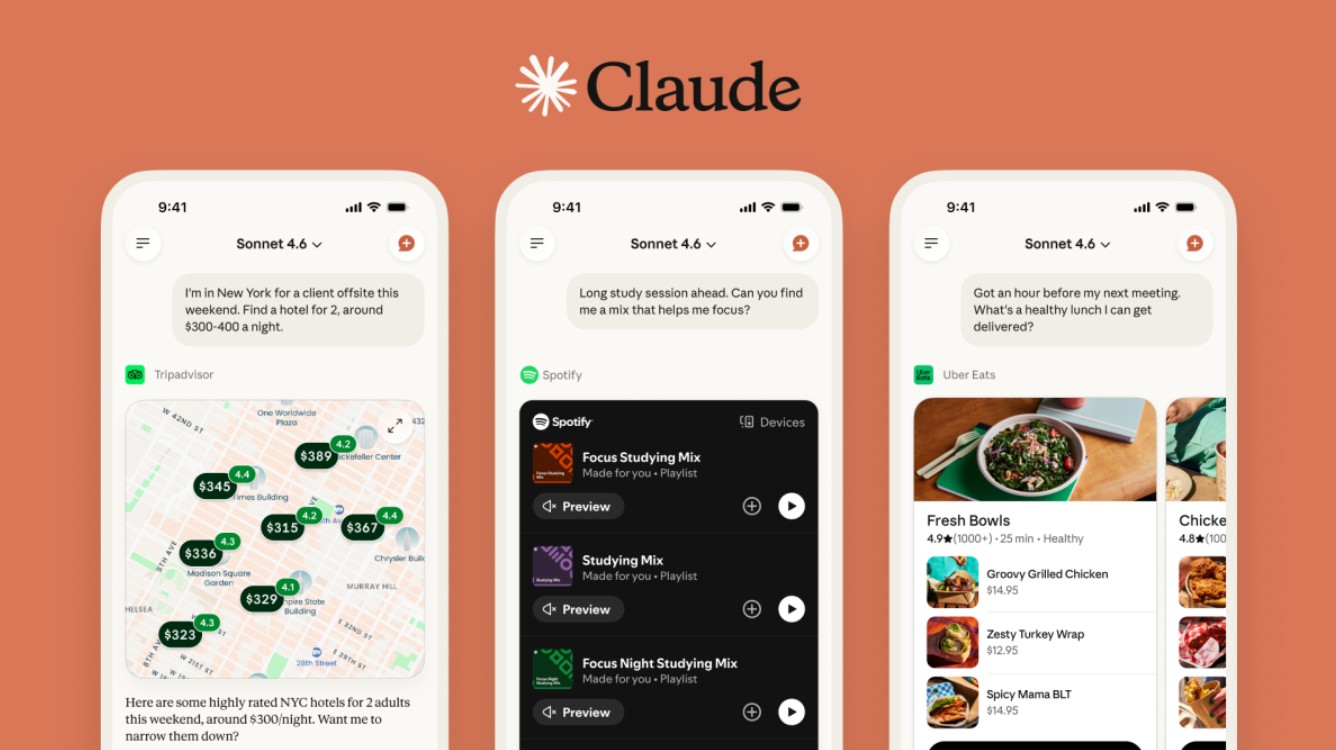
6. How to apply it to Claude
The same method can also be used with Claude.
For example:
“Please help me rewrite this email to send to the client, keeping the content polite but friendly. Before responding, ask a maximum of three clarifying questions, only if necessary to avoid making false assumptions. Otherwise, respond immediately and address any assumptions you have made.”
If the email's recipient, purpose, or tone isn't clearly defined, Claude might ask for clarification before writing it.
This is especially useful for tasks that involve varying levels of expression. An email to a new client certainly shouldn't have the same tone as a text message to a close colleague.
7. How to apply it with Gemini
Gemini can also apply the same principle.

A sample prompt:
“Please help me develop a content plan for a tech blog within one month. Before answering, ask up to three clarifying questions, only if necessary to avoid making false assumptions. Otherwise, answer immediately and address any assumptions you have made.”
If you don't yet know your target audience, the number of posts, or the main goal of your blog, AI can determine these points beforehand.
As a result, the final outcome is more likely to be aligned with practical needs.
4. Not just for writing.
A major advantage of this method is that it's not only useful when creating content.
Users can apply the command in a wide variety of situations such as planning, studying, research, programming, career counseling, or brainstorming.
For example, when requesting AI assistance in programming:
“Please help me build a task management application using Python. Before answering, ask up to three clarifying questions, only if necessary to avoid making false assumptions. Otherwise, answer immediately and mention any assumptions you have made.”
If the AI doesn't know which platform the application runs on, what interface it uses, or where the data is stored, it can ask for clarification.
This helps to prevent situations where users receive a long piece of code but have to edit almost the entire thing because the chatbot initially misunderstood the request.
5. When should it be used?
This statement is particularly useful for tasks with multiple possible answers.
For example, when writing a blog post, AI needs to know the target audience, length, and content goals. When planning a trip, budget and personal preferences can determine the entire itinerary. When providing career advice, the user's experience, skills, and goals are crucial factors.

In these cases, requiring the AI to ask follow-up questions before responding can save a significant amount of time.
Conversely, with simple requests that provide sufficient data, such as:
"Summarize the following passage in 100 words."
or:
"Translate this paragraph from English to Vietnamese."
It's not necessary to ask the chatbot to repeat the question. The navigation command can remain the same, but the AI will recognize that no crucial information is missing and respond immediately.
6. A prompt habit worth maintaining.
The greatest strength of this technique lies not in the command itself, but in making it a habit.
Instead of trying to write a perfect prompt from scratch, users can let AI get involved in the requirements definition process.
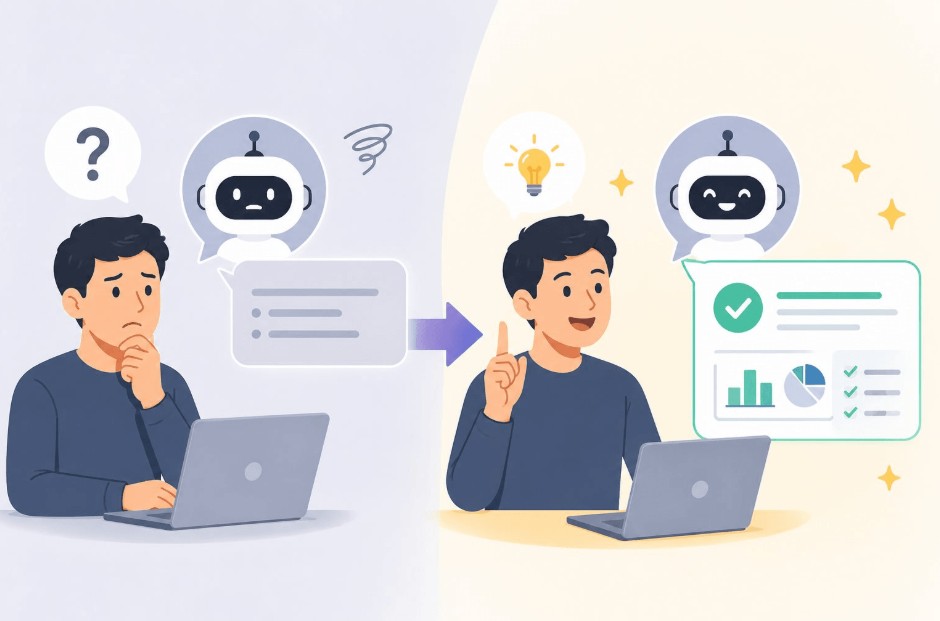
This approach significantly changes how users interact with chatbots. Users no longer have to try to predict all the information the AI needs. Instead, the AI is tasked with identifying missing pieces and asking questions only when absolutely necessary.
The new process can be envisioned as follows:
Request → AI checks facts → Asks up to 3 questions if needed → User adds information → AI answers.
Instead of:
Request → AI infers → Answer → User detects error → Correct prompt → AI responds again.
The difference may seem small, but it can significantly reduce the number of revisions needed.

7. Conclusion
ChatGPT, Claude, and Gemini can generate very fast and impressive responses, but speed doesn't always mean they accurately understand user intent. When data is missing, chatbots can fill in the gaps with plausible assumptions that aren't necessarily accurate to the actual needs.
A simple navigation statement can significantly mitigate this problem:
"Before answering, ask a maximum of three clarifying questions, only if necessary to avoid making false assumptions. Otherwise, answer immediately and address any assumptions you have made."
The key is not to require the AI to ask questions repeatedly in every case. Let the chatbot assess whether the current information is sufficient, only ask questions when absolutely necessary, and openly disclose the assumptions used.
This isn't some kind of "magic trick" that transforms AI into a completely different tool. But it creates a significant shift in how humans and AI communicate: instead of letting chatbots guess what the user wants, both parties identify the problem before finding the answer.
If you frequently use AI for work, study, or content creation, this is a command worth saving and making a habit in prompts that have many possible interpretations.





















VIP Products








Best Selling Products
Adobe Photoshop Copyright - Full App
120 USD
Windows 10 & 11 Pro Key
36 USD
MidJourney Account
29 USD
Autodesk All App Account Copyright
120 USD
ChatGPT Plus Account (GPT-4)
16 USD
Upgrade Genuine Office 365
49 USD
Genuine Adobe Illustrator account
99 USD
Genuine Cheap Canva Pro
39 USD
Upgrade Duolingo Super
29 USD
Adobe Premiere Pro Account
99 USD
Freepik Premium Account
59 USD
Plugin Retouch4me
69 USD
Copyright Adobe Lightroom Account
59 USD
Capcut Pro 1 Year
39 USD
Upgrade genuine Capture One account
120 USD