Best Selling Products

MidJourney Account
29 USD

Upgrade Duolingo Super
29 USD

Upgrade Genuine Office 365
49 USD

Copyright Adobe Lightroom Account
59 USD

Genuine Adobe Illustrator account
99 USD

Upgrade genuine Capture One account
120 USD

Genuine Cheap Canva Pro
39 USD

ChatGPT Plus Account (GPT-4)
16 USD

Capcut Pro 1 Year
39 USD

Windows 10 & 11 Pro Key
36 USD

Adobe Photoshop Copyright - Full App
120 USD

Freepik Premium Account
59 USD

Autodesk All App Account Copyright
120 USD

Adobe Premiere Pro Account
99 USD

Plugin Retouch4me
69 USD
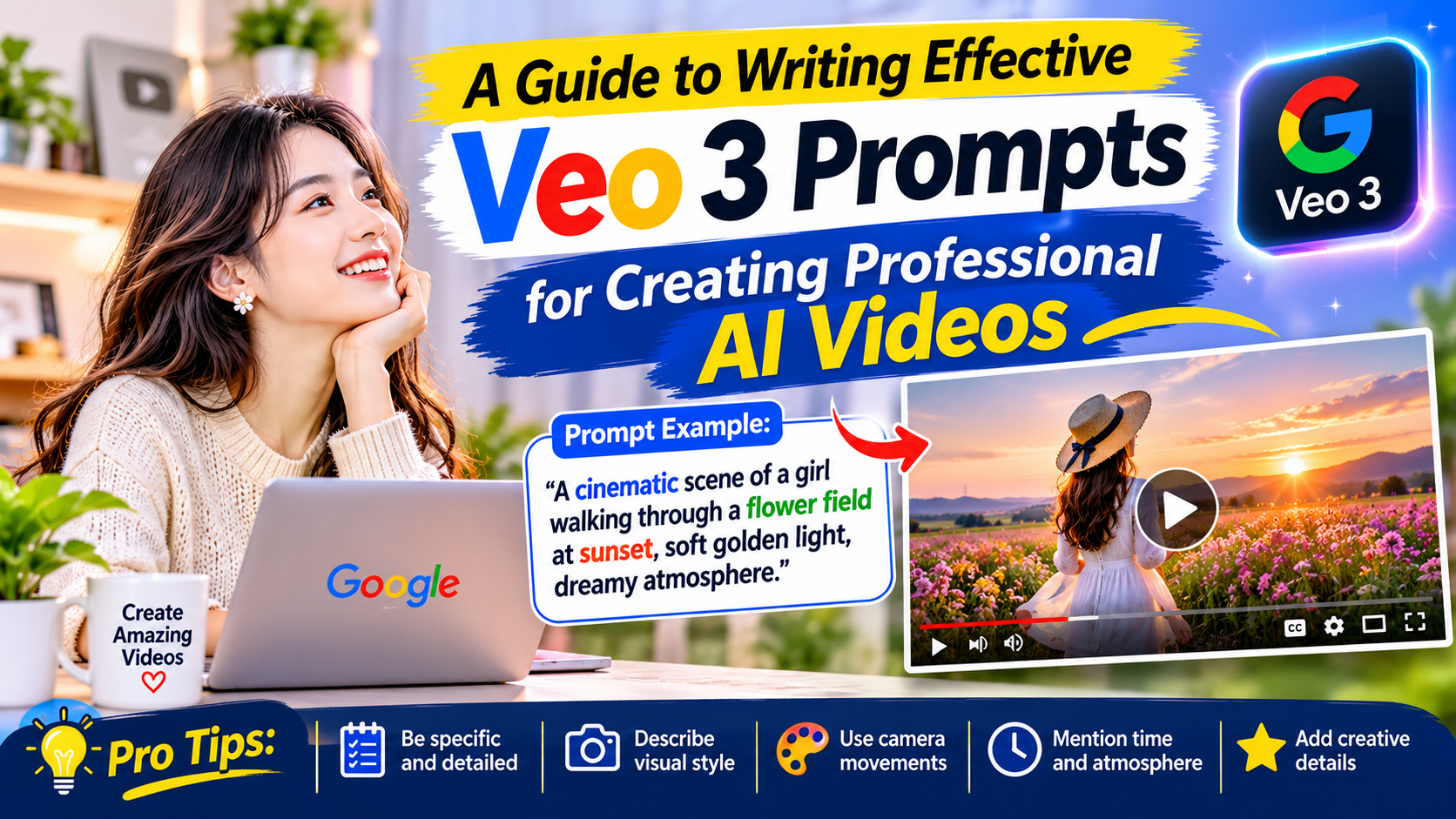
A guide to writing effective Veo 3 prompts for creating professional AI videos.
Nội dung
- 1. Seven key elements for building a Veo 3 prompt.
- 1.1. Camera rotation angle and movement
- 1.2. Identifying the visual style
- 1.3. Describing lighting to evoke emotion
- 1.4. Develop clear and consistent characters.
- 1.5. Setting the specific context
- 1.6. Describing actions in sequence
- 1.7. Combining sound and dialogue
- 2. Practical formulas for writing effective prompts
- 3. Conclusion
Discover how to write Veo 3 prompts using Google DeepMind''s guidance, from camera angles, lighting, and characters to action, sound, and dialogue.
1. Seven key elements for building a Veo 3 prompt.
1.1. Camera rotation angle and movement
One of the first things to consider when writing a prompt is how the camera observes the subject. In filmmaking, camera angles and movement not only determine what appears on screen but also influence the emotions and how the viewer perceives the story.
With Veo 3, you should clearly describe the type of shot you want, such as a close-up of the face, a medium shot of the character, or a wide shot of the space. If you want the shot to feel dynamic, you can request the camera to pan sideways, move closer to the subject, follow the character, or use an overhead shot.
For example, instead of writing "a man running through the woods," try describing it like this: "The camera is positioned low to the ground, following the footsteps of the man running through the damp woods, then gradually rising to reveal his tense face."
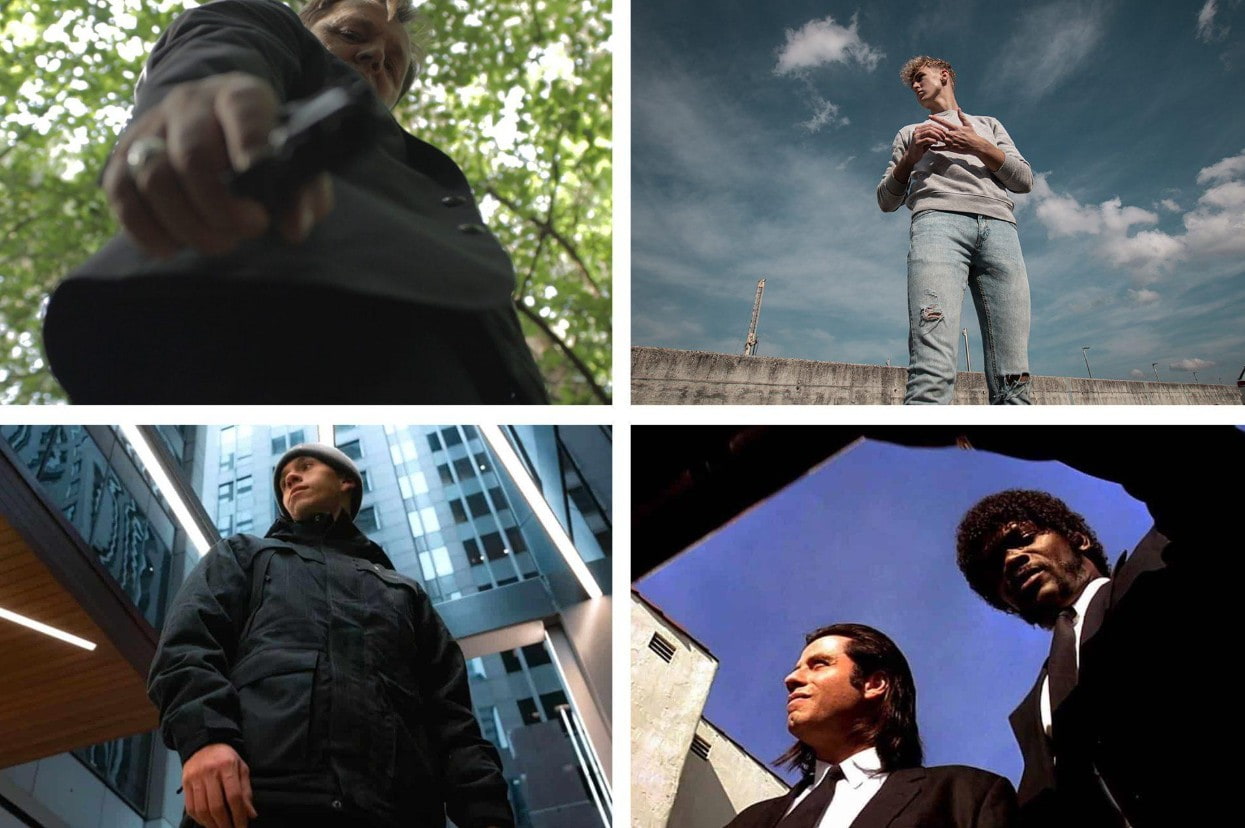
The difference lies in the fact that the second prompt not only describes the action but also guides how that action is represented visually.
1.2. Identifying the visual style
Visual style gives a video its own identity and creates aesthetic consistency. A realistic shot will differ significantly from an animated scene, a science fiction film, or a classic VHS-style video.
When writing a prompt, you should define the style from the outset. Some popular choices include realistic cinema, 3D animation, anime, stop-motion, documentary, or film noir with strong contrasting tones.
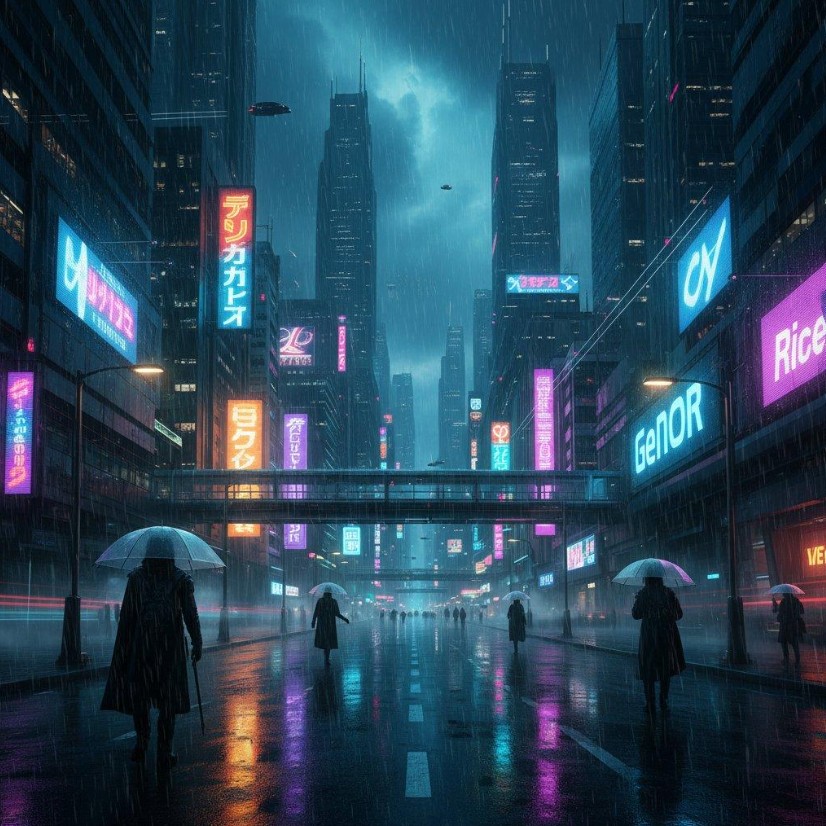
For example, when depicting a city at night, a realistic cinematic style might emphasize street textures, reflected light, and architectural details. Meanwhile, a cyberpunk style focuses on neon colors, futuristic buildings, and a high-tech atmosphere.
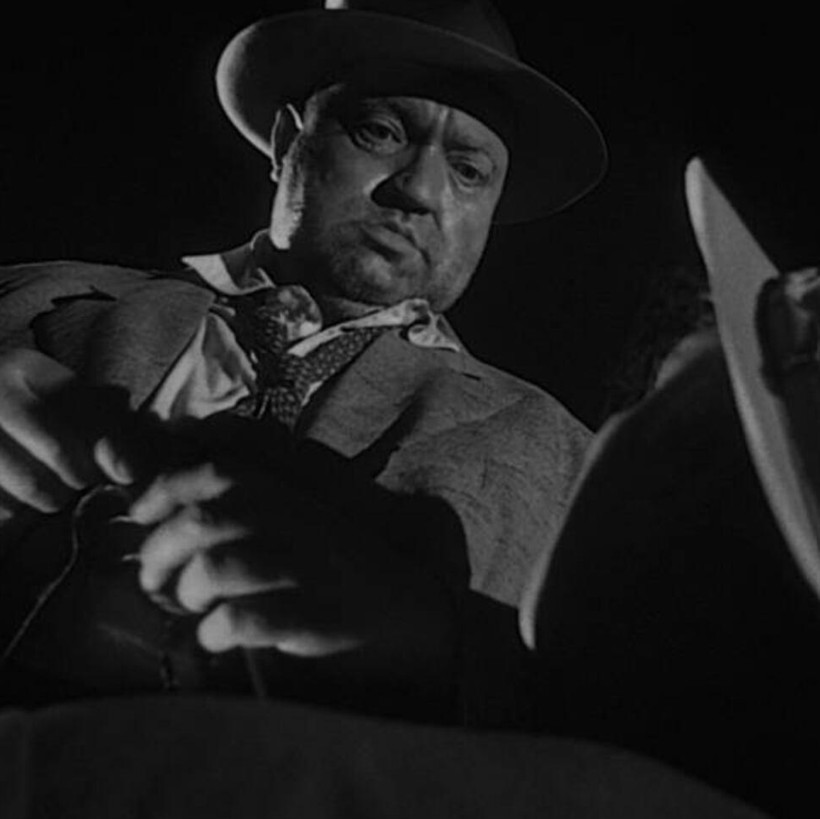
Defining the style right in the prompt helps to guide the overall direction of the video, rather than focusing only on the content of each scene.
1.3. Describing lighting to evoke emotion
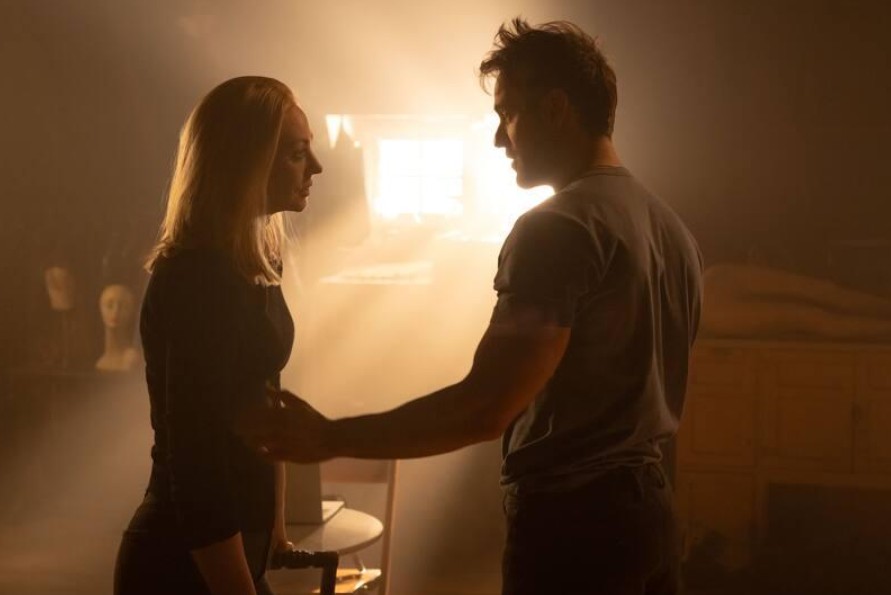
Lighting is a component that can completely change a viewer's perception of a scene. A room can feel warm, mysterious, or frightening depending on how the light is used.
In the Veo 3 prompt, you can describe natural light, warm sunset light, cool blue light, backlighting, or a light source focused on the character's face.
For example: “A girl stands by the window in the afternoon, golden sunlight filtering through the thin curtains, creating soft streaks of light on her face. The space is quiet, the colors are gentle, and there is a feeling of nostalgia.”
These descriptions provide additional visual context, giving the footage depth and conveying emotions more clearly. Especially when creating advertising videos or short storytelling films, the lighting should match the message and mood of the scene.
1.4. Develop clear and consistent characters.
The character is central to most storytelling videos. If the prompt only describes a generic person, the result may lack the distinctive characteristics you're looking for.
Instead, focus on identifying key characteristics such as age, hairstyle, clothing, physique, expressions, and demeanor. For scenes with dialogue, you should also describe the character's voice, speaking speed, and emotions as needed.
For example: “A man around 60 years old, with gray hair, a long beard, and an old leather jacket. He had a deep, slow voice, and a serious but experienced look in his eyes.”
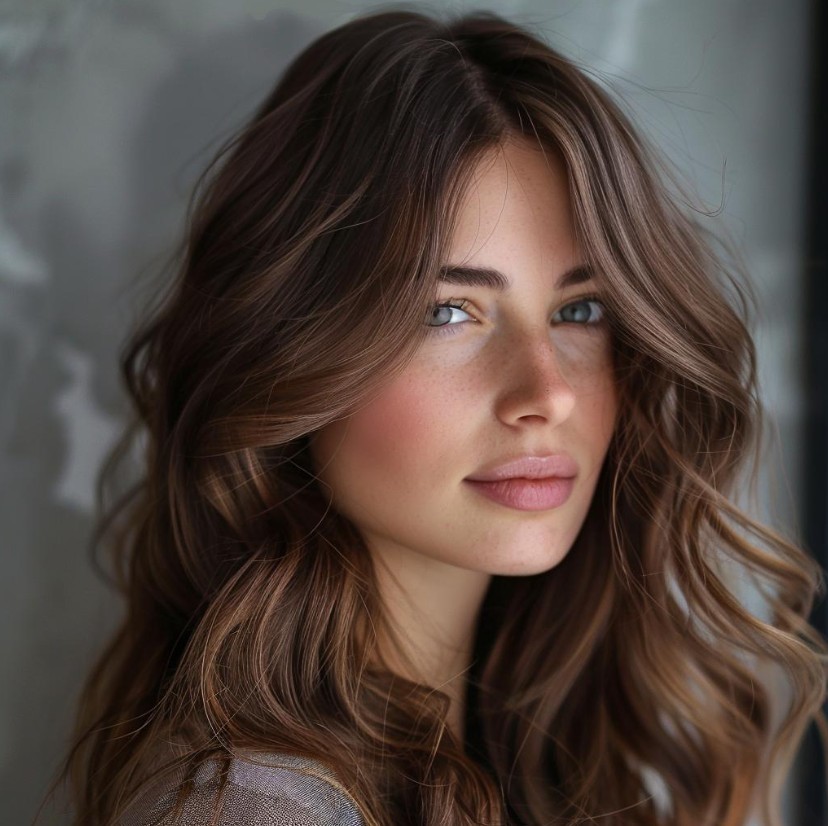
If you want to create a series of videos featuring the same character, keep the most important identifying characteristics consistent across all prompts. However, repeating the description doesn't guarantee the character will be exactly the same every time you create a video; you'll still need to check and adjust the results.
1.5. Setting the specific context
The setting is not simply the location where the action takes place, but also creates the world surrounding the character. A detailed description will help make the scene more visually informative.
Instead of simply writing "a street," you could describe "a small street in a futuristic city at midnight, the pavement wet after the rain, neon lights reflecting on puddles, and signs glowing through a thin mist."
When writing about the setting, consider the time, weather, space, materials, colors, and other environmental elements relevant to the story.
However, more detail isn't always better. You should prioritize elements that truly convey the idea, avoiding including too many irrelevant objects that can make the scene unfocused.
1.6. Describing actions in sequence
Action is especially important when creating videos because videos don't just show a static image; they also simulate change over time.
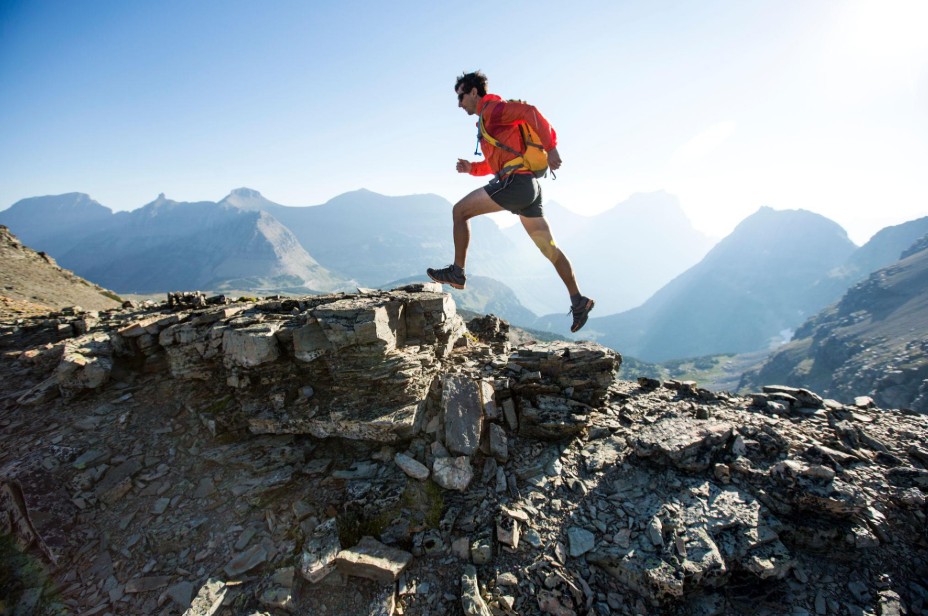
A prompt like "two race cars crossing the river" might convey the basic idea, but it doesn't clearly describe the sequence of events. For better direction, you could break the action down into steps: the first car plunges into the water, splashing water up on either side; the second car accelerates past the water; and both continue moving forward.
This writing style helps to clarify the sequence of events, the relationship between actions, and the environmental responses.
For complex scenes, focus on a central sequence of actions that can naturally unfold within the video's length. Avoid cramming too many events, scene changes, or irrelevant camera movements into a single scene.
1.7. Combining sound and dialogue
One notable feature of Veo 3 is its ability to synchronize audio with video content in supported modes and configurations. Therefore, the prompt can describe not only what the viewer sees but also what they hear.
Environmental sounds help bring a scene to life. For example, a forest might be accompanied by the sounds of birds, wind rustling through the leaves, and footsteps on damp ground. An action scene might utilize engine sounds, the clanging of metal, or appropriate movement sounds.
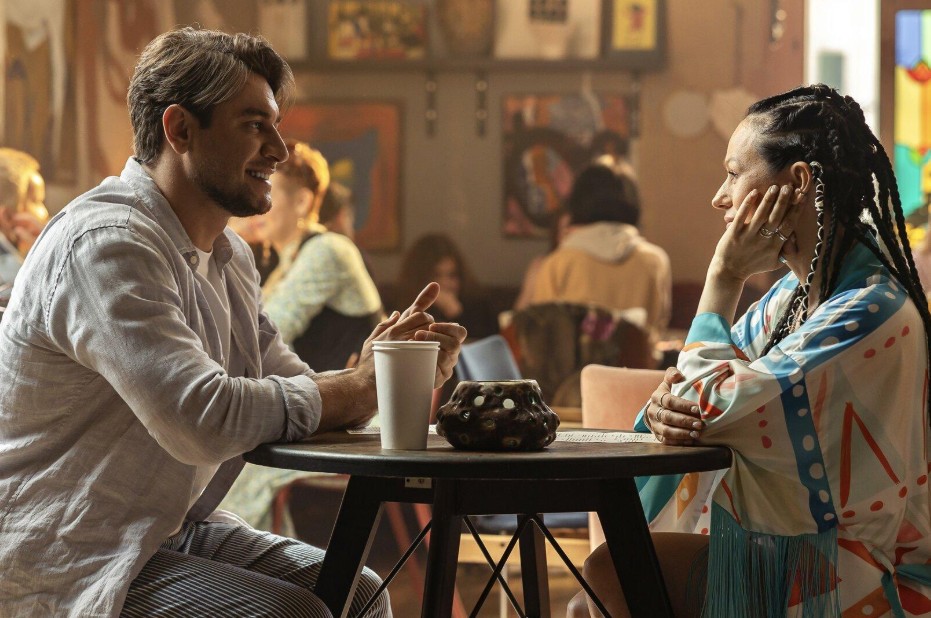
For dialogue, you should clearly identify which character is speaking and the exact message to be conveyed. For example: “The woman looked directly at the person opposite her and said in a calm but firm voice: 'We don’t have much time left.'”
If there are multiple characters, identifying the speaker, the content of the dialogue, and the corresponding emotions will help reduce ambiguity. However, the generated result may still differ from the requirements, so you should carefully check the dialogue, pronunciation, and synchronization between the sound and the image.
2. Practical formulas for writing effective prompts
From the seven factors above, you can construct a simple formula:
Subject + Setting + Action + Camera Angle + Style + Lighting + Sound + Dialogue.
Not every prompt needs to include all the elements. For a landscape scene without characters, dialogue may be unnecessary. For product advertising videos, you should prioritize product visuals, camera movement, appropriate lighting, and sound.
For example, with the idea of creating a video of an anime character on a rooftop, the prompt could be written as follows:
“ An anime boy in a black coat stands on a rooftop in a futuristic city at night. He slowly draws his sword, turns, and lunges forward. The camera begins with a medium shot and then follows the character. The style is cinematic anime, with blue-purple neon lighting and powerful movement. The soundscape includes whistling wind, the sound of a sword being drawn from its sheath, and dramatic background music. The character speaks in a calm voice: 'It’s time to end this .'”
This prompt defines the subject, setting, sequence of actions, camera movement, visual style, lighting, sound, and dialogue. As a result, the description provides a relatively complete creative direction instead of just stating general ideas.
After creating the video, you should review the results and adjust each element. If the movement isn't right, simplify the sequence of actions. If the visuals aren't in the right style, describe the material and visual language more clearly. If the sound isn't suitable, specify the sound source and its timing.
3. Conclusion
Think of Veo 3 as a tool to help realize your ideas, not a system that always produces perfectly accurate results. The clearer the prompt, the more focused the testing process, and the more carefully you evaluate the results, the better you'll have a basis for creating videos that align with your goals.





















VIP Products








Best Selling Products
MidJourney Account
29 USD
Upgrade Duolingo Super
29 USD
Upgrade Genuine Office 365
49 USD
Copyright Adobe Lightroom Account
59 USD
Genuine Adobe Illustrator account
99 USD
Upgrade genuine Capture One account
120 USD
Genuine Cheap Canva Pro
39 USD
ChatGPT Plus Account (GPT-4)
16 USD
Capcut Pro 1 Year
39 USD
Windows 10 & 11 Pro Key
36 USD
Adobe Photoshop Copyright - Full App
120 USD
Freepik Premium Account
59 USD
Autodesk All App Account Copyright
120 USD
Adobe Premiere Pro Account
99 USD
Plugin Retouch4me
69 USD