Best Selling Products

Upgrade Duolingo Super
29 USD

ChatGPT Plus Account (GPT-4)
16 USD

Genuine Cheap Canva Pro
39 USD

MidJourney Account
29 USD

Copyright Adobe Lightroom Account
59 USD

Plugin Retouch4me
69 USD

Freepik Premium Account
59 USD

Capcut Pro 1 Year
39 USD

Adobe Photoshop Copyright - Full App
120 USD

Upgrade Genuine Office 365
49 USD

Autodesk All App Account Copyright
120 USD

Windows 10 & 11 Pro Key
36 USD

Upgrade genuine Capture One account
120 USD

Genuine Adobe Illustrator account
99 USD

Adobe Premiere Pro Account
99 USD
Autodesk Vault Account
Nội dung
- 1. What is Autodesk Vault?
- 2. Who should use Autodesk Vault?
- 3. Key features of Autodesk Vault
- 3.1 Seamless integration with CAD software
- 3.2 Strict and secure data control
- 3.3 Flexible design data reuse
- 3.4 Fast and efficient data retrieval
- 3.5 Design Change and Drawing Release Procedure
- 3.6 Access data anytime, anywhere
- 3.7 Direct notes on the drawing
- 4. What is Autodesk Vault used for?
- 5. Safe and affordable Autodesk Vault upgrade addresses
- 5.1 Software Warehouse – A reliable partner in the field of licensed software
- 5.2 Dedicated and professional customer support services
- 5.3 Competitive pricing and attractive offers
- 6. Conclusion
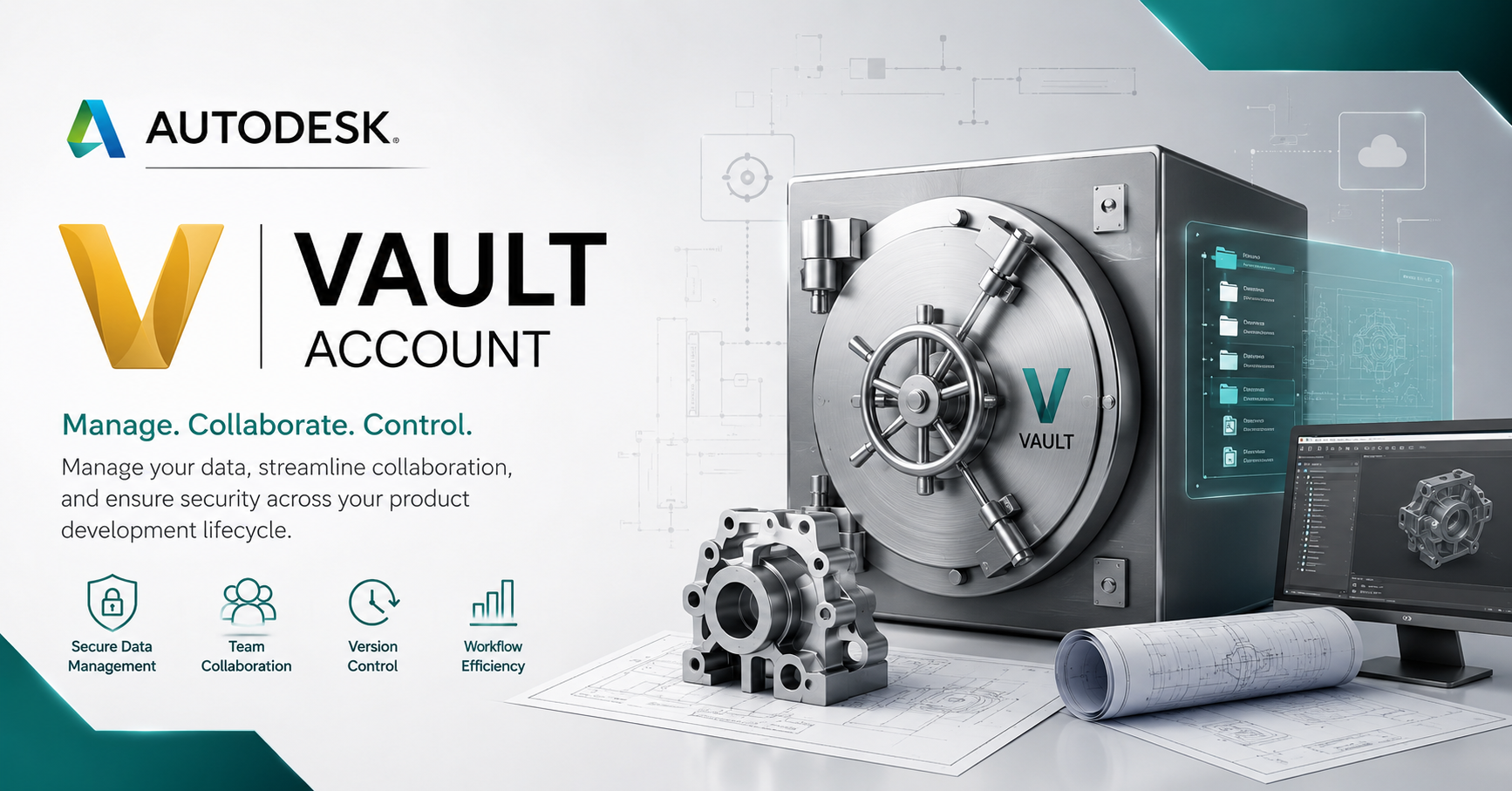
Autodesk Vault accounts provide a comprehensive design data management solution, helping businesses store, track, and manage file versions efficiently. With Autodesk Vault, engineering teams can easily collaborate, secure data, and optimize workflows.
1. What is Autodesk Vault?
Autodesk Vault is a design data management solution specifically developed for businesses operating in the engineering and manufacturing sectors. This software acts as a data "coordination center," making it easy for users to store, retrieve, and control critical design documents. Vault consists of two main components:
- The Vault Server is where all project data is stored and configured .
- The Vault Client features an intuitive interface that allows users to manage , share , and synchronize data .
Autodesk Vault's strengths lie not only in its centralized storage capabilities but also in its range of powerful supporting tools such as version control, design replication, 3D model preview, and change history tracking. This enables efficient and transparent collaboration between engineering and design teams, minimizing the risk of information loss.
2. Who should use Autodesk Vault?
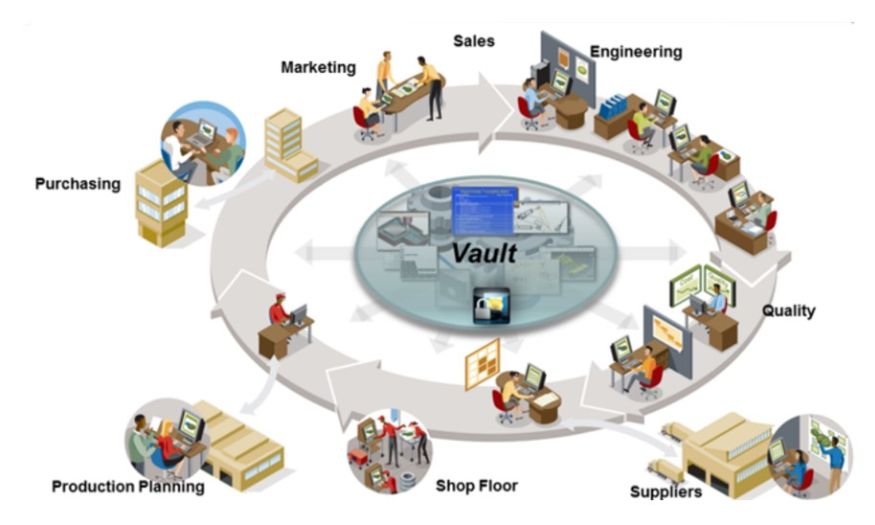
This is the optimal choice for individuals and businesses looking to optimize data management and improve work efficiency.
- Mechanical , architectural , and construction design engineers : Easily store , control , and retrieve complex drawings and design models .
- Project management : Leverage data analysis and reporting tools to make more accurate and timely decisions .
- Product development team : Effectively managing information across multiple industries , from consumer products to heavy industry .
- Quality Manager : Controls all changes in design , ensuring data is always accurate and consistent .
- Architecture , construction , and product design businesses : Maintain synergy between departments and enhance collaboration .
- Research & Development ( R & D ) organizations : Secure research data , manage revision history , and optimize product innovation processes .
3. Key features of Autodesk Vault
3.1 Seamless integration with CAD software
Autodesk Vault is designed to seamlessly integrate with other CAD software within the Autodesk ecosystem, making the design data management process faster and smoother. Thanks to this deep integration, users can easily store, synchronize, and manage design information within their familiar work environment, minimizing errors and saving data processing time.
3.2 Strict and secure data control
Vault provides an intelligent access control system, allowing users to be granted permissions based on specific documents or folders. This ensures data security while also supporting efficient version control (Revision). Engineers and managers can rest assured that all changes are recorded and closely monitored.
3.3 Flexible design data reuse
With the Copy Design feature, users can leverage existing designs to develop new details or products without starting from scratch. This not only saves time but also helps maintain design consistency, optimize work efficiency, and enhance the creativity of the engineering team.
3.4 Fast and efficient data retrieval
Vault is equipped with a smart search tool, allowing users to access necessary data in just seconds. Filters and shortcuts are optimized to easily find important drawings, models, or documents, significantly reducing search time and improving daily work efficiency.
3.5 Design Change and Drawing Release Procedure
The Lifecycles feature in Autodesk Vault allows for customization and control of the entire design change (ECO) and drawing release process. This helps ensure that all changes are rigorously vetted, keeping the final product of high quality and meeting stringent technical requirements.
3.6 Access data anytime, anywhere
Autodesk Vault supports data access via web browsers and mobile devices through the Thin Client, allowing users to easily view information without needing a separate license. This opens up flexibility for remote work, ensuring project progress is not interrupted regardless of location.
3.7 Direct notes on the drawing
Users can add notes, highlights, or annotations directly to drawings within Autodesk Vault. This feature makes it easier for work teams to exchange information, provide feedback, and improve designs quickly, thereby fostering more effective collaboration between departments.
4. What is Autodesk Vault used for?
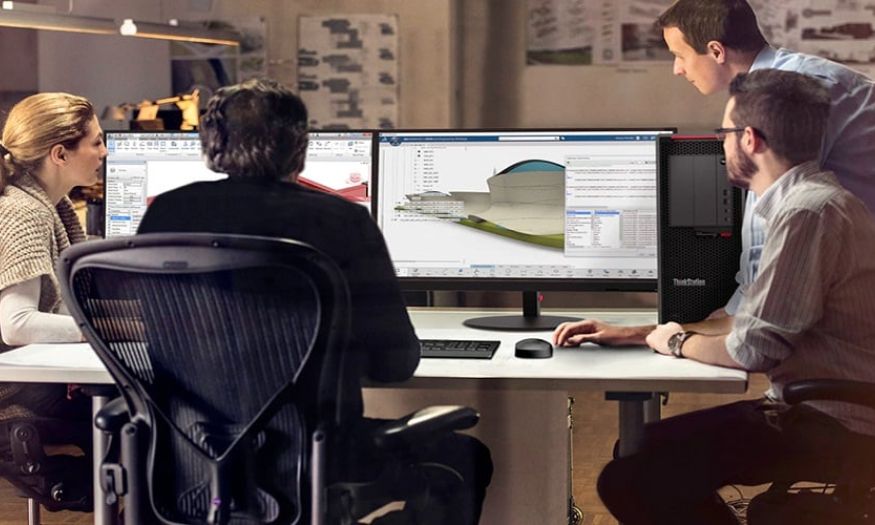
With its strong integration capabilities with design software, Autodesk Vault offers exceptional convenience and efficiency in the workflow.
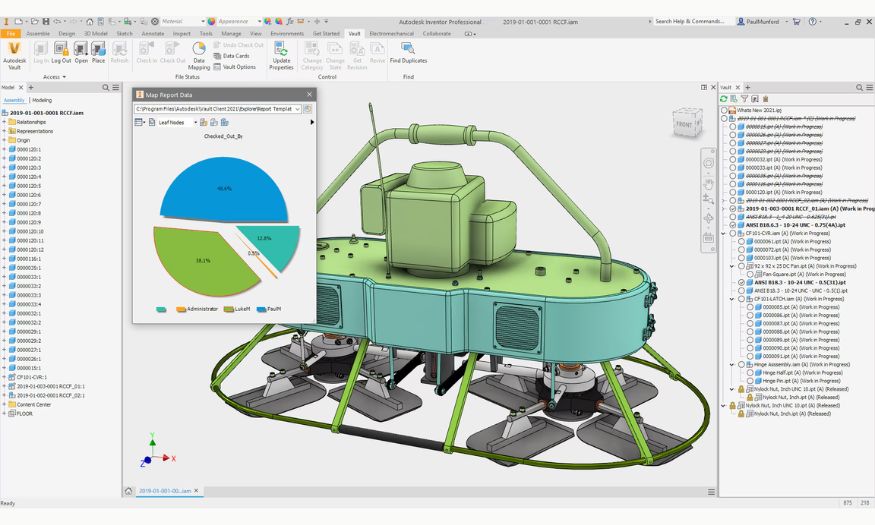
- Design version management and control : Helps track all file versions , ensuring all team members are working with the latest data , avoiding confusion and errors .
- Centralized and secure data storage : Create a shared data repository for all drawings , documents , and project information , enabling faster and more secure access .
- Effective collaboration between teams : Allows multiple people to participate in a project together , easily sharing documents and ideas without difficulties with permission management or data synchronization .
- Workflow control and design change management : Monitor and approve project changes , ensuring transparency and maintaining data integrity .
- Data reporting and analysis support : Provides tools for managers to track progress , evaluate performance , and make decisions based on accurate data .
- Seamless integration with Autodesk software : Work easily with AutoCAD , Inventor , Revit , and many other software programs , making the design process smooth and time - saving .
5. Safe and affordable Autodesk Vault upgrade addresses
5.1 Software Warehouse – A reliable partner in the field of licensed software
Tong Kho Phan Mem (Software Warehouse) is one of the leading reputable providers of licensed software in Vietnam, including Autodesk Vault. With years of experience and a team of tech-savvy professionals, Tong Kho Phan Mem not only provides genuine products but also ensures fast, professional customer consultation and support. All transactions are transparent, with full VAT invoices provided, offering complete peace of mind for businesses and individuals when upgrading software.
5.2 Dedicated and professional customer support services
When choosing Tong Kho Phan Mem (Software Warehouse), customers not only receive a genuine Autodesk Vault account but also support throughout the entire usage process. Our consulting team will provide detailed guidance from installation and activation to answering all related questions. Any issues that arise will be handled promptly, giving you peace of mind and allowing you to fully utilize the software's features. This is the key factor that makes many customers choose Tong Kho Phan Mem as their long-term partner.
5.3 Competitive pricing and attractive offers
Total Software Warehouse proudly offers customers Autodesk Vault upgrade packages at reasonable prices, suitable for various business needs and sizes. Product quality is guaranteed, features are always fully updated, and costs are optimized for our customers. Furthermore, regular promotions and attentive customer service make owning licensed software easier and more economical than ever.
6. Conclusion
In a highly competitive and fast-paced market, a centralized, secure, and efficient data management system is key to helping engineers and designers maintain creativity and enhance productivity. Autodesk Vault is not just a tool, but a crucial step in your digital transformation journey, helping you optimize every aspect of your product design and development process.





















VIP Products








Best Selling Products
Upgrade Duolingo Super
29 USD
ChatGPT Plus Account (GPT-4)
16 USD
Genuine Cheap Canva Pro
39 USD
MidJourney Account
29 USD
Copyright Adobe Lightroom Account
59 USD
Plugin Retouch4me
69 USD
Freepik Premium Account
59 USD
Capcut Pro 1 Year
39 USD
Adobe Photoshop Copyright - Full App
120 USD
Upgrade Genuine Office 365
49 USD
Autodesk All App Account Copyright
120 USD
Windows 10 & 11 Pro Key
36 USD
Upgrade genuine Capture One account
120 USD
Genuine Adobe Illustrator account
99 USD
Adobe Premiere Pro Account
99 USD