Best Selling Products

Upgrade Genuine Office 365
49 USD

Genuine Cheap Canva Pro
39 USD

MidJourney Account
29 USD

Adobe Premiere Pro Account
99 USD

Plugin Retouch4me
69 USD

Capcut Pro 1 Year
39 USD

Upgrade genuine Capture One account
120 USD

Freepik Premium Account
59 USD

Adobe Photoshop Copyright - Full App
120 USD

Windows 10 & 11 Pro Key
36 USD

Upgrade Duolingo Super
29 USD

Genuine Adobe Illustrator account
99 USD

Copyright Adobe Lightroom Account
59 USD

ChatGPT Plus Account (GPT-4)
16 USD

Autodesk All App Account Copyright
120 USD
Buy a reliable CapCut Pro: the right investment for your video editing work.
Nội dung
- 1. Understand the product correctly before comparing prices.
- 1.1. Individual subscriptions and pre-assigned accounts are different.
- 1.2. The value of using the product doesn't lie in the promise of unlocking everything.
- 2. Determine your needs to avoid overbuying.
- 2.1. Individual Content Creators
- 2.2. Service and sales video creators
- 3. Five criteria for buying a reputable CapCut Pro.
- 3.1. Transparent description of the package and delivery process.
- 3.2. Payments with verification traces
- 3.3. The support policy describes how it will be handled.
- 4. Step-by-step purchasing and inspection process
- 4.1. Verification through a real-world project
- 5. Read the cost in terms of both the usage period and the cost.
- 6. Maintain control after the purchase.
- 7. Appvip.ai : Prepare your ideas before choosing to buy a reputable CapCut Pro.
- 8. Conclusion
Buy CapCut Pro reliably with guidance on choosing a package, checking your account, usage rights, and post-purchase support. Avoid confusing your subscription with a shared account.
1. Understand the product correctly before comparing prices.
CapCut is a video editing application with both free tools and paid benefits. When you purchase the Pro version, you are subscribing to the terms and conditions of the package, not simply buying another installation file. Therefore, successfully downloading the application or logging in is not enough to prove that the transaction has provided the correct benefits.

The package name, duration, and recipient account need to be clearly defined. An offer that only states "CapCut Premium" but fails to explain access rights, activation methods, and expiration dates is missing essential information. Ask the provider for clarification before proceeding with the payment.
1.1. Individual subscriptions and pre-assigned accounts are different.
With a personal account, you have control over your login information and recovery method. Pro privileges can be checked directly on your account. This is convenient when you have projects, work habits, or data that need to be continuously maintained. However, all benefits must still be compared with the actual package, not simply inferred from the word "personal".
Pre-provided accounts require more thorough verification of origin, email account holder, and recovery capabilities. If the seller retains the right to recover the account, changing the password doesn't mean you have full control. These limitations should be publicly disclosed rather than only appearing after a customer experiences a problem.
1.2. The value of using the product doesn't lie in the promise of unlocking everything.
Benefits may vary by platform, region, version, and subscription type. For some AI tools, additional checks on applicable limits or credits are necessary. It's not advisable to assume that purchasing Pro automatically means unlimited functionality, ad-free use of all resources, or identical access across all devices.
2. Determine your needs to avoid overbuying.
A good upgrade choice starts with the tasks you need to complete. Someone who posts personal videos a few times a month has different needs than someone who creates sales content daily. Instead of reading through a whole list of features and trying to find reasons to upgrade, open your recent projects and note down the process that's taking you the most time.
2.1. Individual Content Creators
For channel builders, consistency is often more important than the number of effects. Prioritize a process that helps maintain a consistent typography, editing rhythm, and presentation throughout. The right package is one that supports a realistic posting schedule while not creating pressure to produce more just to feel like the payment is worthwhile.
2.2. Service and sales video creators
When there are clients awaiting delivery, account proactiveness and problem-solving capabilities need to be considered. For example, a product video editor who needs to revise content after the initial delivery will need to maintain control of the project and related resources. Focusing solely on exporting a video at the time of purchase may lead to overlooking revision needs.
3. Five criteria for buying a reputable CapCut Pro.
Reputation should be assessed based on verifiable information, not just testimonials or photo reviews. A trustworthy seller should clearly state their products, payment process, and support responsibilities. This clarity ensures mutual understanding and reduces disputes when actual benefits differ from initial expectations.
3.1. Transparent description of the package and delivery process.
Before placing an order, please ask the supplier to clearly confirm the following points:
-
Authorization account: activation on your account or transfer to an existing account.
-
Validity period: starts from the time of payment, activation, or other point in time.
-
How to receive the product: steps to take and information you actually need to provide.
-
Conditions apply: supported devices, platforms, and login methods.
Specific information is more valuable than the assurance of "just buy and we'll take care of the rest," because you have a basis for verification when you receive the right to use the service.
3.2. Payments with verification traces
Save your order confirmation, consultation details, and payment documents in one place. The information must match between the selected product and the delivered product. For recurring payments, read both the initial amount and the renewal terms. Don't just rely on the highlighted price and ignore the detailed notes below.
3.3. The support policy describes how it will be handled.
A useful policy should clearly state under what circumstances claims are accepted, what information the buyer must provide, and who is responsible. Phrases like “full warranty” or “fast support” are too general without specific scope. In particular, it's crucial to distinguish between subscription issues and machine errors, network errors, or errors in the ongoing project.
The remaining two criteria are protecting personal information and not requiring unusual actions. Be cautious if you are asked to send verification codes, provide email access, or install applications from unknown sources. A cheaper transaction is not worth sacrificing control of an account containing work data.
4. Step-by-step purchasing and inspection process
The first step is to confirm that you'll be using the correct account long-term. Check your email or login method, then save the necessary information to avoid accidentally activating the wrong account. If the app supports multiple login methods, don't assume both methods lead to the same account just because they're linked to the same email address.
Next, open the registration area in the app or the appropriate official channel, read the package name and current benefits. When considering external support services, ask for a comparable description to compare under the same conditions. Only confirm payment after you understand the total cost, the cycle, and how to manage your subscription afterward.
4.1. Verification through a real-world project
Prepare a short video showcasing your usual actions, such as adding text, adjusting audio, and applying a resource from a package. Publish a test version to check the results, then reopen the project and make a minor adjustment. This testing method reflects the need for better workflow than simply taking a screenshot of the Pro icon.
5. Read the cost in terms of both the usage period and the cost.
For comparison over the same term, you can refer to the two one-year CapCut Pro options currently listed on appvip.ai :
| One-year package | Reference price |
| Pre-provided account | 1,699,000 VND |
| Official upgrade | 1,899,000 VND |
This is the suggested retail price on appvip.ai , not the standard price within the app. The difference of 200,000 VND should be considered along with account management rights. Long-term packages are only worthwhile if you plan to use them for a sufficient period; please confirm the total cost and renewal conditions before purchasing.
You can create a simple calculation using your own data. Divide the subscription cost by the number of videos you plan to complete to see the investment per product. This is just a budgeting tool, not a guarantee of profit. Whether a video sells depends on its content, product, distribution, and many other factors besides the software.
Don't forget any additional charges beyond the listed price, if applicable: taxes, currency conversion fees, or support service fees. Comparisons will be inaccurate if one party quotes a total price while the other only provides a base rate. The final amount confirmed at the last stage is the crucial data for making a decision.
6. Maintain control after the purchase.
Completing the payment is just the beginning. You should keep your order information, know where to manage your package, and schedule a review of your needs before renewal. For important projects, save the export version along with the source files in a suitable location. Don't consider a software upgrade as a backup option instead of proper data management.
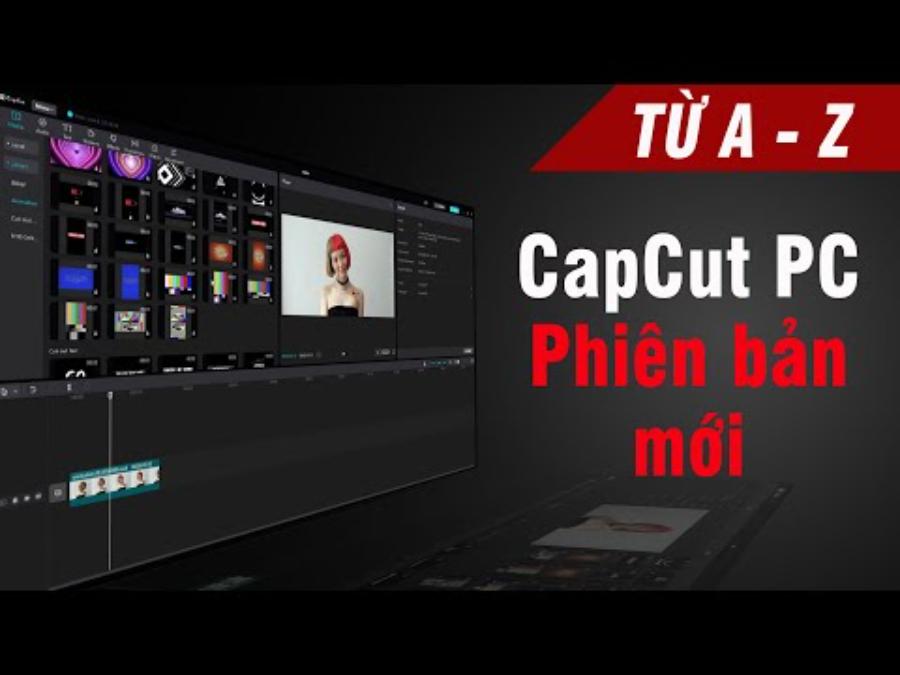
When creating commercial content, check the usage rights for each type of music, sample, or resource included in the video. Software access rights and resource exploitation rights are not always the same. If the scope of use is unclear, choose resources with appropriate conditions or prepare alternative content before release.
7. Appvip.ai : Prepare your ideas before choosing to buy a reputable CapCut Pro.
A video editing package is only valuable when you already know what kind of content you want to produce. For those looking for a reputable place to buy CapCut Pro, appvip.ai is a good option for preparation: the website introduces the AI chat tool along with features for creating and editing images. These features allow you to experiment with ideas before investing heavily in the editing process.
8. Conclusion
Buying CapCut Pro from a reputable source means choosing a clear usage right that meets your needs and that you can verify yourself. Start with an account you control, compare the package before payment, and try it out immediately with a real project. When the three factors of product, cost, and support are clear, you will be more proactive in your video editing work and avoid being swayed by attractive sales pitches.





















VIP Products








Best Selling Products
Upgrade Genuine Office 365
49 USD
Genuine Cheap Canva Pro
39 USD
MidJourney Account
29 USD
Adobe Premiere Pro Account
99 USD
Plugin Retouch4me
69 USD
Capcut Pro 1 Year
39 USD
Upgrade genuine Capture One account
120 USD
Freepik Premium Account
59 USD
Adobe Photoshop Copyright - Full App
120 USD
Windows 10 & 11 Pro Key
36 USD
Upgrade Duolingo Super
29 USD
Genuine Adobe Illustrator account
99 USD
Copyright Adobe Lightroom Account
59 USD
ChatGPT Plus Account (GPT-4)
16 USD
Autodesk All App Account Copyright
120 USD