Best Selling Products

Adobe Premiere Pro Account
99 USD

Copyright Adobe Lightroom Account
59 USD

Genuine Cheap Canva Pro
39 USD

Genuine Adobe Illustrator account
99 USD

Upgrade Genuine Office 365
49 USD

Adobe Photoshop Copyright - Full App
120 USD

Plugin Retouch4me
69 USD

Autodesk All App Account Copyright
120 USD

Windows 10 & 11 Pro Key
36 USD

Freepik Premium Account
59 USD

Upgrade Duolingo Super
29 USD

Upgrade genuine Capture One account
120 USD

ChatGPT Plus Account (GPT-4)
16 USD

MidJourney Account
29 USD

Capcut Pro 1 Year
39 USD
Discover the Step-by-Step Details of Digital Painting: From Basic to Professional Mastery
Nội dung
- 1. The true nature of digital painting and its differences from traditional painting.
- The core concept of digital painting
- Significant advantages over traditional methods.
- 2. Equipment needed to get started with Digital Painting
- Electronic drawing tablets (Pen Tablets) and drawing tablets (Pen Displays)
- Optimal computer and hardware configuration
- 3. Top graphic design software in the world of Digital Painting
- Adobe Photoshop – A global industry standard.
- Clip Studio Paint – A paradise for comics and illustrations
- Procreate – A revolution on iPad
- 4. Standard workflow in Digital Painting
- Step 1: Ideation and Sketching
- Step 2: Line art or Blocking
- Step 3: Shading and Lighting
- Step 4: Detailing and Post-processing
- 5. Frequently Asked Questions about Drawing Skills and Aesthetic Thinking
- Can I learn digital painting if I don't know how to draw by hand?
- How can I practice drawing without my hand shaking?
- 6. Wide range of career paths with Digital Painting
- Concept Artist (Character and Background Designer)
- Illustrator
- Comic/Webtoon Artist
- 7. Digital Painting Trends and the Future Impact of AI
- AI is a support tool, not a replacement.
- The rise of 2D art combined with 3D.
- 8. Mastering Light and Materials in Advanced Digital Painting
- Reflection mechanism and surface roughness
- Utilize Layer Blending Modes to enhance lighting.
- 9. Conclusion
Unraveling everything about Digital Painting, from concepts and necessary equipment to professional learning processes. A comprehensive guide for beginners who want to pursue a career in digital painting in 2026.
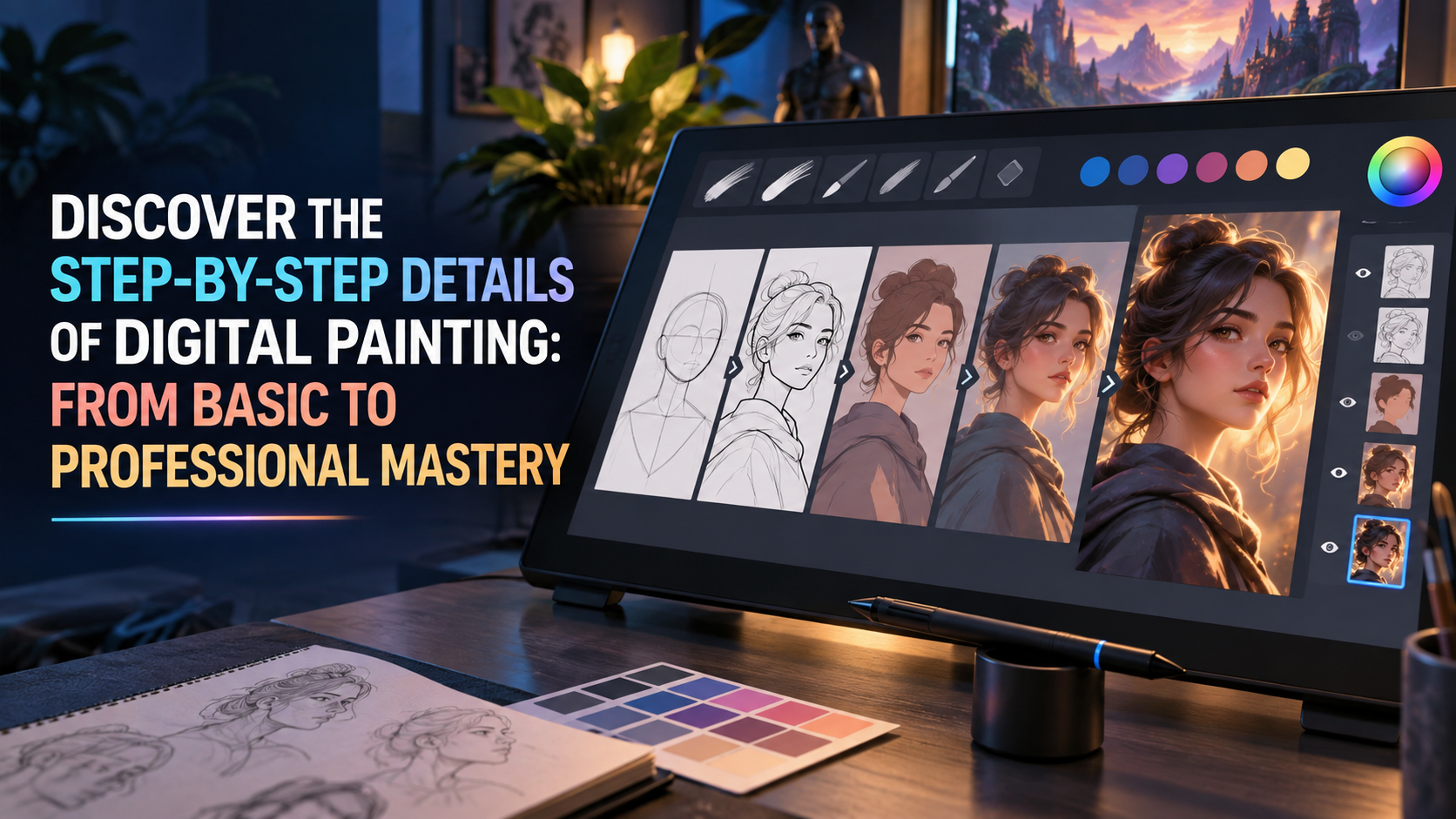
1. The true nature of digital painting and its differences from traditional painting.
Digital painting is often misunderstood as a form of "doing the work for someone else" done by a computer, but in reality, it is a job that requires extremely rigorous manual skills and artistic thinking.
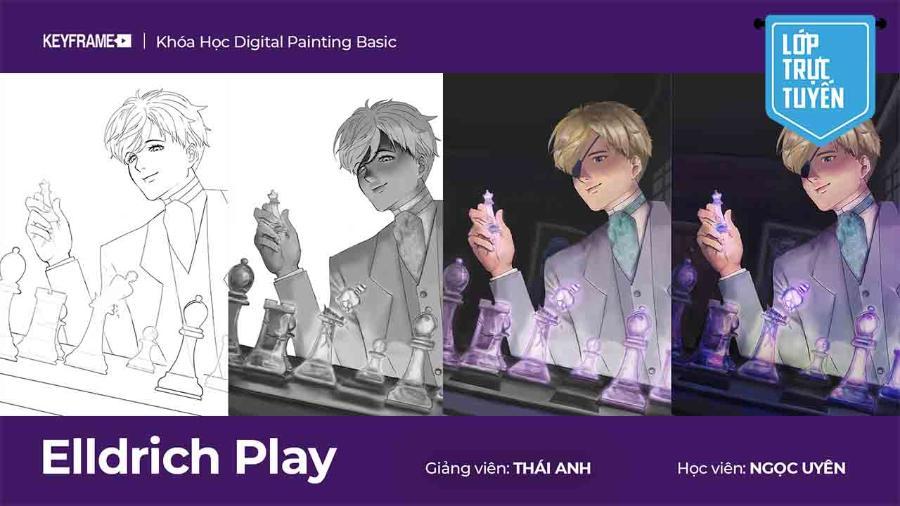
The core concept of digital painting
Digital drawing is a technique for creating artwork directly on a computer using specialized graphic design software. The key lies in perfectly simulating traditional drawing tools while incorporating features never found in physical painting. The artist uses a stylus that detects pressure and tilt to control virtual strokes on the screen. Each hand movement is translated into mathematical algorithms, creating pixels with the precise colors and shapes intended by the creator.
Significant advantages over traditional methods.
One of the biggest advantages of digital painting is the ability to instantly correct mistakes with the Undo command (Ctrl + Z). This allows artists to freely experiment with bold ideas without fear of ruining the entire artwork. The layer system helps separate elements such as sketches, coloring, and shading, making the workflow more organized and manageable. Furthermore, storing and sharing digital artwork is quick, doesn't fade over time, and allows for easy duplication for various uses without compromising the original quality.
2. Equipment needed to get started with Digital Painting
Choosing the right equipment is the most important step, determining 50% of the comfort and effectiveness in long-term learning and working.
Electronic drawing tablets (Pen Tablets) and drawing tablets (Pen Displays)
Digital drawing tablets are indispensable peripherals, completely replacing computer mice. For beginners, screenless drawing tablets (such as the Wacom Intuos or Huion Inspiroy series) are an economical and durable option. Users will look at the computer screen while drawing on the tablet surface, requiring a short period of time to train hand-eye coordination.
For professional artists or those with a better budget, on-screen drawing tablets (like the Wacom Cintiq or XP-Pen Artist) allow you to draw directly on the display surface. This experience is closest to drawing on paper, increasing work speed and accuracy in each stroke. The main difference lies in the pressure sensitivity, which typically reaches 8192 levels, allowing for the creation of varying line thickness and shading, just like a real brush.
Optimal computer and hardware configuration
Digital painting requires a powerful computer configuration to handle high-resolution files and hundreds of layers. RAM is a top priority, ideally at least 16GB to ensure smooth operation even when using complex brushes. The CPU needs to have good single-core speed, while the graphics card (GPU) will greatly assist in displaying colors and processing effect filters quickly. A monitor with high color accuracy (achieving over 95% sRGB or high Adobe RGB) is essential to ensure that the artwork is color-accurate when printed or displayed on other devices.
3. Top graphic design software in the world of Digital Painting
The software is like a virtual art studio, providing you with a full range of materials from oil paints and watercolors to pastels.
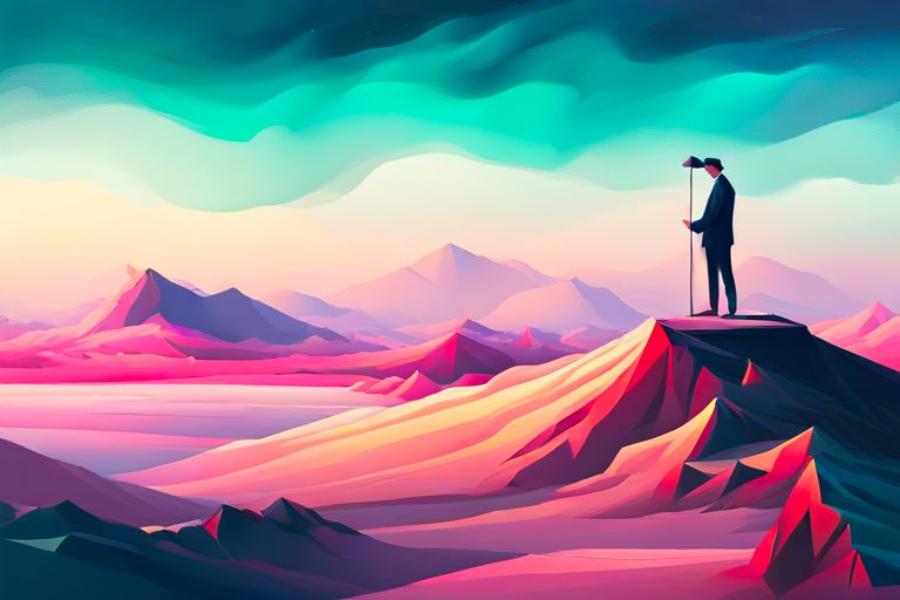
Adobe Photoshop – A global industry standard.
Photoshop is not just photo editing software; it's also the most powerful tool in the world of professional digital painting. With its endless customizable brush system and incredibly powerful post-processing capabilities, it's a software that anyone wanting to pursue a professional career must familiarize themselves with. The latest generation of Photoshop also integrates AI support for area selection and detail compensation, making the painting process smarter and faster than ever before.
Clip Studio Paint – A paradise for comics and illustrations
If you love Manga, Anime, or character illustration, Clip Studio Paint is a must-have. This software is optimized for extremely smooth line art thanks to its line stabilization feature. Clip Studio Paint also boasts a library of 3D models, allowing artists to quickly create character models for reference, completely eliminating anatomical concerns for beginners.
Procreate – A revolution on iPad
The introduction of Procreate transformed the iPad into a powerful mobile digital drawing tool. With its minimalist yet feature-rich interface, Procreate is perfect for those who appreciate flexibility and the ability to draw anywhere, from a coffee shop to an airplane. The Apple Pencil, combined with Procreate, delivers near-zero latency, creating an incredibly realistic drawing experience.
4. Standard workflow in Digital Painting
Although each artist has their own unique style, a scientific workflow will help you control the quality of the artwork from start to finish.
Step 1: Ideation and Sketching
Every great work of art begins with a rough sketch. In a digital environment, you should use brushes with low opacity to create the overall shape. Don't focus too much on detail at this stage; the goal is to define the composition, proportions, and rhythm of the painting. Sketching on a separate layer makes it easy to erase or adjust without affecting subsequent steps.
Step 2: Line art or Blocking
Depending on your chosen style, you can either create clean lines or build large blocks of color (blocking). If you choose blocking, you'll use base colors to define large areas of light and shadow. This stage is crucial as it establishes the lighting and contrast system for the entire painting. Use brushes with hard edges to clearly separate spaces and objects.
Step 3: Shading and Lighting
This is where the painting begins to acquire spatial depth. The artist will identify the primary and secondary light sources for shading. Using blending modes like Multiply for shadows and Screen or Overlay for highlights helps to bring colors to life and adds depth. Understanding of the material (such as polished metal or rough fabric) will be demonstrated through how you handle color transitions and light reflections.
Step 4: Detailing and Post-processing
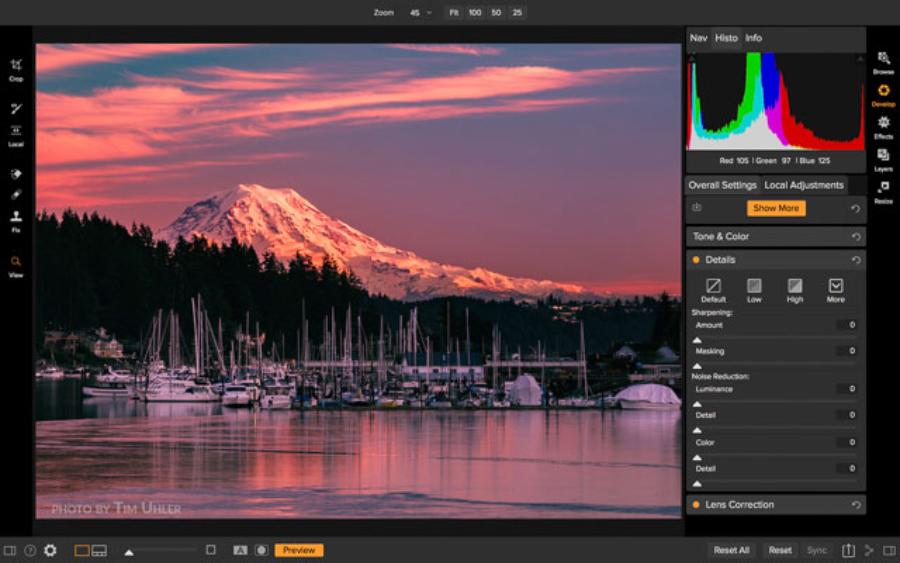
In the final step, you'll focus on the smallest details, such as strands of hair, scratches on armor, or tiny specks of light in the eyes. After completing the drawing, Photoshop filters like Camera Raw or Color Lookup will be used to balance the overall color, create subtle grain effects, or blur the focus to make the painting look like a photograph or a traditional handcrafted artwork.
5. Frequently Asked Questions about Drawing Skills and Aesthetic Thinking
Many people often worry about their innate artistic ability when approaching Digital Painting, but the truth is that it lies in systematic training.
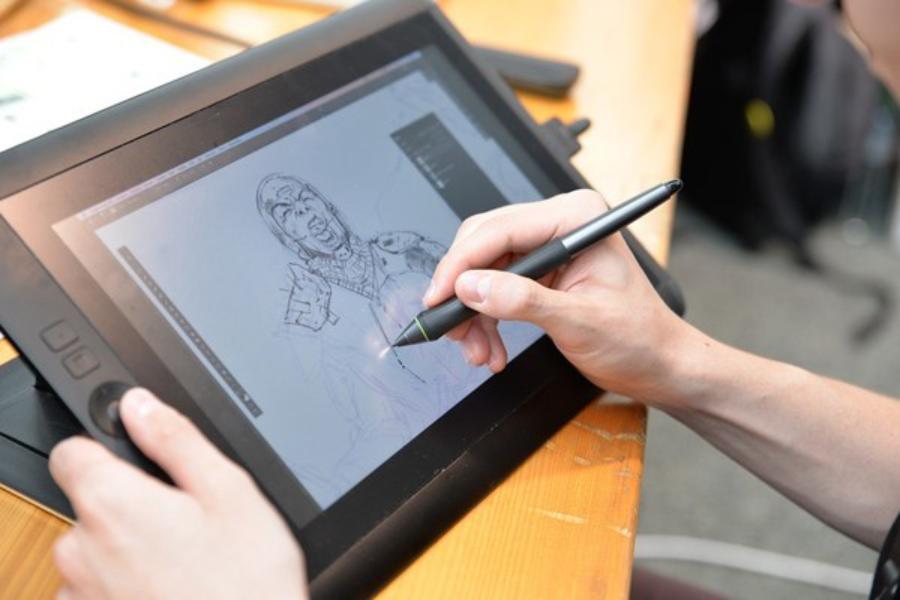
Can I learn digital painting if I don't know how to draw by hand?
The short answer is yes, but knowing how to draw by hand is a huge advantage. Digital painting is just a tool; understanding form, light, color, and composition are fundamental aspects of painting in general. If you're starting from scratch, spend time learning the basics of geometry, human anatomy, and perspective alongside getting familiar with the equipment. Digital drawing provides many tools, but it cannot replace human aesthetic sense.
How can I practice drawing without my hand shaking?
Shaky lines are a common problem for beginners using digital drawing tablets. The key lies in using your whole arm instead of just your wrist to draw. Long strokes should be executed with a quick, decisive movement from the elbow. Additionally, many software programs have a stabilizer feature that automatically smooths out lines. However, don't overuse it; practice drawing straight lines and circles daily to improve muscle memory.
6. Wide range of career paths with Digital Painting
In 2026, the demand for personnel in the digital graphics industry is at a record high due to the growth of digital entertainment and the virtual universe (Metaverse).
Concept Artist (Character and Background Designer)
A Concept Artist is responsible for visualizing ideas from a literary script into concrete images. They design everything from characters and weapons to fictional cities in games and films. This position demands extremely high creativity and extensive knowledge across many different fields.
Illustrator
Illustrators work in the publishing, advertising, and journalism fields. Their work is often highly expressive, helping to convey the message of a product or article content. Currently, illustration for book covers, card games, and high-end product packaging is in great need of talented digital painting artists.
Comic/Webtoon Artist
The rise of global Webtoon platforms has opened up opportunities for thousands of young artists. With a rapid digital drawing process, an artist can maintain a weekly release schedule of new chapters. This is a job that combines digital drawing and visual storytelling skills.
7. Digital Painting Trends and the Future Impact of AI
Artificial intelligence (AI) is creating a seismic shift in the art world, but it also presents new opportunities if we know how to leverage it.
AI is a support tool, not a replacement.
AI tools like Midjourney or Stable Diffusion can generate images quickly, but they lack the consistency and specific artistic intent required by a professional project. Modern digital painting artists are using AI to create quick idea sketches (moodboards) or process repetitive background details. Combining the power of AI with digital hand-drawing skills frees artists from tedious tasks, allowing them to focus on creating core value.
The rise of 2D art combined with 3D.
The current trend is to use 3D software (like Blender) to create the basic composition and lighting, then use digital painting techniques to overlay (paintover). This method ensures absolute accuracy in perspective and lighting while still preserving the individual artistic style. This is the standard process in large studios today to optimize work efficiency.
8. Mastering Light and Materials in Advanced Digital Painting
The difference between a flat drawing and a vibrant artwork lies in the ability to coordinate light and simulate materials. In the digital environment, you have incredibly powerful tools to do this scientifically.
Reflection mechanism and surface roughness
When painting metal armor, you need to use sharp, high-contrast brushstrokes, focusing on spectacular highlights to create a glossy effect. Conversely, when painting human skin or fabric, you need soft color transitions and higher color saturation in the subsurface scattering areas. Using textured brushes will help you quickly recreate the surface of fabric, stone, or wood without having to manually paint every tiny detail.
Utilize Layer Blending Modes to enhance lighting.
A secret of professional artists is never to use only white to paint light. Use Layers in Color Dodge or Linear Dodge (Add) mode with warm tones like yellow-orange to create the feeling of bright sunlight. For shadows, instead of using black, try Multiply mode with deep blue or purple tones so that the dark areas retain clarity and color nuances. This technique helps the artwork avoid "color smearing" and creates a consistent atmosphere for the entire frame.
9. Conclusion
Digital painting is not simply a technological trend, but a brilliant new chapter in the history of human art. Debunking the questions surrounding this field reveals that, no matter how tools change, the heart of art remains persistent practice and unceasing creative thinking. Whether you start with an old iPad or a professional workstation, the most important thing is the hours spent diligently working at the drawing tablet, transforming images in your mind into vibrant works of art on the screen. Consider digital painting a companion, helping you overcome the limitations of traditional physics to reach new creative horizons, where only your imagination is the limit.





















VIP Products








Best Selling Products
Adobe Premiere Pro Account
99 USD
Copyright Adobe Lightroom Account
59 USD
Genuine Cheap Canva Pro
39 USD
Genuine Adobe Illustrator account
99 USD
Upgrade Genuine Office 365
49 USD
Adobe Photoshop Copyright - Full App
120 USD
Plugin Retouch4me
69 USD
Autodesk All App Account Copyright
120 USD
Windows 10 & 11 Pro Key
36 USD
Freepik Premium Account
59 USD
Upgrade Duolingo Super
29 USD
Upgrade genuine Capture One account
120 USD
ChatGPT Plus Account (GPT-4)
16 USD
MidJourney Account
29 USD
Capcut Pro 1 Year
39 USD