1. Why is the demand for affordable Canva Pro increasing?
Canva thrives on its "design for everyone" approach. With just a few drag-and-drop actions, users can create everything from social media posts and advertising banners to presentation slides and resumes. As design needs grow rapidly, upgrading to Pro becomes a sensible choice for faster, more consistent workflows and less reliance on third parties.

The main reasons why users look for affordable Canva Pro:
-
High design frequency : online sellers, marketers, and creators need to create content daily.
-
Optimizing operating costs : startups and small teams looking to reduce software expenses.
-
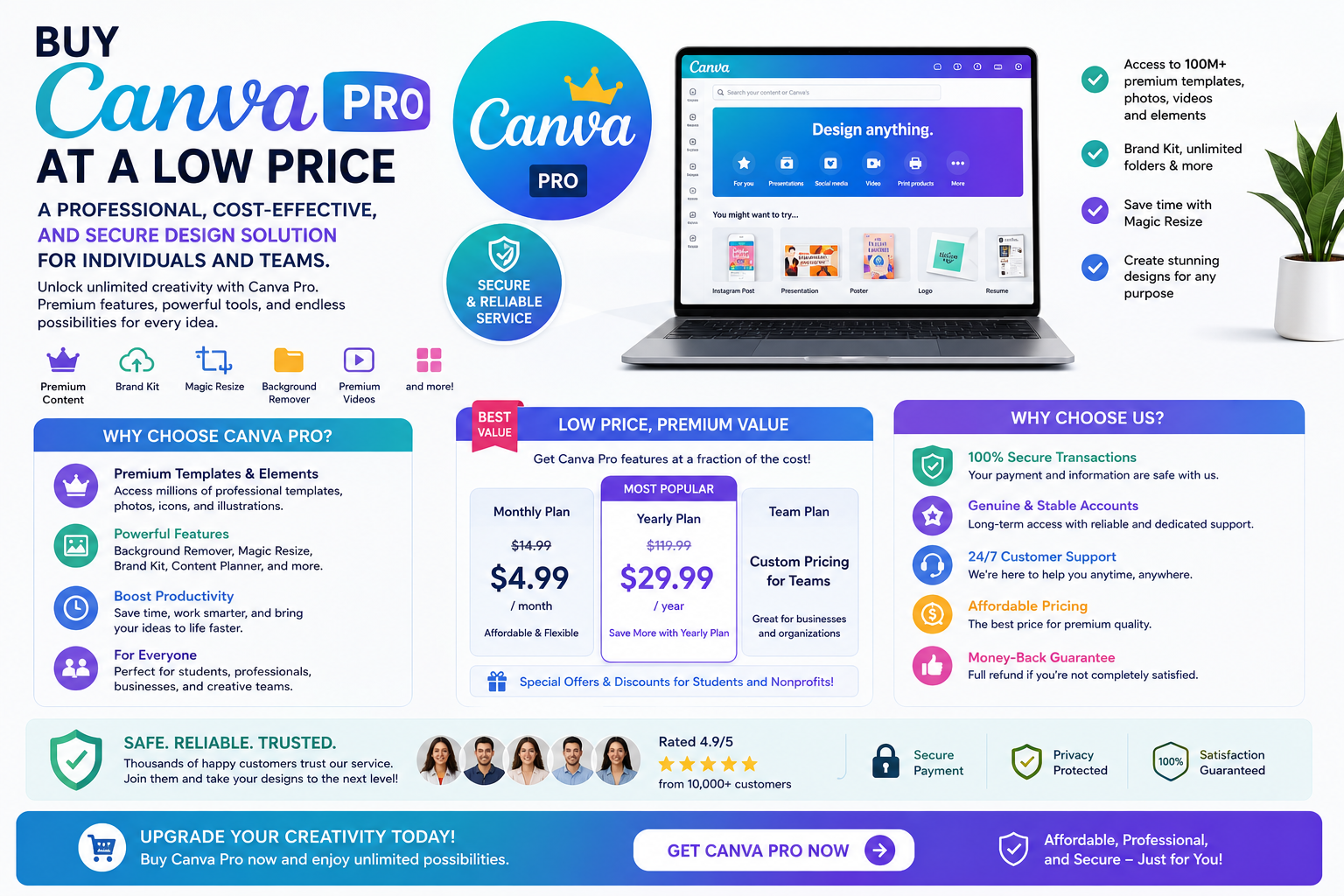
The need for advanced features includes : background removal, cross-platform resizing, Brand Kit, and high-quality file export.
-
We need a premium library : images, videos, and Pro templates to enhance design quality.
Finding a good pricing plan is reasonable, but it also comes with the crucial requirement of account stability and benefits as promised .
2. What are the outstanding benefits of Canva Pro?
The free version of Canva is sufficient for basic needs, but Canva Pro makes a significant difference when you require speed and resources.
2.1. Extensive Pro resource and template library
Canva Pro unlocks a vast amount of premium templates , stock photos, videos, icons, and design elements. This significantly reduces the time spent searching for resources externally and minimizes copyright risks associated with using unknown sources.

2.2. Quick background removal and editing tools
The Background Remover feature is a "weapon" for sellers, especially when they need to create professional product photos. In addition, there are effects, filters, and adjustment tools to help create consistent colors in the images according to brand identity.
2.3. Brand Kit supports brand identity synchronization.
With Canva Pro, you can set up a Brand Kit including logo, color palette, and fonts. This ensures that all designs for fan pages, e-commerce platforms, or landing pages are "true to brand," reducing inconsistencies when multiple people are working on the same project.
2.4. Magic Resize and Multi-Platform Publishing
A design can be converted to various sizes in just a few steps. This is a huge advantage when you need to run ads across multiple channels: Facebook, TikTok, Instagram, YouTube, website banners, thumbnails, etc.
2.5. Effective teamwork
Many people buy affordable Canva Pro for team use. Canva supports collaboration, permission management, commenting, folder management, and convenient internal template sharing.
3. Popular ways to buy Canva Pro at a low price today
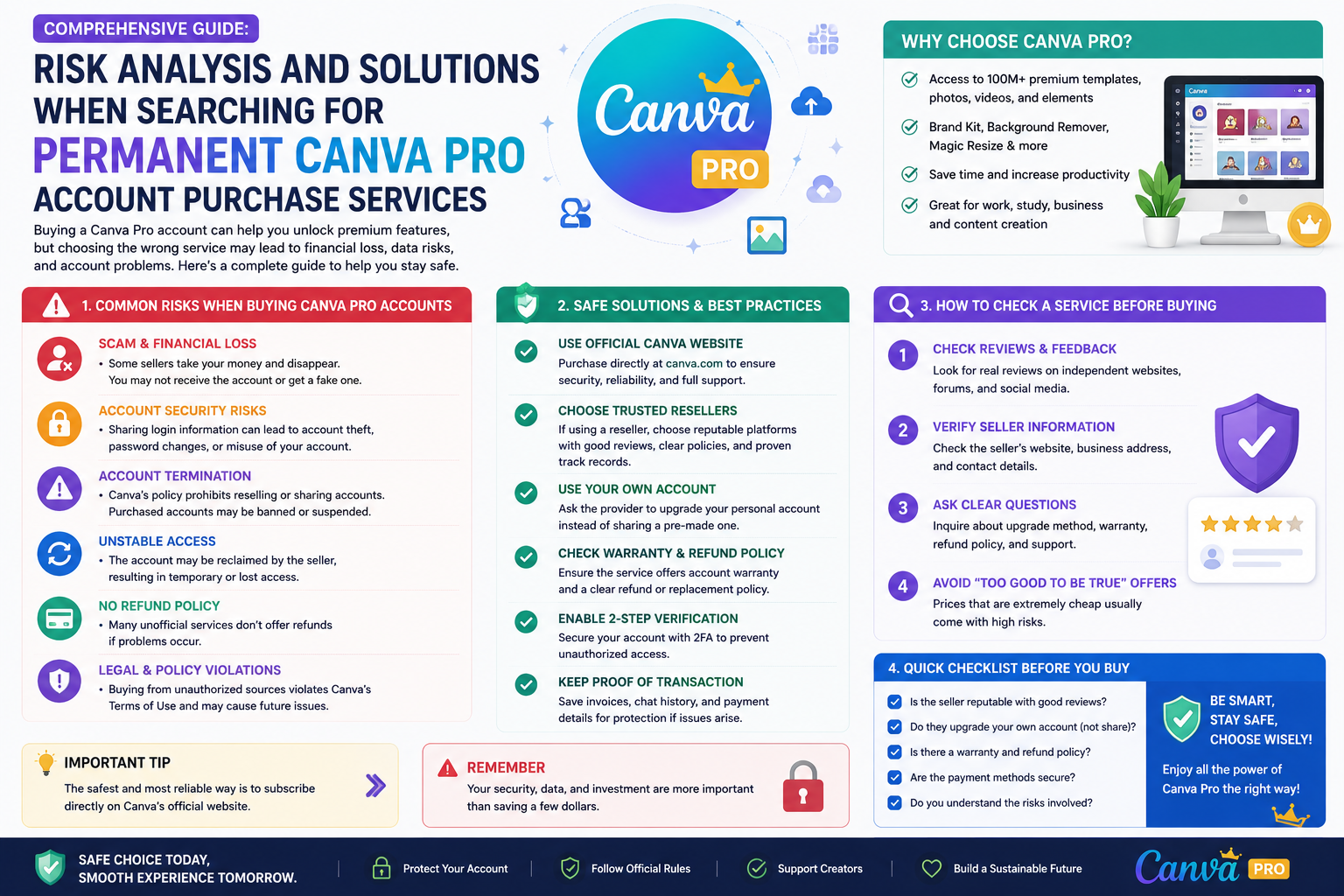
Before making a decision, it's necessary to understand each option thoroughly in order to weigh the cost against the risks .
3.1. Purchase a monthly or annual subscription package.
This is the most straightforward method: you upgrade directly within Canva.
Advantages : stable, transparent, low risk.
Disadvantages : costs are often higher for short-term needs or limited budgets.
3.2. Join Canva Pro in a team
You've been invited to join a team that already has Pro members.
Advantages : usually cheaper due to cost sharing.
Disadvantages : dependent on team administration, risk of losing access if the team changes.
3.3. Purchase via "upgrade assistance" or shared account.
On the market, there are options such as sellers offering "upgrade services" or providing shared accounts.
Advantages : very low price.
Disadvantages : high security risks, access rights conflicts, loss of design data, or disruptions when changes are made by administrators.
To choose the optimal solution, users should prioritize safety and sustainability over just price.
4. Criteria for choosing a reputable and affordable Canva Pro provider
If you're considering buying from a third party, evaluating the seller is a crucial step to avoid being ripped off.
4.1. Clear commitment regarding deadlines and benefits.
Information needs to be transparent: monthly or yearly packages, Pro access rights, renewal mechanism, and terms and conditions for handling interruptions.
4.2. No personal account password is required.
The basic security principle is not to share passwords . Places that require passwords to “activate” often pose a risk of account hijacking or access to design data.
4.3. Technical support and troubleshooting policies are available.
A reliable supplier needs a clear support channel and quick response time, avoiding the situation where they disappear after the sale is made.
4.4. Simple activation process, minimizing cumbersome steps.
The cleaner the process and the fewer unnecessary steps, the better the experience. Prioritize transparent team recruitment or upgrade guidance.
4.5. Reviews from real users
Objective reviews and a long track record of operation can help reduce risk. At the same time, pay attention to feedback regarding: stability, speed of support, renewability, and consistency of commitments.
5. How to use Canva Pro effectively to get your money's worth.
Regardless of how you purchase it, you should take full advantage of the Pro features so that your money yields tangible value.
5.1. Standardize the brand identity from the start.
Create a brand kit including logo, colors, and fonts. Then, design it systematically to ensure content consistency, a more professional look, and save editing time.
5.2. Create internal templates for recurring tasks
If you frequently design sales posts, stories, and promotional banners, create a fixed "framework" template. Each time, you only need to change the image, price, and content to post immediately.
5.3. Utilizing Magic Resize when working with multiple channels
Designing once and resizing for multiple platforms saves you considerable time. After resizing, simply review the layout to ensure the text isn't obscured or misaligned.
5.4. Optimizing file management using folders and naming conventions
Name your files according to the following rule: date + campaign + channel. Organize folders by month or project for easy searching, to avoid duplication, and to prevent loss.
5.5. Export files in the correct format for their intended use.
-
For social media use: prioritize PNG/JPG files with suitable file sizes.
-
For printing: check size, resolution, and color.
-
For presentations: optimize fonts and layout when displaying on multiple screens.
6. Important things to note when buying cheap Canva Pro to avoid risks.
Low prices aren't inherently bad, but they need to be accompanied by risk control.
6.1. Avoid sharing sensitive design data.
If you work for clients and the files contain internal data or unpublished documents, avoid storing sensitive files in environments where they are at risk of being accessed by others.
6.2. Enable two-factor authentication and check access permissions.
Set up strong security measures, review linked emails, and verify team access permissions. This helps reduce the risk of account hijacking or information alteration.
6.3. Regularly back up important designs.
Download key designs weekly or campaign-based. In case of interruptions, you'll still have the files readily available without affecting your progress.
6.4. Prioritize stable options for long-term needs.
If you use Canva Pro for ongoing work, prioritize a stable model with clear support. The cost might be slightly higher, but you'll gain peace of mind and save time troubleshooting.
7. Introducing http://appvip.ai/appvip.ai
appvip.ai is a website that helps users access cost-effective digital tools and solutions tailored to individual and team needs. If you are looking for anaffordable way to purchase Canva Prowith a simple, easy-to-implement process and prioritize a stable user experience, you can find information and choose a suitable package directly at http://appvip.ai/appvip.ai.
You can also leverage Canva Pro to build a long-term content system instead of designing individual posts. With a ready-made set of templates and brand guidelines, producing content weekly or for campaigns becomes faster and more consistent. This is especially useful for marketers, online sellers, or those managing multiple channels simultaneously.
In addition, Canva Pro supports exporting high-quality files for various purposes such as social media posting, advertising, or printing. When combined with a systematic storage method and a clear workflow, you will significantly save editing time and avoid unnecessary errors. Therefore, choosing to buy affordable Canva Pro intelligently not only reduces costs but also contributes to improving work efficiency in the long run.
8. Conclusion
Buying Canva Pro is a worthwhile investment if you need fast, beautiful, and consistent design for your work. For budget-conscious users, choosing a cheaper version of Canva Pro can save you significant money, provided you understand the usage guidelines, vendor evaluation criteria, and basic security principles. When stability and clear benefits are prioritized, Canva Pro becomes a powerful tool to improve content quality, enhance work efficiency, and increase professionalism across all your communication channels.