Best Selling Products

Upgrade Genuine Office 365
49 USD

Genuine Cheap Canva Pro
39 USD

Copyright Adobe Lightroom Account
59 USD

Genuine Adobe Illustrator account
99 USD

Plugin Retouch4me
69 USD

MidJourney Account
29 USD

Windows 10 & 11 Pro Key
36 USD

Upgrade genuine Capture One account
120 USD

Adobe Premiere Pro Account
99 USD

Autodesk All App Account Copyright
120 USD

Adobe Photoshop Copyright - Full App
120 USD

ChatGPT Plus Account (GPT-4)
16 USD

Capcut Pro 1 Year
39 USD

Freepik Premium Account
59 USD

Upgrade Duolingo Super
29 USD
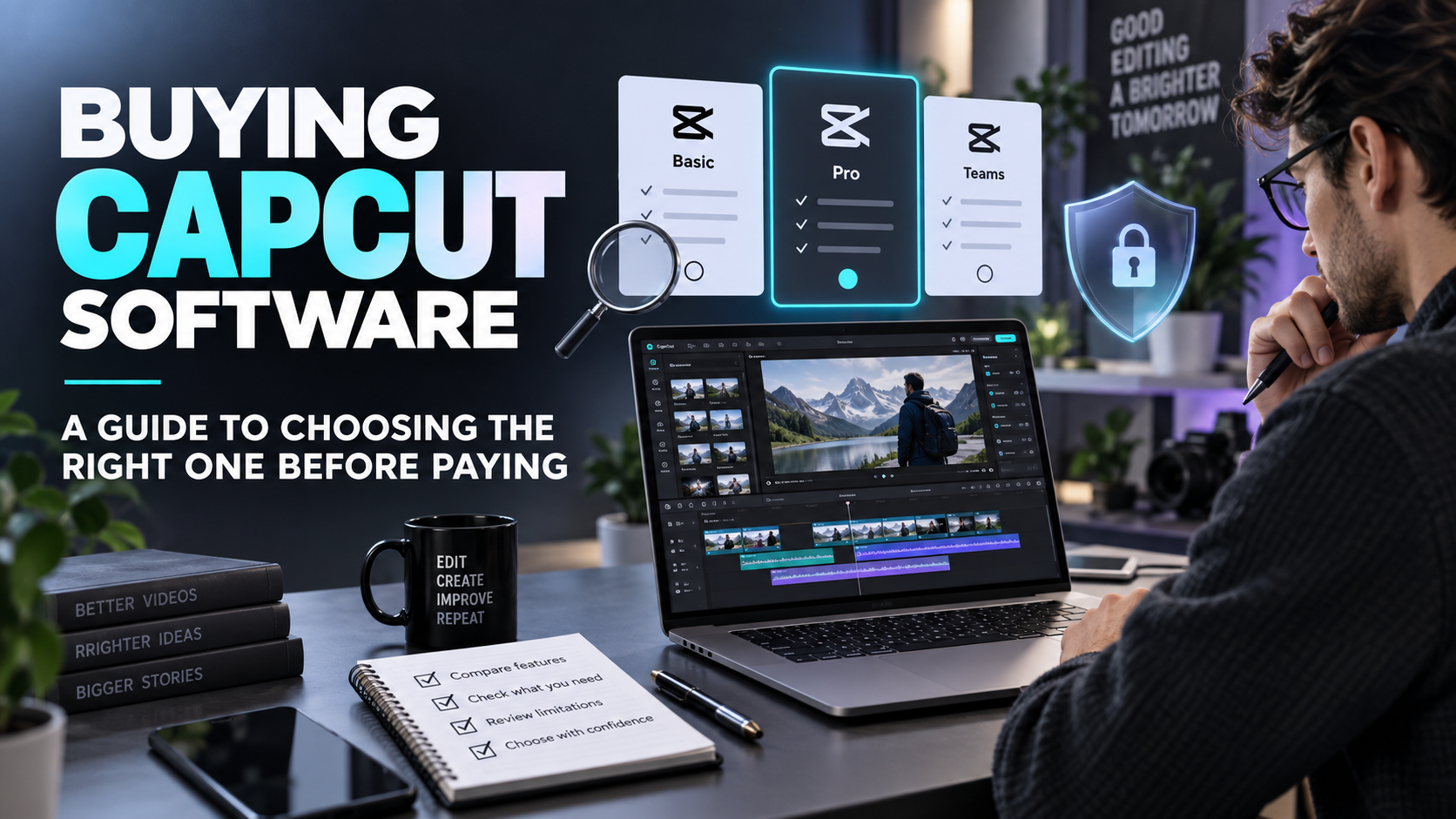
Buying CapCut software: a guide to choosing the right one before paying.
Nội dung
- 1. Differentiate between downloading an app and purchasing usage rights.
- 1.1. The free version is suitable for the beginner stage.
- 1.2. Paid packages should be reviewed based on actual benefits.
- 2. Select CapCut according to your primary working device.
- 2.1. When the telephone is the primary production tool
- 2.2. When editing videos on a computer
- 3. Create a list of features you need to buy.
- 3.1. Choose the tool by video type.
- 3.2. Evaluate time savings rather than the number of features.
- 4. How to buy controlled CapCut software
- 4.1. Things to do immediately after payment
- 5. Cost management and terms of use
- 5.1. Separating software permissions from resource usage permissions.
- 5.2. Review the package when the content creation method changes.
- 6. Integrate appvip.ai with CapCut at each stage of production.
- 7. Conclusion
Before purchasing CapCut software, learn about the free version, Pro package, compatible devices, payment methods, and steps to check to avoid buying the wrong product.
1. Differentiate between downloading an app and purchasing usage rights.
CapCut can be installed from the official source on supported devices. Installing the application does not automatically grant access to all paid tools. Conversely, a subscription to a package does not guarantee better performance for all video processing needs. A separate assessment of the software, subscription, and device capabilities is necessary.
In many sales pitches, these concepts are bundled together as "the full version." Buyers should request clarification on whether this refers to installation instructions, support services, or a specific subscription. If the delivered content is simply a publicly available installation package, the service fee should be clearly stated and not misinterpreted as a Pro license fee.
1.1. The free version is suitable for the beginner stage.
Beginners often need to learn how to edit, arrange scenes, add text, and balance audio first. You can start with the free tools available in your version, create a complete video, and then review it on the target device. This process helps determine whether the difficulty lies in your manipulation skills or access to a specific feature.
Don't upgrade just because the first product isn't perfect. The narrative pacing, lighting during filming, and input audio quality greatly impact the outcome. A higher subscription won't automatically fix a lack of focus in the script. The right time to invest is when you know which paid tools will address the weaknesses in your established workflow.
1.2. Paid packages should be reviewed based on actual benefits.
When you open the subscription page, check the package name, included features, and limit notes. Benefits displayed on one platform or in one region should not automatically apply exactly the same way elsewhere. For AI tools, storage, and enhanced resources, check each item individually instead of inferring them from the word "Pro".
2. Select CapCut according to your primary working device.
Before purchasing CapCut software, determine where you will be doing most of your work. Phones are convenient for quick recording and posting. Computers are suitable for tasks requiring a larger display area. Browsers can be useful in some online work situations, but the experience depends on your connection and configuration.
2.1. When the telephone is the primary production tool
Try a project that's close in length to a real project, not just a short sample. Observe playback speed, processing speed, free space, and device temperature. If the application is slow due to insufficient resources, purchasing a paid package may not solve the problem. You might need to reduce the project size or change the storage method first.
2.2. When editing videos on a computer
With computers, convenience often comes from organizing multiple source files, managing content layers, and precise manipulation. You should test this on your own configuration, with common data types. Performance reviews from other devices are only for reference. The ability to edit a short video is not sufficient to represent a long project with many layers and effects.
3. Create a list of features you need to buy.
A short, prioritized list will make the selection process easier. Divide the needs into essential components for delegation and those that simply enhance the experience. For example, easily editable subtitles might be important for spoken videos; a new set of effects might be less necessary if the brand primarily uses a minimalist presentation style.
3.1. Choose the tool by video type.
Product introduction videos require clear visuals, a logical presentation pace, and easy-to-read purchasing information. Instructional videos need to be easy to follow step-by-step, maintain clear audio, and minimize distracting scene changes. For event videos, managing footage and selecting key moments can take up more time than any additional effects.
Assigning each feature to a specific task helps you avoid buying out of fear of missing out. If you can't yet explain where you'll use the tool, put it in the "try later" category. As your production process matures, the need for upgrades will become clearer, and the cost will be more easily assessed based on actual results.
3.2. Evaluate time savings rather than the number of features.
You can try the same task in two ways and record the completion time. For example, compare manual subtitling with a tool-assisted process, including error correction time. The minutes saved are more significant than the initial speed, because the automated result still requires human review and context correction.
4. How to buy controlled CapCut software

Prepare an account where you control the login and recovery methods. Then, access the registration area in the app or the appropriate official website to view available packages. Button labels may differ between versions, but the principle remains the same: verify the correct account, read the full terms and conditions, and only proceed when you understand the product you are about to purchase.
At the checkout step, check the currency, total amount, and billing cycle. If there's an initial discount, check the applicable rate for the next billing cycle. For transactions made through app stores on your phone, you need to know which store account is processing the payment. This information helps you manage or process future transactions correctly.
When using a support service, request a clear separation between subscription fees and service fees, if any. The confirmation should include the package name, authorized account, duration, and how to report issues. A complicated process isn't necessary, but the buyer should have enough information to verify the service themselves instead of relying entirely on the seller's confirmation.
4.1. Things to do immediately after payment
Immediately after payment, perform a brief check before moving the work to the next process:
-
Compare the package status in your account with the product listed on your order.
-
Test the most important tool with a file that doesn't contain sensitive information.
-
Export and review the sample video to confirm the actual usage process.
-
If an error occurs, send a description and proof of the transaction to the appropriate support channel.
5. Cost management and terms of use
For those looking to purchase CapCut software for long-term use, the pricing at appvip.ai is currently divided into different delivery options:
-
A pre-issued CapCut Pro account, valid for one year: 1,699,000 VND.
-
Upgrade to CapCut Pro on your main account, one-year validity: 1,899,000 VND.
These two prices are the selling prices of appvip.ai ; please double-check when ordering. Choose the annual package if your production schedule is stable enough; those running short campaigns should compare other options available in the app. Don't decide solely because the monthly cost seems low.
5.1. Separating software permissions from resource usage permissions.
When using videos for business purposes, be sure to read the terms and conditions of the selected music, images, templates, and resources. Paying for a package should not be interpreted as unconditional access to all content within. If use outside the permitted scope is necessary, you must find a suitable alternative before publishing or delivering the content to the client.
5.2. Review the package when the content creation method changes.
After a usage cycle, note which tools you've used frequently and which features you haven't yet utilized. If your workflow shifts from short videos to more complex projects, your needs may change. Conversely, as your production schedule slows down, adjusting your subscription helps avoid overlooked costs. Software purchases should serve current needs, not an unfulfilled plan.
6. Integrate appvip.ai with CapCut at each stage of production.
When purchasing CapCut software, you don't necessarily need a single application to handle the entire creative process. You can consider appvip.ai as a supplementary tool for ideas and visuals, while CapCut handles scene arrangement, timing, and video finalization. Clearly defining roles helps evaluate each expense based on the specific task it serves.
A simple test is to prepare an illustration description on appvip.ai , check the results, and select suitable materials before incorporating them into a video editing project. For sales videos, compare the images with the actual product to avoid using AI-generated details that could mislead viewers. After a sample project, identify which steps are still the most time-consuming. This will provide the basis for adding tools or upgrading CapCut, rather than paying for multiple features that overlap in your needs.
7. Conclusion
Buying CapCut software effectively means understanding what you're paying for and how that benefit supports your work. Start with the version you're currently using, check your equipment, choose the features you truly need, and then decide on a package. When your account, payments, and data are all proactively managed, you'll have a more stable video editing platform and a better chance of evaluating the value of your investment.





















VIP Products








Best Selling Products
Upgrade Genuine Office 365
49 USD
Genuine Cheap Canva Pro
39 USD
Copyright Adobe Lightroom Account
59 USD
Genuine Adobe Illustrator account
99 USD
Plugin Retouch4me
69 USD
MidJourney Account
29 USD
Windows 10 & 11 Pro Key
36 USD
Upgrade genuine Capture One account
120 USD
Adobe Premiere Pro Account
99 USD
Autodesk All App Account Copyright
120 USD
Adobe Photoshop Copyright - Full App
120 USD
ChatGPT Plus Account (GPT-4)
16 USD
Capcut Pro 1 Year
39 USD
Freepik Premium Account
59 USD
Upgrade Duolingo Super
29 USD