Best Selling Products

Upgrade genuine Capture One account
120 USD

Upgrade Genuine Office 365
49 USD

Plugin Retouch4me
69 USD

Genuine Cheap Canva Pro
39 USD

Upgrade Duolingo Super
29 USD

MidJourney Account
29 USD

Genuine Adobe Illustrator account
99 USD

Adobe Photoshop Copyright - Full App
120 USD

Adobe Premiere Pro Account
99 USD

ChatGPT Plus Account (GPT-4)
16 USD

Autodesk All App Account Copyright
120 USD

Freepik Premium Account
59 USD

Capcut Pro 1 Year
39 USD

Windows 10 & 11 Pro Key
36 USD

Copyright Adobe Lightroom Account
59 USD
Buying YouTube Premium: Choose the Right Plan, Use It the Right Way
Nội dung
- 2. Who Should Consider Buying YouTube Premium?
- 3. Which Plan Fits Your Budget?
- 4. Where to Buy YouTube Premium
- 5. Sign-Up Steps and Post-Payment Checks
- 6. How to Judge Whether a Price Is Reasonable
- 7. Using It Effectively After Upgrading
- 8. Introducing appvip.ai for Creative Needs
- 9. Questions to Ask Before Deciding to Buy
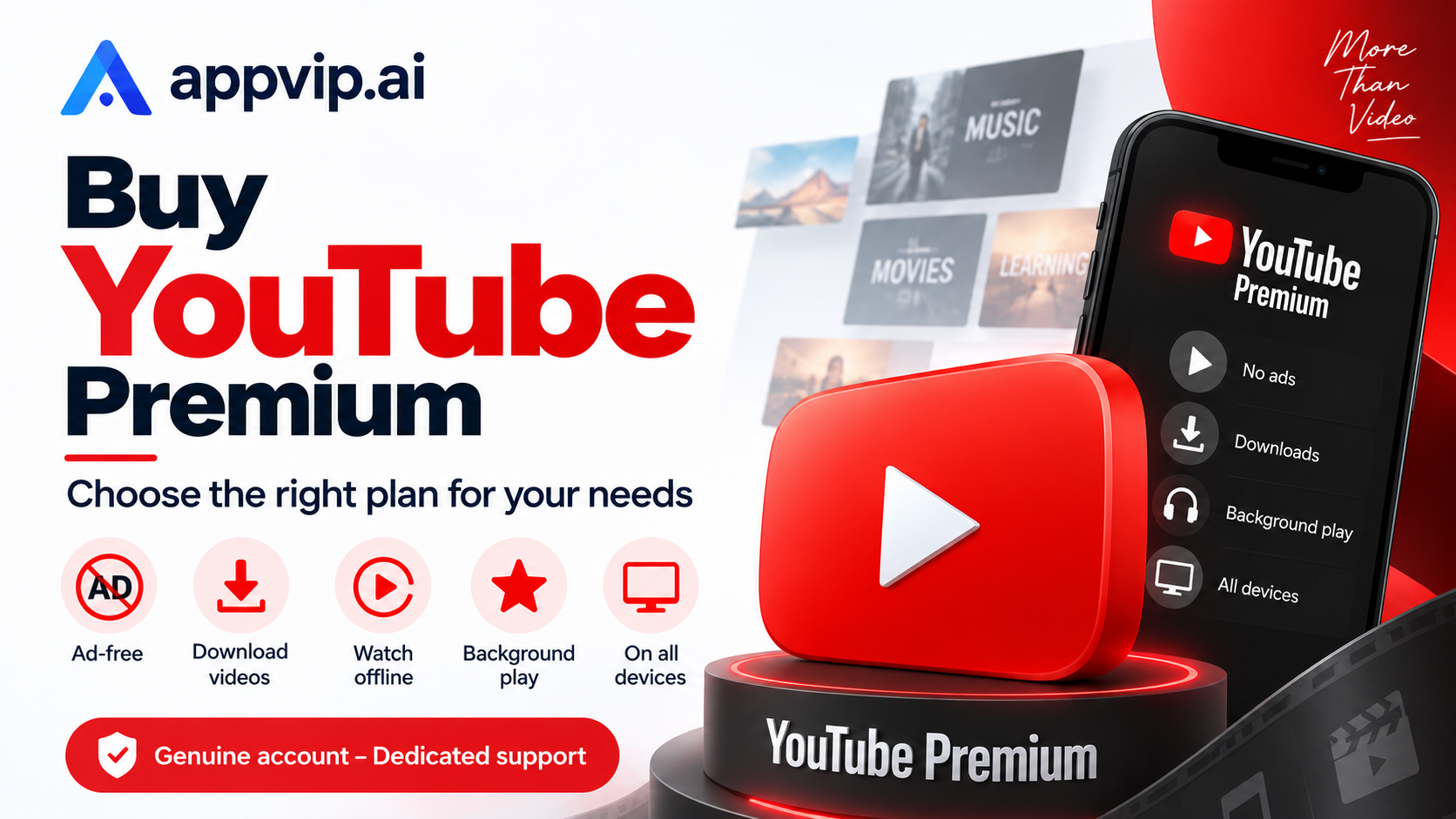
Buy YouTube Premium at a great price on appvip.ai: watch videos ad-free, play in the background, and download for smooth offline viewing. Choose the right plan and optimize your cost today!
1. Understanding What "Premium YouTube" Actually Means
.png)
"Premium YouTube" is simply how users commonly search for the YouTube Premium service. When buying, you should check the product name right on the payment screen rather than just looking for the word "Premium." A music service, a channel-membership plan, and a YouTube experience-upgrade plan can all serve different purposes.
According to YouTube's sign-up guide, the YouTube Premium plan provides an ad-free viewing experience on the platform, supported downloads, background playback, and comes bundled with YouTube Music Premium. Meanwhile, the YouTube Music Premium plan focuses specifically on the music experience. Reading the plan name correctly will help you avoid paying for an option that doesn't actually meet your video-watching needs.
Premium doesn't change your reason for using the platform in the first place. If you mostly watch a few short videos a week, the value you get may differ from someone who listens to long-form content daily. Don't decide just because a lot of people around you are using it; look at which benefits actually show up in your own daily routine.
2. Who Should Consider Buying YouTube Premium?
People Who Learn Through Video Regularly
If you often study a foreign language, follow along with lectures, or watch professional tutorials, you might want a smoother experience. Before buying, try recording the moments when your viewing gets interrupted and how that interruption affects your learning. This is a practical basis for assessing your need.
You should also organize your learning playlist by topic, choose videos that match your level, and set aside time for note-taking. A subscription can support convenience, but your learning results still depend on how you use the content.
People Who Both Watch Video and Listen to Music
For someone who switches back and forth between long videos and music, considering a single plan that covers both needs makes more sense than just comparing the price of each app separately. Look at which services you're currently paying for and whether you have favorite content you need to keep on a different platform.
You don't necessarily need to cancel a service that's working well just to bundle your costs. You should compare your personal library, the devices you use, and the level of convenience first. The goal is to have the right set of tools, not to reduce the number of apps at any cost.
People Who Often Listen to Content While Commuting
If you often listen to interviews or talks while on the go, check the features you need on the exact device you normally use. You can prepare content before a trip, organize your listening list, and manage your storage space to avoid trouble when your connection is weak.
A purposeful trial session is more useful than randomly opening a few videos. Try it under the exact situation you're used to: listening with headphones, switching between apps, or using it without a connection. Only evaluate the functions that are actually supported by your plan and your device.
3. Which Plan Fits Your Budget?
Start From Your Personal Needs
If only one person will use it, look at the individual option shown on that account. This lets you manage your own usage time, payment method, and renewal. It's also easier to track the value you're getting without needing to coordinate with anyone else.
Don't buy extra benefits just because an ad claims a bigger plan is always more economical. A low per-person cost only matters if those people actually use it and meet the eligibility conditions.
Check Which Eligible Options Apply to You
If you belong to a group eligible for a discount, read the official guidance and the corresponding verification process. Only factor the discounted price into your budget once your account has been confirmed eligible, rather than assuming everyone can sign up.
If several people in the same household need access, you can look at the family option. YouTube's guidance on the family plan requires members to share the same residential address. So grouping together people who aren't actually connected shouldn't be treated as a normal way to choose a plan.
4. Where to Buy YouTube Premium
The official sign-up page is where you can see the plan offered to your account, check the eligibility conditions, and confirm the payment. The convenient thing is that the subscription information is tied directly to the account you're using, letting you check on it yourself going forward.
If you're considering an outside support service, ask them to clearly describe how they'll provide the service. Are you upgrading your own personal account, receiving an invitation to join a group, or receiving a pre-made account? Each format comes with a different level of control; a quote that only lists a plan name and duration isn't enough to decide on.
Beyond the price, look at how well the support provider can explain things. You need to know when the term starts counting, where to check the status, and how to get in touch if something goes wrong. Promises like "use it forever" or "never run into any issues" need to be checked against written terms.
5. Sign-Up Steps and Post-Payment Checks
.png)
Step 1: Identify the Correct Account
Open YouTube and check the email address currently signed in. If you have separate accounts for work, entertainment, and family, choose the one you want to use long-term. You should also make sure you still have access to the recovery email in case you need to verify your identity.
Before proceeding, you can jot down the plan name you intend to buy, your reason for buying it, and your budget. A small note keeps you from getting swept up in other options that appear during sign-up.
Step 2: Read the Confirmation Screen
In the Premium section, select the appropriate option being offered to you. Carefully review the total amount, the billing cycle, when charges begin, and any promotional conditions. If the actual price differs from what you expected, stop and double-check rather than continuing just because you're already most of the way through the steps.
If a free trial is offered, determine the price that applies once the trial period ends. A free trial is only useful when you know what criteria you'll judge it by and can actively decide whether to continue.
Step 3: Verify the Result
After paying, check the subscription status in the membership management section and save the transaction confirmation. Next, reopen the app using the correct account to check your benefits on the device you normally use.
If something looks wrong, don't rush to buy again right away. Cross-check the account, the transaction details, and the plan type. Making repeated payments before identifying the cause can make it hard to keep track of your charges.
6. How to Judge Whether a Price Is Reasonable
Compare options on the same basis: duration of use, plan type, management rights, and the total amount payable. You can't place a short-term price next to a long-term price and immediately conclude which is cheaper. You also need to distinguish an initial promotional offer from the ongoing maintenance cost.
You can ask yourself a simple question: "Over the past month, how many days did I actually use the benefits I paid for?" The answer helps you evaluate the subscription based on real experience, rather than on the feeling that you have to keep it just because you already bought it.
There's no single price that fits everyone. For a frequent user, the fee may well be worth considering; for an occasional user, delaying sign-up may also be reasonable. Check the price currently being applied directly before deciding, since promotions and options can change.
7. Using It Effectively After Upgrading
In the beginning, pick a few specific situations to try: one study session, one trip, and one period of listening to music. Note down what became more convenient and what didn't meet your expectations. This kind of trial gives you a basis for evaluation before your next billing cycle.
You should clean up your playlists, remove content you're no longer interested in, and check that your settings match your usage habits. Not every feature needs to be turned on. Adjusting things just enough usually makes the experience more pleasant than leaving every setting at its default.
If you use multiple devices, be consistent about which account you use. In a household with a shared TV, switching to the right account at the right time also helps avoid confusion in recommendations and watch history.
8. Introducing appvip.ai for Creative Needs
Appvip.ai is a website that showcases AI tools for chatting and for creating images and video. You can explore the features currently available on the Vietnamese Appvip page.
After learning a topic from a video, you might try using an AI tool to draft ideas for a piece of writing or a set of review questions. Be sure to cross-check the content against your original learning source, especially for information that requires high accuracy. Combining the two this way can turn your viewing time into an activity that produces a concrete output, instead of just consuming more content.
9. Questions to Ask Before Deciding to Buy
What If You Still See Ads After Buying?
Distinguish between ads distributed by the platform and sponsor mentions embedded directly within a video — promotional content inserted by the creator can still appear. Then check that you're on the correct account and the plan status before concluding there's an error.
Should You Choose Based on Low Price Alone?
A low price is one factor for comparison, but you need to know exactly what right that money buys and for how long. If you're not yet clear on how to check the subscription or who controls the account, clarify that before paying.
What Should You Prepare Before the Renewal Period?
Review your usage level, the cost of the next cycle, and your needs going forward. If you want to change or cancel the subscription, do it in the management location corresponding to the channel you signed up through, and check the confirmation result.
Buying YouTube Premium becomes an easier choice once you correctly understand the plan, know which benefits you actually need, and stay in control of the payment. Sign up on the right account, check the real experience, and keep whichever option best serves your habits.





















VIP Products








Best Selling Products
Upgrade genuine Capture One account
120 USD
Upgrade Genuine Office 365
49 USD
Plugin Retouch4me
69 USD
Genuine Cheap Canva Pro
39 USD
Upgrade Duolingo Super
29 USD
MidJourney Account
29 USD
Genuine Adobe Illustrator account
99 USD
Adobe Photoshop Copyright - Full App
120 USD
Adobe Premiere Pro Account
99 USD
ChatGPT Plus Account (GPT-4)
16 USD
Autodesk All App Account Copyright
120 USD
Freepik Premium Account
59 USD
Capcut Pro 1 Year
39 USD
Windows 10 & 11 Pro Key
36 USD
Copyright Adobe Lightroom Account
59 USD