Best Selling Products

Capcut Pro 1 Year
39 USD

Copyright Adobe Lightroom Account
59 USD

Plugin Retouch4me
69 USD

MidJourney Account
29 USD

Autodesk All App Account Copyright
120 USD

Upgrade Duolingo Super
29 USD

ChatGPT Plus Account (GPT-4)
16 USD

Upgrade Genuine Office 365
49 USD

Upgrade genuine Capture One account
120 USD

Adobe Premiere Pro Account
99 USD

Genuine Cheap Canva Pro
39 USD

Freepik Premium Account
59 USD

Windows 10 & 11 Pro Key
36 USD

Adobe Photoshop Copyright - Full App
120 USD

Genuine Adobe Illustrator account
99 USD
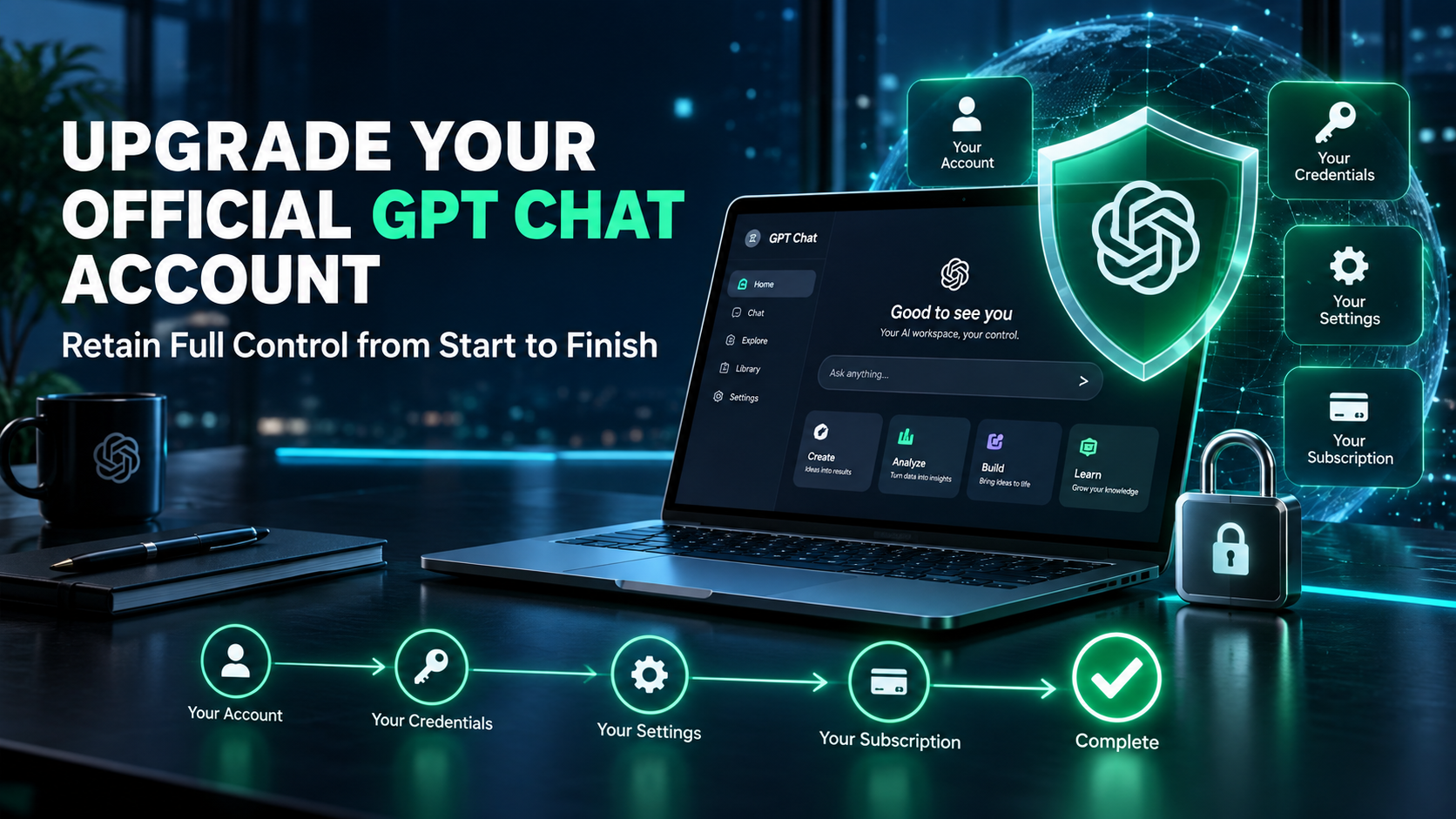
Upgrade your official GPT Chat account: retain full control from start to finish.
Nội dung
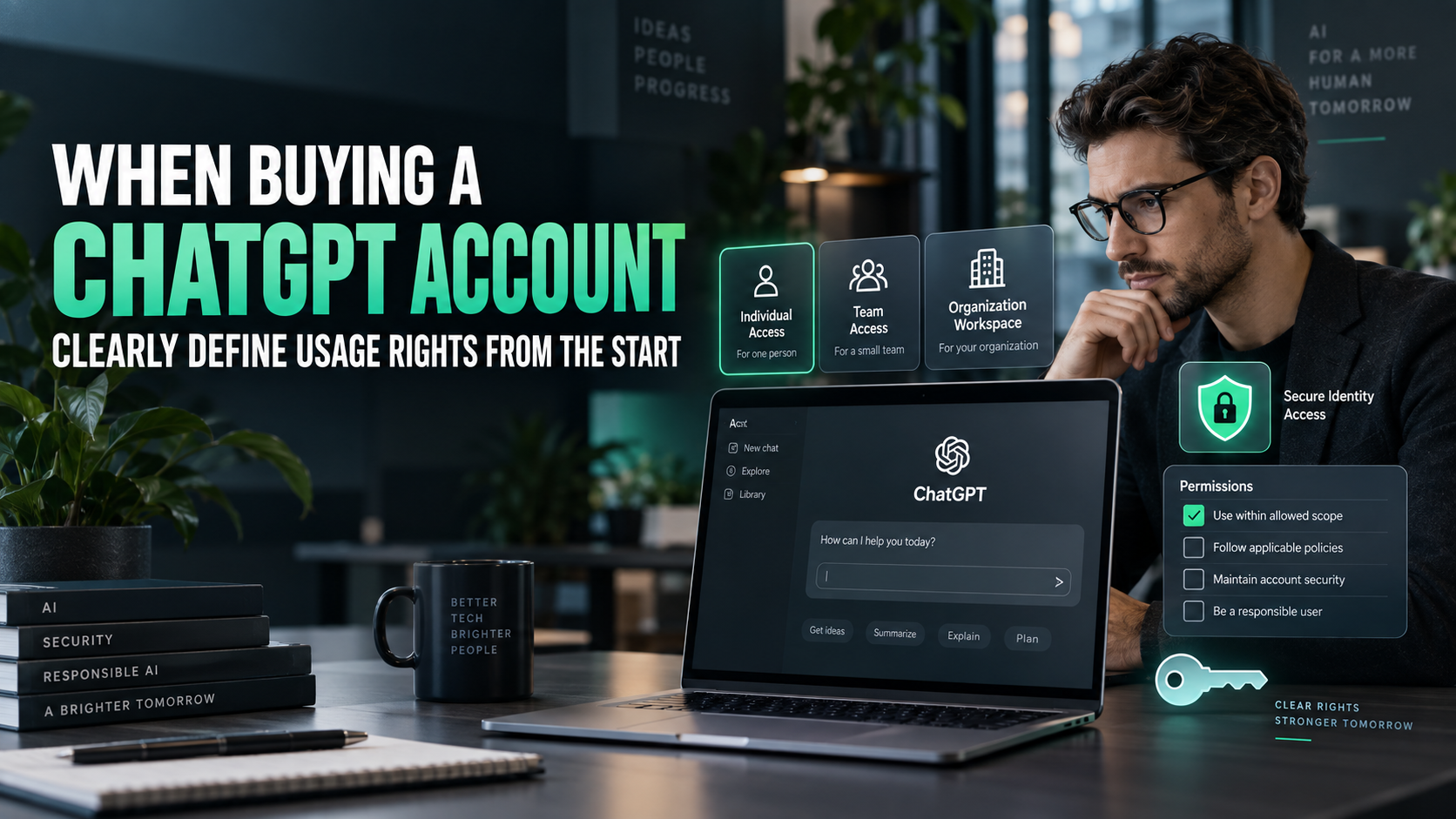
- 1. Understanding "ownership" in terms of specific rights.
- 1.1. Identity ownership and package benefits
- 1.2. The value of maintaining a stable account
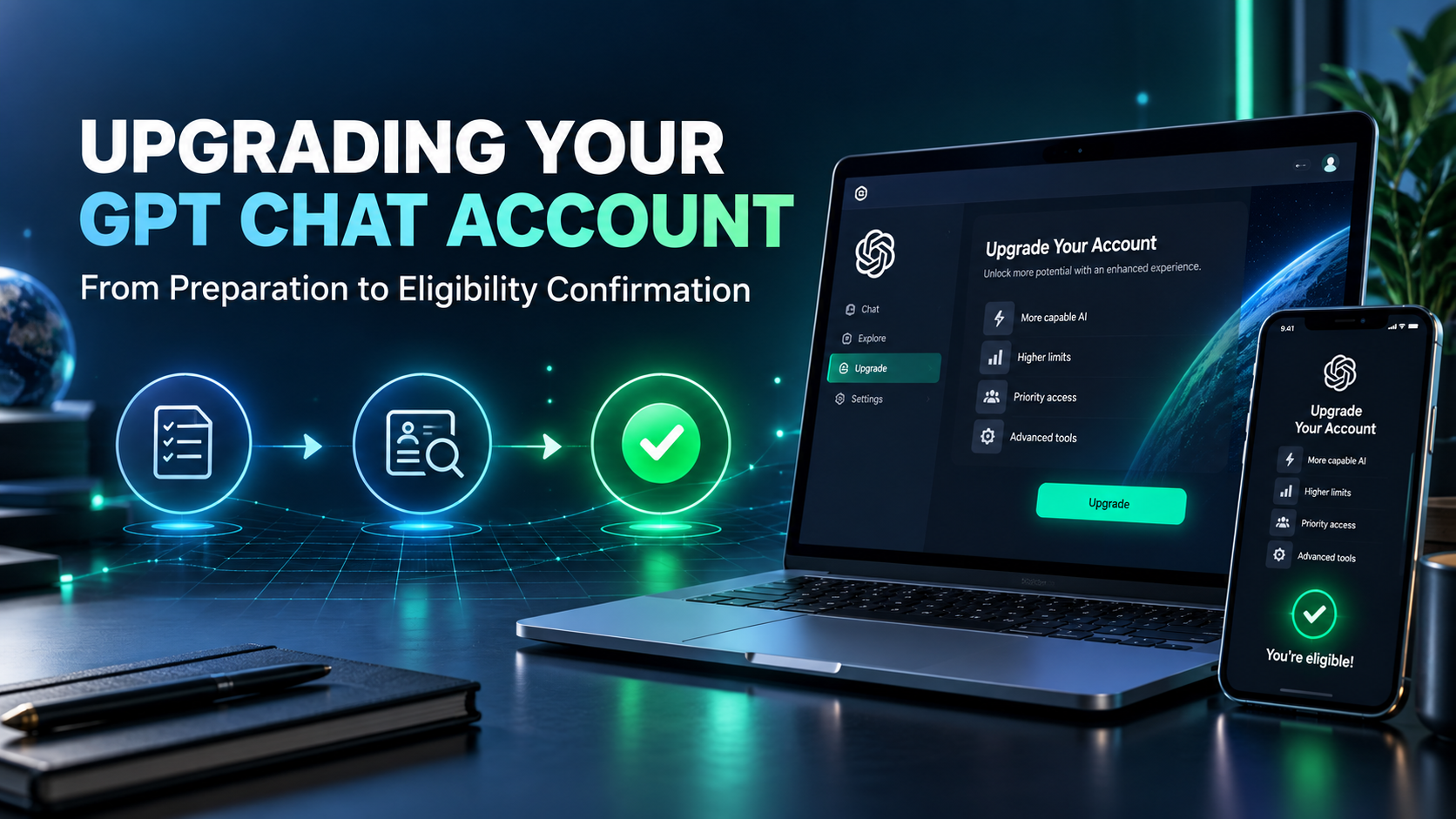
- 2. Preparation before upgrading your official GPT Chat account.
- 2.1. Review email and login methods
- 2.2. Save the necessary work results.
- 3. Choose a suitable package and payment method.
- 3.1. Assessing benefits based on responsibilities
- 3.2. Differentiating between operation support and control delegation
- 4. Post-upgrade inspection with a full acceptance test.
- 4.1. Verify the correct identity, package, and timeframe.
- 4.2. Check access settings and sample tasks
- 4.3. Address discrepancies before transitioning to regular use.
- 5. Maintain a proactive attitude throughout the usage period.
- 5.1. Establishing data guidelines for each type of work
- 5.2. Review registrations before the next payment period.
- 6. Retain management rights when using appvip.ai with the official ChatGPT.
- 7. Conclusion
Upgrading your GPT Chat account to a genuine account helps you retain control over your identity. Learn how to prepare, get support, and check your account after the upgrade.
1. Understanding "ownership" in terms of specific rights.
In digital service transactions, the term "owner" can be used quite broadly. To avoid misunderstandings, let's break this concept down into verifiable conditions: the target account is yours, the email address is managed by you, and no strangers are sharing the login information.
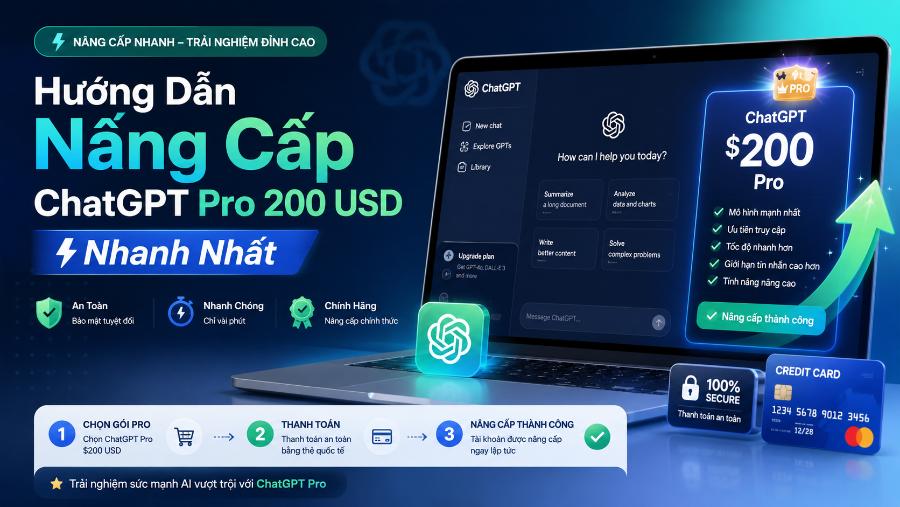
1.1. Identity ownership and package benefits
Login credentials help identify the account, while the subscription plan determines the service benefits at any given time. A payment processing provider doesn't automatically become the person responsible for holding your email password. Similarly, having a paid plan doesn't automatically prove that all recovery settings are under the user's control.
1.2. The value of maintaining a stable account
With long-term AI use, you'll accumulate a wealth of instructions, drafts, and work organization skills. Maintaining the correct identity reduces the effort required to reset and minimizes confusion between environments. This benefit is particularly evident for those working on multiple projects simultaneously.
However, the account shouldn't be considered the sole storage location for all your work. Keep your completed projects in a separate document system. Proactiveness comes from both account management and the ability to continue working when the tool is temporarily inaccessible.
2. Preparation before upgrading your official GPT Chat account.
Before choosing a package, take the time to review your identity status. This helps detect potential post-payment disruptions early on and provides a point of reference for the final verification step.
2.1. Review email and login methods
Confirm that the email address you are using is still under your control and can receive notifications. If logging in through a linked service, ensure that the linked identity is also functioning properly. Do not upgrade on a borrowed account and then plan to resolve access issues later.

2.2. Save the necessary work results.
Select the important documents and save the final version to the project folder. Give them clear names to distinguish drafts from approved versions. This is a useful data management practice, not because the default upgrade will erase your history.
3. Choose a suitable package and payment method.
The official upgrade should be compared to the price of a private account, not using the price of a shared account as a benchmark. The reference price for the official ChatGPT Plus option on appvip.ai includes:
| Duration / Maintenance method | Reference price |
| One month | 799,000 VND |
| Three months | 2,199,000 VND |
| Six months | 3,999,000 VND |
| One year — renewable monthly | 7,799,000 VND |
| One year — “Throughout” | 8,999,000 VND |
The names of the two one-year options are retained according to the seller's classification; please ask for an explanation of how to activate and maintain benefits. This is not the official OpenAI price list. Reconfirm the total amount before the transaction and choose the appropriate term; the longest package is not always the best option.
3.1. Assessing benefits based on responsibilities
Content creators might be interested in the ability to develop ideas and handle drafts; technical professionals need to see the environment and tools that fit their workflow. Check the current benefits relevant to that specific task, rather than inferring from the model name mentioned by the seller.
Choose a plan based on your actual usage frequency. If you're just testing it out, a short evaluation cycle is usually easier to manage than a long, unestablished commitment. Once you have data on effectiveness, you'll know whether to continue, adjust, or stop the subscription.
3.2. Differentiating between operation support and control delegation
You can receive instructions on how to operate the application or how to read your package information without giving your password to the support staff. Identity verification and payment steps should be performed by yourself. If sharing your screen, only show the necessary portion and mask sensitive data.
When hiring paid support, clearly separate the service fee from the subscription fee. Agree on the target account, timeframe, and confirmation method before starting. Do not accept requests to grant email access or recovery codes simply because the provider calls it a mandatory procedure.
4. Post-upgrade inspection with a full acceptance test.
Don't close the transaction immediately upon receiving the "completed" notification. Open the account yourself, verify your rights, and check for any unexpected changes to your identity or management settings.
4.1. Verify the correct identity, package, and timeframe.
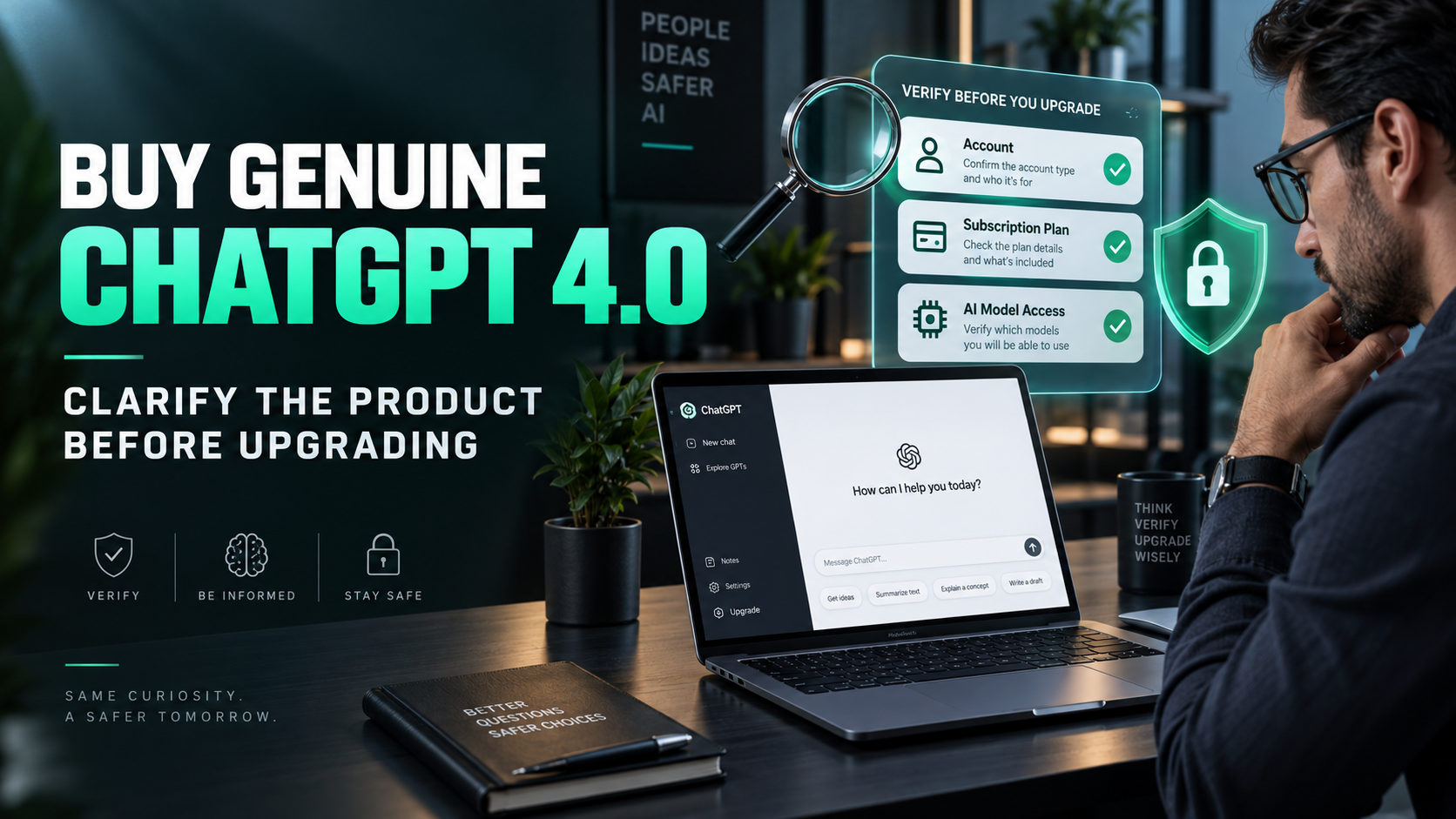
Acceptance testing is based on three layers of information, with direct verification within the account:
-
Correct identity: the email and login method belong to the agreed-upon account.
-
Correct package: The package name and benefit status match the purchase details.
-
On time: record the renewal date or expiration date if displayed.
4.2. Check access settings and sample tasks
Review any changes made during the support process. If you have ever opened a login session on a device that is no longer in use, check the available session management and security options. If you suspect a credential breach, follow the appropriate security guidelines before putting real data to work.
4.3. Address discrepancies before transitioning to regular use.
If the recipient's account does not match the agreed-upon identity, request clarification immediately. Do not attempt to migrate data to a new environment to adapt to an unaccepted change. Similarly, any missing crucial rights should be verified before considering the transaction complete.
When reporting a problem, briefly describe the difference between the agreement and the current state. Include enough information for verification but do not send passwords, authentication codes, or customer documents. A documented handling method helps keep the support process focused on the actual issue.
5. Maintain a proactive attitude throughout the usage period.
Even a properly upgraded account still needs regular management. Control isn't a one-time achievement; it's tied to changes in equipment, payment methods, and business needs over time.
5.1. Establishing data guidelines for each type of work
Distinguish between public content and internal or customer data. Only submit necessary and authorized information. If working for an organization, follow approved procedures and do not assume a paid personal account is suitable for all types of information.
For critical results, there's always a review step by the person responsible. AI can assist in creating drafts and organizing information, but the final quality needs to be assessed against work standards. Maintaining a private account doesn't replace the obligation to verify content.
5.2. Review registrations before the next payment period.
Record the tasks that were supported and the actual time saved. When it's time for the review, compare the benefits to the total cost, including the time spent correcting the results. If the tool consistently creates value, you have grounds to continue; if it's used infrequently, adjust the plan.
If you need to cancel the renewal, do so through the appropriate management channel and verify the confirmation. Before changing your usage, save any necessary documents. Proactive management helps you avoid relying on the seller to know your account's remaining validity or any upcoming fees.
When switching computers or moving to a new device, take the time to double-check your identity before working. Don't save login information on public computers and avoid letting shared browsers automatically open accounts containing private data. For those who frequently receive technical support, prepare a sample dataset to illustrate the error. This allows for discussing specific issues without having to open the entire document. These small habits will maintain proactive engagement even after the upgrade transaction is complete.
6. Retain management rights when using appvip.ai with the official ChatGPT.
The principle of proactively managing your account when upgrading your official GPT chat account is also useful if you use appvip.ai . This website provides AI tools for chatting and content creation; before using it, you should carefully review the login method, service terms, and data policy. Each platform needs to be evaluated separately; they do not all have the same management or information protection mechanisms.
For initial testing, prioritize publicly available descriptions or sample data with customer-specific information removed. Save approved results in a location you manage and clearly indicate the drafting tool for easy reference. Do not send passwords, authentication codes, or ChatGPT recovery information in chat content. These guidelines ensure that expanding your AI toolset does not compromise the control you have built on your primary account.
7. Conclusion
Upgrading to a genuine GPT Chat account is a choice that prioritizes continuity and clear management control. Maintain your identity, only accept support where necessary, and ensure full verification after payment. When combined with a stable account and disciplined data and cost management, using AI becomes more convenient, transparent, and suitable for long-term business.





















VIP Products








Best Selling Products
Capcut Pro 1 Year
39 USD
Copyright Adobe Lightroom Account
59 USD
Plugin Retouch4me
69 USD
MidJourney Account
29 USD
Autodesk All App Account Copyright
120 USD
Upgrade Duolingo Super
29 USD
ChatGPT Plus Account (GPT-4)
16 USD
Upgrade Genuine Office 365
49 USD
Upgrade genuine Capture One account
120 USD
Adobe Premiere Pro Account
99 USD
Genuine Cheap Canva Pro
39 USD
Freepik Premium Account
59 USD
Windows 10 & 11 Pro Key
36 USD
Adobe Photoshop Copyright - Full App
120 USD
Genuine Adobe Illustrator account
99 USD