Best Selling Products

Upgrade Duolingo Super
29 USD

Upgrade genuine Capture One account
120 USD

Windows 10 & 11 Pro Key
36 USD

MidJourney Account
29 USD

Adobe Photoshop Copyright - Full App
120 USD

Plugin Retouch4me
69 USD

Copyright Adobe Lightroom Account
59 USD

Genuine Adobe Illustrator account
99 USD

Freepik Premium Account
59 USD

Genuine Cheap Canva Pro
39 USD

Adobe Premiere Pro Account
99 USD

Capcut Pro 1 Year
39 USD

Autodesk All App Account Copyright
120 USD

Upgrade Genuine Office 365
49 USD

ChatGPT Plus Account (GPT-4)
16 USD
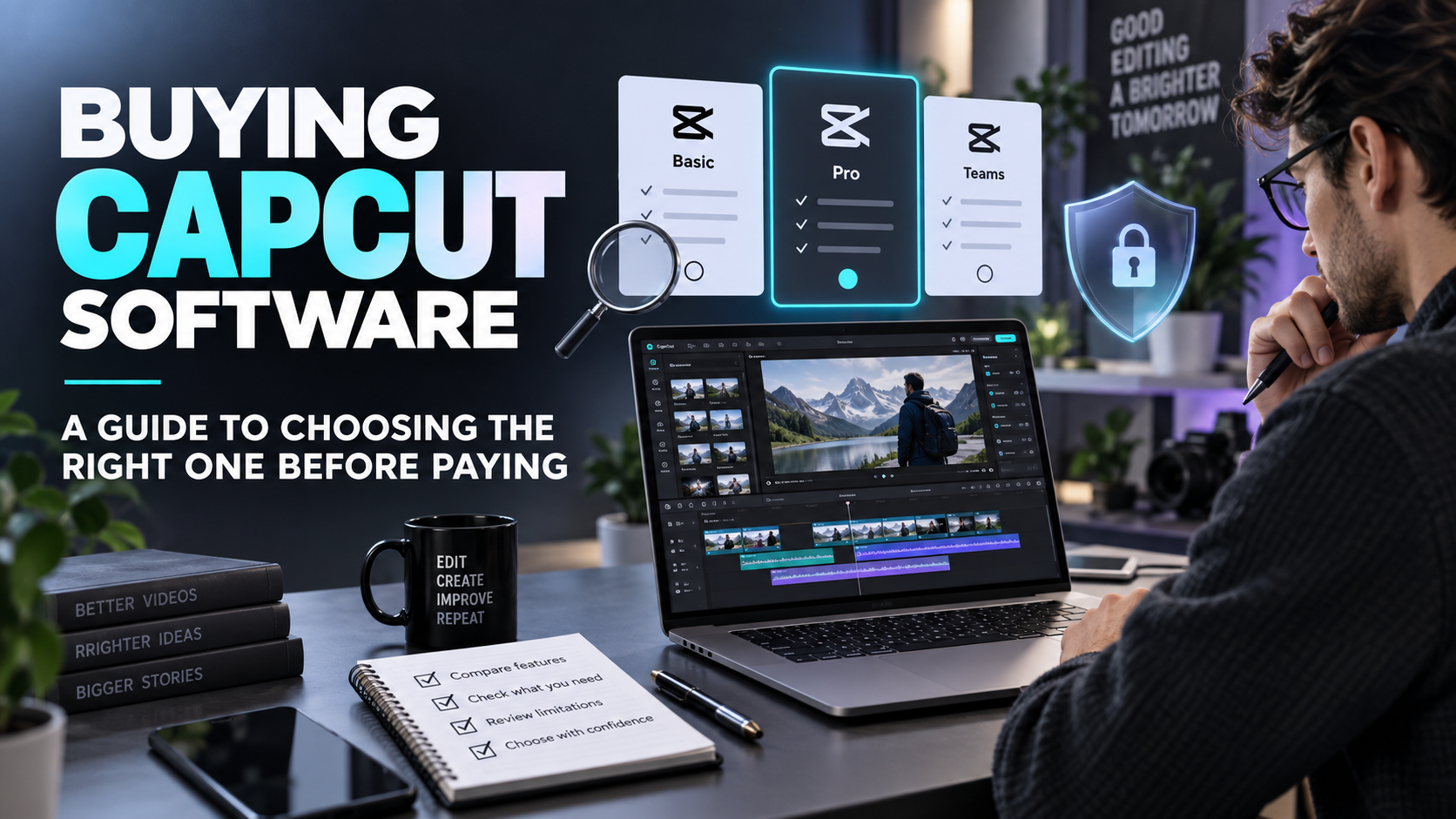
Buying a CapCut Pro License: Choosing the Right Usage Rights for Your Work
Nội dung
- 1. Understanding the term "buying a CapCut Pro license" correctly.
- 1.1. The installation file is not proof of subscription.
- 1.2. Account Usage and Control Rights
- 2. Determine your needs before choosing a package.
- 2.1. Evaluation using representative projects
- 2.2. Including repair and delivery time.
- 3. Differentiating between subscriptions and resource usage rights.
- 3.1. Check where the video will be released.
- 3.2. Keep resource information in the project file.
- 4. Clear CapCut Pro license purchase process
- 4.1. Read the price at the final confirmation step.
- 4.2. Save the order and support conditions.
- 4.3. Acceptance of post-purchase usage rights
- 5. Organizing work after the upgrade.
- 5.1. Differentiating between the final product and the revised project
- 5.2. Testing before scaling up a campaign
- 5.3. Managing users by role
- 6. Evaluate the investment after a period.
- 7. The documentation from appvip.ai in the CapCut usage process is copyrighted.
- 8. Conclusion
Buy a CapCut Pro license that matches your actual needs, with guidance on checking your subscription, your account, resource usage rights, and the process for handing off videos to clients.

1. Understanding the term "buying a CapCut Pro license" correctly.
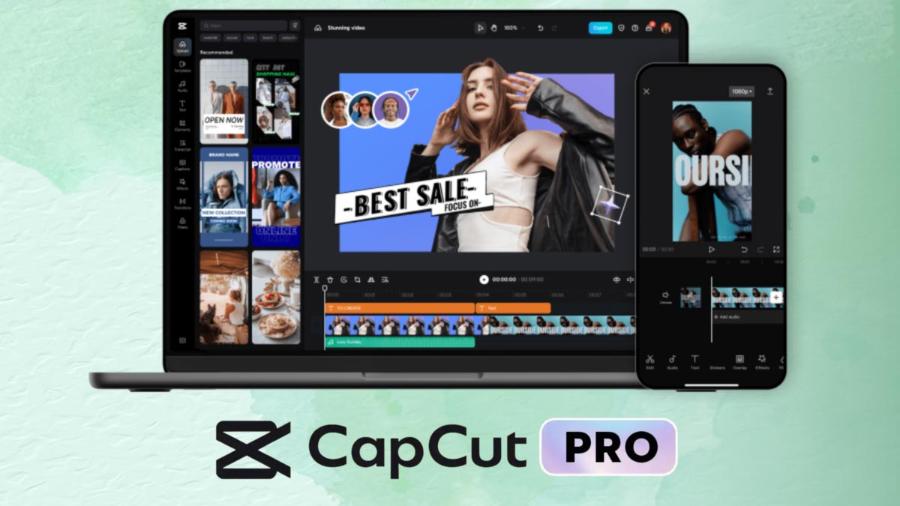
In common usage, "buying a license" usually refers to subscribing to a valid paid package. When choosing a product, you should translate this general term into specific information: package name, duration, platform used, benefits, and account details. Without clearly defining these details, comparing prices can be inaccurate.
1.1. The installation file is not proof of subscription.
Installing CapCut doesn't necessarily prove your account has Pro privileges. You need to check your subscription status in the app or the corresponding management area. A transaction that only provides the installation file must clearly explain what service it is. Don't accept the description of "full version" if the actual product doesn't have a clear way to verify your usage rights.
1.2. Account Usage and Control Rights
Buyers need to know who manages the email, login methods, and recovery capabilities. If access depends on a third party, the risk isn't just losing a login, but also disruption to workflow. For critical projects, proactiveness has real value and should be factored into the decision-making process, rather than viewed as a mere convenience.
2. Determine your needs before choosing a package.
Consider the type of videos you're making and the most repetitive tasks. A knowledge-sharing channel creator might prioritize subtitles and clear presentation. A product video editor might need to handle image processing, composition, and pacing. The right package is the one that supports the right job, not necessarily the one with the longest list of benefits.
2.1. Evaluation using representative projects
Choose a project with a length, number of layers, and document type similar to your daily work. Note down any inconvenient steps in your current workflow, then compare them to the package you intend to purchase. This method helps you avoid judging a tool based on a visually appealing advertisement that doesn't match your actual needs.
2.2. Including repair and delivery time.
A completed video isn't necessarily the end. Clients might request changes to the wording, updated pricing, or a shorter version. Therefore, consider the possibility of reopening the project, finding all the necessary source files, and maintaining the relevant tools. Subscription choices should be tied to the entire project lifecycle, not just the initial publication date.
3. Differentiating between subscriptions and resource usage rights.
CapCut's resource conditions differentiate between content intended for non-commercial use and content permitted for commercial use within certain limits. Music also has its own conditions. Therefore, it cannot be inferred that a Pro subscription will allow the use of every sample, song, or image in every campaign. You need to read the scope of application of the selected resource.
3.1. Check where the video will be released.
Before editing, clearly specify which channel the video will be posted to, whether it will be for regular content or advertising, and who the end user is. This information helps you ensure the resource is used for its intended purpose. If the scope is unclear, choose an alternative option with appropriate usage rights or request confirmation before including it in the final edit.
3.2. Keep resource information in the project file.
A brief note about the resource name, source, and intended use can save a lot of time later. When video edits or campaign expansions are needed, you'll know which parts need to be reviewed. This is practical work management; if the project involves complex legal requirements, it's advisable to have a professional assess the specific case.
4. Clear CapCut Pro license purchase process
Start with the account you intend to use long-term and check the recovery method. Then open the official subscription area to see the package name, duration, and available benefits. When considering support services, ask them to provide equivalent information. Two quotes can only be reasonably compared if they describe the same type of usage.
4.1. Read the price at the final confirmation step.
When checking the price of a CapCut Pro license at appvip.ai , you need to select the correct product type before comparing prices:
-
One-year package, pre-loaded account: 1,699,000 VND.
-
One-year package, upgrade with owner's registration: 1,899,000 VND.
This is a reference price on the sales page and does not guarantee that all commercial resource rights are included. Please double-check the total price, support conditions, and any additional charges. Subscription fees, account management rights, and licenses for music or samples used in the video should be reviewed separately.
4.2. Save the order and support conditions.
Transaction records should include all necessary information for future reference:
-
Product name and benefits package paid for.
-
The account receives the rights through the same activation or transfer method.
-
Validity period and conditions for maintaining benefits.
-
Contact channels for support and related payment documents.
If invoices are required for the work, confirm availability before purchasing. A general agreement is no substitute for specific delivery information, especially when expenses need to be accounted for within the team or company.
4.3. Acceptance of post-purchase usage rights
Go back to the app, check your package status, and try out the most essential tools. Export a short video, reopen the project, and make an edit. If the benefits don't match, save the error message and contact the correct party for resolution. Don't rush to buy another package or transfer all your data to a new account just to try and fix it.
5. Organizing work after the upgrade.
A good subscription is only effective when combined with a clear workflow. You should create a folder structure for recordings, audio, resources, and outputs. Name versions in a way the whole team understands. These management practices won't instantly make your videos look better, but they reduce file search time and prevent confusion when urgent edits are needed.

5.1. Differentiating between the final product and the revised project
The final video is for viewing or distribution, while the editing project serves for further refinement. When delivering, agree on what type of editing and scope the client needs. If only the output file is provided, the recipient will not have the same editing capabilities as if they received the full project. Clarifying this from the start helps avoid mismatched expectations regarding the delivered product.
5.2. Testing before scaling up a campaign
A video intended for one channel may be proposed for transfer to multiple locations or extended runtime. Before responding, review the resources and related delivery requirements. Don't assume a successful export will be suitable for every new context. A review process should be conducted before committing to a timeline with the client.
5.3. Managing users by role
If multiple people are working on a project, define who manages the account, who saves the files, and who approves the final version. Check that collaboration options are supported instead of automatically sharing a password with the entire team. When there are personnel changes, review access rights and where assets are stored. Clarity of responsibilities helps subscribers deliver more sustainable work.
6. Evaluate the investment after a period.
Let's examine which paid features have shortened workflows, how output quality has changed, and which tools are hardly ever used. There's no need to translate every benefit into revenue. Reduced repetitive tasks, easier editing, or maintaining a consistent presentation are also observable values in real-world work.
7. The documentation from appvip.ai in the CapCut usage process is copyrighted.
appvip.ai introduces tools for creating images from descriptions and editing images, serving as a resource for video creators when developing visual materials. After purchasing a CapCut Pro license, you can try preparing illustrations using AI tools and then select them for use in your project. These are two separate tasks: subscribing to video editing and creating and selecting input materials.
Before using the results for advertising or delivering them to clients, read the platform's terms of use and review the image content. Do not infer commercial use rights simply from having purchased CapCut Pro or created an image file. Save the description, source, and approved version along with the project file. This process makes document review clearer, especially when clients want to reuse the images for a different campaign.
8. Conclusion
Purchasing a CapCut Pro license effectively means choosing the right subscription, controlling your account, and using resources within the given scope. Read the product description carefully before payment, test the benefits immediately after purchase, and organize your project files systematically. When the tools and management components work together, you'll have a stronger foundation to proactively produce, edit, and deliver videos.





















VIP Products








Best Selling Products
Upgrade Duolingo Super
29 USD
Upgrade genuine Capture One account
120 USD
Windows 10 & 11 Pro Key
36 USD
MidJourney Account
29 USD
Adobe Photoshop Copyright - Full App
120 USD
Plugin Retouch4me
69 USD
Copyright Adobe Lightroom Account
59 USD
Genuine Adobe Illustrator account
99 USD
Freepik Premium Account
59 USD
Genuine Cheap Canva Pro
39 USD
Adobe Premiere Pro Account
99 USD
Capcut Pro 1 Year
39 USD
Autodesk All App Account Copyright
120 USD
Upgrade Genuine Office 365
49 USD
ChatGPT Plus Account (GPT-4)
16 USD